
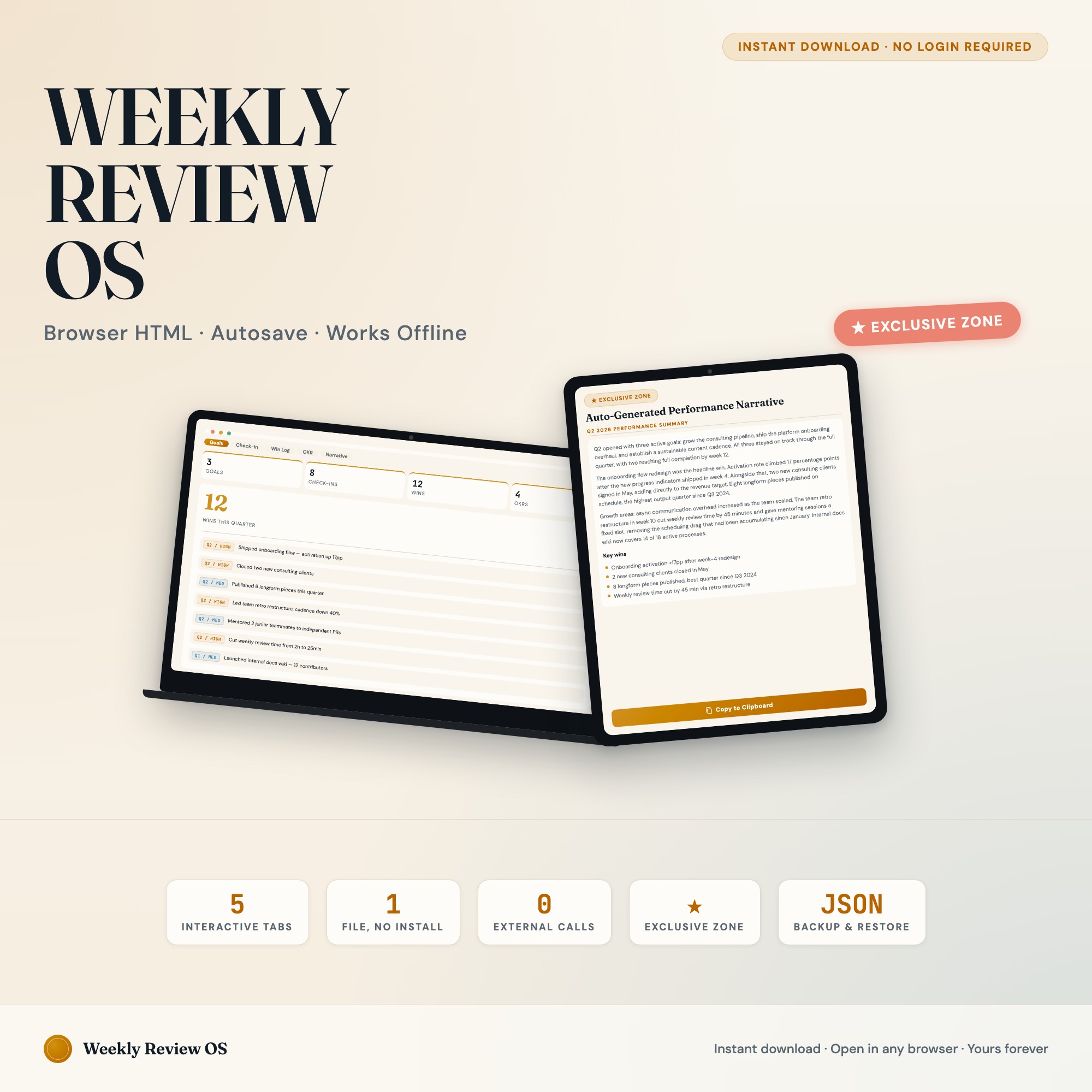
Interactive dashboard
Weekly Review Productivity Dashboard: Interactive Goal Tracker OS, OKR Board, Win Log, Quarterly Performance Narrative
Built for Knowledge workers and high-achievers who do weekly reviews and set quarterly priorities but bounce between paper journals, Notion pages, and static PDFs
Try it live
Click around the real dashboard
Interactive demo · a few tabs unlocked
See it in action
The dashboard
What it is
Built for knowledge workers and high-achievers who do weekly reviews and set quarterly priorities but bounce between paper journals, Notion pages, and static PDFs. Weekly Review Productivity Dashboard: Interactive Goal Tracker OS, OKR Board, Win Log, Quarterly Performance Narrative It is a browser-native interactive dashboard that lives in a single HTML file, with nothing to install.
What is Weekly Review Productivity Dashboard: Interactive Goal Tracker OS?
Weekly Review Productivity Dashboard: Interactive Goal Tracker OS is an interactive dashboard that opens in your web browser. It is one self-contained HTML file — you download it once, double-click it, and it runs. It is built for knowledge workers and high-achievers who do weekly reviews and set quarterly priorities but bounce between paper journals, Notion pages, and static PDFs.
What is included in Weekly Review Productivity Dashboard: Interactive Goal Tracker OS?
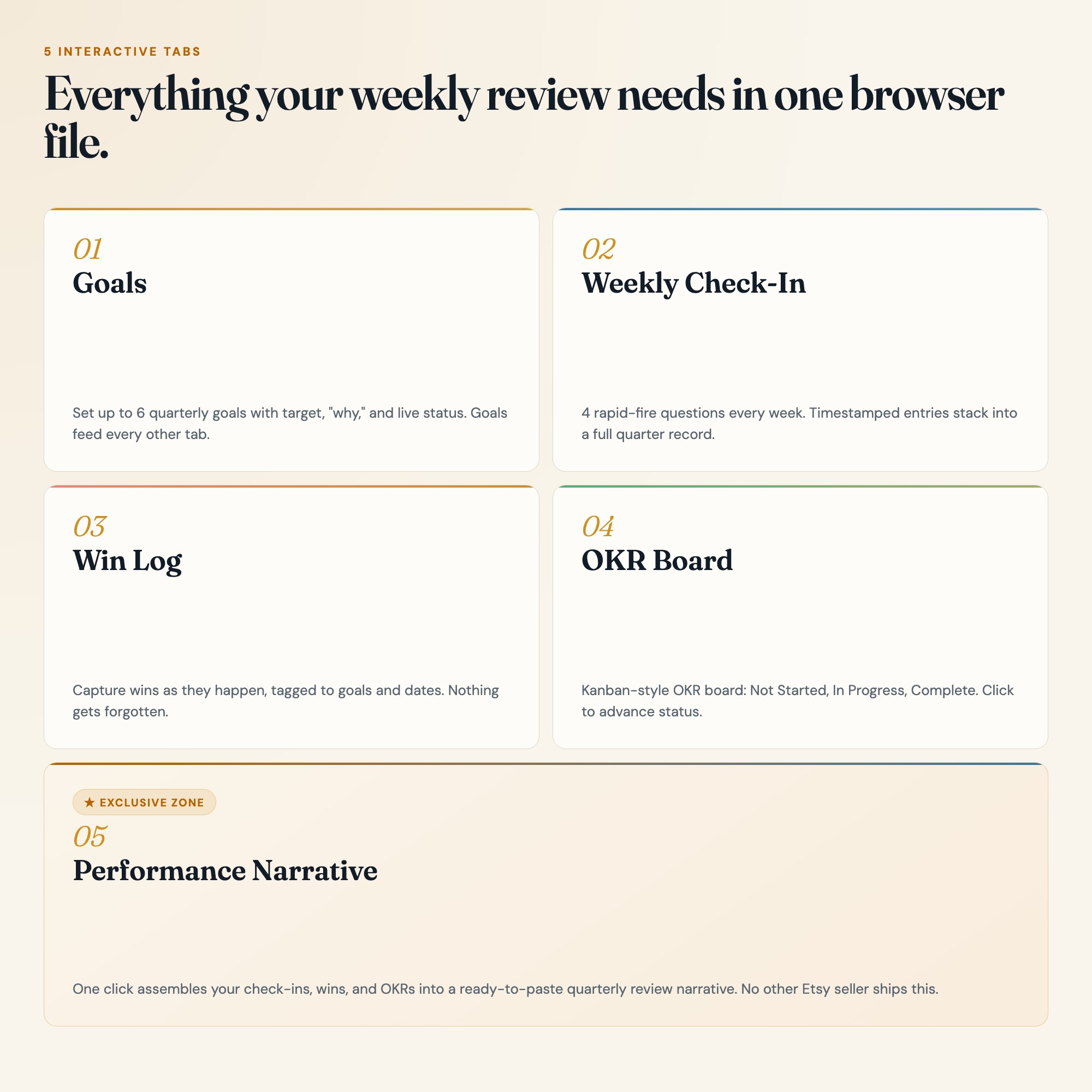
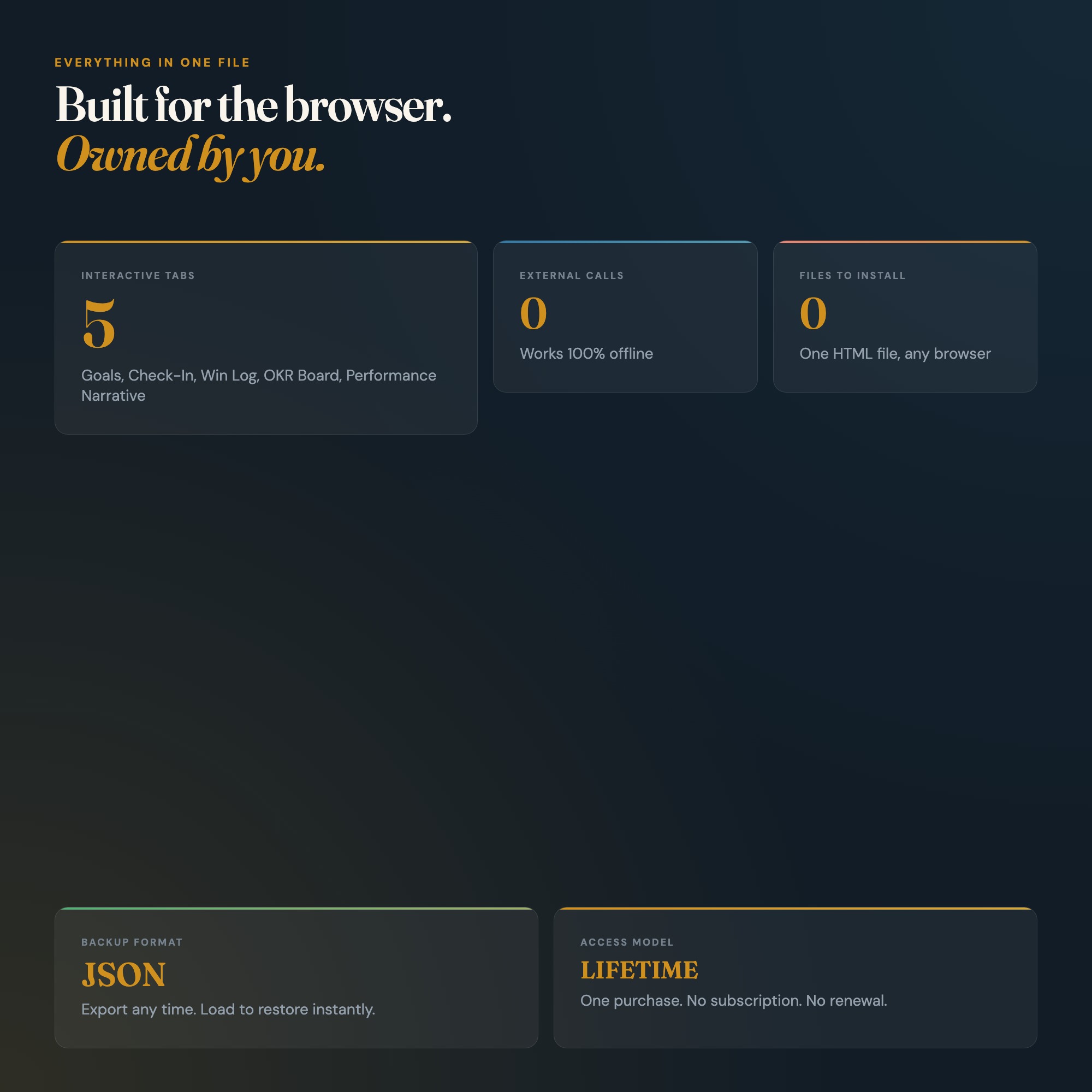
5 sections, all in the one file:
- Goals
- Weekly Check-In
- Win Log
- OKR Board
- Performance Narrative
Does Weekly Review Productivity Dashboard: Interactive Goal Tracker OS need Excel, Google Sheets or a subscription?
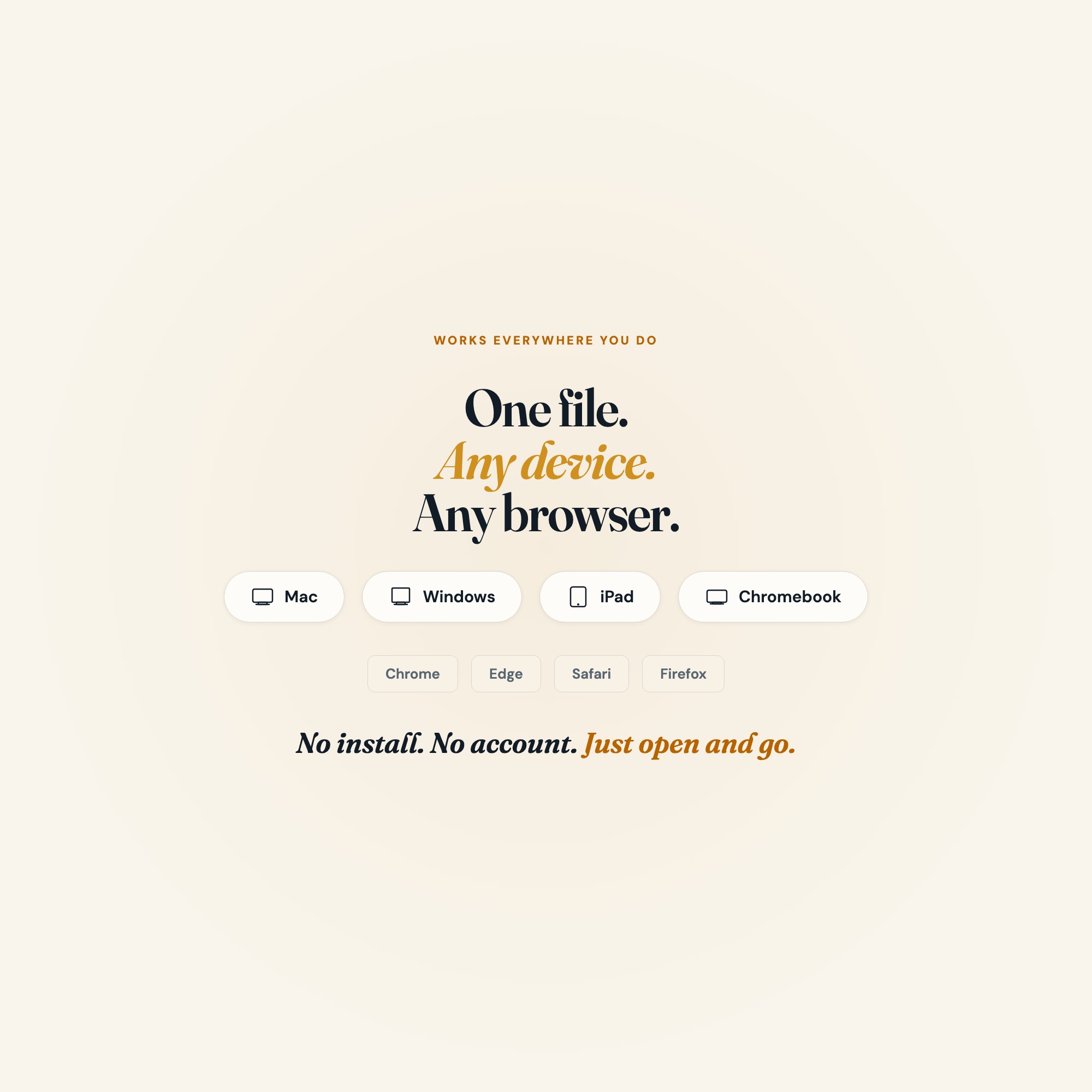
No. There is no app to install, no account to create, no login and no recurring fee. It opens in Chrome, Safari, Edge or Firefox on macOS, Windows, iPad or Chromebook, and it keeps working offline once the file is on your machine.
Where does Weekly Review Productivity Dashboard: Interactive Goal Tracker OS store my data?
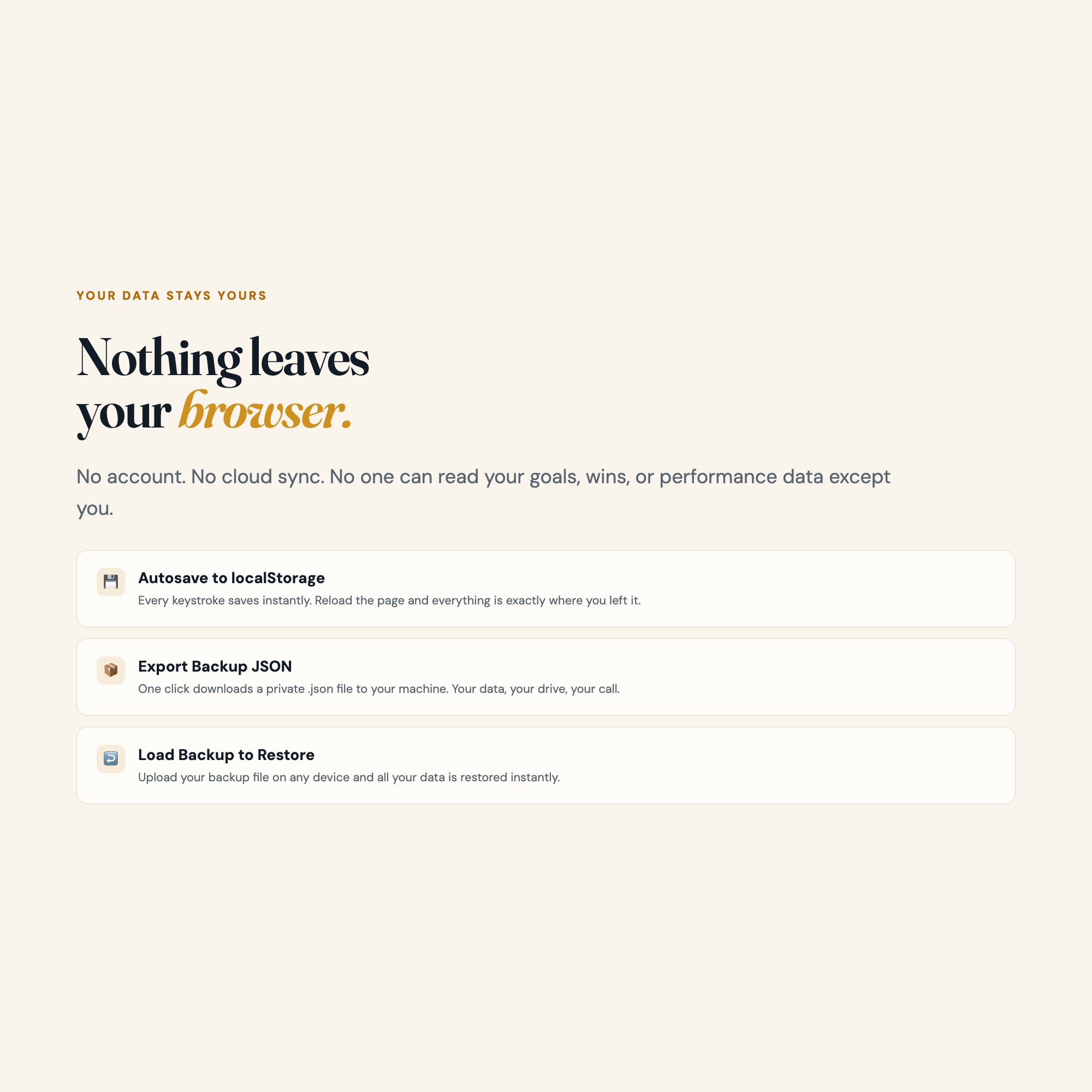
On your own device, in your own browser. Nothing is uploaded, no account is created and no analytics are collected. You can export a backup file at any time and load it on another computer.
How much is Weekly Review Productivity Dashboard: Interactive Goal Tracker OS and how is it delivered?
$22, delivered as an instant download the moment you pay. Because it is a digital file, all sales are final.
More about Weekly Review Productivity Dashboard: Interactive Goal Tracker OS
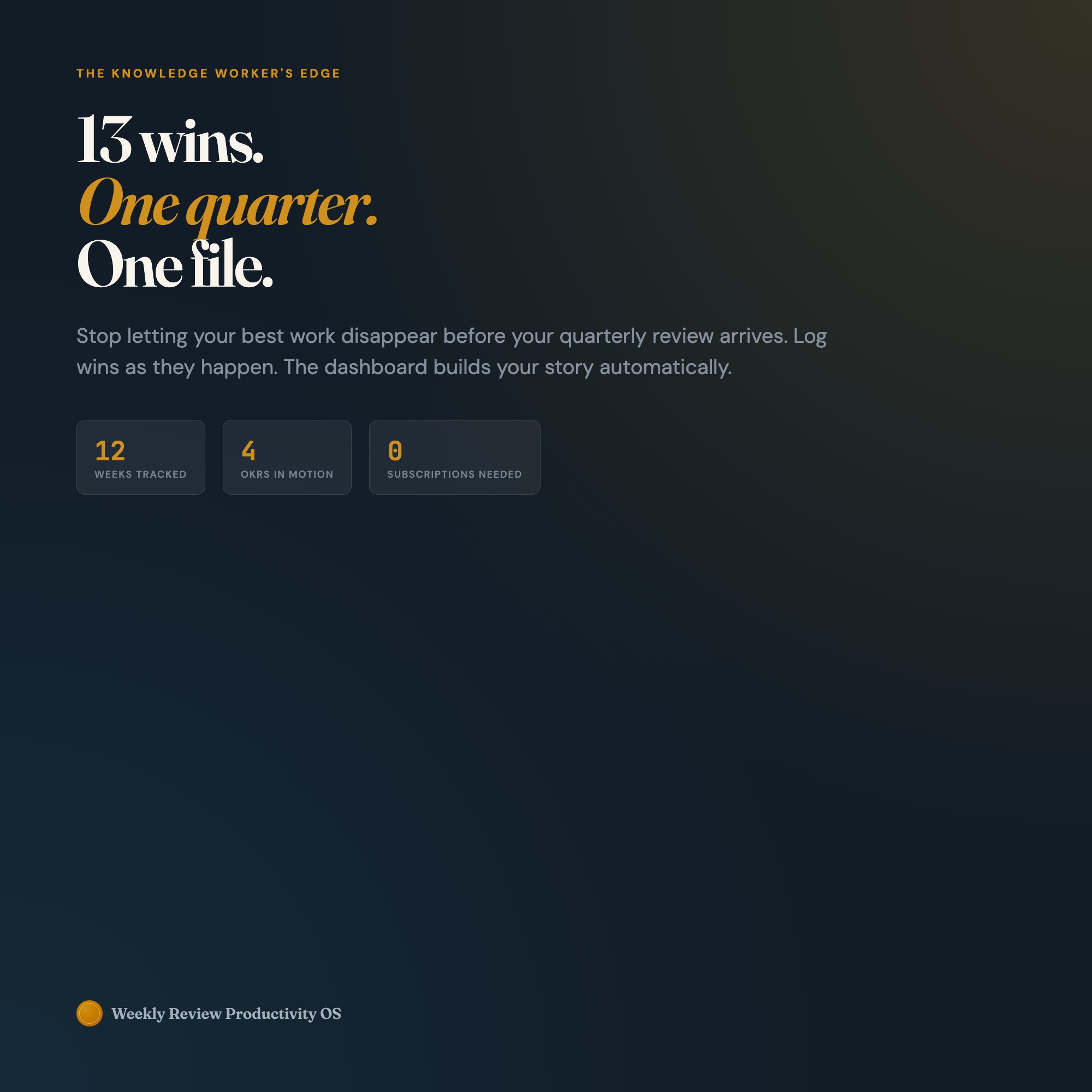
The Weekly Review Productivity OS is the only interactive browser dashboard that closes your week with clarity: what moved, what stalled, and what to attack next. No subscription. No login. No Notion workspace required. Download once. Open in Chrome. Own it forever.
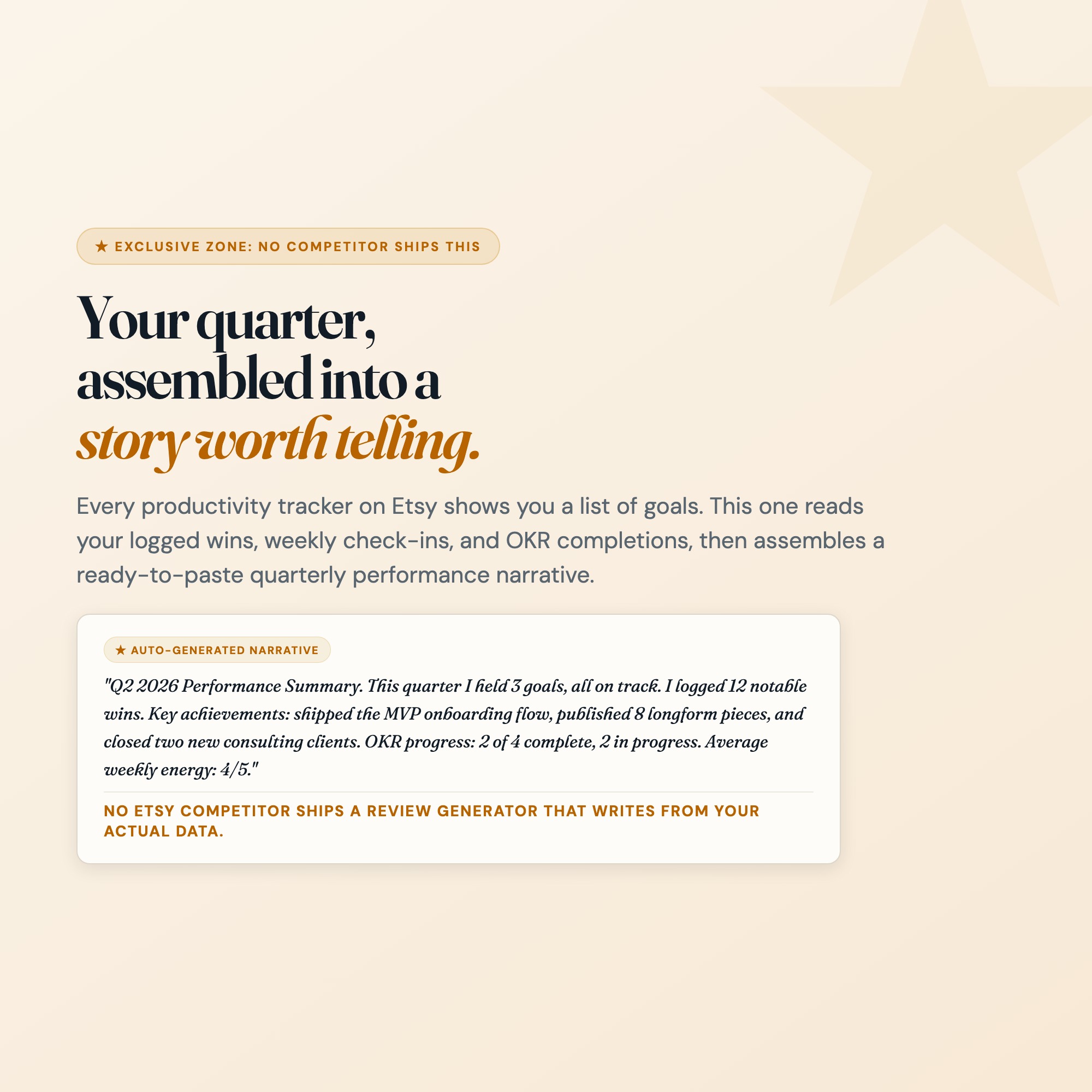
★ EXCLUSIVE ZONE: Auto-Generated Performance Narrative
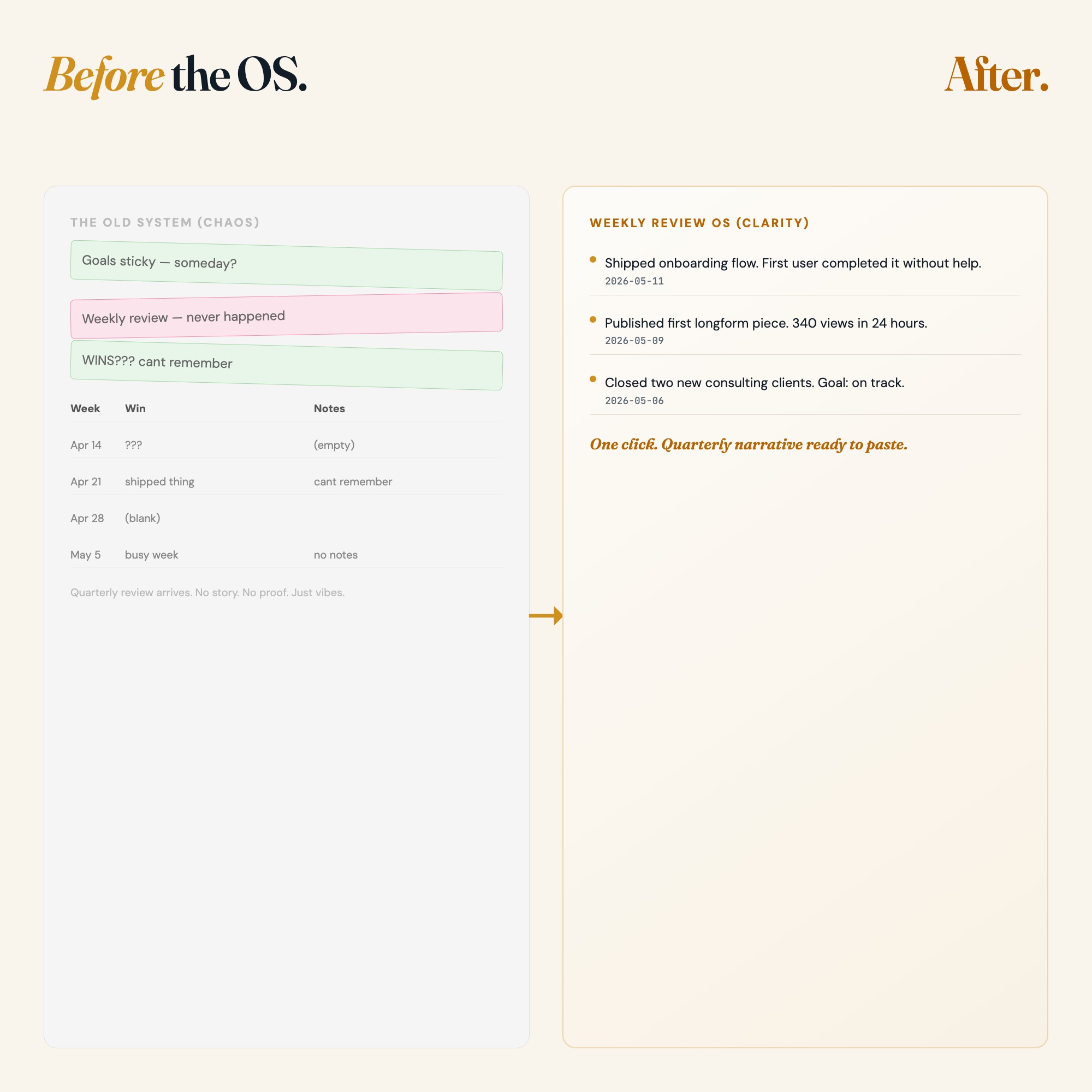
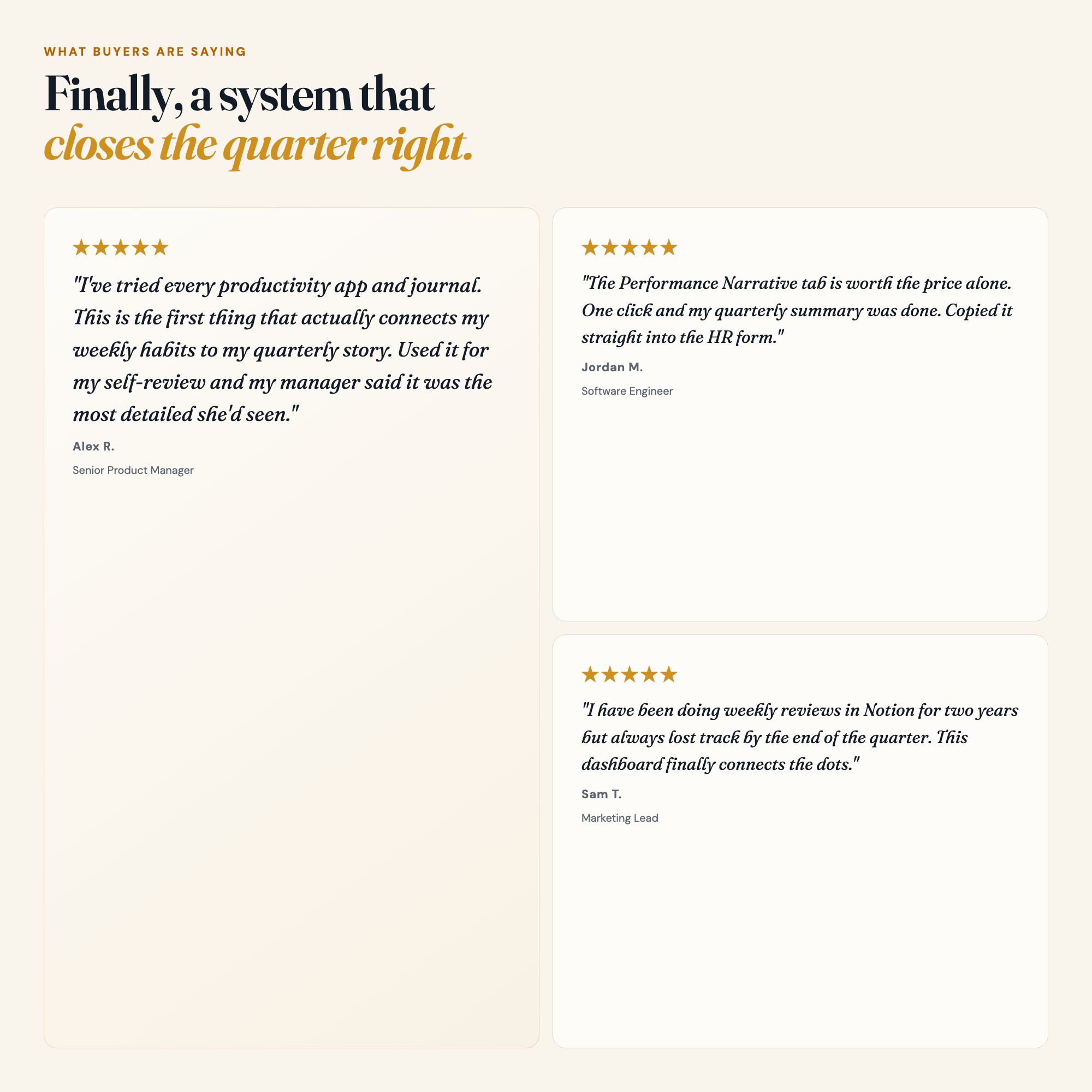
Every productivity tracker on Etsy shows you a list of goals. This one reads your logged wins, weekly check-ins, and OKR progress, then assembles a ready-to-paste quarterly performance narrative. Use it for self-reviews, manager 1:1s, or your own “year in review.” No other Etsy seller ships a review generator that writes from your actual data.
WHAT’S INSIDE (5 Interactive Tabs)
-
Goals: Set up to 6 quarterly goals, each with a target, a “why,” and a status indicator (On Track, At Risk, Off Track). Goals auto-populate into every other tab so your weekly check-in always ties back to what matters.
-
Weekly Check-In: Every Sunday (or whenever you review), answer 4 rapid-fire questions: biggest win, biggest blocker, energy level, and next week’s priority. Each entry timestamps and stacks, giving you a complete record of how the quarter unfolded.
-
Win Log: Log individual wins any time. Big launch shipped. Proposal accepted. Skill unlocked. Each win is tagged to a goal and a date. The log feeds the Performance Narrative so nothing gets forgotten.
-
OKR Board: Visualize your Objectives and Key Results in a kanban-style board: Not Started, In Progress, Complete. Drag statuses, add notes, see quarter-at-a-glance progress without a spreadsheet formula in sight.
-
Performance Narrative (★ EXCLUSIVE): One click assembles your weekly check-ins, top wins, and OKR completions into a structured performance narrative, ready to paste into a self-review, a promotion case, or a personal “what I shipped this quarter” journal.
THIS IS FOR YOU IF…
-
You do a weekly review but have no idea what you accomplished last quarter
-
Your goals live in a Notion doc you update twice a year and immediately forget
-
You want a system that connects weekly habits to quarterly results, not just more to-do lists
-
You prepare for performance reviews at the last minute and wish you had tracked your wins all along
-
You have tried every productivity app and still feel like your output is invisible
Your data is safe
Everything stays in your browser. Nothing is uploaded. Nothing is shared. The Export Backup button downloads a private .json file to your computer. Load Backup restores everything instantly. Your goals, your wins, your performance data: yours alone.
Files included
weekly-review-productivity-os-CUSTOMER.zip containing:
-
dashboard.html: Open in Chrome. Everything autosaves immediately.
-
HOW-TO-SAVE.txt: Plain-English guide for saving, backing up, and sharing your data
Works in Chrome, Edge, Safari, Firefox on Mac, Windows, iPad, and Chromebook.
The quarter is already in motion. Start tracking the week that matters.
Notion template upgrade coming soon. Follow the shop to get notified.
5 Tabs included
- ◈
Goals
- ≡
Weekly Check-In
- ⊞
Win Log
- ◉
OKR Board
- ★
Performance Narrative
Exclusive Feature
Auto-Generated Performance Narrative: reads logged wins, weekly check-ins, and OKR completions, assembles a ready-to-paste quarterly self-review. No other Etsy competitor ships this.
This is built into the fifth tab and is unavailable in any static template, spreadsheet, or Notion template on the market.
Gallery
Learn more
Career Growth Tracker: What to Log Between Reviews (and What to Skip)
A career growth tracker only works if you log the right things. Here is what to record each week and quarter, and how growth differs from development.
GuideIBS Food and Symptom Diary Template: What to Log (and App vs Template)
What an IBS food and symptom diary should capture each day, which fields are worth the effort, and how to choose between an app, paper, or a template.
GuideWeekly Review Template and Checklist: The Fields and the Order
A weekly review template you can copy: the exact fields, the order to fill them in, and a 20-minute checklist that fits a normal work week.
GuideWhy Digital Planner Hyperlinks Stop Working in GoodNotes
Hyperlinked planners break in predictable ways. How to diagnose yours, and what to check before you buy.
GuideHow to Do a Weekly Review: The GTD System That Actually Sticks
A GTD-informed weekly review that connects daily habits to quarterly goals, plus a performance narrative generated from the wins you logged all quarter.
GuideOKR Tracking for Individuals: How to Set and Measure Quarterly Goals
How to set personal OKRs that actually close at quarter-end: writing tight key results, running weekly check-ins, and scoring progress you can see.
ComparisonNotion vs. Paper Journal vs. HTML Dashboard for Weekly Reviews
Comparing Notion, paper journals, and an HTML dashboard for weekly reviews: what each captures, and which one leaves output you can use at quarter-end.
List5 Weekly Review Templates for High Performers (And Which One Actually Works)
A comparison of 5 weekly review formats used by high performers: GTD, OKR, journaling, Notion, and a narrative generator, with honest pros and cons.
Before you buy
Frequently asked questions
- What is Weekly Review Productivity Dashboard: Interactive Goal Tracker OS?
- Weekly Review Productivity Dashboard: Interactive Goal Tracker OS is an interactive dashboard that opens in your web browser. It is one self-contained HTML file — download it once, double-click it, and it runs. No app, no account, no subscription.
- Does Weekly Review Productivity Dashboard: Interactive Goal Tracker OS need Excel or Google Sheets?
- No. It is not a spreadsheet and does not open in one. It runs in Chrome, Safari, Edge or Firefox on macOS, Windows, iPad or Chromebook, and keeps working offline.
- What is included in Weekly Review Productivity Dashboard: Interactive Goal Tracker OS?
- 5 sections in a single file: Goals, Weekly Check-In, Win Log, OKR Board, Performance Narrative.
- Does it work offline?
- Yes — completely. The dashboard is a single HTML file. Once downloaded, it runs entirely in your browser with no internet connection needed. All data autosaves to your browser's localStorage.
- Which devices and browsers are supported?
- Works in Chrome, Edge, Safari, and Firefox on macOS, Windows, iPad, and Chromebook. No app to install, no account to create. Just open the file.
- What is your refund policy?
- All sales are final. This is an instant download delivered in full at payment, so it cannot be returned. If a file will not open or a feature does not work as described, that is a defect and it gets fixed at no cost — email hello@listingresearchos.com and you will get a corrected file.
- How do I install it?
- There is nothing to install. After purchase, download the HTML file. Double-click to open in your browser. That's it. A HOW-TO-SAVE.txt is included explaining how to back up and restore your data.
- Is my data private?
- Completely. Everything runs locally — no login, no analytics, no data sent to any server. Your data is stored only in your browser's localStorage. You own it entirely.
You might also like
One-time purchase
Get it for $22.00
Instant download. Open in any browser. Yours forever.