
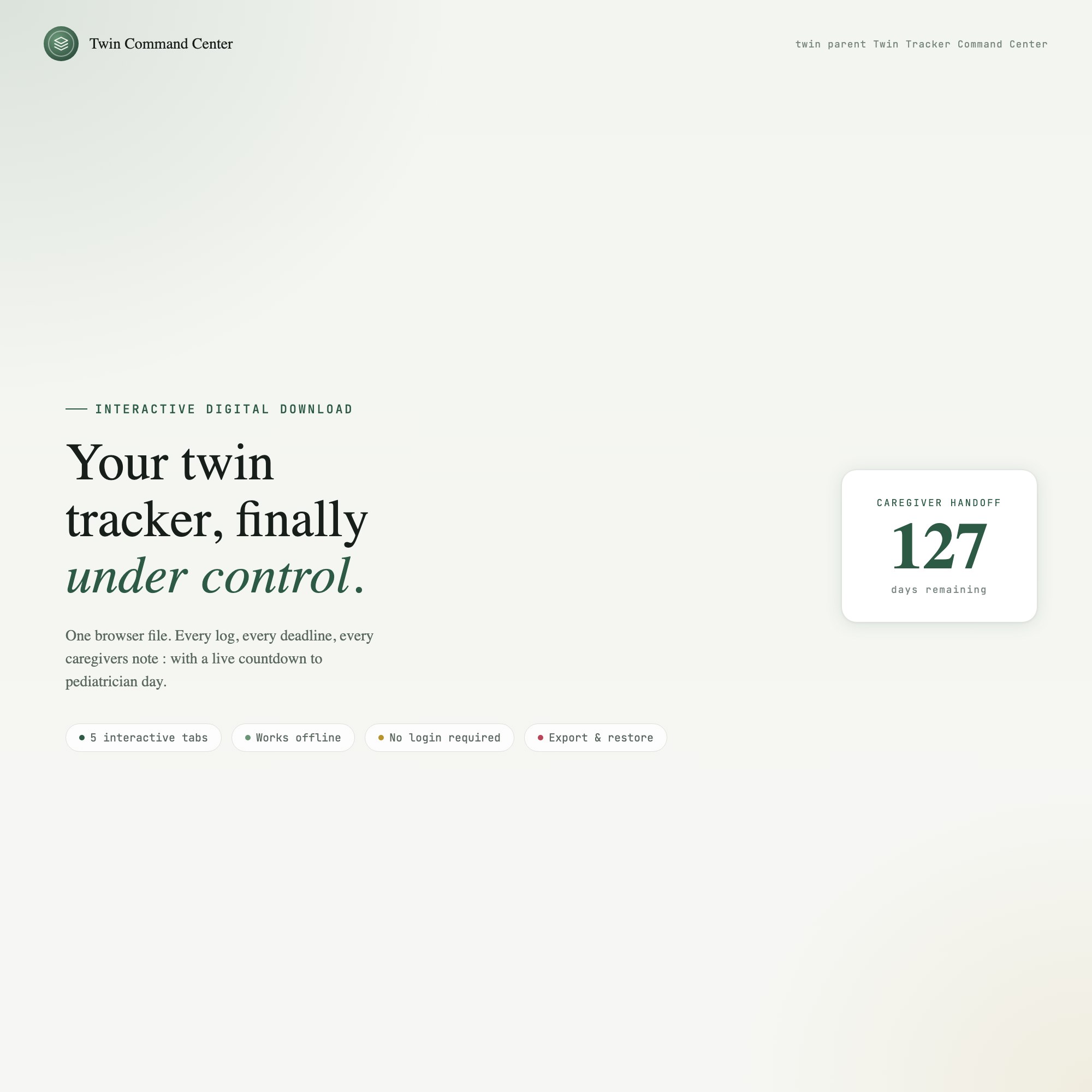
Interactive dashboard
Twin Newborn Command Center
Built for Parents of newborn twins, and the grandparents and night-shift helpers who trade off with them — tracking two babies' feeds, sleep and diapers at 3am without mixing them up
Try it live
Click around the real dashboard
Interactive demo · a few tabs unlocked
See it in action
The dashboard
What it is
Built for parents of newborn twins, and the grandparents and night-shift helpers who trade off with them — tracking two babies’ feeds, sleep and diapers at 3am without mixing them up. Both babies, side by side, always — and a handoff screen that means no one has to explain the last four hours It is a browser-native interactive dashboard that lives in a single HTML file, with nothing to install.
What is Twin Newborn Command Center?
Twin Newborn Command Center is an interactive dashboard that opens in your web browser. It is one self-contained HTML file — you download it once, double-click it, and it runs. It is built for parents of newborn twins, and the grandparents and night-shift helpers who trade off with them — tracking two babies’ feeds, sleep and diapers at 3am without mixing them up.
What is included in Twin Newborn Command Center?
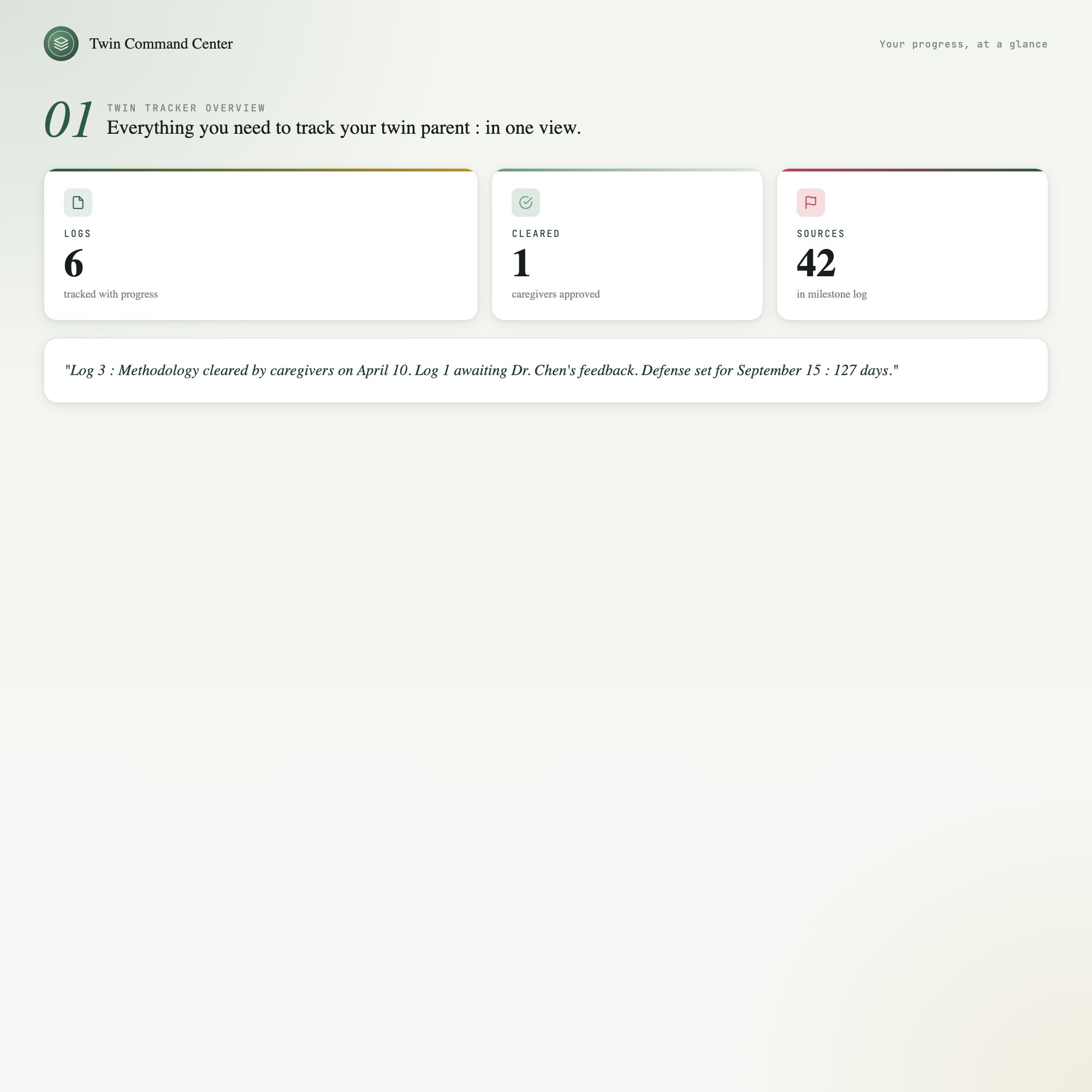
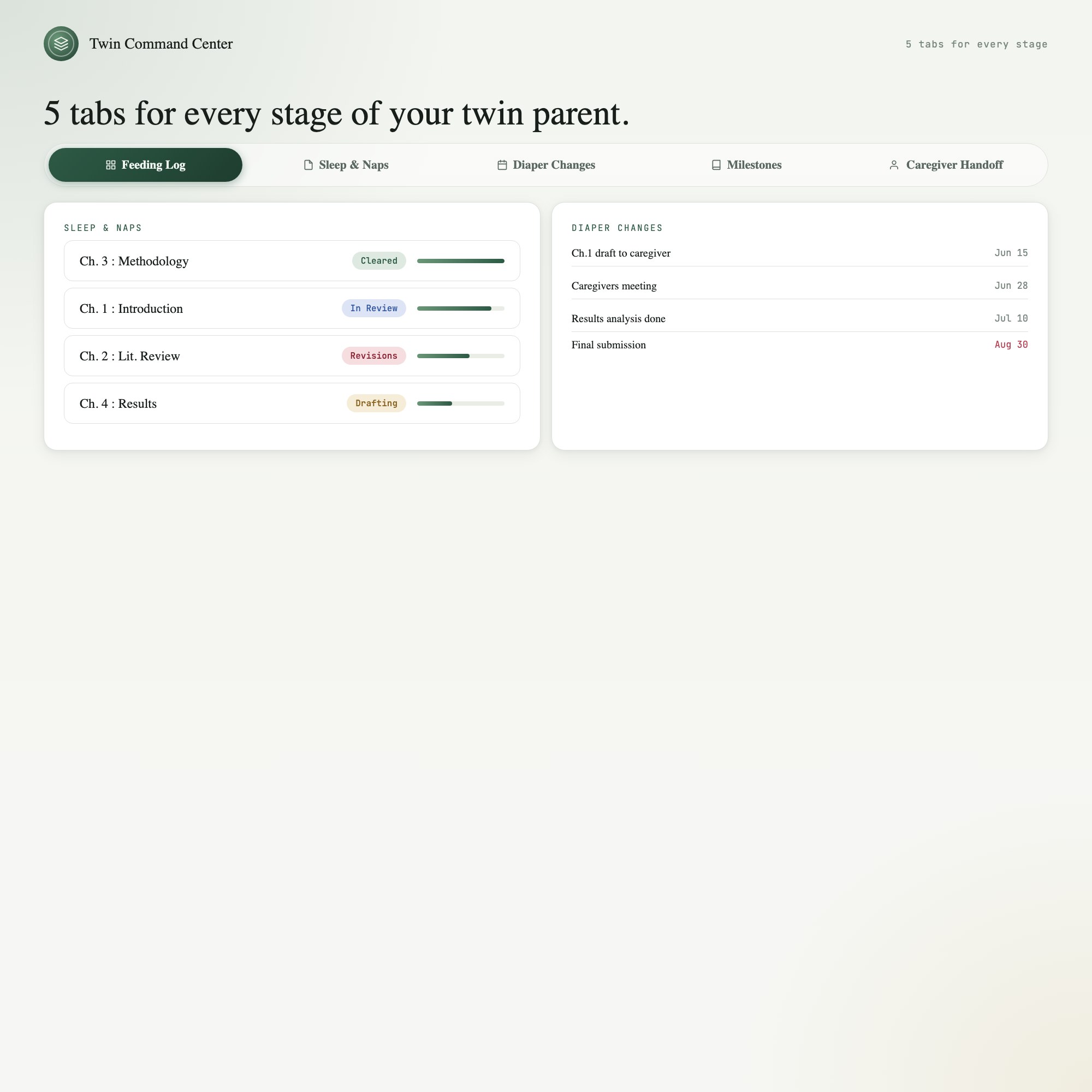
5 sections, all in the one file:
- Feeding
- Sleep
- Diapers
- Milestones
- Caregiver Handoff
Does Twin Newborn Command Center need Excel, Google Sheets or a subscription?
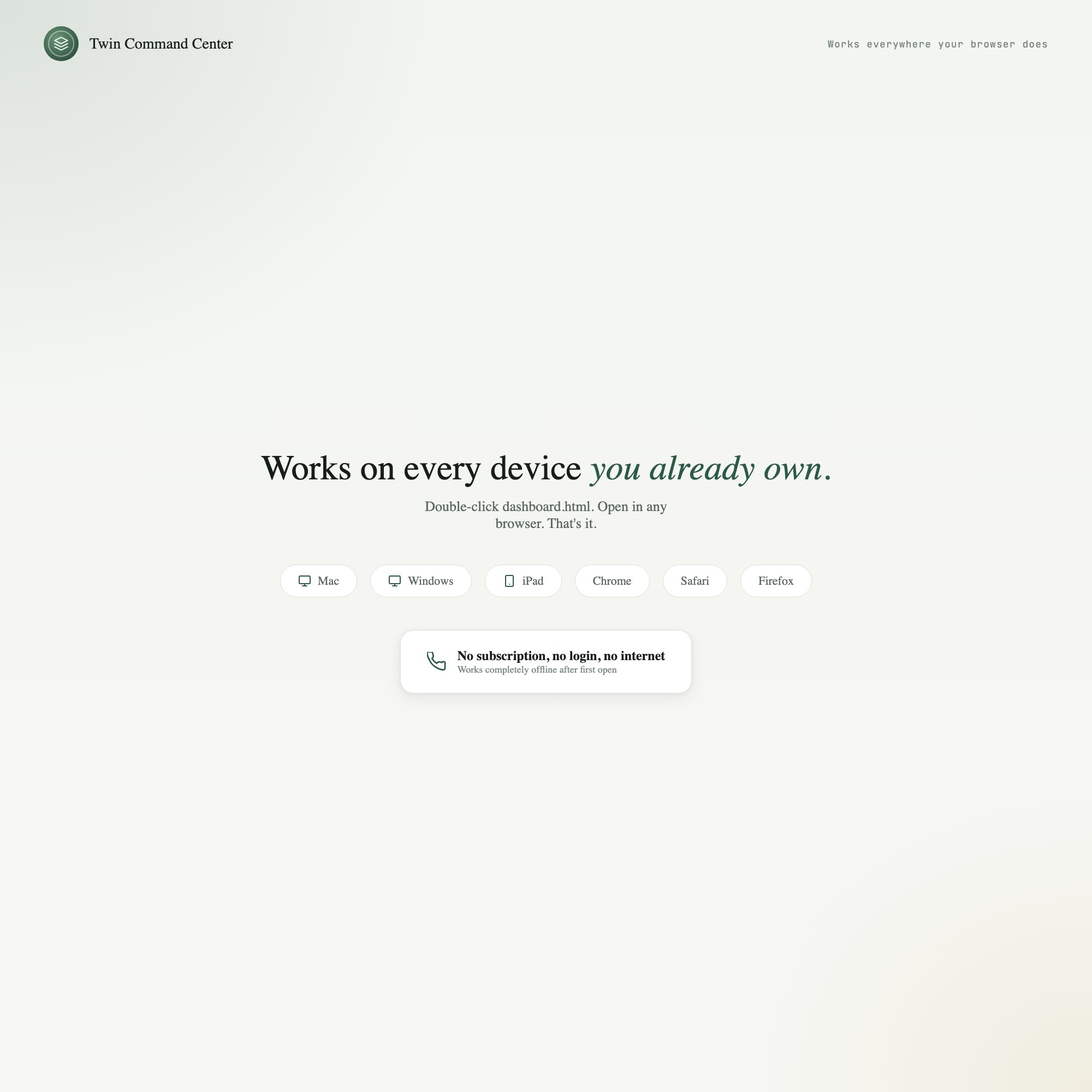
No. There is no app to install, no account to create, no login and no recurring fee. It opens in Chrome, Safari, Edge or Firefox on macOS, Windows, iPad or Chromebook, and it keeps working offline once the file is on your machine.
Where does Twin Newborn Command Center store my data?
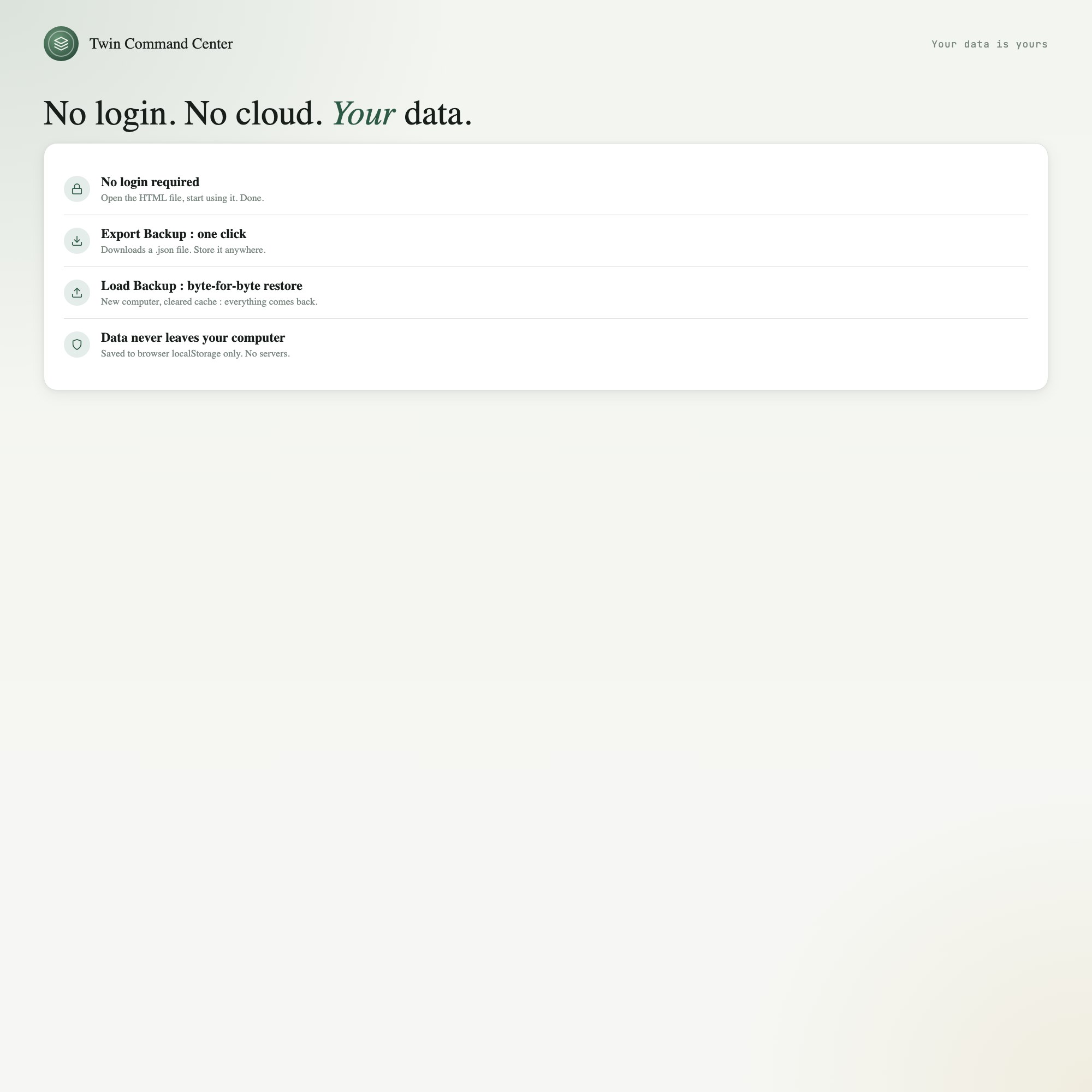
On your own device, in your own browser. Nothing is uploaded, no account is created and no analytics are collected. You can export a backup file at any time and load it on another computer.
Can I change how Twin Newborn Command Center looks?
Yes — colour, background, typeface and text size are all adjustable from inside the dashboard, and your choice is remembered the next time you open it.
How much is Twin Newborn Command Center and how is it delivered?
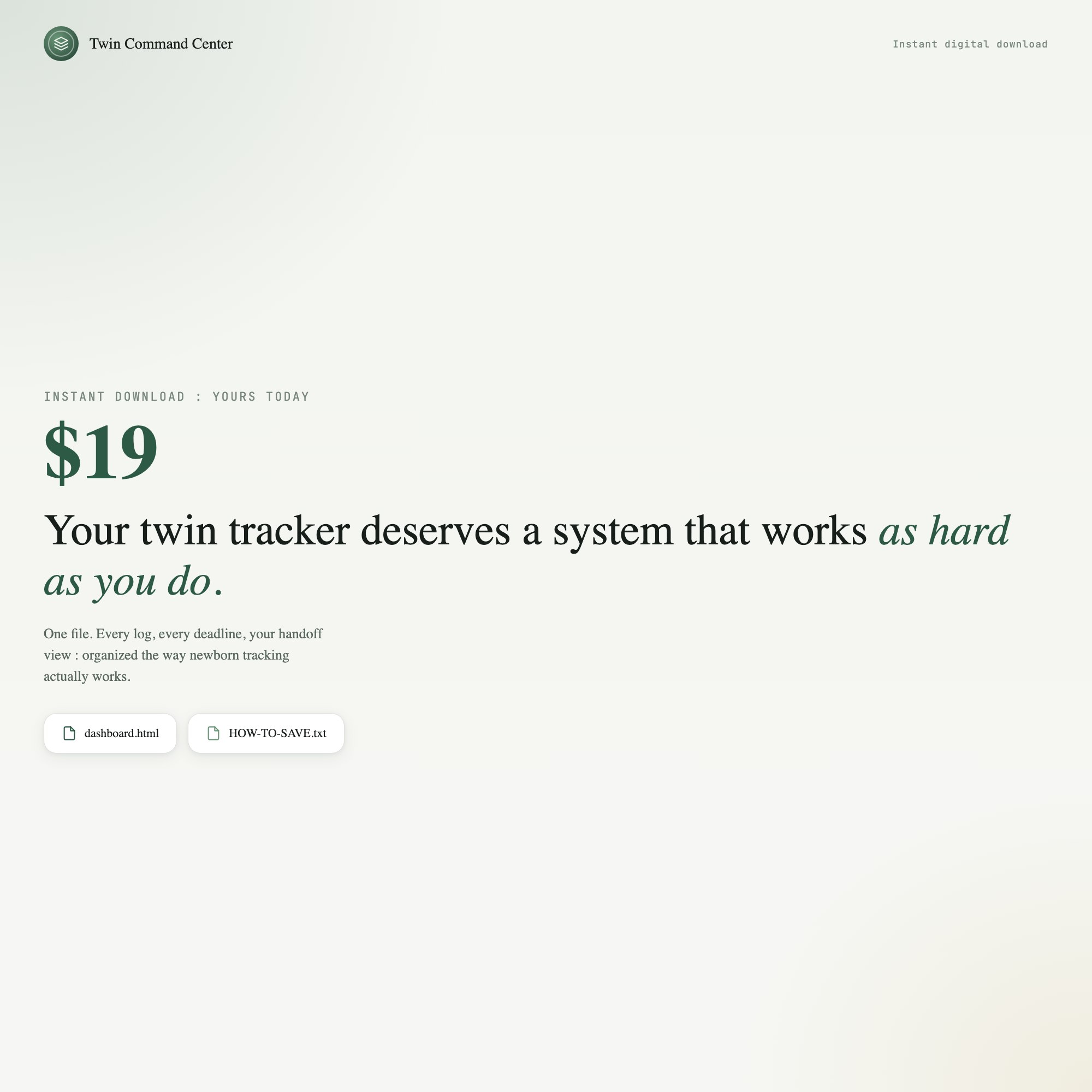
$24, delivered as an instant download the moment you pay. Because it is a digital file, all sales are final.
More about Twin Newborn Command Center
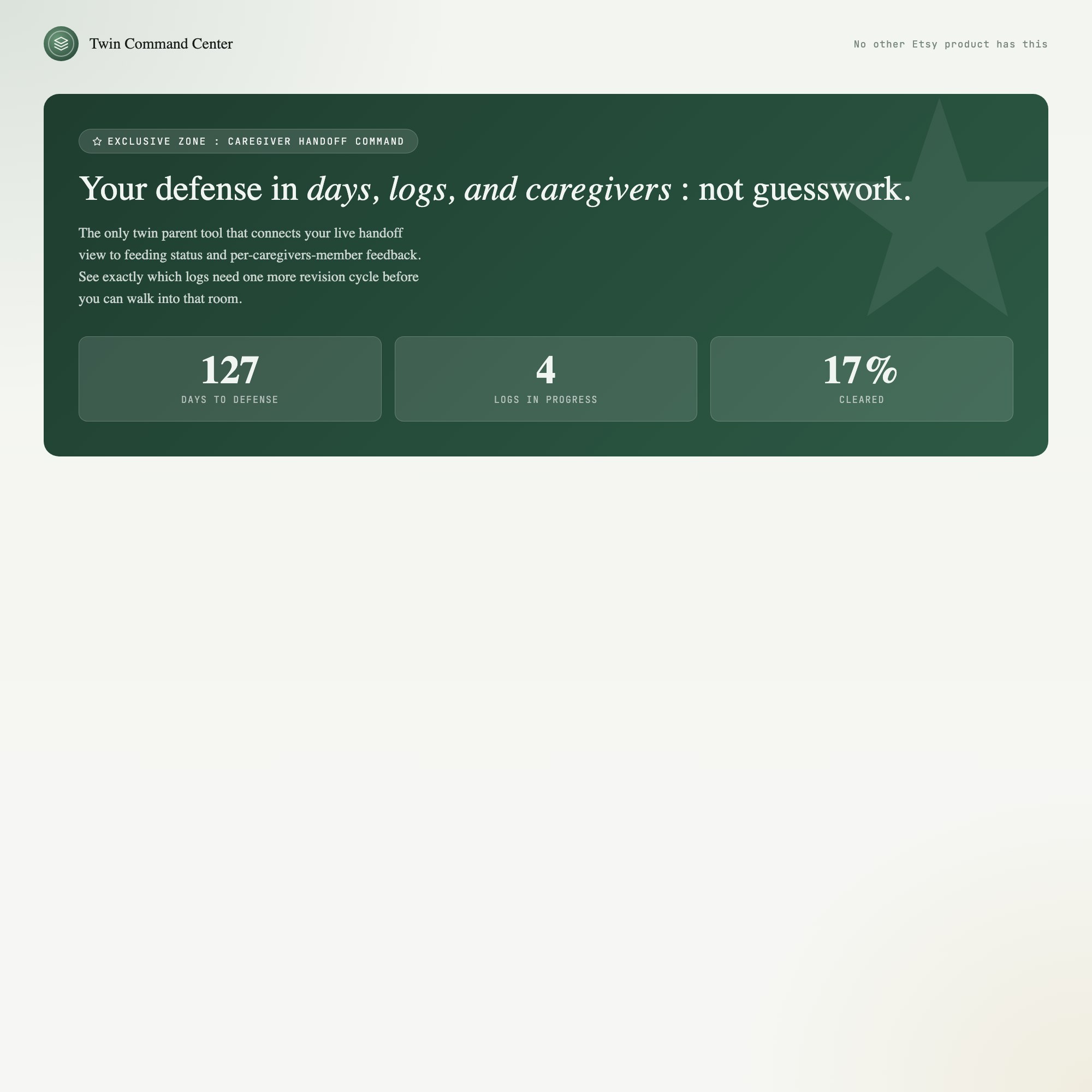
★ EXCLUSIVE ZONE — The Dual-Baby Sync Handoff View
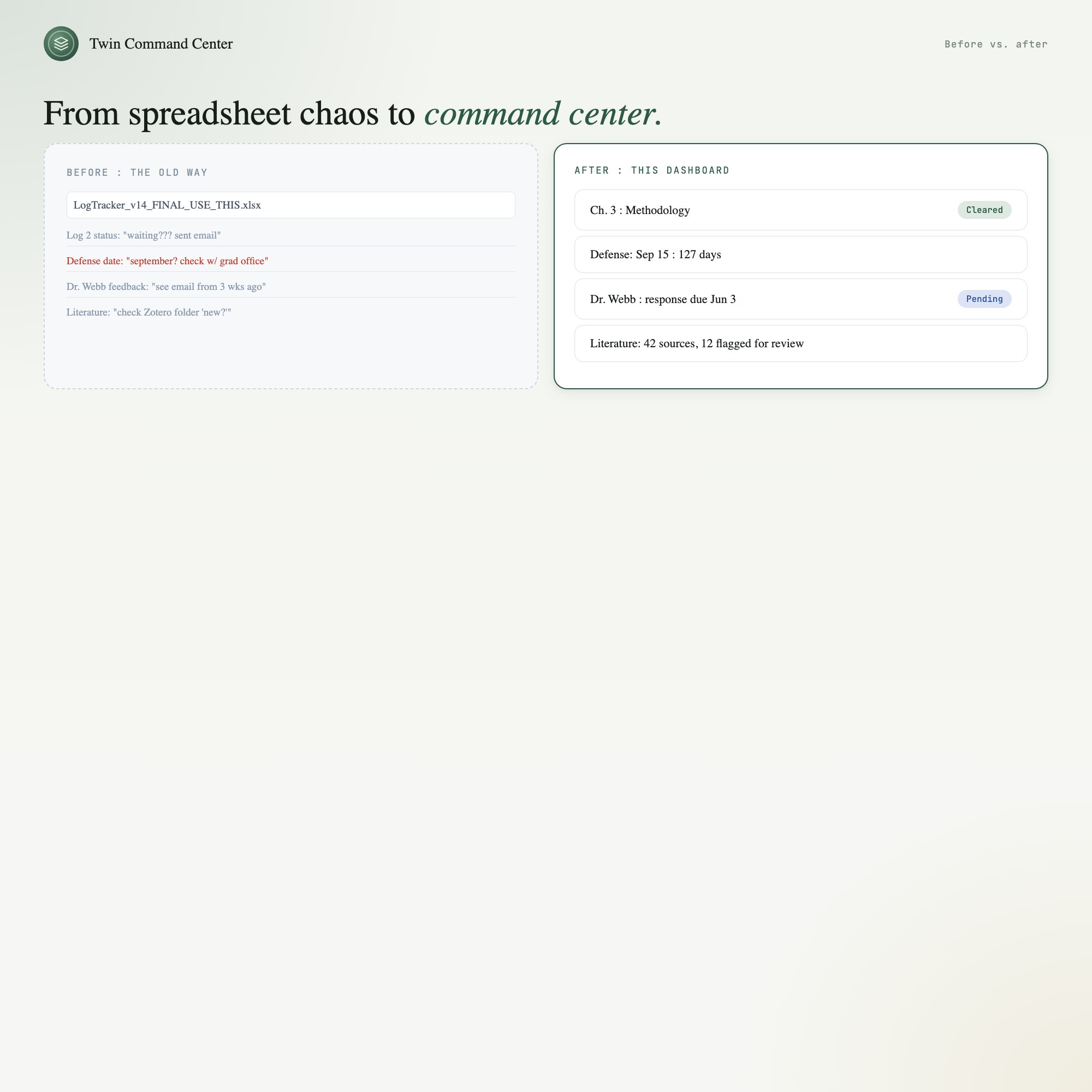
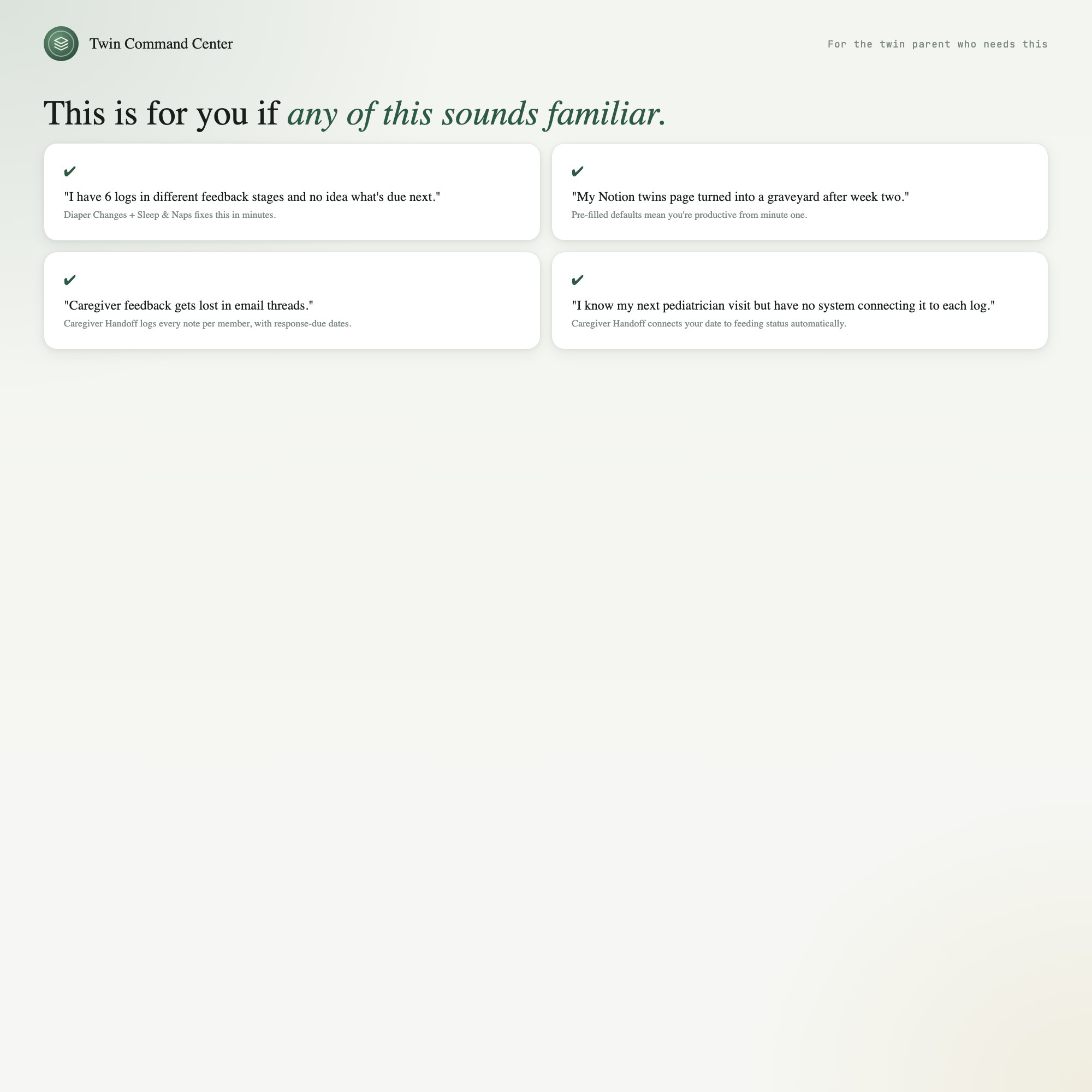
No app, no printable, no subscription tool gives you this: a single screen that shows both babies side-by-side, always — with a dedicated Caregiver Handoff tab that tells the on-coming caregiver exactly what happened (last 4 feeds per baby, current sleep state, next expected event, free-text notes) without a single verbal explanation needed. One-time purchase, $24. No account. No internet. Opens in Chrome. Works forever.
WHAT’S INSIDE — 5 Command Center Tabs
-
Feeding Log — Dual-column quick-log for Twin A (teal) and Twin B (amber). Tap “60ml” or “left breast 8min” in 2 taps. Live “since last feed” timer for each baby, updating every minute. Auto-saves every entry.
-
Sleep & Naps — Side-by-side current sleep state. Color-coded wake/sleep indicators. Big bold “asleep 1h 20m” counter per baby. See both babies’ sleep at a glance.
-
Diaper Changes — Two-column quick-log per baby with wet/dirty/clean one-tap buttons. Daily totals visible at all times. Know when the last change happened without thinking.
-
Milestones — Track developmental firsts for each baby independently — first smile, first roll, first laugh — timestamped and saved locally.
-
Caregiver Handoff (★ EXCLUSIVE) — The screen you show when you hand off. Last 4 feeds per baby, current sleep state, next expected event, free-text shift notes. Zero verbal explanation needed. This is why parents of twins buy this instead of a generic printable.
THIS IS FOR YOU IF…
-
You have twins (or triplets) in the first 100 days and you’re drowning in mental load
-
You and your partner take shifts and the verbal handoff at 2am is chaos
-
You’ve tried apps but hate paying $10/month forever for basic logging
-
You need something that works one-handed in the dark at 3am
-
You’re managing a NICU graduate at home and tracking feeds is medically important
Your data is safe
This dashboard runs entirely in your browser. No internet connection needed after download. No account, no password, no cloud. Your baby data never leaves your device. Export a JSON backup any time. Load it back any time. Your data, your device, forever.
Files included
-
dashboard.html— Open in Chrome, bookmark it, use immediately -
HOW-TO-SAVE.txt— Plain-English guide to saving, backing up, and sharing
Managing two newborns shouldn’t require a spreadsheet degree. One screen. Both babies. Zero chaos.
(Want a Notion template version? Message me — building it next.)
5 Tabs included
- ◈
Feeding
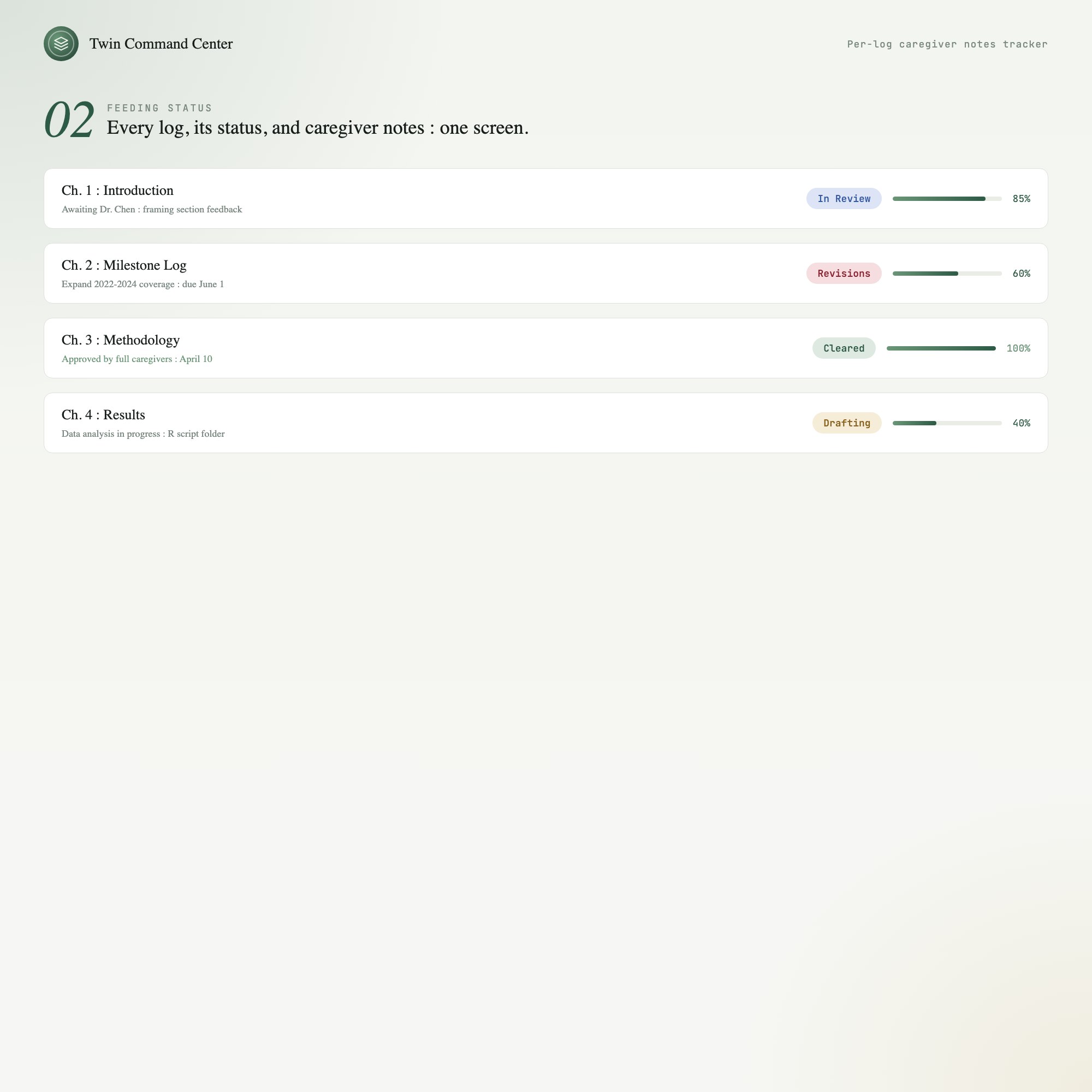
Every feed per baby — breast, bottle or pump, amount and time — side by side
- ≡
Sleep
Naps and night sleep per baby, with the current state of each
- ⊞
Diapers
Wet and dirty counts per baby per day
- ◉
Milestones
Firsts and appointments for each twin
- ★
Caregiver Handoff
EXCLUSIVE: the last four feeds per baby, current sleep state, next expected event and notes, for whoever takes the next shift
Exclusive Feature
Dual-Baby Caregiver Handoff — one screen that shows the oncoming caregiver both babies' last four feeds, current sleep state, next expected event and free-text notes, with no verbal briefing needed.
This is built into the fifth tab and is unavailable in any static template, spreadsheet, or Notion template on the market.
Gallery
Learn more
Before you buy
Frequently asked questions
- What is Twin Newborn Command Center?
- Twin Newborn Command Center is an interactive dashboard that opens in your web browser. It is one self-contained HTML file — download it once, double-click it, and it runs. No app, no account, no subscription.
- Does Twin Newborn Command Center need Excel or Google Sheets?
- No. It is not a spreadsheet and does not open in one. It runs in Chrome, Safari, Edge or Firefox on macOS, Windows, iPad or Chromebook, and keeps working offline.
- What is included in Twin Newborn Command Center?
- 5 sections in a single file: Feeding, Sleep, Diapers, Milestones, Caregiver Handoff.
- Can I change the colours and text size in Twin Newborn Command Center?
- Yes. Colour, background, typeface and text size are adjustable from inside the dashboard, and the setting is remembered.
- Does it work offline?
- Yes — completely. The dashboard is a single HTML file. Once downloaded, it runs entirely in your browser with no internet connection needed. All data autosaves to your browser's localStorage.
- Which devices and browsers are supported?
- Works in Chrome, Edge, Safari, and Firefox on macOS, Windows, iPad, and Chromebook. No app to install, no account to create. Just open the file.
- What is your refund policy?
- All sales are final. This is an instant download delivered in full at payment, so it cannot be returned. If a file will not open or a feature does not work as described, that is a defect and it gets fixed at no cost — email hello@listingresearchos.com and you will get a corrected file.
- How do I install it?
- There is nothing to install. After purchase, download the HTML file. Double-click to open in your browser. That's it. A HOW-TO-SAVE.txt is included explaining how to back up and restore your data.
- Is my data private?
- Completely. Everything runs locally — no login, no analytics, no data sent to any server. Your data is stored only in your browser's localStorage. You own it entirely.
You might also like
One-time purchase
Get it for $24.00
Instant download. Open in any browser. Yours forever.