
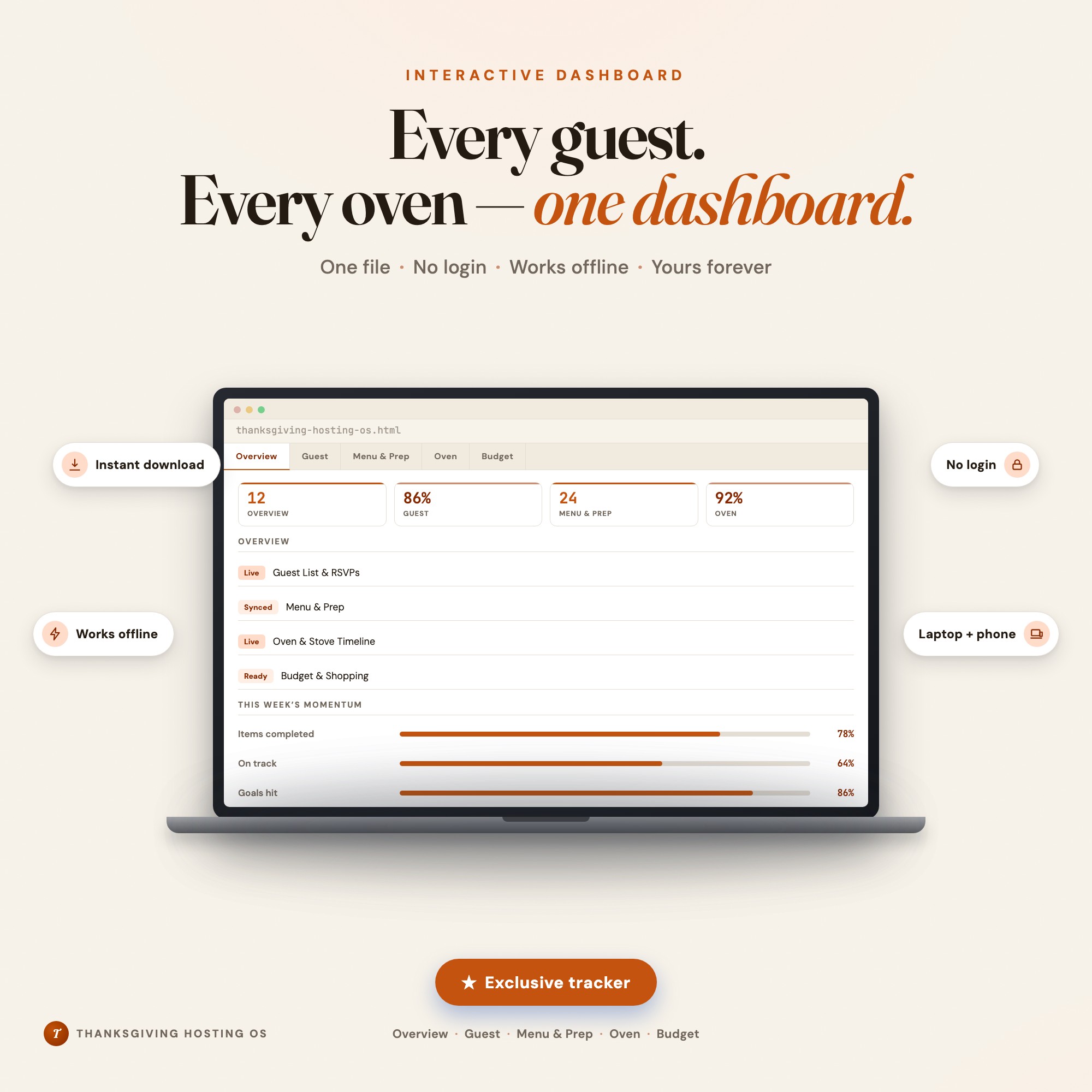
Interactive dashboard
Thanksgiving Hosting Checklist
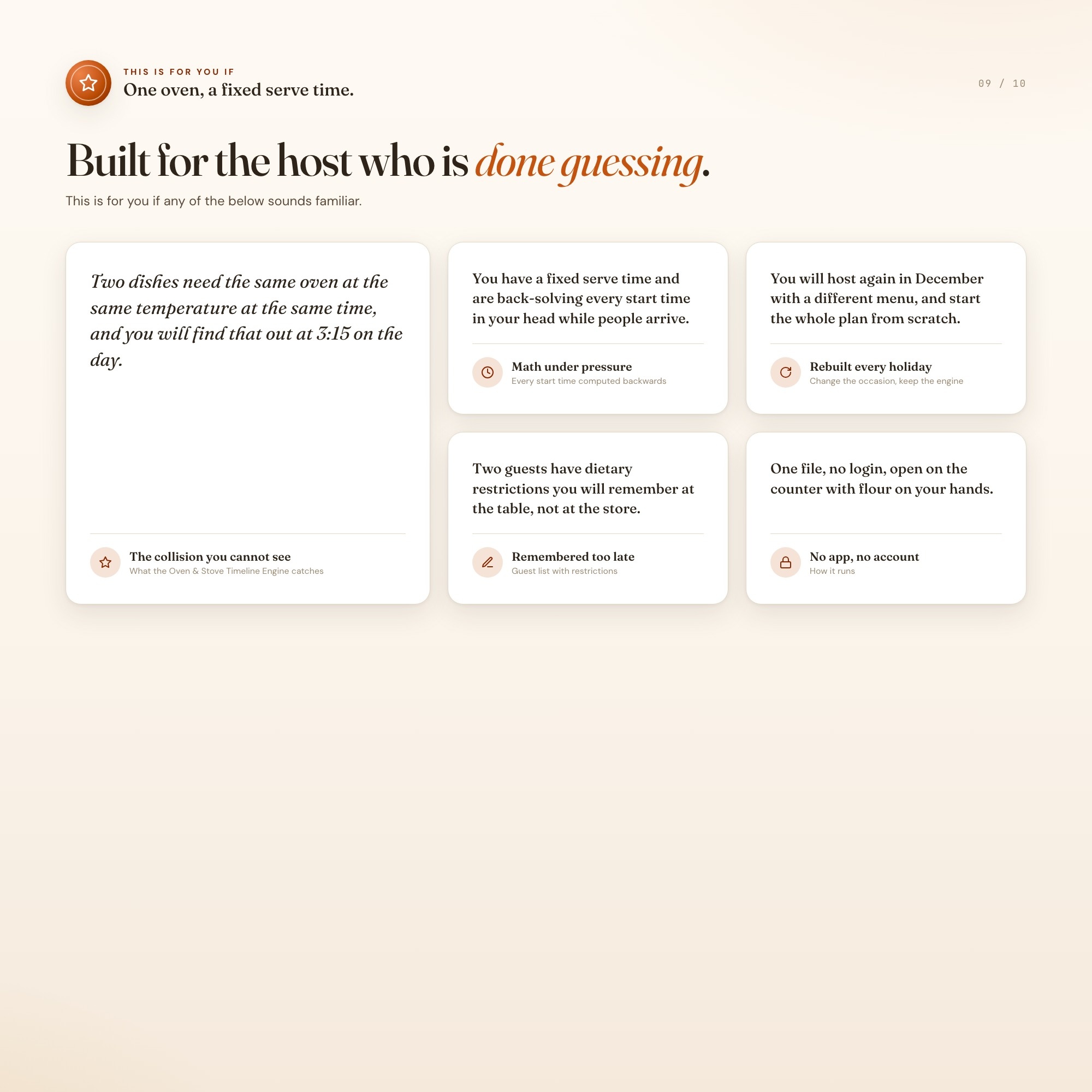
Built for The person hosting a big sit-down dinner for a crowd, Thanksgiving most of all but just as often Christmas dinner, Easter, Friendsgiving, or a milestone birthday, juggling a fixed serve time, a guest list with dietary restrictions and plus-ones, a multi-dish menu, and exactly one oven that four dishes all seem to need at once. They do not want a printable checklist, they want to know what time to put the turkey in.
Try it live
Click around the real dashboard
Interactive demo · a few tabs unlocked
See it in action
The dashboard
What it is
Built for the person hosting a big sit-down dinner for a crowd, Thanksgiving most of all but just as often Christmas dinner, Easter, Friendsgiving, or a milestone birthday, juggling a fixed serve time, a guest list with dietary restrictions and plus-ones, a multi-dish menu, and exactly one oven that four dishes all seem to need at once. Plan the guest list, the menu, and the budget for any holiday dinner, then let the oven timeline back-solve every start time from your serve time and catch the collision before it ruins dinner. It is a browser-native interactive dashboard that lives in a single HTML file, with nothing to install.
What is Thanksgiving Hosting Checklist?
Thanksgiving Hosting Checklist is an interactive dashboard that opens in your web browser. It is one self-contained HTML file — you download it once, double-click it, and it runs. It is built for the person hosting a big sit-down dinner for a crowd, Thanksgiving most of all but just as often Christmas dinner, Easter, Friendsgiving, or a milestone birthday, juggling a fixed serve time, a guest list with dietary restrictions and plus-ones, a multi-dish menu, and exactly one oven that four dishes all seem to need at once.
What is included in Thanksgiving Hosting Checklist?
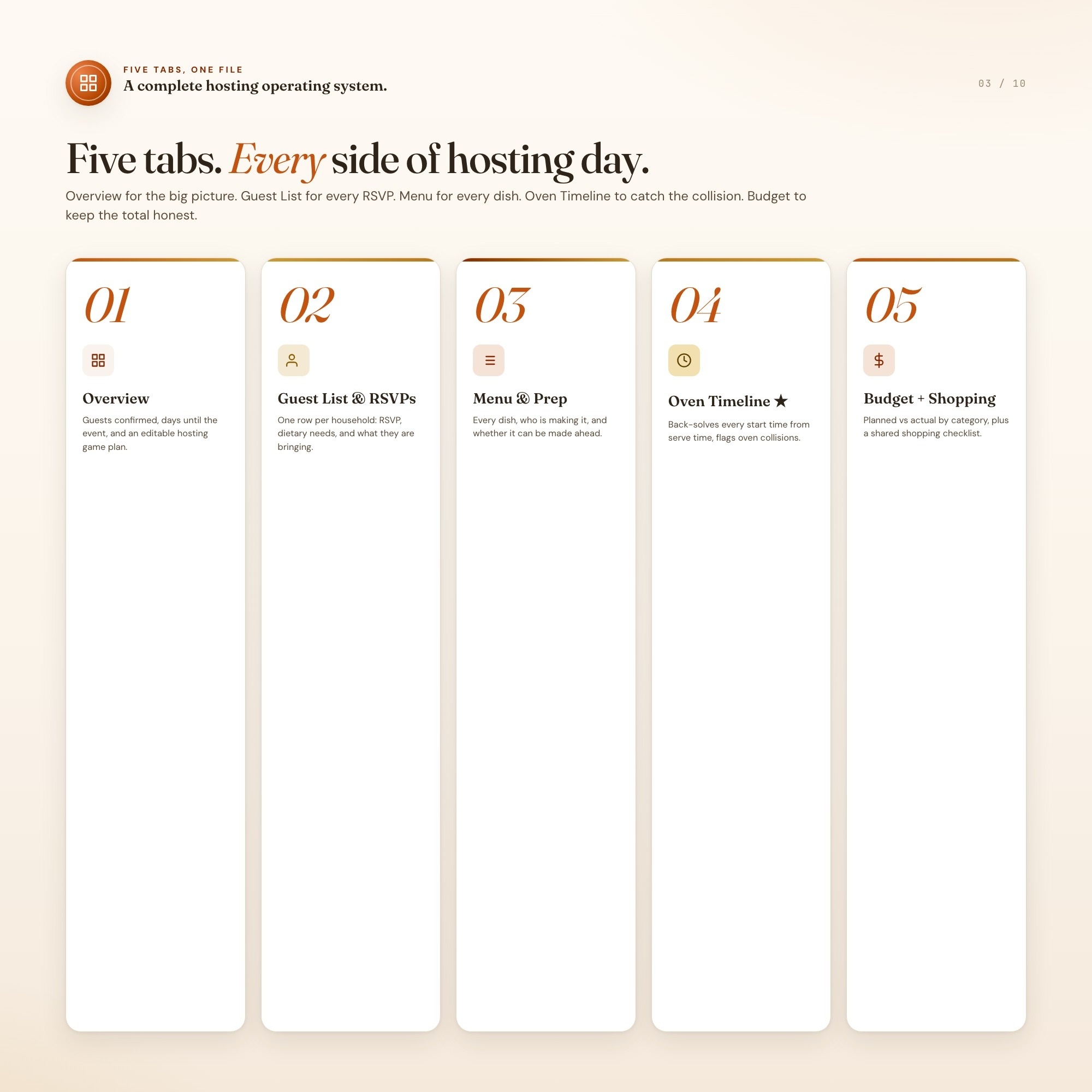
5 sections, all in the one file:
- Overview
- Guest List & RSVPs
- Menu & Prep
- Oven & Stove Timeline
- Budget & Shopping
Does Thanksgiving Hosting Checklist need Excel, Google Sheets or a subscription?
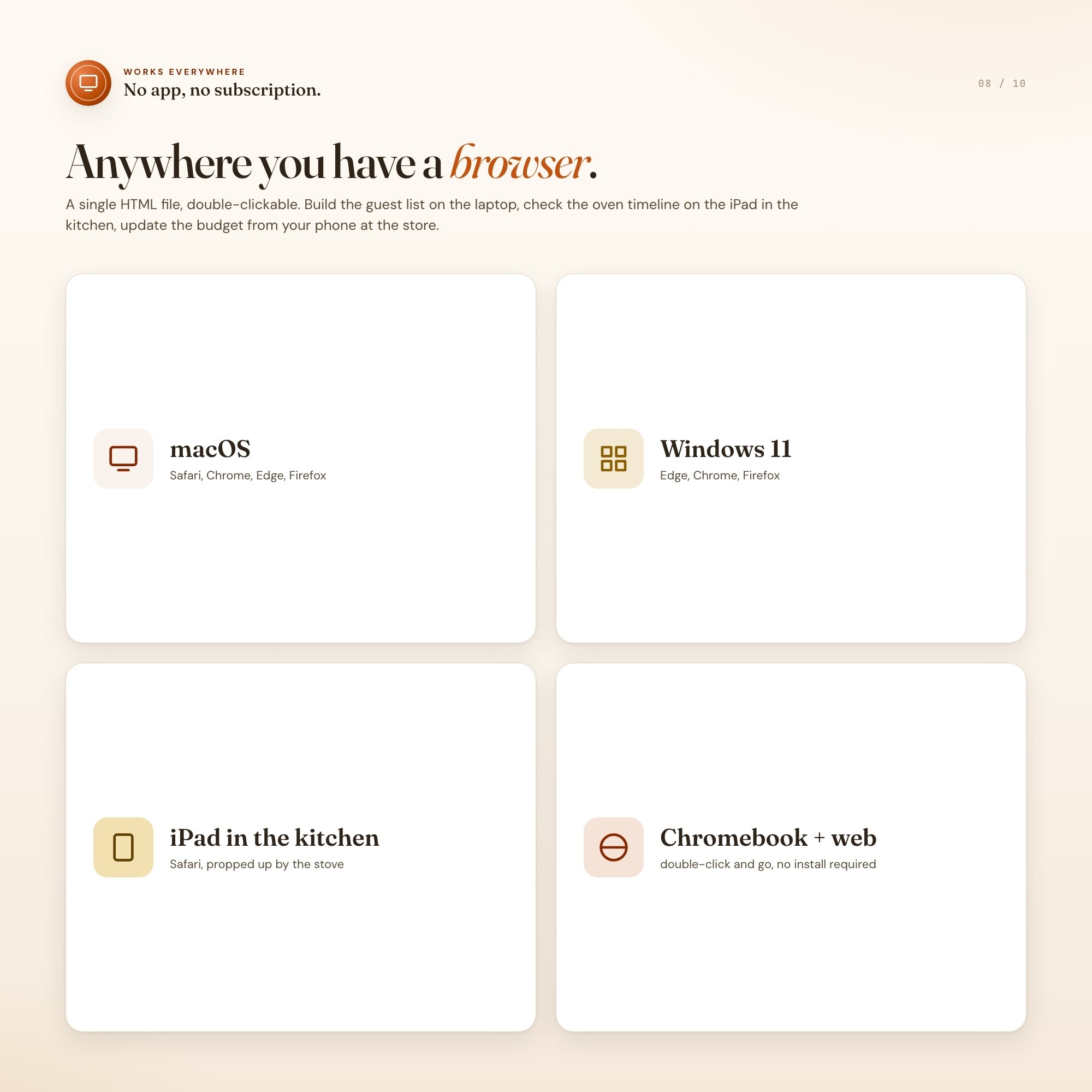
No. There is no app to install, no account to create, no login and no recurring fee. It opens in Chrome, Safari, Edge or Firefox on macOS, Windows, iPad or Chromebook, and it keeps working offline once the file is on your machine.
Where does Thanksgiving Hosting Checklist store my data?
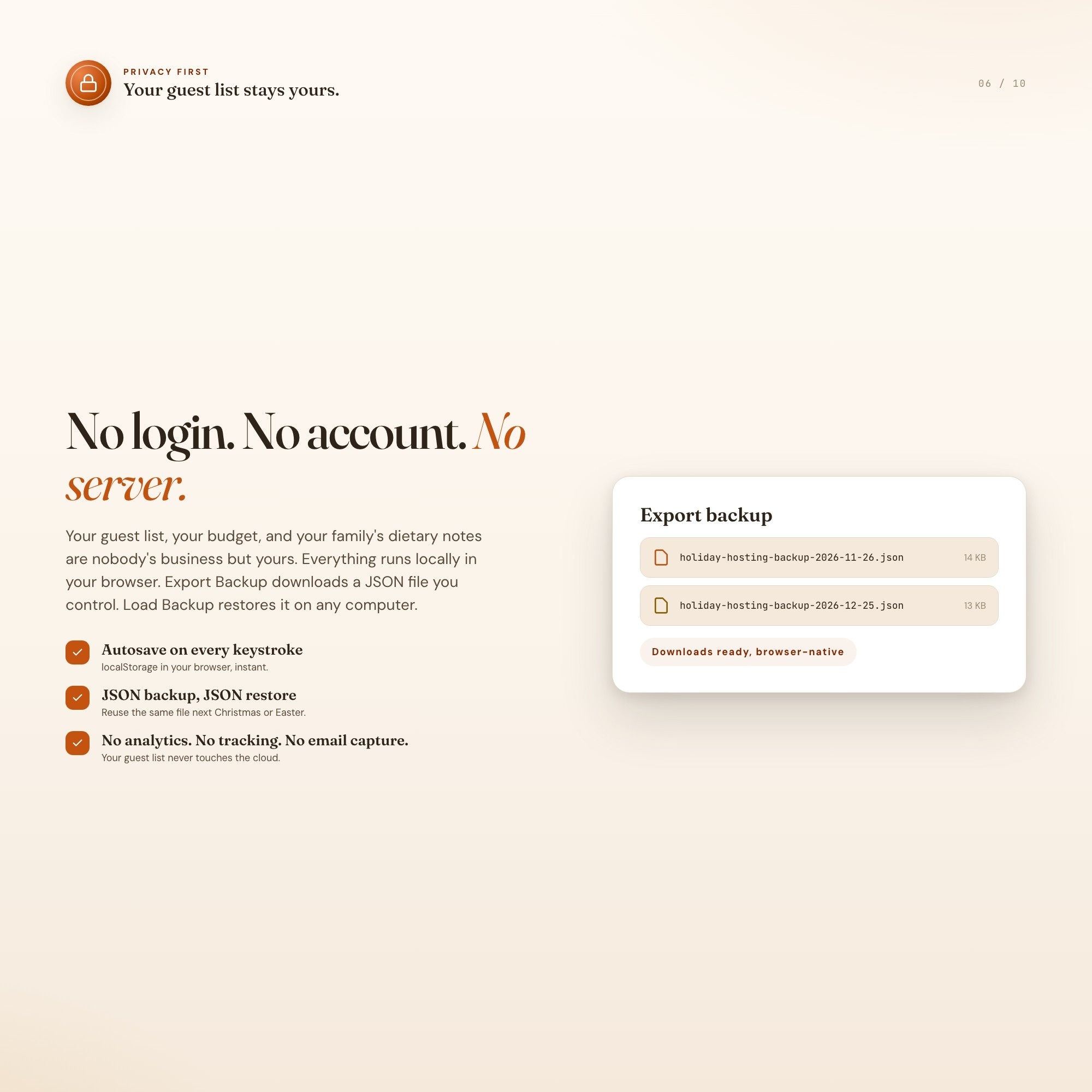
On your own device, in your own browser. Nothing is uploaded, no account is created and no analytics are collected. You can export a backup file at any time and load it on another computer.
Can I change how Thanksgiving Hosting Checklist looks?
Yes — colour, background, typeface and text size are all adjustable from inside the dashboard, and your choice is remembered the next time you open it.
How much is Thanksgiving Hosting Checklist and how is it delivered?
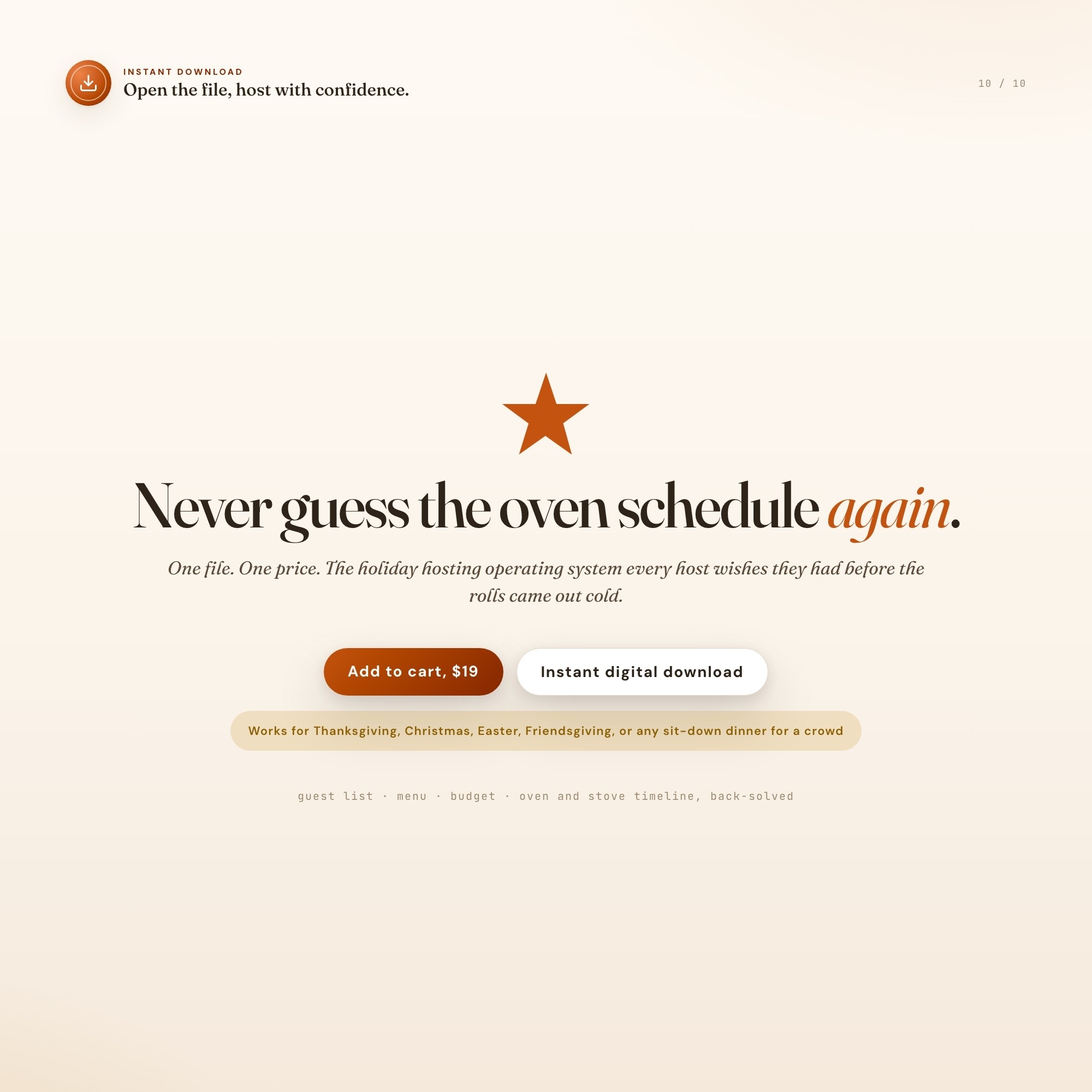
$19, delivered as an instant download the moment you pay. Because it is a digital file, all sales are final.
More about Thanksgiving Hosting Checklist
You’ve got a serve time, a guest list with three dietary restrictions and two plus-ones, six dishes, and exactly one oven that four of them all seem to need at once. Every planner on Etsy hands you a blank spreadsheet and wishes you luck. This one does the math.
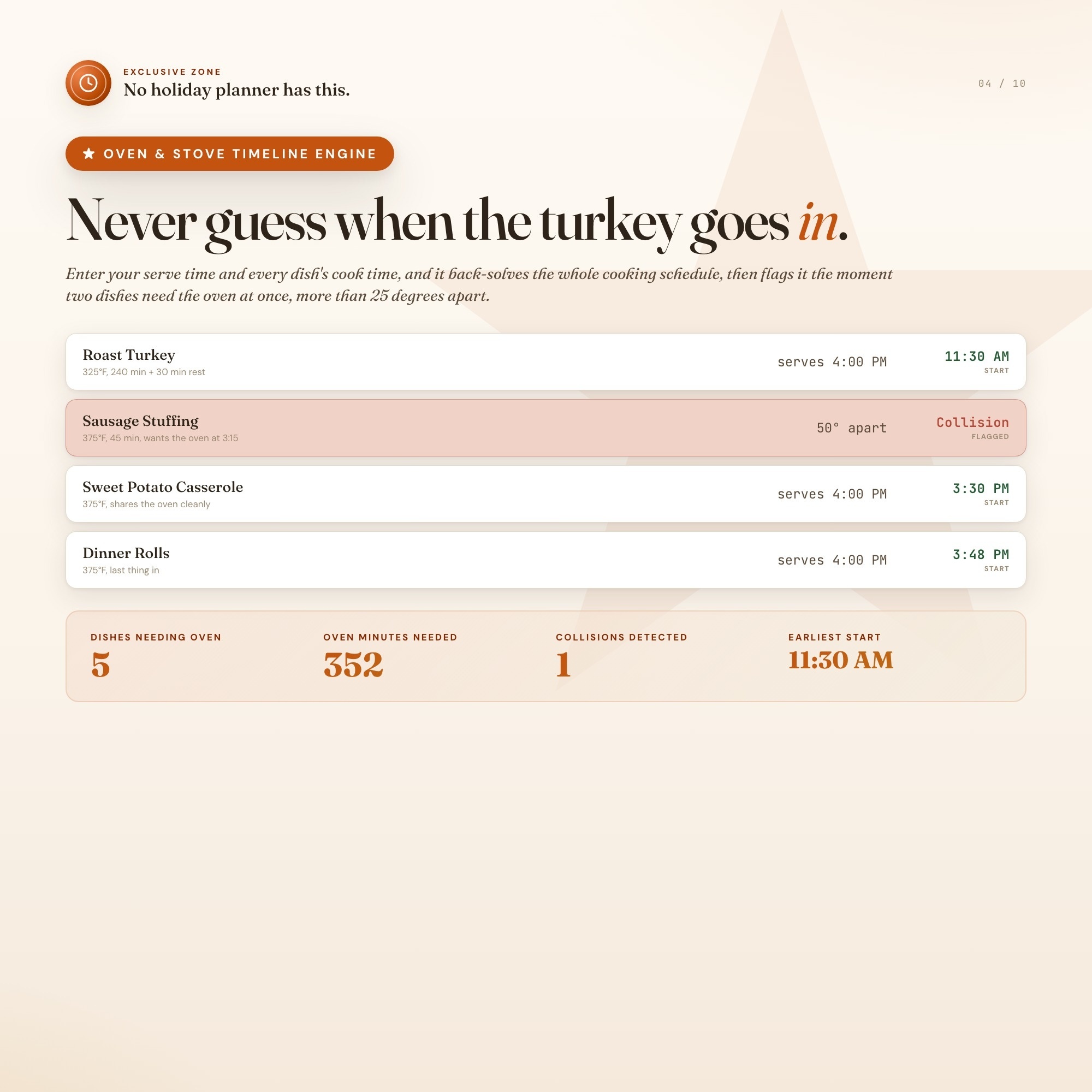
Holiday Hosting Command Center is a single-file interactive dashboard — not a PDF, not a static spreadsheet — that plans your guest list, your menu, and your budget for Thanksgiving, Christmas dinner, Easter, Friendsgiving, or any sit-down holiday meal you’re hosting. Then its ★ Oven & Stove Timeline Engine takes over: enter your target serve time and log each dish’s appliance, temperature, cook time, and rest time, and it back-solves the exact start time for every single dish — sorted into a live cooking timeline — and automatically flags an OVEN COLLISION the moment two dishes need the oven at overlapping times more than 25°F apart. That’s the exact trap that burns the rolls or serves a lukewarm casserole, and no competing planner even attempts to compute it.
What’s inside:
-
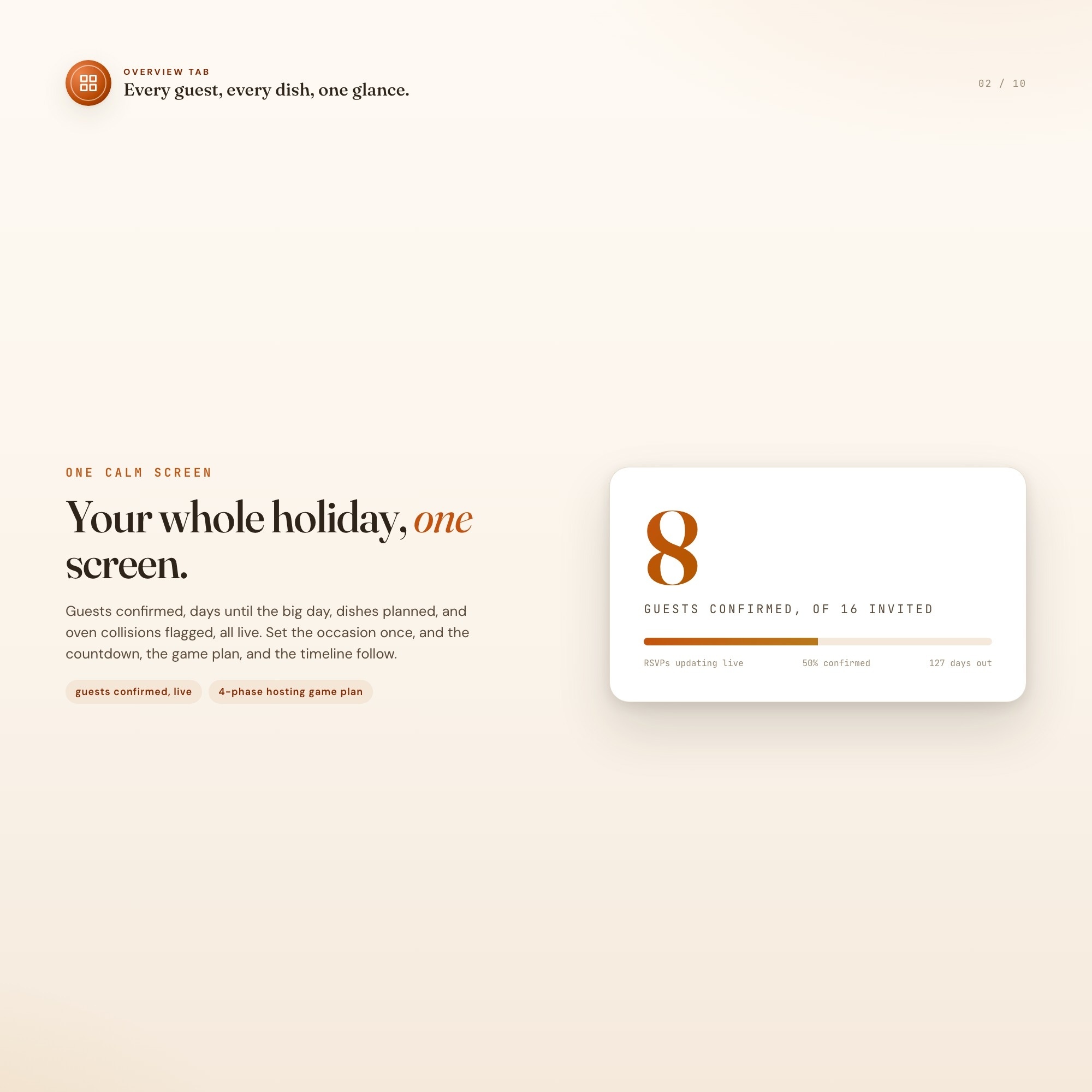
Overview — host profile, days-until-serve countdown, hosting game plan, live stat cards
-
Guest List & RSVPs — per-guest RSVP status, dietary flags, dish assignments, seat/table assignment, live headcount rollups
-
Menu & Prep — every dish, who’s making it, prep status, make-ahead flag, live dish-count rollups
-
★ Oven & Stove Timeline (exclusive) — the back-solving cooking-timeline engine + automatic collision detection
-
Budget & Shopping — planned-vs-actual ledger by category with live variance, plus a shopping checklist with cost-per-guest readout
Runs in any browser, on laptop or phone, offline once loaded. Your data saves in your own browser and exports to a JSON backup file anytime, so nothing lives on our servers and nothing gets lost.
Built to be genuinely reusable — pick your occasion (Thanksgiving, Christmas Dinner, Easter Dinner, Friendsgiving, Birthday Dinner, or Other Holiday Dinner) and the whole dashboard relabels itself. This isn’t a one-and-done December purchase; it’s the file you open every time you have people over.
You deserve to actually enjoy the dinner you’re hosting, not spend it running back and forth to a smoking oven. This helps you make that happen.
Instant download. Opens in any browser. Yours forever.
📌 Pairs perfectly with a Notion hub if you run your whole life there — message the shop for the companion Notion version.
5 Tabs included
- ◈
Overview
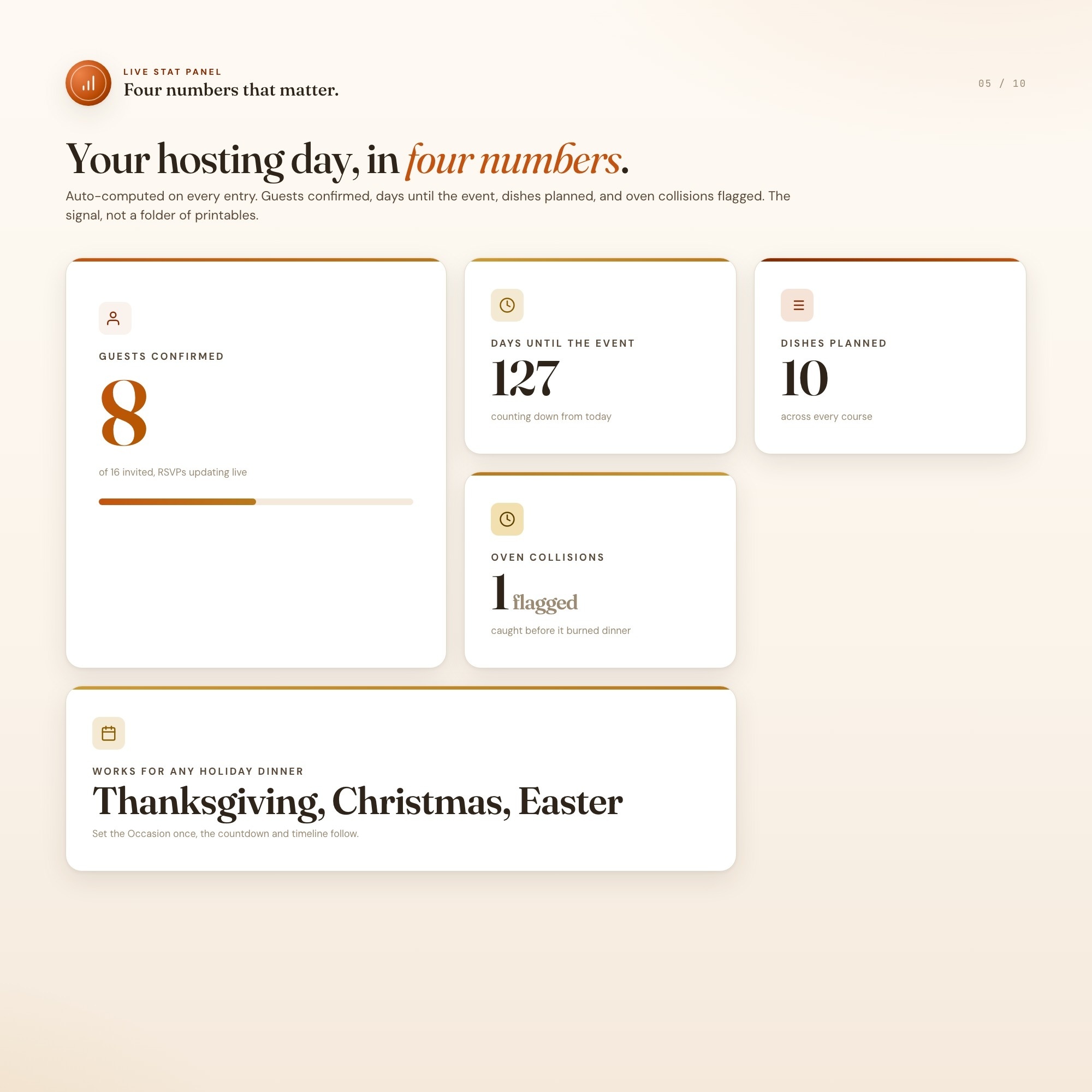
Host profile (occasion, event date, serve time, headcount, hosting style), stat cards for guests confirmed, days until the event, dishes planned, and oven collisions flagged, plus a fully editable 4-phase hosting game plan and a hosting-philosophy notes block.
- ≡
Guest List & RSVPs
One row per invited guest or household: RSVP status, adult and kid counts, dietary restriction, the dish they are bringing, and table or seat assignment, with live rollups for confirmed headcount and dietary flags.
- ⊞
Menu & Prep
Every dish on the table: course, who is making it, prep status, and whether it can be made ahead, with rollups for total dishes, host-cooked dishes, and make-ahead dishes.
- ◉
Oven & Stove Timeline
EXCLUSIVE ZONE: enter each dish's appliance, temperature, cook time, and rest time plus your target serve time, and the engine back-solves every start time, renders the sorted cooking timeline, and flags oven and stovetop collisions automatically.
- ★
Budget & Shopping
A planned-vs-actual budget ledger by category with live variance, plus a shopping checklist by item, quantity, and store, with a live cost-per-guest readout.
Exclusive Feature
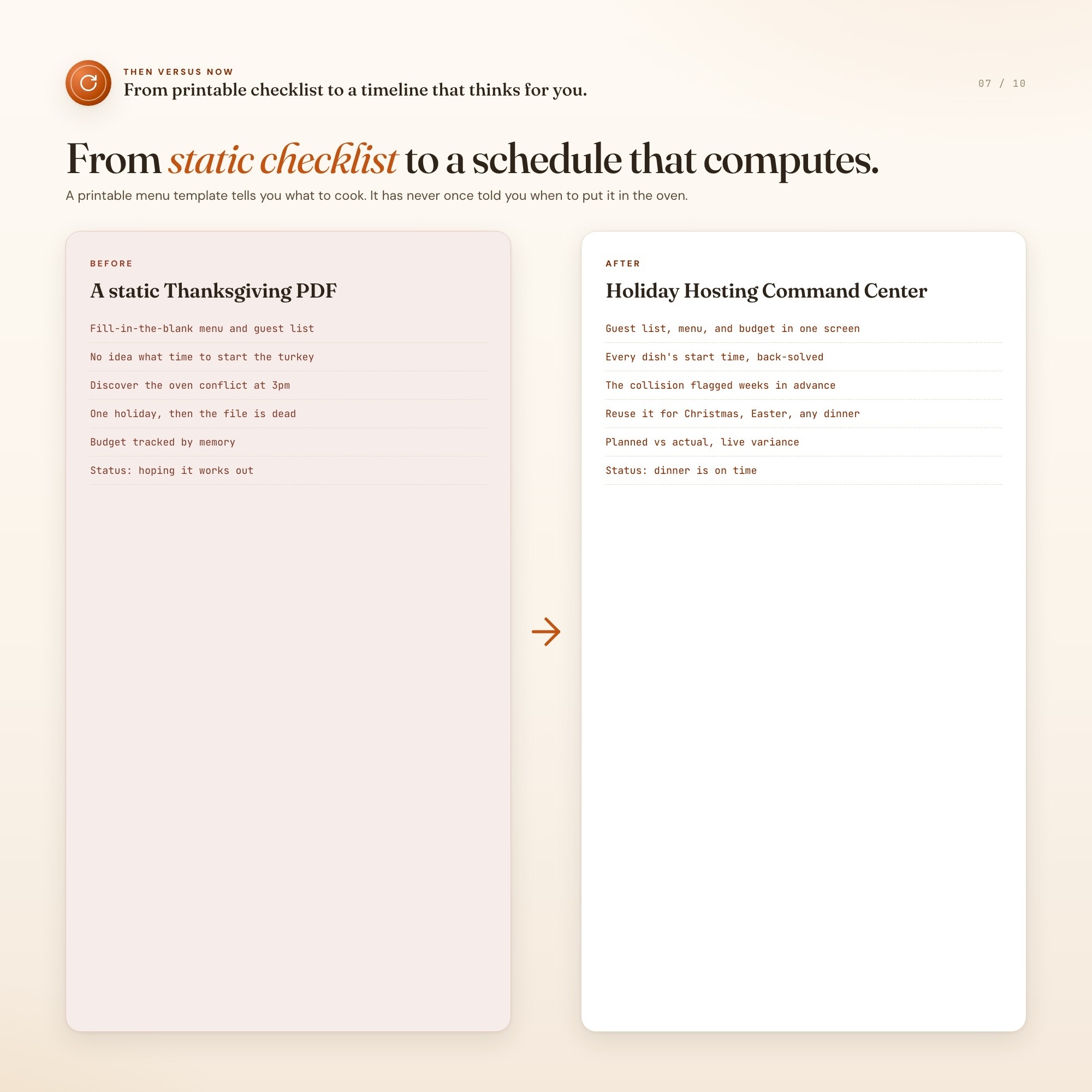
Oven & Stove Timeline Engine (the exclusive zone): enter your target serve time, then log every dish with its appliance, temperature, cook time, and rest time. The engine back-solves the exact start time for every dish counting backward from serve time, renders it as a sorted cooking timeline, and automatically flags an OVEN COLLISION whenever two dishes need the oven at overlapping times at temperatures more than 25 degrees apart, the exact trap that burns the rolls or serves a lukewarm casserole. Works identically for Thanksgiving, Christmas dinner, Easter, or any sit-down meal with a fixed serve time. No competitor listing computes a schedule at all, every rival is a static fill-in-the-blank menu template.
This is built into the fifth tab and is unavailable in any static template, spreadsheet, or Notion template on the market.
Gallery
Learn more
Before you buy
Frequently asked questions
- What is Thanksgiving Hosting Checklist?
- Thanksgiving Hosting Checklist is an interactive dashboard that opens in your web browser. It is one self-contained HTML file — download it once, double-click it, and it runs. No app, no account, no subscription.
- Does Thanksgiving Hosting Checklist need Excel or Google Sheets?
- No. It is not a spreadsheet and does not open in one. It runs in Chrome, Safari, Edge or Firefox on macOS, Windows, iPad or Chromebook, and keeps working offline.
- What is included in Thanksgiving Hosting Checklist?
- 5 sections in a single file: Overview, Guest List & RSVPs, Menu & Prep, Oven & Stove Timeline, Budget & Shopping.
- Can I change the colours and text size in Thanksgiving Hosting Checklist?
- Yes. Colour, background, typeface and text size are adjustable from inside the dashboard, and the setting is remembered.
- Does it work offline?
- Yes — completely. The dashboard is a single HTML file. Once downloaded, it runs entirely in your browser with no internet connection needed. All data autosaves to your browser's localStorage.
- Which devices and browsers are supported?
- Works in Chrome, Edge, Safari, and Firefox on macOS, Windows, iPad, and Chromebook. No app to install, no account to create. Just open the file.
- What is your refund policy?
- All sales are final. This is an instant download delivered in full at payment, so it cannot be returned. If a file will not open or a feature does not work as described, that is a defect and it gets fixed at no cost — email hello@listingresearchos.com and you will get a corrected file.
- How do I install it?
- There is nothing to install. After purchase, download the HTML file. Double-click to open in your browser. That's it. A HOW-TO-SAVE.txt is included explaining how to back up and restore your data.
- Is my data private?
- Completely. Everything runs locally — no login, no analytics, no data sent to any server. Your data is stored only in your browser's localStorage. You own it entirely.
You might also like
One-time purchase
Get it for $19.00
Instant download. Open in any browser. Yours forever.