
How to Time a Holiday Dinner With Only One Oven
Work backward from serve time, not forward from now. The oven-timeline method that gets every dish to the table hot, with one oven and one cook.
Published July 27, 2026
Hosting a big sit-down dinner is not really a cooking problem. Anyone reading this can cook the individual dishes. It is a scheduling problem, and it has one hard constraint: a fixed serve time, several dishes, and one oven.
The reason it goes wrong is almost always the same. People plan forward — “I’ll start the turkey around nine” — and then discover at 3pm that four things need the oven at once and two of them need different temperatures.
Work Backward, Not Forward
The fix is to invert the whole thing. Fix the serve time first, then compute backwards for every dish:
Start time = serve time − rest time − cook time
A turkey that needs 3 hours 30 minutes in the oven and 40 minutes of rest, for a 4:00pm serve, starts at 11:50am. Not “late morning” — 11:50.
Do that for every dish, then sort by start time. The running order is no longer a judgement call; it falls out of the arithmetic. And the moment you change serve time from 4:00 to 4:30, every start time shifts with it.
This is the single highest-value habit in holiday cooking, and it costs about fifteen minutes with pen and paper.
Rest Time Is Oven Time You Get Back
The most commonly dropped variable is rest.
A large roast resting for 40 minutes is not dead time — it is 40 minutes of empty oven at exactly the moment you need it. That window is where the stuffing bakes, the potatoes crisp, and the make-ahead sides reheat.
Leave rest out of your plan and two things break: you carve too early and lose the juices, and you fail to claim the oven slot that rest was quietly handing you.
Temperature Conflicts, Solved in Bands
One oven means one temperature at a time. The way out is to stop thinking dish-by-dish and start thinking in temperature bands.
- Group dishes by required temperature.
- Cook the hottest or longest band first, while the oven is empty and you have time.
- Dishes within roughly 25°F of each other can usually share, adjusting time slightly.
- Anything that genuinely conflicts gets moved off the oven entirely.
That last point is the escape hatch people forget. A dish does not have to be cooked in the day-of oven. It can go on the stovetop, be made a day ahead and reheated, or be served at room temperature. Deciding what leaves the oven schedule is usually easier than sequencing everything perfectly on it.
The Guest List Drives the Menu, Not the Reverse
Before any timeline is worth building, two guest-list facts have to be settled:
Headcount, including plus-ones. Quantities scale off it, and a late plus-one that nobody logged is how you end up two portions short.
Dietary restrictions. Vegetarian, gluten-free, nut allergies, and religious requirements are not garnish decisions — they change which dishes exist and therefore what the oven has to do. Discovering a restriction on the day is a menu problem, not a cooking problem, and by then the timeline is already built.
Settle both first. Then the menu. Then the timeline.
Build the Whole Thing Once, Reuse It Forever
Here is the part people miss: this is not a Thanksgiving skill.
The identical method runs Christmas dinner, Easter lunch, Friendsgiving, a milestone birthday, or any dinner party with more dishes than burners. The dishes change; the arithmetic does not. Serve time minus rest minus cook, sorted ascending, grouped into temperature bands.
Build the timeline once and you have a reusable system — which is why it is worth doing properly rather than scribbling it on the back of an envelope every December.
One File That Back-Solves the Timeline
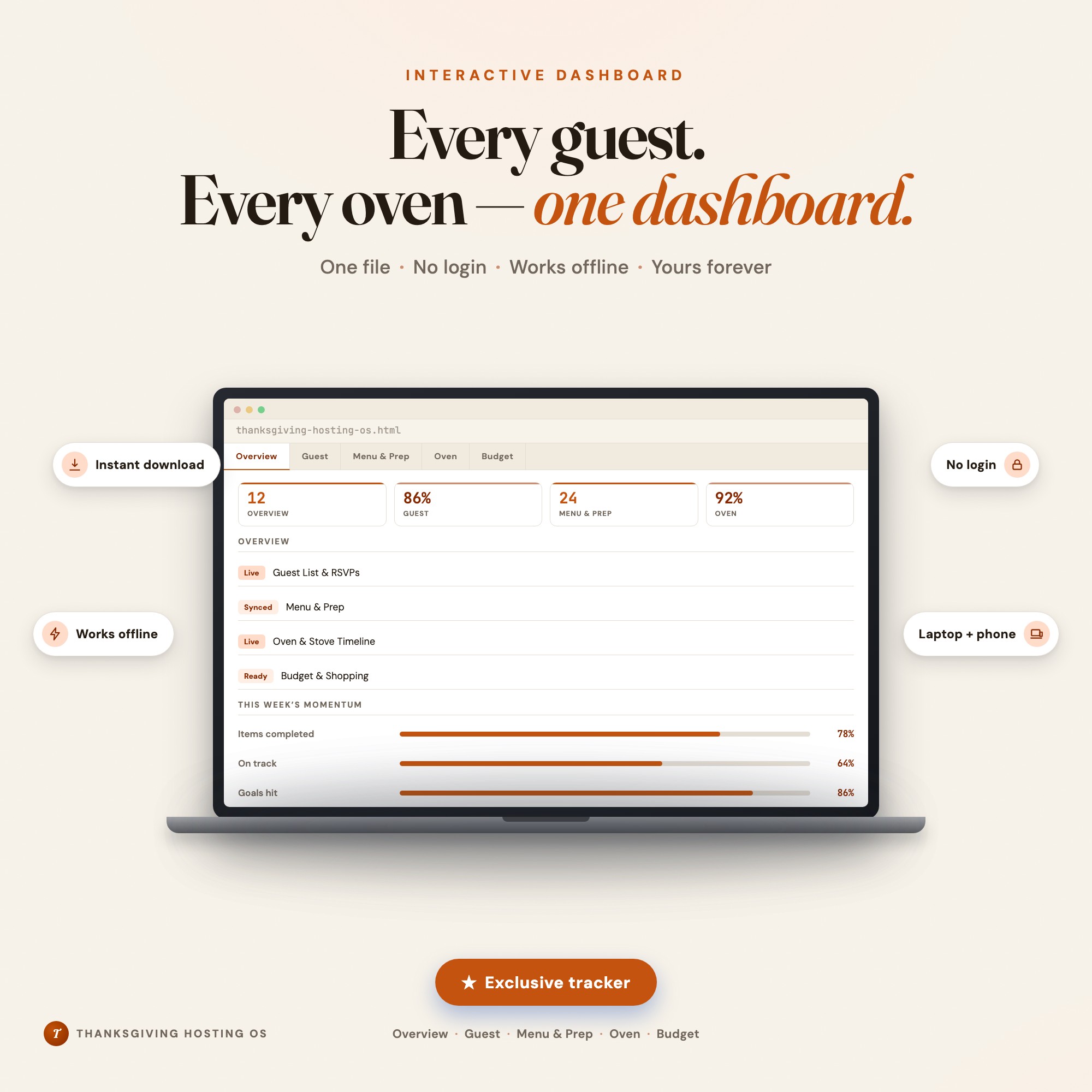
Holiday Hosting Planner was built around this exact calculation. It is an interactive browser dashboard — no login, no subscription — holding your guest list with dietary restrictions, the menu, a prep-ahead plan, and a shopping list in one file.
Its Oven & Stove Timeline Engine is the core: enter your target serve time, then log each dish with its appliance, temperature, cook time, and rest time. It back-solves the exact start time for every dish counting backward from serve, renders the sorted cooking timeline, and surfaces where dishes collide on the same appliance so you can resolve the conflict before the day rather than during it.
Everything saves locally in your browser — no account, nothing uploaded.
See Holiday Hosting Planner → — one-time $19, works offline, yours for life. Or browse the full shop.
The Takeaway
Stop planning forward from when you wake up. Fix the serve time, subtract rest and cook time for every dish, sort by start time, and group what is left into temperature bands. One oven stops being the constraint that ruins the meal and becomes just another resource you scheduled properly.
Frequently asked questions
- How do I plan cooking times so everything is ready at once?
- Work backward from serve time instead of forward from now. For each dish, subtract its rest time and then its cook time from the serve time to get its exact start time. Sort every dish by that start time and you have your running order — the schedule builds itself once the target is fixed.
- Does resting time count in the schedule?
- Yes, and forgetting it is the most common timing error. A large roast may need 30 to 45 minutes of rest, which is oven time you get back for something else. Rest is not idle time — it is the window where sides and reheats happen.
- What do I do when two dishes need different oven temperatures?
- Group by temperature and cook in bands, hottest or longest first. Dishes within about 25°F of each other can usually share a shelf with a small time adjustment. Anything that genuinely conflicts moves to the stovetop, gets made ahead and reheated, or is served at room temperature.
- How far ahead can I actually prepare dishes?
- Most sides, sauces, and desserts can be made one to two days ahead and reheated. Anything relying on crispness is the exception. Deciding what comes off the day-of oven schedule is usually more effective than trying to sequence everything perfectly on the day.
Ready-made dashboards
Skip setup — grab an interactive dashboard built for this exact workflow.
ListingResearchOS Shop
All dashboards — one-time purchase, yours forever
Single HTML files. No subscriptions. No login. Works offline in any browser.
Browse all dashboards →