
Interactive dashboard
Interactive Aging Parent Family Command Center Dashboard
Built for
Try it live
Click around the real dashboard
Interactive demo · a few tabs unlocked
See it in action
The dashboard
What it is
Built for professionals. Interactive Aging Parent Family Command Center Dashboard It is a browser-native interactive dashboard that lives in a single HTML file, with nothing to install.
What is Interactive Aging Parent Family Command Center Dashboard?
Interactive Aging Parent Family Command Center Dashboard is an interactive dashboard that opens in your web browser. It is one self-contained HTML file — you download it once, double-click it, and it runs.
What is included in Interactive Aging Parent Family Command Center Dashboard?
5 sections, all in the one file:
- Medications and Appointments
- Financial and Legal Documents
- Decline Observations
- Sibling Coordination Hub
- Emergency Information
Does Interactive Aging Parent Family Command Center Dashboard need Excel, Google Sheets or a subscription?
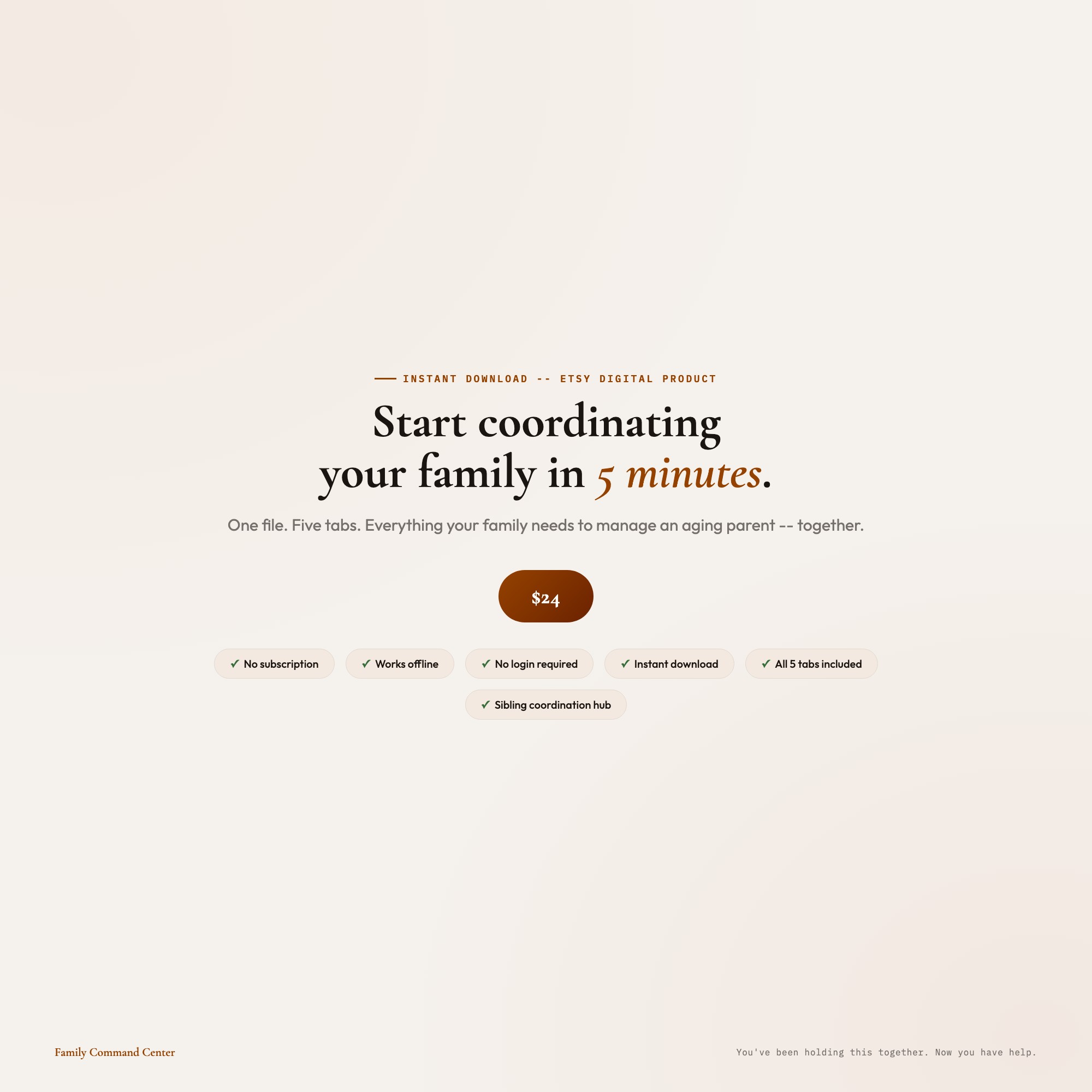
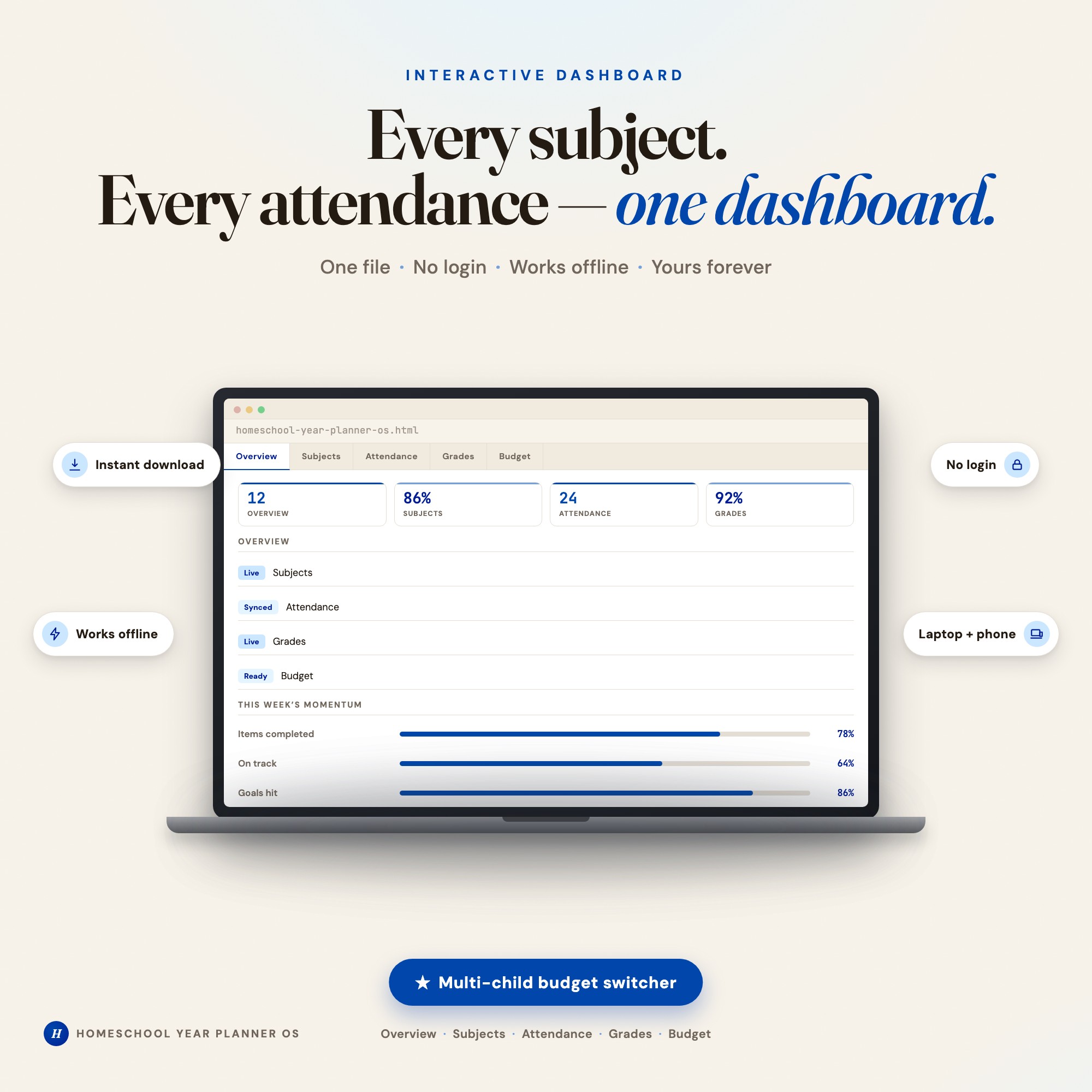
No. There is no app to install, no account to create, no login and no recurring fee. It opens in Chrome, Safari, Edge or Firefox on macOS, Windows, iPad or Chromebook, and it keeps working offline once the file is on your machine.
Where does Interactive Aging Parent Family Command Center Dashboard store my data?
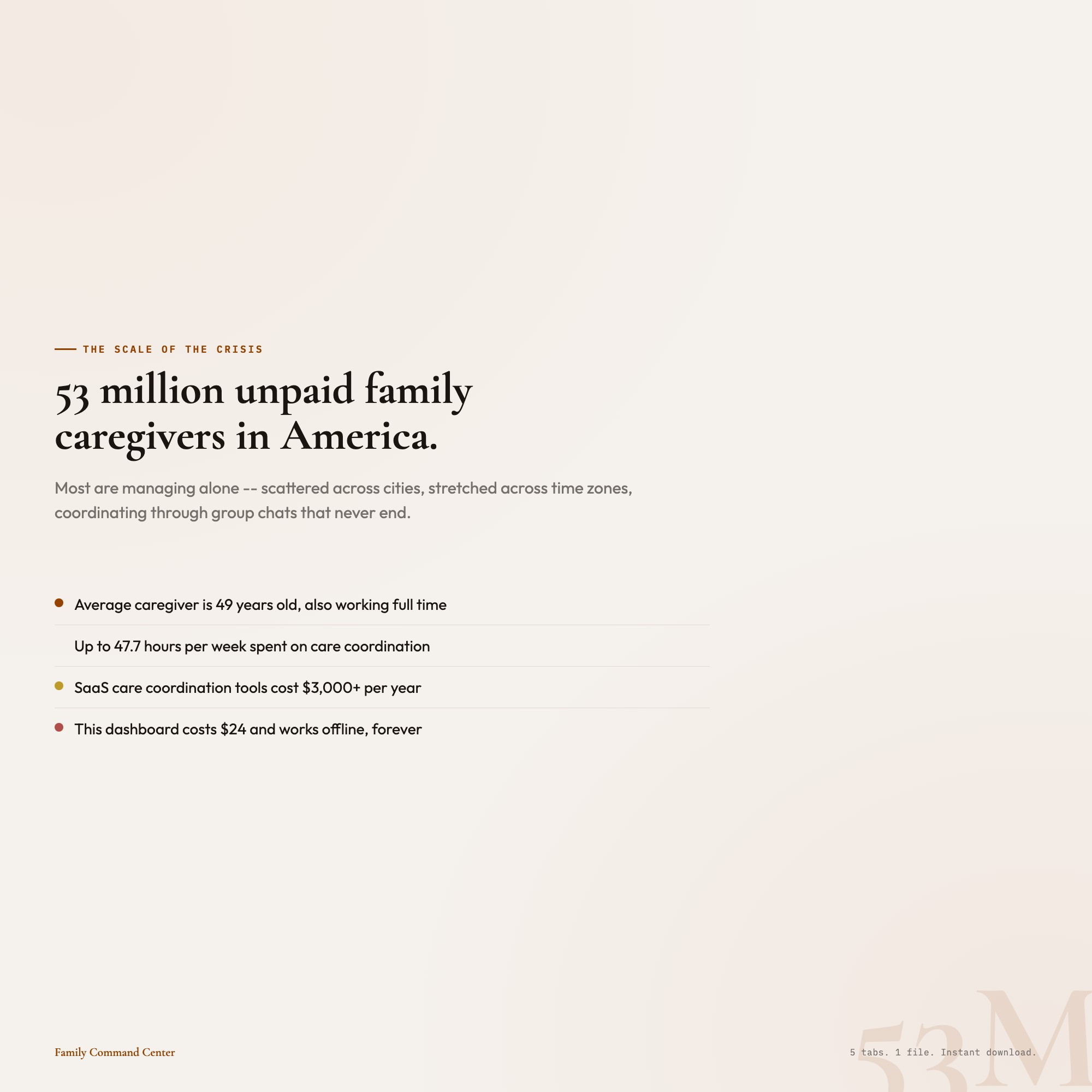
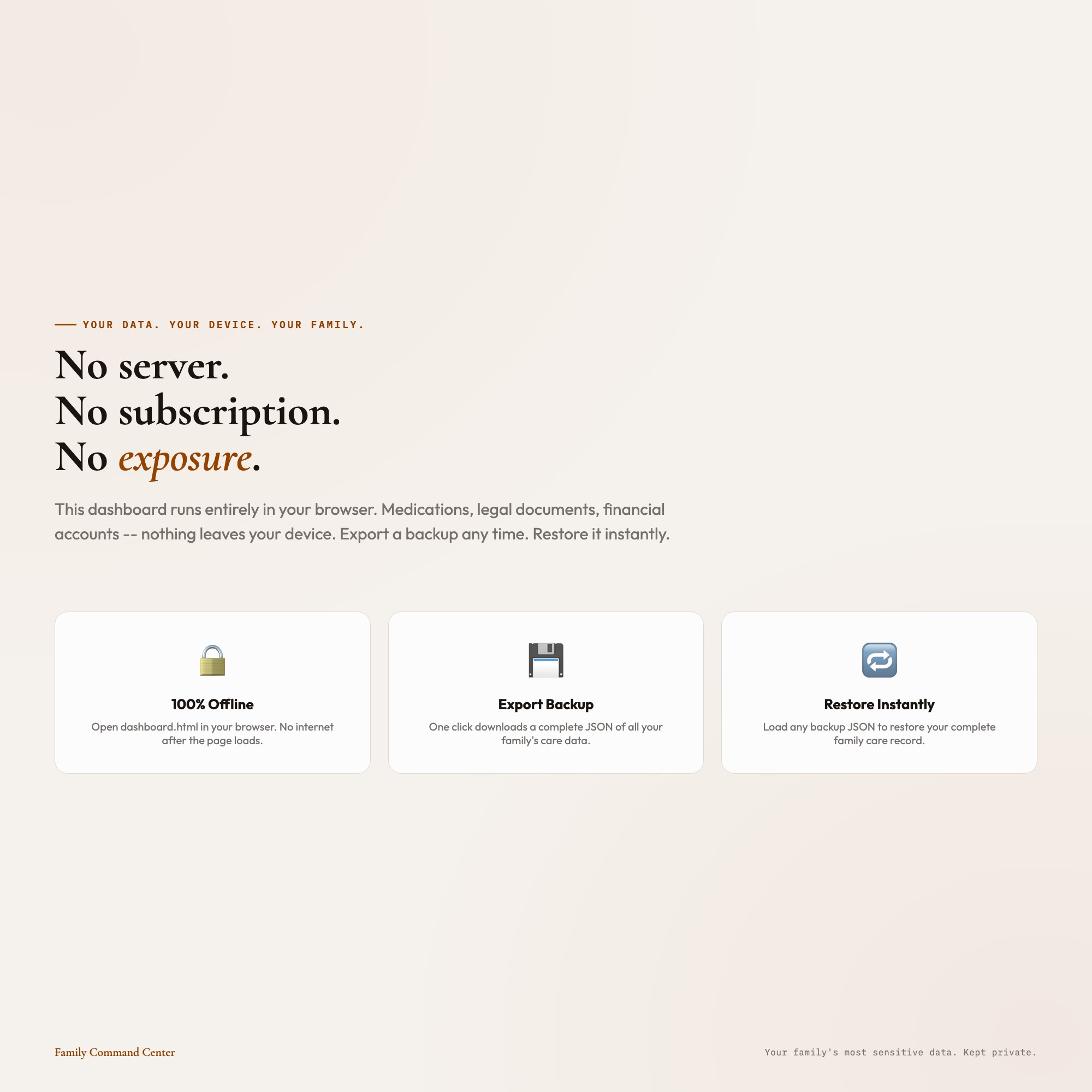
On your own device, in your own browser. Nothing is uploaded, no account is created and no analytics are collected. You can export a backup file at any time and load it on another computer.
Can I change how Interactive Aging Parent Family Command Center Dashboard looks?
Yes — colour, background, typeface and text size are all adjustable from inside the dashboard, and your choice is remembered the next time you open it.
How much is Interactive Aging Parent Family Command Center Dashboard and how is it delivered?
$24, delivered as an instant download the moment you pay. Because it is a digital file, all sales are final.
More about Interactive Aging Parent Family Command Center Dashboard
This dashboard was built for you.
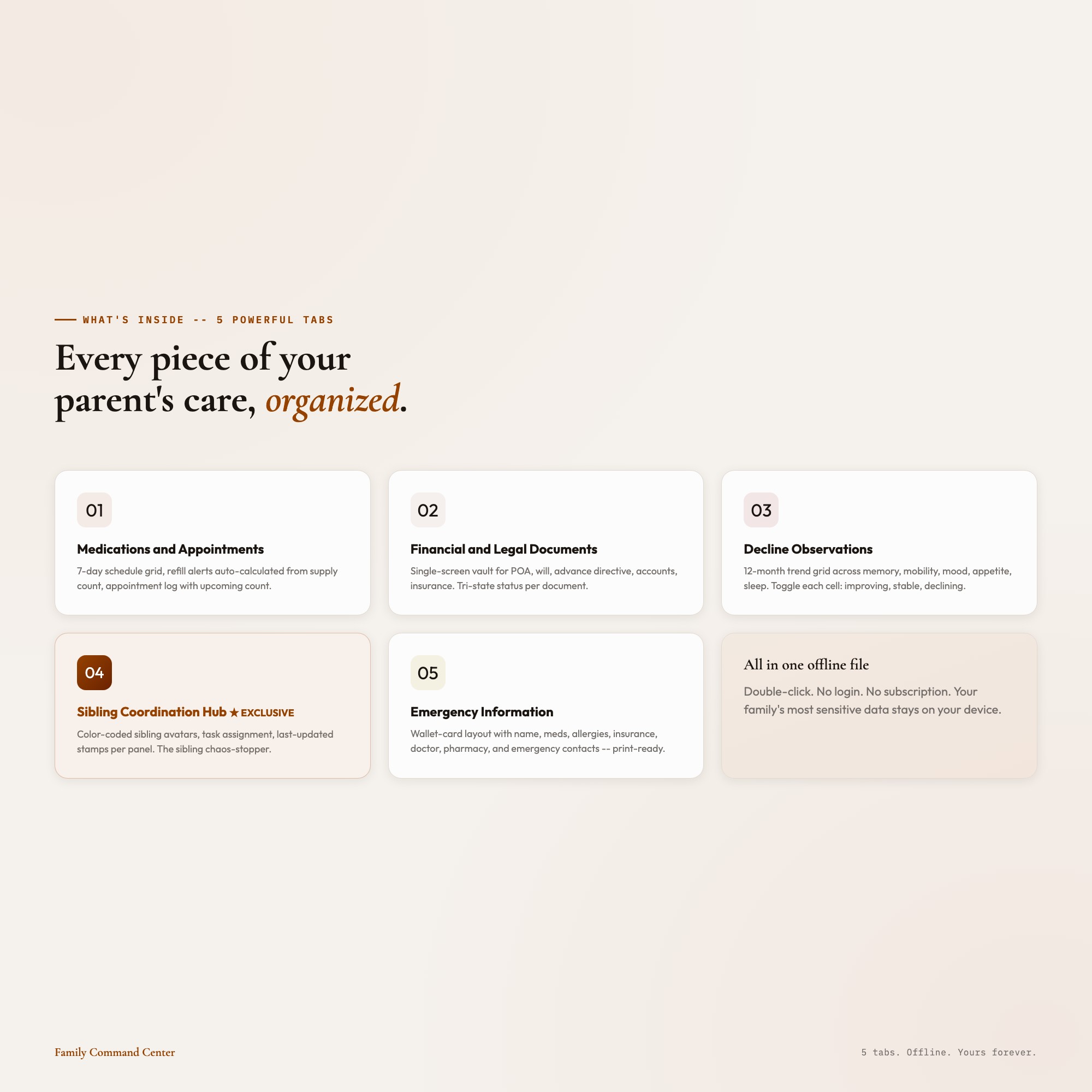
WHAT’S INSIDE: 5 Powerful Tabs:
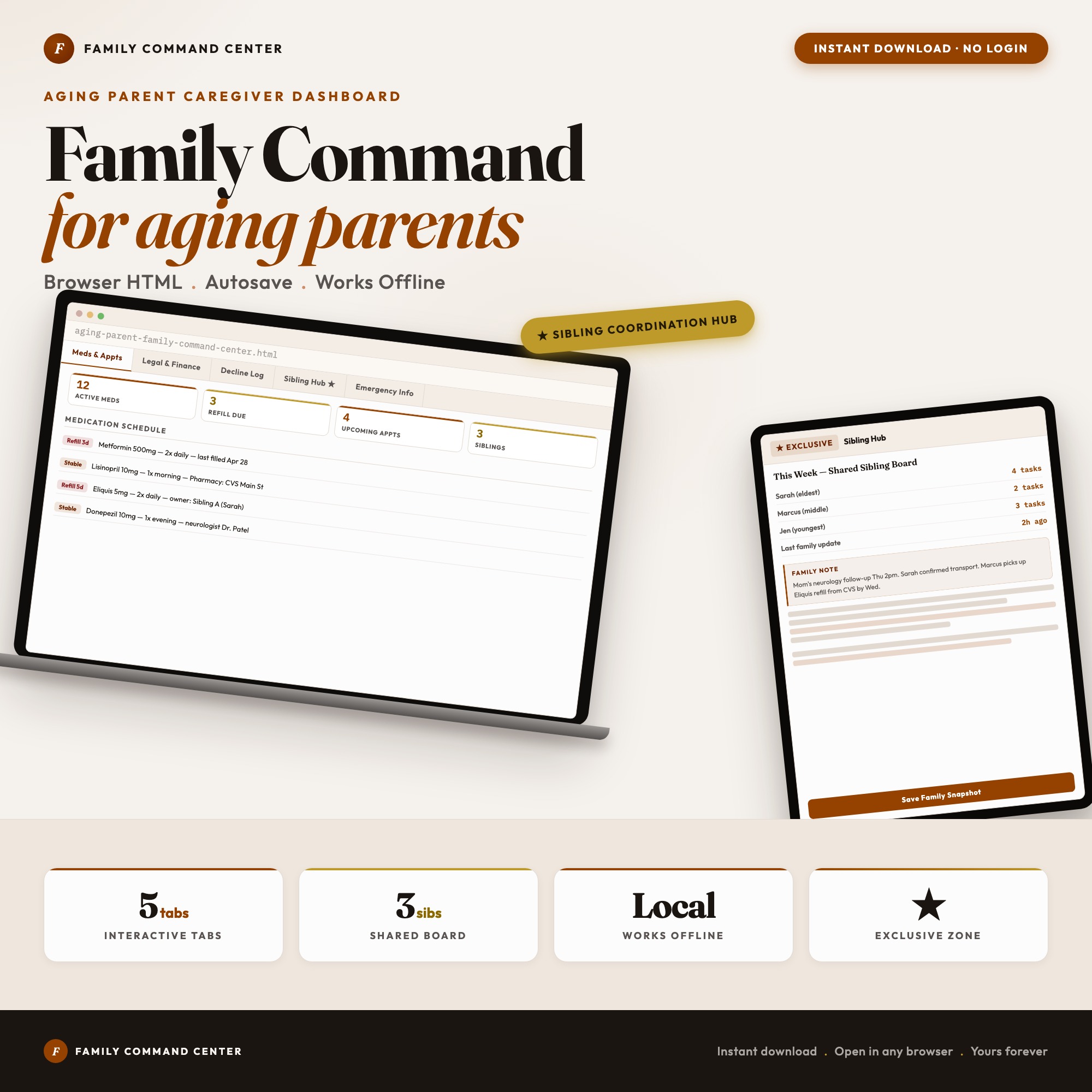
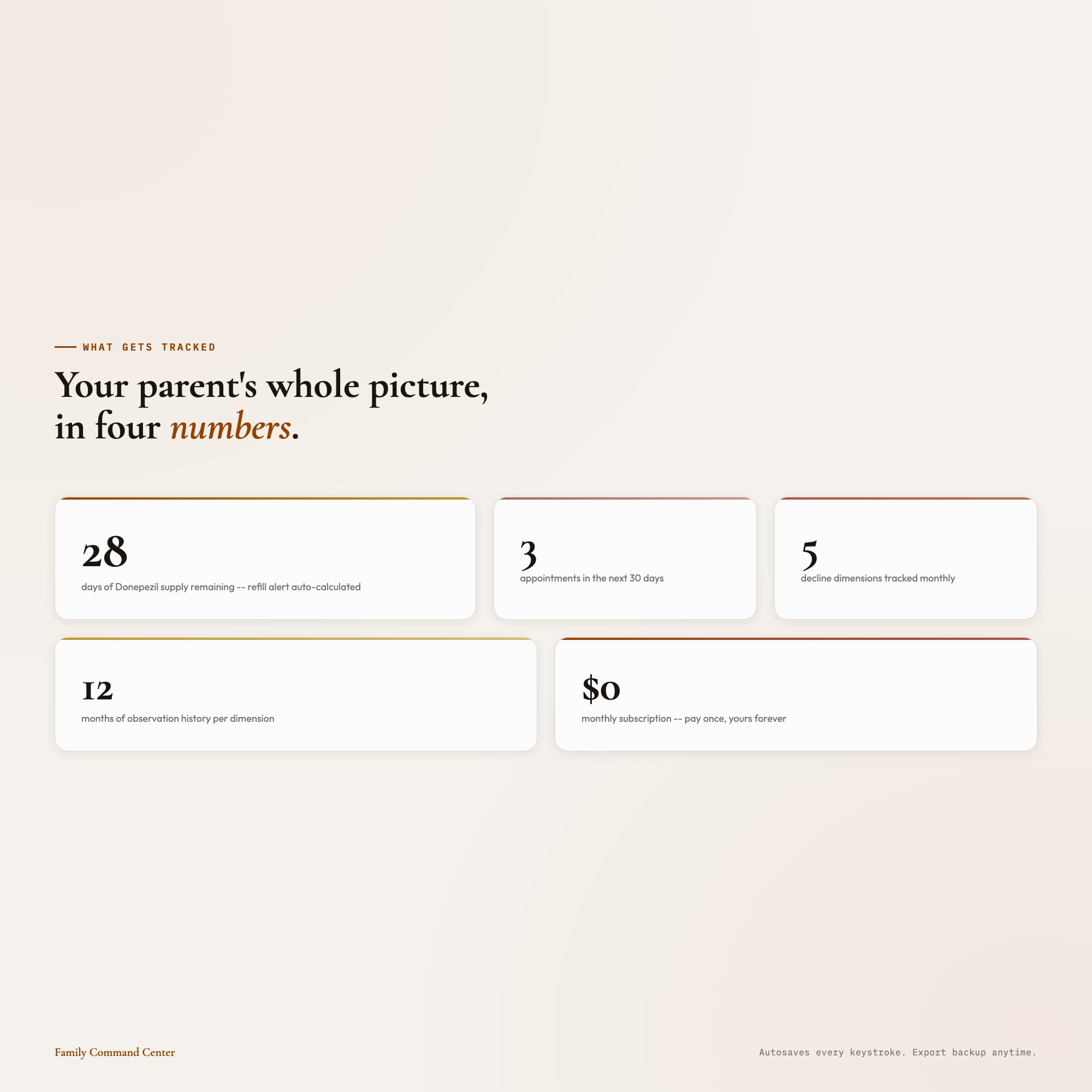
01 Medications and Appointments: 7-day medication schedule grid with dose times, refill alerts auto-calculated from supply count, and appointment log. Never miss a refill. Never arrive at a doctor’s office and realize nobody told you what changed.
02 Financial and Legal Documents: A single-screen vault with sections for Power of Attorney, will, advance directive, bank accounts, insurance policies, and property deeds. Each document: “located / scanned / shared with siblings” tri-state status so the whole family knows what’s done.
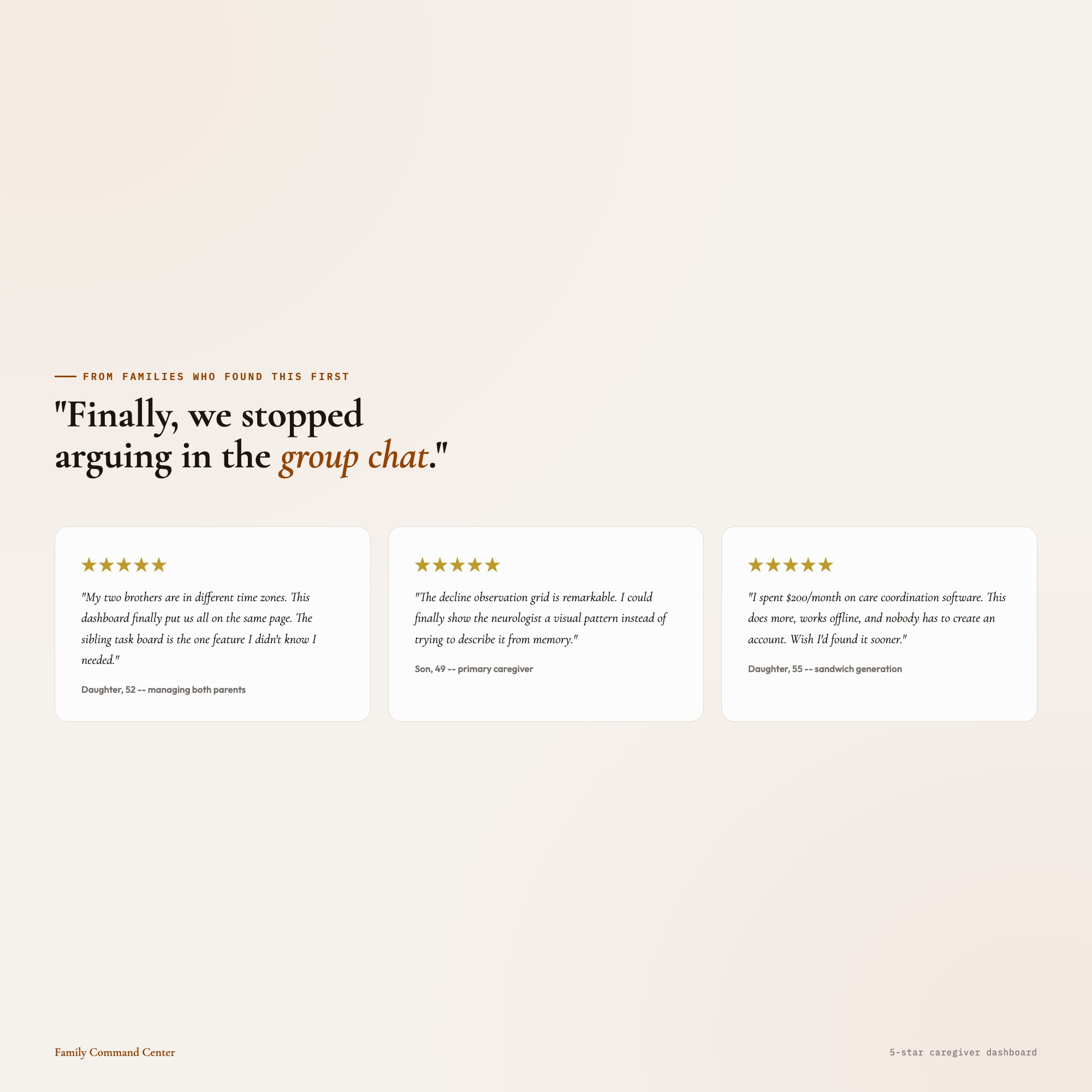
03 Decline Observations: Monthly trend grid across 12 months and 5 dimensions: memory, mobility, mood, appetite, sleep. Toggle each cell: improving / stable / declining. The pattern journal that helps you show your parent’s doctor what you’ve been watching for months.
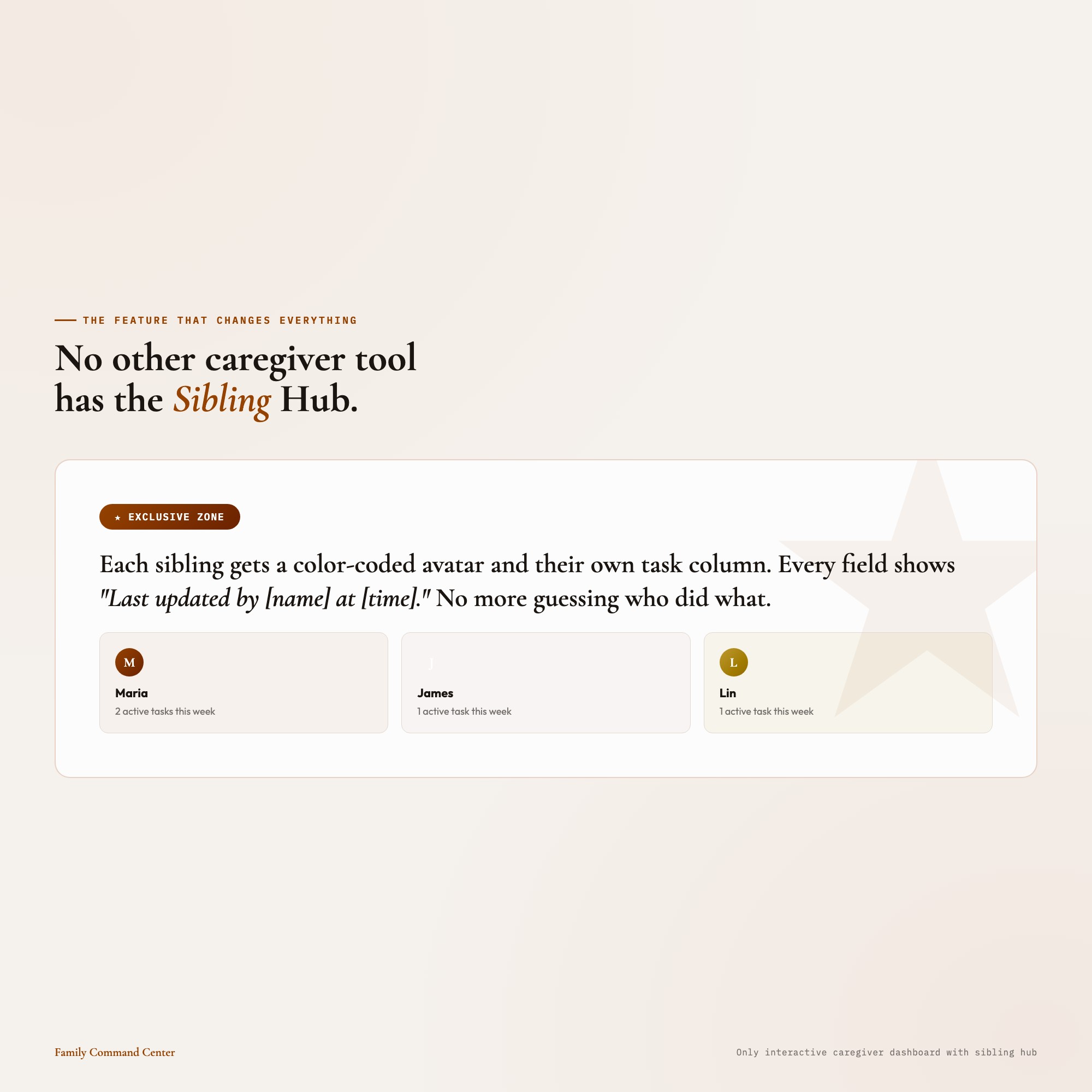
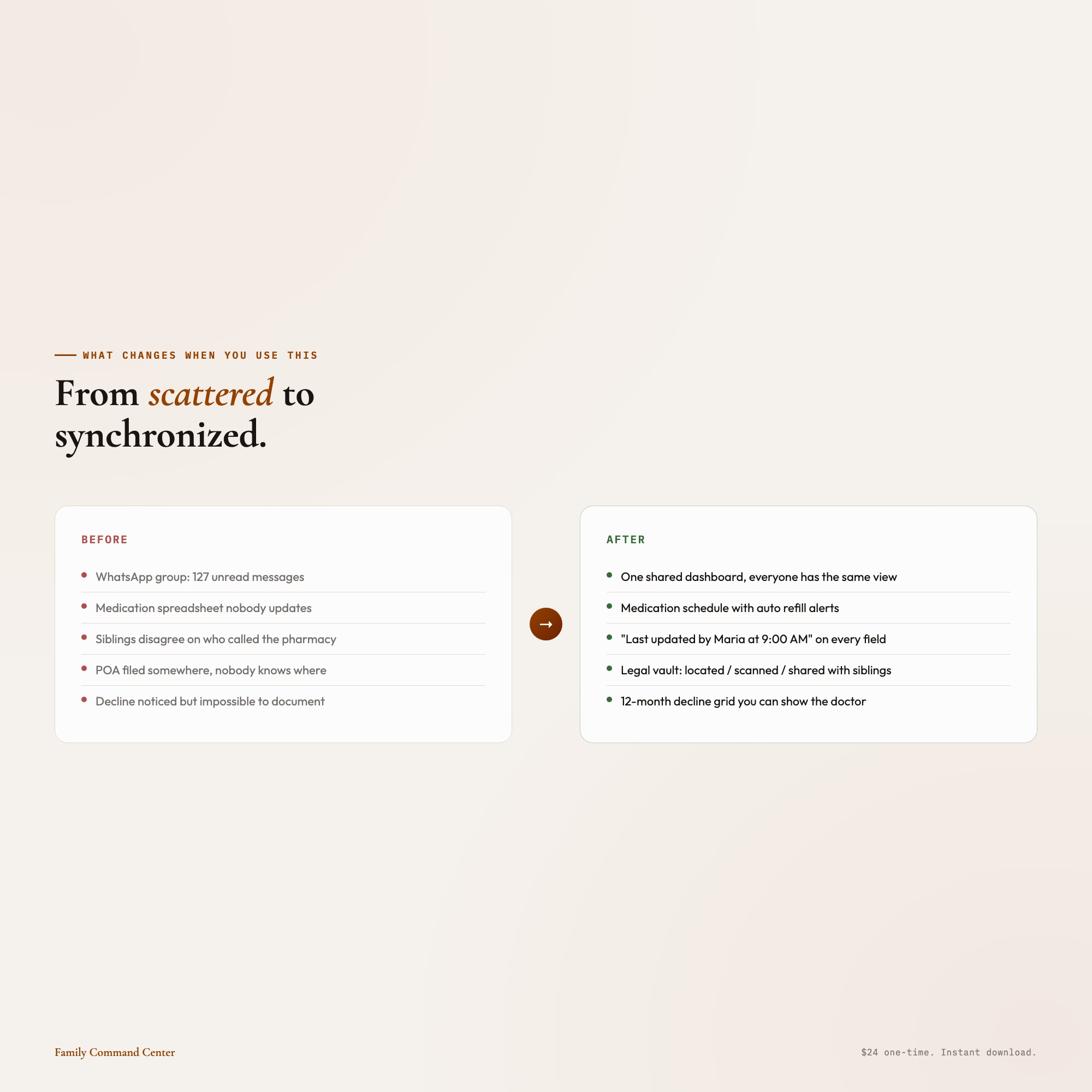
04 Sibling Coordination Hub (EXCLUSIVE ZONE): The panel that changes everything. Each sibling gets a color-coded avatar and their own column of active responsibilities. The “Last updated by [name] at [time]” stamp on every panel means no more “I thought YOU called the pharmacy.” This is the sibling chaos-stopper. No SaaS subscription. No login. Works offline. Yours forever.
05 Emergency Information: A wallet-card layout you can screenshot or print: parent name, date of birth, current medications, allergies, insurance ID, primary doctor, pharmacy, and emergency contacts: all in one view that actually fits in your pocket.
THIS IS FOR YOU IF:
-
You’re the “point person” sibling and the coordination is breaking you
-
You’ve missed a refill or appointment because nobody had the full picture
-
Your parent’s legal and financial documents are scattered across three folders and two email chains
-
You’ve been tracking changes in your parent’s condition in your head, and you know that’s not sustainable
-
You’re paying $200+/month for care coordination software and it’s more work than it saves
YOUR DATA IS SAFE
This dashboard works entirely offline in your browser. Nothing is uploaded anywhere. Nothing is connected to any server. Your family’s most sensitive information: medications, legal documents, financial accounts: stays on your device. Export a backup JSON any time. Restore it any time. Share the file with a sibling directly.
FILES INCLUDED
-
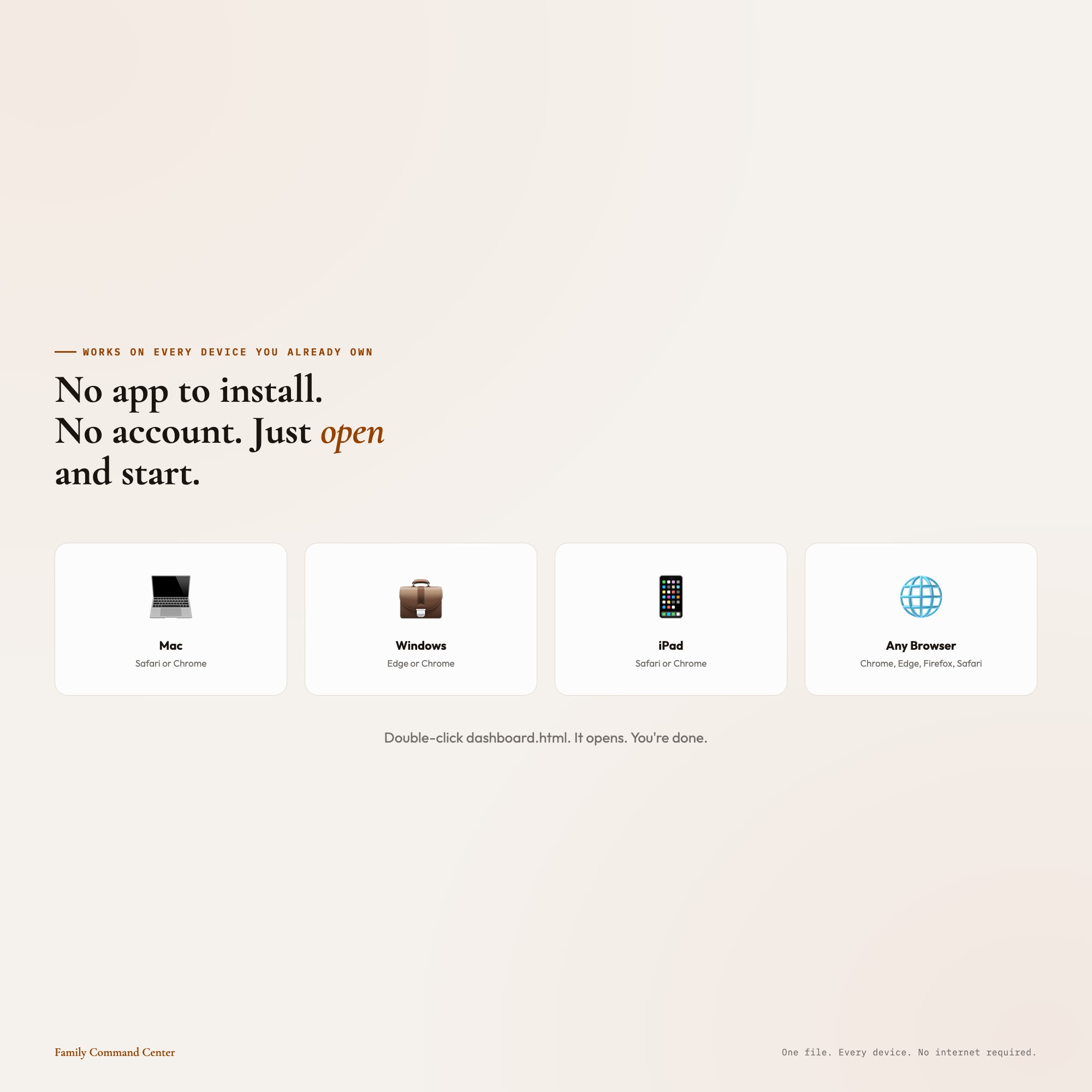
dashboard.html (open in Chrome, Edge, or Safari: works on Mac, Windows, iPad)
-
HOW-TO-SAVE.txt (plain-English save, restore, and share guide)
One file. Double-click. No app to install. No subscription. No login.
You’ve been holding this together for your whole family. This dashboard was made to hold it with you.
Want a Notion version for sibling collaboration in real time? Message me after purchase.
5 Tabs included
- ◈
Medications and Appointments
- ≡
Financial and Legal Documents
- ⊞
Decline Observations
- ◉
Sibling Coordination Hub
- ★
Emergency Information
Exclusive Feature
Sibling Coordination Hub -- only interactive offline dashboard combining sibling task board with last-updated stamps, colored avatars, and shared family notes
This is built into the fifth tab and is unavailable in any static template, spreadsheet, or Notion template on the market.
Gallery
Learn more
Aging Parent Care Checklist: What to Track for Elderly Parents
What adult children actually need to track for aging parents: medications, appointments, legal documents, decline observations, and sibling coordination.
GuideHow to Coordinate Aging Parent Care Across Siblings Without Fighting
A care coordination system for adult siblings: medication tracking, legal documents, decline logs, and a task board where every job has a named owner.
ComparisonCaring Village vs. Lotsa Helping Hands vs. Offline Dashboard for Caregivers
An honest comparison of Caring Village, Lotsa Helping Hands, and an offline caregiver dashboard: features, privacy tradeoffs, and sibling coordination.
List8 Things to Track When Caring for an Aging Parent
8 things adult children must track when coordinating care for an aging parent, from medication schedules and legal document status to decline observations.
Before you buy
Frequently asked questions
- What is Interactive Aging Parent Family Command Center Dashboard?
- Interactive Aging Parent Family Command Center Dashboard is an interactive dashboard that opens in your web browser. It is one self-contained HTML file — download it once, double-click it, and it runs. No app, no account, no subscription.
- Does Interactive Aging Parent Family Command Center Dashboard need Excel or Google Sheets?
- No. It is not a spreadsheet and does not open in one. It runs in Chrome, Safari, Edge or Firefox on macOS, Windows, iPad or Chromebook, and keeps working offline.
- What is included in Interactive Aging Parent Family Command Center Dashboard?
- 5 sections in a single file: Medications and Appointments, Financial and Legal Documents, Decline Observations, Sibling Coordination Hub, Emergency Information.
- Can I change the colours and text size in Interactive Aging Parent Family Command Center Dashboard?
- Yes. Colour, background, typeface and text size are adjustable from inside the dashboard, and the setting is remembered.
- Does it work offline?
- Yes — completely. The dashboard is a single HTML file. Once downloaded, it runs entirely in your browser with no internet connection needed. All data autosaves to your browser's localStorage.
- Which devices and browsers are supported?
- Works in Chrome, Edge, Safari, and Firefox on macOS, Windows, iPad, and Chromebook. No app to install, no account to create. Just open the file.
- What is your refund policy?
- All sales are final. This is an instant download delivered in full at payment, so it cannot be returned. If a file will not open or a feature does not work as described, that is a defect and it gets fixed at no cost — email hello@listingresearchos.com and you will get a corrected file.
- How do I install it?
- There is nothing to install. After purchase, download the HTML file. Double-click to open in your browser. That's it. A HOW-TO-SAVE.txt is included explaining how to back up and restore your data.
- Is my data private?
- Completely. Everything runs locally — no login, no analytics, no data sent to any server. Your data is stored only in your browser's localStorage. You own it entirely.
You might also like
One-time purchase
Get it for $24.00
Instant download. Open in any browser. Yours forever.