
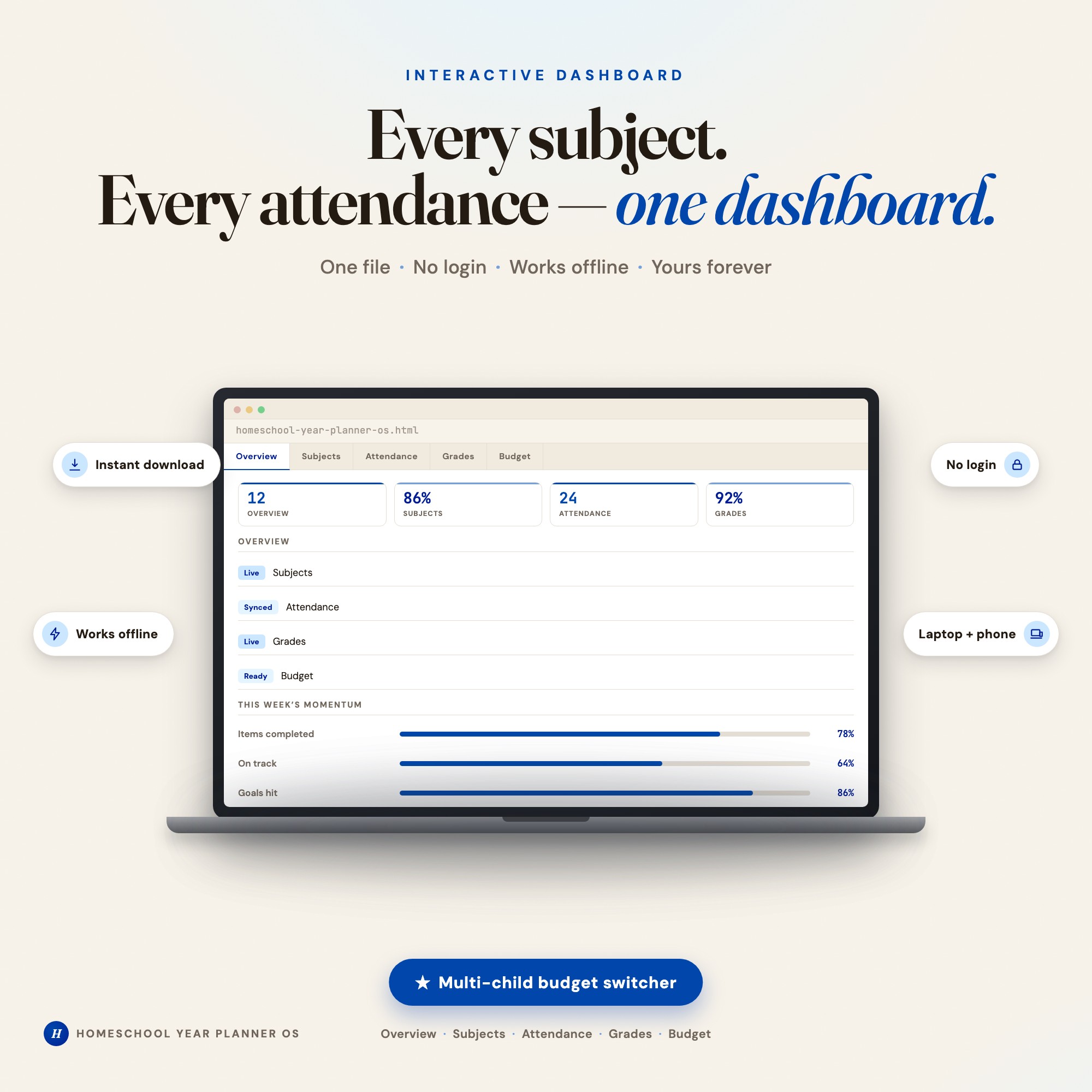
Interactive dashboard
Homeschool Year Planner
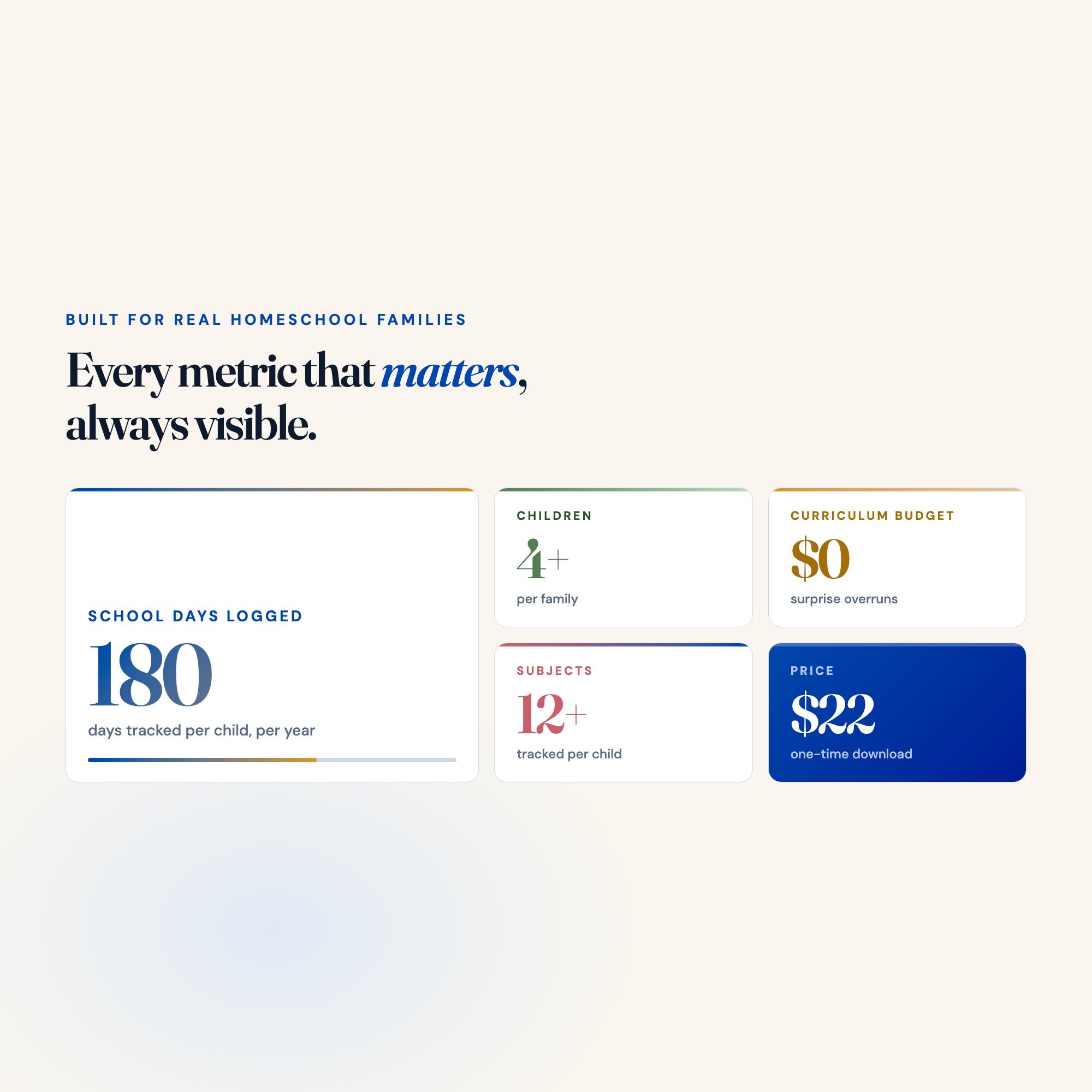
Built for Homeschooling parents managing 1-4 children across multiple subjects who are drowning in paper binders, scattered spreadsheets, and separate apps
Try it live
Click around the real dashboard
Interactive demo · a few tabs unlocked
See it in action
The dashboard
What it is
Built for homeschooling parents managing 1-4 children across multiple subjects who are drowning in paper binders, scattered spreadsheets, and separate apps. Finally, a complete year planner for every child you teach. It is a browser-native interactive dashboard that lives in a single HTML file, with nothing to install.
What is Homeschool Year Planner?
Homeschool Year Planner is an interactive dashboard that opens in your web browser. It is one self-contained HTML file — you download it once, double-click it, and it runs. It is built for homeschooling parents managing 1-4 children across multiple subjects who are drowning in paper binders, scattered spreadsheets, and separate apps.
What is included in Homeschool Year Planner?
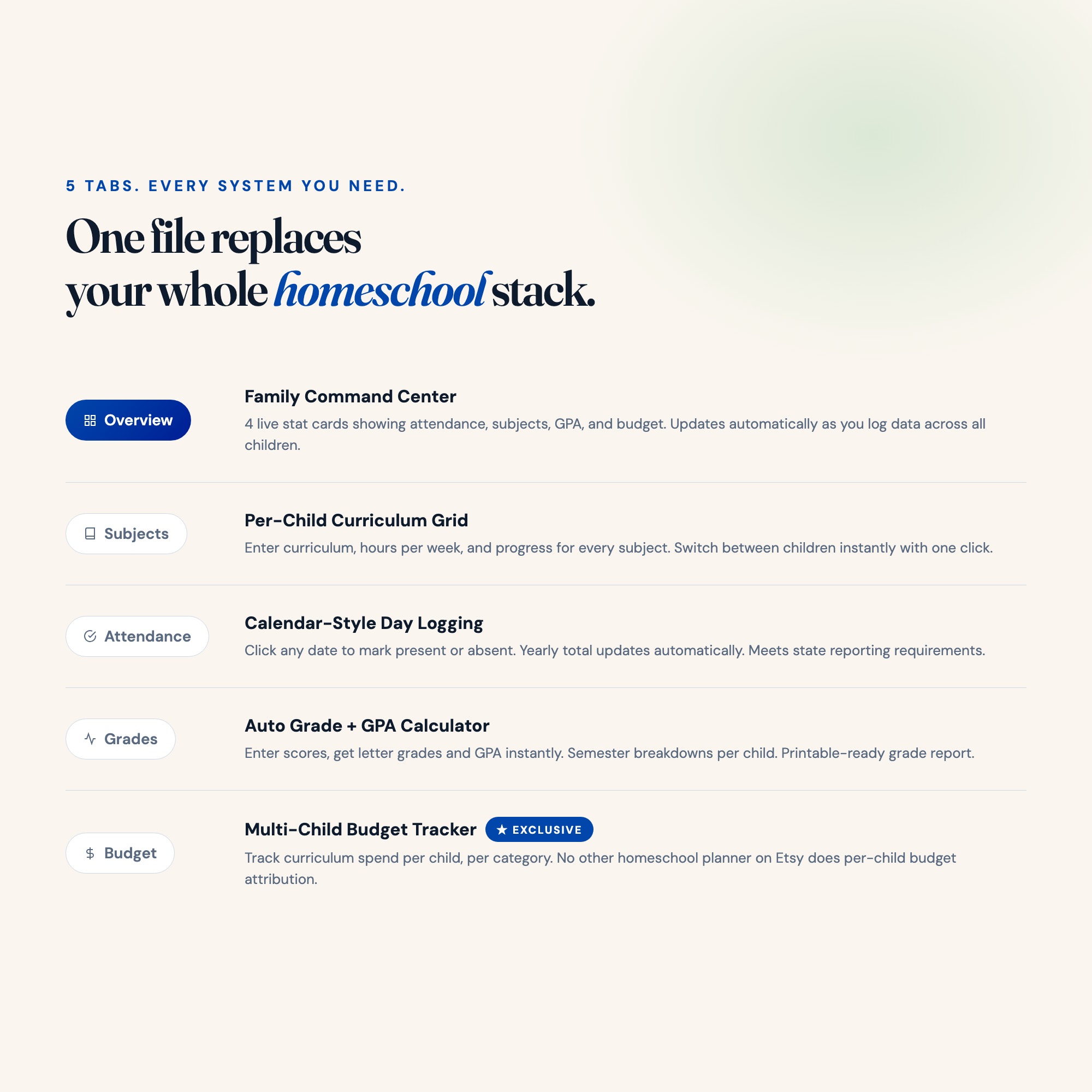
5 sections, all in the one file:
- Overview
- Subjects
- Attendance
- Grades
- Budget
Does Homeschool Year Planner need Excel, Google Sheets or a subscription?
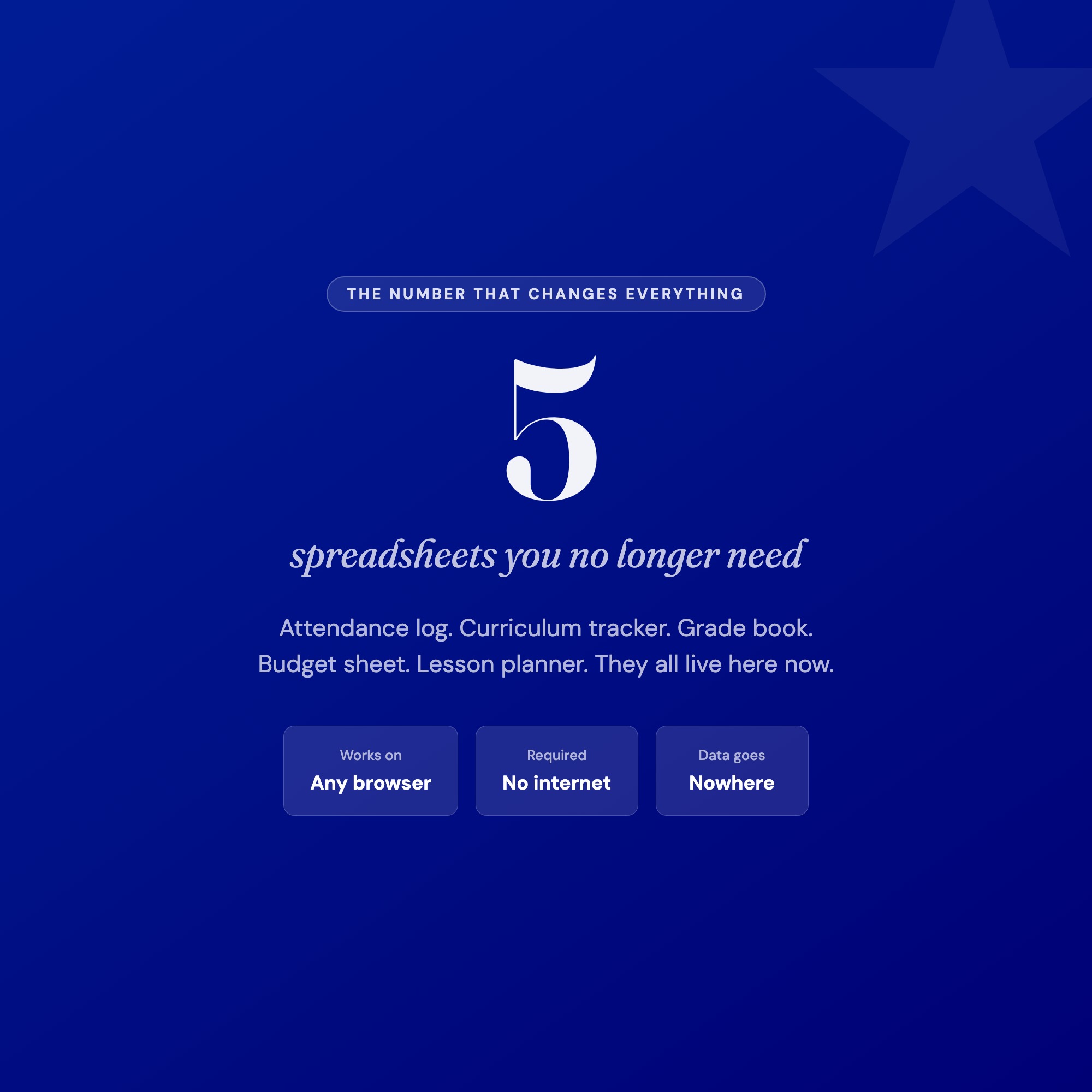
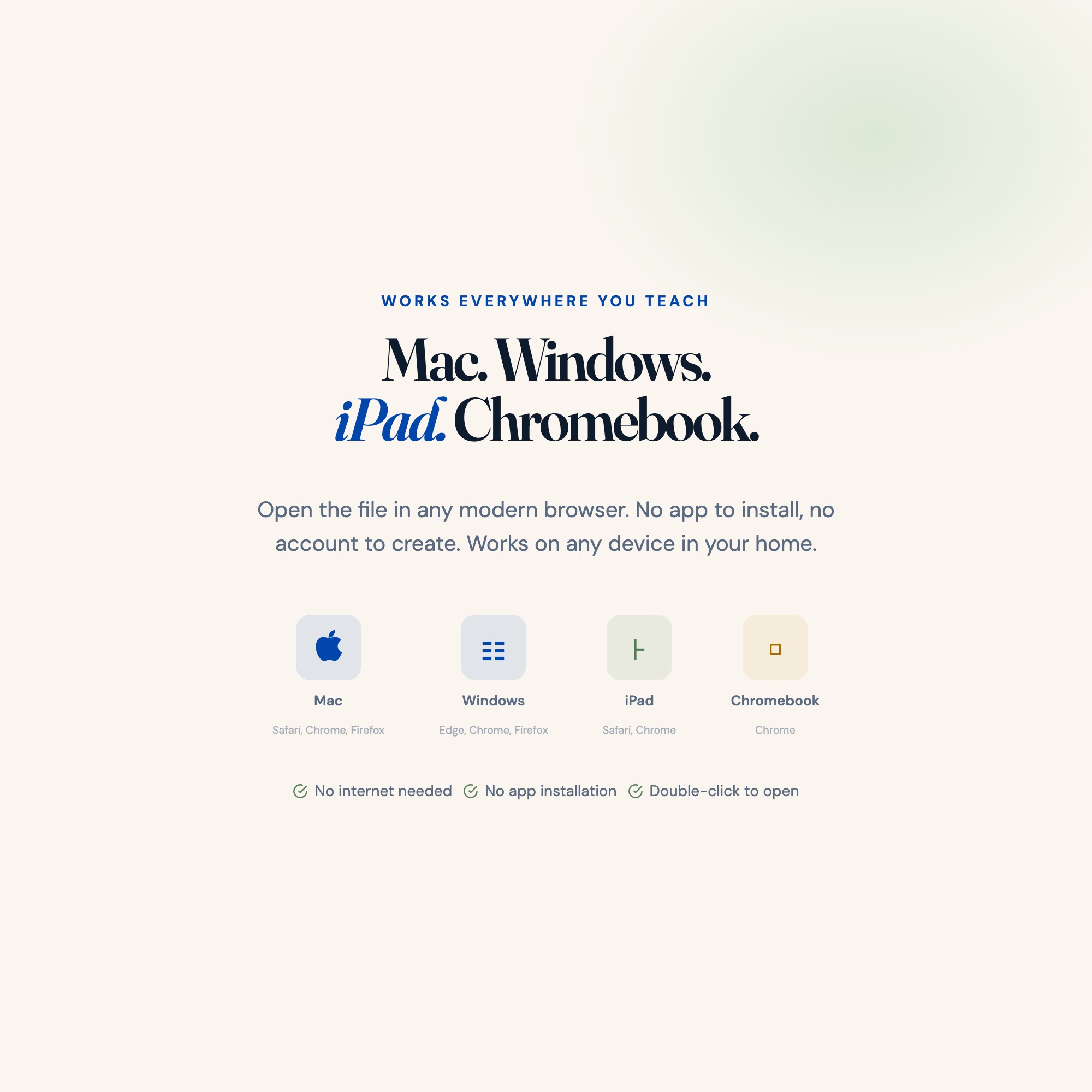
No. There is no app to install, no account to create, no login and no recurring fee. It opens in Chrome, Safari, Edge or Firefox on macOS, Windows, iPad or Chromebook, and it keeps working offline once the file is on your machine.
Where does Homeschool Year Planner store my data?
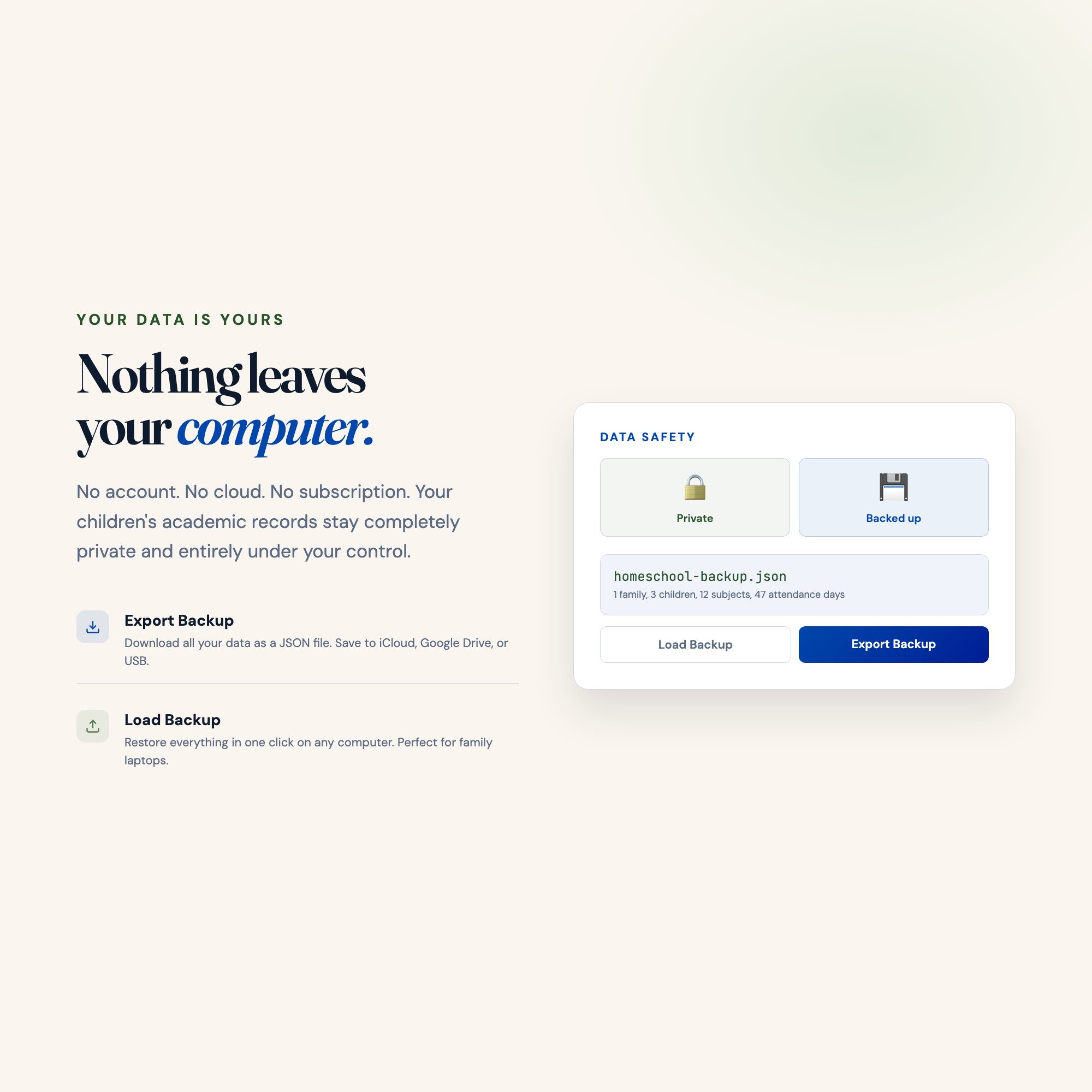
On your own device, in your own browser. Nothing is uploaded, no account is created and no analytics are collected. You can export a backup file at any time and load it on another computer.
How much is Homeschool Year Planner and how is it delivered?
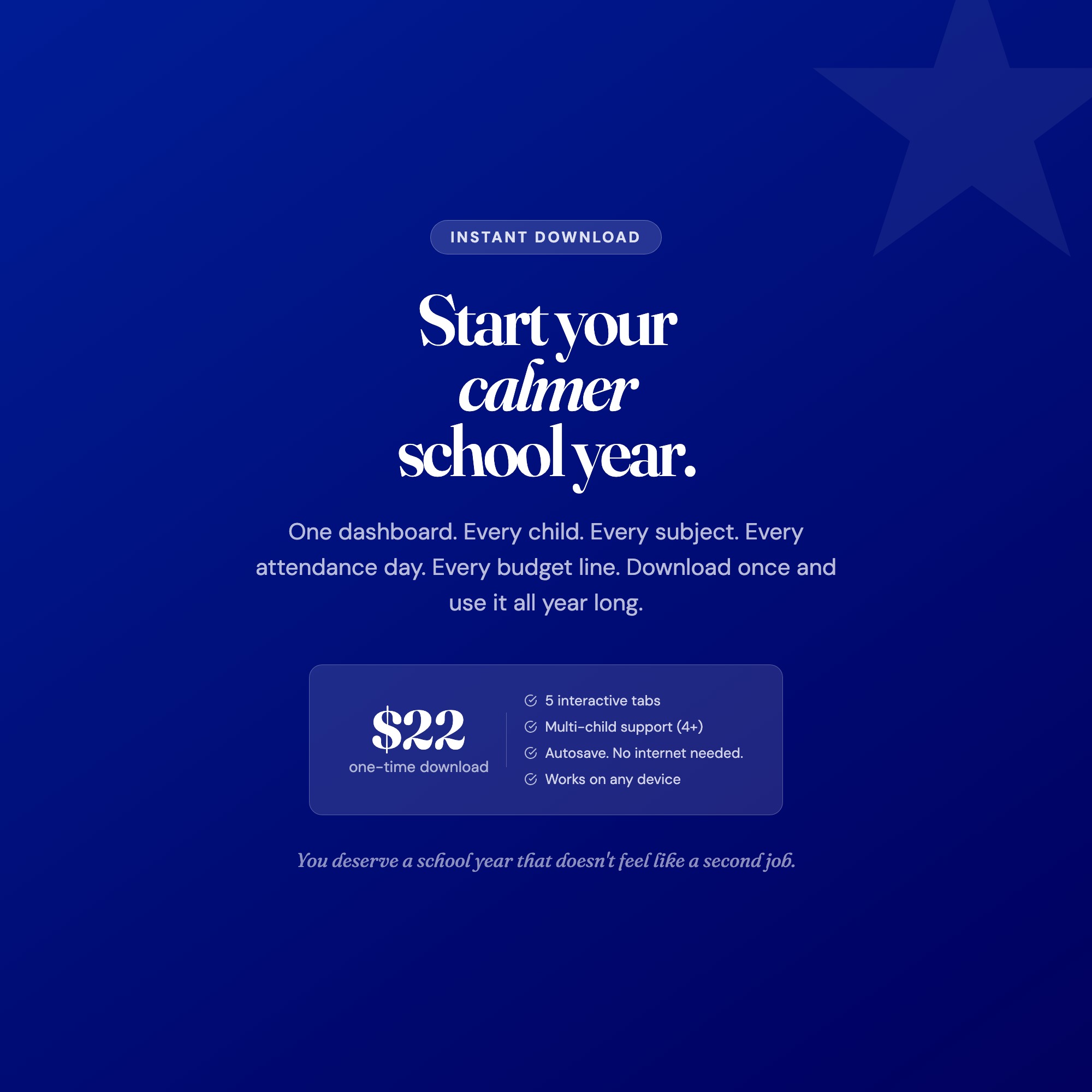
$22, delivered as an instant download the moment you pay. Because it is a digital file, all sales are final.
More about Homeschool Year Planner
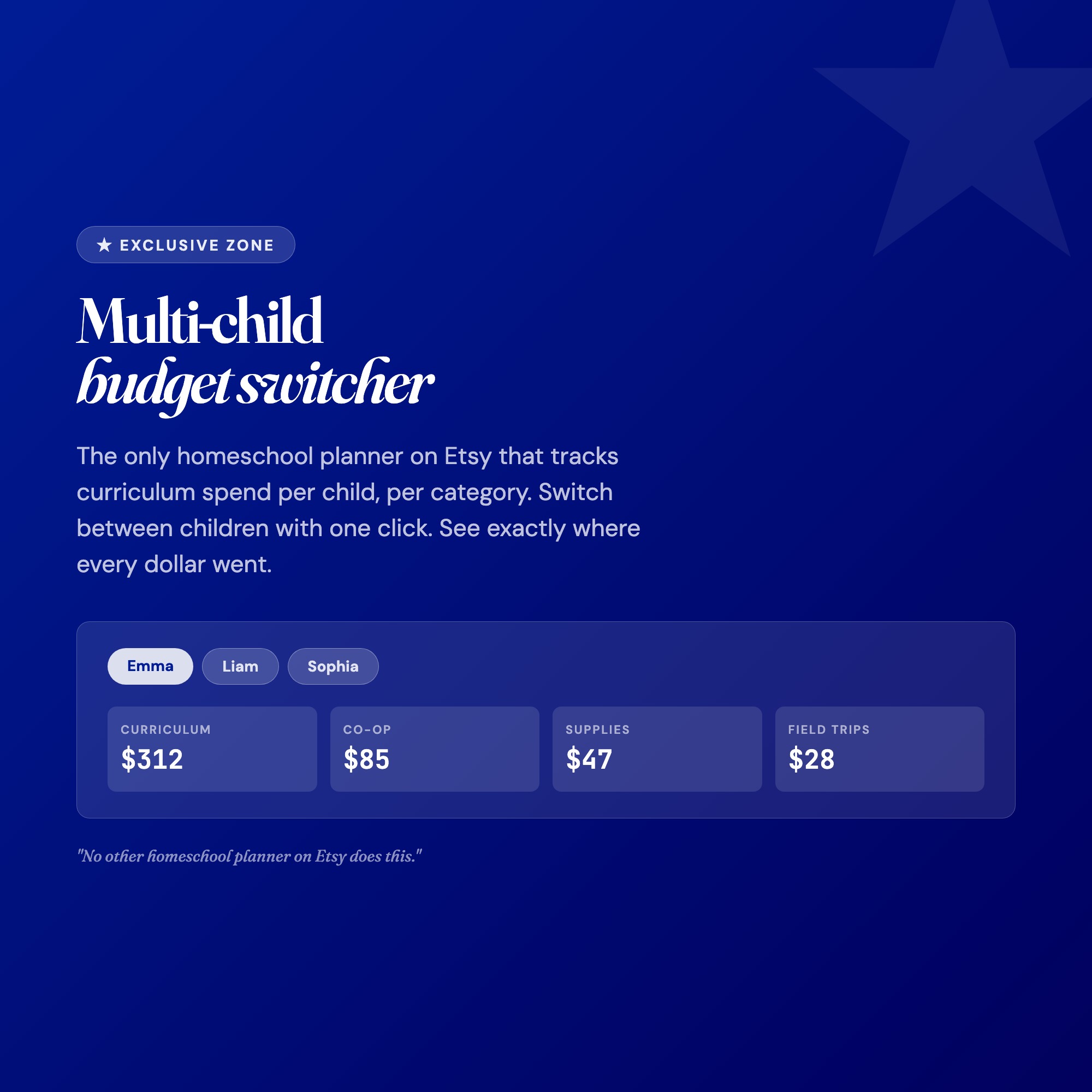
★ EXCLUSIVE ZONE: The only homeschool planner on Etsy with a multi-child switcher that lets you toggle between each child’s full subject plan, attendance log, and grade book in one click. No more flipping between 6 different spreadsheets or 4 separate binders.
WHAT’S INSIDE (5 interactive tabs):
-
OVERVIEW TAB: Your homeschool command center. See attendance totals, subjects in progress, average grades, and curriculum budget for every child at a glance. Quick-entry fields update automatically.
-
SUBJECTS TAB: Plan every subject for each child. Assign curriculum, set weekly hour targets, track completion percentage, and add notes. Color-coded by child for instant clarity.
-
ATTENDANCE TAB: Log school days with a single click. Tracks daily, weekly, and yearly totals automatically. Meets most state reporting requirements for homeschool attendance records.
-
GRADES TAB: Record assignment scores and watch letter grades calculate instantly. Includes GPA calculator, semester breakdown, and printable-ready grade report per child.
-
BUDGET TAB: Track curriculum purchases, co-op fees, supplies, and field trips by category. See annual spend per child and get alerts when nearing your yearly budget target.
THIS IS FOR YOU IF:
-
You homeschool 1-4 children and manage their subjects separately
-
You have tried paper planners but lose track of attendance and grades mid-year
-
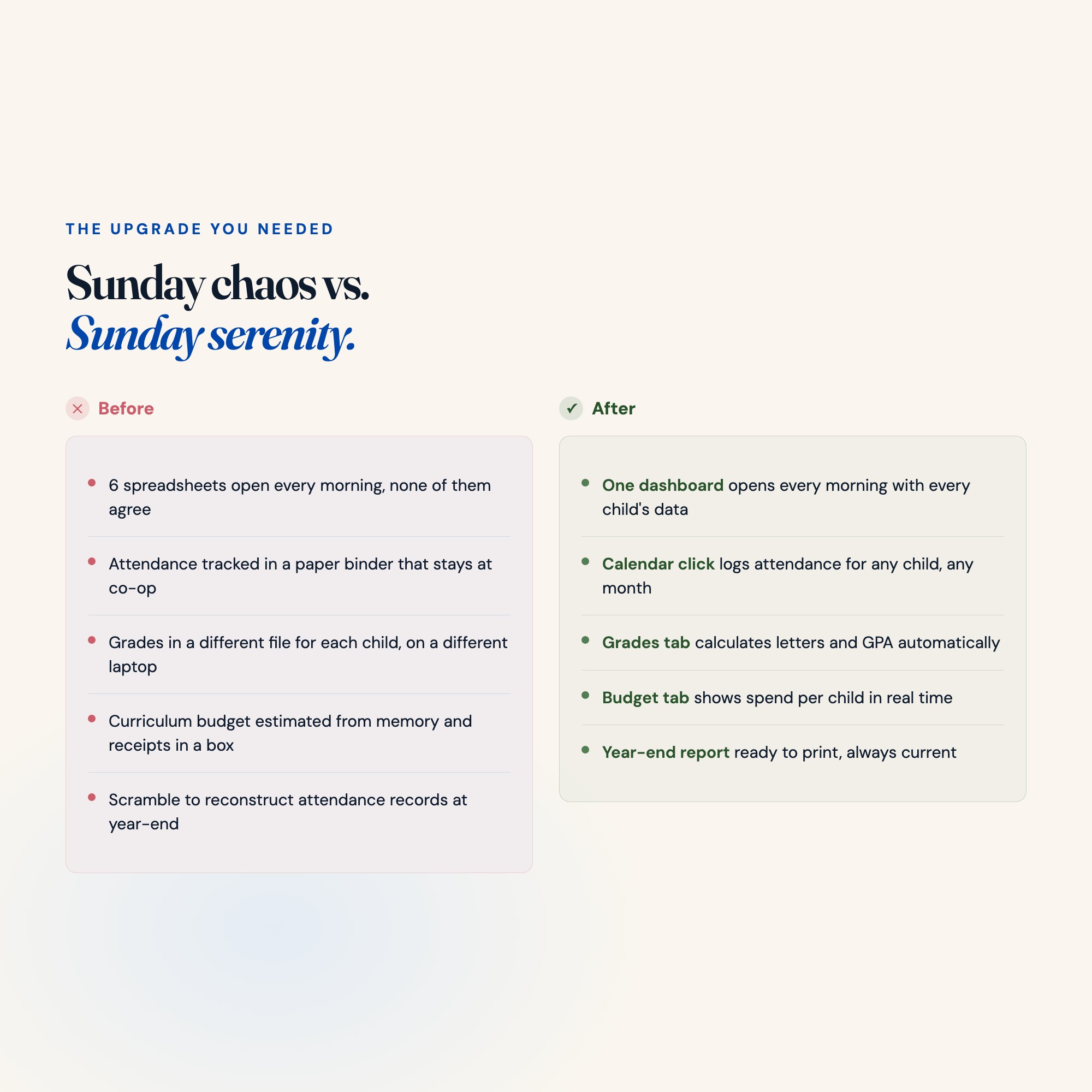
You open 5 spreadsheets every morning just to know what is happening today
-
Your state requires attendance records and you scramble to reconstruct them
-
You want one organized hub that does not require a subscription or internet
YOUR DATA IS SAFE: Everything saves automatically in your browser with no internet required. Export a backup anytime as a JSON file. Restore from backup in one click. Your data never touches any server.
FILES INCLUDED:
-
dashboard.html (double-click to open in any browser)
-
HOW-TO-SAVE.txt (plain-English setup guide)
Works on Mac, Windows, iPad, and Chromebook. No app required. No subscription. Download once, use it all year.
Give yourself back the Sunday afternoons you used to spend updating three different planners. Your whole year, organized in one place.
Notion user? DM me for a Notion workspace add-on version (coming soon).
5 Tabs included
- ◈
Overview
Family command center: attendance totals, subjects, grades average, budget at a glance
- ≡
Subjects
Per-child subject plan with curriculum, weekly hours, and progress tracking
- ⊞
Attendance
Calendar-based daily attendance log per child with year summary
- ◉
Grades
Assignment score entry with automatic letter grade and GPA calculation
- ★
Budget
Curriculum expense tracking per child with category breakdown and budget progress
Exclusive Feature
Multi-child budget switcher with per-child curriculum spend tracked by category. No competitor offers per-child budget attribution in a single homeschool dashboard file.
This is built into the fifth tab and is unavailable in any static template, spreadsheet, or Notion template on the market.
Gallery
Learn more
Before you buy
Frequently asked questions
- What is Homeschool Year Planner?
- Homeschool Year Planner is an interactive dashboard that opens in your web browser. It is one self-contained HTML file — download it once, double-click it, and it runs. No app, no account, no subscription.
- Does Homeschool Year Planner need Excel or Google Sheets?
- No. It is not a spreadsheet and does not open in one. It runs in Chrome, Safari, Edge or Firefox on macOS, Windows, iPad or Chromebook, and keeps working offline.
- What is included in Homeschool Year Planner?
- 5 sections in a single file: Overview, Subjects, Attendance, Grades, Budget.
- Does it work offline?
- Yes — completely. The dashboard is a single HTML file. Once downloaded, it runs entirely in your browser with no internet connection needed. All data autosaves to your browser's localStorage.
- Which devices and browsers are supported?
- Works in Chrome, Edge, Safari, and Firefox on macOS, Windows, iPad, and Chromebook. No app to install, no account to create. Just open the file.
- What is your refund policy?
- All sales are final. This is an instant download delivered in full at payment, so it cannot be returned. If a file will not open or a feature does not work as described, that is a defect and it gets fixed at no cost — email hello@listingresearchos.com and you will get a corrected file.
- How do I install it?
- There is nothing to install. After purchase, download the HTML file. Double-click to open in your browser. That's it. A HOW-TO-SAVE.txt is included explaining how to back up and restore your data.
- Is my data private?
- Completely. Everything runs locally — no login, no analytics, no data sent to any server. Your data is stored only in your browser's localStorage. You own it entirely.
You might also like
One-time purchase
Get it for $22.00
Instant download. Open in any browser. Yours forever.