
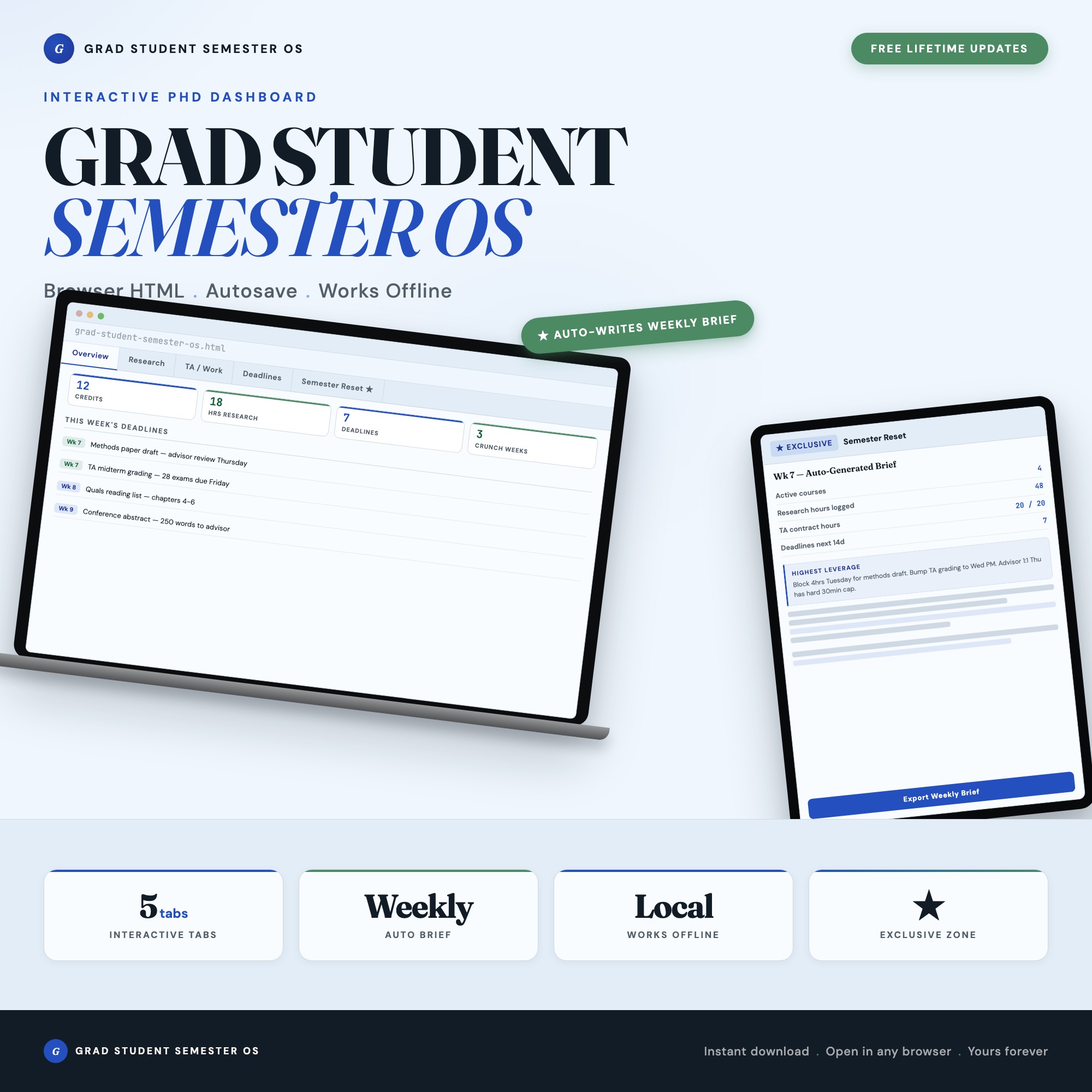
Interactive dashboard
Grad Student Semester OS
Built for Graduate students (master's and PhD) juggling coursework, research, TA duties, advisor meetings, and deadlines with no coherent system
Try it live
Click around the real dashboard
Interactive demo · a few tabs unlocked
See it in action
The dashboard
What it is
Built for graduate students (master’s and PhD) juggling coursework, research, TA duties, advisor meetings, and deadlines with no coherent system. Grad Student Semester OS It is a browser-native interactive dashboard that lives in a single HTML file, with nothing to install.
What is Grad Student Semester OS?
Grad Student Semester OS is an interactive dashboard that opens in your web browser. It is one self-contained HTML file — you download it once, double-click it, and it runs. It is built for graduate students (master’s and PhD) juggling coursework, research, TA duties, advisor meetings, and deadlines with no coherent system.
What is included in Grad Student Semester OS?
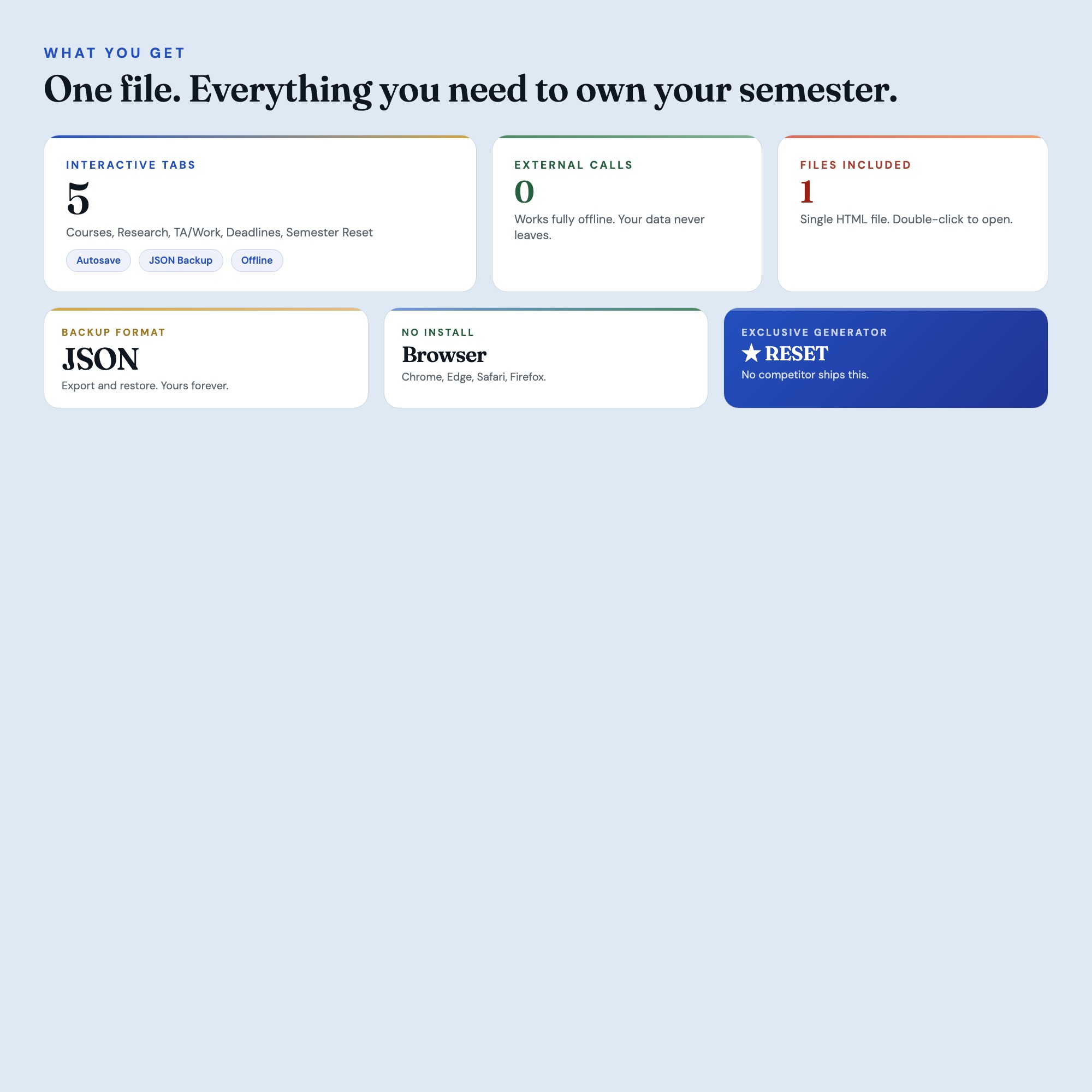
5 sections, all in the one file:
- Overview
- Research
- TA/Work
- Deadlines
- Semester Reset
Does Grad Student Semester OS need Excel, Google Sheets or a subscription?
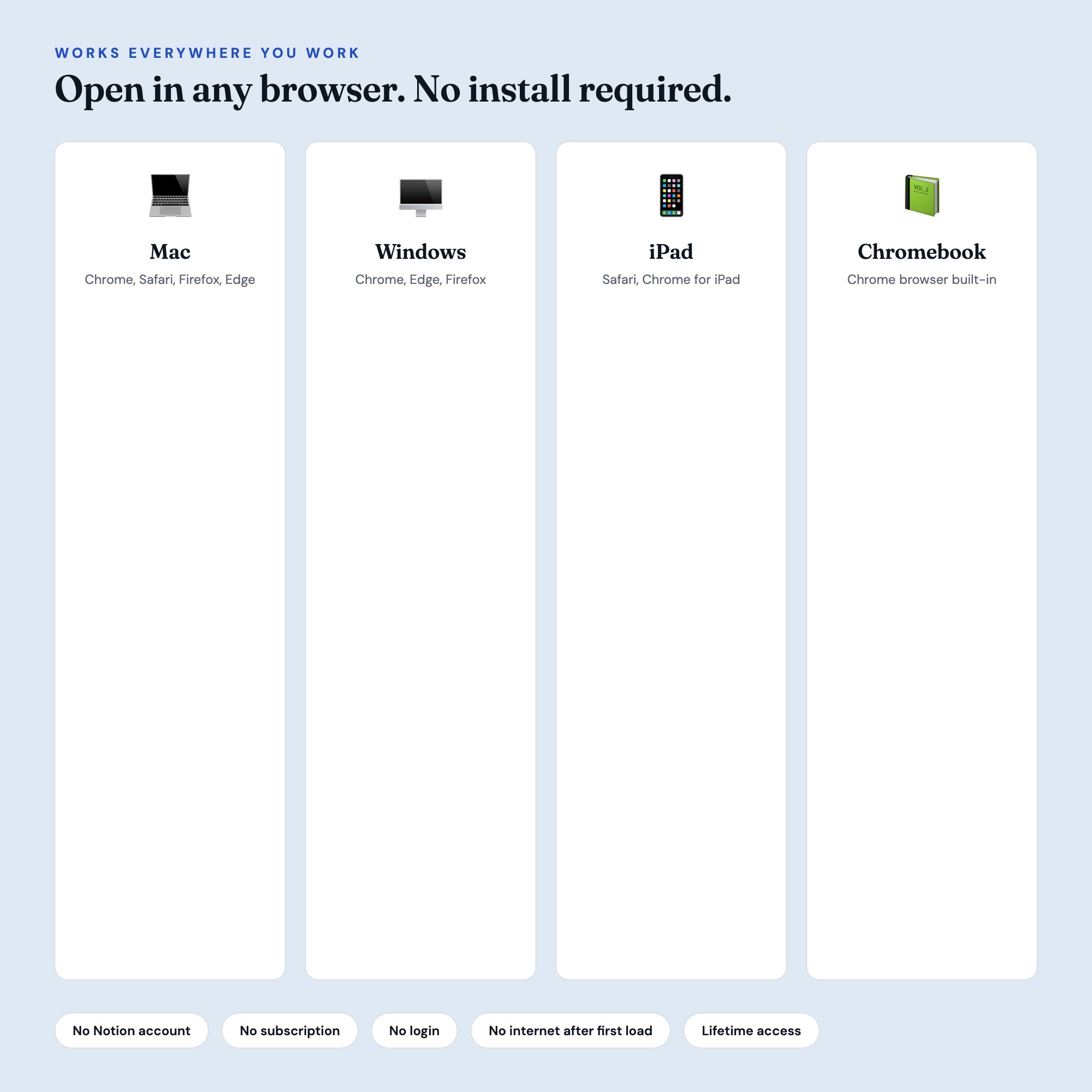
No. There is no app to install, no account to create, no login and no recurring fee. It opens in Chrome, Safari, Edge or Firefox on macOS, Windows, iPad or Chromebook, and it keeps working offline once the file is on your machine.
Where does Grad Student Semester OS store my data?
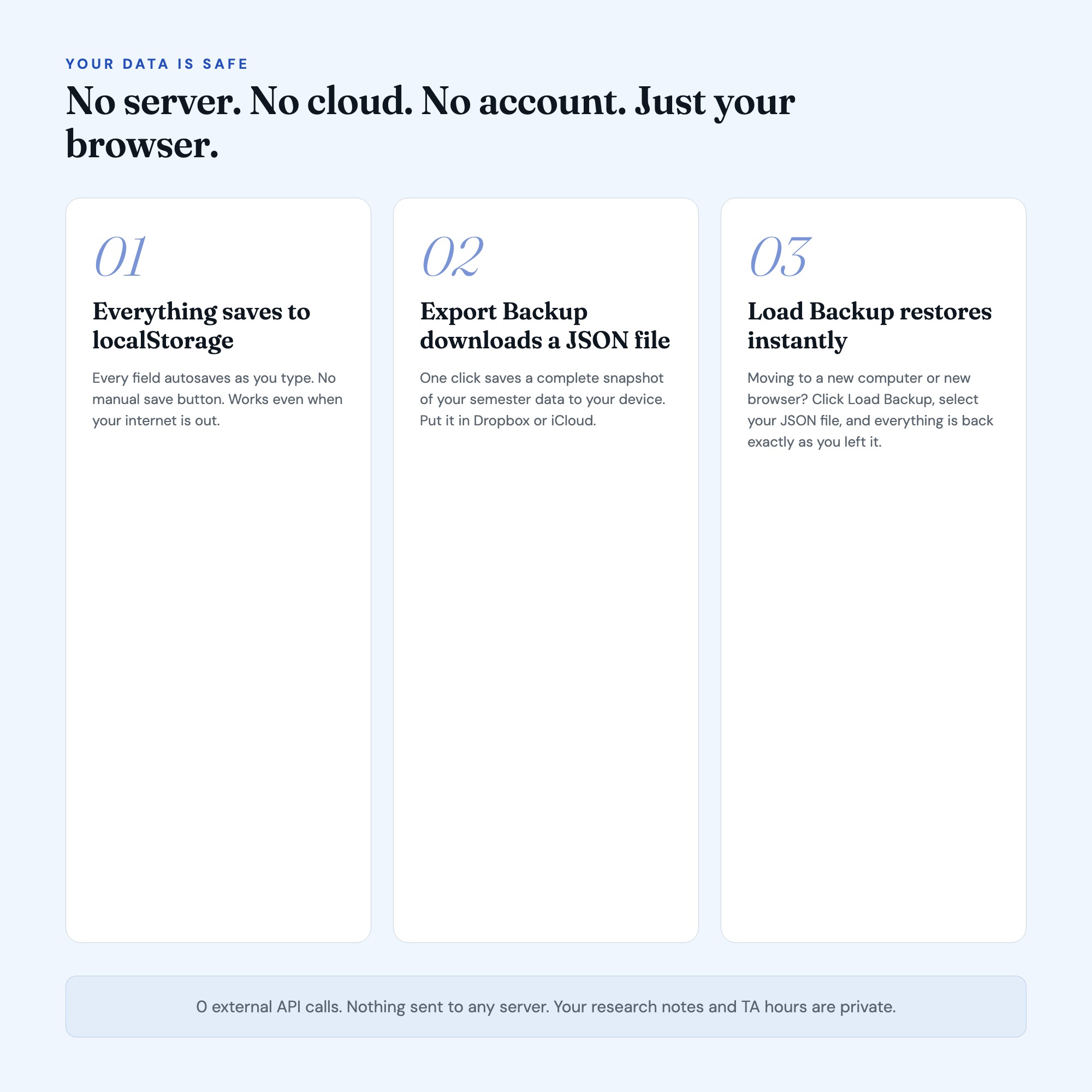
On your own device, in your own browser. Nothing is uploaded, no account is created and no analytics are collected. You can export a backup file at any time and load it on another computer.
How much is Grad Student Semester OS and how is it delivered?
$22, delivered as an instant download the moment you pay. Because it is a digital file, all sales are final.
More about Grad Student Semester OS
The Grad Student Semester OS is an interactive browser dashboard built for master’s and PhD students who are juggling coursework, research hours, TA duties, advisor meetings, and a thesis pipeline all at once. Open one file. Get your entire semester on screen. Close the laptop knowing exactly what needs to happen tomorrow.
No subscription. No login. No Notion account. Works in Chrome, Edge, Safari, or Firefox on any device you already own.
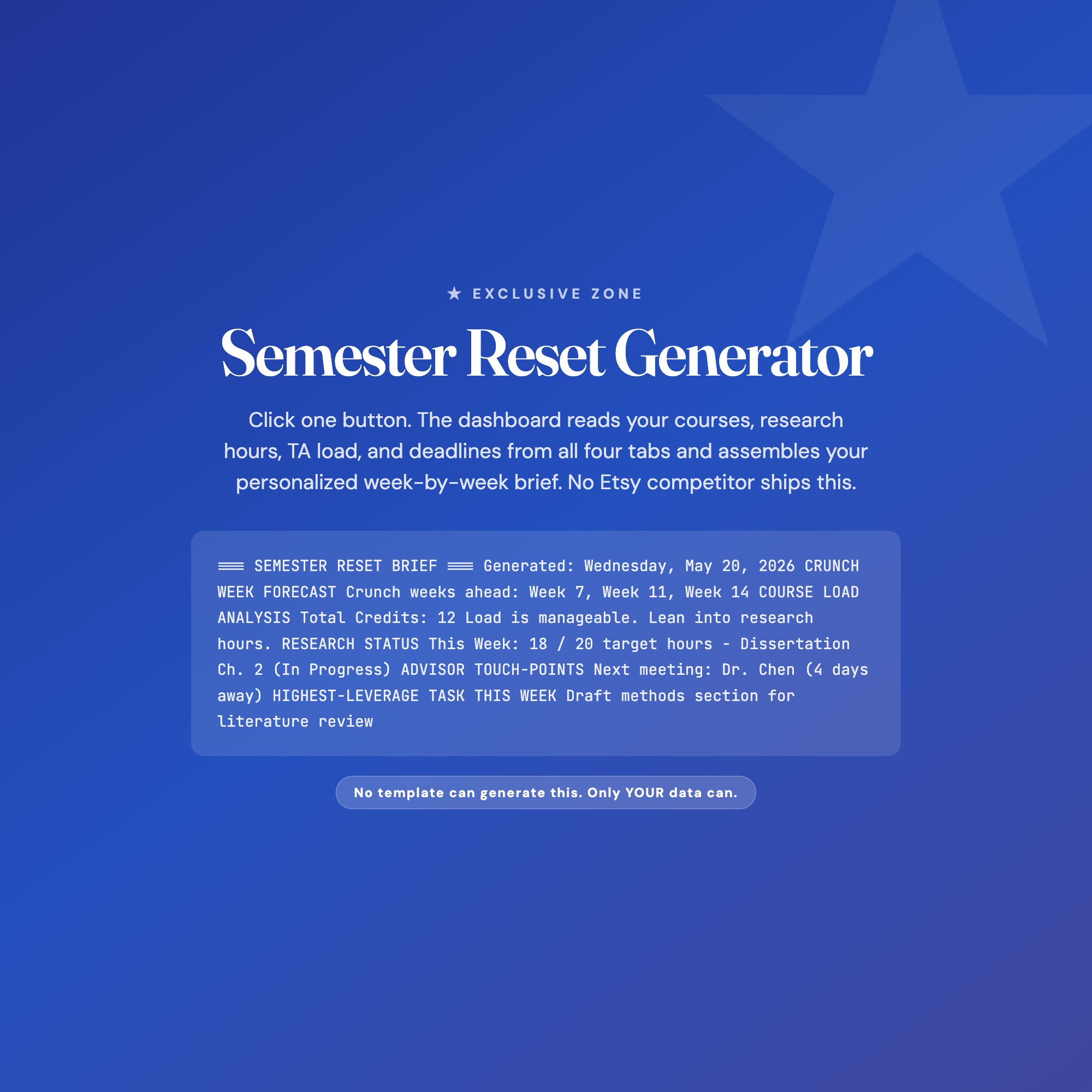
★ EXCLUSIVE ZONE: The Semester Reset Generator
Tab 5 reads every course, research block, TA shift, and deadline you have logged in tabs 1 through 4, and assembles a personalized week-by-week semester brief. It tells you which weeks are your crunch weeks, which advisors you are overdue to meet, and what your single highest-leverage task is for the next 7 days. No competitor on Etsy ships this. No spreadsheet can generate it because it requires your actual logged data to produce a real output, not a template.
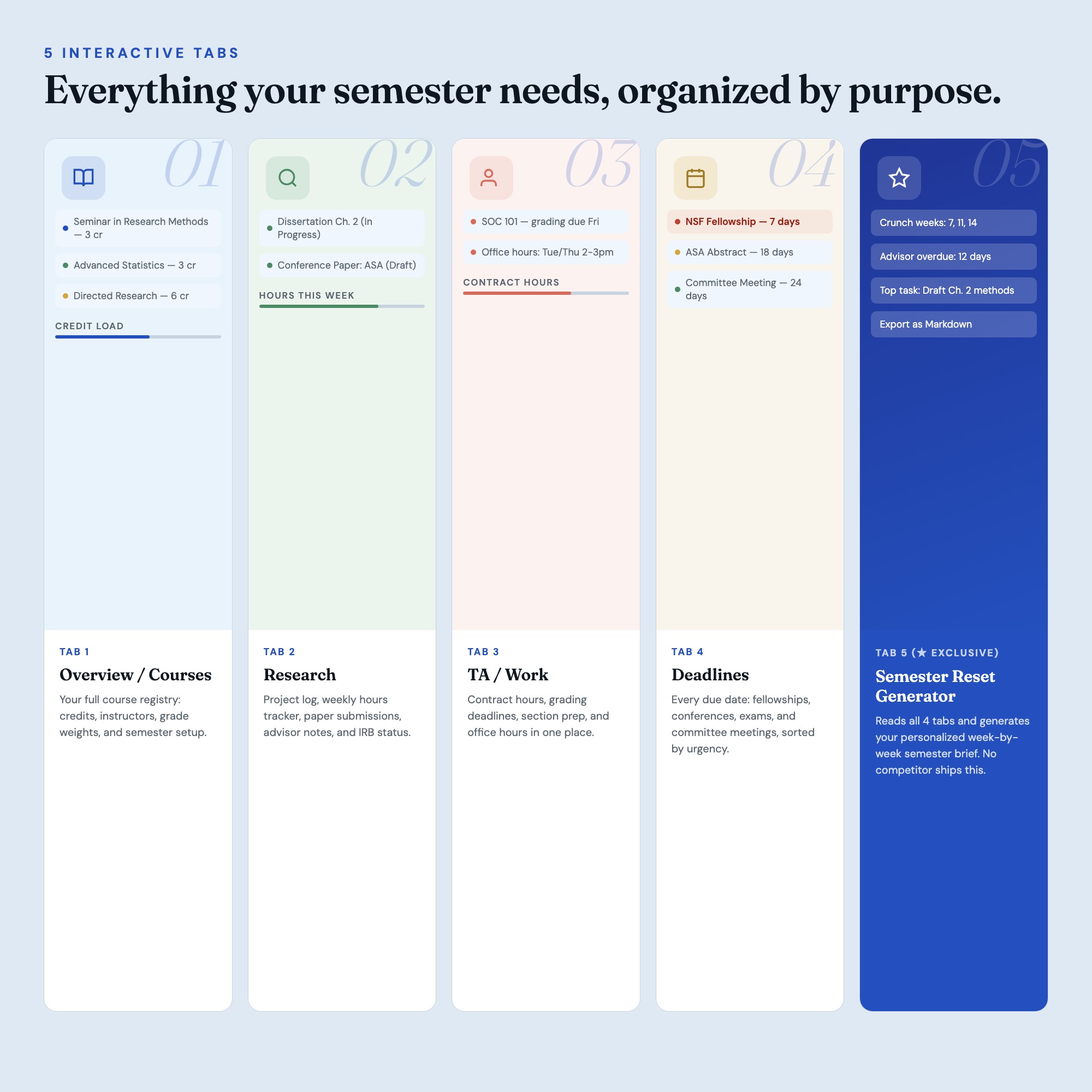
WHAT’S INSIDE (5 Interactive Tabs)
-
Courses: Log every class with instructor, credits, grade weight, and office hours. The dashboard calculates your total credit load and color-codes your schedule density so you can see at a glance which weeks are already overloaded before you say yes to anything else.
-
Research: Track your active projects, lab hours, paper drafts, advisor meeting notes, and IRB status. Set weekly hour targets and watch your cumulative research hours update in real time as you log sessions. Your thesis timeline is always visible.
-
TA/Work: Manage your teaching assistant duties, grading deadlines, office hours, and section prep in one place. Log hours against your TA contract cap so you never accidentally go over and trigger an HR conversation.
-
Deadlines: A single live dashboard of every due date across all your tabs. Conferences, fellowship deadlines, paper submissions, committee meetings, and exams all surface here so nothing slips. Color-coded by urgency: due this week, due this month, later.
-
Semester Reset (★ EXCLUSIVE): The generator. Click one button and the dashboard reads your logged data to produce your personalized weekly brief: your 3 crunch weeks, your overdue advisor touch-points, and your top-priority task for the next 7 days. Export it as a markdown file to paste into your notes or share with your advisor. No competitor ships this.
THIS IS FOR YOU IF:
-
You have 4 or more active commitments this semester and your paper planner can no longer hold all of them
-
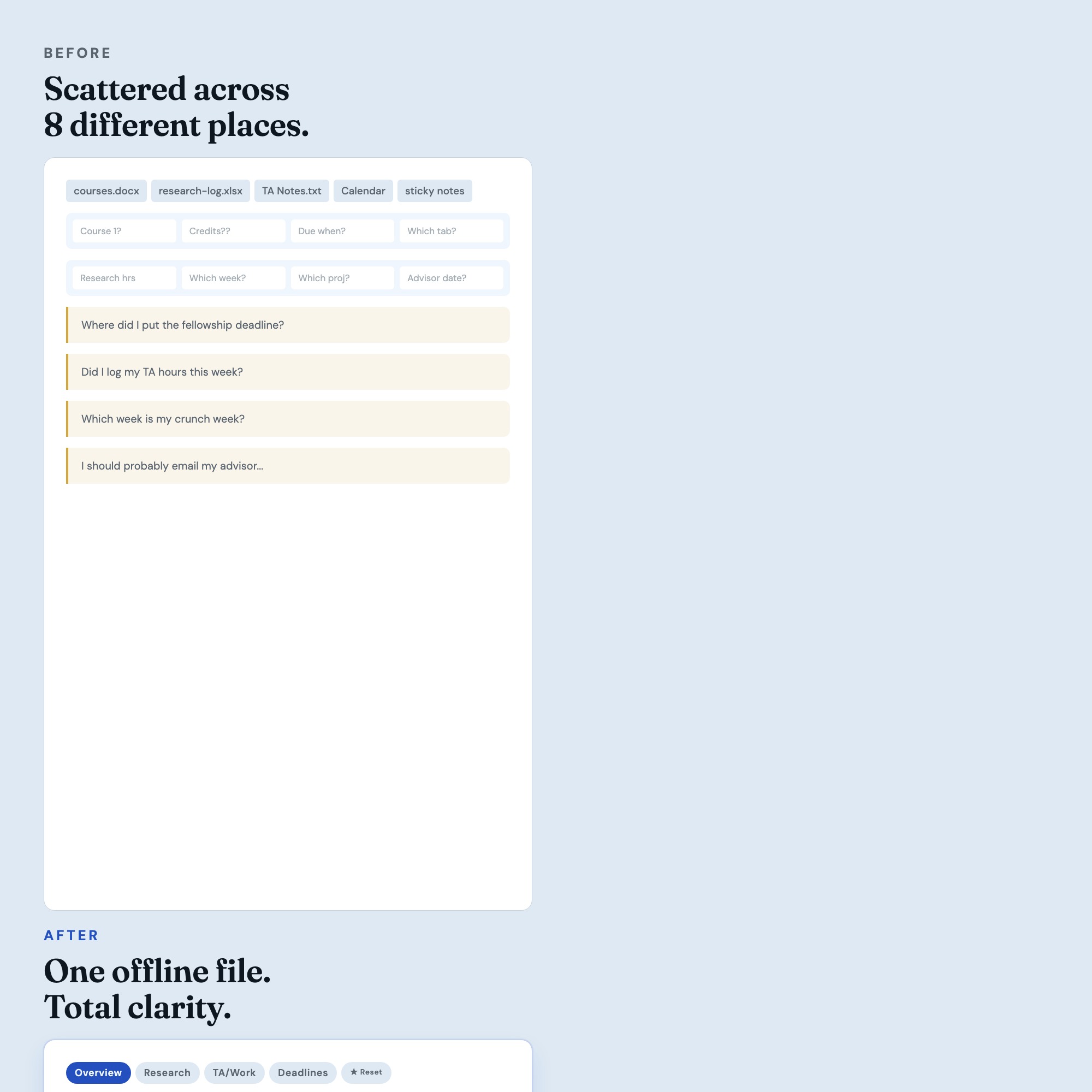
You keep missing fellowship deadlines and conference submissions because they live in 6 different emails
-
You want to show your advisor you have a real system, not just a stressed expression
-
You track research hours manually in a spreadsheet that you forget to open
-
You have never once made it to the end of a semester feeling like you were in control
Your data is safe
Everything lives in your browser’s localStorage. Nothing leaves your device. No server, no cloud, no account. Use Export Backup to save a JSON snapshot anytime. Use Load Backup to restore it on a new computer or after a browser reset. Your data is yours, forever.
Files included
-
dashboard.html (open in any browser, works offline)
-
HOW-TO-SAVE.txt (plain-English guide for bookmarking, backing up, and moving to a new device)
Works in Chrome, Edge, Safari, Firefox. macOS, Windows, iPad, Chromebook.
Finally own your semester instead of surviving it.
Notion template upgrade coming soon. Follow the shop to get notified.
5 Tabs included
- ◈
Overview
Course registry and semester setup
- ≡
Research
Project log, hours tracker, paper submissions
- ⊞
TA/Work
TA duties, grading, office hours, contract hours
- ◉
Deadlines
Unified deadline tracker across all commitments
- ★
Semester Reset
EXCLUSIVE: Generates personalized week-by-week semester brief from logged data
Exclusive Feature
Semester Reset Generator — reads all 4 tabs and assembles personalized weekly brief: crunch weeks, overdue advisor meetings, highest-leverage task. Exports as Markdown.
This is built into the fifth tab and is unavailable in any static template, spreadsheet, or Notion template on the market.
Gallery
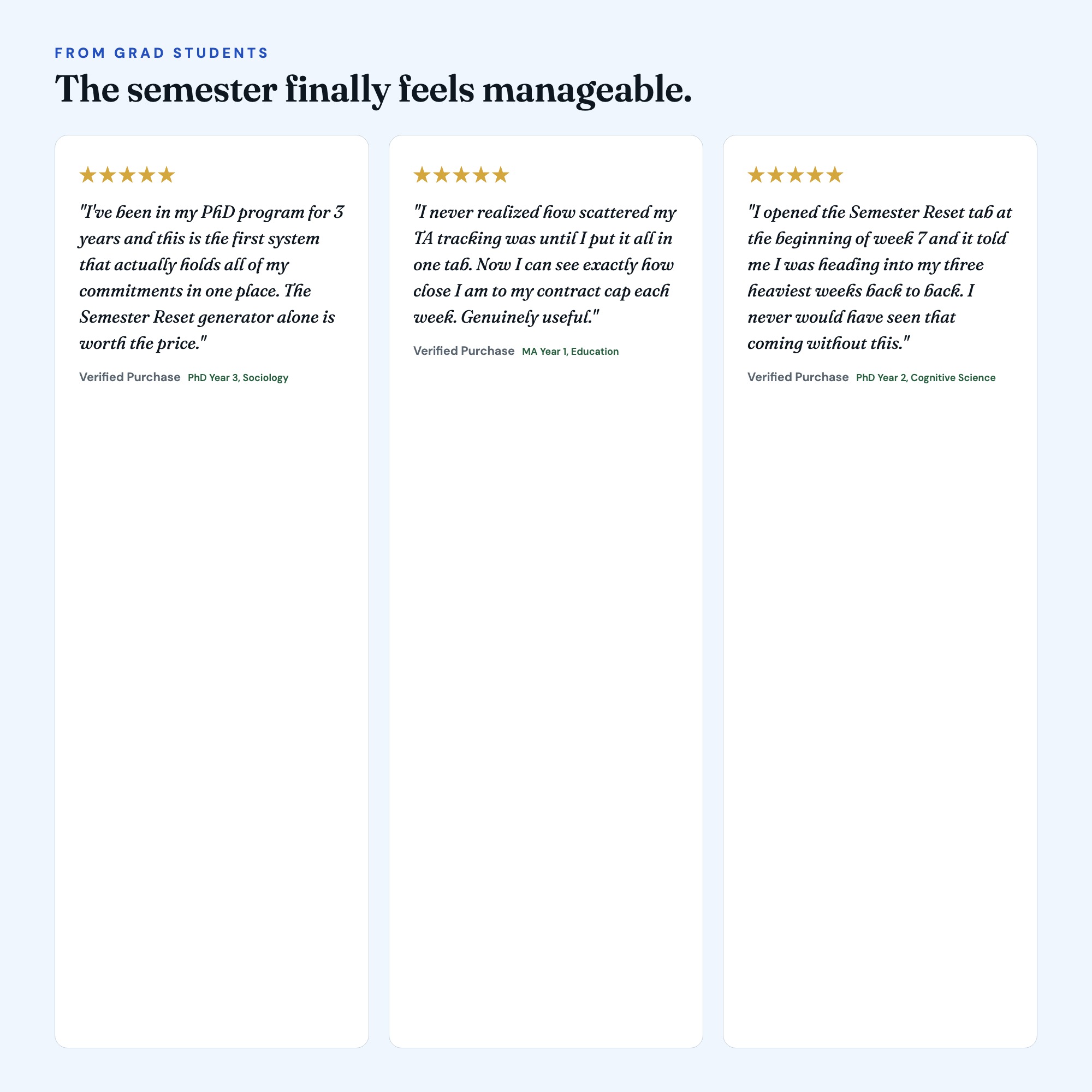
Learn more
How to Organize Grad School Deadlines Without Burning Out
A grad school deadline system for master's and PhD students juggling coursework, research hours, TA duties, and advisor meetings across one shared view.
GuidePhD Student Productivity System: Research, TA Duties, and Coursework in One Place
How PhD students manage coursework, research hours, TA duties, and advisor meetings without losing the thread, using one semester OS for all four tracks.
ComparisonNotion vs. Trello vs. Offline Dashboard for Grad Students
Comparing Notion, Trello, and an offline semester dashboard for grad students: which one handles coursework, research hours, and TA duties together.
List8 Systems Every Grad Student Needs to Survive the Semester
8 systems grad students use to keep coursework, research hours, TA duties, and deadlines in one place, each fixing a failure mode that hits by week 8.
Before you buy
Frequently asked questions
- What is Grad Student Semester OS?
- Grad Student Semester OS is an interactive dashboard that opens in your web browser. It is one self-contained HTML file — download it once, double-click it, and it runs. No app, no account, no subscription.
- Does Grad Student Semester OS need Excel or Google Sheets?
- No. It is not a spreadsheet and does not open in one. It runs in Chrome, Safari, Edge or Firefox on macOS, Windows, iPad or Chromebook, and keeps working offline.
- What is included in Grad Student Semester OS?
- 5 sections in a single file: Overview, Research, TA/Work, Deadlines, Semester Reset.
- Does it work offline?
- Yes — completely. The dashboard is a single HTML file. Once downloaded, it runs entirely in your browser with no internet connection needed. All data autosaves to your browser's localStorage.
- Which devices and browsers are supported?
- Works in Chrome, Edge, Safari, and Firefox on macOS, Windows, iPad, and Chromebook. No app to install, no account to create. Just open the file.
- What is your refund policy?
- All sales are final. This is an instant download delivered in full at payment, so it cannot be returned. If a file will not open or a feature does not work as described, that is a defect and it gets fixed at no cost — email hello@listingresearchos.com and you will get a corrected file.
- How do I install it?
- There is nothing to install. After purchase, download the HTML file. Double-click to open in your browser. That's it. A HOW-TO-SAVE.txt is included explaining how to back up and restore your data.
- Is my data private?
- Completely. Everything runs locally — no login, no analytics, no data sent to any server. Your data is stored only in your browser's localStorage. You own it entirely.
You might also like
One-time purchase
Get it for $22.00
Instant download. Open in any browser. Yours forever.