
Aging Parent Care Checklist: What to Track for Elderly Parents
What adult children actually need to track for aging parents: medications, appointments, legal documents, decline observations, and sibling coordination.
Published June 3, 2026
Most adult children become de facto care coordinators for their aging parents without a system, a plan, or a clear picture of what they’re actually responsible for tracking. This guide covers what matters and why — organized around the five areas where families consistently fall behind.
1. Medications and Appointments: The Weekly Foundation
Medication management is where the most critical errors happen. A missed dose, a refill that runs out, or a drug interaction nobody noticed — these have real consequences.
What to track:
- Every medication with dosage, timing, and prescribing doctor
- Refill dates and supply on hand (calculate how many days until you need a refill, not just when you last filled it)
- Every appointment: specialist, primary care, dentist, eye doctor, lab work
- What happened at each appointment and any changes to medication or care plan
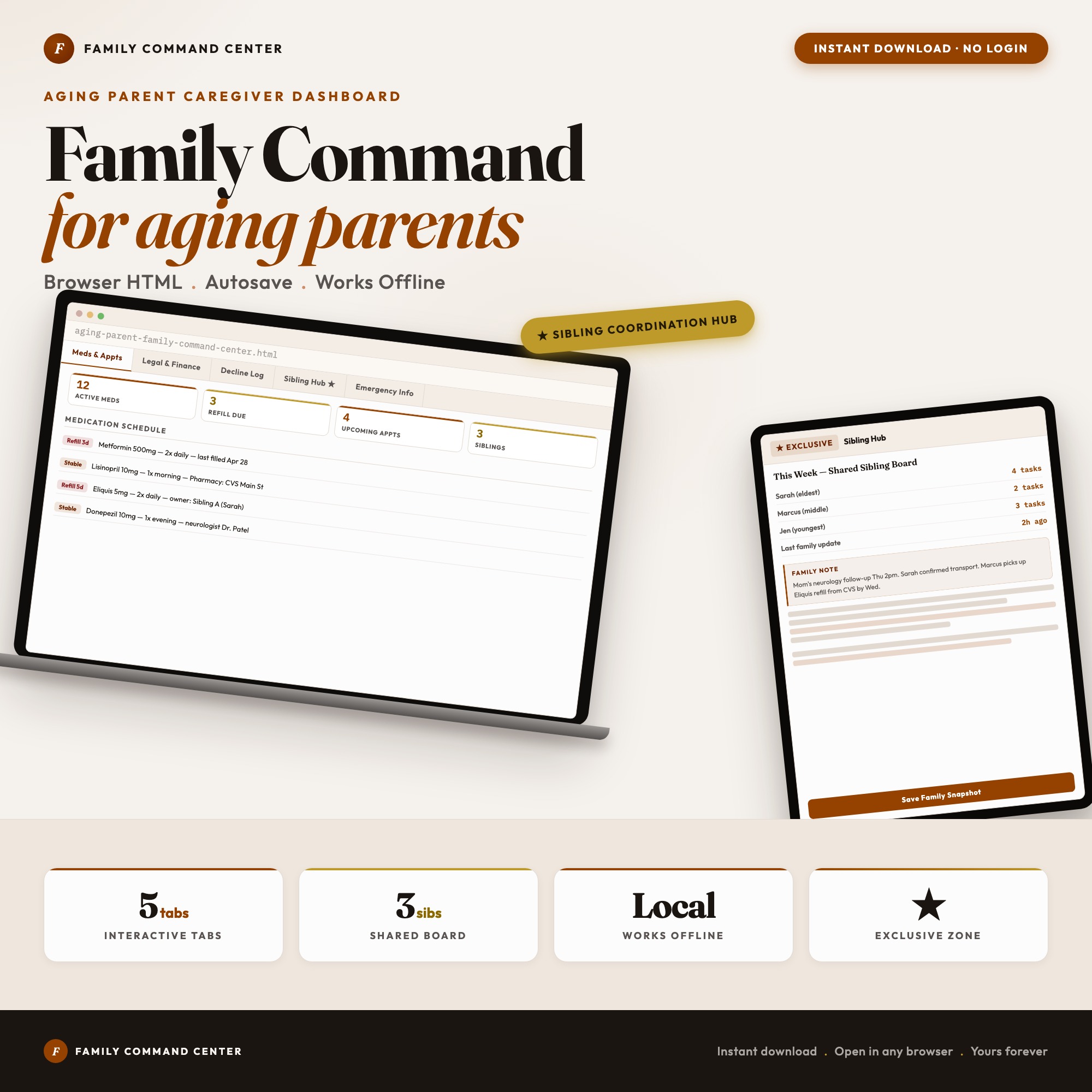
The 7-day medication schedule grid in the Aging Parent Family Command Center includes refill alerts calculated automatically from current supply count. When the refill date approaches, it flags in the dashboard — you don’t need to remember to check.
2. Legal and Financial Documents: Status, Not Just Location
Most families know roughly where the important documents are. What they don’t know is whether the documents are current, who has access to them, and whether the siblings who need to act on them will be able to.
Document status has three states for each item: located, scanned/copied, and shared with siblings. Until all three are done, it’s not done.
The critical documents to track:
- Durable power of attorney (financial) — who is authorized to manage financial affairs if your parent becomes incapacitated
- Healthcare proxy / healthcare power of attorney — who makes medical decisions and what your parent’s wishes are
- Living will / advance directive — specific medical instructions for end-of-life situations
- Will — location, and who the executor is
- Bank accounts, investment accounts, insurance policies — institution name, account numbers, and contact information
The Financial and Legal Documents tab in the dashboard has a tri-state status indicator per document so the whole family knows what’s been done.
3. Decline Observations: The Pattern Over Time
Your parent’s doctor sees them for 15 minutes twice a year. You’re the longitudinal data source. If your parent’s memory has been declining noticeably over the past six months, or their mobility has decreased, or their appetite has changed — that pattern is clinically significant, but only if you can document it.
Track changes across these five dimensions each month:
- Memory: Are they forgetting conversations they had last week? Recent events?
- Mobility: How much assistance do they need? Any falls?
- Mood: Increased withdrawal, agitation, or confusion?
- Appetite: Changes in eating habits or significant weight change?
- Sleep: Sleeping more during the day? Irregular patterns?
The Decline Observations tab uses a monthly grid across these five dimensions with three states per cell: improving, stable, or declining. Over six months, the pattern becomes a compelling clinical picture you can bring to any doctor’s visit.
4. Sibling Coordination: Assign or It Doesn’t Get Done
The “someone will handle it” problem is endemic to multi-sibling caregiver situations. When a task isn’t assigned to a specific person, nobody feels personally accountable for it. The call doesn’t get made. The refill doesn’t happen. Then everyone discovers the gap when something goes wrong.
Each sibling needs a clearly defined responsibility area with explicit ownership. Tasks without a named owner should not exist in the system.
The Sibling Coordination Hub in the dashboard gives each sibling a color-coded column of active responsibilities with a “Last updated by [name] at [time]” stamp on every panel. There’s no ambiguity about whether the pharmacy was called — either it’s logged or it isn’t.
5. Emergency Information: One View That Fits in a Pocket
If an emergency happens, whoever is responding — the EMT, the ER nurse, a neighbor — needs certain information immediately. That information should be on one screen that can be screenshot or printed.
What belongs in the emergency view:
- Parent’s full name and date of birth
- Current medications with dosages
- Known allergies
- Insurance ID and primary care physician
- Pharmacy name and phone number
- Emergency contacts (by priority)
The Emergency Information tab in the dashboard is formatted as a wallet-card layout designed for this exact moment.
The Aging Parent Family Command Center covers all five areas in a single offline HTML file. Your parent’s most sensitive information — medications, legal documents, financial accounts — stays in your browser and never leaves your device. One-time purchase of $22.
Frequently asked questions
- What should I track for an aging parent?
- The five essential categories are: medications and appointment log, legal and financial documents (who has access to what), decline observations over time, sibling task assignments with accountability, and emergency information in one printable view. These five areas are where coordination breaks down.
- How do I coordinate aging parent care with siblings who live in different cities?
- The core problem is accountability: when nobody knows who called the pharmacy or scheduled the specialist, things fall through the cracks. The Sibling Coordination Hub in the Aging Parent Family Command Center assigns tasks to specific siblings with last-updated timestamps, so there's never ambiguity about who's responsible for what.
- What legal documents should I have on file for an aging parent?
- At minimum: durable power of attorney (financial), healthcare proxy or healthcare power of attorney, living will or advance directive, and the location of the will. Also useful: account numbers and institution contacts for bank accounts, investment accounts, and insurance policies.
- What is a decline observation log and why does it matter?
- A decline observation log tracks changes in your parent's condition over time across specific dimensions: memory, mobility, mood, appetite, and sleep. This pattern log is invaluable when communicating with their doctor — you can show months of observations rather than relying on what you can remember from the last visit.
- How much does the Aging Parent Family Command Center cost?
- One-time purchase of $22 on Etsy. No subscription, no login required.
Ready-made dashboards
Skip setup — grab an interactive dashboard built for this exact workflow.
ListingResearchOS Shop
All dashboards — one-time purchase, yours forever
Single HTML files. No subscriptions. No login. Works offline in any browser.
Browse all dashboards →