
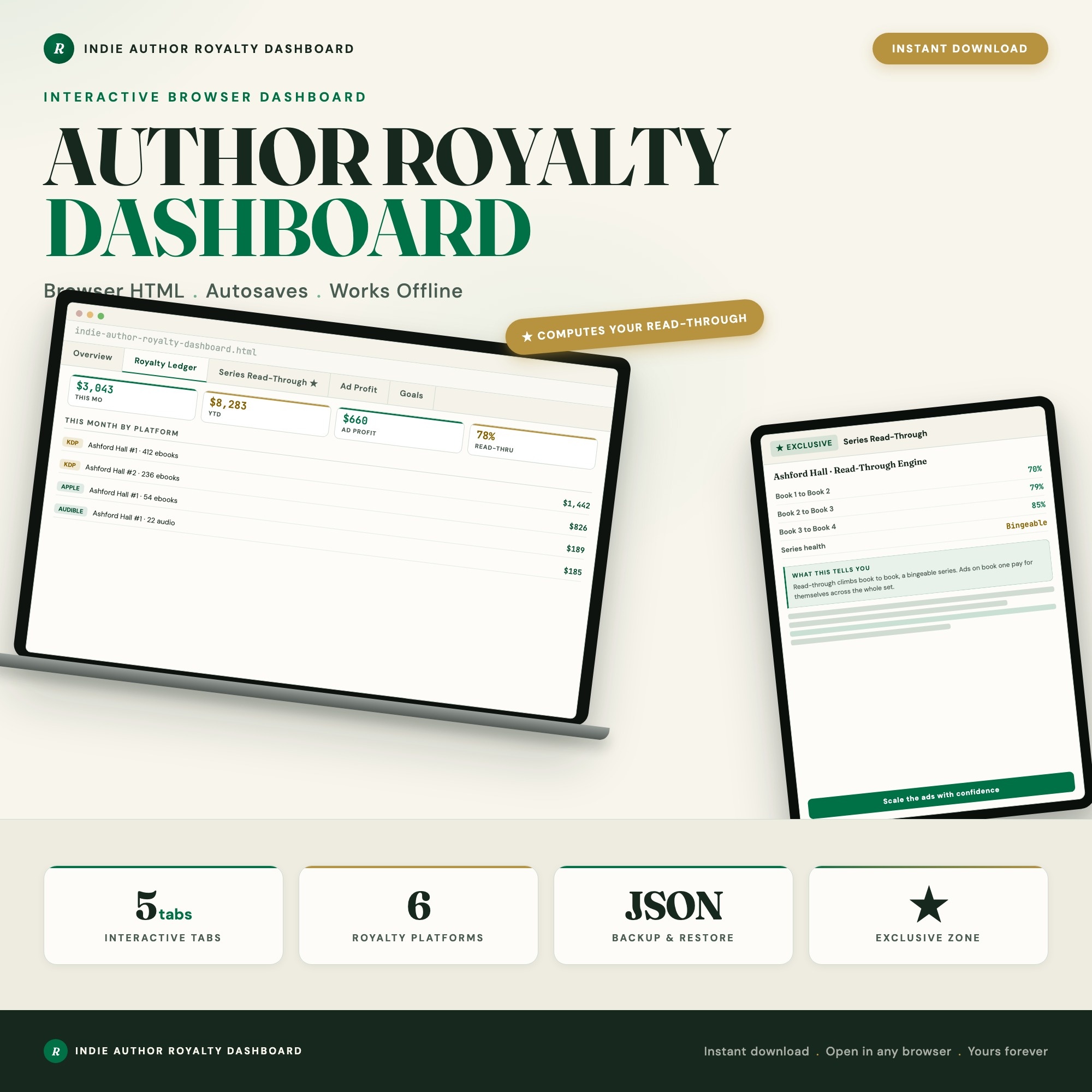
Interactive dashboard
Indie Author Royalty Tracker, Interactive Self Publishing Sales Dashboard, KDP Multi Platform Book Royalties, Series Read Through + Ad ACOS Profit, Author Income
Built for Self-published and indie authors (plus hybrid and debut authors) with books live across KDP, Apple Books, Kobo, Barnes and Noble, Google Play, and Audible, drowning in a different monthly royalty report from every platform, copy-pasting into a spreadsheet, and still unable to answer the only question that matters: am I actually making money, and is my series working?
Try it live
Click around the real dashboard
Interactive demo · a few tabs unlocked
See it in action
The dashboard
What it is
Built for self-published and indie authors (plus hybrid and debut authors) with books live across KDP, Apple Books, Kobo, Barnes and Noble, Google Play, and Audible, drowning in a different monthly royalty report from every platform, copy-pasting into a spreadsheet, and still unable to answer the only question that matters: am I actually making money, and is my series working?. Track every royalty. See your true profit. Grow your read-through. It is a browser-native interactive dashboard that lives in a single HTML file, with nothing to install.
What is Indie Author Royalty Tracker?
Indie Author Royalty Tracker is an interactive dashboard that opens in your web browser. It is one self-contained HTML file — you download it once, double-click it, and it runs. It is built for self-published and indie authors (plus hybrid and debut authors) with books live across KDP, Apple Books, Kobo, Barnes and Noble, Google Play, and Audible, drowning in a different monthly royalty report from every platform, copy-pasting into a spreadsheet, and still unable to answer the only question that matters: am I actually making money, and is my series working?.
What is included in Indie Author Royalty Tracker?
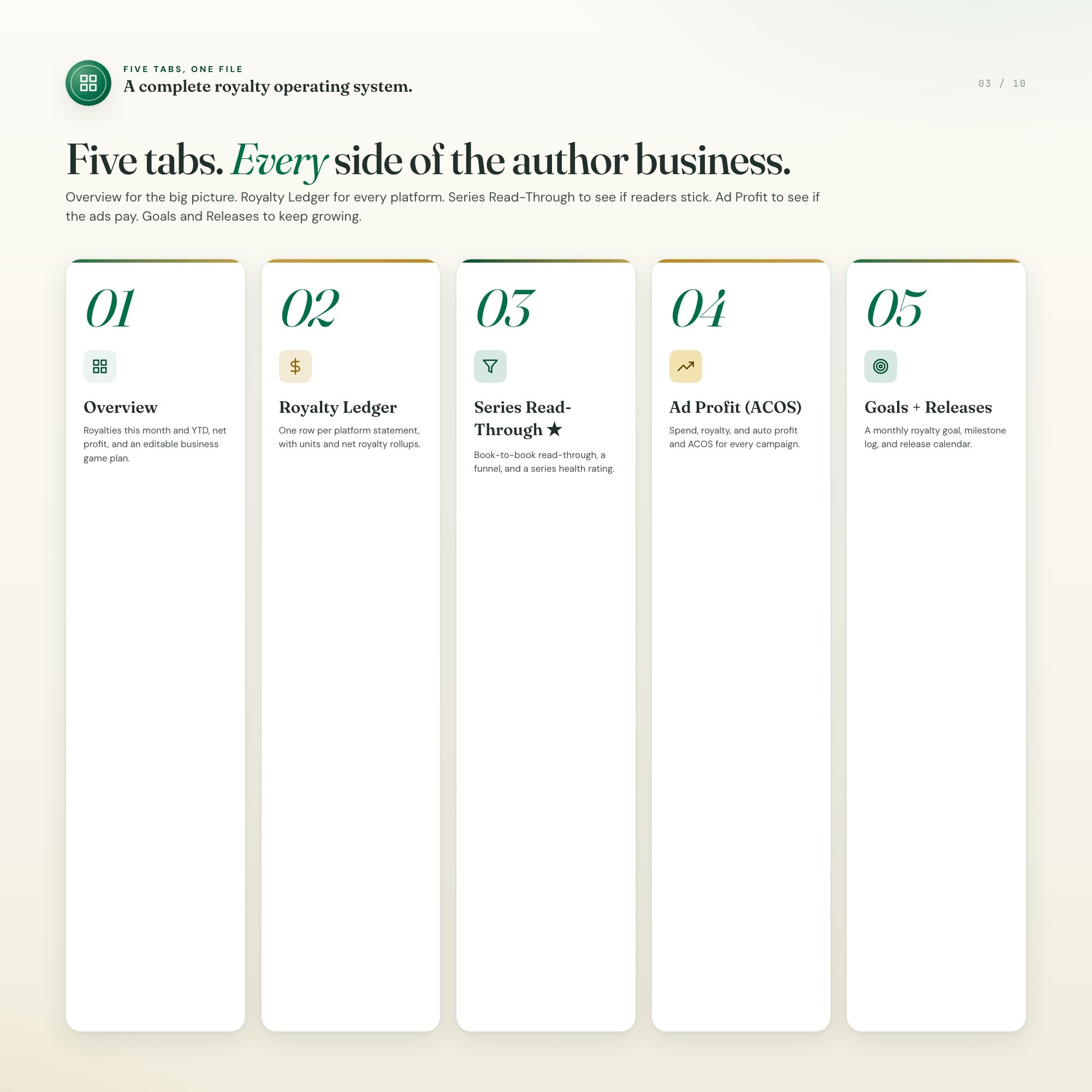
5 sections, all in the one file:
- Overview
- Royalty Ledger
- Series Read-Through
- Ad Profit (ACOS)
- Goals & Releases
Does Indie Author Royalty Tracker need Excel, Google Sheets or a subscription?
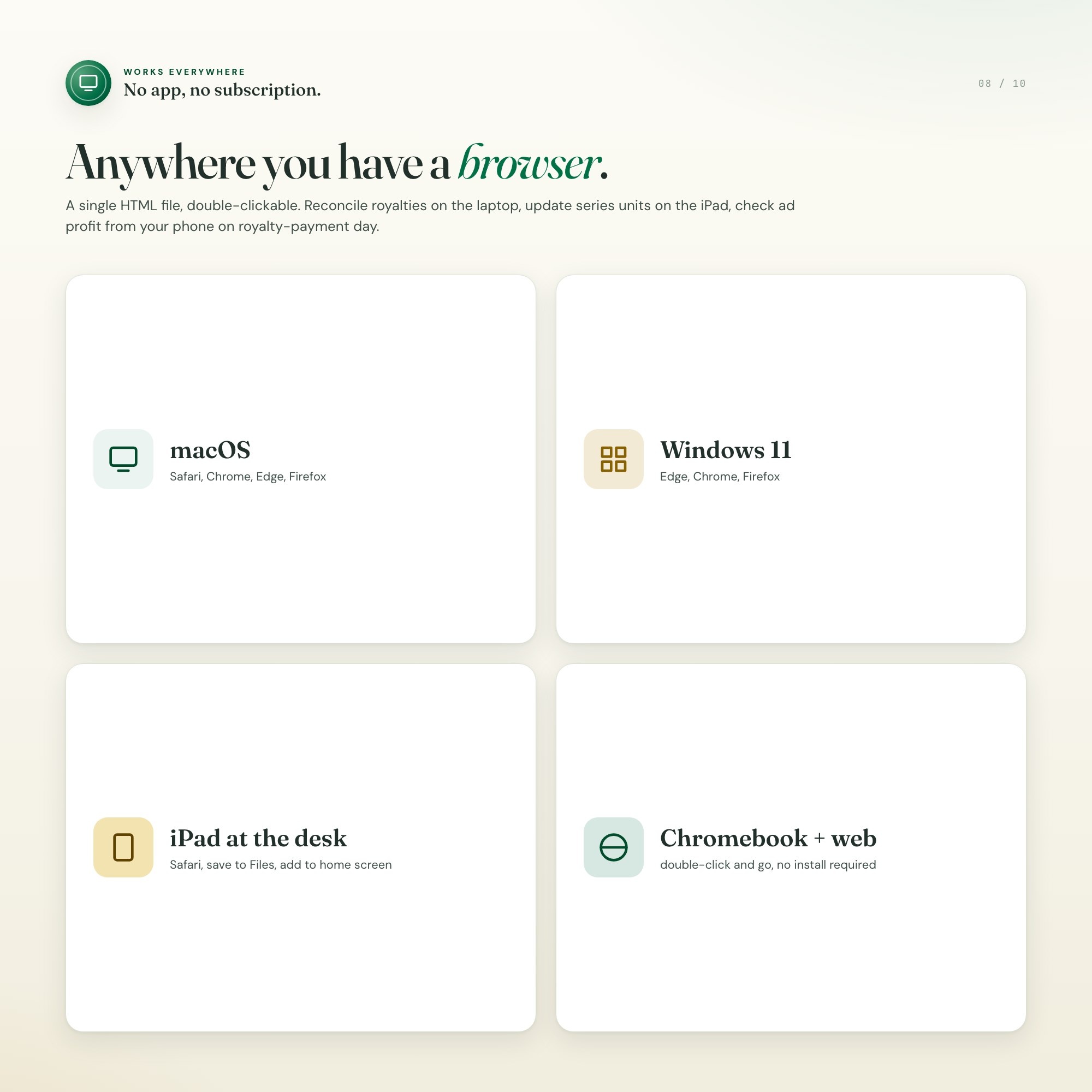
No. There is no app to install, no account to create, no login and no recurring fee. It opens in Chrome, Safari, Edge or Firefox on macOS, Windows, iPad or Chromebook, and it keeps working offline once the file is on your machine.
Where does Indie Author Royalty Tracker store my data?
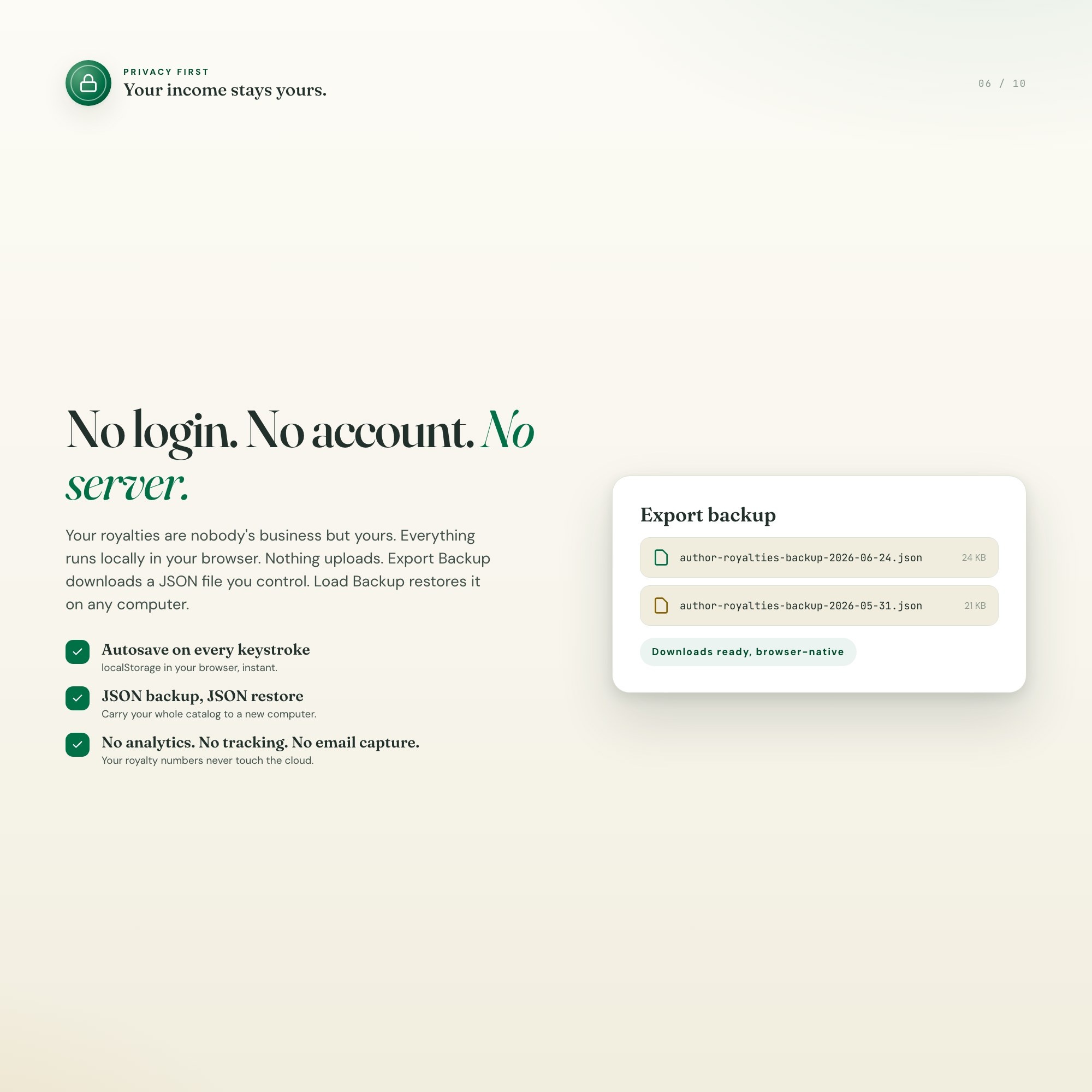
On your own device, in your own browser. Nothing is uploaded, no account is created and no analytics are collected. You can export a backup file at any time and load it on another computer.
Can I change how Indie Author Royalty Tracker looks?
Yes — colour, background, typeface and text size are all adjustable from inside the dashboard, and your choice is remembered the next time you open it.
How much is Indie Author Royalty Tracker and how is it delivered?
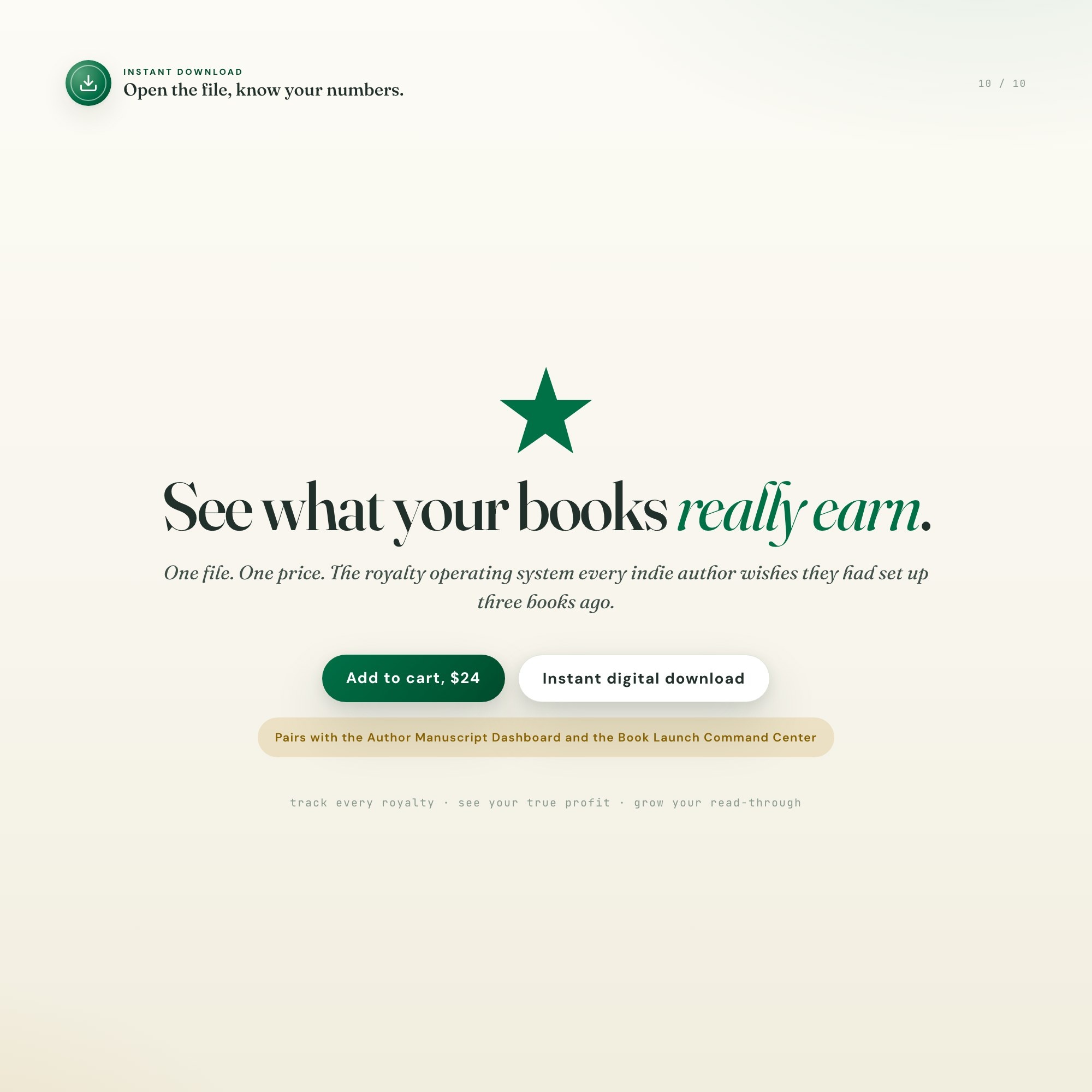
$24, delivered as an instant download the moment you pay. Because it is a digital file, all sales are final.
More about Indie Author Royalty Tracker
KDP pays you on the 60th, Apple on its own clock, Kobo in another currency, Audible somewhere else, and your spreadsheet just adds it up. It never answers the only two questions that matter: are you actually making money after ad spend, and is your series working? The Indie Author Royalty Dashboard pulls every platform, every campaign, and every series into one interactive screen that opens in any browser. No app, no login, no subscription, nothing to learn.
★ THE EXCLUSIVE ZONE, THE SERIES READ-THROUGH ENGINE ★
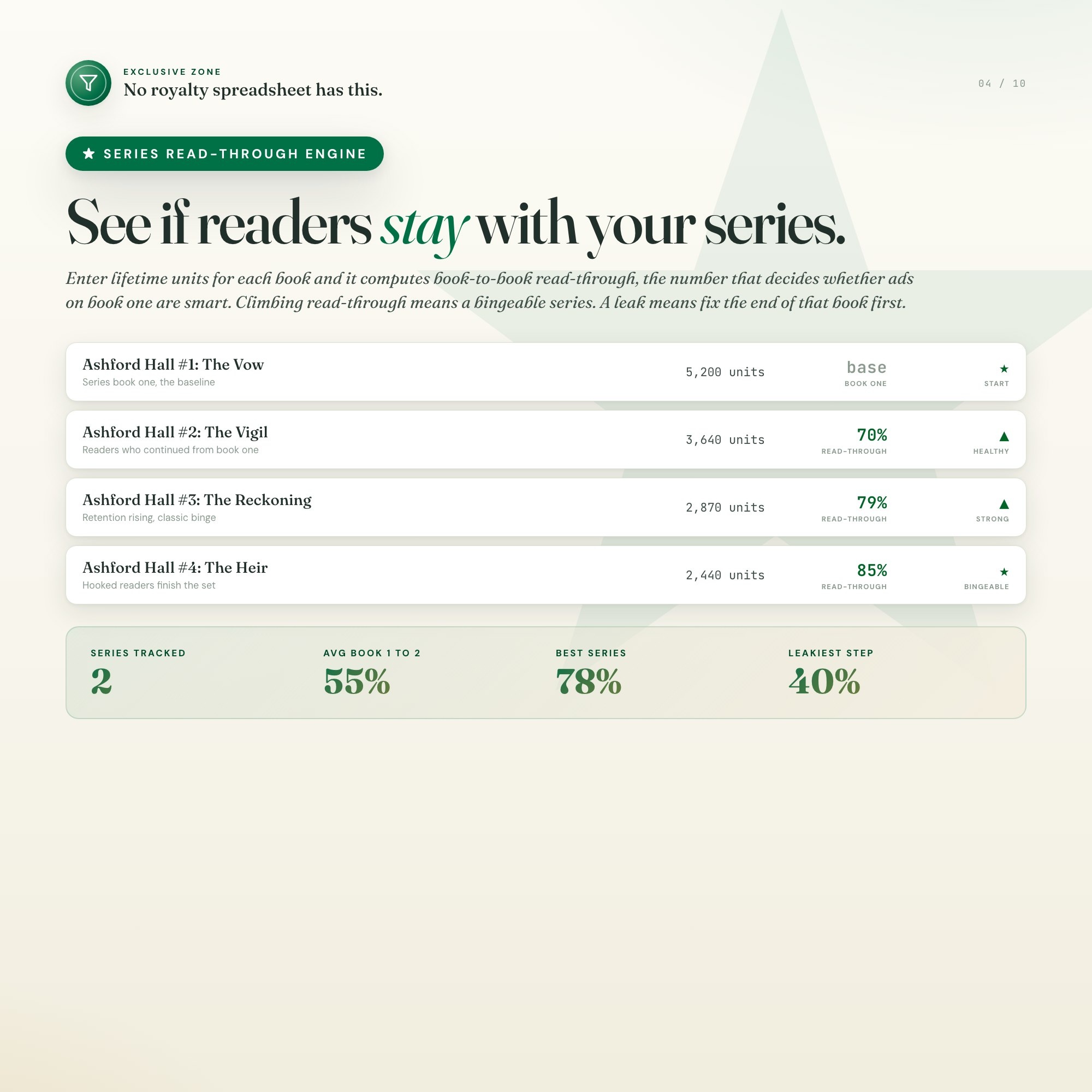
This is the part no royalty spreadsheet can do. Enter lifetime units for each book in a series and the engine computes your book-to-book read-through, the single number that tells you whether readers who finish book one go on to buy book two and three. It draws the funnel, flags the leakiest step, and rates each series from Leaky to Bingeable. This is the metric that decides whether running ads on book one is smart or setting money on fire. Every rival listing is a static spreadsheet that only sums totals. This one tells you if the series is alive.
WHAT’S INSIDE (5 tabs)
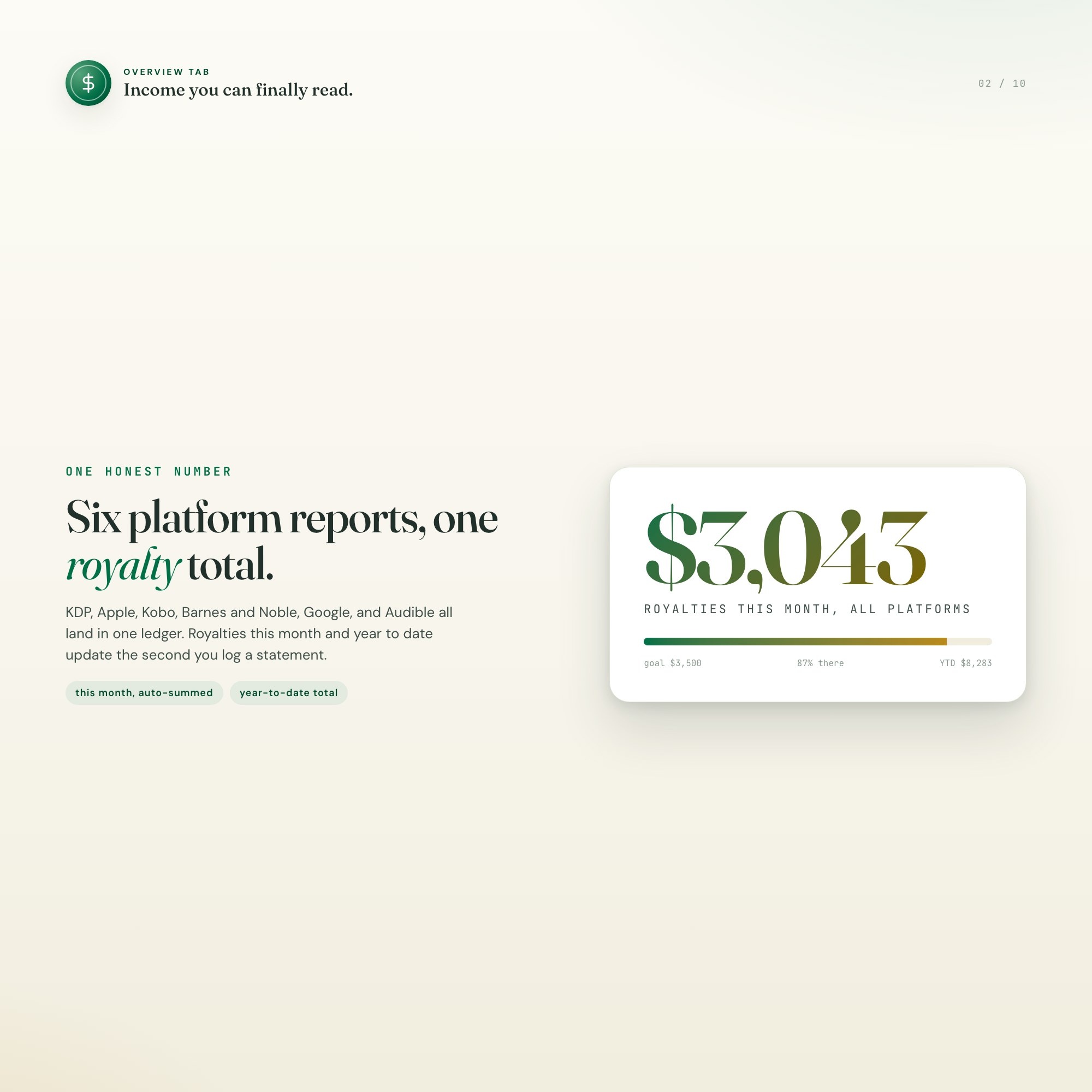
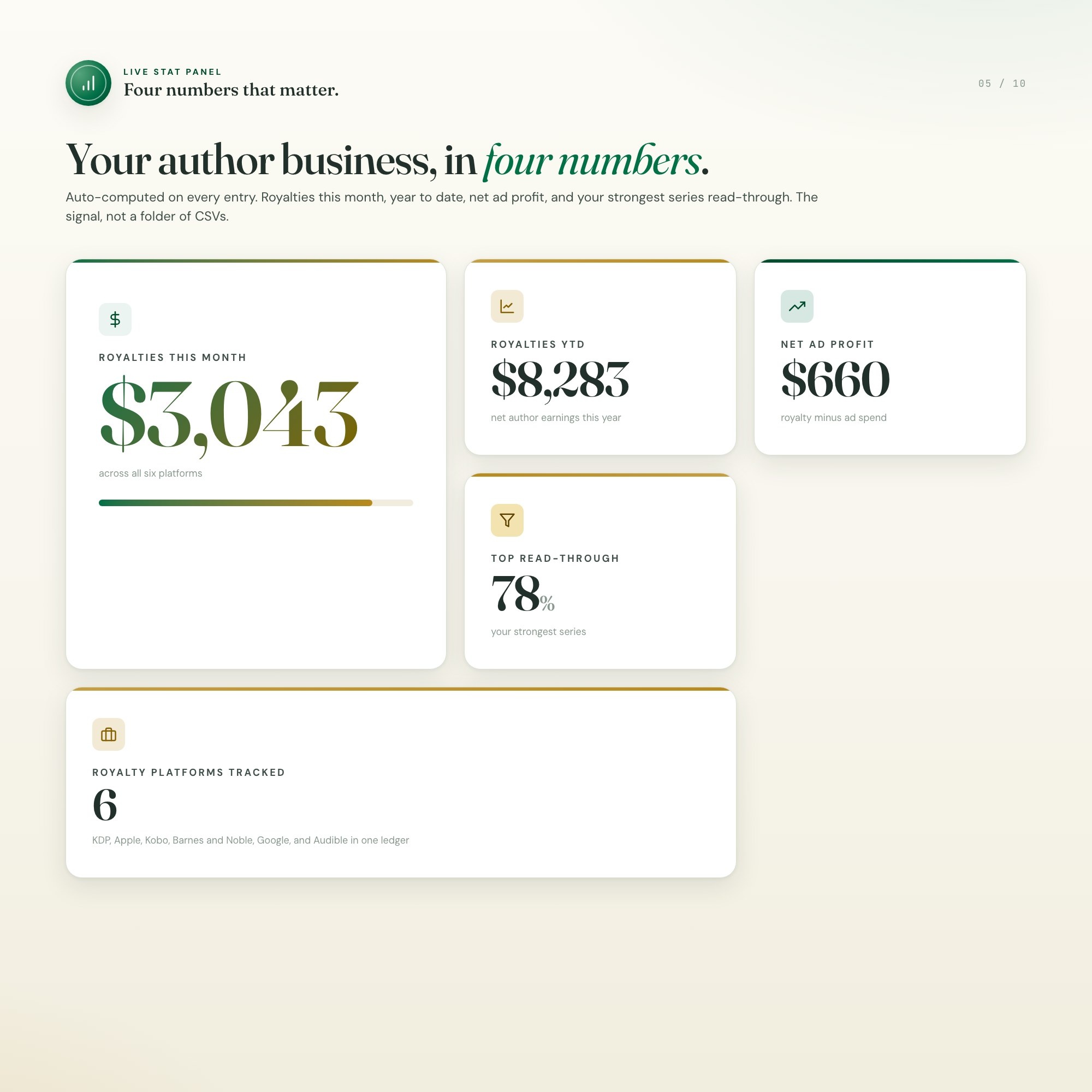
• Overview, your author profile, royalties this month and year to date, a live net-profit picture, and a fully editable 5-phase publishing-business game plan.
• Royalty Ledger, one row per platform statement (KDP, Apple, Kobo, Barnes and Noble, Google, Audible) with units and net royalty, plus live this-month and YTD rollups.
• Series Read-Through ★, the engine that turns units into book-to-book read-through, a funnel, and a series health rating.
• Ad Profit (ACOS), every campaign with spend, royalty earned, and auto-calculated profit and ACOS, so you can kill anything over 100 percent before it drains the month.
• Goals & Releases, a monthly royalty goal tracker, a career milestone log, and a release calendar for the next books.
This is for you if
• You self-publish on KDP, wide, or a KU and wide mix, and you do your own numbers.
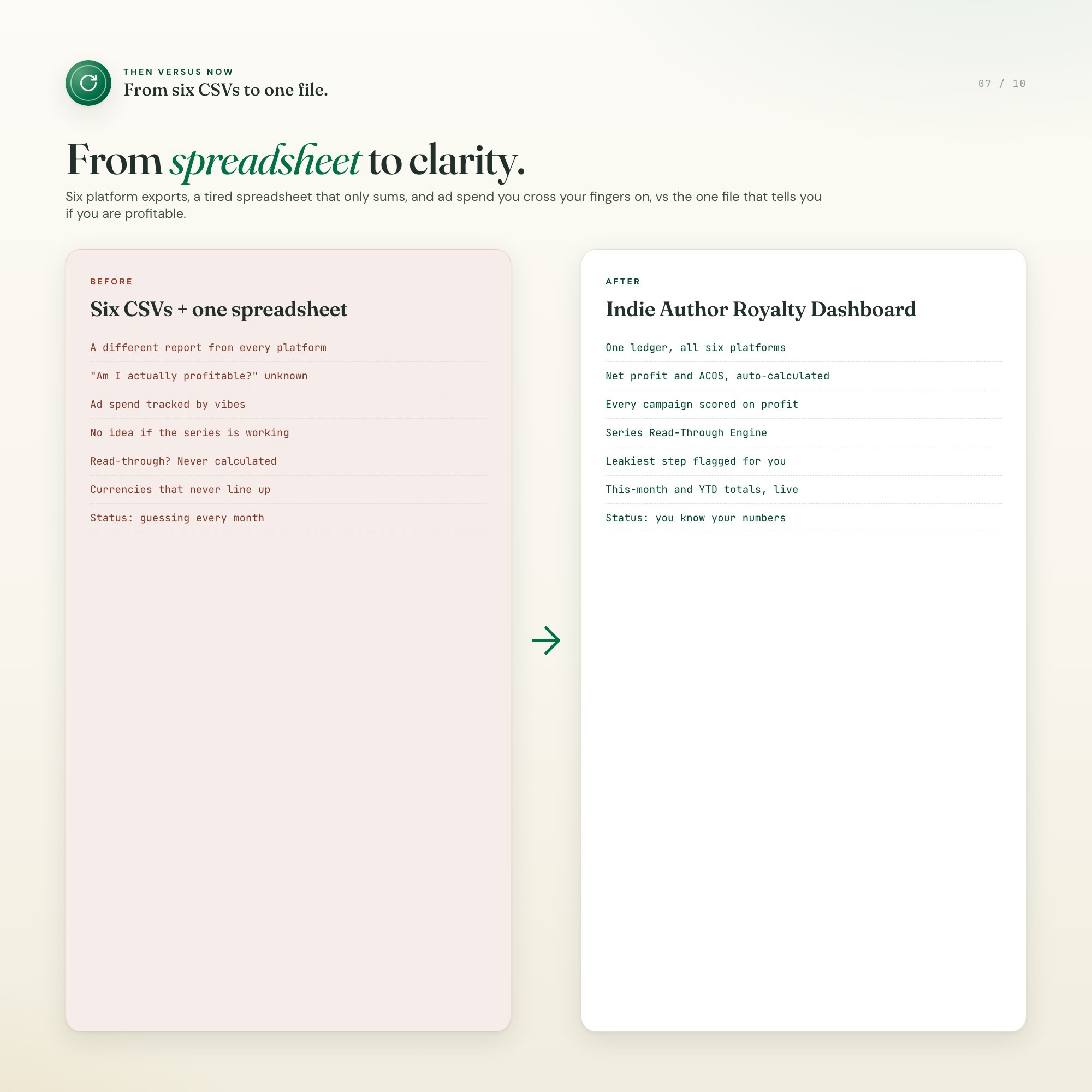
• Your royalties live in six different platform reports and one tired spreadsheet.
• You run Amazon or Facebook ads and are not sure they actually make a profit.
• You write in series and want to know if readers are sticking with you.
• You want one calm screen instead of a folder full of CSV exports.
How it works
• One file. Double-click and it opens in Chrome, Edge, Safari, or Firefox.
• Works on Mac, Windows, iPad, and Chromebook.
• Auto-saves every keystroke to your browser. Export a backup any time.
• Pre-filled with a realistic sample catalog so you see exactly how to use it, then overwrite it with your own books.
Your data is safe
• Everything stays on your device, in your browser. No account, no cloud, no one else can see your income.
• Export a JSON backup you control, and load it on any other computer.
What you get
• dashboard.html, the single-file interactive royalty command center
• HOW-TO-SAVE.txt, a one-page quick start
You did the hard part. You wrote the books. You deserve to see exactly what they earn, and this helps you make that happen.
(Pairs with the Author Manuscript Dashboard for the write-and-query stage and the Book Launch Command Center for release week. Message the shop if you would like the set.)
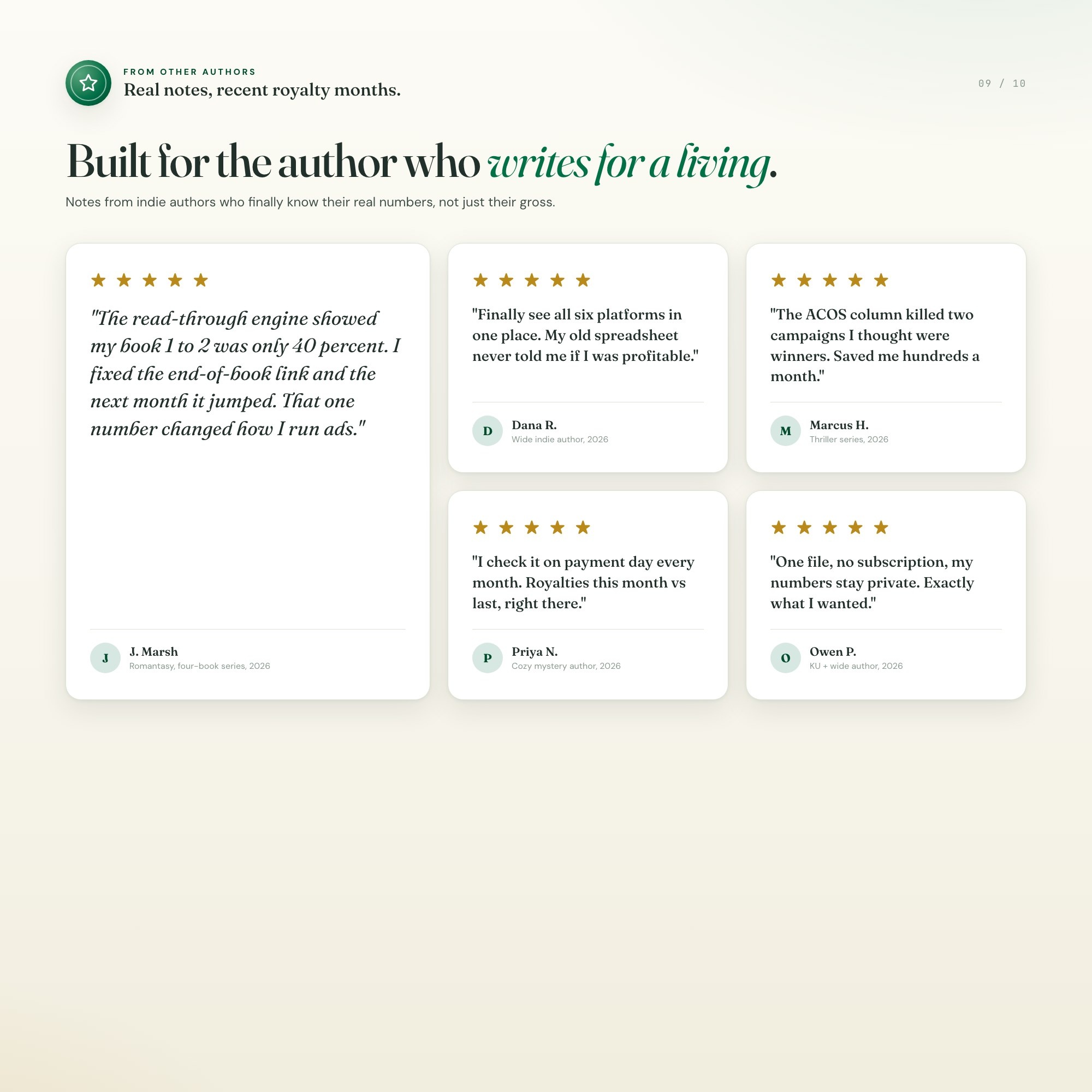
If this saves you one confusing royalty week, a quick star review helps a small shop like mine more than you know.
5 Tabs included
- ◈
Overview
Author and catalog profile, royalties this month and YTD, net-profit meter, books-in-print count, a 5-phase editable publishing-business game plan, and a positioning notes block.
- ≡
Royalty Ledger
The core ledger: per-month royalty rows by platform (KDP, Apple, Kobo, B&N, Google, Audible) and format (ebook, print, audio) with units sold and net royalty, plus live rollups by platform and by book.
- ⊞
Series Read-Through
EXCLUSIVE ZONE: per-series, enter units sold for book 1 through N and it computes book-to-book read-through percent, renders a funnel, and flags series health (the number that predicts ad ROI and series momentum).
- ◉
Ad Profit (ACOS)
Amazon and Facebook ad campaigns: spend, attributed sales, ACOS percent, and royalty minus spend = real profit per campaign and per book, so authors see whether ads actually make money.
- ★
Goals & Releases
Monthly royalty goal versus actual progress bar, a milestone log (first 1k month, 100 reviews, 10k units), and a release calendar for upcoming books.
Exclusive Feature
Series Read-Through Engine (the exclusive zone): enter units sold for each book in a series and it computes the book-1-to-book-2-to-book-3 read-through percentage, the single metric that tells an indie author whether the series is healthy and whether ads are worth running. No competitor offers it; every rival listing is a static spreadsheet that only sums totals. Backed by a Real Profit view (royalty minus ad spend minus production cost = true profit per title) so authors finally see net, not gross.
This is built into the fifth tab and is unavailable in any static template, spreadsheet, or Notion template on the market.
Gallery
Learn more
Before you buy
Frequently asked questions
- What is Indie Author Royalty Tracker?
- Indie Author Royalty Tracker is an interactive dashboard that opens in your web browser. It is one self-contained HTML file — download it once, double-click it, and it runs. No app, no account, no subscription.
- Does Indie Author Royalty Tracker need Excel or Google Sheets?
- No. It is not a spreadsheet and does not open in one. It runs in Chrome, Safari, Edge or Firefox on macOS, Windows, iPad or Chromebook, and keeps working offline.
- What is included in Indie Author Royalty Tracker?
- 5 sections in a single file: Overview, Royalty Ledger, Series Read-Through, Ad Profit (ACOS), Goals & Releases.
- Can I change the colours and text size in Indie Author Royalty Tracker?
- Yes. Colour, background, typeface and text size are adjustable from inside the dashboard, and the setting is remembered.
- Does it work offline?
- Yes — completely. The dashboard is a single HTML file. Once downloaded, it runs entirely in your browser with no internet connection needed. All data autosaves to your browser's localStorage.
- Which devices and browsers are supported?
- Works in Chrome, Edge, Safari, and Firefox on macOS, Windows, iPad, and Chromebook. No app to install, no account to create. Just open the file.
- What is your refund policy?
- All sales are final. This is an instant download delivered in full at payment, so it cannot be returned. If a file will not open or a feature does not work as described, that is a defect and it gets fixed at no cost — email hello@listingresearchos.com and you will get a corrected file.
- How do I install it?
- There is nothing to install. After purchase, download the HTML file. Double-click to open in your browser. That's it. A HOW-TO-SAVE.txt is included explaining how to back up and restore your data.
- Is my data private?
- Completely. Everything runs locally — no login, no analytics, no data sent to any server. Your data is stored only in your browser's localStorage. You own it entirely.
You might also like
One-time purchase
Get it for $24.00
Instant download. Open in any browser. Yours forever.