
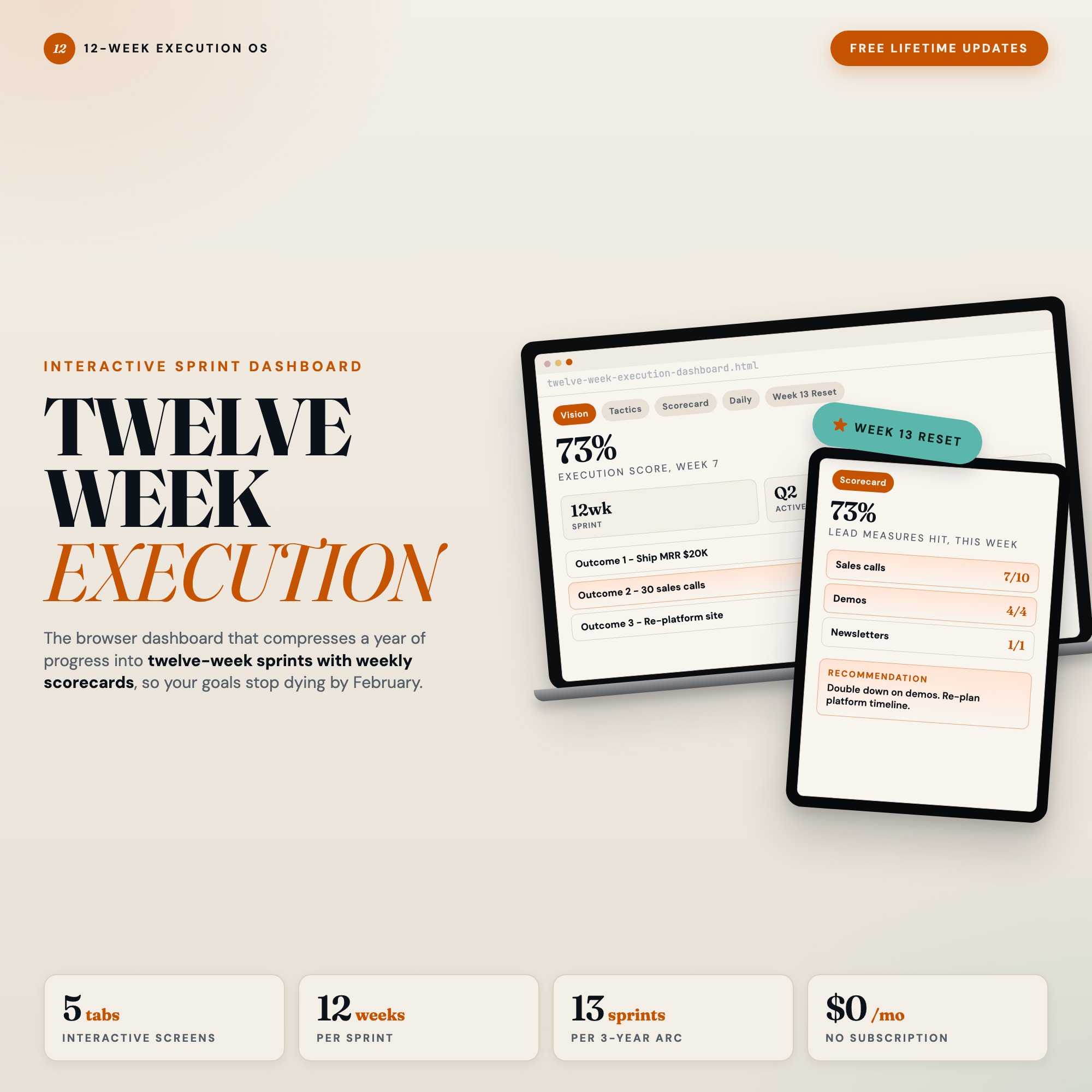
Interactive dashboard
12 Week Execution Dashboard | Interactive Sprint Planner | Quarterly Goal Scorecard | Browser HTML
Built for Ambitious entrepreneur or professional who buys the 12 Week Year by Brian Moran but never executes the framework
Try it live
Click around the real dashboard
Interactive demo · a few tabs unlocked
See it in action
The dashboard
What it is
Built for ambitious entrepreneur or professional who buys the 12 Week Year by Brian Moran but never executes the framework. 12 Week Execution Dashboard | Interactive Sprint Planner | Quarterly Goal Scorecard | Browser HTML It is a browser-native interactive dashboard that lives in a single HTML file, with nothing to install.
What is 12 Week Execution Dashboard | Interactive Sprint Planner | Quarterly Goal Scorecard | Browser HTML?
12 Week Execution Dashboard | Interactive Sprint Planner | Quarterly Goal Scorecard | Browser HTML is an interactive dashboard that opens in your web browser. It is one self-contained HTML file — you download it once, double-click it, and it runs. It is built for ambitious entrepreneur or professional who buys the 12 Week Year by Brian Moran but never executes the framework.
What is included in 12 Week Execution Dashboard | Interactive Sprint Planner | Quarterly Goal Scorecard | Browser HTML?
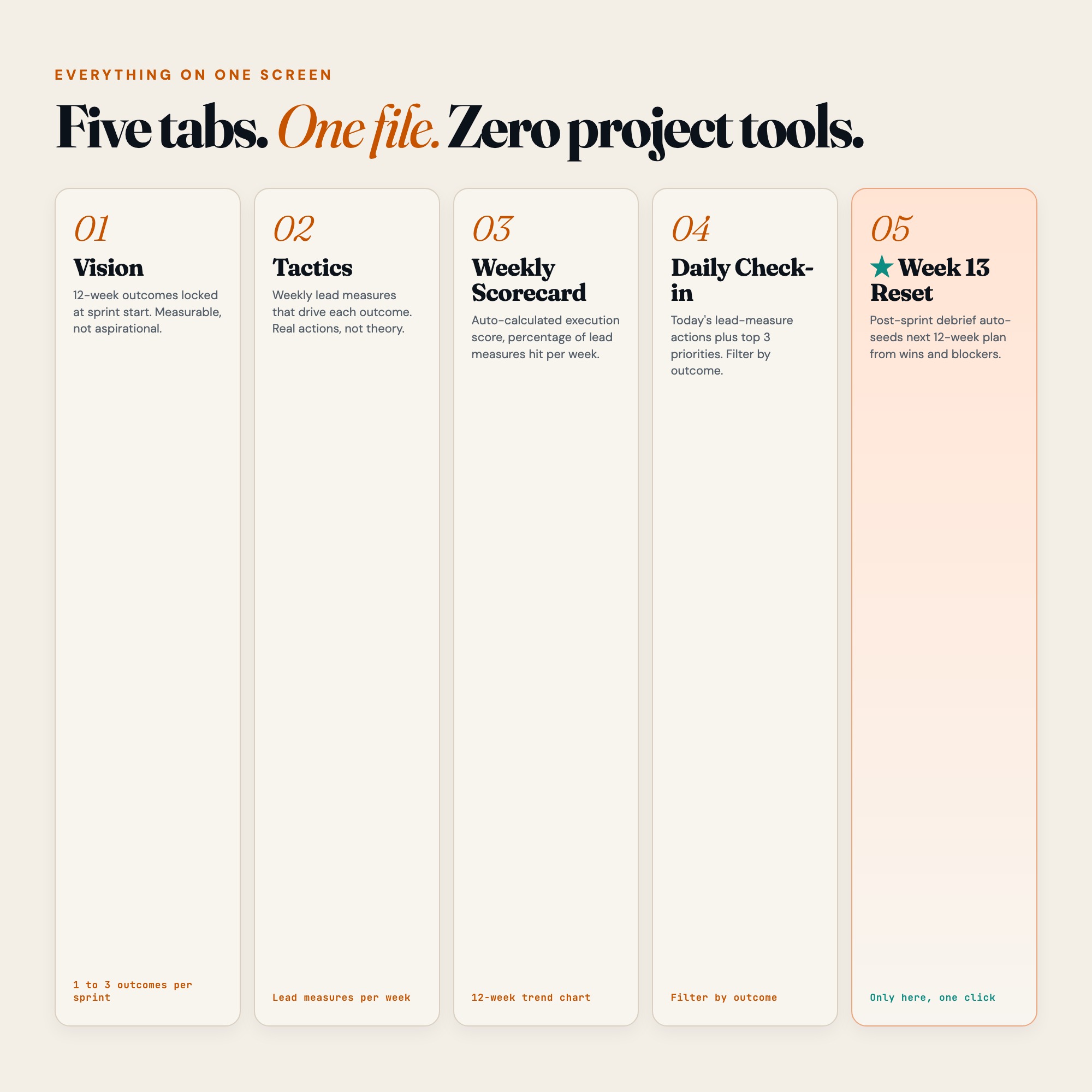
5 sections, all in the one file:
- Vision (12-week goal canvas with 3 outcome slots and measurable targets)
- Tactics (weekly lead-measure action table linked to each goal)
- Weekly Scorecard (auto-calculated execution score per week, 12-week trend grid)
- Daily Check-In (top 3 priorities + lead-measure action checklist + daily reflection)
- Week 13 Reset (post-sprint debrief: wins, blockers, lessons, stop/start/continue, auto-seed next sprint)
Does 12 Week Execution Dashboard | Interactive Sprint Planner | Quarterly Goal Scorecard | Browser HTML need Excel, Google Sheets or a subscription?
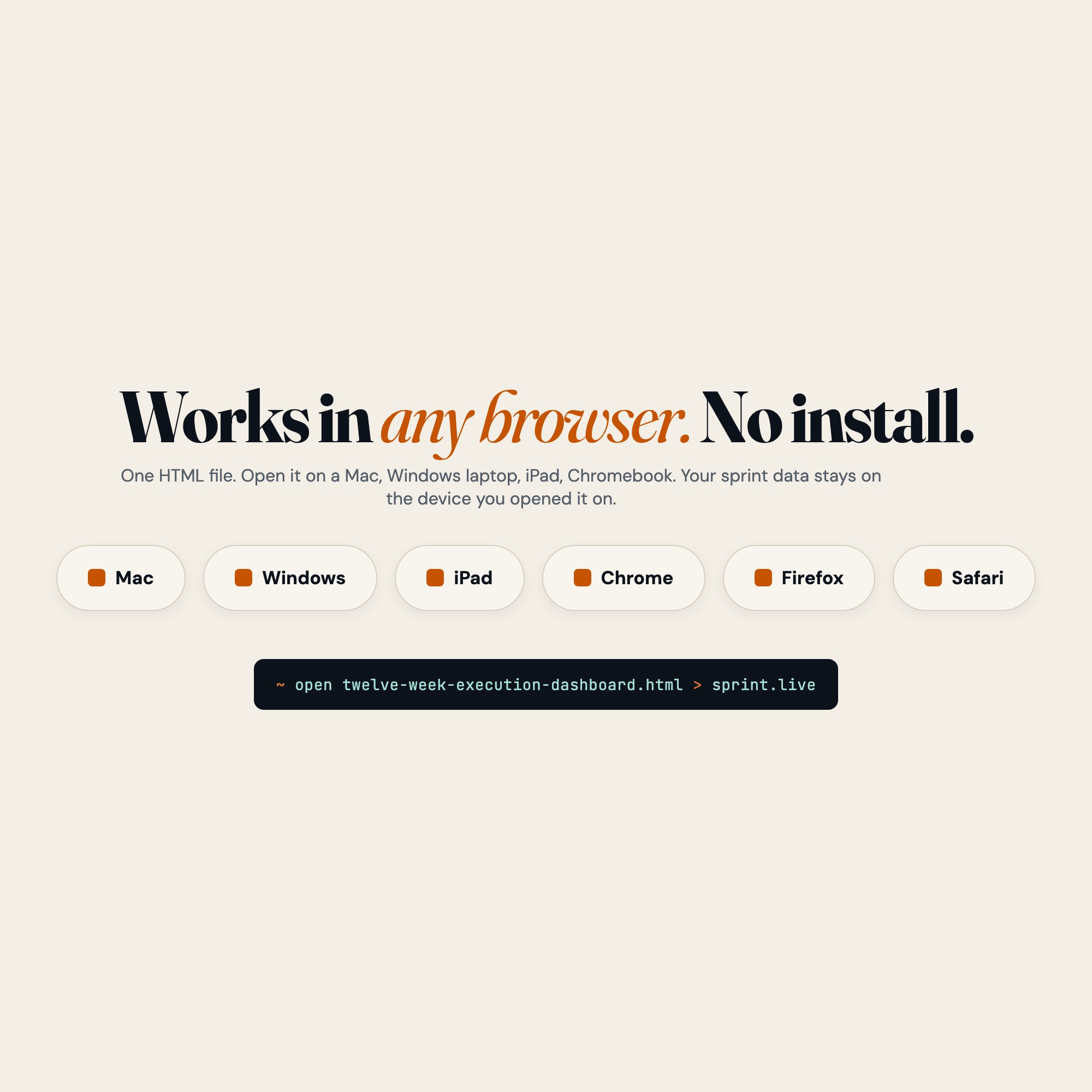
No. There is no app to install, no account to create, no login and no recurring fee. It opens in Chrome, Safari, Edge or Firefox on macOS, Windows, iPad or Chromebook, and it keeps working offline once the file is on your machine.
Where does 12 Week Execution Dashboard | Interactive Sprint Planner | Quarterly Goal Scorecard | Browser HTML store my data?
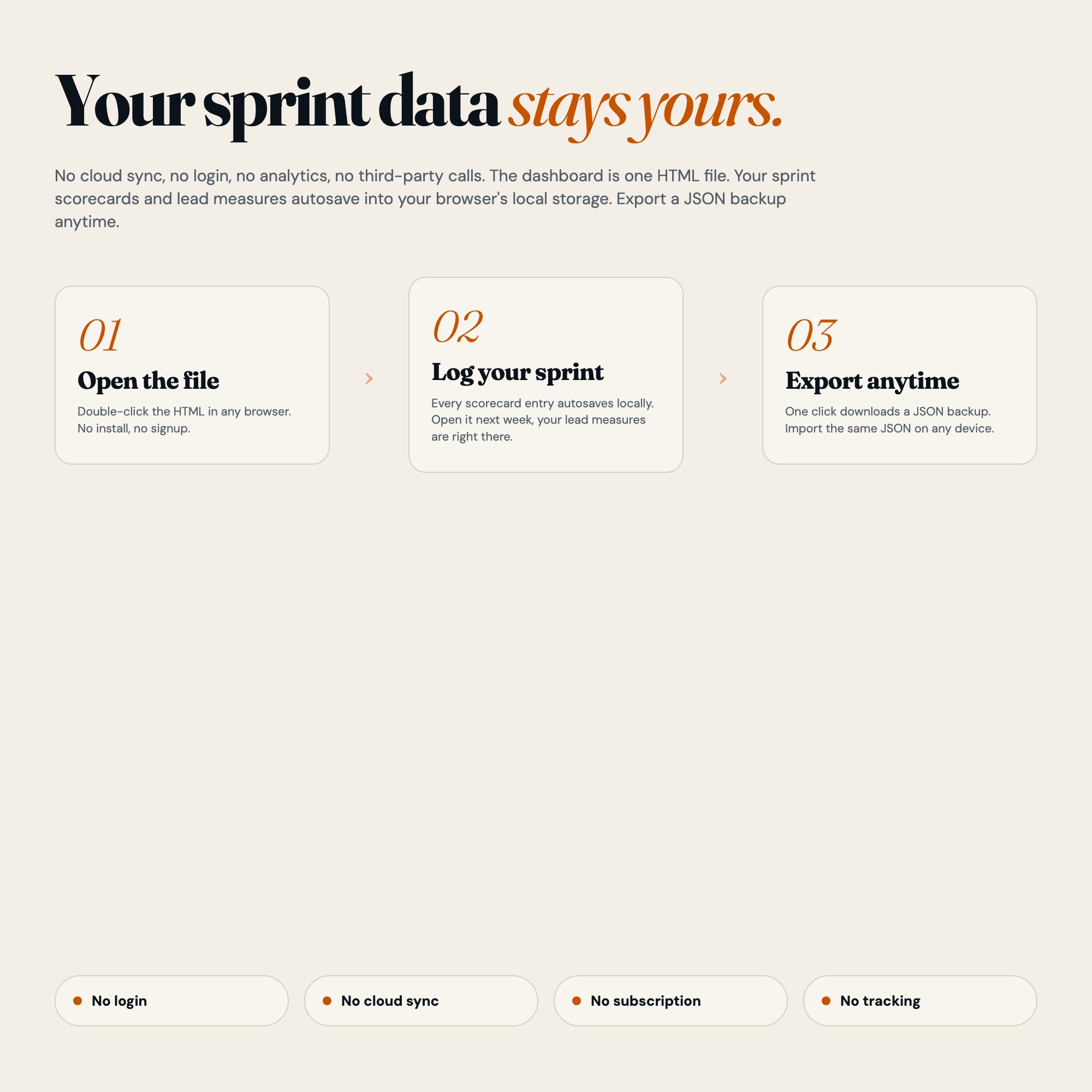
On your own device, in your own browser. Nothing is uploaded, no account is created and no analytics are collected. You can export a backup file at any time and load it on another computer.
How much is 12 Week Execution Dashboard | Interactive Sprint Planner | Quarterly Goal Scorecard | Browser HTML and how is it delivered?
$22, delivered as an instant download the moment you pay. Because it is a digital file, all sales are final.
More about 12 Week Execution Dashboard | Interactive Sprint Planner | Quarterly Goal Scorecard | Browser HTML
The 12-week sprint framework is one of the most powerful productivity systems ever written. The problem is not the framework. It is the friction between reading it and actually running it. Static printables get lost. Notion templates require constant manual upkeep. Spreadsheets do not score your execution automatically.
This changes that.
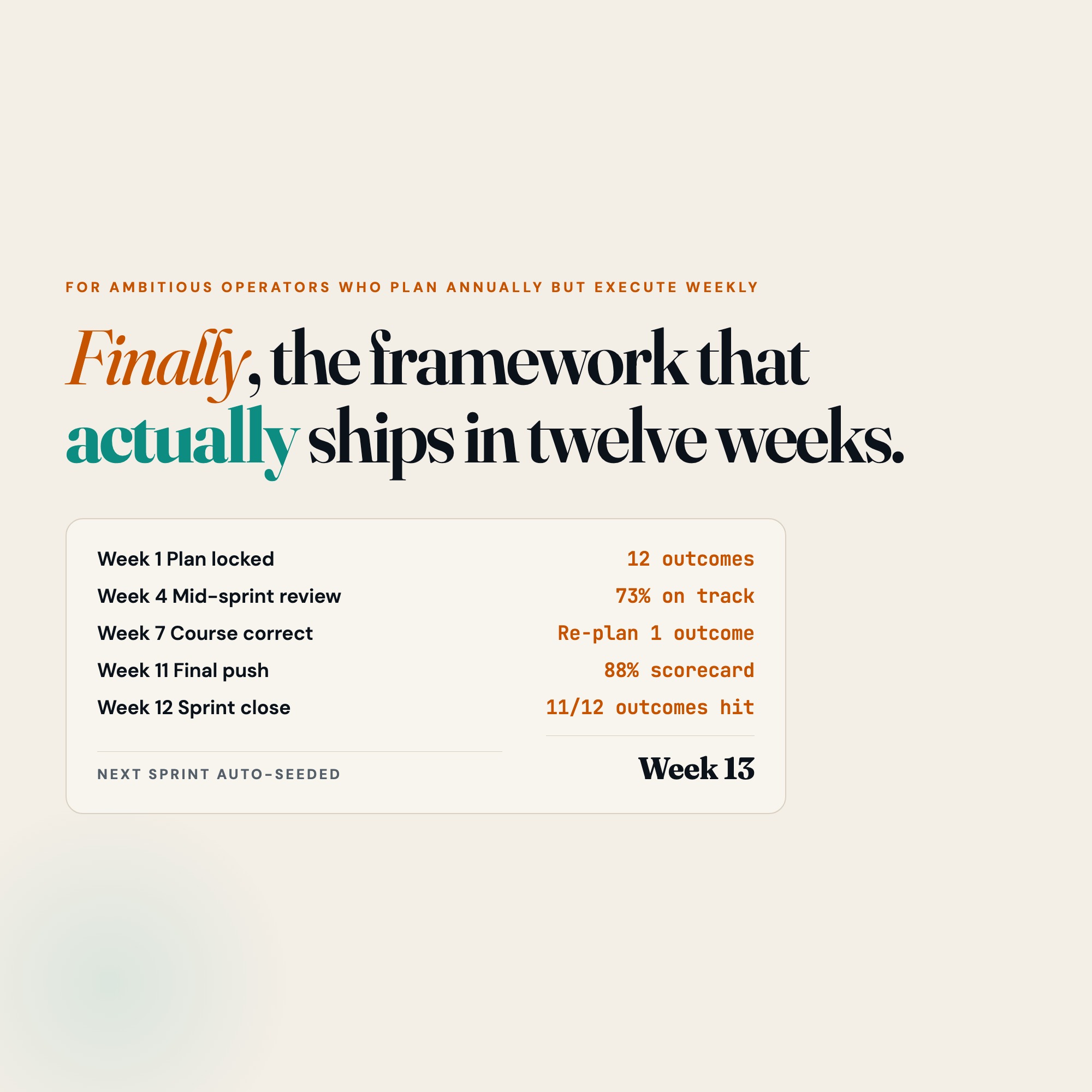
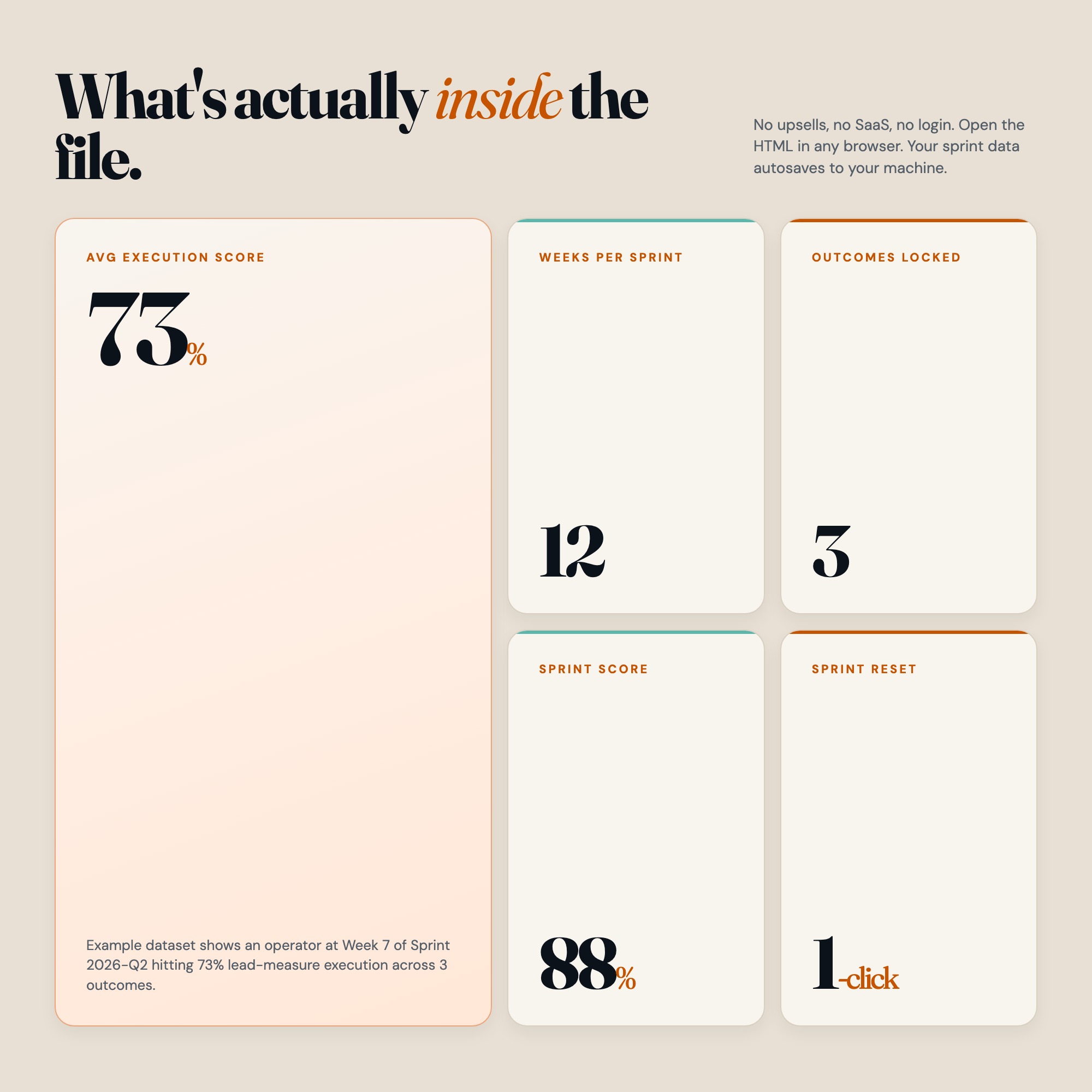
The 12 Week Execution Dashboard is the first fully interactive, browser-based tool built specifically for the 12-week sprint framework. Open it in Chrome. Set your 3 goals. Map your weekly tactics. Then watch your execution score calculate itself every single week.
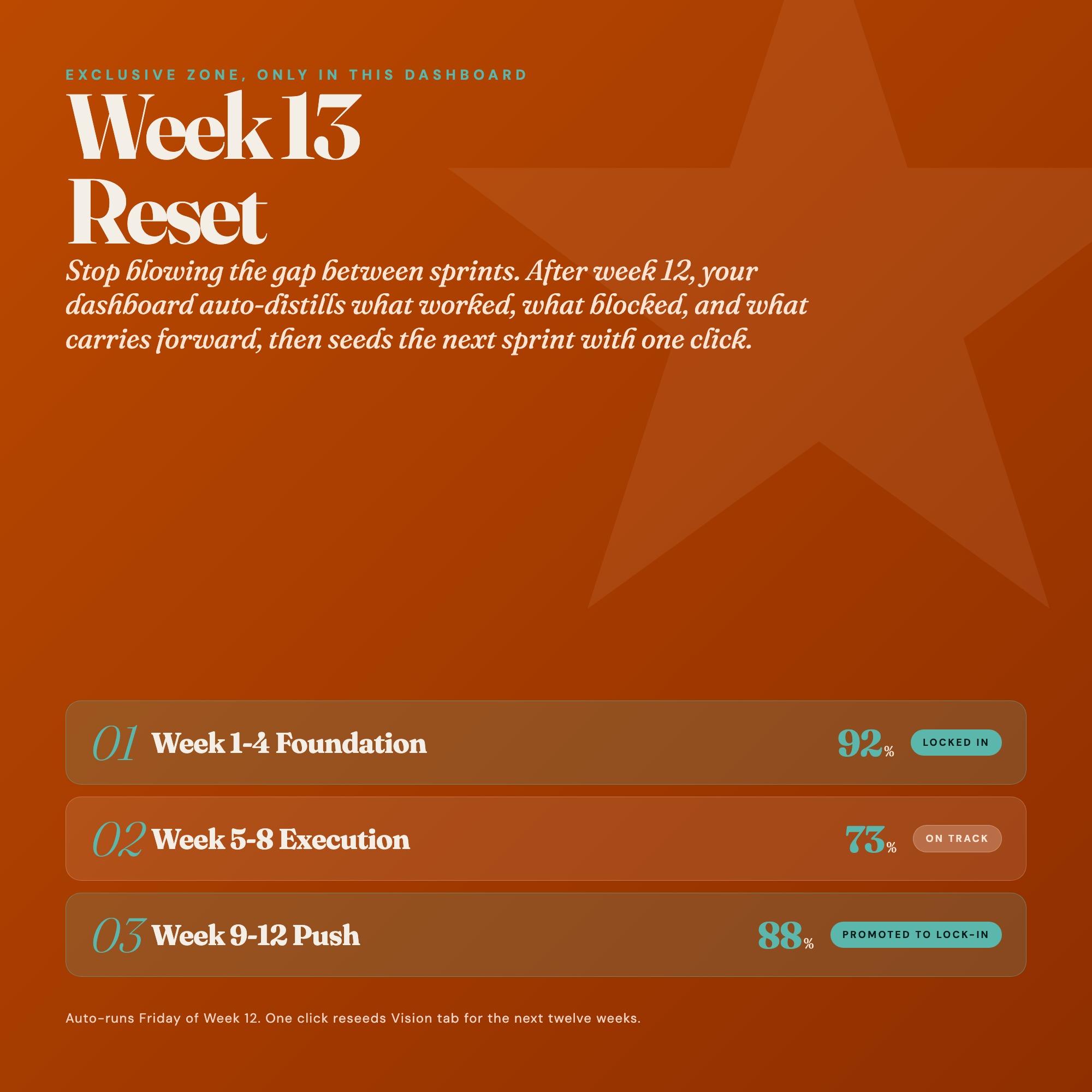
★ EXCLUSIVE ZONE: Week 13 Reset
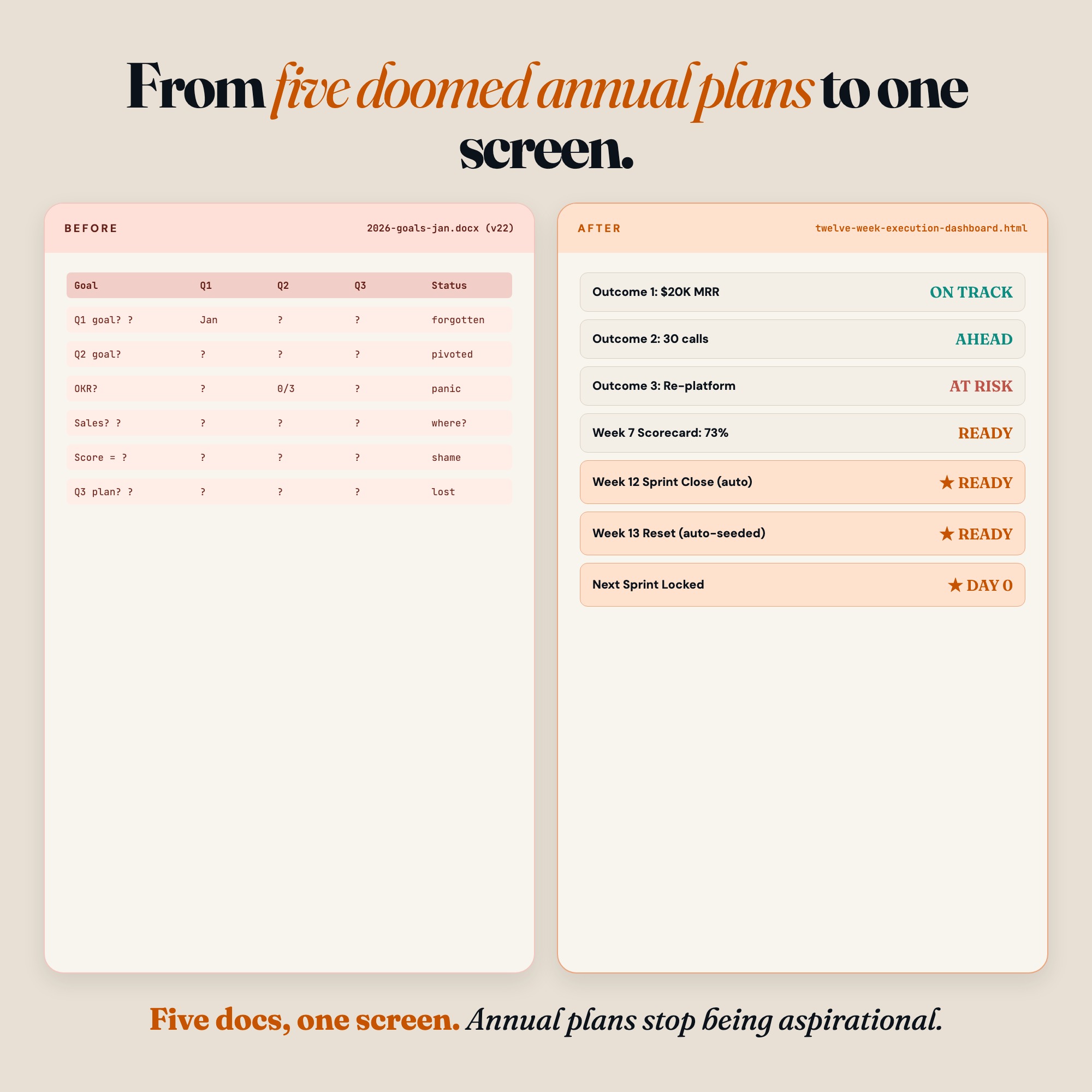
No other planner on Etsy has this. After your 12-week sprint ends, the Week 13 Reset tab walks you through a structured debrief: what you won, what blocked you, what you learned. Then it auto-seeds your NEXT 12-week sprint from what you captured. Most people abandon the framework after sprint 1 because starting over is hard. Week 13 Reset eliminates that friction permanently.
WHAT’S INSIDE
Tab 1 (Vision)
Write your 1 to 3 twelve-week outcomes with measurable targets. Not vague intentions. Specific, scoreable commitments tied to a deadline.
Tab 2 (Tactics)
Map the weekly lead-measure actions that drive each goal. This is the engine of the framework: tactics completed = goals achieved.
Tab 3 (Weekly Scorecard)
Your execution score calculates automatically each week. See your 12-week trend chart build in real time. Know exactly where your sprint stands.
Tab 4 (Daily Check-In)
Start each day with your top 3 priorities and today’s lead-measure actions. No more open-ended to-do lists.
Tab 5 (Week 13 Reset, EXCLUSIVE)
The structured post-sprint review that distills wins, captures blockers, and auto-seeds your next 12-week plan. The compounding advantage that makes every sprint better than the last.
THIS IS FOR YOU IF:
-
You have read about 12-week sprint planning but never stuck with a system past week 4
-
Your quarterly goals live in a document you open once and never revisit
-
You want execution scores, not just intention lists
-
You need something that works offline, in the browser, with zero subscription cost
-
You are tired of buying planners and not using them
YOUR DATA IS SAFE
Everything saves automatically to your browser’s local storage. No cloud. No account. No subscription. Your data stays on your device and nowhere else. Export a full JSON backup any time. Restore it on any computer. Your sprint data is yours.
FILES INCLUDED
-
dashboard.html (the interactive product, works in any modern browser)
-
HOW-TO-SAVE.txt (step-by-step guide for saving, backing up, and restoring your data)
Open dashboard.html in Chrome or Edge. No install. No login. Works on Mac, Windows, iPad with a keyboard, and Chromebook.
Twelve weeks from today, you could have finished what you kept promising yourself you would do this year.
Open the dashboard. Set the goal. Execute the sprint.
Also available: upgrade to the Notion companion template for team sharing (coming soon).
5 Tabs included
- ◈
Vision (12-week goal canvas with 3 outcome slots and measurable targets)
- ≡
Tactics (weekly lead-measure action table linked to each goal)
- ⊞
Weekly Scorecard (auto-calculated execution score per week, 12-week trend grid)
- ◉
Daily Check-In (top 3 priorities + lead-measure action checklist + daily reflection)
- ★
Week 13 Reset (post-sprint debrief: wins, blockers, lessons, stop/start/continue, auto-seed next sprint)
Exclusive Feature
Week 13 Reset tab: guided post-sprint review that distills wins and blockers then auto-seeds the next 12-week sprint with one click. No other planner on Etsy has this.
This is built into the fifth tab and is unavailable in any static template, spreadsheet, or Notion template on the market.
Gallery
Learn more
Weekly Review Template and Checklist: The Fields and the Order
A weekly review template you can copy: the exact fields, the order to fill them in, and a 20-minute checklist that fits a normal work week.
Guide12 Week Year Implementation Guide: How to Actually Execute the Framework
The 12 Week Year framework is simple; execution is where it breaks. Here are the steps, tools, and weekly habits that make the system actually stick.
GuideQuarterly Sprint Planning System for Entrepreneurs
Build a quarterly sprint system that actually executes. Real steps, the 12-week framework explained, and one tool purpose-built to score your progress.
Comparison12 Week Year vs. OKRs vs. Quarterly Goals: Which Planning System Wins?
Honest breakdown of 12 Week Year, OKRs, and quarterly planning: what each does well, where each fails, and when an offline dashboard outperforms all three.
List7 Quarterly Planning Tools for Ambitious Entrepreneurs in 2026
The 7 quarterly planning tools actually worth using in 2026 — rated on execution scoring, offline access, and 12-week framework compatibility.
Before you buy
Frequently asked questions
- What is 12 Week Execution Dashboard | Interactive Sprint Planner | Quarterly Goal Scorecard | Browser HTML?
- 12 Week Execution Dashboard | Interactive Sprint Planner | Quarterly Goal Scorecard | Browser HTML is an interactive dashboard that opens in your web browser. It is one self-contained HTML file — download it once, double-click it, and it runs. No app, no account, no subscription.
- Does 12 Week Execution Dashboard | Interactive Sprint Planner | Quarterly Goal Scorecard | Browser HTML need Excel or Google Sheets?
- No. It is not a spreadsheet and does not open in one. It runs in Chrome, Safari, Edge or Firefox on macOS, Windows, iPad or Chromebook, and keeps working offline.
- What is included in 12 Week Execution Dashboard | Interactive Sprint Planner | Quarterly Goal Scorecard | Browser HTML?
- 5 sections in a single file: Vision (12-week goal canvas with 3 outcome slots and measurable targets), Tactics (weekly lead-measure action table linked to each goal), Weekly Scorecard (auto-calculated execution score per week, 12-week trend grid), Daily Check-In (top 3 priorities + lead-measure action checklist + daily reflection), Week 13 Reset (post-sprint debrief: wins, blockers, lessons, stop/start/continue, auto-seed next sprint).
- Does it work offline?
- Yes — completely. The dashboard is a single HTML file. Once downloaded, it runs entirely in your browser with no internet connection needed. All data autosaves to your browser's localStorage.
- Which devices and browsers are supported?
- Works in Chrome, Edge, Safari, and Firefox on macOS, Windows, iPad, and Chromebook. No app to install, no account to create. Just open the file.
- What is your refund policy?
- All sales are final. This is an instant download delivered in full at payment, so it cannot be returned. If a file will not open or a feature does not work as described, that is a defect and it gets fixed at no cost — email hello@listingresearchos.com and you will get a corrected file.
- How do I install it?
- There is nothing to install. After purchase, download the HTML file. Double-click to open in your browser. That's it. A HOW-TO-SAVE.txt is included explaining how to back up and restore your data.
- Is my data private?
- Completely. Everything runs locally — no login, no analytics, no data sent to any server. Your data is stored only in your browser's localStorage. You own it entirely.
You might also like
One-time purchase
Get it for $22.00
Instant download. Open in any browser. Yours forever.