
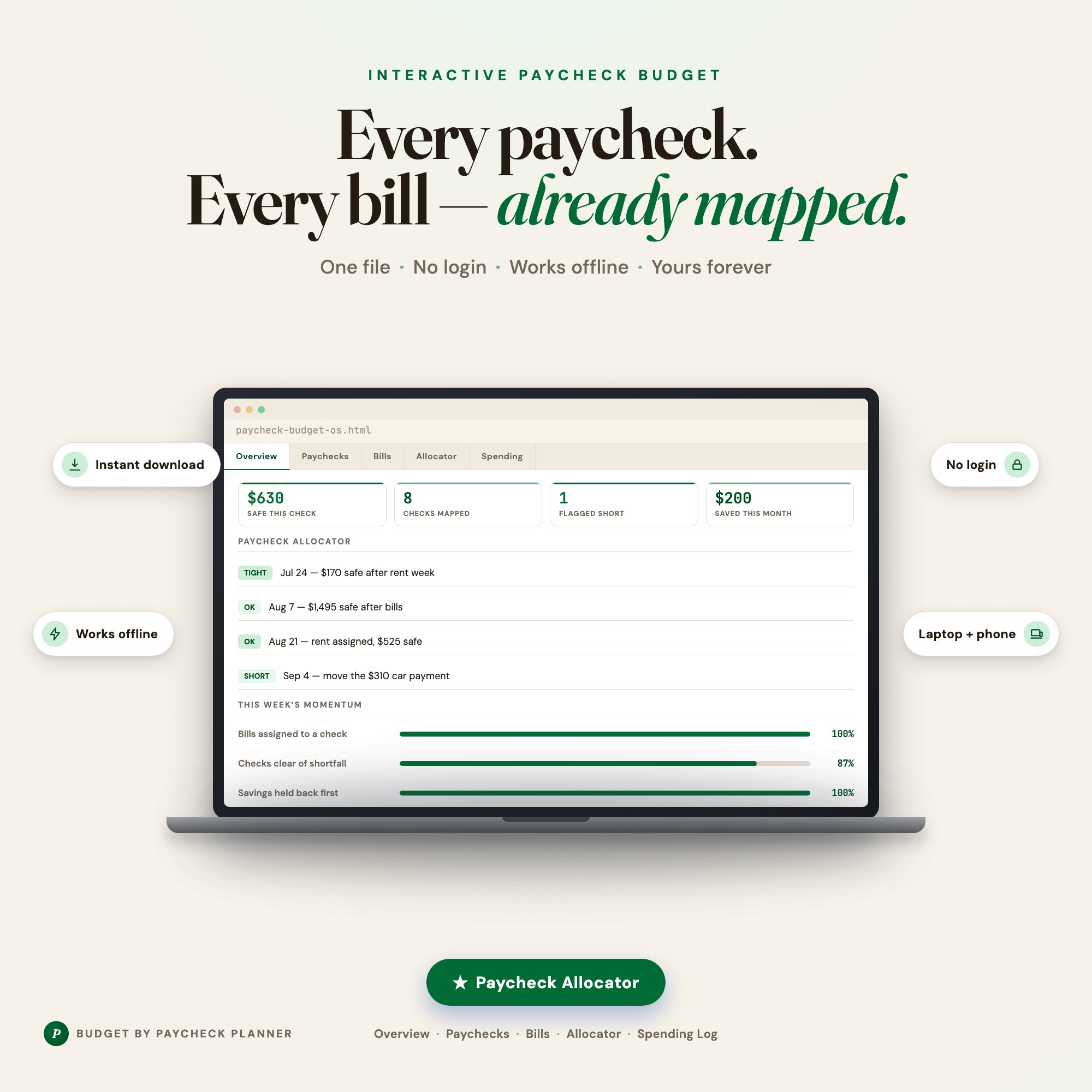
Interactive dashboard
Budget By Paycheck Planner
Built for anyone paid weekly or biweekly whose bill due dates never line up with pay dates
Try it live
Click around the real dashboard
Interactive demo · a few tabs unlocked
See it in action
The dashboard
What it is
Built for anyone paid weekly or biweekly whose bill due dates never line up with pay dates. Stop budgeting by month when you are paid by week It is a browser-native interactive dashboard that lives in a single HTML file, with nothing to install.
What is Budget By Paycheck Planner?
Budget By Paycheck Planner is an interactive dashboard that opens in your web browser. It is one self-contained HTML file — you download it once, double-click it, and it runs. It is built for anyone paid weekly or biweekly whose bill due dates never line up with pay dates.
What is included in Budget By Paycheck Planner?
5 sections, all in the one file:
- Overview
- Paychecks
- Bills & Due Dates
- Paycheck Allocator
- Spending Log
Does Budget By Paycheck Planner need Excel, Google Sheets or a subscription?
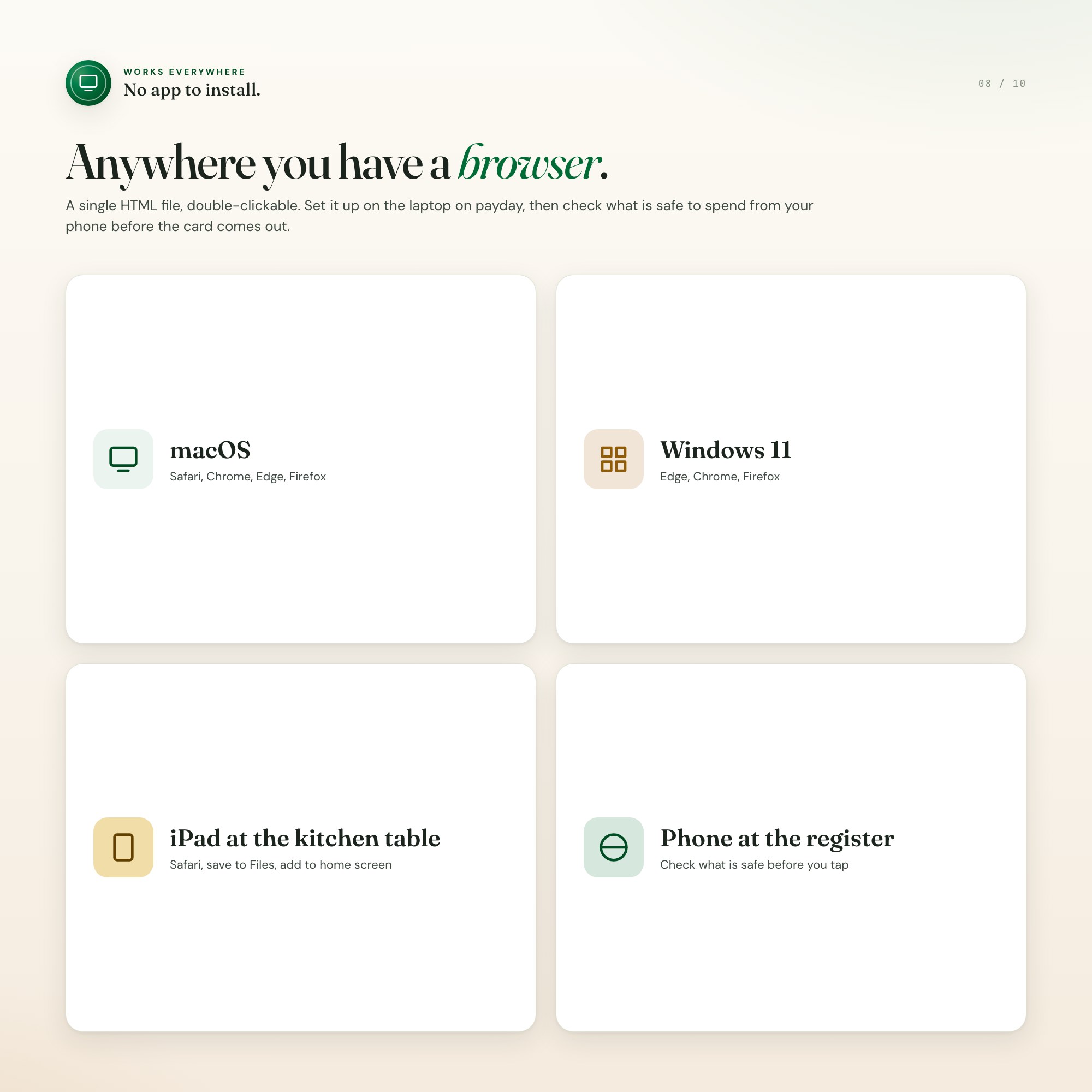
No. There is no app to install, no account to create, no login and no recurring fee. It opens in Chrome, Safari, Edge or Firefox on macOS, Windows, iPad or Chromebook, and it keeps working offline once the file is on your machine.
Where does Budget By Paycheck Planner store my data?
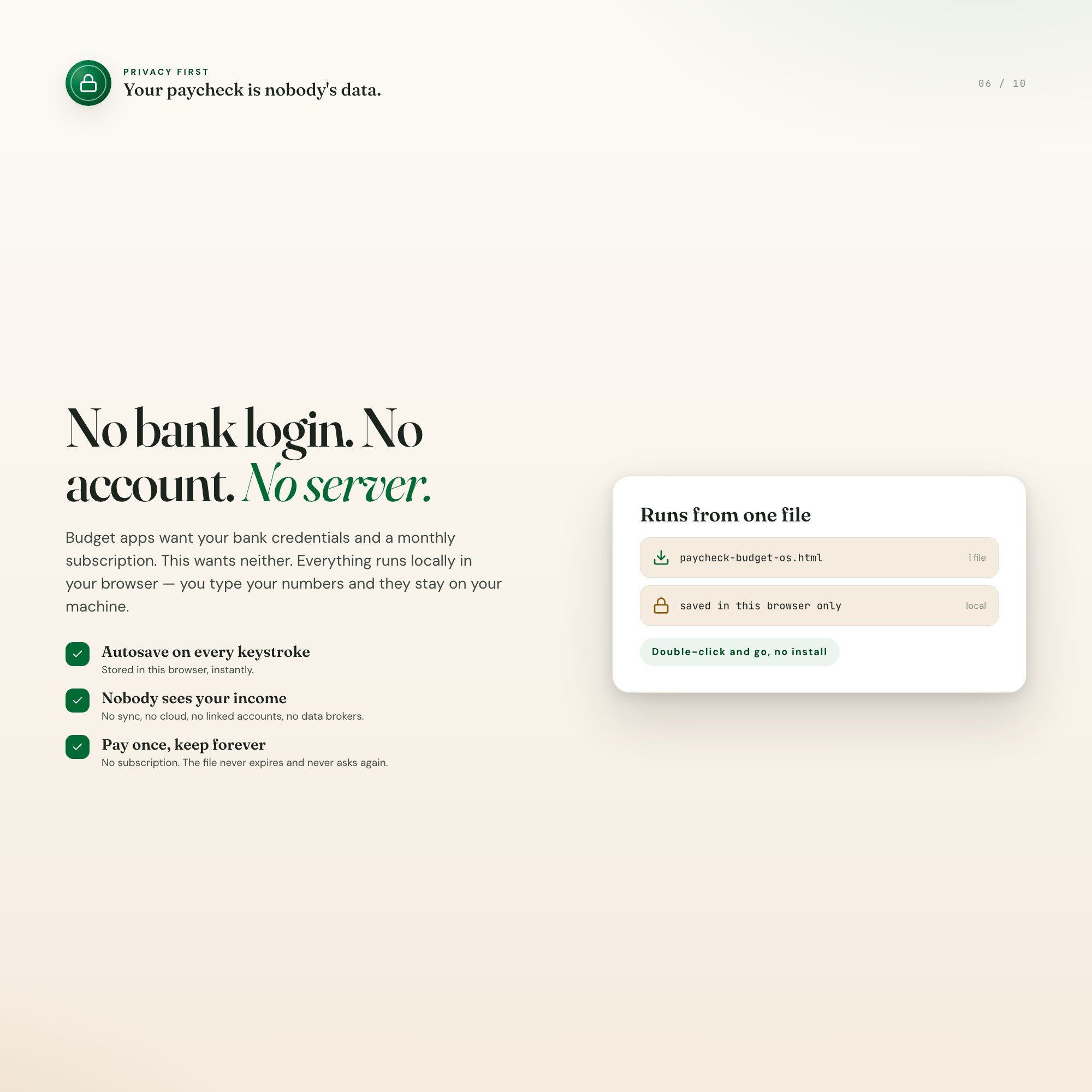
On your own device, in your own browser. Nothing is uploaded, no account is created and no analytics are collected. You can export a backup file at any time and load it on another computer.
How much is Budget By Paycheck Planner and how is it delivered?
$16, delivered as an instant download the moment you pay. Because it is a digital file, all sales are final.
More about Budget By Paycheck Planner
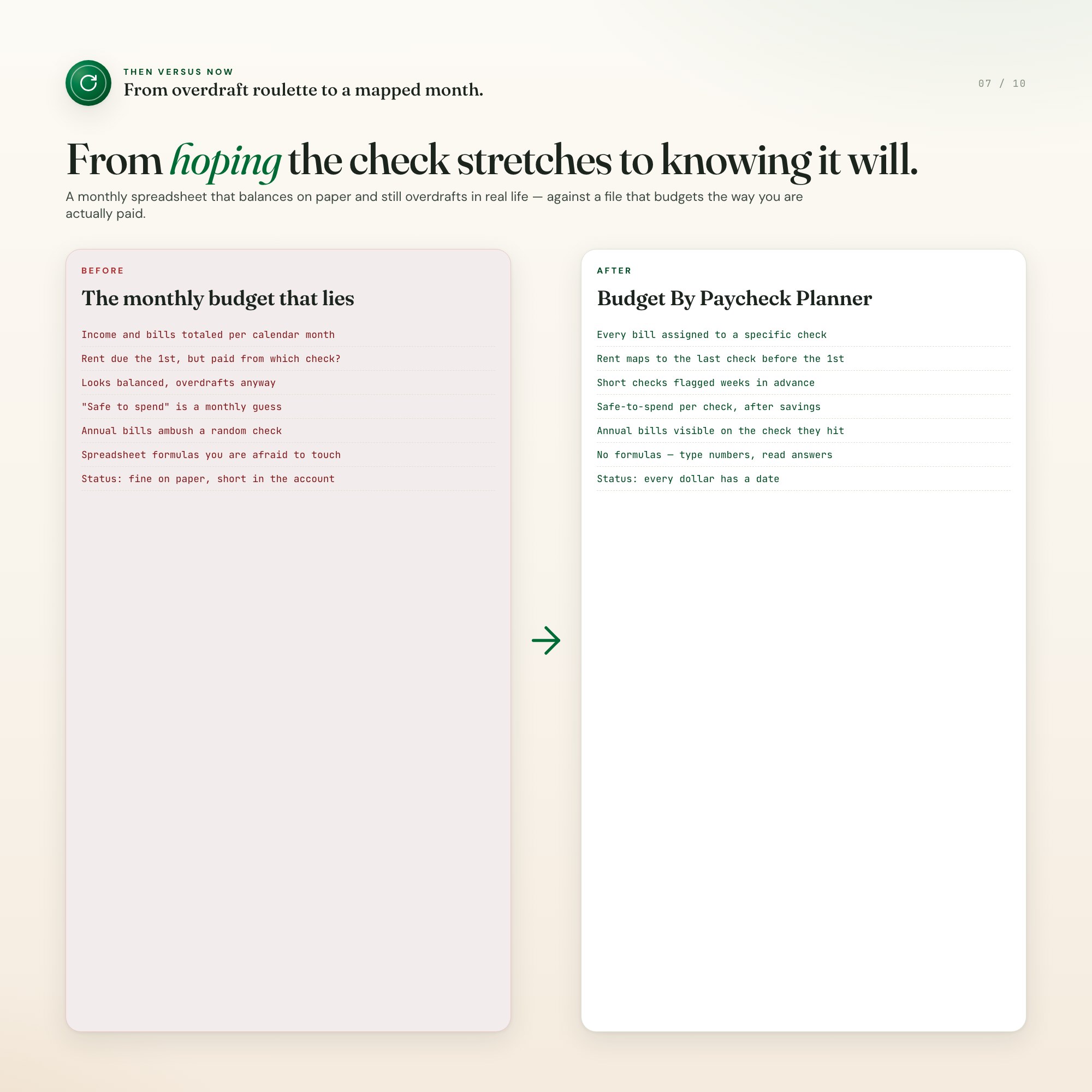
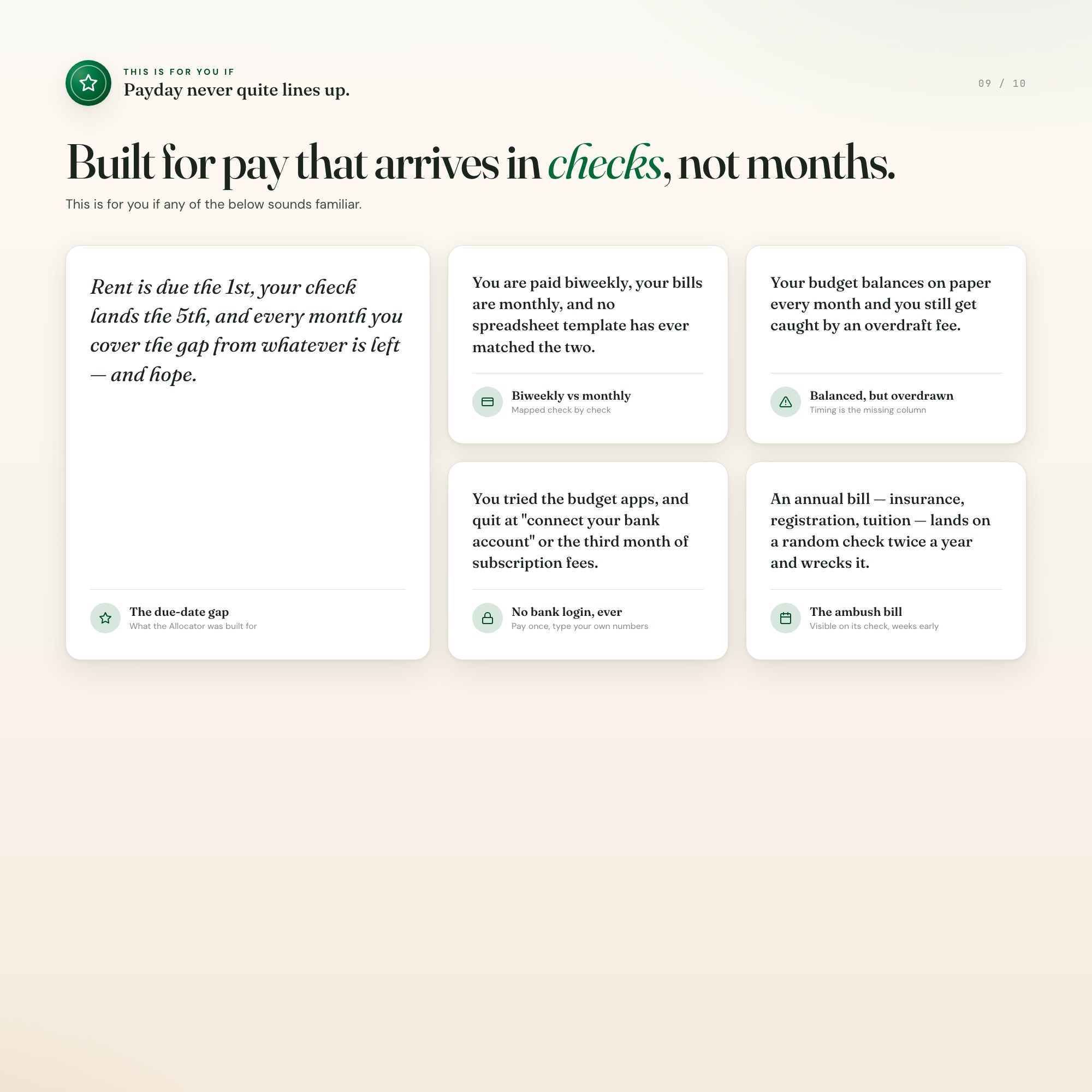
Monthly budgets assume you get paid once, in one tidy lump. Real life is a $1,400 rent bill due three days before the check that covers it. If you are paid weekly or biweekly, the month is the wrong unit — the paycheck is the unit. This dashboard budgets the way you are actually paid.
★ THE PAYCHECK ALLOCATOR — the part no monthly budget sheet does
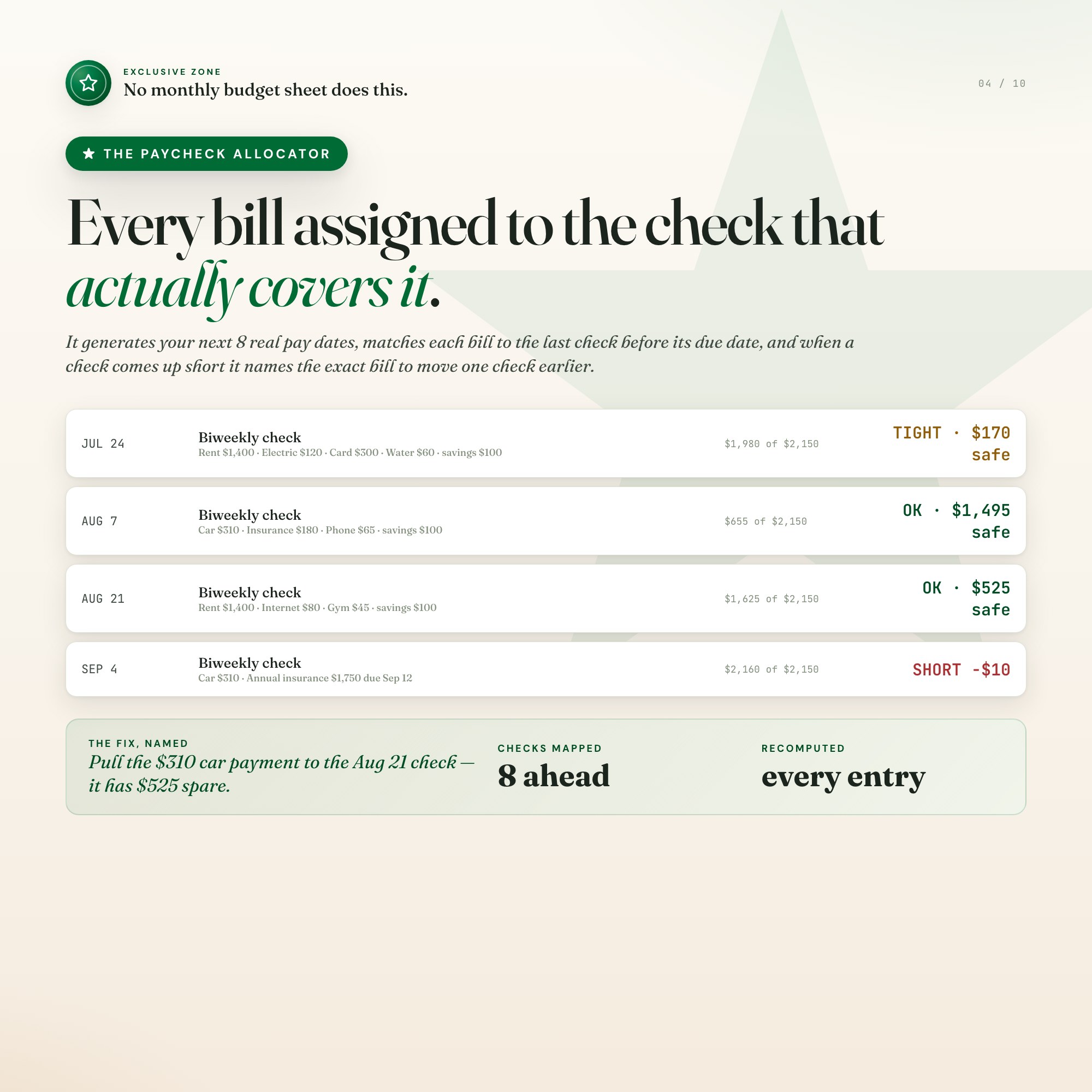
Enter your pay frequency (weekly, biweekly, semimonthly or monthly) and your anchor pay date, then your bills with their due days. The Allocator generates your next 8 real pay dates and assigns every bill to the last check before its due date — so you can see, weeks ahead, exactly which check pays rent, which one absorbs the annual insurance, and what is genuinely safe to spend from each one after savings come out. When a check comes up short, it names the specific bill to move one check earlier, and which earlier check has the spare room to take it.
What you get
• One interactive dashboard.html file — open it in any browser, no install, no account
• A HOW-TO-SAVE.txt with 30-second setup instructions
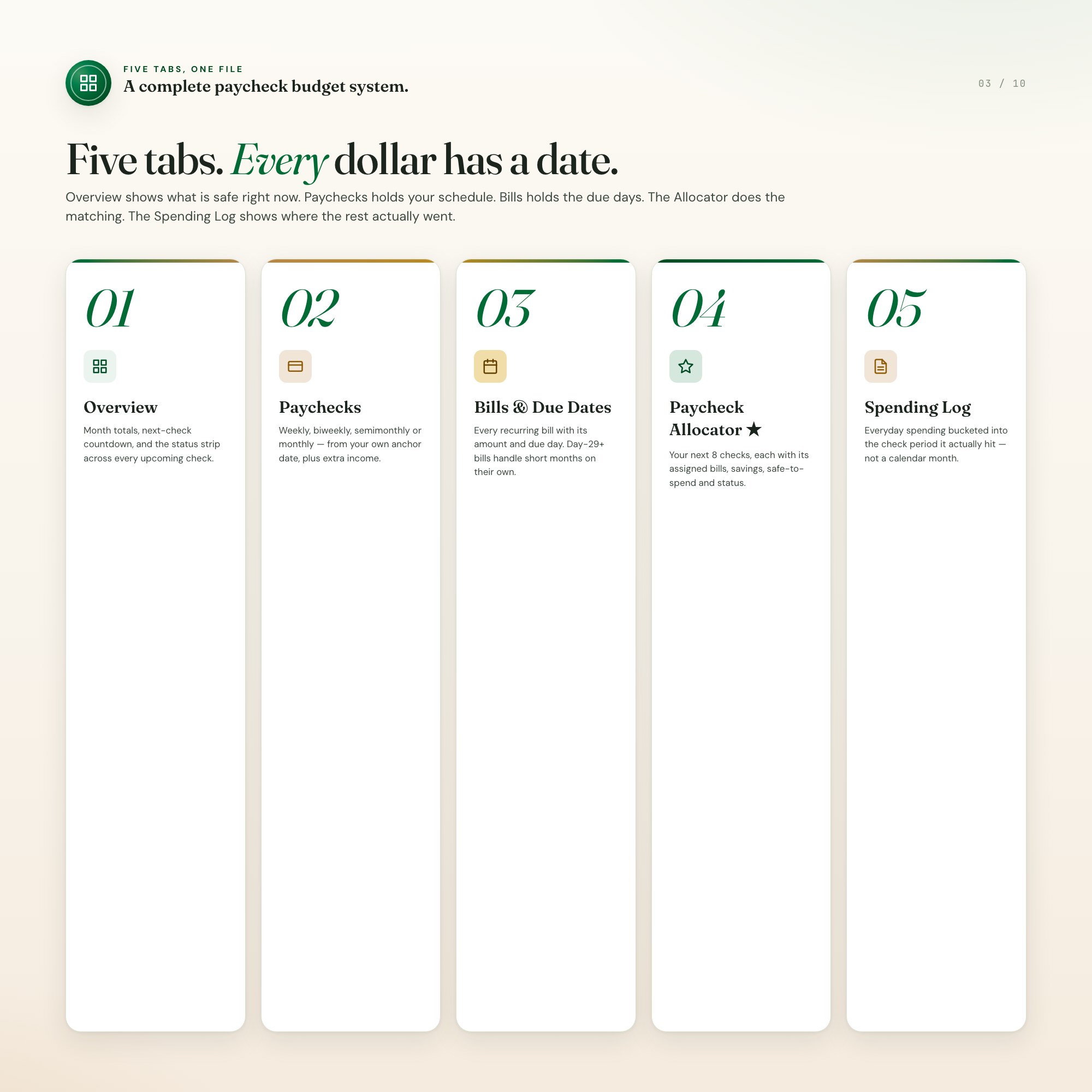
• Five tabs: Overview, Paychecks, Bills & Due Dates, Paycheck Allocator, Spending Log
The five tabs
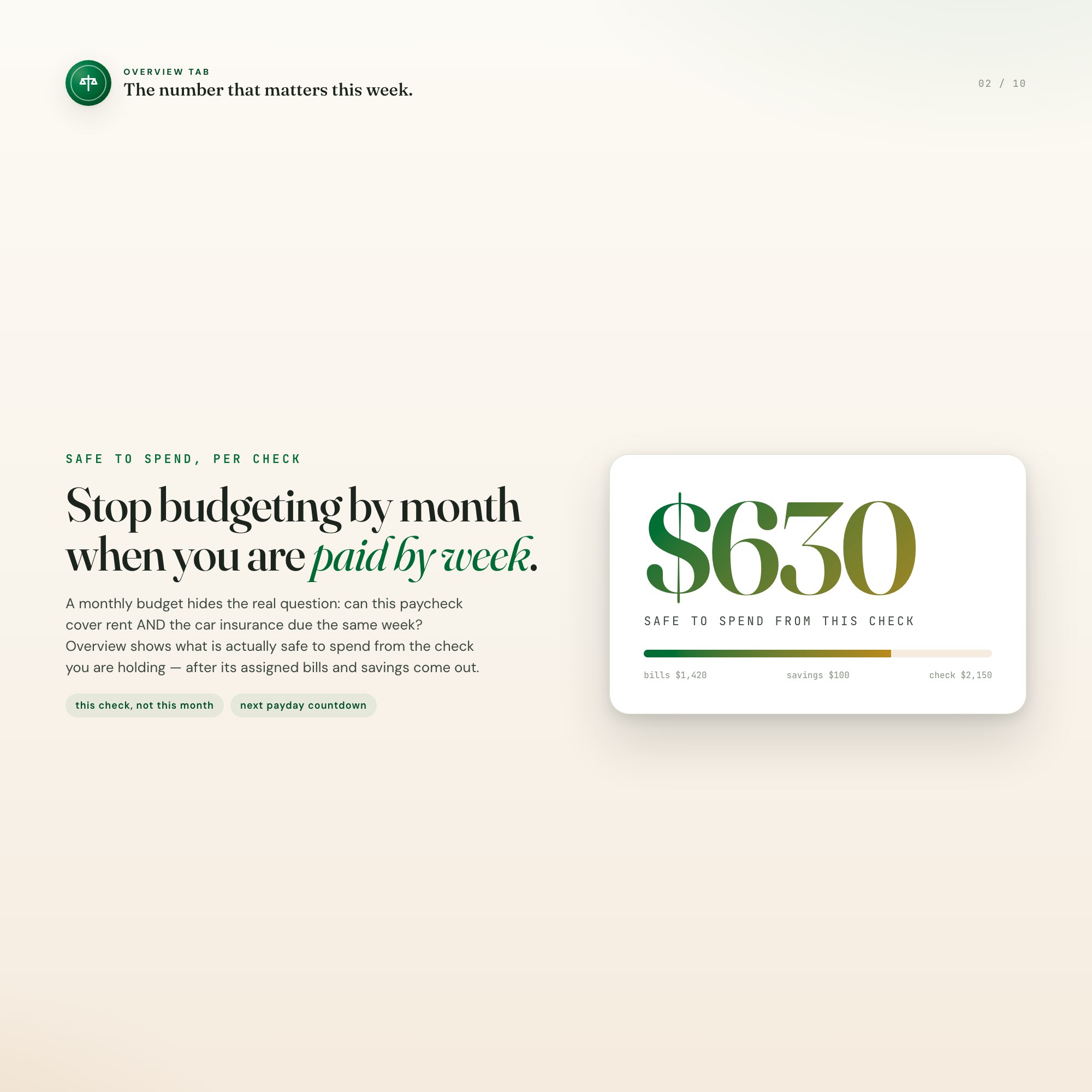
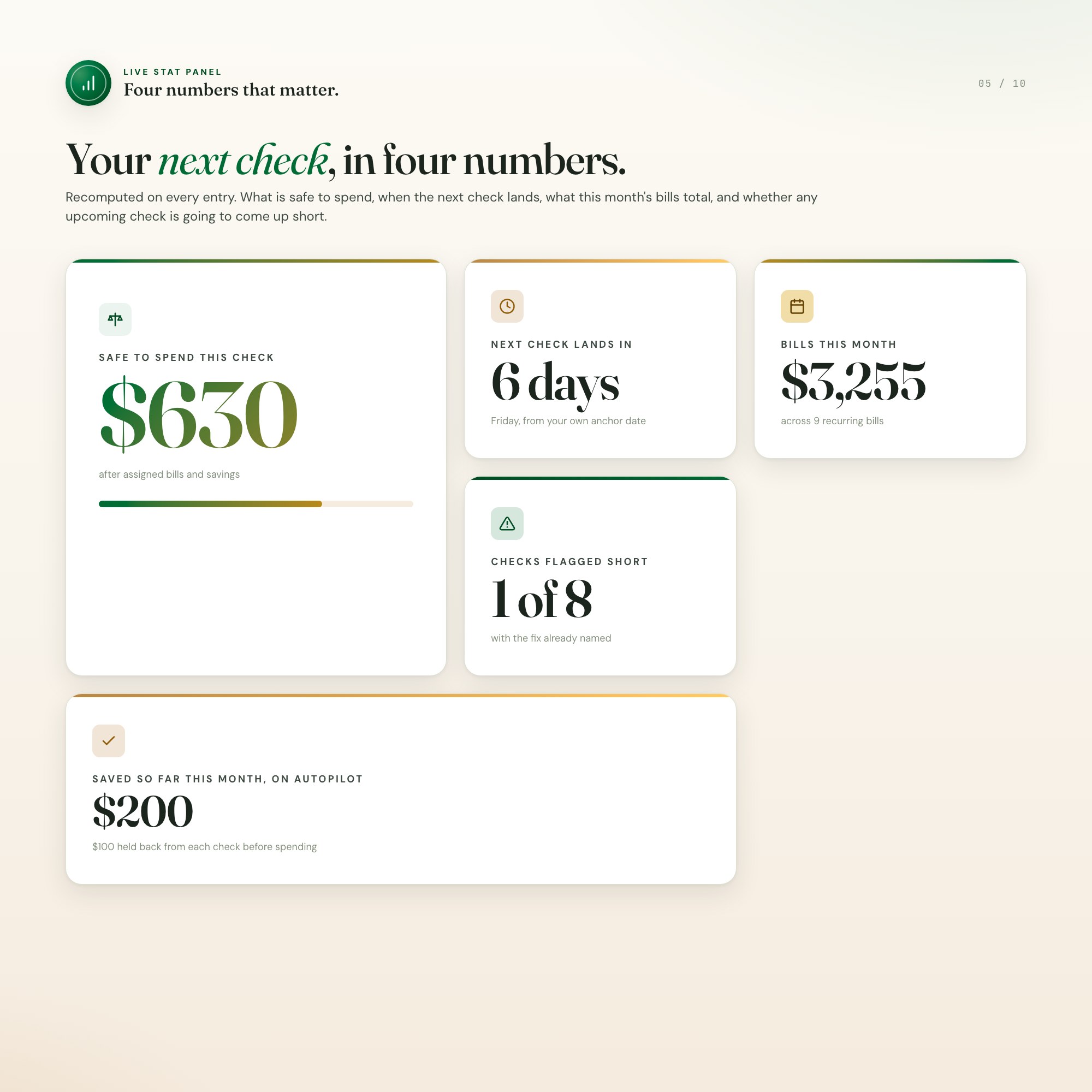
01 · Overview — month totals, a countdown to your next check, and a status strip across every upcoming check: OK, TIGHT, or SHORT.
02 · Paychecks — your pay schedule from your own anchor date, plus extra income entries (side gigs, refunds) counted in the check period they land.
03 · Bills & Due Dates — every recurring bill with amount and due day. Bills due on the 29th, 30th or 31st clamp to the last day of short months on their own.
04 · Paycheck Allocator ★ — your next 8 checks, each with its assigned bills, held-back savings, safe-to-spend, and a named fix for any short check.
05 · Spending Log — everyday spending bucketed into the check period it actually hit, not a calendar month.
NO BANK LOGIN. NO SUBSCRIPTION. NO SPREADSHEET FORMULAS.
Budget apps want your bank credentials and a monthly fee. Spreadsheets want you to maintain the formulas. This wants neither: you type your numbers, they stay in your browser on your machine, and the file is yours forever. Works completely offline.
Works on
macOS, Windows, iPad and phone — any modern browser. Set it up on the laptop on payday, check your safe-to-spend from your phone before the card comes out.
Instant download
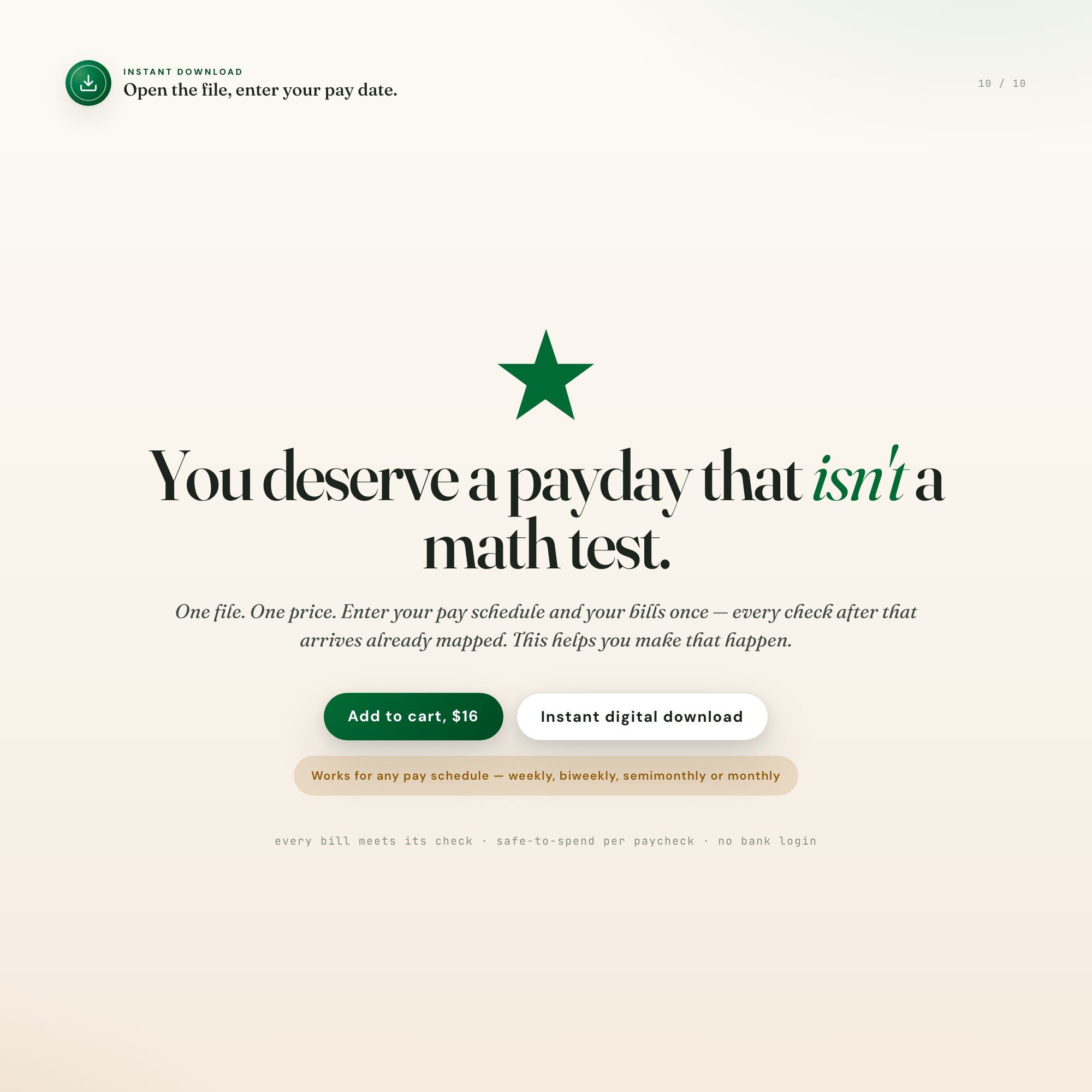
You receive the dashboard file and setup note immediately after purchase. Open, enter your pay date, done.
You deserve a payday that isn’t a math test. This helps you make that happen.
5 Tabs included
- ◈
Overview
month totals, next check countdown, status strip across all upcoming checks
- ≡
Paychecks
pay frequency (weekly / biweekly / semimonthly / monthly), anchor date, base amount, extra income entries
- ⊞
Bills & Due Dates
every recurring bill with amount and due day; day-29+ bills clamp to last day of short months
- ◉
Paycheck Allocator
the engine — each of your next 8 checks with its assigned bills, savings, safe-to-spend, and OK / TIGHT / SHORT status with a named fix
- ★
Spending Log
everyday spending bucketed into the check period it actually hit
Exclusive Feature
Paycheck Allocator — generates your next 8 real pay dates from your own frequency and anchor date, assigns every bill occurrence to the last check before its due date, computes per-check safe-to-spend after savings, and when a check is SHORT names the specific bill to move one check earlier
This is built into the fifth tab and is unavailable in any static template, spreadsheet, or Notion template on the market.
Gallery
Learn more
Debt Payoff Tracker Printable vs Interactive: What Each One Is Good For
A printable debt payoff tracker is great for motivation and weak when your plan changes. Here is where each style works, and how to use both.
GuideNet Worth vs Liquid Net Worth: Which Number Matters and When
Net worth is everything you own minus what you owe. Liquid net worth counts only what you can spend. Here is how to calculate both and when each matters.
GuideHow to Track Net Worth Monthly (and Why Most People Quit by March)
Calculating net worth once is easy. Tracking it monthly is where the habit dies. Here is what to log, how long it should take, and what the number is for.
List7 Net Worth Milestones and What Each One Actually Changes
Net worth milestones are usually presented as bragging rights. Here is what each one changes about your actual options, and which ones are overrated.
GuideHow to Budget by Paycheck When Your Bills Don't Line Up With Your Pay Dates
Monthly budgets fail people paid weekly or biweekly. Here is the paycheck-period method: assign every bill to the check that covers it.
Before you buy
Frequently asked questions
- What is Budget By Paycheck Planner?
- Budget By Paycheck Planner is an interactive dashboard that opens in your web browser. It is one self-contained HTML file — download it once, double-click it, and it runs. No app, no account, no subscription.
- Does Budget By Paycheck Planner need Excel or Google Sheets?
- No. It is not a spreadsheet and does not open in one. It runs in Chrome, Safari, Edge or Firefox on macOS, Windows, iPad or Chromebook, and keeps working offline.
- What is included in Budget By Paycheck Planner?
- 5 sections in a single file: Overview, Paychecks, Bills & Due Dates, Paycheck Allocator, Spending Log.
- Does it work offline?
- Yes — completely. The dashboard is a single HTML file. Once downloaded, it runs entirely in your browser with no internet connection needed. All data autosaves to your browser's localStorage.
- Which devices and browsers are supported?
- Works in Chrome, Edge, Safari, and Firefox on macOS, Windows, iPad, and Chromebook. No app to install, no account to create. Just open the file.
- What is your refund policy?
- All sales are final. This is an instant download delivered in full at payment, so it cannot be returned. If a file will not open or a feature does not work as described, that is a defect and it gets fixed at no cost — email hello@listingresearchos.com and you will get a corrected file.
- How do I install it?
- There is nothing to install. After purchase, download the HTML file. Double-click to open in your browser. That's it. A HOW-TO-SAVE.txt is included explaining how to back up and restore your data.
- Is my data private?
- Completely. Everything runs locally — no login, no analytics, no data sent to any server. Your data is stored only in your browser's localStorage. You own it entirely.
You might also like
One-time purchase
Get it for $16.00
Instant download. Open in any browser. Yours forever.