
Debt Payoff Tracker Printable vs Interactive: What Each One Is Good For
A printable debt payoff tracker is great for motivation and weak when your plan changes. Here is where each style works, and how to use both.
Published October 9, 2026
If you search for a debt payoff tracker printable, you will find the same thing over and over: a page of coloring boxes, a thermometer, a set of circles or a grid of dollar amounts. You pay a little, you color a little, and the page slowly fills up. They are popular because they work on something real, which is the feeling of progress.
They also have a ceiling. This guide is about both halves: what a printable tracker does well, where it quietly stops helping, and what to use when your numbers change.
What a printable debt tracker is actually for
A coloring-style tracker does one job, which is making progress visible. Debt is abstract. You owe a number, you pay a number, and the number goes down so slowly that nothing seems to happen. A chart on the fridge turns each payment into a mark.
That matters more than it sounds. The hardest stretch of paying off debt is the middle, when the starting excitement is gone and the end is still far away. A physical page gives you a small reward for every payment and a reason to keep going.
Printables are also good at a few other things:
- They are private. There is no account, no app and nothing connecting to your bank.
- They are quiet. No notifications, no pop-ups, no upsell.
- They are simple to start. You can begin tonight with a printer and a pen.
- They suit people who think better on paper. Writing a number by hand makes some people take it more seriously.
If your debt is one or two accounts, you pay the same amount each month, and you already know your plan, a printable may be all you need.
Where printables fail: the plan changes
A coloring chart is drawn once, against a plan. It assumes the plan will not change. Real debt plans change constantly.
Here is the quiet failure. You print a chart for a $6,000 card balance, divided into 60 boxes of $100. That works only if every payment you make is a clean $100 and the balance really falls by $100 each time. But interest is added to the balance every month. On a card at 24 percent APR, a $3,000 balance adds about $60 of interest in a month (3,000 x 0.24 / 12). So a $100 payment lowers the balance by roughly $40, not $100. Coloring a $100 box overstates your progress.
Other changes break a static chart in the same way:
- You get a raise, a tax refund or a bonus and send a lump sum to one card.
- A balance transfer moves one debt onto a new rate.
- A new expense, such as a car repair, makes you add a charge to a card you were paying down.
- A minimum payment changes as the balance drops.
- You decide to switch strategy because the first one is not holding your attention.
When any of these happens, a printable gives you two bad options. You keep coloring boxes against a plan that no longer matches reality, or you redraw the whole thing and lose the history. Neither one tells you what you actually want to know, which is whether the new plan gets you to zero sooner.
What a printable cannot tell you
There are three questions a coloring chart cannot answer, however nicely it is designed.
When will I be debt-free? The date depends on every balance, every rate, every minimum and your extra payment, all working together. You cannot read it off a grid of boxes. You can only guess, and early guesses tend to be optimistic.
Which debt should I attack first? The two common methods are snowball (smallest balance first) and avalanche (highest interest rate first). Avalanche costs less interest by definition. Snowball clears an account sooner, which helps some people stay motivated. How much the difference matters depends on your specific debts, so you have to run both on your own numbers to see it.
What is my extra payment worth? Moving your monthly extra from $50 to $150 changes the payoff date and total interest, but by how much? That is a calculation, not something a chart can show.
This is why “debt payoff template” and “debt payoff calculator” show up as separate searches. A template stores numbers. A calculator produces them. The mistake is expecting a template to do a calculator’s job.
Printable vs interactive: a plain comparison
Here is how the two styles stack up on the things people actually care about.
| What you want | Printable tracker | Interactive calculator |
|---|---|---|
| Visible, satisfying progress | Strong | Depends on the design |
| Works without a screen | Yes | No |
| Calculates your payoff date | No | Yes |
| Compares snowball and avalanche | No | Yes, if built for it |
| Adjusts when balances or payments change | Redraw by hand | Update a number |
| Privacy | Excellent | Depends on the tool |
| Cost | Usually low | Free to paid |
Neither column wins outright. A printable is built for motivation. An interactive tool is built for decisions. If you have more than two debts, different interest rates, or a plan you expect to revise, the decisions side deserves attention.
A setup that uses both
You do not have to choose. A reasonable approach:
- List every debt. Write down the balance, APR and minimum payment for each. Use the numbers from your latest statements, not from memory.
- Calculate before you color. Run your numbers through a calculator to get an order of attack, a payoff date and the total interest for the strategy you pick.
- Set milestones from the result. Build your printable around the calculated plan. Mark milestones at real balance targets, such as each account cleared, rather than evenly spaced boxes.
- Log payments, not feelings. Record the date and amount of each payment, then update the balance from the statement, so the interest is counted.
- Recalculate when something changes. A raise, a lump sum, a new charge or a rate change means a new run of the numbers. Only then decide whether the chart needs redrawing.
- Review once a month. Pick a fixed day. Compare the statement balances to what you expected. If they are higher, find out why before moving on.
The calculation keeps you honest, and the chart keeps you going. Each covers the other’s weakness.
What to look for in an interactive tracker
If you decide to add a calculator, a few features separate a useful one from a pretty one:
- It shows a debt-free date. That is the single figure that changes when you make a decision.
- It simulates both strategies on your debts. You should see months to payoff and total interest for snowball and avalanche side by side.
- It lets you change the extra payment. Slide the number and watch the date move.
- It keeps a payment log. Without a record, the tool is a one-time estimate and not a tracker.
- It does not require a bank login. Typing five to ten balances once is a small cost. Standing access to your accounts is a bigger one.
- It keeps your data with you. A file that runs in your browser and saves locally is simpler to trust than an account.
Be careful with any calculator that promises a specific outcome. Results depend entirely on the numbers you enter and on you making the payments.
Where Debt Payoff Freedom OS fits
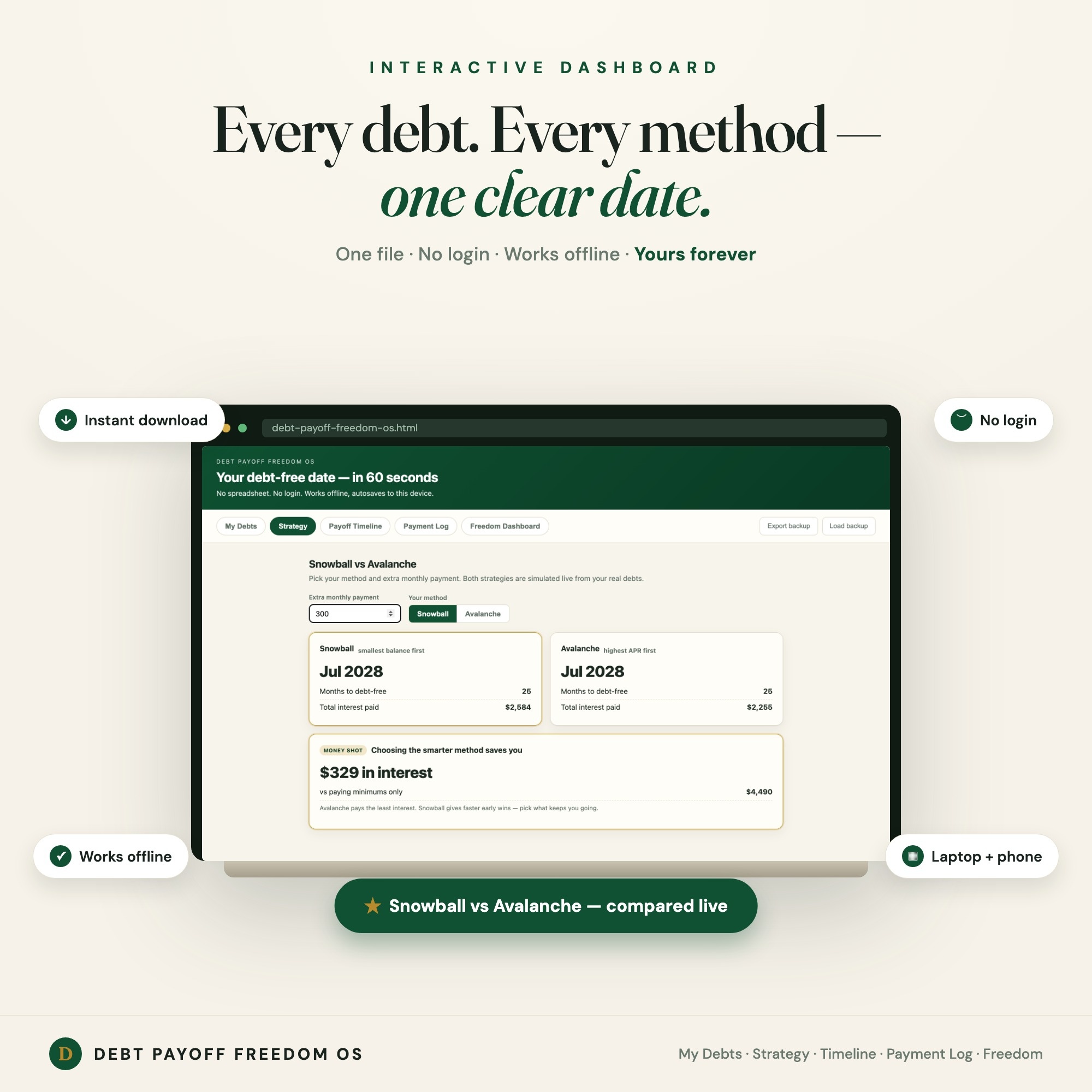
Debt Payoff Freedom OS is a single HTML dashboard built around the questions above. You list your debts with balance, APR and minimum payment, set an extra monthly amount, and it simulates snowball and avalanche side by side, showing months to debt-free and total interest for each. A payment log tracks what you pay, and the dashboard shows your debt-free date, how much you have paid so far, interest saved against paying only the minimums, and an on-time payment streak.
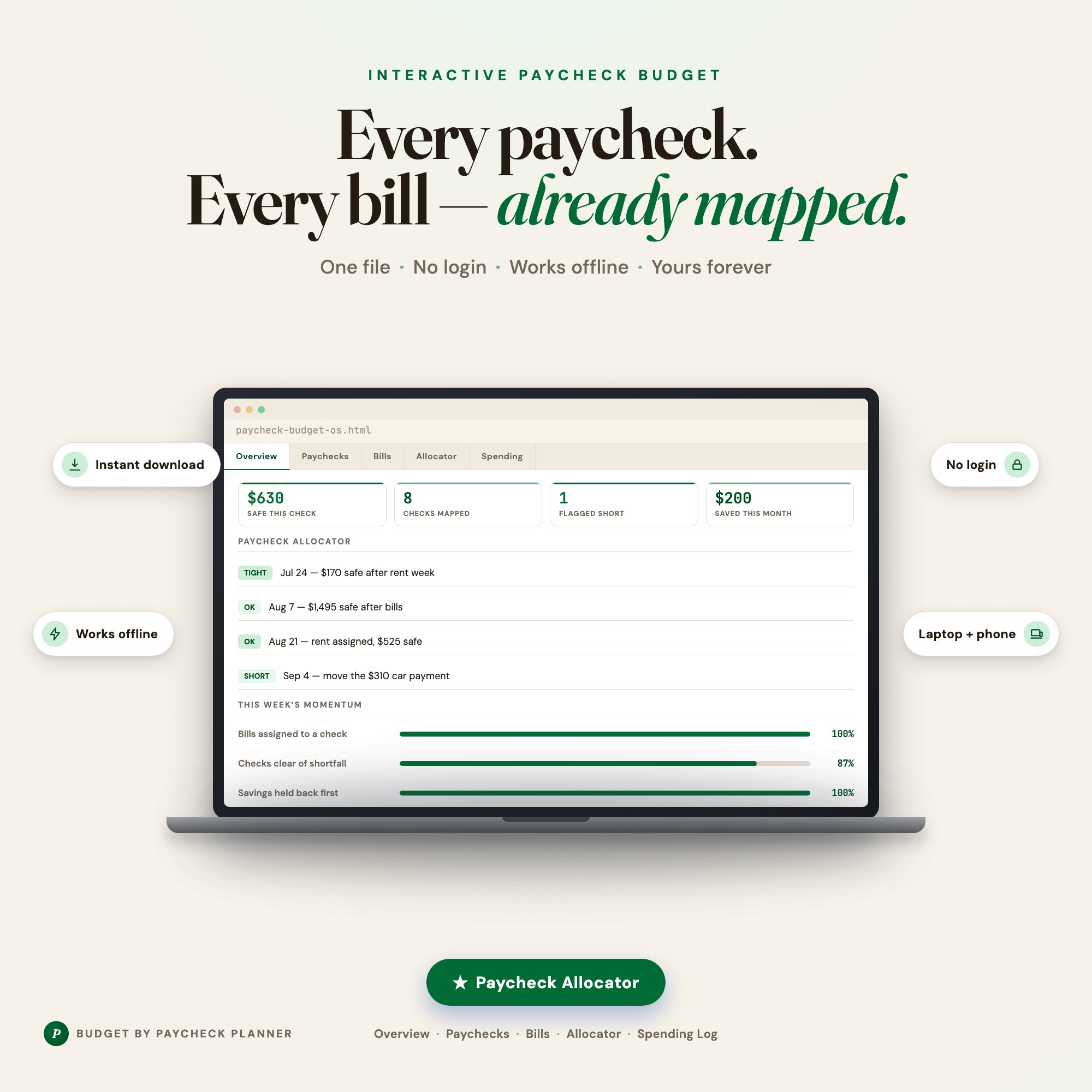
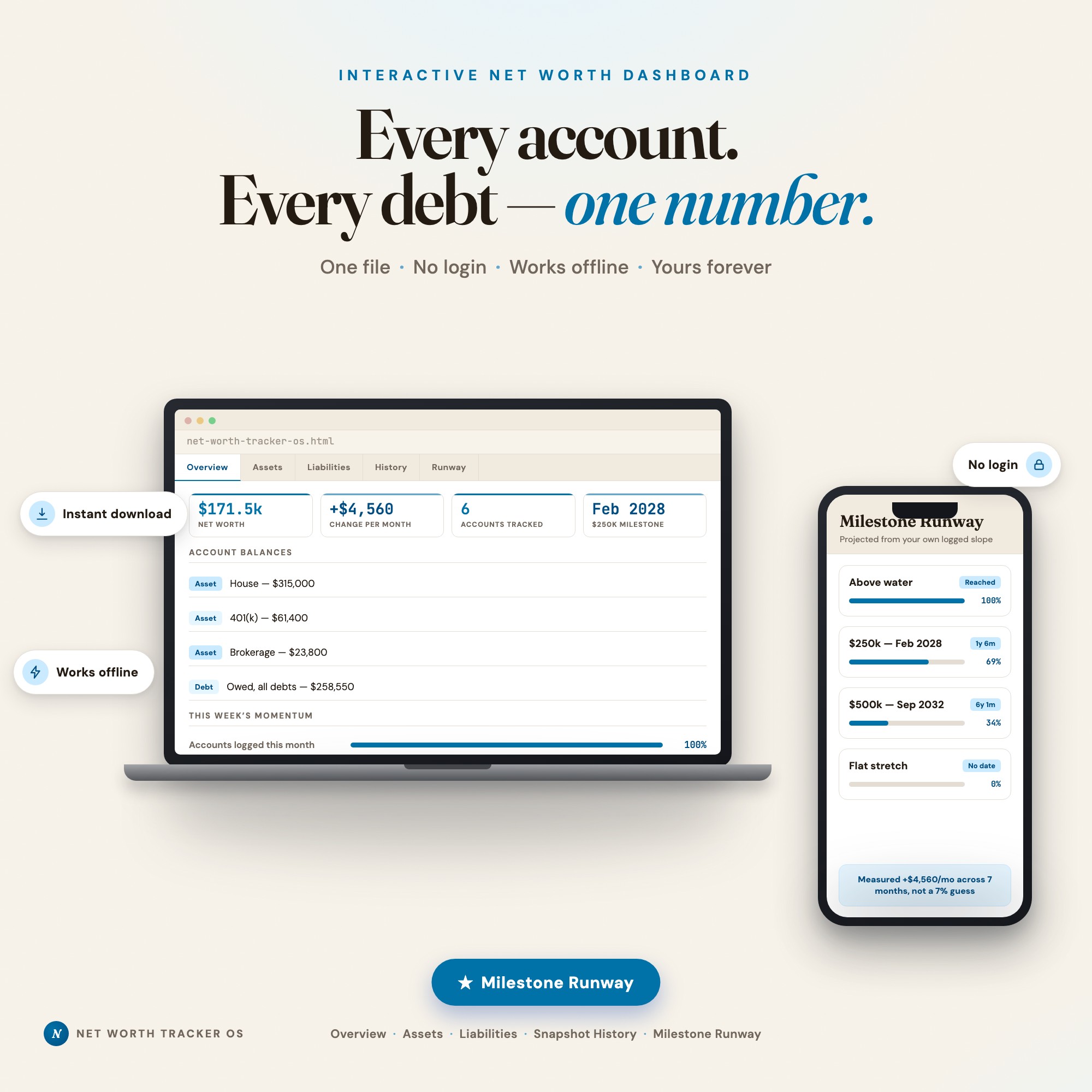
It runs offline in any browser, saves to your device as you type, and lets you export a backup file. It is a calculator and a log, not a coloring page. Some people use it alone, and some print a milestone chart from the plan it produces and put it on the fridge. If your budget is the bigger problem, the Budget By Paycheck planner is a better first step, and the Net Worth Tracker Dashboard fits once the debt is shrinking and you want to watch the whole picture.
The tool will not make the payments for you. What it does is replace the guesswork about dates and strategy with numbers from your own debts.
The short version
Use a printable when you need progress to feel real. Use a calculator when you need the plan to be right. When the plan changes, recalculate first and redraw second. If you only have the chart, it will tell you that you are working, but not whether the work is pointed at the right debt, or when it ends.
Frequently asked questions
- Do printable debt payoff trackers actually work?
- They work for what they are built to do, which is keep your progress visible and make each payment feel like something. They do not calculate anything. If your plan is simple and stable, a printable can carry you a long way. If you want to know your payoff date or compare strategies, you need arithmetic that a coloring chart cannot do.
- What is the difference between a debt payoff template and a debt payoff calculator?
- A template is a place to write down numbers you worked out elsewhere. A calculator takes balances, rates and minimum payments and works out the result for you, including the date you finish and the interest you pay. Many people need both: the calculation to choose a plan, and a visual record to stick with it.
- Can I use a printable tracker and a calculator together?
- Yes, and it is a sensible setup. Use the calculator to pick the order and the extra monthly amount, then print or draw a chart whose milestones match that plan. Redo the calculation when something changes, such as a new balance, a new rate, or a different extra payment, and redraw only if the milestones move.
- What do I do with a printable tracker when I get a raise or a new bill?
- Treat the chart as out of date, because the milestones were based on the old payment amount. Recalculate your payoff order and monthly extra, then either re-mark the chart with new milestone amounts or keep the old one for the history and start a fresh page. Do not keep coloring boxes against a plan you are no longer following.
- Is a debt payoff app better than a printable?
- Neither is better in general. Apps do the math and can nudge you, but many want account links or a subscription. Printables are private, free of notifications and satisfying to fill in, but they never recalculate. The question is whether your main risk is losing motivation or losing track of the numbers.
- What does the Debt Payoff Freedom OS cost?
- $22, one-time, on Etsy. No subscription and no login. It runs as a single file in your browser and saves to your own device.
Ready-made dashboards
Skip setup — grab an interactive dashboard built for this exact workflow.
ListingResearchOS Shop
All dashboards — one-time purchase, yours forever
Single HTML files. No subscriptions. No login. Works offline in any browser.
Browse all dashboards →