
Interactive dashboard
First 90 Days New Job Dashboard
Built for Knowledge worker Day 1 to Day 90 in a new role, terrified of fumbling the ramp-up
Try it live
Click around the real dashboard
Interactive demo · a few tabs unlocked
See it in action
The dashboard
What it is
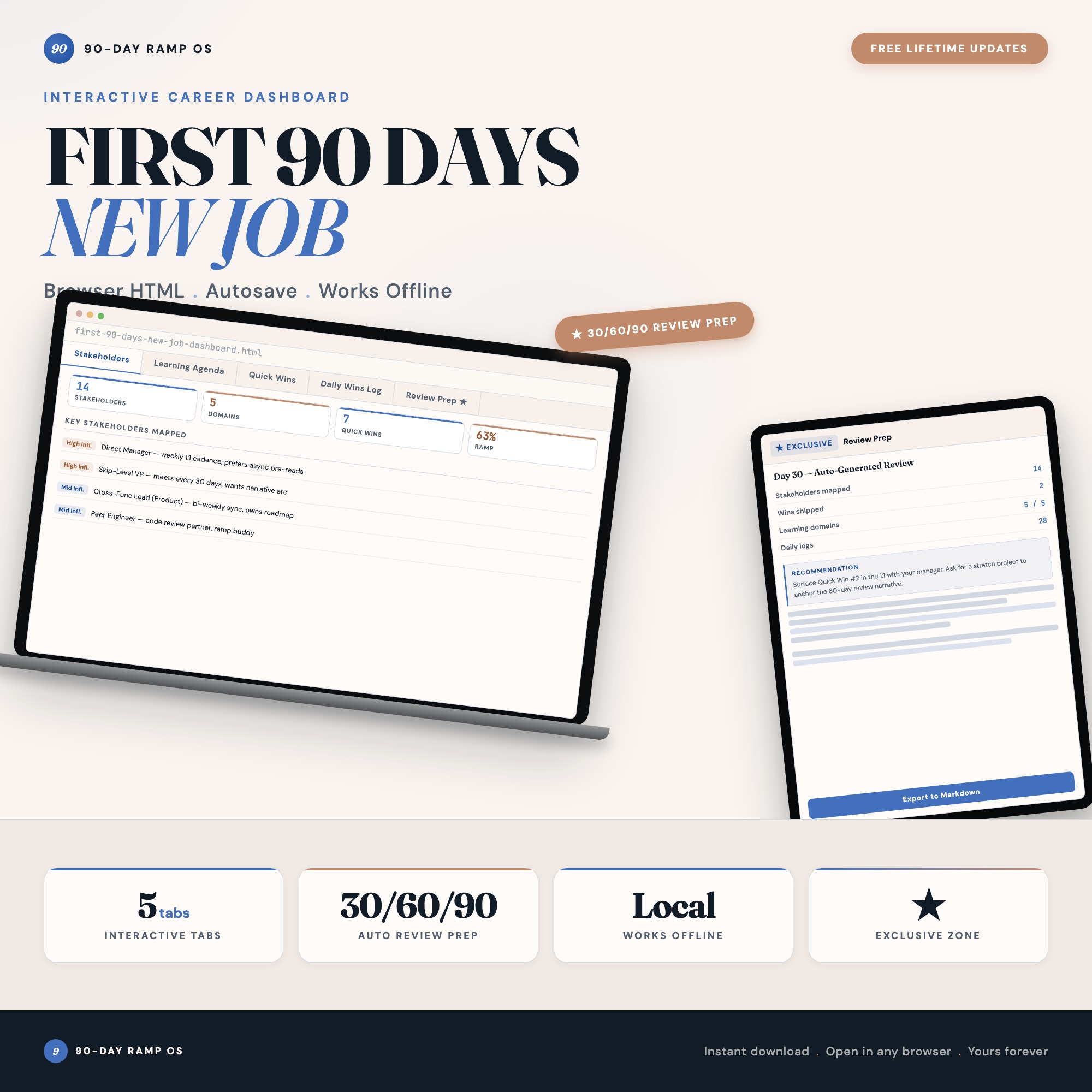
Built for knowledge worker Day 1 to Day 90 in a new role, terrified of fumbling the ramp-up. First 90 Days New Job Dashboard It is a browser-native interactive dashboard that lives in a single HTML file, with nothing to install.
What is First 90 Days New Job Dashboard?
First 90 Days New Job Dashboard is an interactive dashboard that opens in your web browser. It is one self-contained HTML file — you download it once, double-click it, and it runs. It is built for knowledge worker Day 1 to Day 90 in a new role, terrified of fumbling the ramp-up.
What is included in First 90 Days New Job Dashboard?
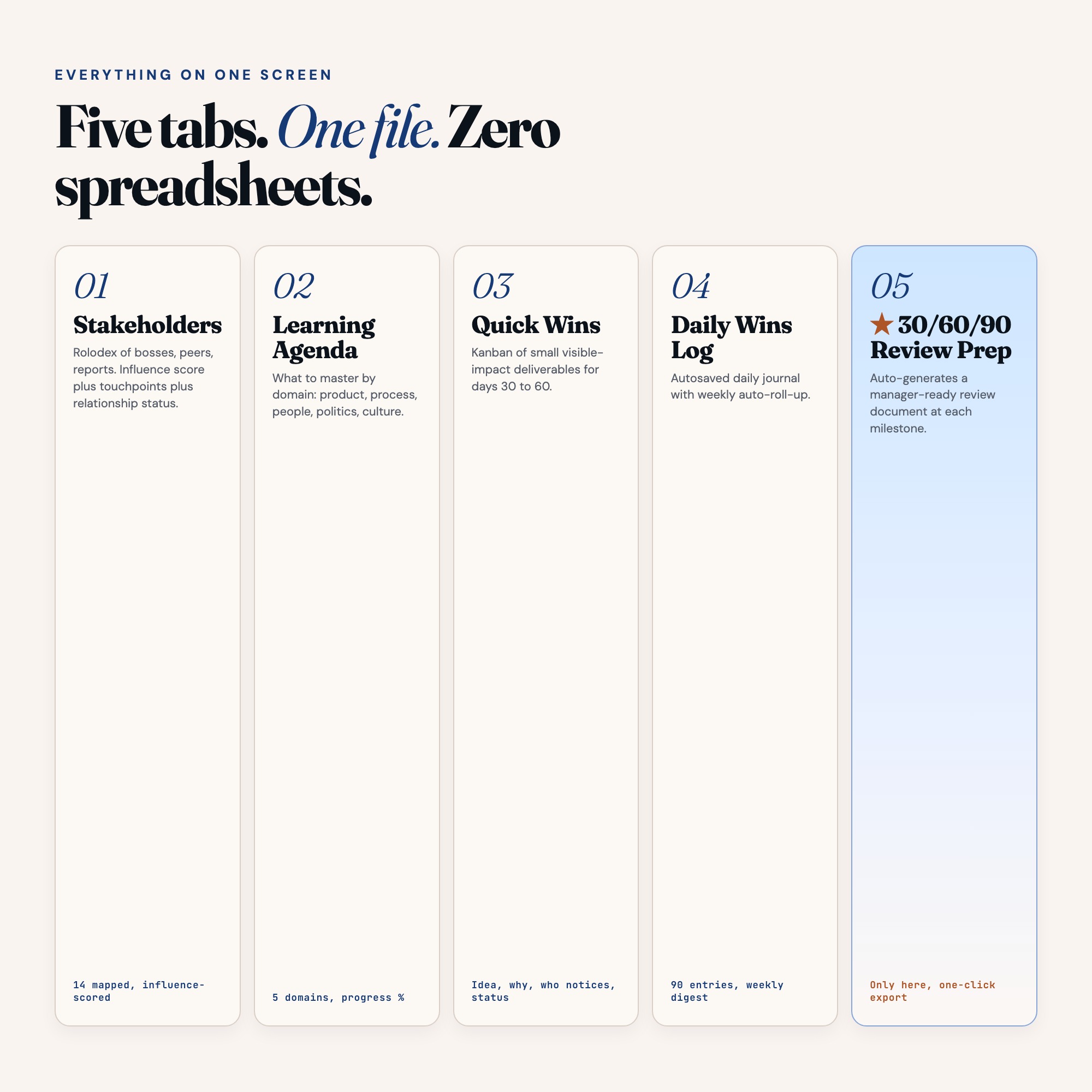
5 sections, all in the one file:
- Stakeholders
- Learning Agenda
- Quick Wins
- Daily Wins Log
- 30/60/90 Review Prep
Does First 90 Days New Job Dashboard need Excel, Google Sheets or a subscription?
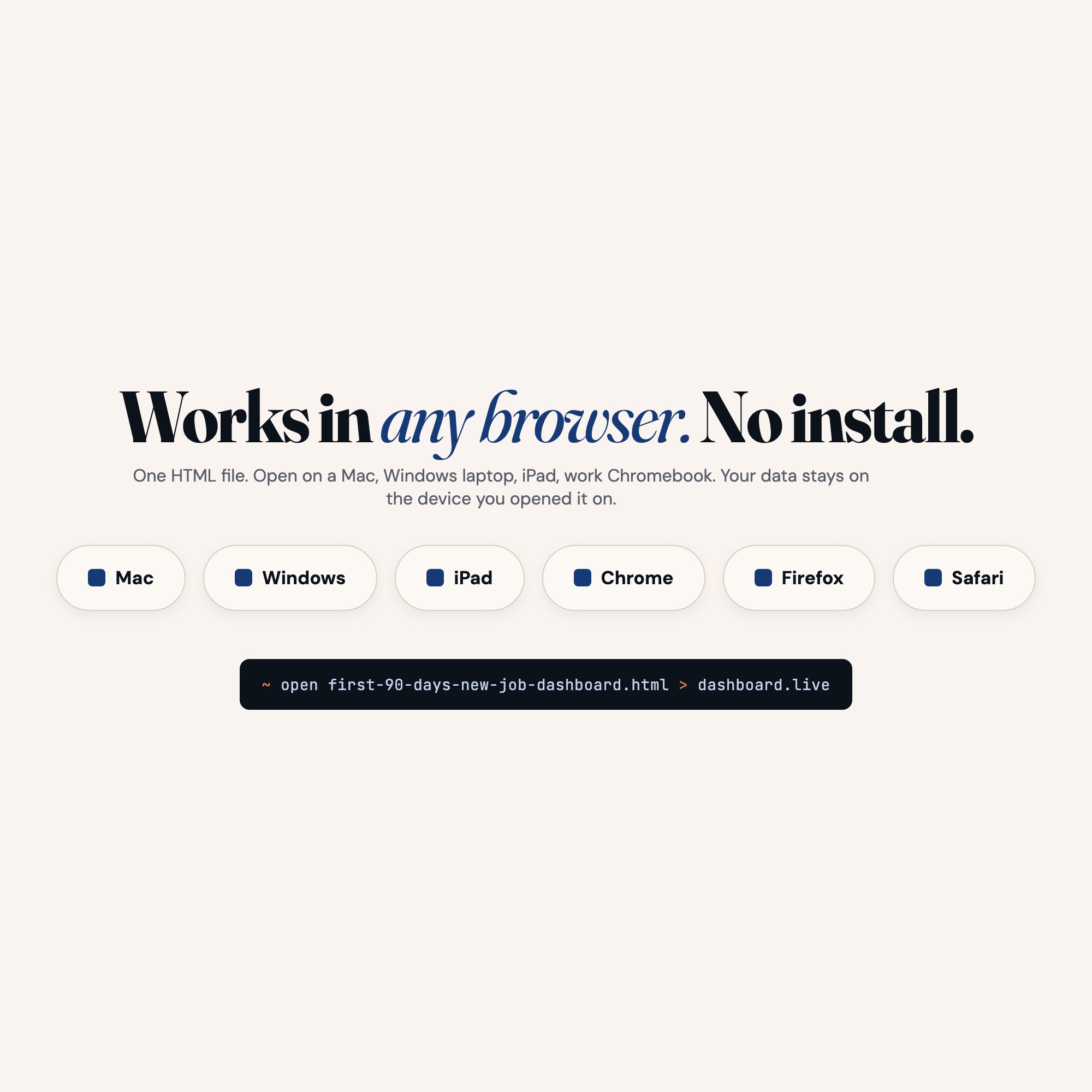
No. There is no app to install, no account to create, no login and no recurring fee. It opens in Chrome, Safari, Edge or Firefox on macOS, Windows, iPad or Chromebook, and it keeps working offline once the file is on your machine.
Where does First 90 Days New Job Dashboard store my data?
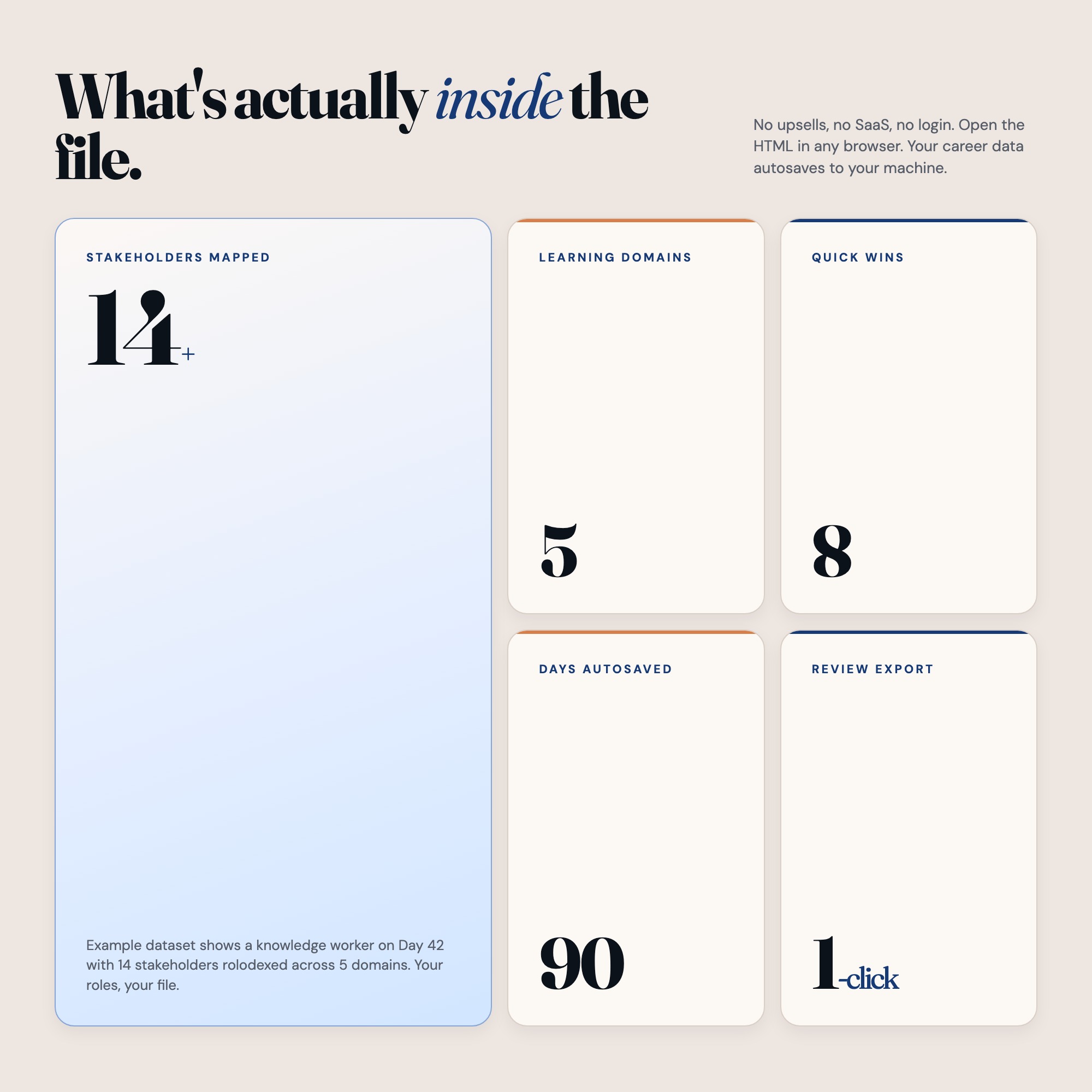
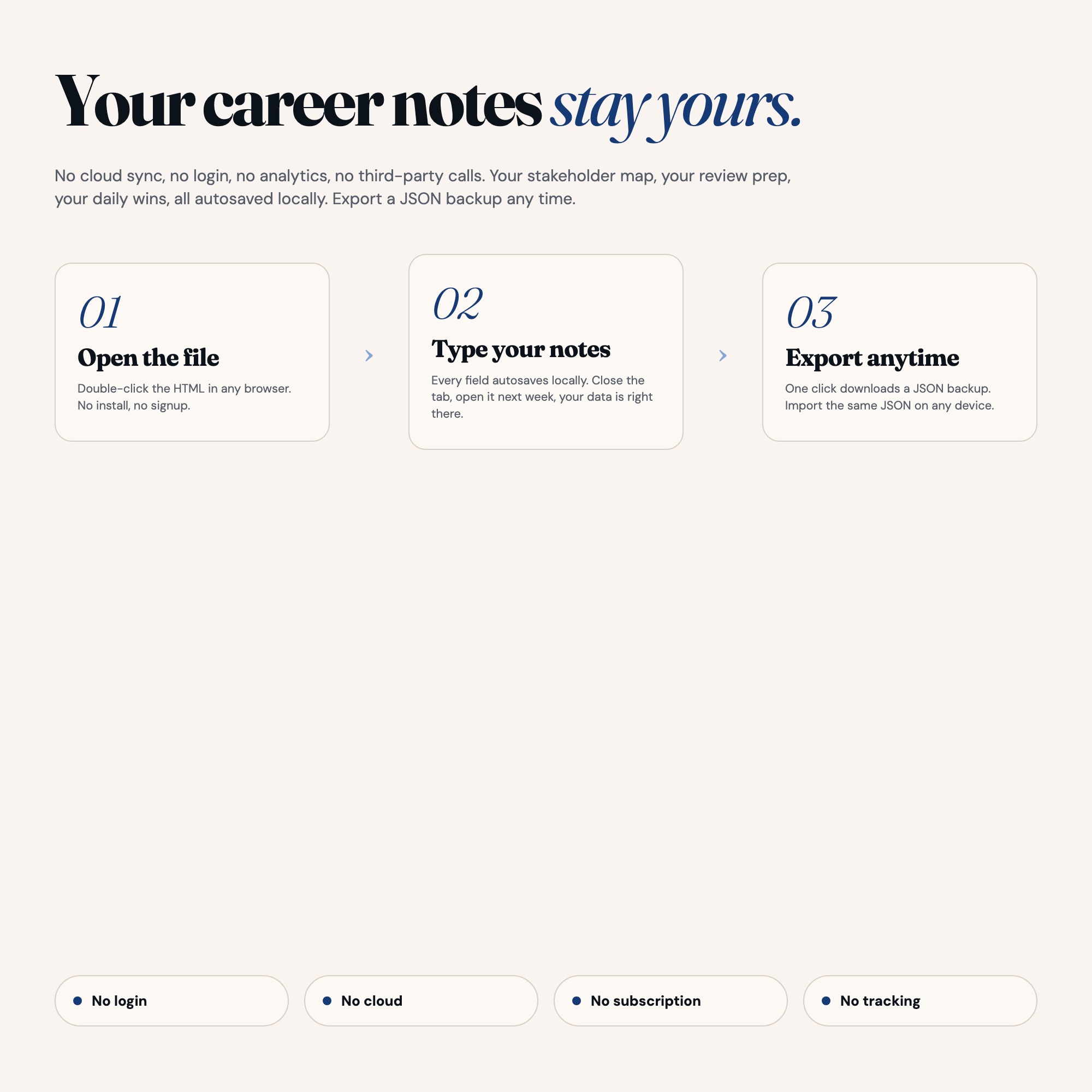
On your own device, in your own browser. Nothing is uploaded, no account is created and no analytics are collected. You can export a backup file at any time and load it on another computer.
Can I change how First 90 Days New Job Dashboard looks?
Yes — colour, background, typeface and text size are all adjustable from inside the dashboard, and your choice is remembered the next time you open it.
How much is First 90 Days New Job Dashboard and how is it delivered?
$25, delivered as an instant download the moment you pay. Because it is a digital file, all sales are final.
More about First 90 Days New Job Dashboard
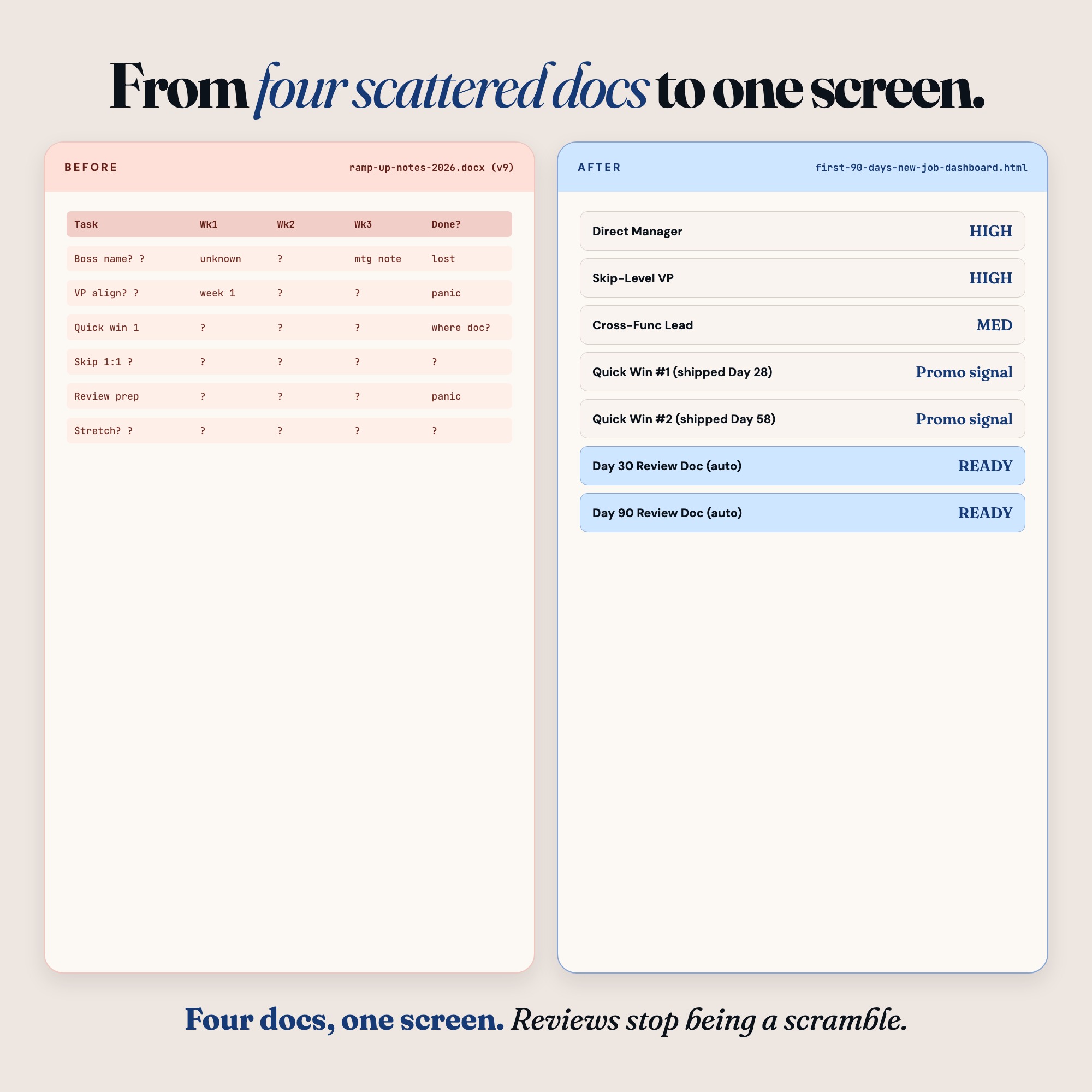
The First 90 Days New Job Dashboard gives you a single browser file that runs your entire ramp-up. Stakeholder rolodex, learning agenda by domain, quick-wins kanban, daily wins journal, and the feature nothing on Etsy ships: a 30/60/90 Review Prep tab that pulls your own data into a manager-ready document in one click.
No subscription. No login. Open the file in Chrome, start typing, autosaves instantly. Your data lives in your browser, under your control.
★ EXCLUSIVE ZONE
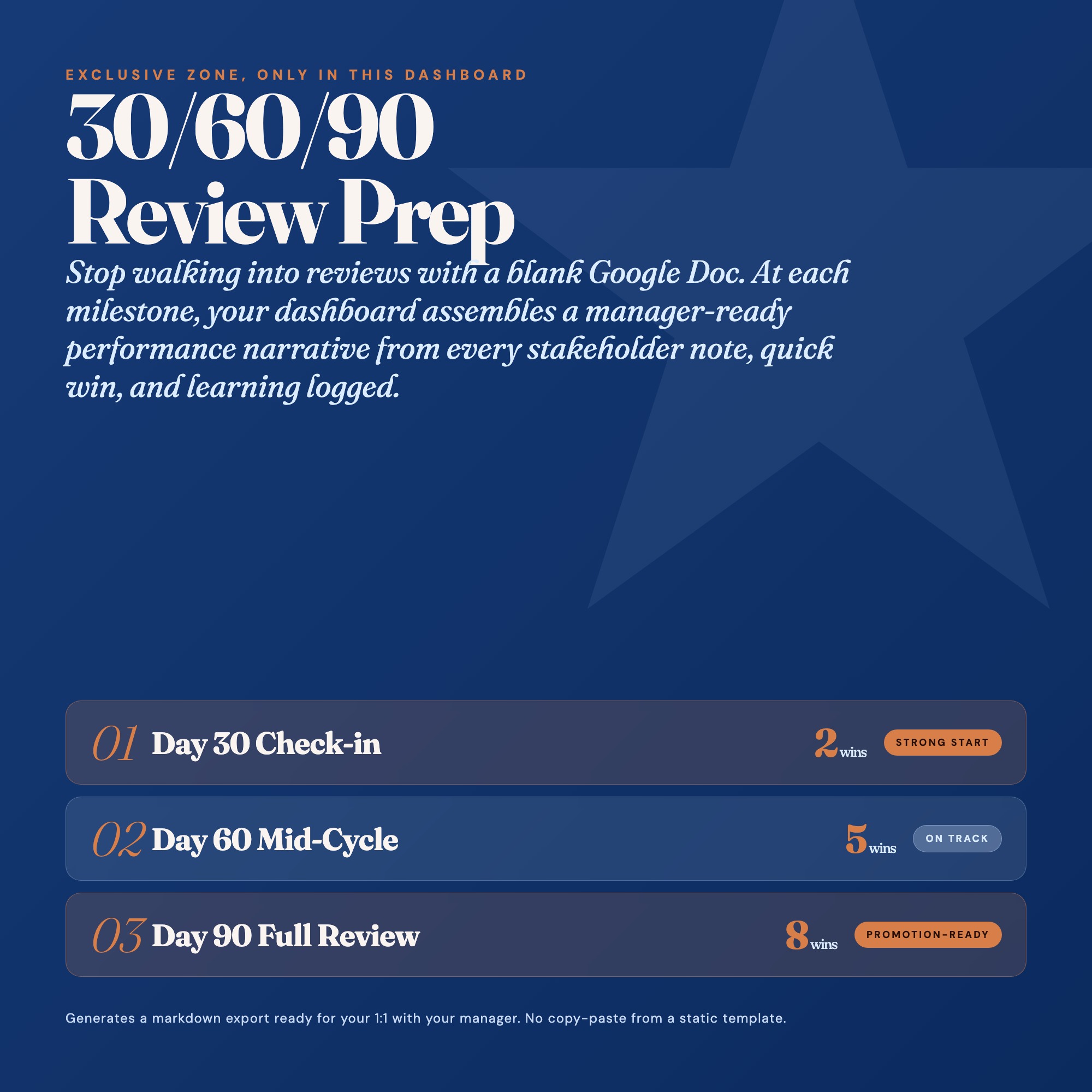
The 30/60/90 Review Prep tab is why this product exists. At the 30-day mark, click “Generate Review.” The dashboard reads your stakeholder notes, your quick-wins log, your learning agenda progress, and your daily wins journal, then assembles a concise performance narrative formatted for a 1:1 with your manager. Export as markdown, paste into your notes app, or hand it across the table. No other 90-day planner on Etsy does this: competitors ship PDF workbooks you fill out by hand. This tab turns your input into your talking points automatically.
WHAT’S INSIDE (7 interactive tabs)
-
Stakeholders: Your rolodex of bosses, peers, direct reports, and cross-functional partners. Capture name, role, influence level, your touchpoints, and current relationship health, and edit every field in place. Know exactly who matters before your first 1:1.
-
Meetings: Every meeting logged against the stakeholder it belongs to, split into old business and new business, with a date. Walk into the next one knowing exactly what you left open in the last one.
-
Learning Agenda: Organize what you need to master across five domains: product, process, people, politics, and culture. Track progress with a percentage bar, add source links, and note your “next conversation” per topic. Close your knowledge gaps systematically.
-
Quick Wins: A kanban board of small, visible-impact deliverables you can ship in days 30 to 60 to build credibility early. Each card captures the idea, why it matters, who will notice, and current status. Ship something visible before the honeymoon period ends.
-
Notes: Dated free-form notes for everything that does not fit a form. Each note surfaces inside the same day’s journal entry and inside every 30/60/90 review you generate, so nothing you wrote down gets lost by quarter end.
-
Daily Wins Log: An autosaved journal you update each day: what you shipped, who you met, what you learned. A weekly roll-up surfaces patterns automatically. This is your evidence base for every performance review you will ever have at this company.
-
30/60/90 Review Prep: The exclusive tab that no competitor ships. One click at Day 30, Day 60, or Day 90 generates a structured performance narrative from your own logged data, now including your meetings and notes. Export it as markdown and walk into your manager review with receipts.
This is for you if
-
You just accepted a role and want to outperform expectations in the first quarter, not just survive onboarding.
-
You have read the frameworks but never built the actual artifacts: the stakeholder map, the quick-wins list, the learning agenda.
-
You are terrified of missing an invisible political landmine in your first 30 days.
-
You want your 30-day review to be a conversation you control, backed by data you already have.
-
You refuse to pay $15 per month for another Notion workspace to manage a single 90-day ramp.
Your data is safe
Everything runs locally in your browser. Nothing uploads to any server. No login, no account, no email capture, no analytics. Export Backup downloads a JSON file only you hold. Load Backup restores it on any machine in seconds. Your career operating data is yours forever.
Files included
-
dashboard.html: the single-file interactive 90-day ramp OS
-
HOW-TO-SAVE.txt: plain-English save, restore, and share guide
Works in Chrome, Edge, Safari, Firefox. macOS, Windows, iPad, Chromebook. No installation needed.
The first 90 days decide the next three years. Get a system that works as hard as you do. Click Add to Cart, instant download, open the file, and start building your reputation from Day 1.
Notion template upgrade coming soon. Follow the shop to get notified.
5 Tabs included
- ◈
Stakeholders
Rolodex of bosses, peers, reports, cross-functional partners with influence level and relationship notes
- ≡
Learning Agenda
Domain-organized learning tracker across product, process, people, politics, culture with progress percentage
- ⊞
Quick Wins
Kanban board of small visible-impact deliverables categorized by idea, in progress, shipped
- ◉
Daily Wins Log
Autosaved daily journal with what shipped, who met, what learned, and history view
- ★
30/60/90 Review Prep
EXCLUSIVE: auto-generates manager-ready performance narrative from prior tabs on demand, exportable as markdown
Exclusive Feature
30/60/90 Review Prep tab: auto-generates a structured performance narrative from stakeholders, quick wins, learning progress, and daily journal entries. One-click export as markdown for manager 1:1s.
This is built into the fifth tab and is unavailable in any static template, spreadsheet, or Notion template on the market.
Gallery



Learn more
30-60-90 Day Plan for a New Job: What to Include and How to Use It
What a real 30-60-90 day plan includes, what each phase covers, and how to use it to walk into your first manager review with data instead of guesses.
GuideHow to Nail Your First 90 Days at a New Job
The 90-day new job playbook: build a stakeholder map, find quick wins, close knowledge gaps, and walk into your 30/60/90 review with a real record.
ComparisonNotion vs. Spreadsheet vs. Offline Dashboard for Your First 90 Days
Comparing new job onboarding tools: Notion, Google Docs, spreadsheets, and an offline 90-day dashboard with auto-generated manager review prep.
List9 Things to Do in Your First Week at a New Job (That Most People Skip)
9 high-leverage actions for your first week at a new job, including a stakeholder map, quick-wins identification, and an early start on your 30/60/90 plan.
Before you buy
Frequently asked questions
- What is First 90 Days New Job Dashboard?
- First 90 Days New Job Dashboard is an interactive dashboard that opens in your web browser. It is one self-contained HTML file — download it once, double-click it, and it runs. No app, no account, no subscription.
- Does First 90 Days New Job Dashboard need Excel or Google Sheets?
- No. It is not a spreadsheet and does not open in one. It runs in Chrome, Safari, Edge or Firefox on macOS, Windows, iPad or Chromebook, and keeps working offline.
- What is included in First 90 Days New Job Dashboard?
- 5 sections in a single file: Stakeholders, Learning Agenda, Quick Wins, Daily Wins Log, 30/60/90 Review Prep.
- Can I change the colours and text size in First 90 Days New Job Dashboard?
- Yes. Colour, background, typeface and text size are adjustable from inside the dashboard, and the setting is remembered.
- Does it work offline?
- Yes — completely. The dashboard is a single HTML file. Once downloaded, it runs entirely in your browser with no internet connection needed. All data autosaves to your browser's localStorage.
- Which devices and browsers are supported?
- Works in Chrome, Edge, Safari, and Firefox on macOS, Windows, iPad, and Chromebook. No app to install, no account to create. Just open the file.
- What is your refund policy?
- All sales are final. This is an instant download delivered in full at payment, so it cannot be returned. If a file will not open or a feature does not work as described, that is a defect and it gets fixed at no cost — email hello@listingresearchos.com and you will get a corrected file.
- How do I install it?
- There is nothing to install. After purchase, download the HTML file. Double-click to open in your browser. That's it. A HOW-TO-SAVE.txt is included explaining how to back up and restore your data.
- Is my data private?
- Completely. Everything runs locally — no login, no analytics, no data sent to any server. Your data is stored only in your browser's localStorage. You own it entirely.
You might also like
One-time purchase
Get it for $25.00
Instant download. Open in any browser. Yours forever.