
Interactive dashboard
Moving Relocation Checklist
Built for Families relocating across cities or states with an 8-week window and too many moving parts
Try it live
Click around the real dashboard
Interactive demo · a few tabs unlocked
See it in action
The dashboard
What it is
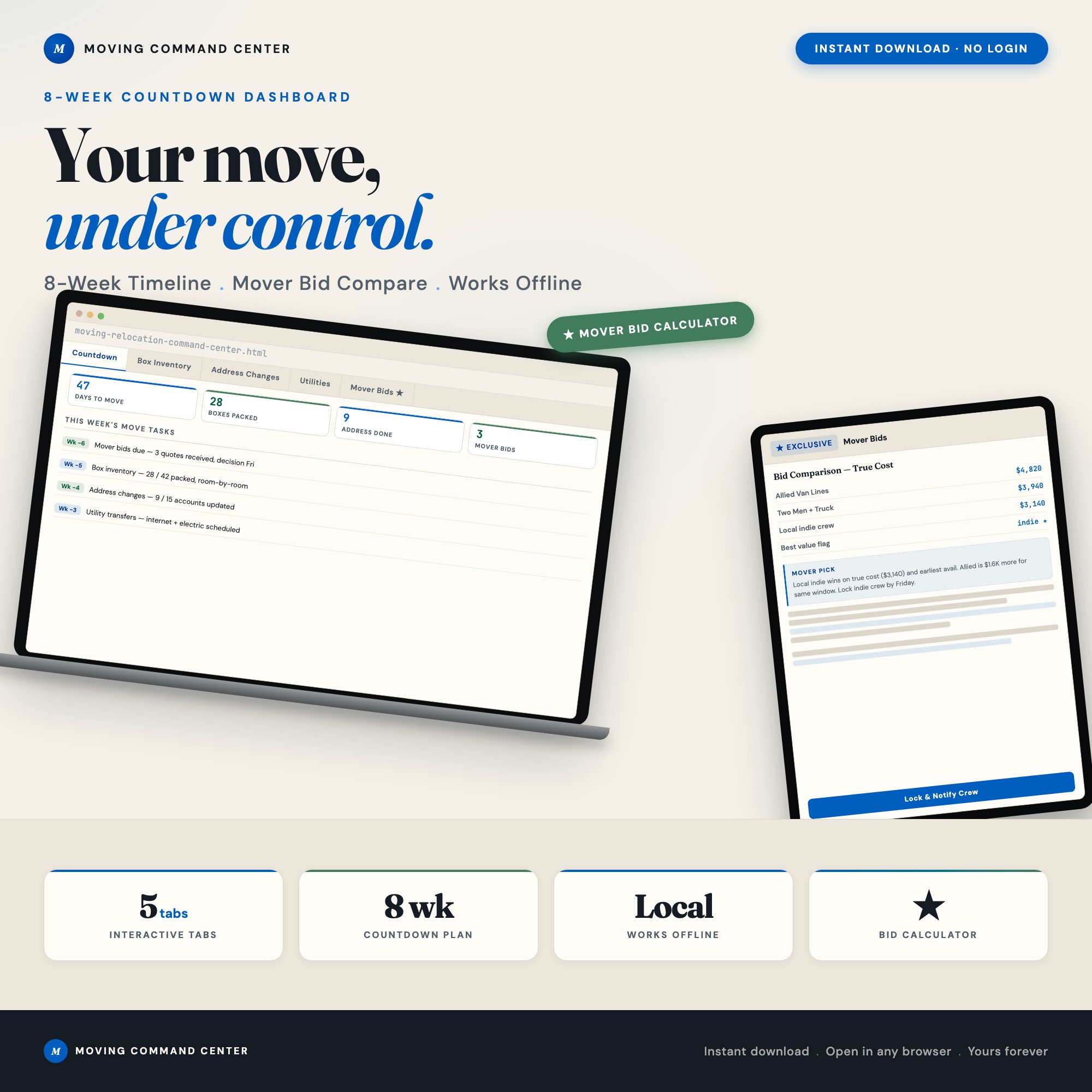
Built for families relocating across cities or states with an 8-week window and too many moving parts. Moving Relocation Command Center: Interactive 8-Week Countdown Dashboard for Families It is a browser-native interactive dashboard that lives in a single HTML file, with nothing to install.
What is Moving Relocation Checklist?
Moving Relocation Checklist is an interactive dashboard that opens in your web browser. It is one self-contained HTML file — you download it once, double-click it, and it runs. It is built for families relocating across cities or states with an 8-week window and too many moving parts.
What is included in Moving Relocation Checklist?
5 sections, all in the one file:
- Countdown Command
- Box Inventory
- Address Changes
- Utilities
- Mover Bids
Does Moving Relocation Checklist need Excel, Google Sheets or a subscription?
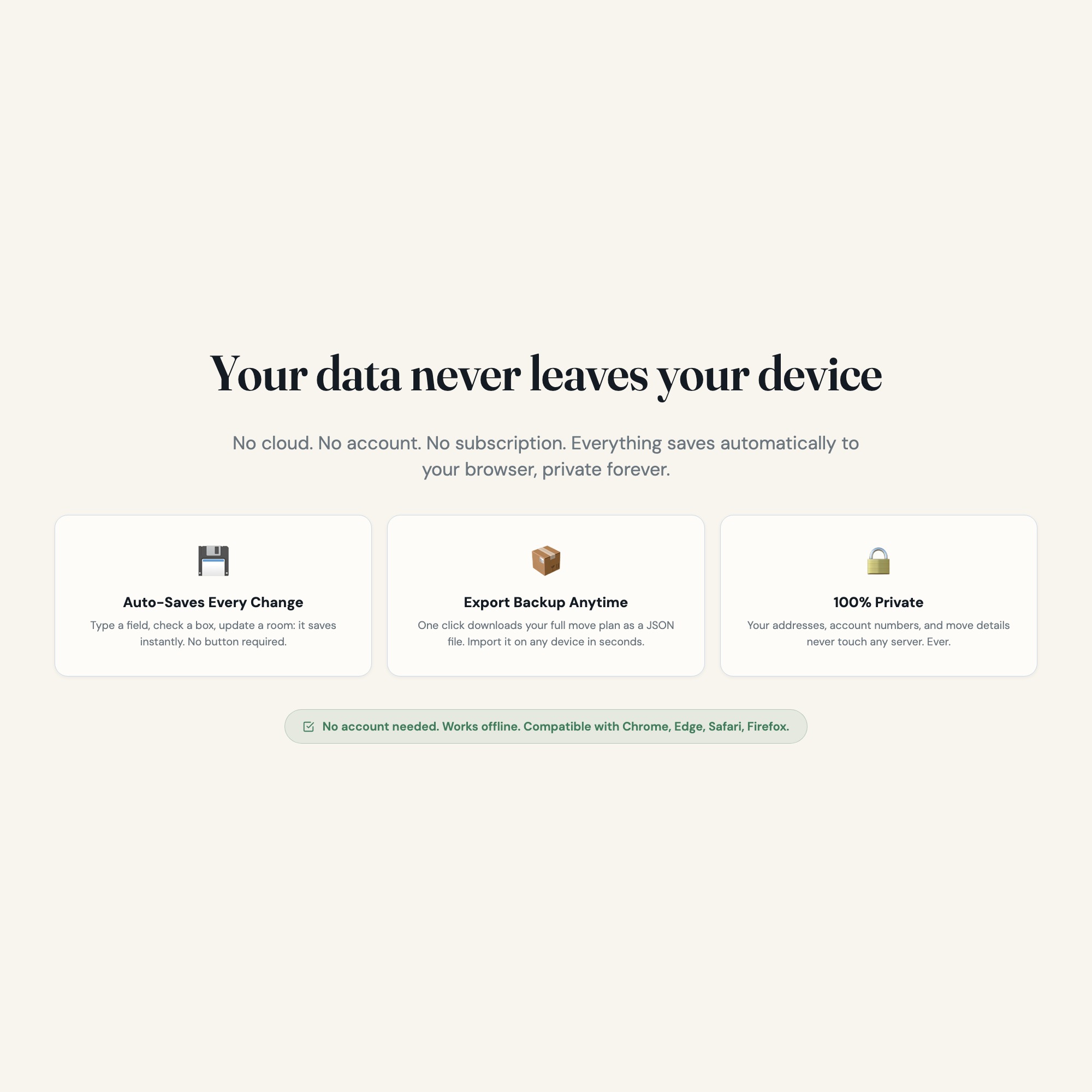
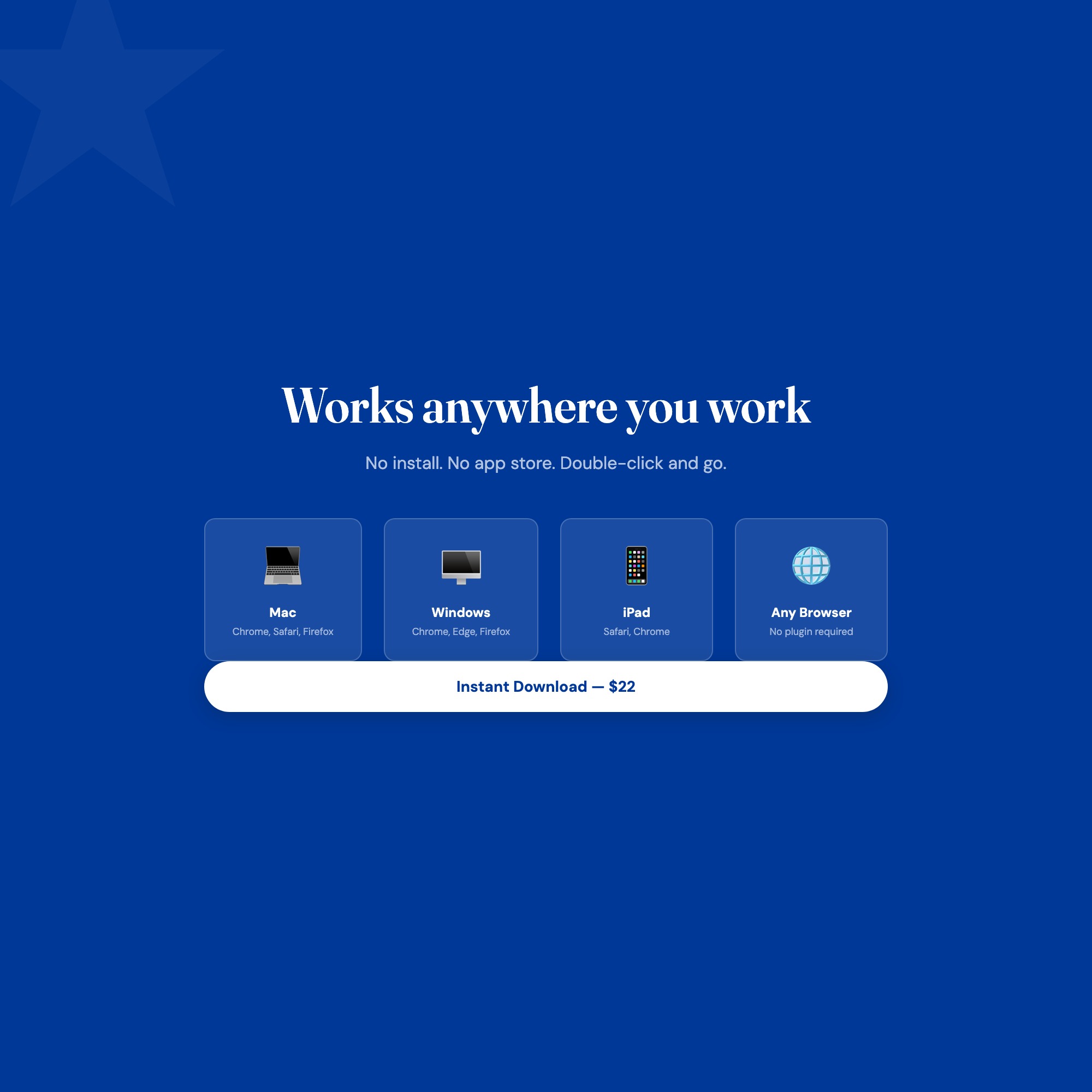
No. There is no app to install, no account to create, no login and no recurring fee. It opens in Chrome, Safari, Edge or Firefox on macOS, Windows, iPad or Chromebook, and it keeps working offline once the file is on your machine.
Where does Moving Relocation Checklist store my data?
On your own device, in your own browser. Nothing is uploaded, no account is created and no analytics are collected. You can export a backup file at any time and load it on another computer.
How much is Moving Relocation Checklist and how is it delivered?
$22, delivered as an instant download the moment you pay. Because it is a digital file, all sales are final.
More about Moving Relocation Checklist
★ EXCLUSIVE ZONE: This is the only moving dashboard with a live 8-week countdown engine, room-by-room box inventory with color labels, AND a built-in mover bid comparison calculator. Static PDFs and Google Sheets stop at checklists. This takes you from “overwhelmed” to “done.”
WHAT’S INSIDE (5 interactive tabs):
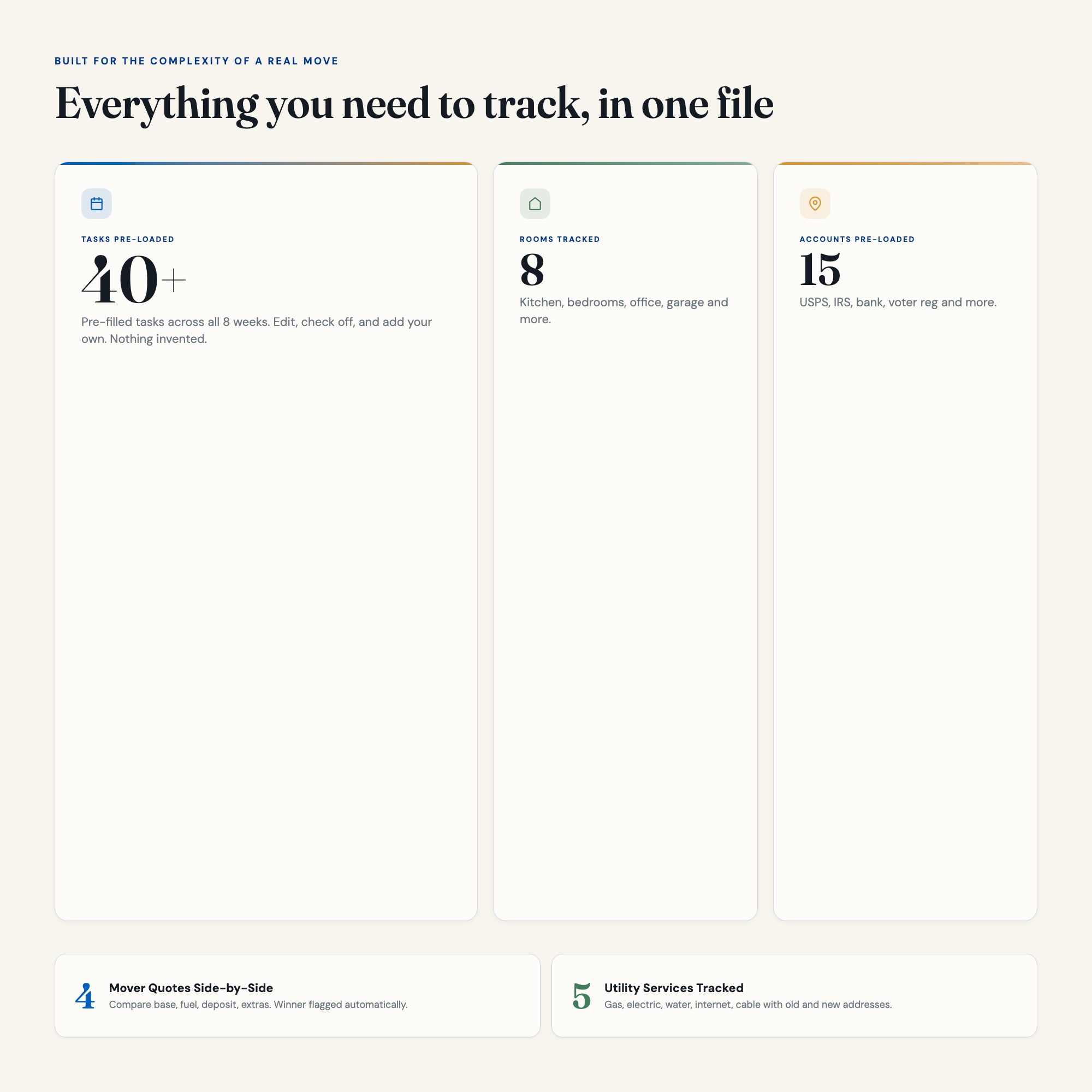
Tab 1: Countdown Command : Your 8-week moving timeline broken into color-coded week bands. Every task, deadline, and priority visible at a glance. The countdown ticker updates daily.
Tab 2: Box Inventory Hub : Track every box by room (Kitchen, Master, Kids, Office, Garage and more). Assign color codes, contents summaries, and destination rooms. Nothing gets lost in the truck.
Tab 3: Address Change Central : USPS, banks, IRS, voter registration, subscriptions, employer, doctor, insurance : every account with a checkbox, status chip, and confirmation field. Never get a bill sent to your old address.
Tab 4: Utility Transfer Tracker : Gas, electric, water, internet, cable for both your old address and new address. Provider name, account number, transfer date, and confirmation number all in one panel.
Tab 5: Mover Bid Comparison : Compare up to 4 moving company quotes side by side. Total cost formula calculates the real winner including hidden fees, deposit, and distance charges.
THIS IS FOR YOU IF:
-
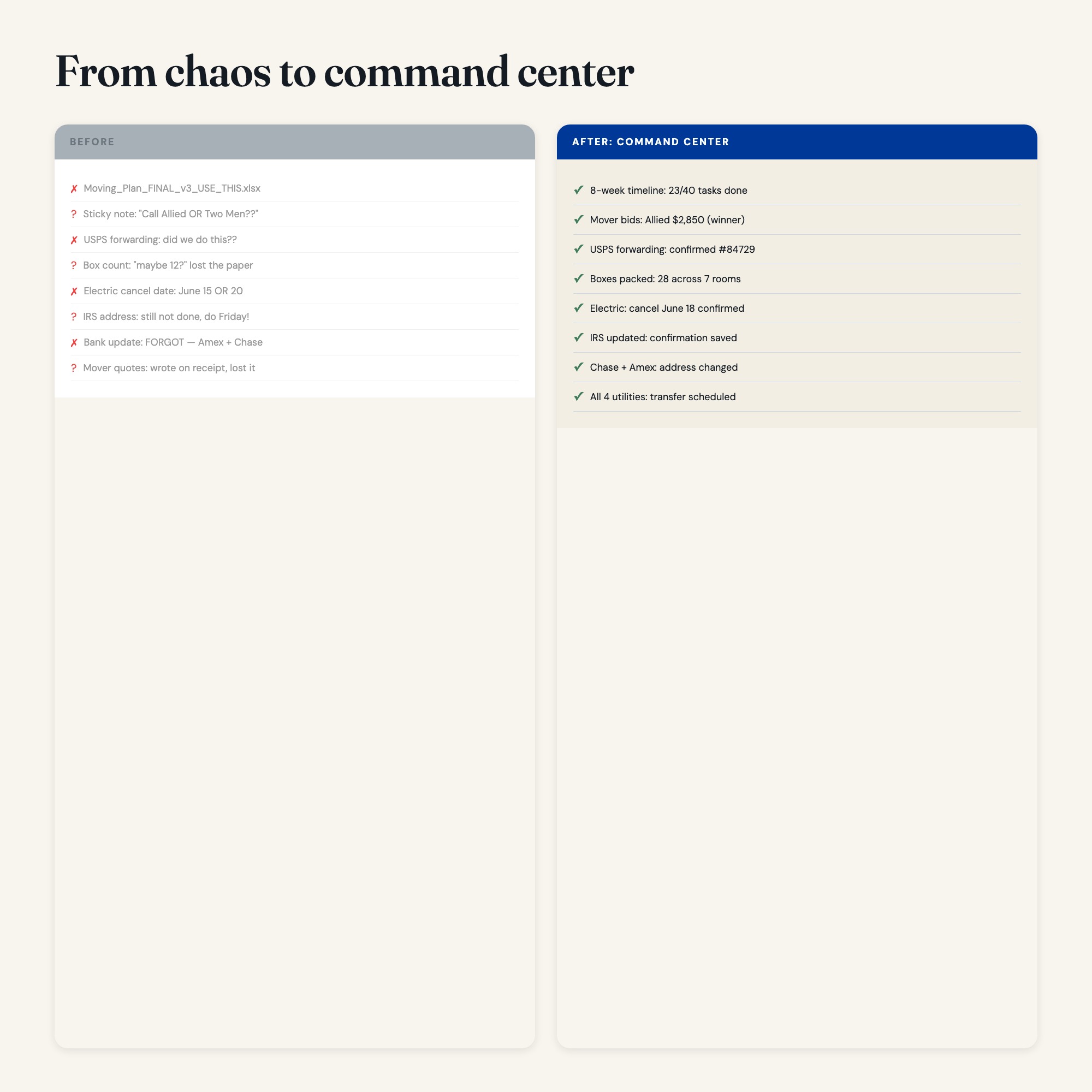
You’re moving across cities or states with a family and feel like things will fall through the cracks
-
You’ve tried spreadsheets but they get messy and stop being helpful after week one
-
You want one place for the countdown, the boxes, the address changes, AND the mover quotes
-
You’re coordinating with a partner, kids, or a hired moving company
-
You need to hand your partner a link and have them actually use it
YOUR DATA IS SAFE: This dashboard runs entirely in your browser. No cloud, no account, no third party ever sees your addresses, account numbers, or move details. Everything saves automatically to your device only. Export a backup anytime.
FILES INCLUDED:
-
dashboard.html : open in Chrome, Edge, or Safari, works on Mac, Windows, iPad
-
HOW-TO-SAVE.txt : plain-English guide to bookmarking, sharing, and backing up
INSTANT DOWNLOAD : No waiting, no shipping, no subscription.
Your next move is the one you actually finish with your sanity intact.
Want a Notion version? Drop us a message : coming soon.
5 Tabs included
- ◈
Countdown Command
- ≡
Box Inventory
- ⊞
Address Changes
- ◉
Utilities
- ★
Mover Bids
Exclusive Feature
Mover Bid Comparison Calculator with live true-cost formula + best-value winner flag
This is built into the fifth tab and is unavailable in any static template, spreadsheet, or Notion template on the market.
Gallery




Learn more
8-Week Moving Checklist: How to Organize a Cross-Country Move
A week-by-week cross-country move checklist covering mover bids, address changes, box inventory, and utility transfers — with what to do and when.
GuideHow to Compare Moving Company Bids Using the True-Cost Formula
The true-cost formula for comparing moving quotes: how to account for hidden fees, deposits, and distance charges so you can spot the real best-value bid.
List10 Moving Mistakes Families Make (And How an Organized System Prevents Them)
The 10 most costly moving mistakes families make — from skipping mover comparisons to missing utility transfers — and concrete steps to avoid each one.
Before you buy
Frequently asked questions
- What is Moving Relocation Checklist?
- Moving Relocation Checklist is an interactive dashboard that opens in your web browser. It is one self-contained HTML file — download it once, double-click it, and it runs. No app, no account, no subscription.
- Does Moving Relocation Checklist need Excel or Google Sheets?
- No. It is not a spreadsheet and does not open in one. It runs in Chrome, Safari, Edge or Firefox on macOS, Windows, iPad or Chromebook, and keeps working offline.
- What is included in Moving Relocation Checklist?
- 5 sections in a single file: Countdown Command, Box Inventory, Address Changes, Utilities, Mover Bids.
- Does it work offline?
- Yes — completely. The dashboard is a single HTML file. Once downloaded, it runs entirely in your browser with no internet connection needed. All data autosaves to your browser's localStorage.
- Which devices and browsers are supported?
- Works in Chrome, Edge, Safari, and Firefox on macOS, Windows, iPad, and Chromebook. No app to install, no account to create. Just open the file.
- What is your refund policy?
- All sales are final. This is an instant download delivered in full at payment, so it cannot be returned. If a file will not open or a feature does not work as described, that is a defect and it gets fixed at no cost — email hello@listingresearchos.com and you will get a corrected file.
- How do I install it?
- There is nothing to install. After purchase, download the HTML file. Double-click to open in your browser. That's it. A HOW-TO-SAVE.txt is included explaining how to back up and restore your data.
- Is my data private?
- Completely. Everything runs locally — no login, no analytics, no data sent to any server. Your data is stored only in your browser's localStorage. You own it entirely.
You might also like

One-time purchase
Get it for $22.00
Instant download. Open in any browser. Yours forever.