
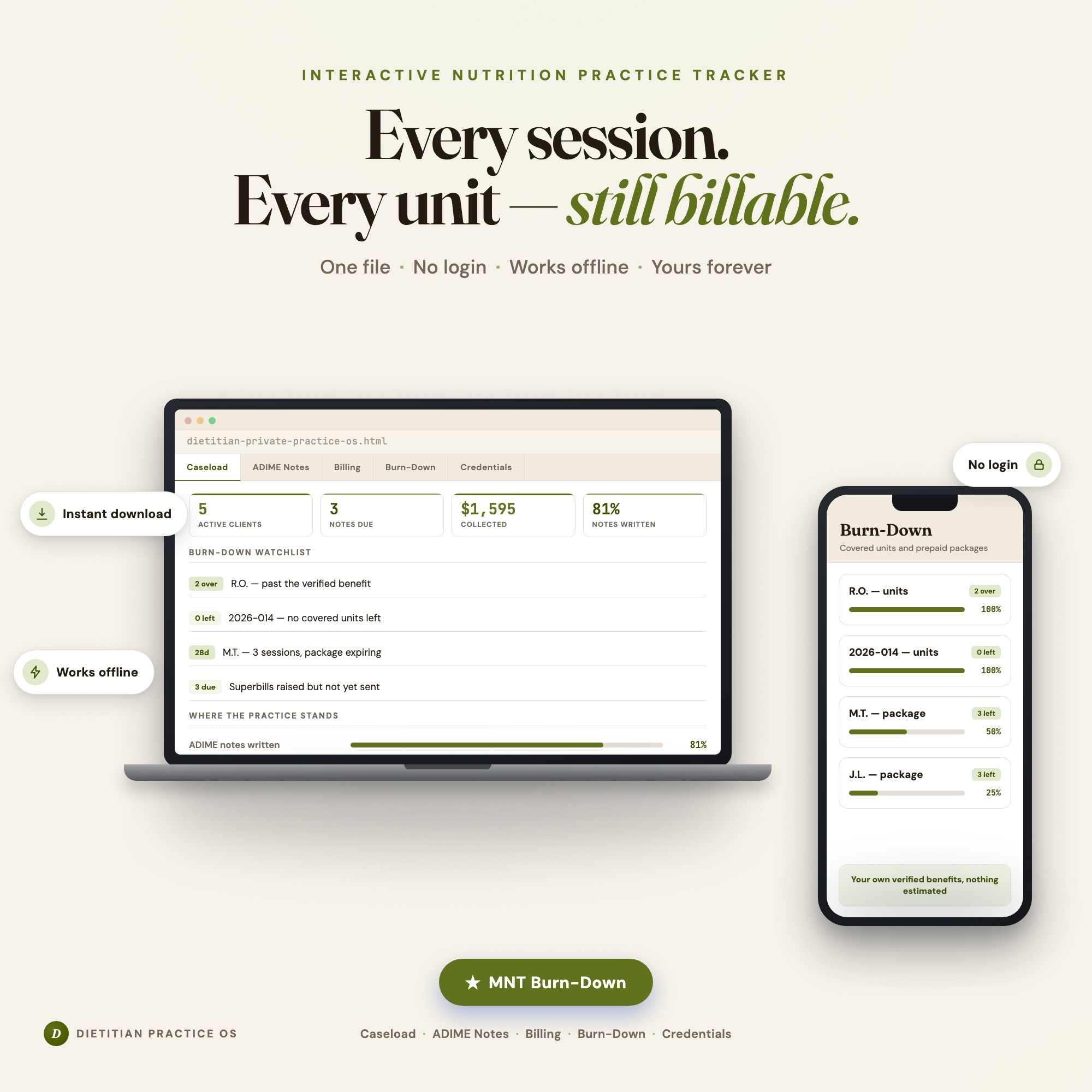
Interactive dashboard
Dietitian & Nutritionist Private Practice OS
Built for Solo registered dietitians and nutritionists running their own private practice — carrying a mixed caseload of insurance, private-pay and prepaid-package clients, owing an ADIME note on every billable session, raising their own superbills, verifying each client's covered benefit themselves, and tracking recertification, state licensure and liability renewals from memory
Try it live
Click around the real dashboard
Interactive demo · a few tabs unlocked
See it in action
The dashboard
What it is
Built for solo registered dietitians and nutritionists running their own private practice — carrying a mixed caseload of insurance, private-pay and prepaid-package clients, owing an ADIME note on every billable session, raising their own superbills, verifying each client’s covered benefit themselves, and tracking recertification, state licensure and liability renewals from memory. Every client, every covered unit, every note deadline in one file It is a browser-native interactive dashboard that lives in a single HTML file, with nothing to install.
What is Dietitian & Nutritionist Private Practice OS?
Dietitian & Nutritionist Private Practice OS is an interactive dashboard that opens in your web browser. It is one self-contained HTML file — you download it once, double-click it, and it runs. It is built for solo registered dietitians and nutritionists running their own private practice — carrying a mixed caseload of insurance, private-pay and prepaid-package clients, owing an ADIME note on every billable session, raising their own superbills, verifying each client’s covered benefit themselves, and tracking recertification, state licensure and liability renewals from memory.
What is included in Dietitian & Nutritionist Private Practice OS?
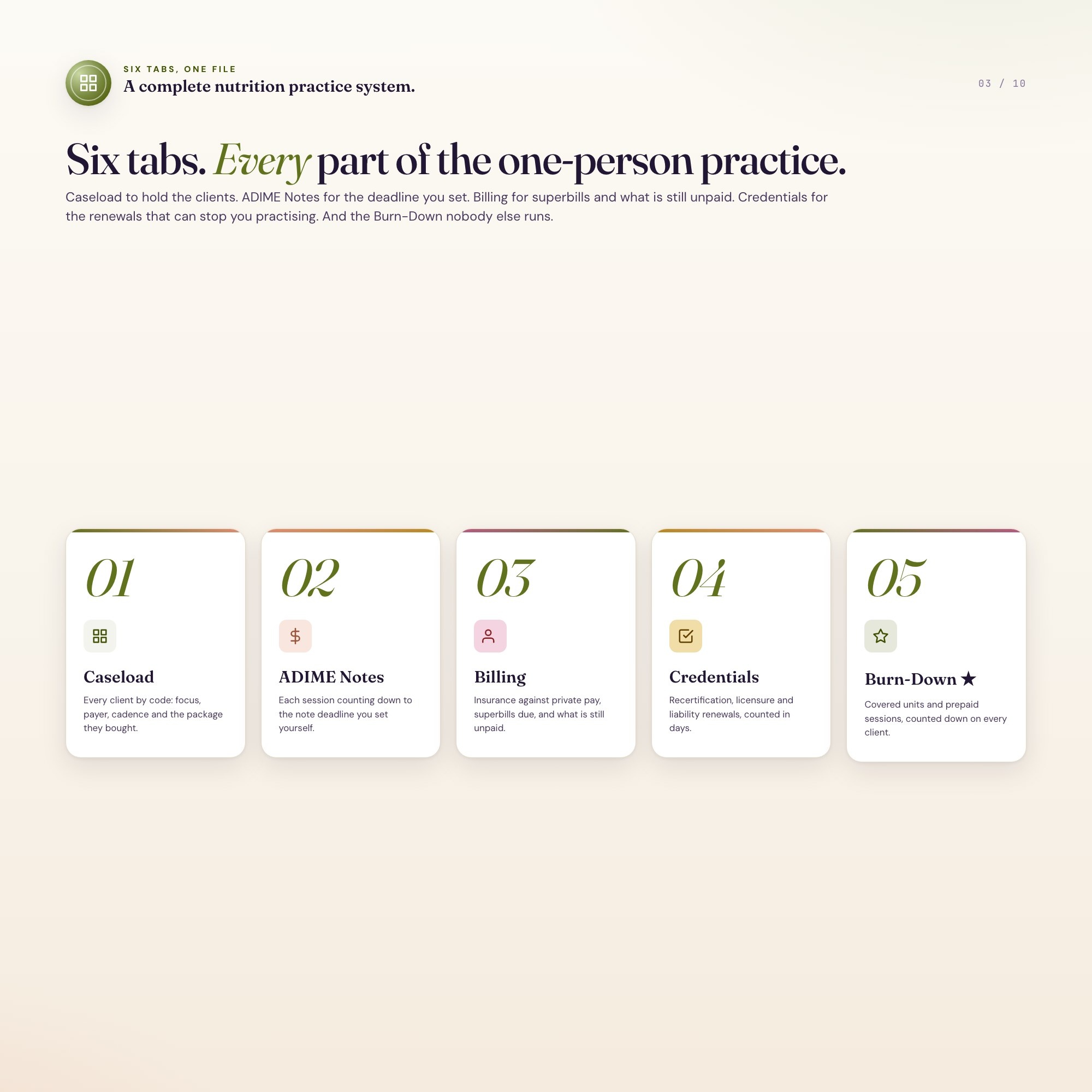
6 sections, all in the one file:
- Caseload
- ADIME Notes
- Billing
- Burn-Down
- Credentials
- Practice Review
Does Dietitian & Nutritionist Private Practice OS need Excel, Google Sheets or a subscription?
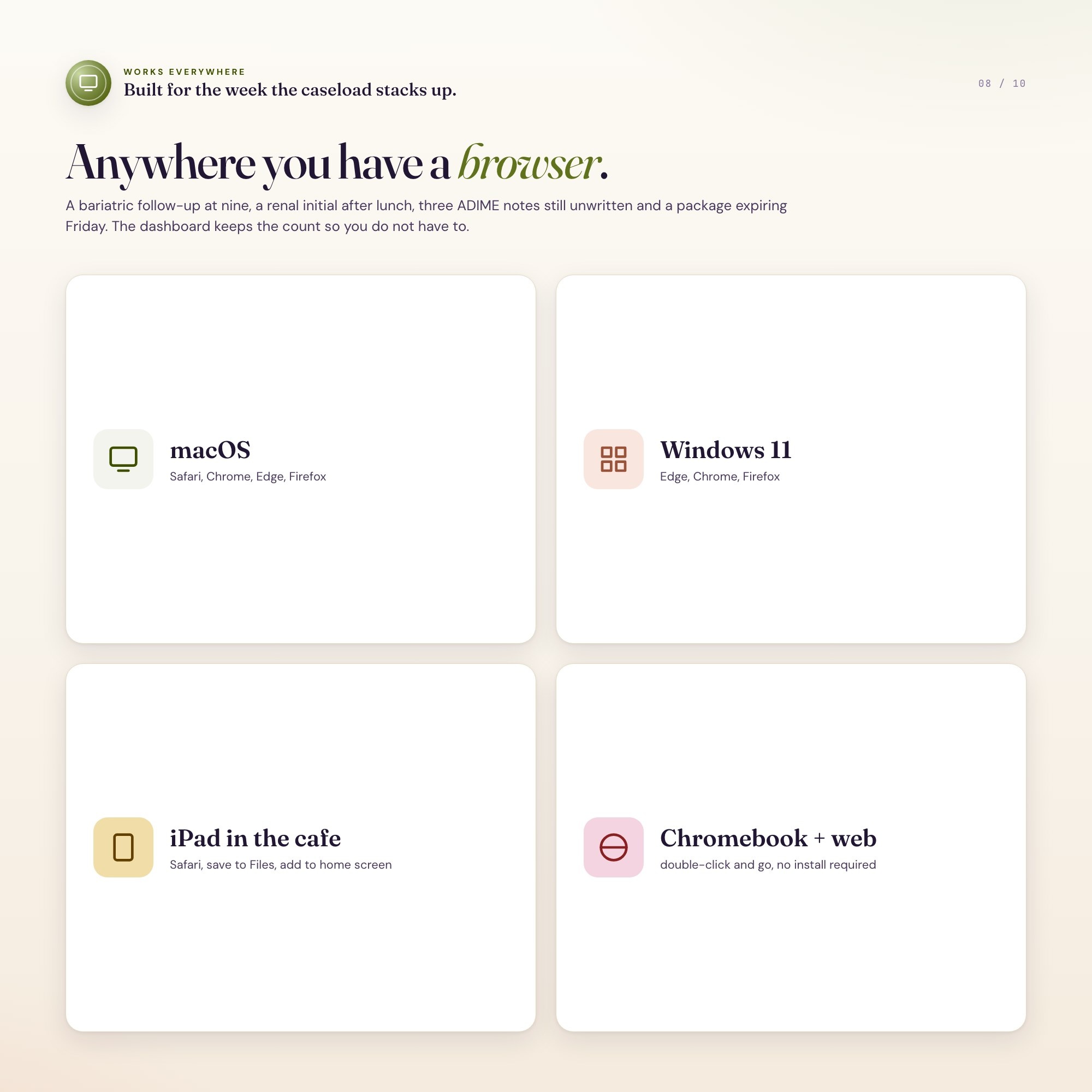
No. There is no app to install, no account to create, no login and no recurring fee. It opens in Chrome, Safari, Edge or Firefox on macOS, Windows, iPad or Chromebook, and it keeps working offline once the file is on your machine.
Where does Dietitian & Nutritionist Private Practice OS store my data?
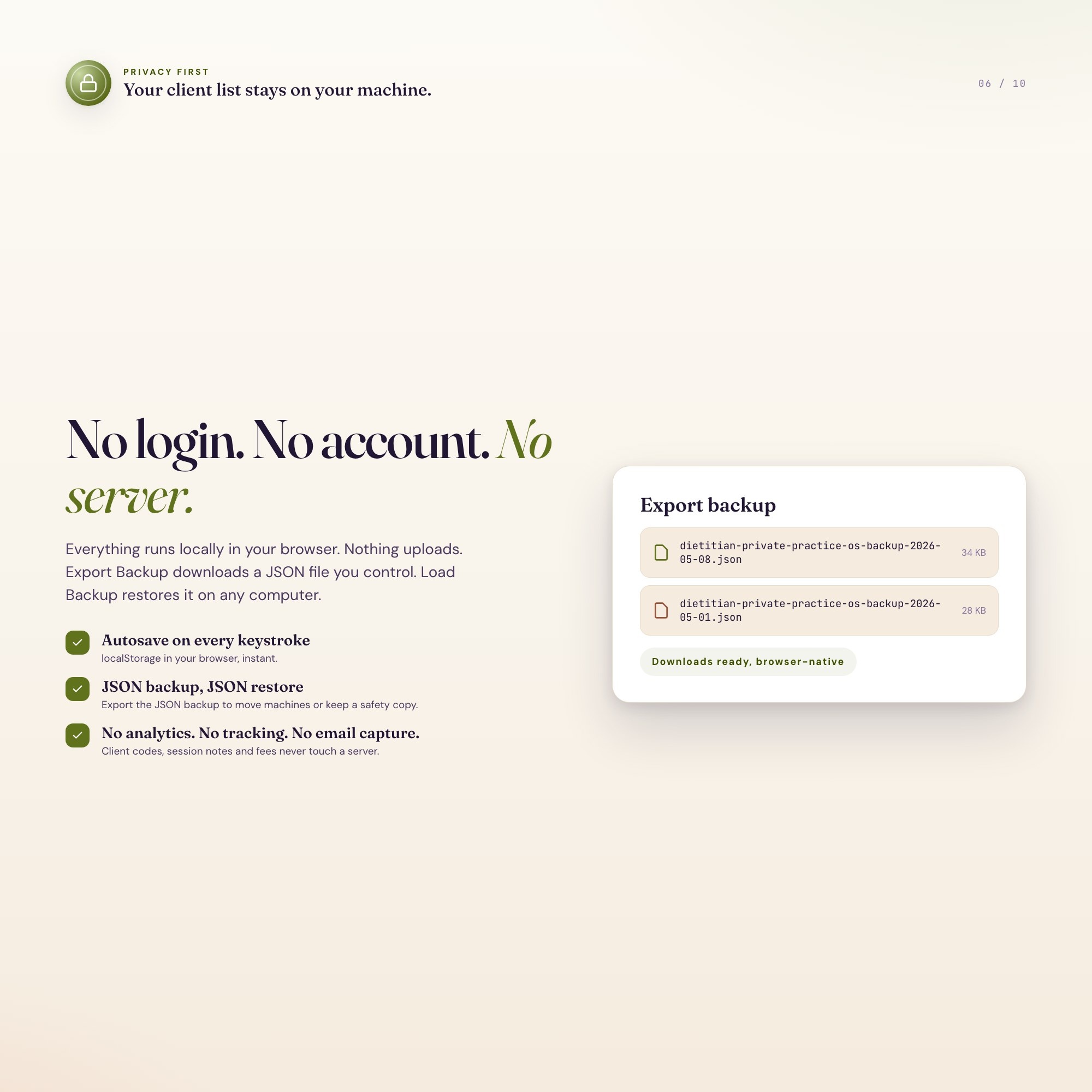
On your own device, in your own browser. Nothing is uploaded, no account is created and no analytics are collected. You can export a backup file at any time and load it on another computer.
Can I change how Dietitian & Nutritionist Private Practice OS looks?
Yes — colour, background, typeface and text size are all adjustable from inside the dashboard, and your choice is remembered the next time you open it.
How much is Dietitian & Nutritionist Private Practice OS and how is it delivered?
$28, delivered as an instant download the moment you pay. Because it is a digital file, all sales are final.
More about Dietitian & Nutritionist Private Practice OS
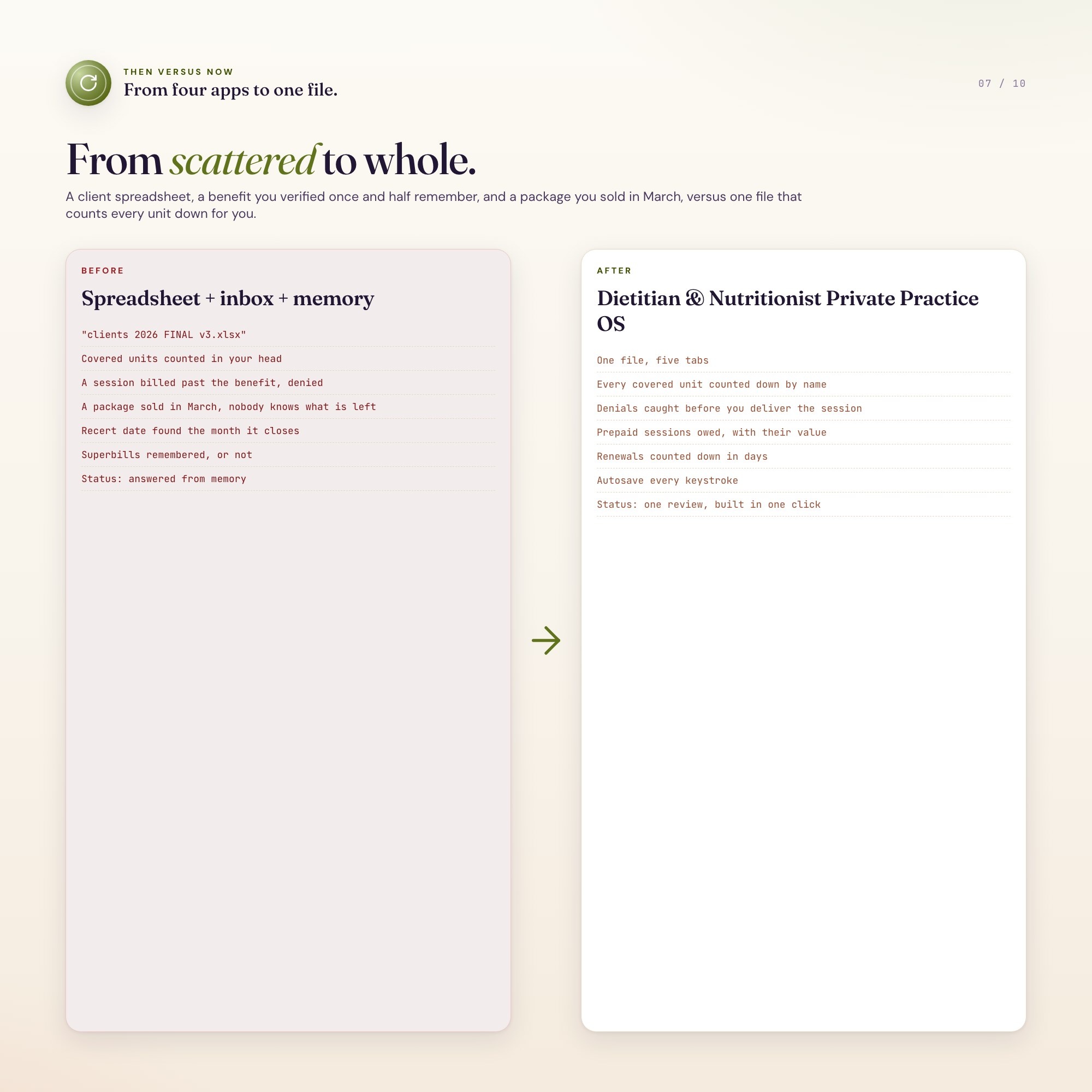
Your caseload, your superbills, your CPEU deadlines — finally in one file, not split across a Notion board you pay for, a Google Sheet that needs a login, and a Canva PDF that can’t add.
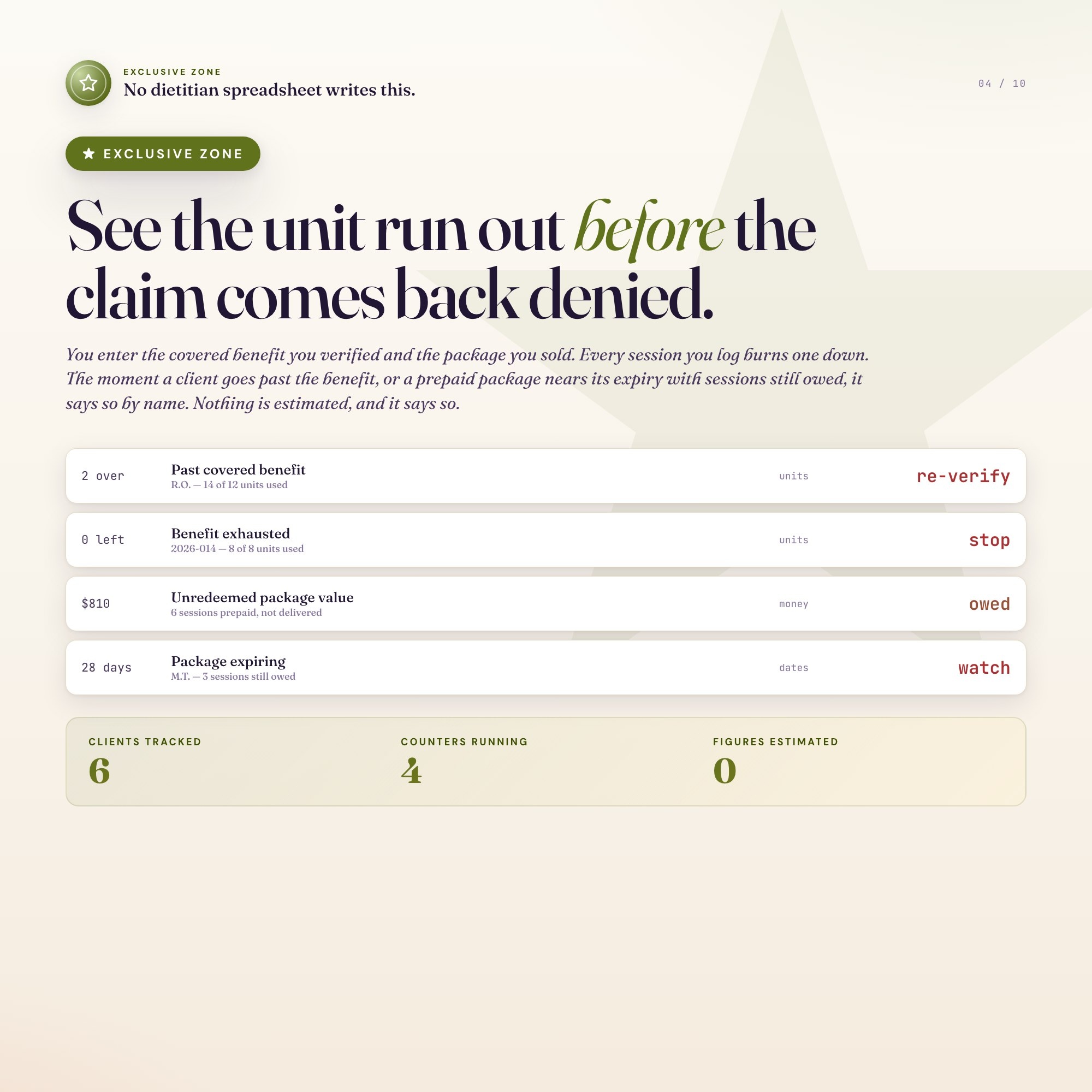
★ EXCLUSIVE ZONE: The only dietitian dashboard on Etsy with an MNT Unit & Package Burn-Down engine. You enter each client’s covered benefit and their prepaid package; it counts down the units you’ve actually used and the sessions you still owe, then flags the ones about to run out. Bill past a benefit and the claim denies — that session was free work. Let a package expire unredeemed and you’re holding a liability you never recognised. Every other dietitian tracker in this niche is a Notion board, a spreadsheet, or a static PDF. None of them compute this.
WHAT’S INSIDE
This interactive HTML dashboard runs in any browser — double-click, start tracking:
Tab 1 — Client Roster: Your full caseload by client code (no full names required), nutrition focus, session cadence, payer type, and active package at a glance. Your entire practice in one view.
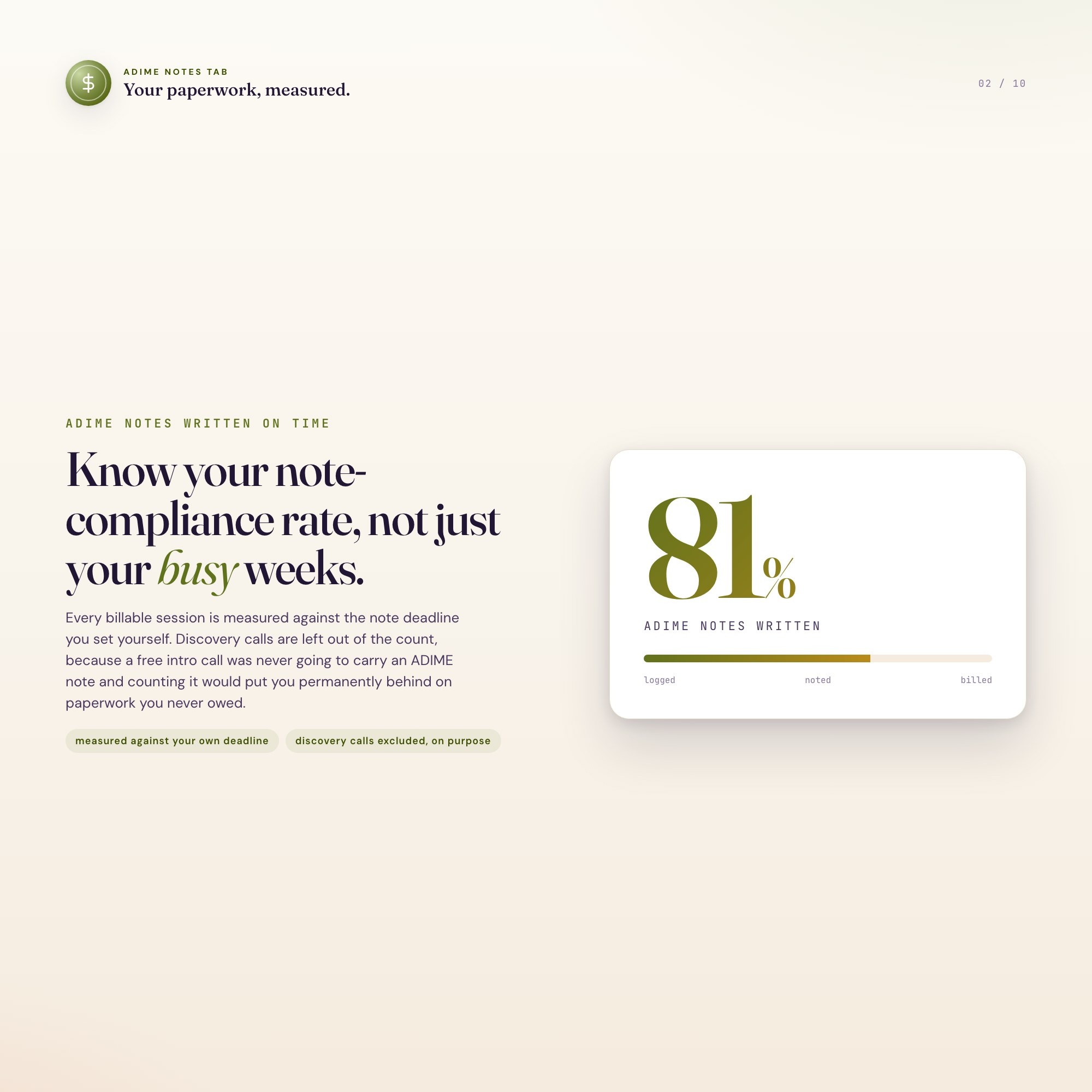
Tab 2 — ADIME Note Log: Date-stamped sessions per client with ADIME charting status — Complete, Pending, or Overdue — so no note sits unwritten past your own deadline.
Tab 3 — Billing & Superbills: Insurance reimbursement vs. private-pay tracked per session, superbill issued status, and running totals by payer. Know what’s owed and by whom without digging.
Tab 4 — MNT Units & Package Burn-Down: The exclusive zone. Covered units consumed against the benefit you entered, prepaid package sessions delivered vs. sold, and an expiry watchlist — recalculated the moment you log a session.
Tab 5 — Credential & CPEU: CDR recertification cycle countdown, state licensure renewal, and CPEU hours required vs. completed, tracked so you’re never scrambling in the last month of the cycle.
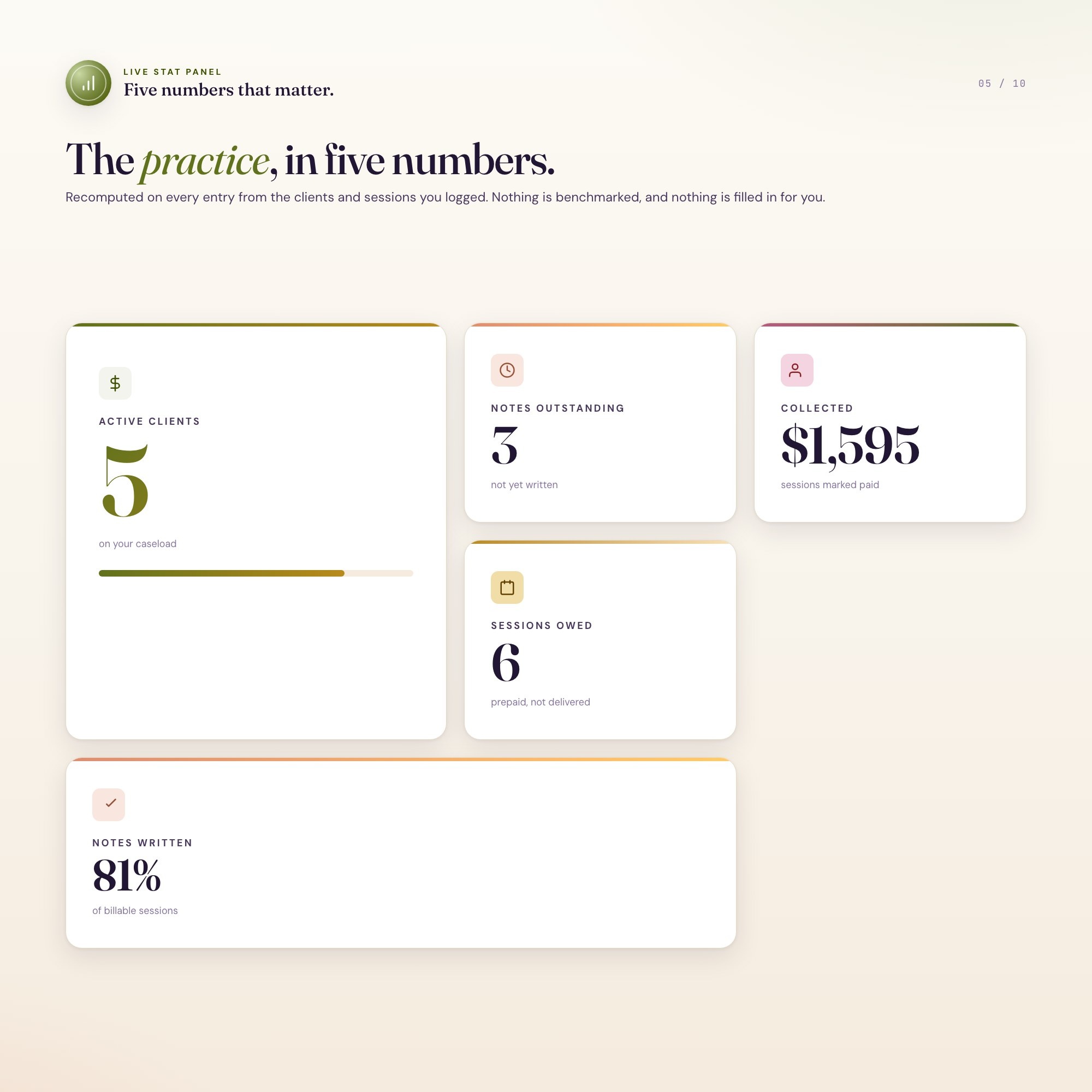
Tab 6 — Practice Overview: Live metrics — active caseload, revenue by payer, note-compliance rate, unredeemed package liability. The numbers that tell you how your practice is actually running.
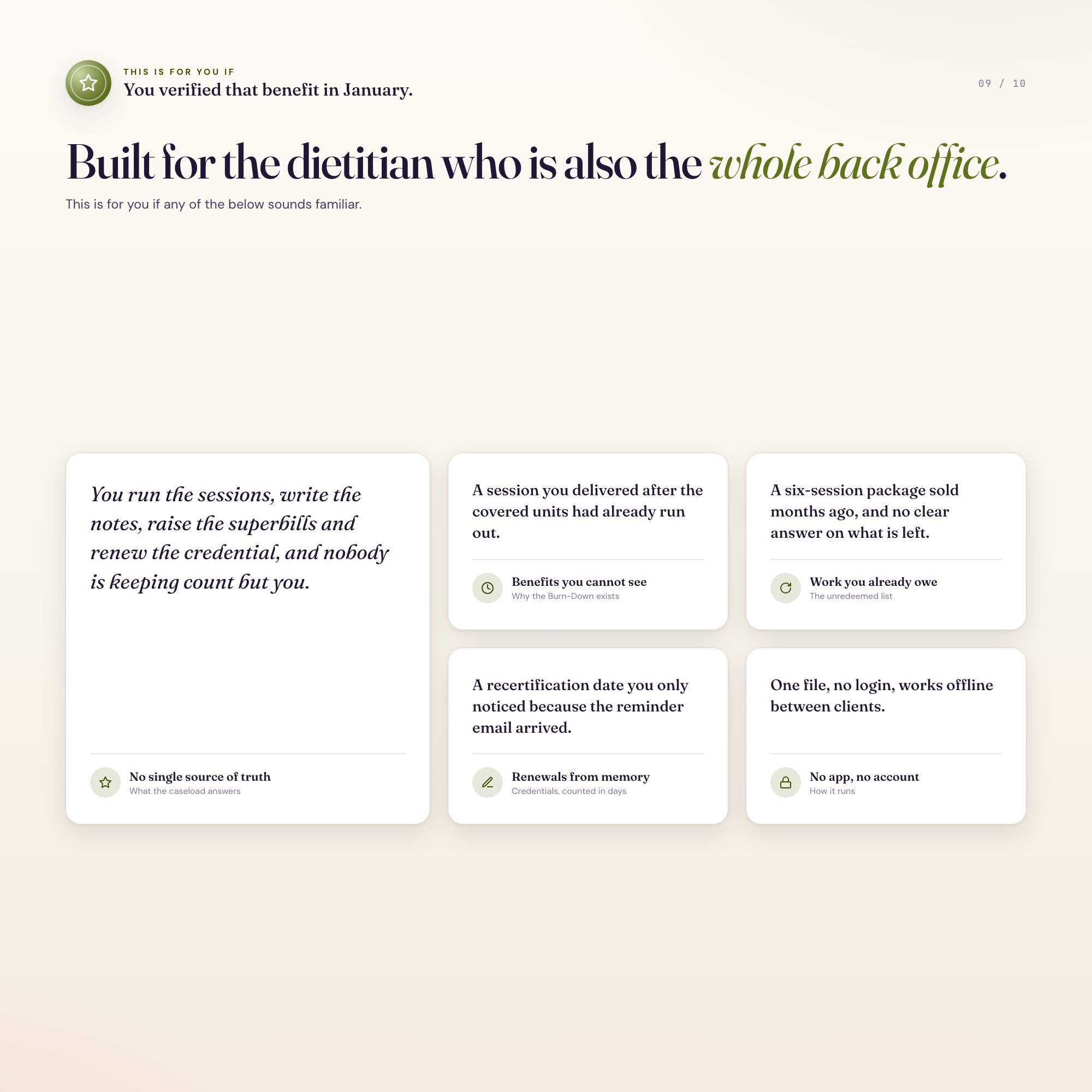
THIS IS FOR YOU IF:
-
You’re a solo RD, RDN, CDN, or nutritionist running your own practice out of sticky notes and a half-built spreadsheet
-
You’ve delivered a session you couldn’t bill because the client’s covered units had already run out
-
You’ve sold a 6-session package and genuinely can’t say how many are left
-
ADIME notes pile up until you’re not sure which clients are current
-
Your CDR recert date and CPEU count live in your head, not a calendar
-
You want one file that opens offline, with no account, no subscription, and no login for you or anyone else
YOUR DATA IS SAFE
Everything saves automatically to your browser’s local storage. No account, no cloud, no server — your data never leaves your device. This is a personal practice-admin tool, not a clinical record system or a billing service; use client initials or codes instead of full names, and it stays that way. You enter your own benefit and package figures — the dashboard does the arithmetic, it does not supply payer rules. Export a backup JSON anytime and restore it in one click.
FILES INCLUDED
-
dashboard.html (the complete interactive dashboard — open in any browser)
-
HOW-TO-SAVE.txt (plain-English guide for saving, backing up, and sharing)
Drop it in your Dropbox or Google Drive to open from any computer. Works on Mac, Windows, iPad, and any device with a modern browser.
Every client, every unit, every dollar you’re owed — finally in one place.
5 Tabs included
- ◈
Caseload
Add each client once — code, nutrition focus, payer type, cadence, verified benefit and prepaid package — and every other tab fills itself in
- ≡
ADIME Notes
Every billable session counting down to the note deadline you set yourself, with discovery calls left out of the count
- ⊞
Billing
Insurance against private pay, superbills due, and what is billed but still unpaid
- ◉
Burn-Down
EXCLUSIVE: covered units and prepaid package sessions counted down per client, flagging anyone past their benefit or holding an expiring package
- ★
Credentials
Recertification, state licensure, liability and registration renewals, counted in days
Exclusive Feature
MNT Unit & Package Burn-Down — you enter the covered benefit you verified and the package you sold, and every session you log burns one down; the moment a client passes their benefit, or a prepaid package nears expiry with sessions still owed, it names them. Billing past a covered benefit is a denied claim and unpaid work; an unredeemed package is a liability that was never recognised. Nothing is estimated and nothing is filled in for you.
This is built into the fifth tab and is unavailable in any static template, spreadsheet, or Notion template on the market.
Gallery
Learn more
Before you buy
Frequently asked questions
- What is Dietitian & Nutritionist Private Practice OS?
- Dietitian & Nutritionist Private Practice OS is an interactive dashboard that opens in your web browser. It is one self-contained HTML file — download it once, double-click it, and it runs. No app, no account, no subscription.
- Does Dietitian & Nutritionist Private Practice OS need Excel or Google Sheets?
- No. It is not a spreadsheet and does not open in one. It runs in Chrome, Safari, Edge or Firefox on macOS, Windows, iPad or Chromebook, and keeps working offline.
- What is included in Dietitian & Nutritionist Private Practice OS?
- 6 sections in a single file: Caseload, ADIME Notes, Billing, Burn-Down, Credentials, Practice Review.
- Can I change the colours and text size in Dietitian & Nutritionist Private Practice OS?
- Yes. Colour, background, typeface and text size are adjustable from inside the dashboard, and the setting is remembered.
- Does it work offline?
- Yes — completely. The dashboard is a single HTML file. Once downloaded, it runs entirely in your browser with no internet connection needed. All data autosaves to your browser's localStorage.
- Which devices and browsers are supported?
- Works in Chrome, Edge, Safari, and Firefox on macOS, Windows, iPad, and Chromebook. No app to install, no account to create. Just open the file.
- What is your refund policy?
- All sales are final. This is an instant download delivered in full at payment, so it cannot be returned. If a file will not open or a feature does not work as described, that is a defect and it gets fixed at no cost — email hello@listingresearchos.com and you will get a corrected file.
- How do I install it?
- There is nothing to install. After purchase, download the HTML file. Double-click to open in your browser. That's it. A HOW-TO-SAVE.txt is included explaining how to back up and restore your data.
- Is my data private?
- Completely. Everything runs locally — no login, no analytics, no data sent to any server. Your data is stored only in your browser's localStorage. You own it entirely.
You might also like
One-time purchase
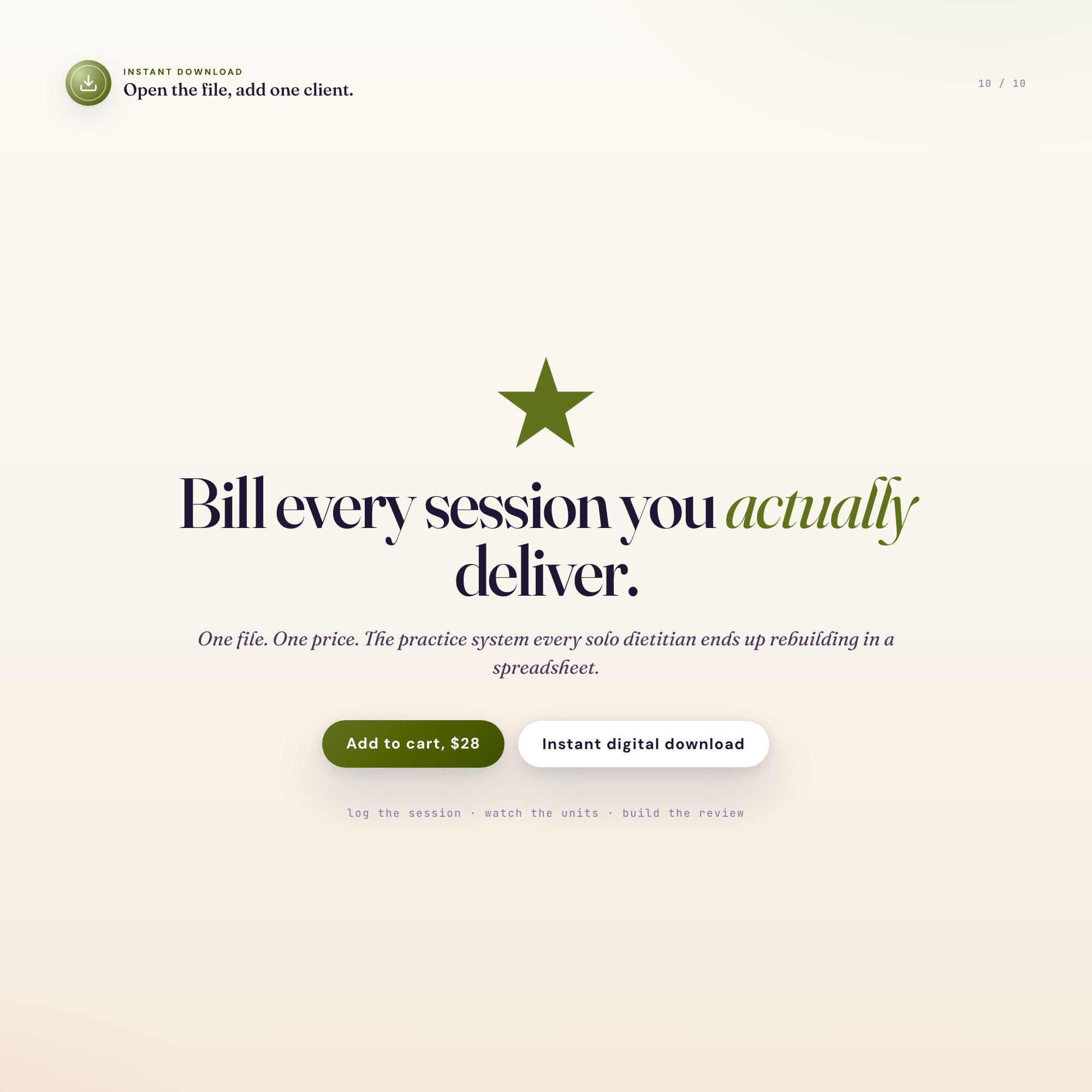
Get it for $28.00
Instant download. Open in any browser. Yours forever.