
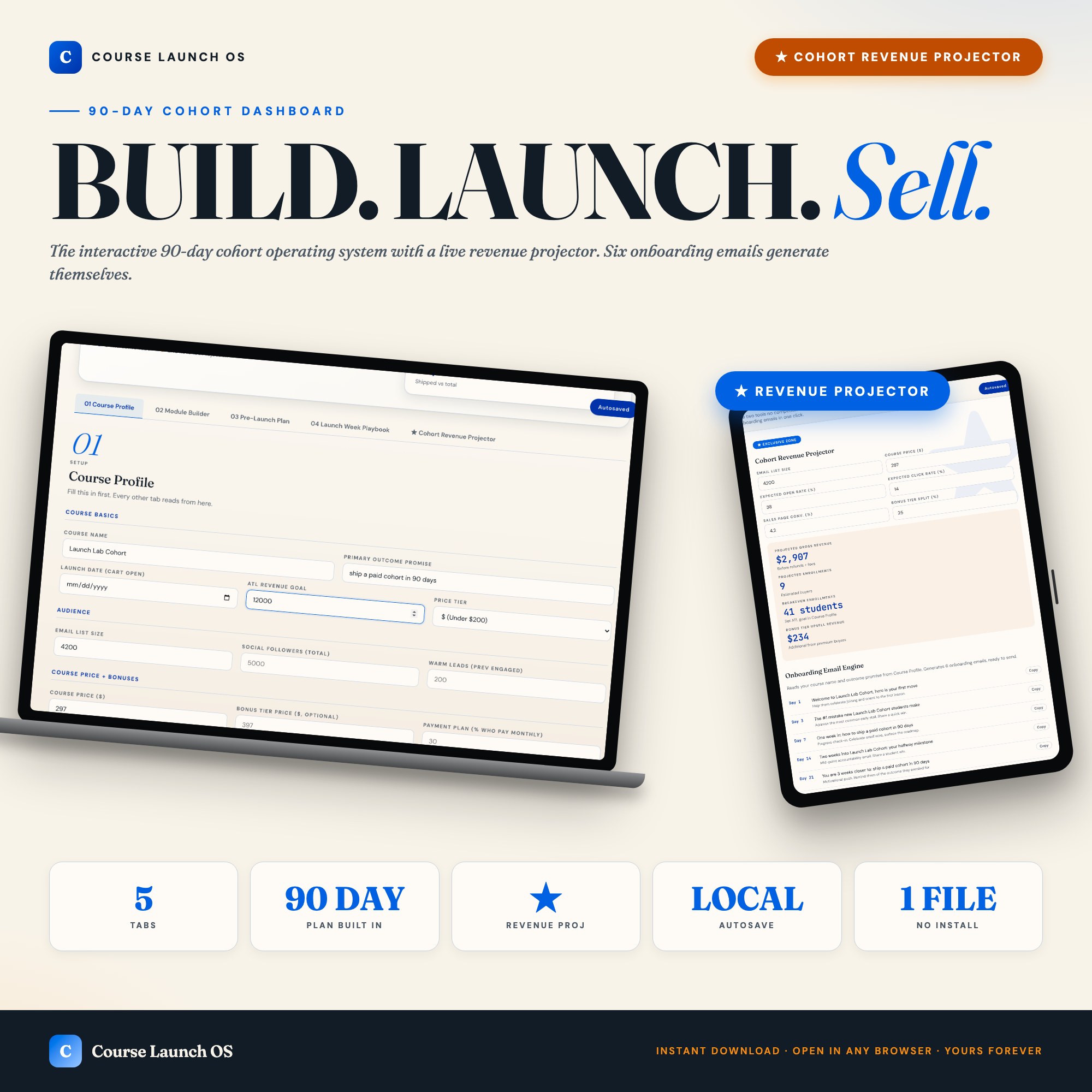
Interactive dashboard
Course Launch OS Dashboard, Interactive 90 Day Cohort Plan, Live Revenue Projector + Email Sequence Library, Creator Tool
Built for First-time online course creators going 0 to $10K revenue in 90 days
Try it live
Click around the real dashboard
Interactive demo · a few tabs unlocked
See it in action
The dashboard
What it is
Built for first-time online course creators going 0 to $10K revenue in 90 days. Course Launch OS Dashboard, Interactive 90 Day Cohort Plan, Live Revenue Projector + Email Sequence Library, Creator Tool It is a browser-native interactive dashboard that lives in a single HTML file, with nothing to install.
What is Course Launch OS Dashboard?
Course Launch OS Dashboard is an interactive dashboard that opens in your web browser. It is one self-contained HTML file — you download it once, double-click it, and it runs. It is built for first-time online course creators going 0 to $10K revenue in 90 days.
What is included in Course Launch OS Dashboard?
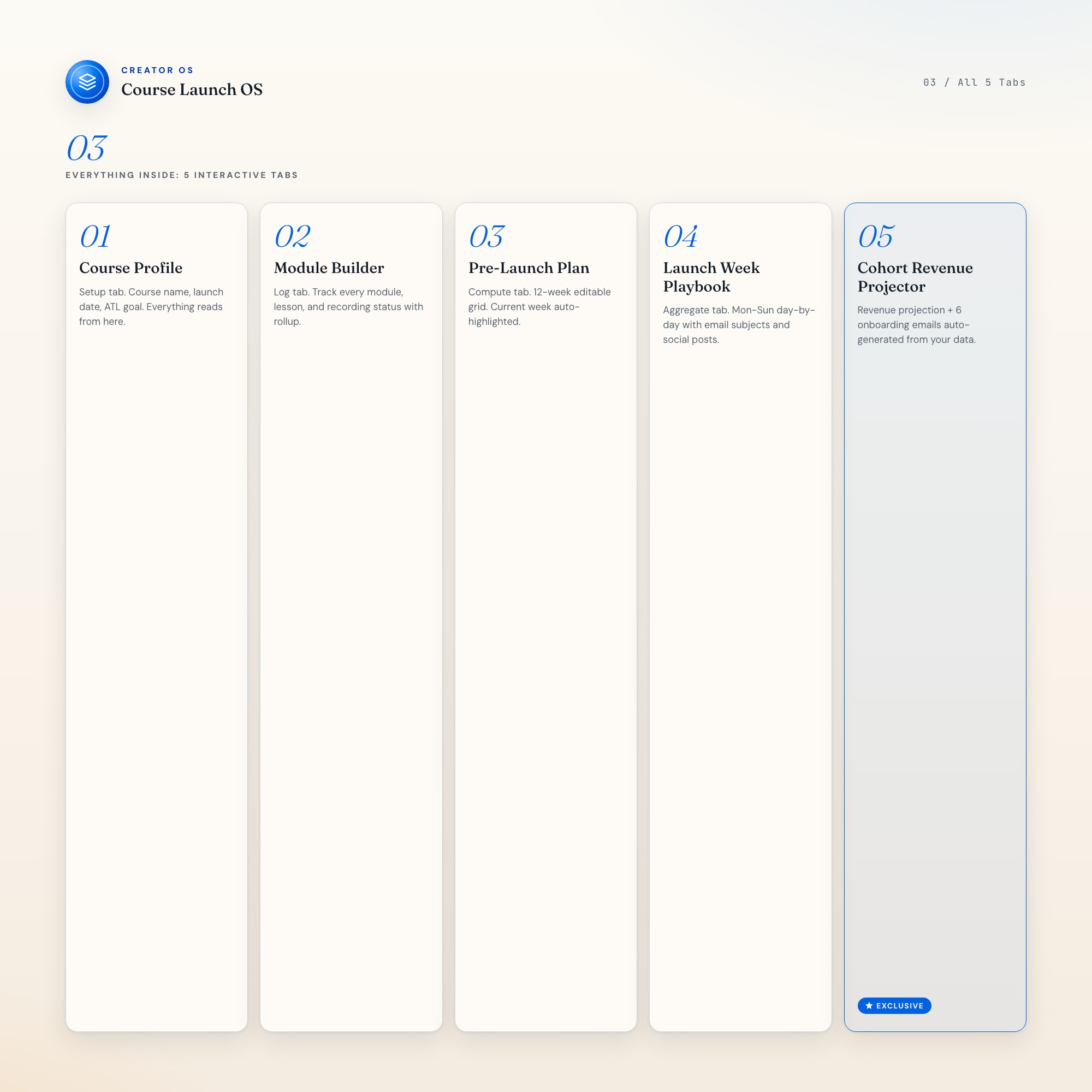
5 sections, all in the one file:
- Course Profile
- Module Builder
- Pre-Launch Plan
- Launch Week Playbook
- Cohort Revenue Projector
Does Course Launch OS Dashboard need Excel, Google Sheets or a subscription?
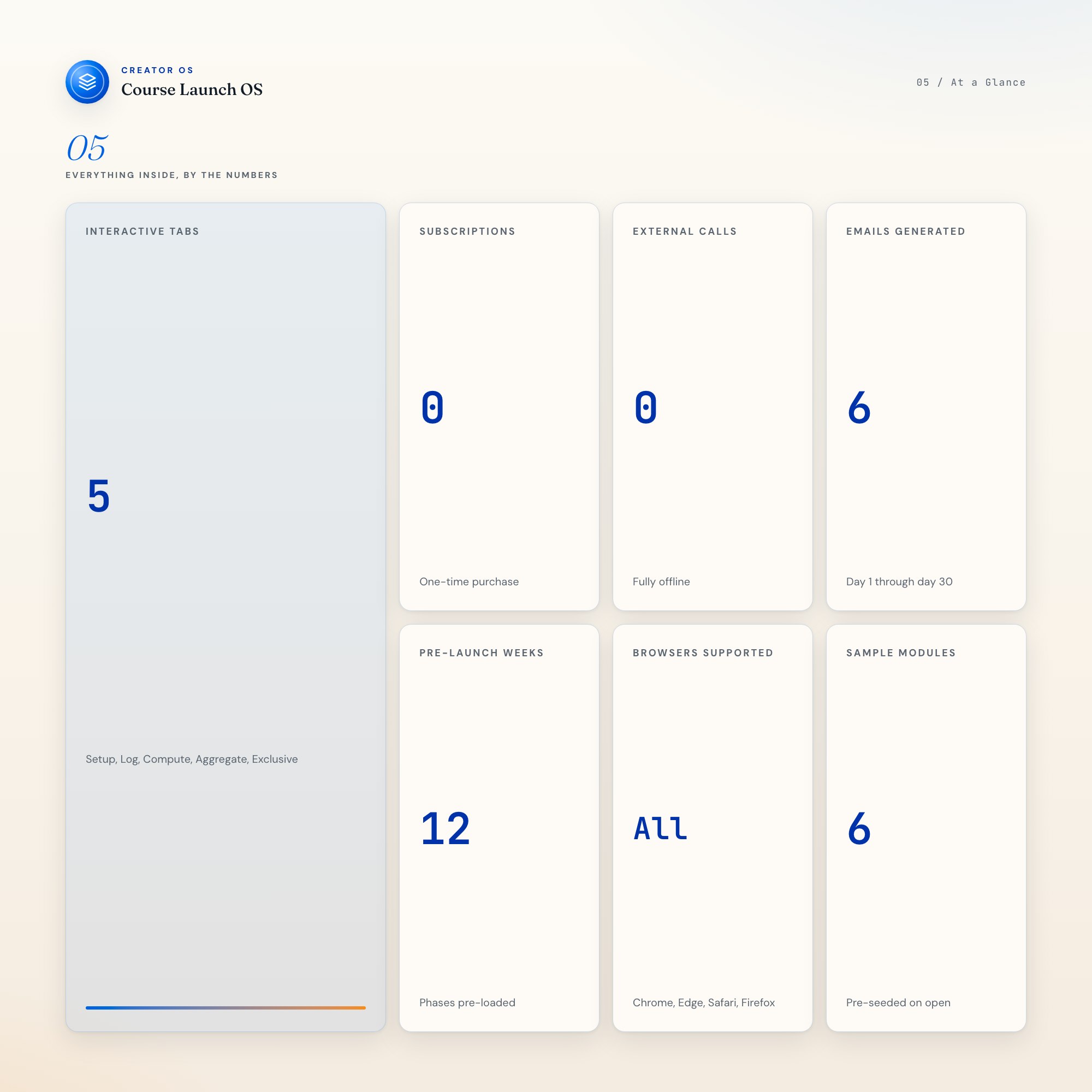
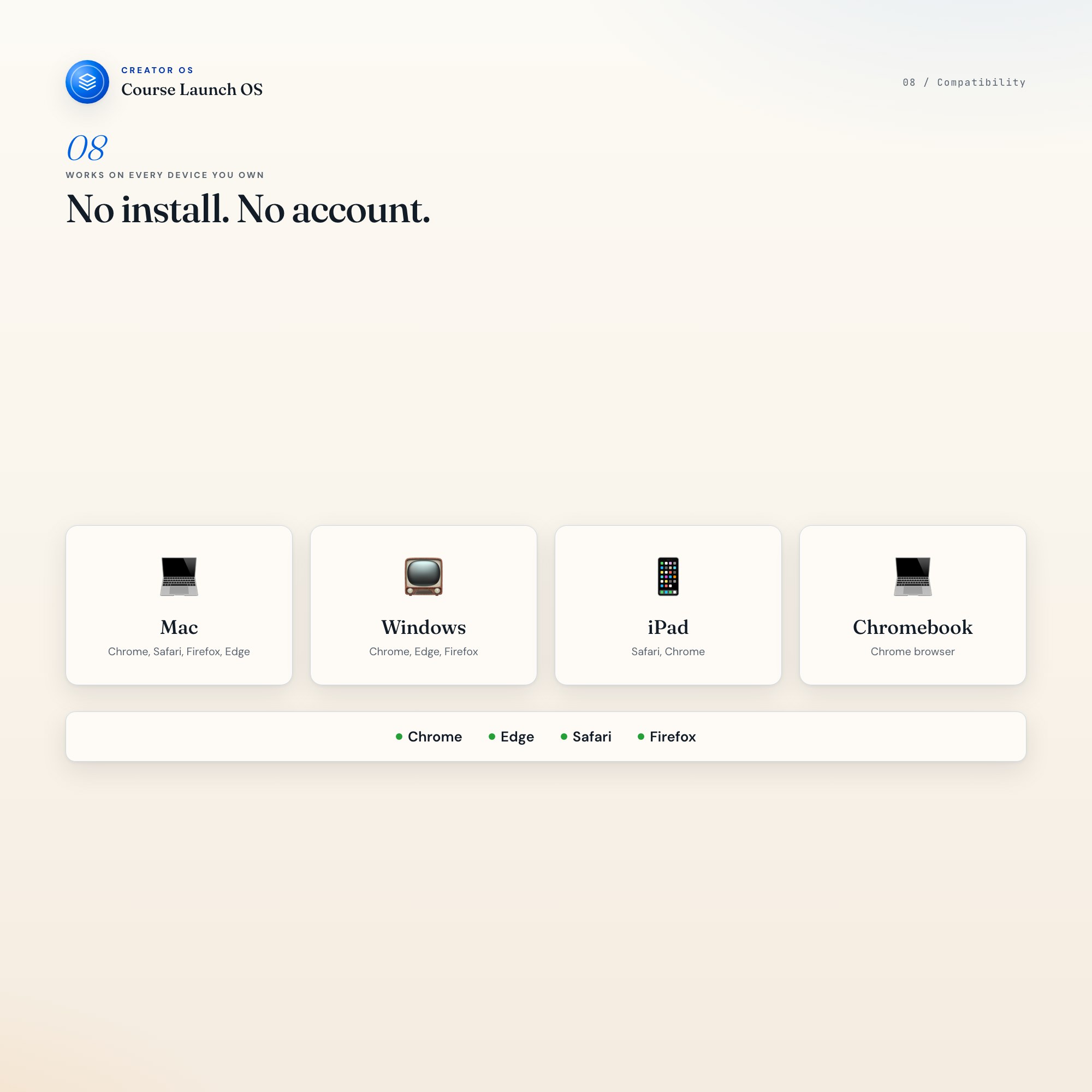
No. There is no app to install, no account to create, no login and no recurring fee. It opens in Chrome, Safari, Edge or Firefox on macOS, Windows, iPad or Chromebook, and it keeps working offline once the file is on your machine.
Where does Course Launch OS Dashboard store my data?
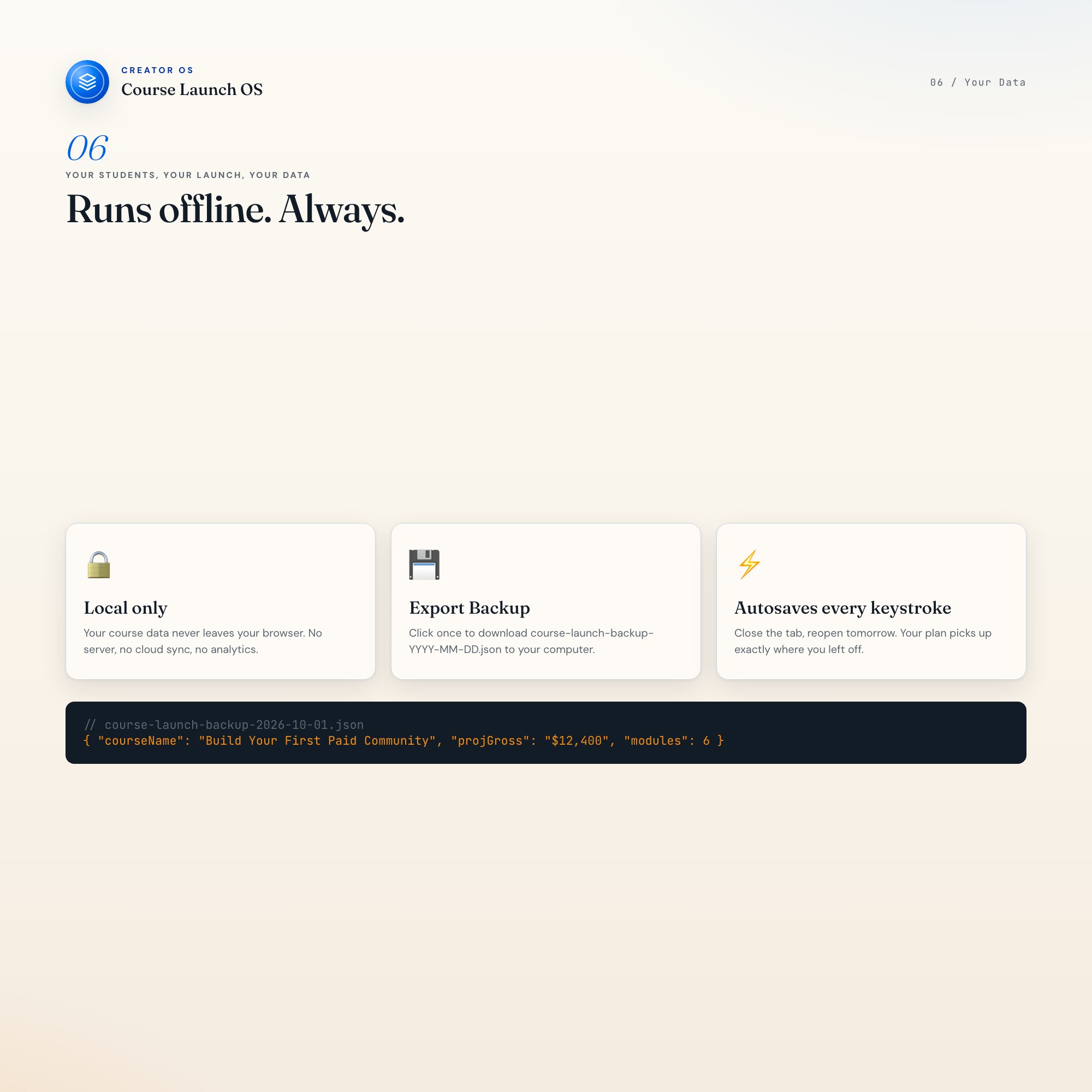
On your own device, in your own browser. Nothing is uploaded, no account is created and no analytics are collected. You can export a backup file at any time and load it on another computer.
How much is Course Launch OS Dashboard and how is it delivered?
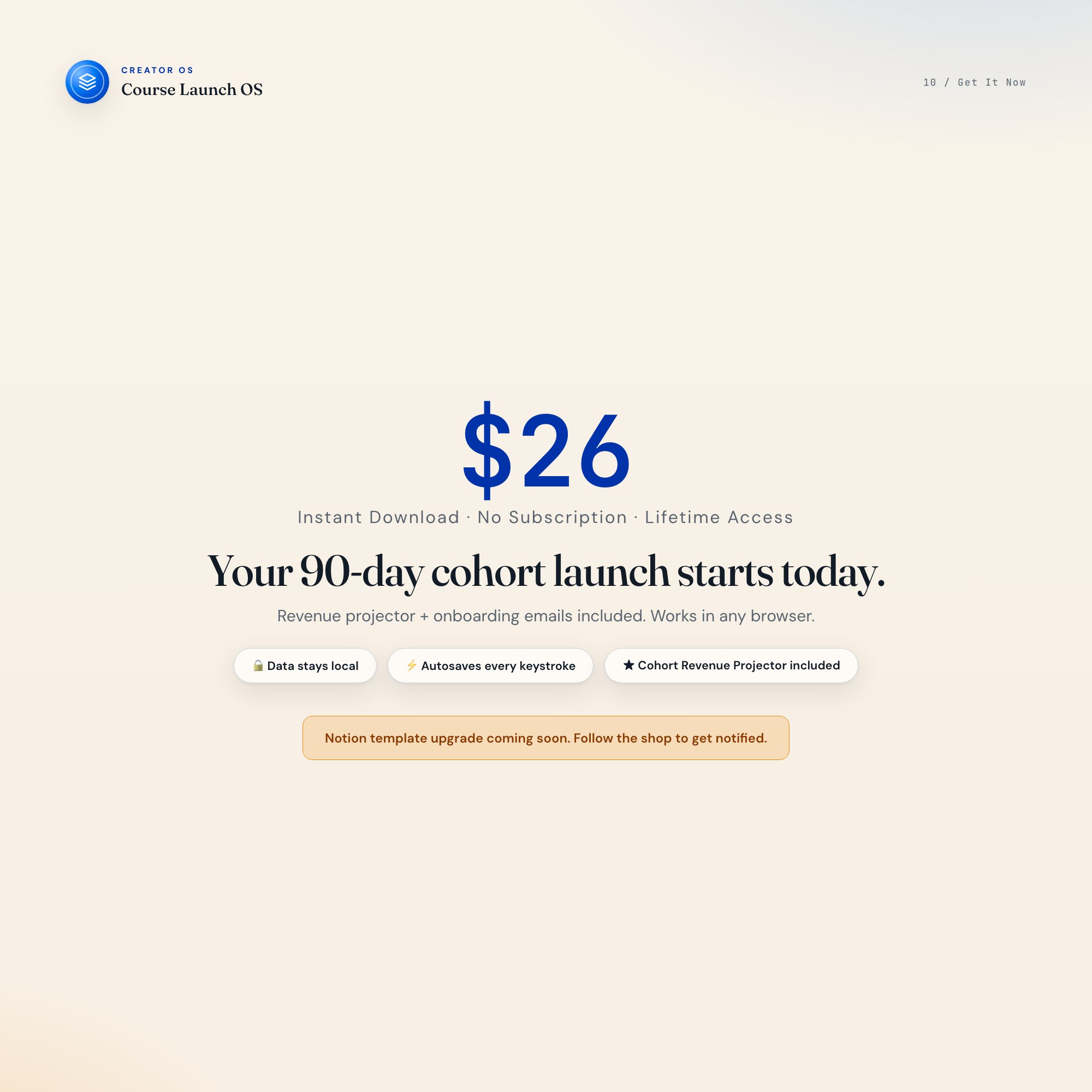
$26, delivered as an instant download the moment you pay. Because it is a digital file, all sales are final.
More about Course Launch OS Dashboard
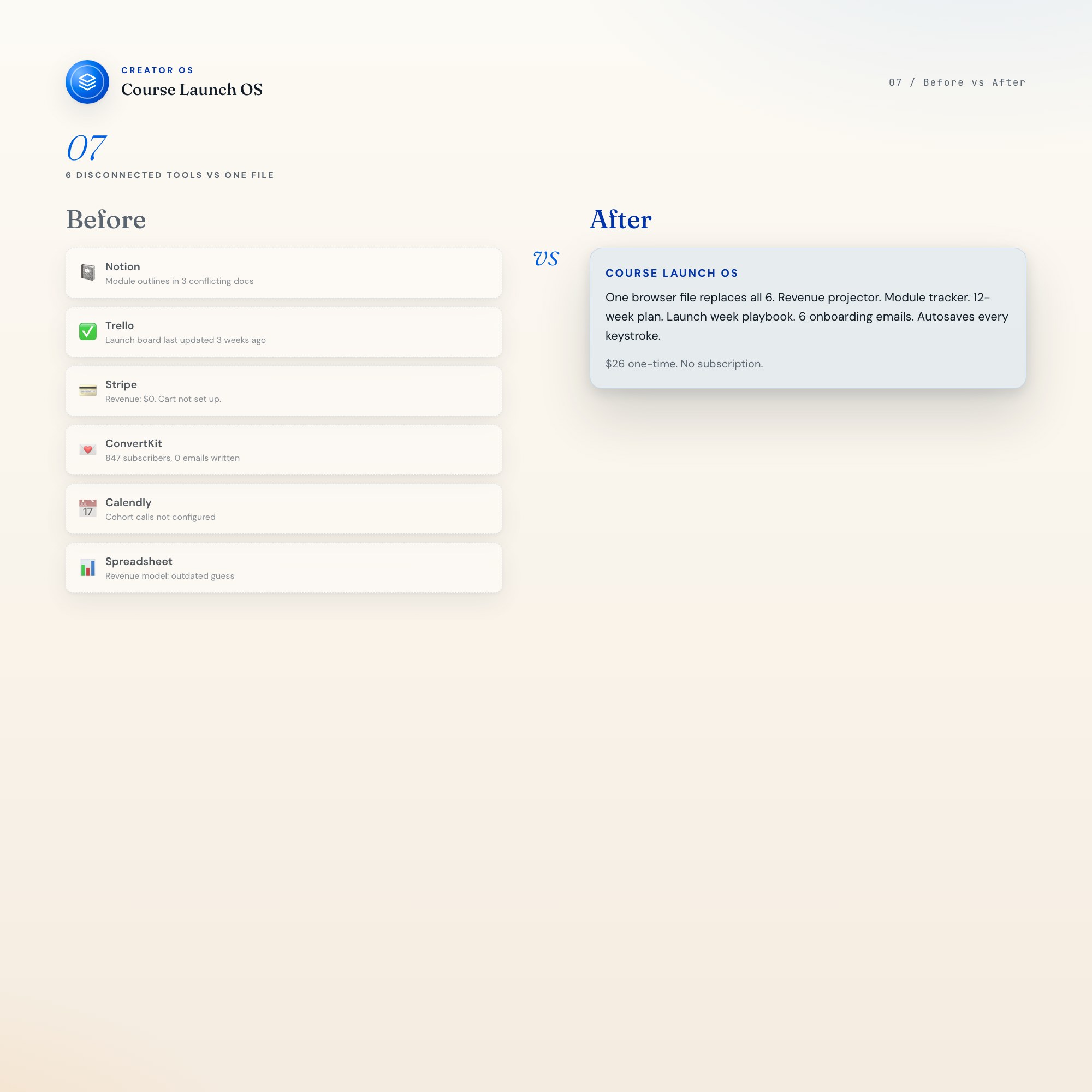
Course Launch OS is a single browser file that runs your entire 90-day cohort launch. One unique mechanic makes it different from everything else on Etsy: a live revenue projector that recalculates the moment you change any input. No subscription. No login. One file, lifetime access.
★ EXCLUSIVE ZONE
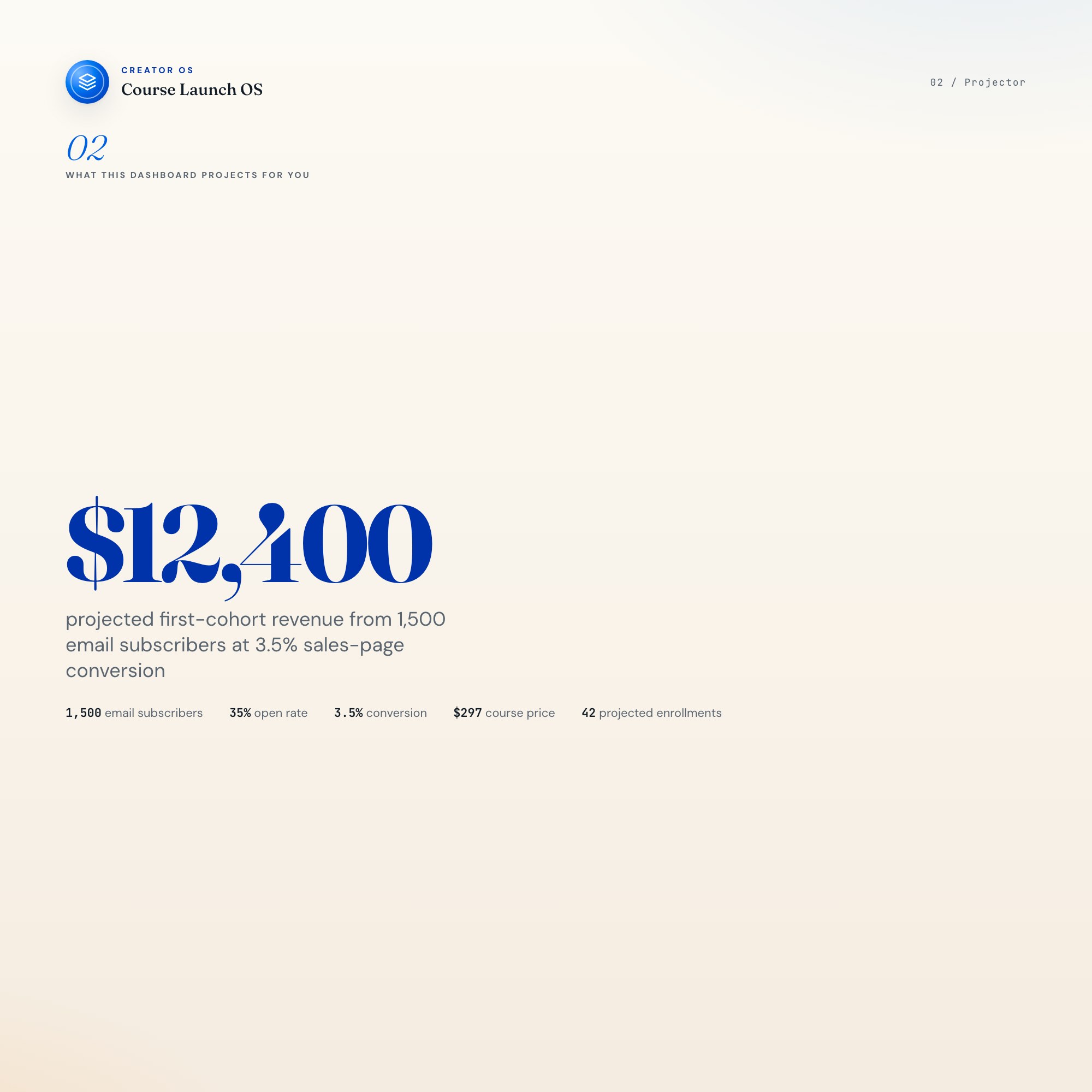
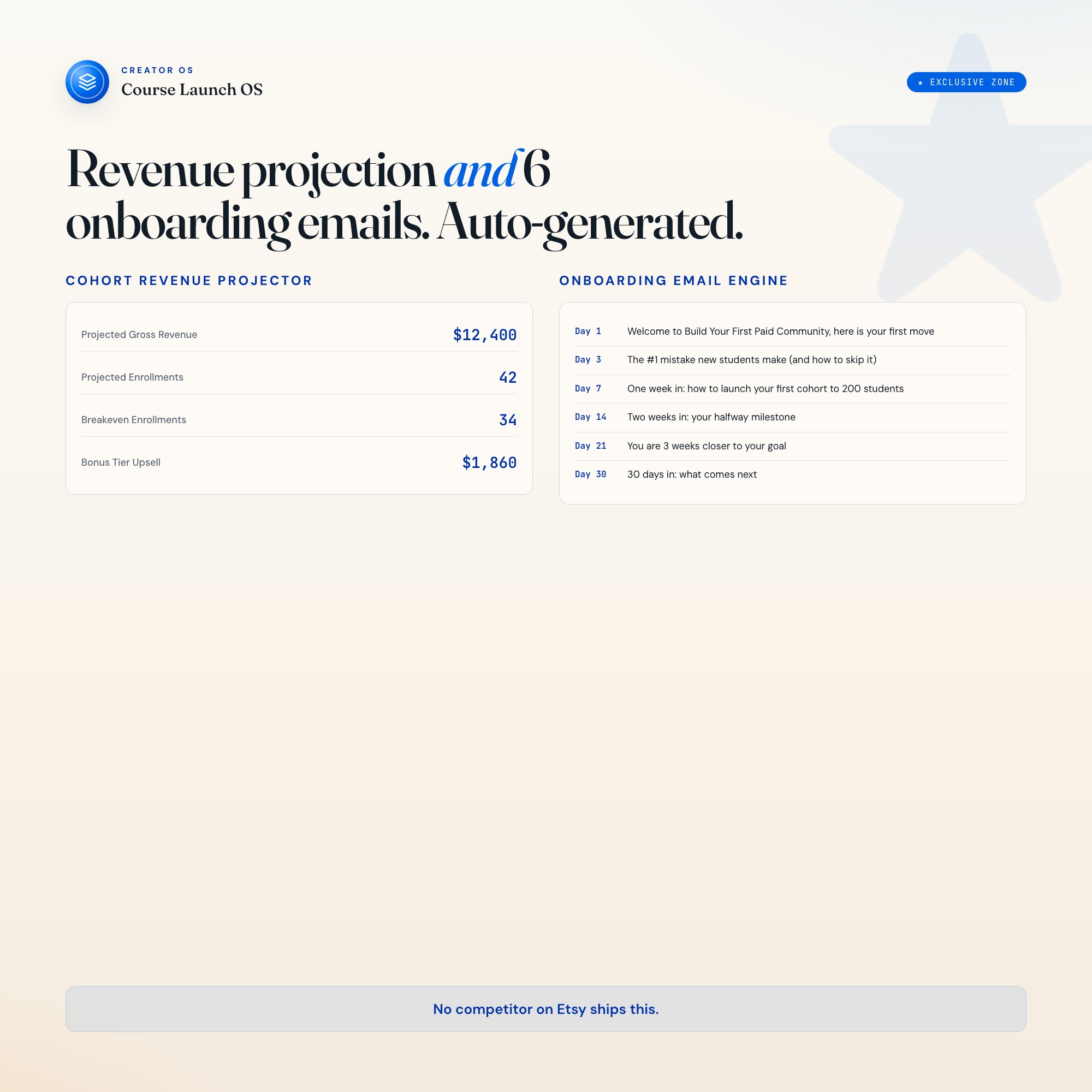
Most course-launch tools on Etsy hand you a checklist and wish you luck. Course Launch OS does something no competitor ships: it reads your actual audience size, email open rate, sales-page conversion %, and price tier, then projects your gross revenue, breakeven enrollment count, and bonus-tier upsell math in real time. Change any number, the projection updates immediately. Then the Onboarding Engine generates day-1, day-3, day-7, day-14, day-21, and day-30 email subjects plus one-line bodies, personalized to your course name and primary outcome promise. Six emails, ready to send, before you close the tab. No competitor on Etsy ships this.
WHAT’S INSIDE (5 Interactive Tabs)
-
Course Profile (Setup) : Enter your course name, primary outcome promise, target audience size, launch date, price tier, bonus tier, and ATL revenue goal. Every other tab reads from this one. The countdown to cart-open lives here.
-
Module Builder (Log) : Sortable list of modules and lessons with status tracking (draft / recording / edited / shipped), runtime estimates, and per-module lesson outlines. Pre-seeded with 6 sample modules so the dashboard looks useful from day one.
-
Pre-Launch Plan (Compute) : 12-week editable grid. Current week auto-highlights based on your launch date. Phases: audience research (weeks -12 to -9), sales page and email drafting (-8 to -5), beta and payment setup (-4 to -2), launch announce (-1), launch day (0).
-
Launch Week Playbook (Aggregate) : Day-by-day plan for launch week: Mon through Sun. Each day includes an email subject draft, social post copy for Twitter/LinkedIn/Instagram, DMs to send, and refund prep notes. Aggregates all email subjects from your sequence.
-
Cohort Revenue Projector + Onboarding Engine (★ EXCLUSIVE) : Left column: enter your expected open rate, click rate, and sales-page conversion %; the projector reads audience size and price tier from Course Profile and outputs projected gross revenue, breakeven enrollments, and bonus-tier upsell math live. Right column: the Onboarding Engine generates 6 ready-to-send email subjects and one-line bodies for days 1, 3, 7, 14, 21, and 30 the moment your Course Profile is filled. Each row has a Copy to Clipboard button. (★ EXCLUSIVE)
This is for you if
-
You have a course idea but your launch plan lives across 6 apps and you spend more time managing tabs than building curriculum.
-
You keep saying “I’ll figure out the revenue math once I have a list” and then launching blind to a tiny audience.
-
You’ve drafted three welcome emails and deleted all of them because you don’t know what to say after “Welcome to the course!”
-
Your 12-week pre-launch plan is a sticky note that says “build the thing” and you’re now 4 weeks out with nothing shipped.
-
You want to know the exact number of students you need to enroll to cover your launch costs before you open the cart.
Your data is safe
Everything runs locally in your browser. No server, no account, no analytics. Every keystroke autosaves to browser local storage. Click Export Backup to download a course-launch-backup-YYYY-MM-DD.json to your computer. Click Load Backup to restore instantly on any device.
Files included
-
dashboard.html (the complete Course Launch OS, opens in any browser)
-
HOW-TO-SAVE.txt (restore, backup, and sharing guide)
Works in Chrome, Edge, Safari, Firefox. macOS, Windows, iPad, Chromebook.
The 90 days between idea and cart-open decide whether your course exists at all.
Notion template upgrade coming soon. Follow the shop to get notified.
5 Tabs included
- ◈
Course Profile
- ≡
Module Builder
- ⊞
Pre-Launch Plan
- ◉
Launch Week Playbook
- ★
Cohort Revenue Projector
Exclusive Feature
Live cohort revenue projector + auto-generated onboarding email engine
This is built into the fifth tab and is unavailable in any static template, spreadsheet, or Notion template on the market.
Gallery
Learn more
How to Launch Your First Online Course in 90 Days
A 90-day course launch roadmap from audience validation to cart-open: revenue projections, module building, pre-launch sequencing, and onboarding emails.
GuideOnline Course Revenue Projection: How to Forecast Your First Cohort
How to forecast course revenue before you open the cart: audience size, conversion rates, price tiers, and the math that tests your revenue goal.
ComparisonTeachable vs. Kajabi vs. an Offline Launch Dashboard: What You Actually Need
Teachable vs. Kajabi vs. Podia vs. Course Launch OS: which tool hosts your course, which one plans your launch, and why you probably need both.
List8 Things First-Time Course Creators Must Track Before Launch Day
8 things to track before launching your first online course, from module status and pre-launch milestones to cohort revenue math and your email sequence.
Before you buy
Frequently asked questions
- What is Course Launch OS Dashboard?
- Course Launch OS Dashboard is an interactive dashboard that opens in your web browser. It is one self-contained HTML file — download it once, double-click it, and it runs. No app, no account, no subscription.
- Does Course Launch OS Dashboard need Excel or Google Sheets?
- No. It is not a spreadsheet and does not open in one. It runs in Chrome, Safari, Edge or Firefox on macOS, Windows, iPad or Chromebook, and keeps working offline.
- What is included in Course Launch OS Dashboard?
- 5 sections in a single file: Course Profile, Module Builder, Pre-Launch Plan, Launch Week Playbook, Cohort Revenue Projector.
- Does it work offline?
- Yes — completely. The dashboard is a single HTML file. Once downloaded, it runs entirely in your browser with no internet connection needed. All data autosaves to your browser's localStorage.
- Which devices and browsers are supported?
- Works in Chrome, Edge, Safari, and Firefox on macOS, Windows, iPad, and Chromebook. No app to install, no account to create. Just open the file.
- What is your refund policy?
- All sales are final. This is an instant download delivered in full at payment, so it cannot be returned. If a file will not open or a feature does not work as described, that is a defect and it gets fixed at no cost — email hello@listingresearchos.com and you will get a corrected file.
- How do I install it?
- There is nothing to install. After purchase, download the HTML file. Double-click to open in your browser. That's it. A HOW-TO-SAVE.txt is included explaining how to back up and restore your data.
- Is my data private?
- Completely. Everything runs locally — no login, no analytics, no data sent to any server. Your data is stored only in your browser's localStorage. You own it entirely.
You might also like
One-time purchase
Get it for $26.00
Instant download. Open in any browser. Yours forever.