
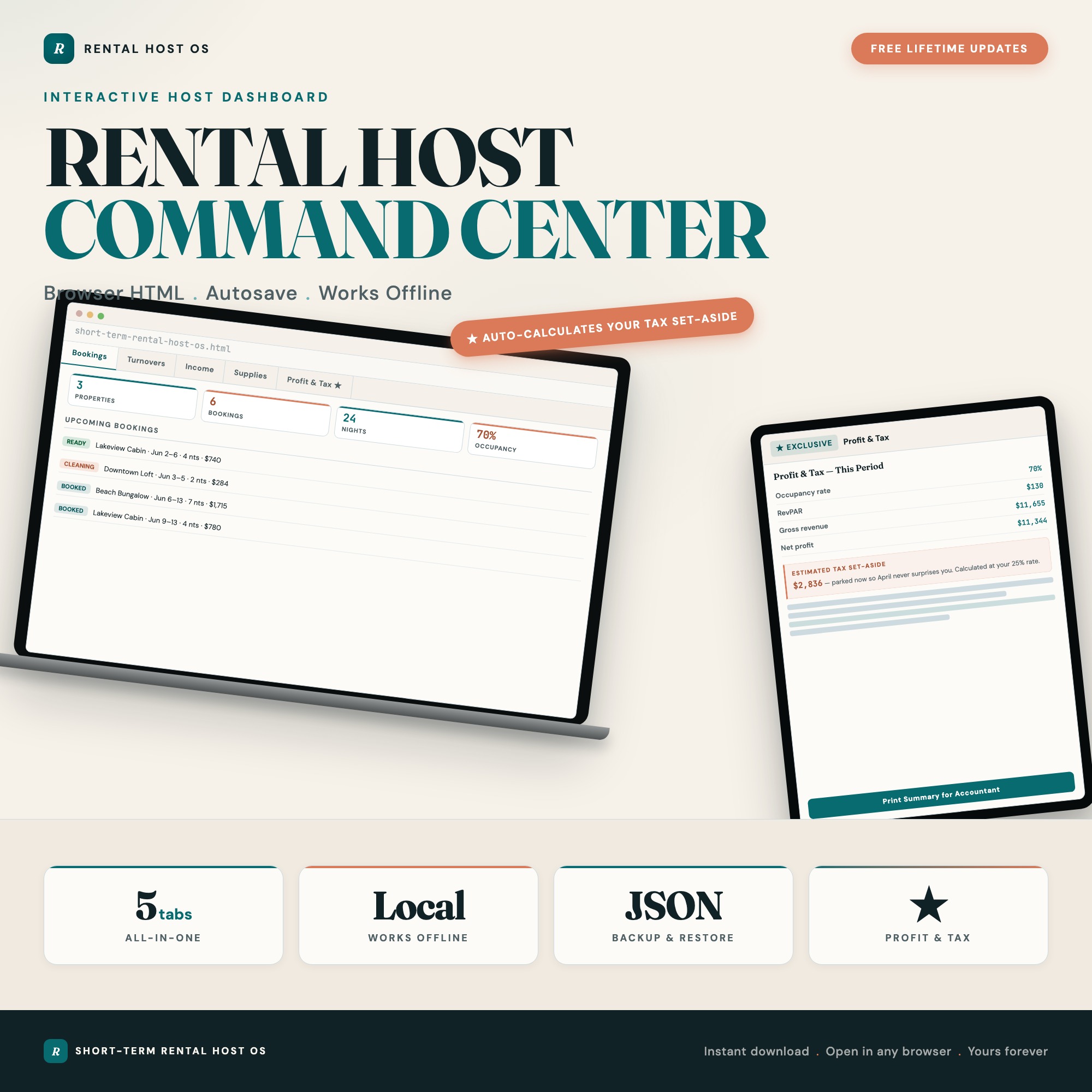
Interactive dashboard
Short-Term Rental Host Command Center, Airbnb Dashboard, Cleaning Turnover Tracker, Income Expense Bookkeeping, Tax Auto-Calculator
Built for Solo Airbnb/VRBO host (30-55) running 1-5 short-term rentals; juggling guest turnovers, cleaner scheduling, supply restocks, and shoebox tax bookkeeping across 4 different spreadsheets and apps; wants ONE browser file that runs the whole operation
Try it live
Click around the real dashboard
Interactive demo · a few tabs unlocked
See it in action
The dashboard
What it is
Built for solo Airbnb/VRBO host (30-55) running 1-5 short-term rentals; juggling guest turnovers, cleaner scheduling, supply restocks, and shoebox tax bookkeeping across 4 different spreadsheets and apps; wants ONE browser file that runs the whole operation. Short-Term Rental Host Command Center, Airbnb Dashboard, Cleaning Turnover Tracker, Income Expense Bookkeeping, Tax Auto-Calculator It is a browser-native interactive dashboard that lives in a single HTML file, with nothing to install.
What is Short-Term Rental Host Command Center?
Short-Term Rental Host Command Center is an interactive dashboard that opens in your web browser. It is one self-contained HTML file — you download it once, double-click it, and it runs. It is built for solo Airbnb/VRBO host (30-55) running 1-5 short-term rentals; juggling guest turnovers, cleaner scheduling, supply restocks, and shoebox tax bookkeeping across 4 different spreadsheets and apps; wants ONE browser file that runs the whole operation.
What is included in Short-Term Rental Host Command Center?
5 sections, all in the one file:
- Properties & Bookings
- Turnover & Cleaning
- Income & Expenses
- Supplies & Inventory
- Profit & Tax Calculator
Does Short-Term Rental Host Command Center need Excel, Google Sheets or a subscription?
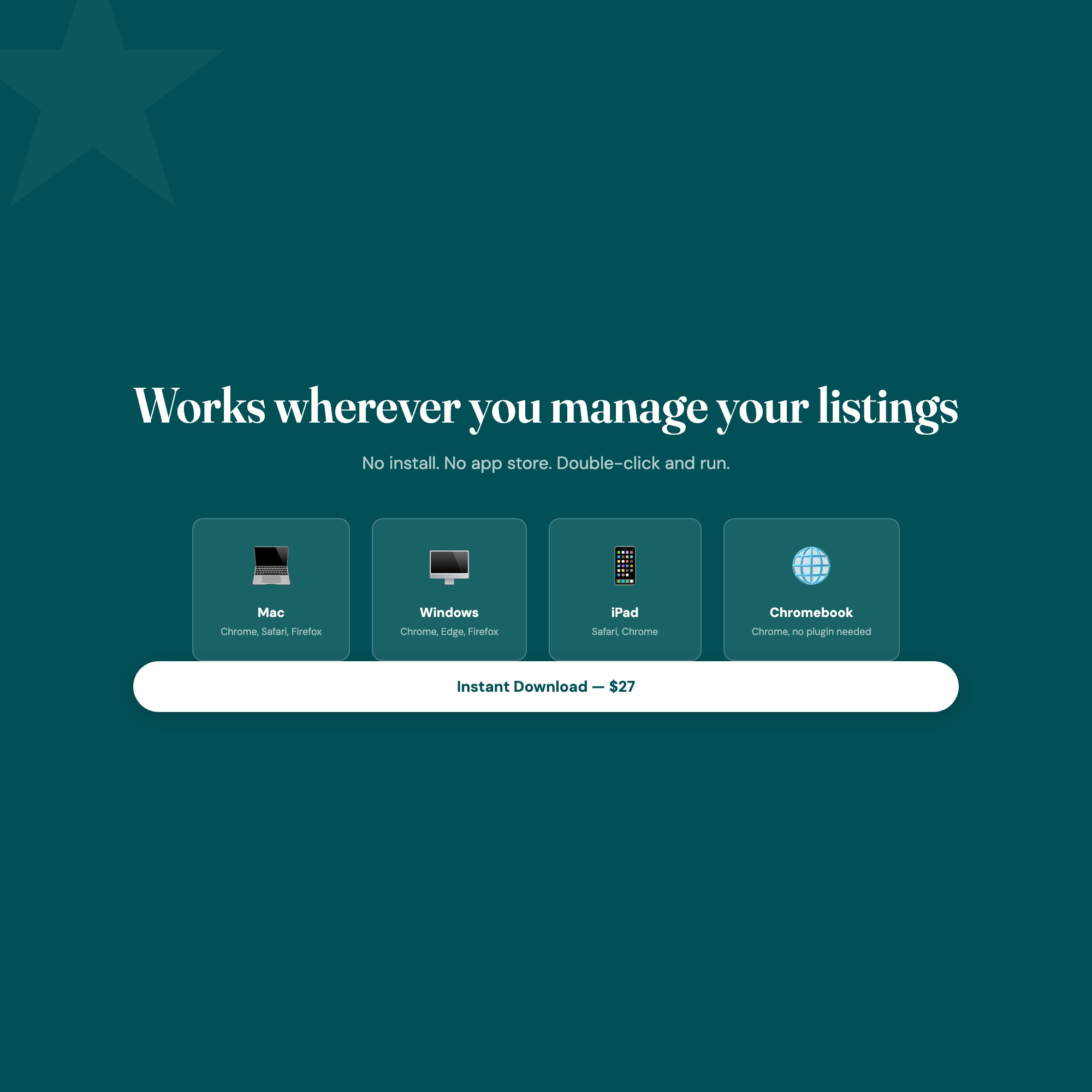
No. There is no app to install, no account to create, no login and no recurring fee. It opens in Chrome, Safari, Edge or Firefox on macOS, Windows, iPad or Chromebook, and it keeps working offline once the file is on your machine.
Where does Short-Term Rental Host Command Center store my data?
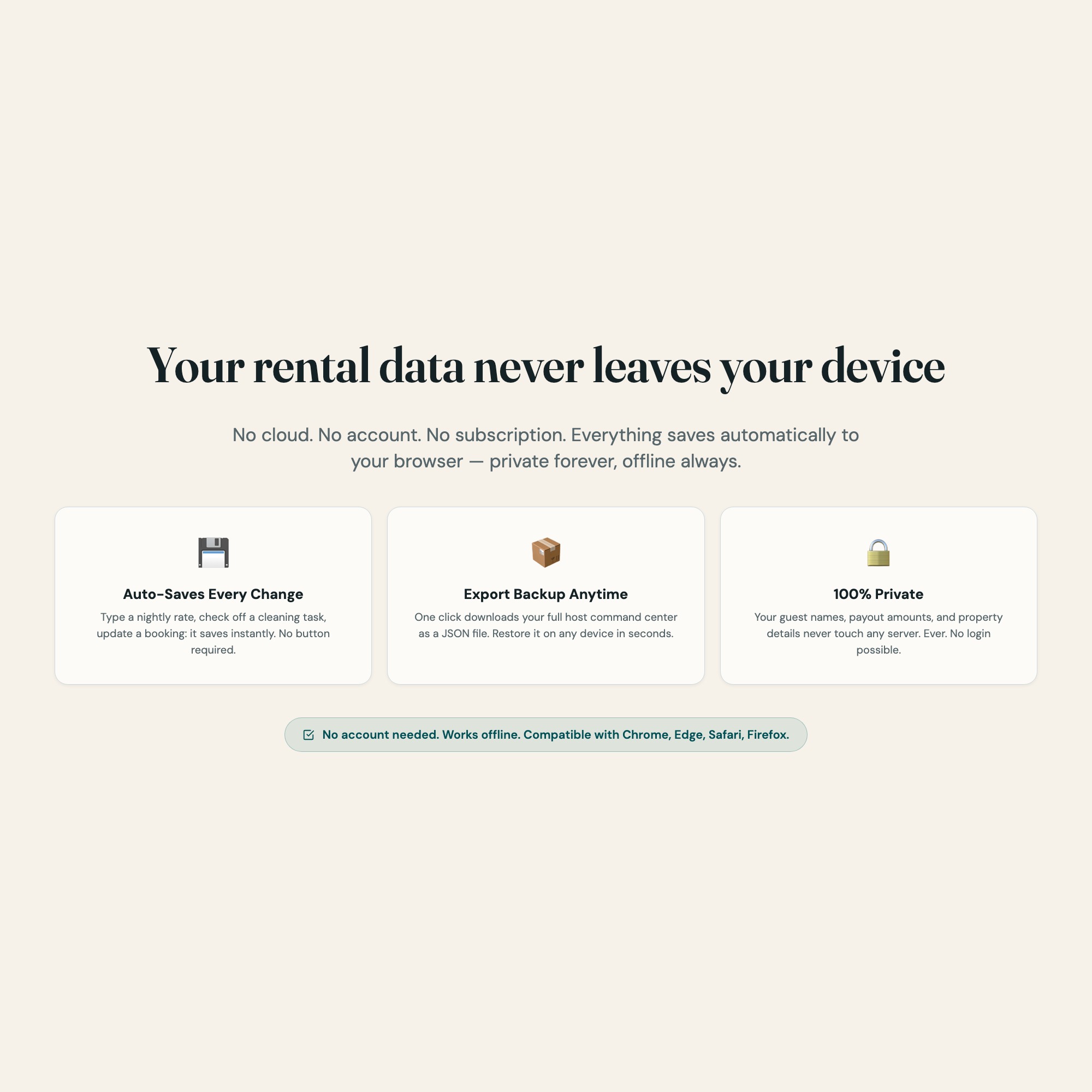
On your own device, in your own browser. Nothing is uploaded, no account is created and no analytics are collected. You can export a backup file at any time and load it on another computer.
How much is Short-Term Rental Host Command Center and how is it delivered?
$27, delivered as an instant download the moment you pay. Because it is a digital file, all sales are final.
More about Short-Term Rental Host Command Center
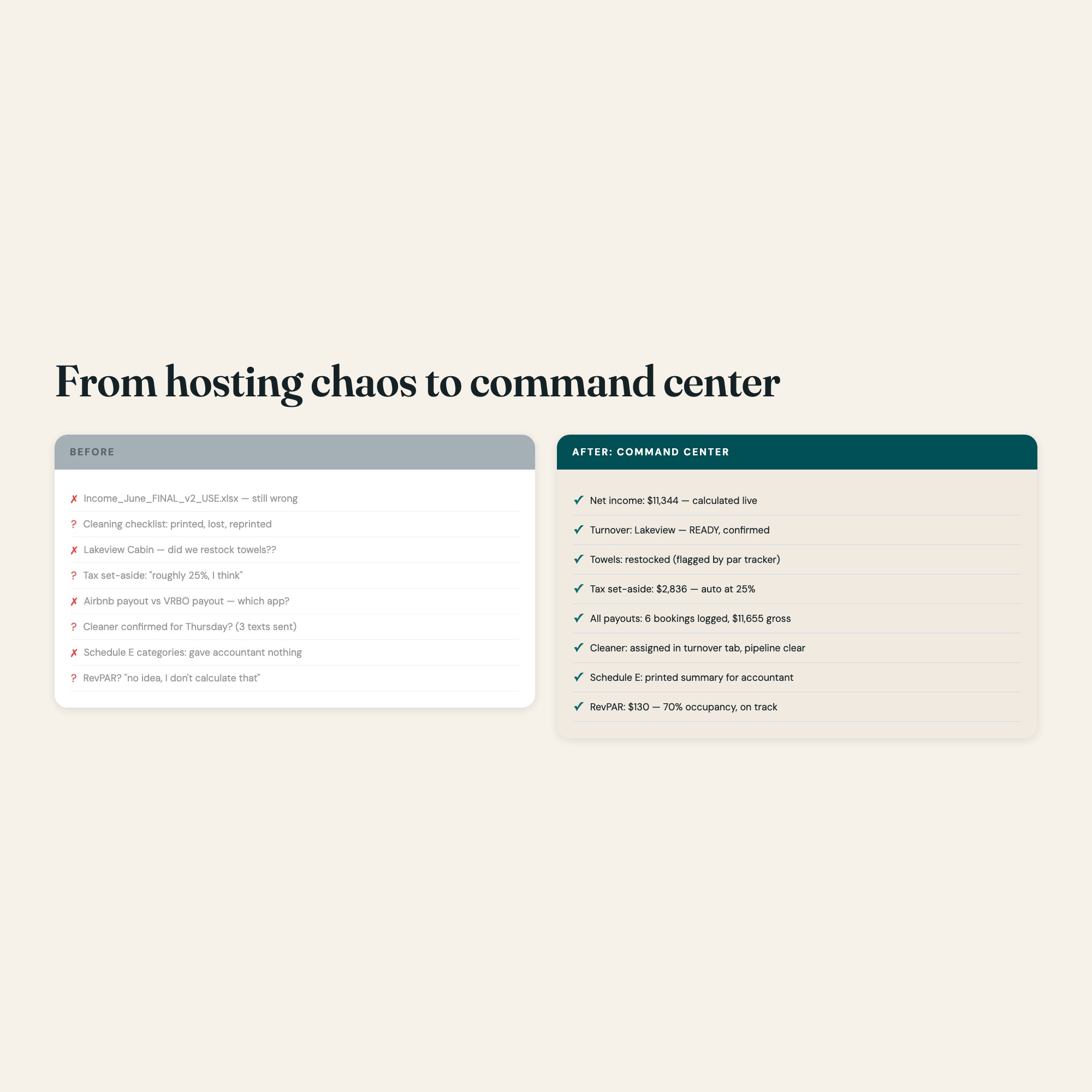
If you host on Airbnb or VRBO, you already know the chaos: an income spreadsheet here, a cleaning checklist there, a separate inventory list, and a shoebox of receipts come tax time. The Short-Term Rental Host Command Center pulls all of it into ONE interactive file that opens in any browser and saves everything right on your own device.
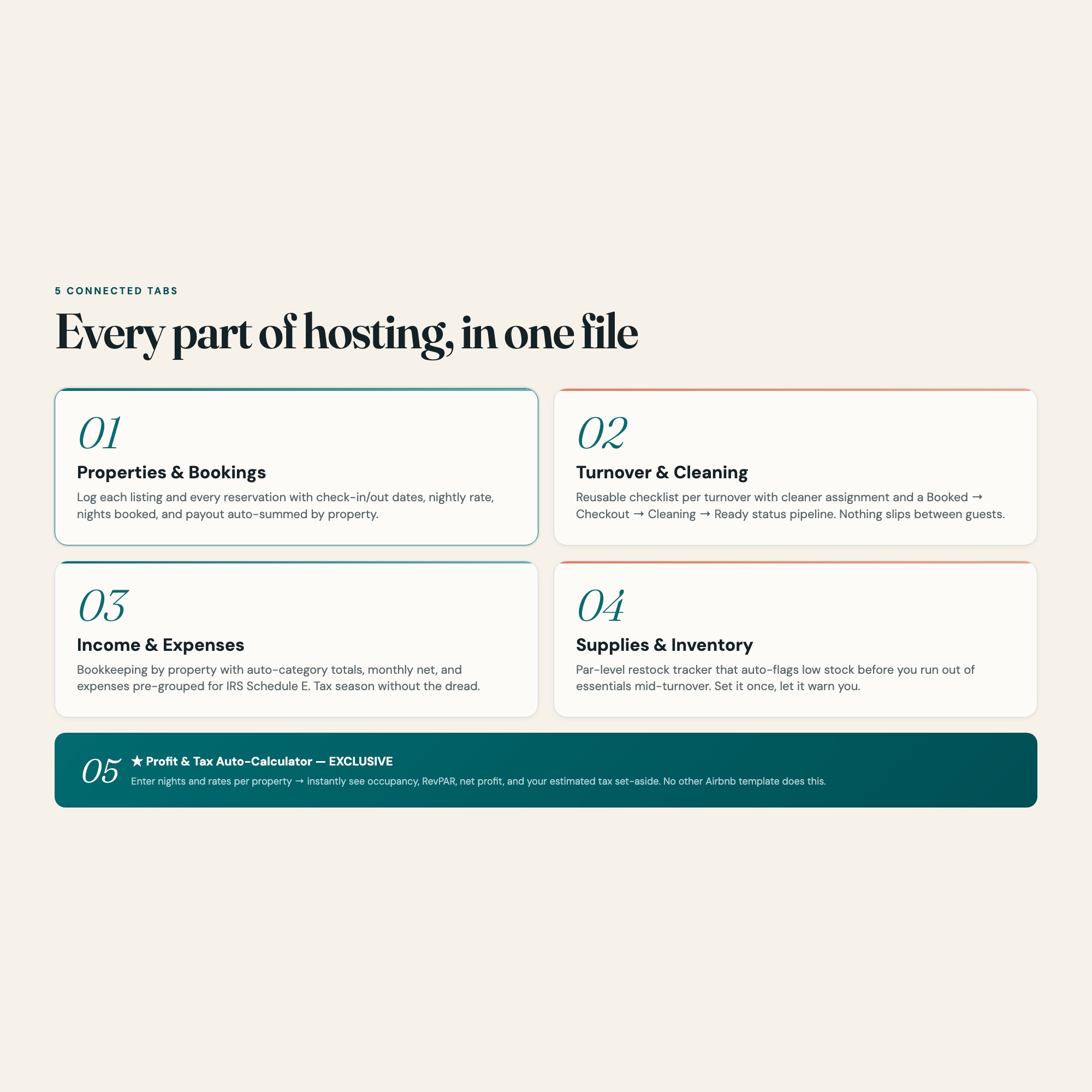
WHAT’S INSIDE (5 connected tabs):
• Properties & Bookings, log each listing and every reservation with check-in/out, nightly rate, nights, and payout auto-summed
• Turnover & Cleaning, a reusable cleaning checklist per turnover, cleaner assignment, and a Booked → Checkout → Cleaning → Ready status pipeline so nothing slips between guests
• Income & Expenses, bookkeeping by property with auto-category totals, monthly net, and expenses grouped for IRS Schedule E
• Supplies & Inventory, par-level restock tracker that flags low stock before you run out mid-turnover
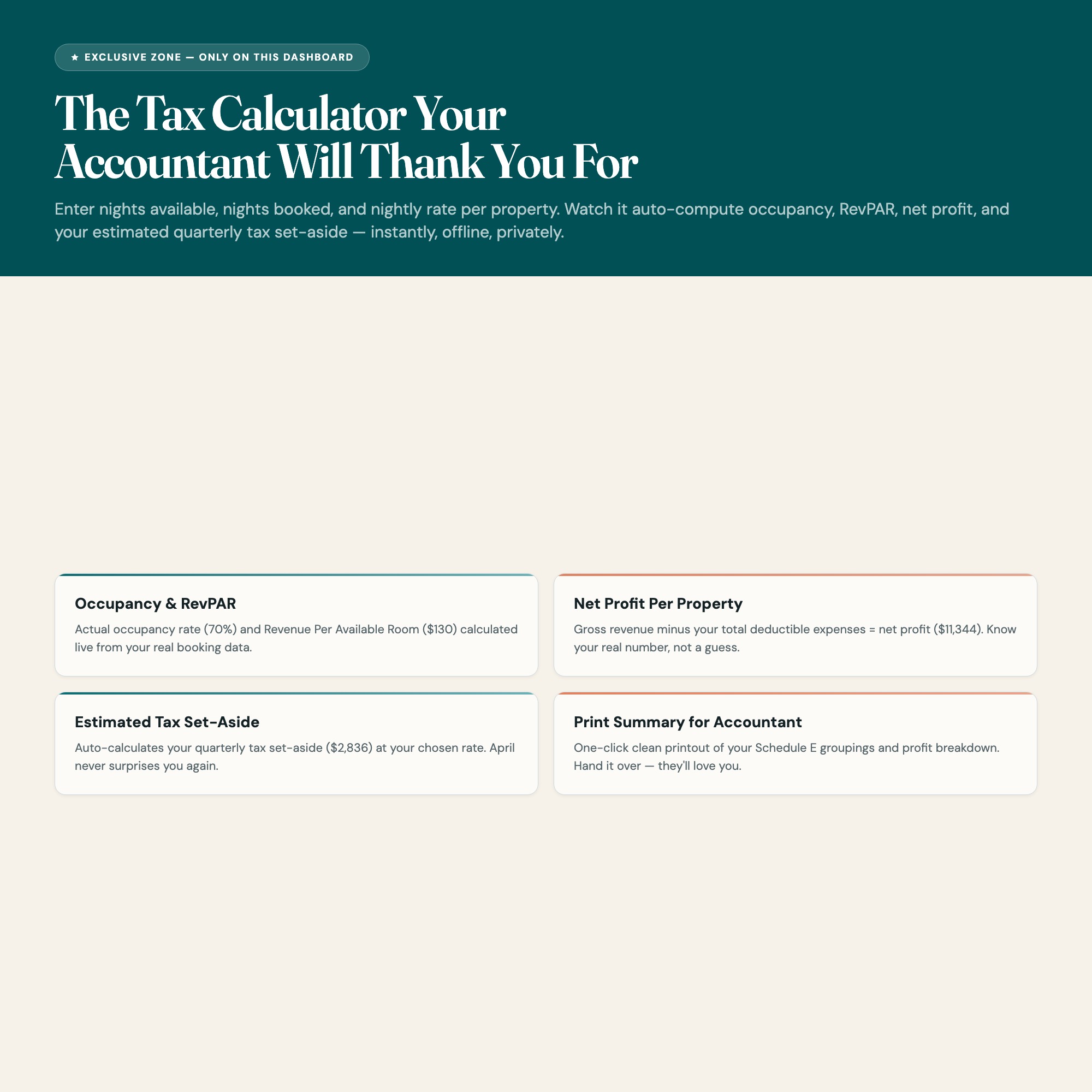
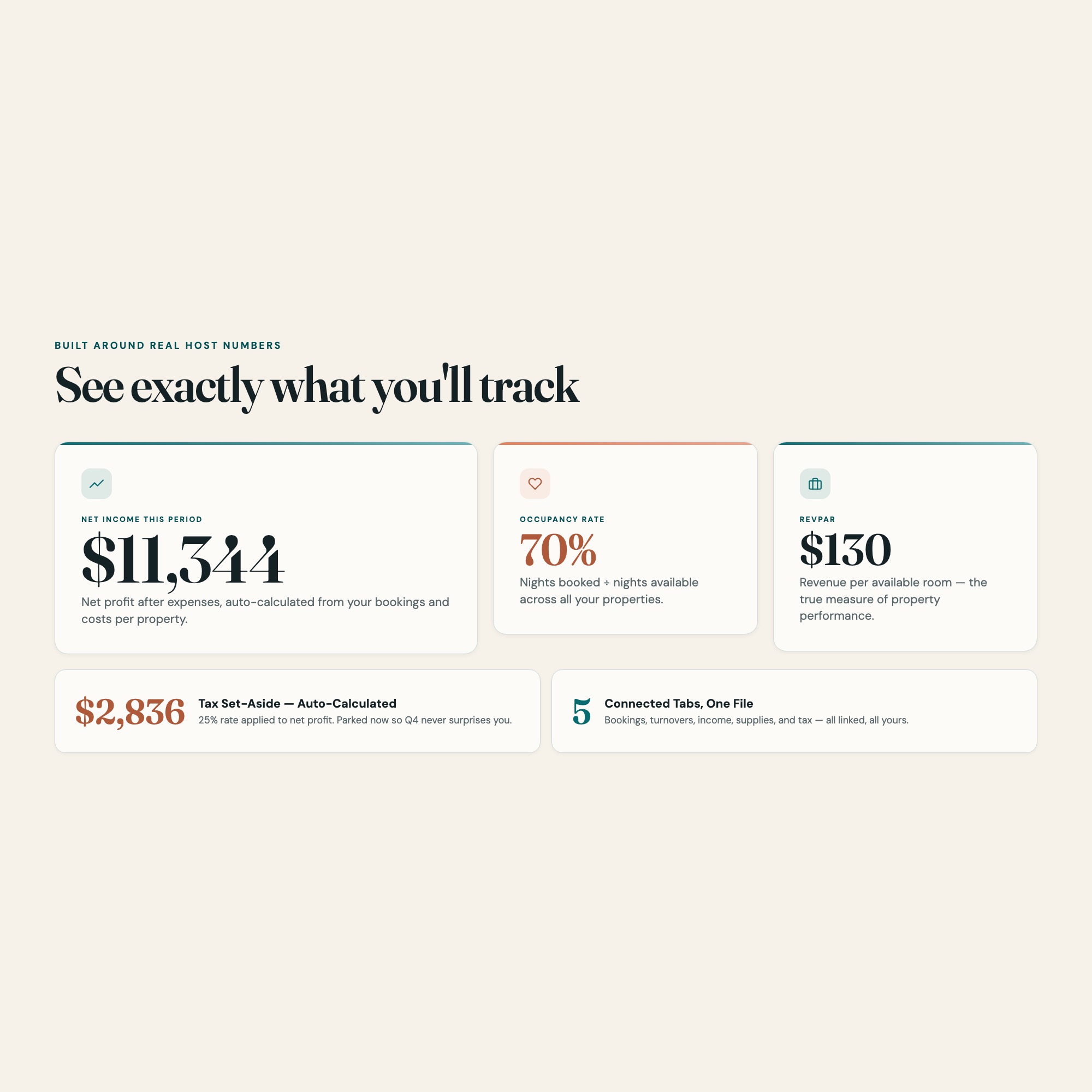
• ★ Profit & Tax Calculator, enter nights and rates and instantly see occupancy rate, RevPAR, net profit per property, total deductible expenses, and an estimated tax set-aside. No other Airbnb template does this.
WHY HOSTS LOVE IT:
• One file replaces four spreadsheets and apps
• Works offline on Mac, Windows, iPad, and Chromebook, open it in any browser
• Autosaves to your device; your rental data never leaves your computer
• Export a JSON backup any time, or print a clean summary for your accountant
• No monthly fee, no login, no learning curve, just open and type
INSTANT DOWNLOAD, you get the interactive dashboard file plus printable A4 and US Letter PDF workbooks and a quick-start guide. Lifetime access, free updates.
★ Want it inside Notion too? Message the shop, a matching Notion version is available.
This is a digital product. No physical item will be shipped.
5 Tabs included
- ◈
Properties & Bookings
Log each property and upcoming reservations with check-in/out dates, nightly rate, nights, and payout
- ≡
Turnover & Cleaning
Per-turnover cleaning checklist, cleaner assignment, and a Booked -> Checkout -> Cleaning -> Ready status pipeline
- ⊞
Income & Expenses
Bookkeeping by property with auto-category totals, monthly net, and Schedule E expense grouping
- ◉
Supplies & Inventory
Restock tracker with par levels per item and automatic low-stock flags so you never run out of essentials mid-turnover
- ★
Profit & Tax Calculator
Enter nights booked and rates per property; auto-compute occupancy rate, RevPAR, net profit per property, total Schedule E deductible expenses, and an estimated quarterly tax set-aside
Exclusive Feature
Profit & Tax Auto-Calculator takes nights-available, nights-booked, and nightly rate per property and instantly returns occupancy rate, RevPAR, gross revenue, net profit per property, total deductible expenses grouped for IRS Schedule E, and an estimated tax set-aside at the host's chosen rate. No Etsy competitor ships this interactive — every current top result is a static income/expense spreadsheet, a separate cleaning checklist, or a separate inventory list.
This is built into the fifth tab and is unavailable in any static template, spreadsheet, or Notion template on the market.
Gallery
Learn more
Airbnb Host Taxes: How to Track Income and Expenses for IRS Schedule E
How short-term rental hosts track Schedule E income and expenses: which categories are deductible, how to calculate occupancy, and what to log monthly.
GuideHow to Calculate RevPAR and Occupancy Rate for Your Short-Term Rental
Exact formulas for RevPAR and occupancy rate calculations, with a walkthrough of how to turn those numbers into net profit and IRS Schedule E tax prep.
ComparisonAirbnb Host Tracker: Spreadsheet vs. Hostaway vs. Offline Dashboard
Comparing Airbnb host tracking tools: spreadsheets, Hostaway's PMS, and an offline dashboard with a built-in Profit and Tax Calculator, at real cost.
List8 Things Every Airbnb Host Should Track Every Month
8 monthly metrics Airbnb and VRBO hosts need to track — from occupancy rate and RevPAR to turnover status and IRS Schedule E expense grouping.
Before you buy
Frequently asked questions
- What is Short-Term Rental Host Command Center?
- Short-Term Rental Host Command Center is an interactive dashboard that opens in your web browser. It is one self-contained HTML file — download it once, double-click it, and it runs. No app, no account, no subscription.
- Does Short-Term Rental Host Command Center need Excel or Google Sheets?
- No. It is not a spreadsheet and does not open in one. It runs in Chrome, Safari, Edge or Firefox on macOS, Windows, iPad or Chromebook, and keeps working offline.
- What is included in Short-Term Rental Host Command Center?
- 5 sections in a single file: Properties & Bookings, Turnover & Cleaning, Income & Expenses, Supplies & Inventory, Profit & Tax Calculator.
- Does it work offline?
- Yes — completely. The dashboard is a single HTML file. Once downloaded, it runs entirely in your browser with no internet connection needed. All data autosaves to your browser's localStorage.
- Which devices and browsers are supported?
- Works in Chrome, Edge, Safari, and Firefox on macOS, Windows, iPad, and Chromebook. No app to install, no account to create. Just open the file.
- What is your refund policy?
- All sales are final. This is an instant download delivered in full at payment, so it cannot be returned. If a file will not open or a feature does not work as described, that is a defect and it gets fixed at no cost — email hello@listingresearchos.com and you will get a corrected file.
- How do I install it?
- There is nothing to install. After purchase, download the HTML file. Double-click to open in your browser. That's it. A HOW-TO-SAVE.txt is included explaining how to back up and restore your data.
- Is my data private?
- Completely. Everything runs locally — no login, no analytics, no data sent to any server. Your data is stored only in your browser's localStorage. You own it entirely.
You might also like
One-time purchase
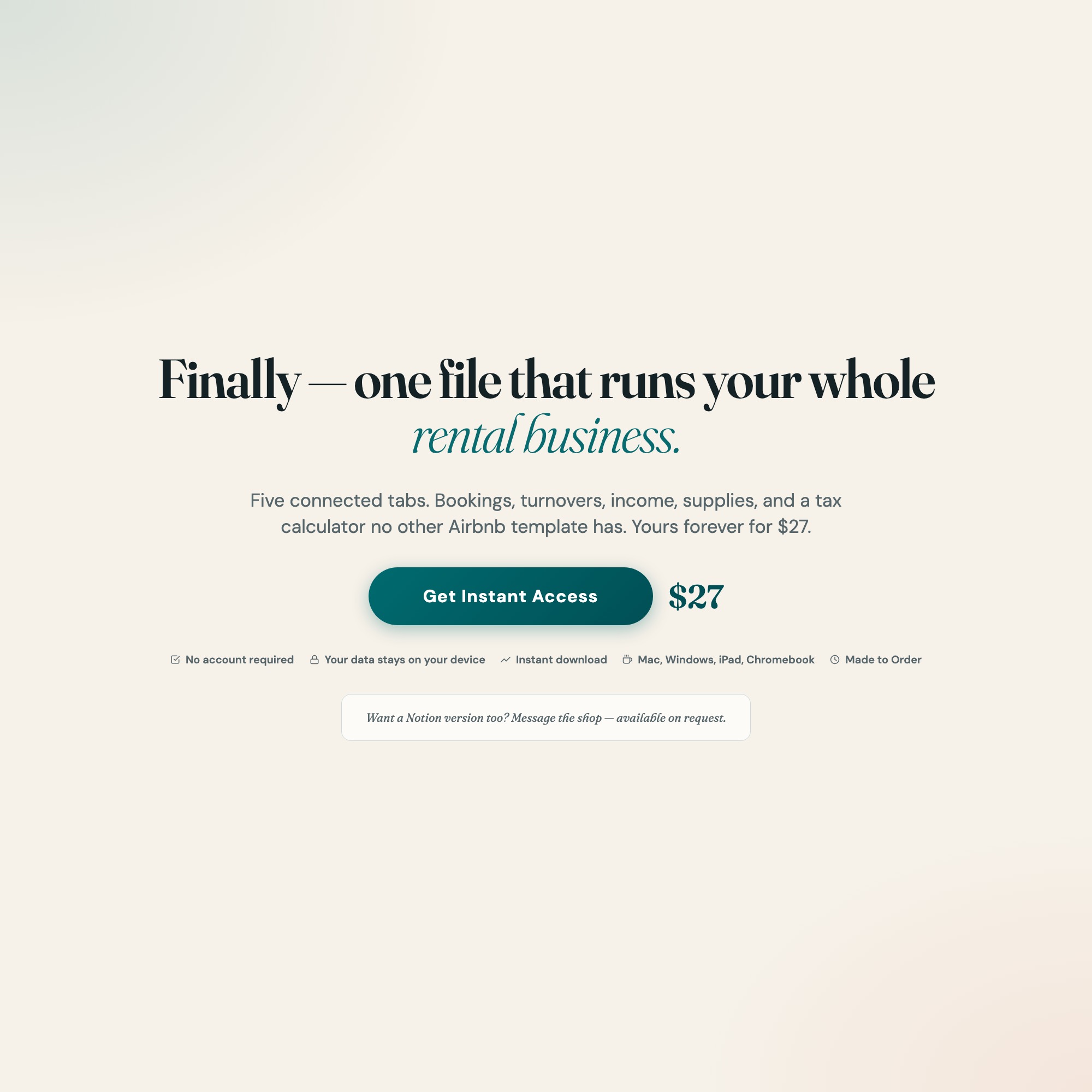
Get it for $27.00
Instant download. Open in any browser. Yours forever.