
Interactive dashboard
Interactive Thesis & Dissertation Chapter Dashboard
Built for PhD candidate / grad student managing 5-8 chapters with overlapping deadlines and committee feedback cycles
Try it live
Click around the real dashboard
Interactive demo · a few tabs unlocked
See it in action
The dashboard
What it is
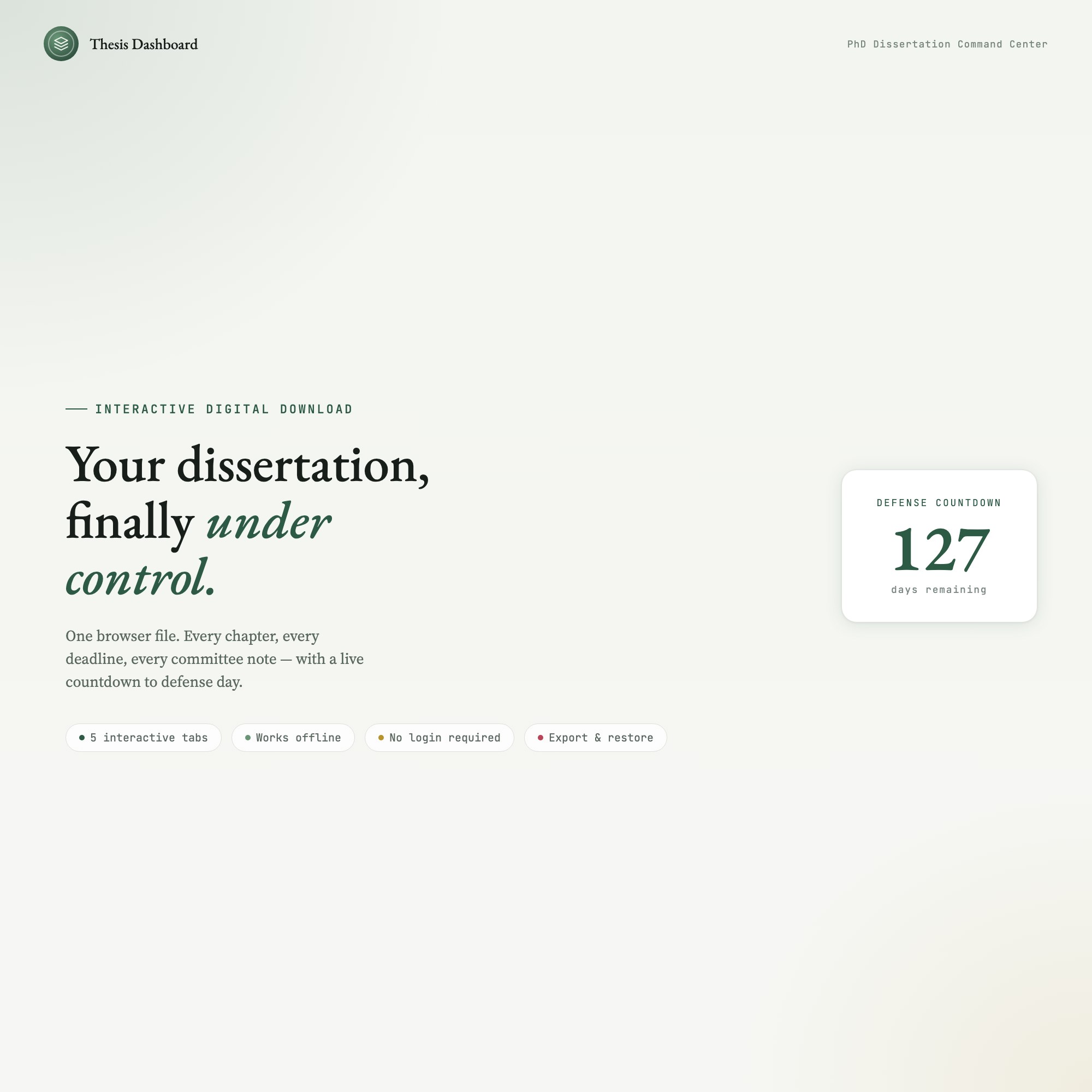
Built for phD candidate / grad student managing 5-8 chapters with overlapping deadlines and committee feedback cycles. Your dissertation, finally under control. It is a browser-native interactive dashboard that lives in a single HTML file, with nothing to install.
What is Interactive Thesis & Dissertation Chapter Dashboard?
Interactive Thesis & Dissertation Chapter Dashboard is an interactive dashboard that opens in your web browser. It is one self-contained HTML file — you download it once, double-click it, and it runs. It is built for phD candidate / grad student managing 5-8 chapters with overlapping deadlines and committee feedback cycles.
What is included in Interactive Thesis & Dissertation Chapter Dashboard?
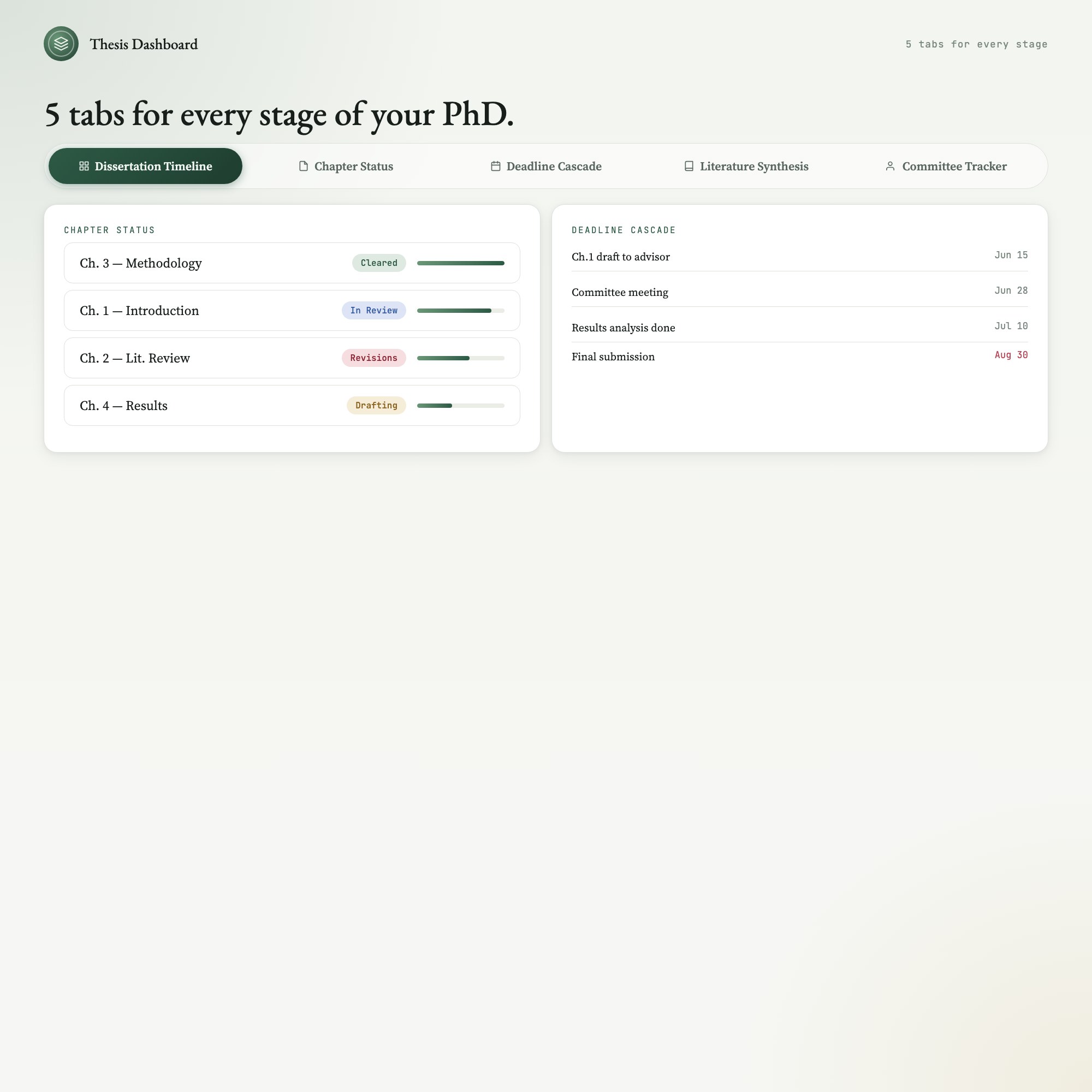
5 sections, all in the one file:
- Dissertation Timeline
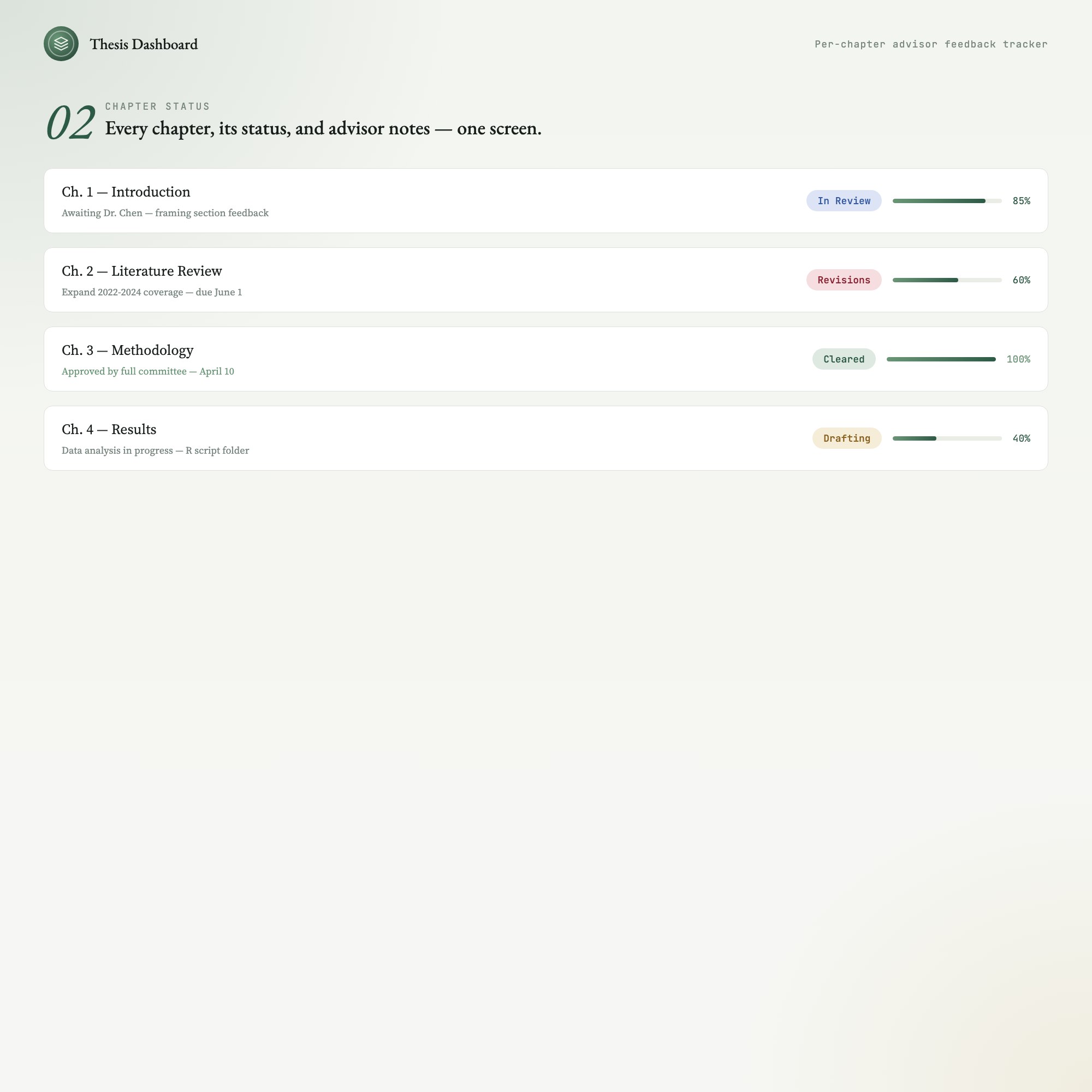
- Chapter Status
- Deadline Cascade
- Literature Synthesis
- Committee Tracker
Does Interactive Thesis & Dissertation Chapter Dashboard need Excel, Google Sheets or a subscription?
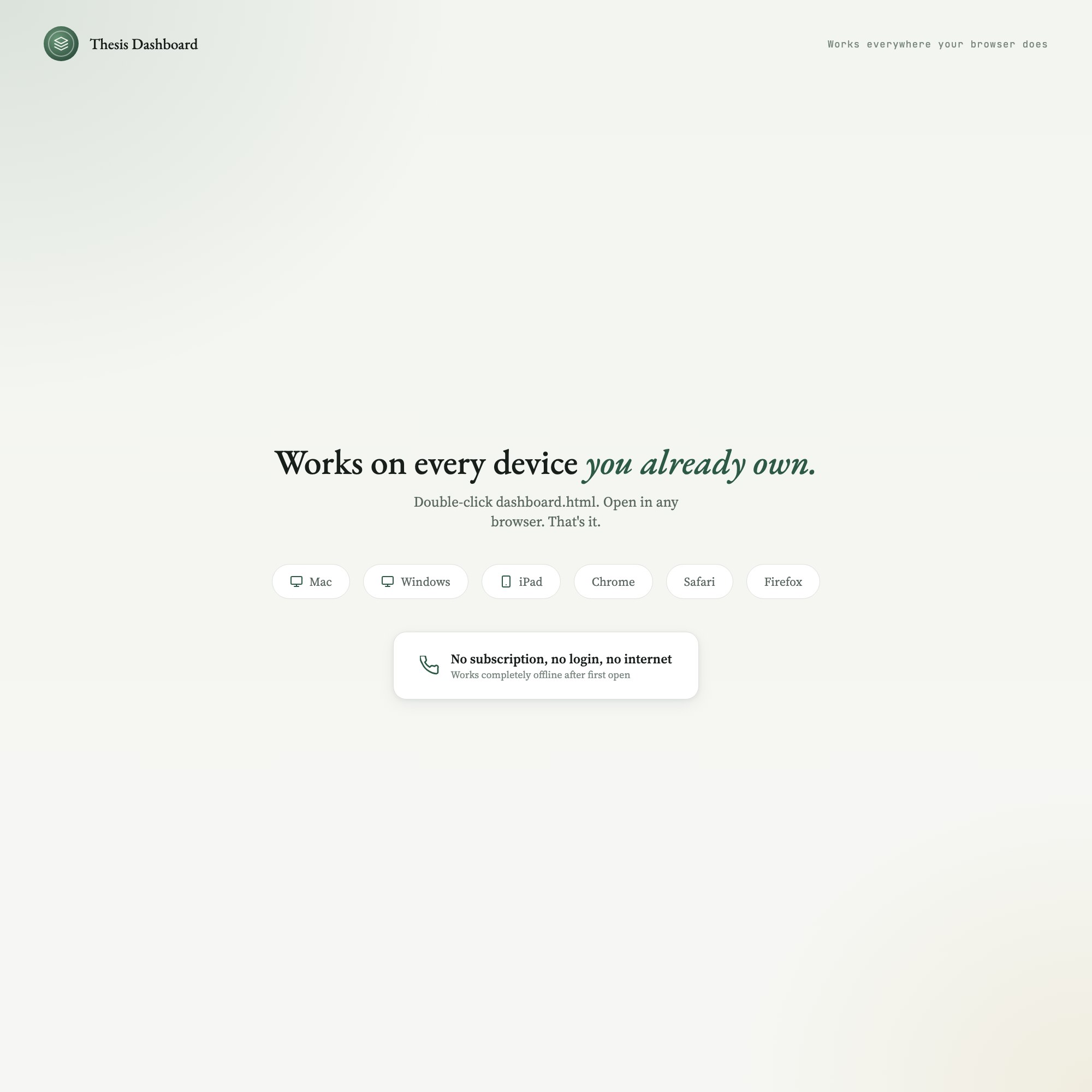
No. There is no app to install, no account to create, no login and no recurring fee. It opens in Chrome, Safari, Edge or Firefox on macOS, Windows, iPad or Chromebook, and it keeps working offline once the file is on your machine.
Where does Interactive Thesis & Dissertation Chapter Dashboard store my data?
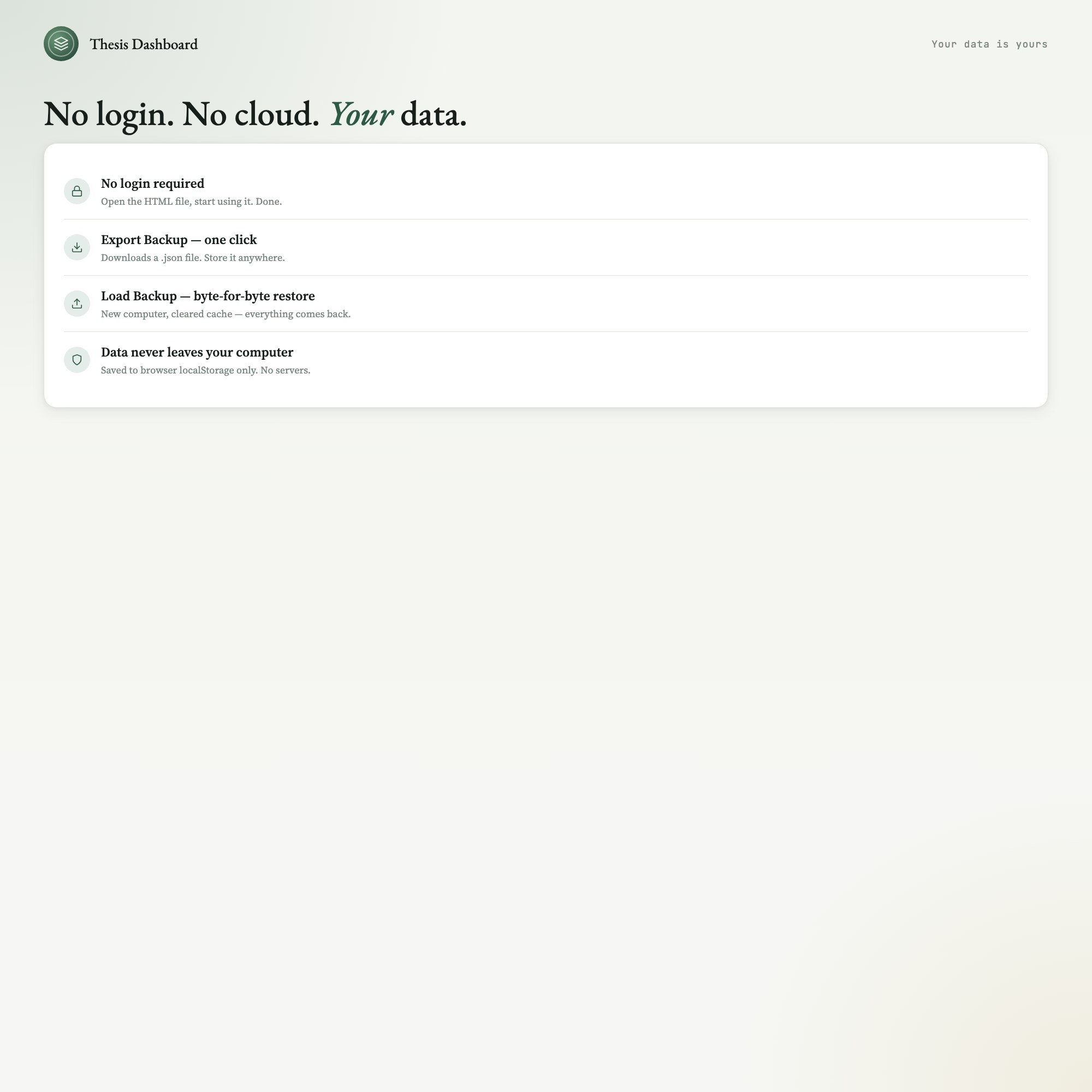
On your own device, in your own browser. Nothing is uploaded, no account is created and no analytics are collected. You can export a backup file at any time and load it on another computer.
Can I change how Interactive Thesis & Dissertation Chapter Dashboard looks?
Yes — colour, background, typeface and text size are all adjustable from inside the dashboard, and your choice is remembered the next time you open it.
How much is Interactive Thesis & Dissertation Chapter Dashboard and how is it delivered?
$19, delivered as an instant download the moment you pay. Because it is a digital file, all sales are final.
More about Interactive Thesis & Dissertation Chapter Dashboard
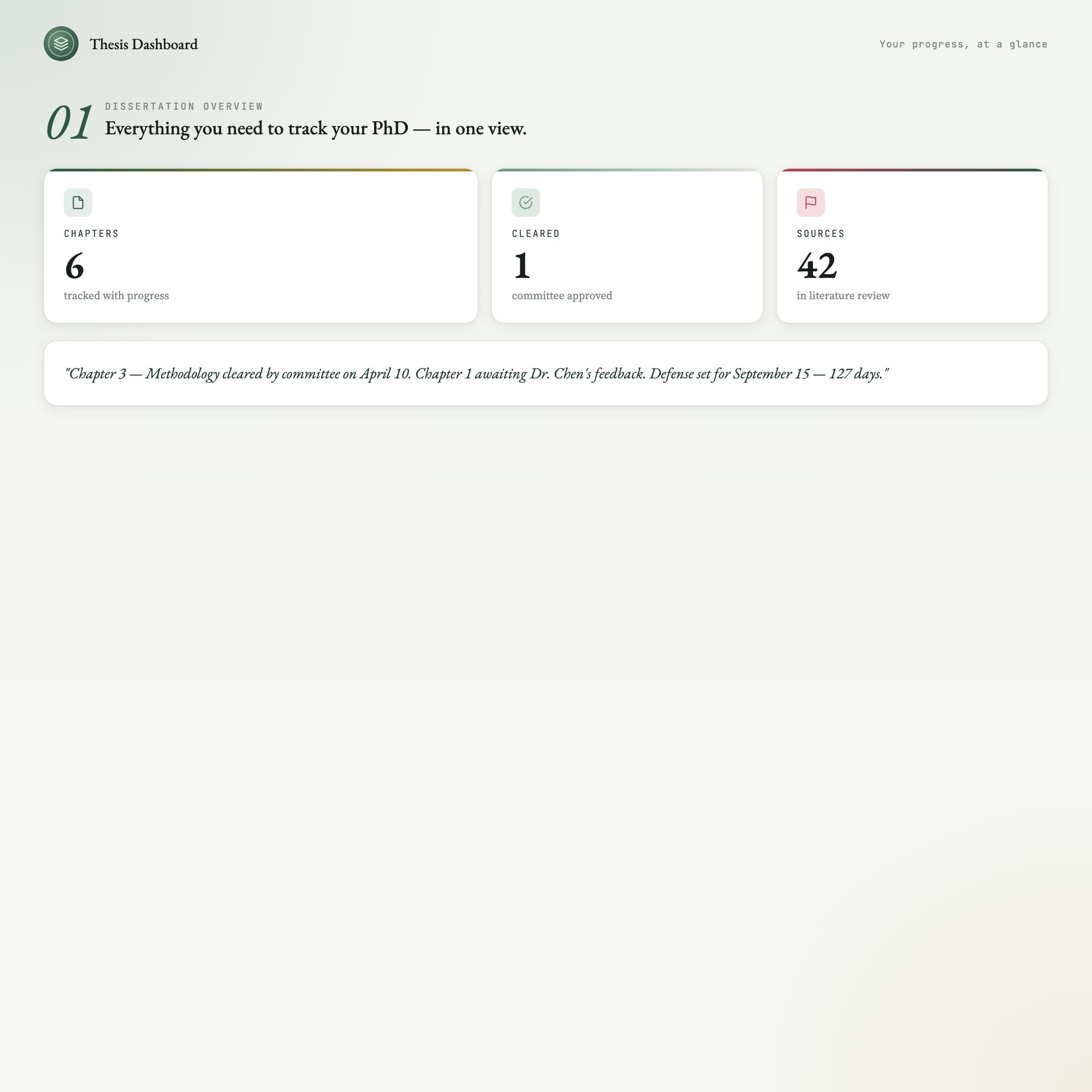
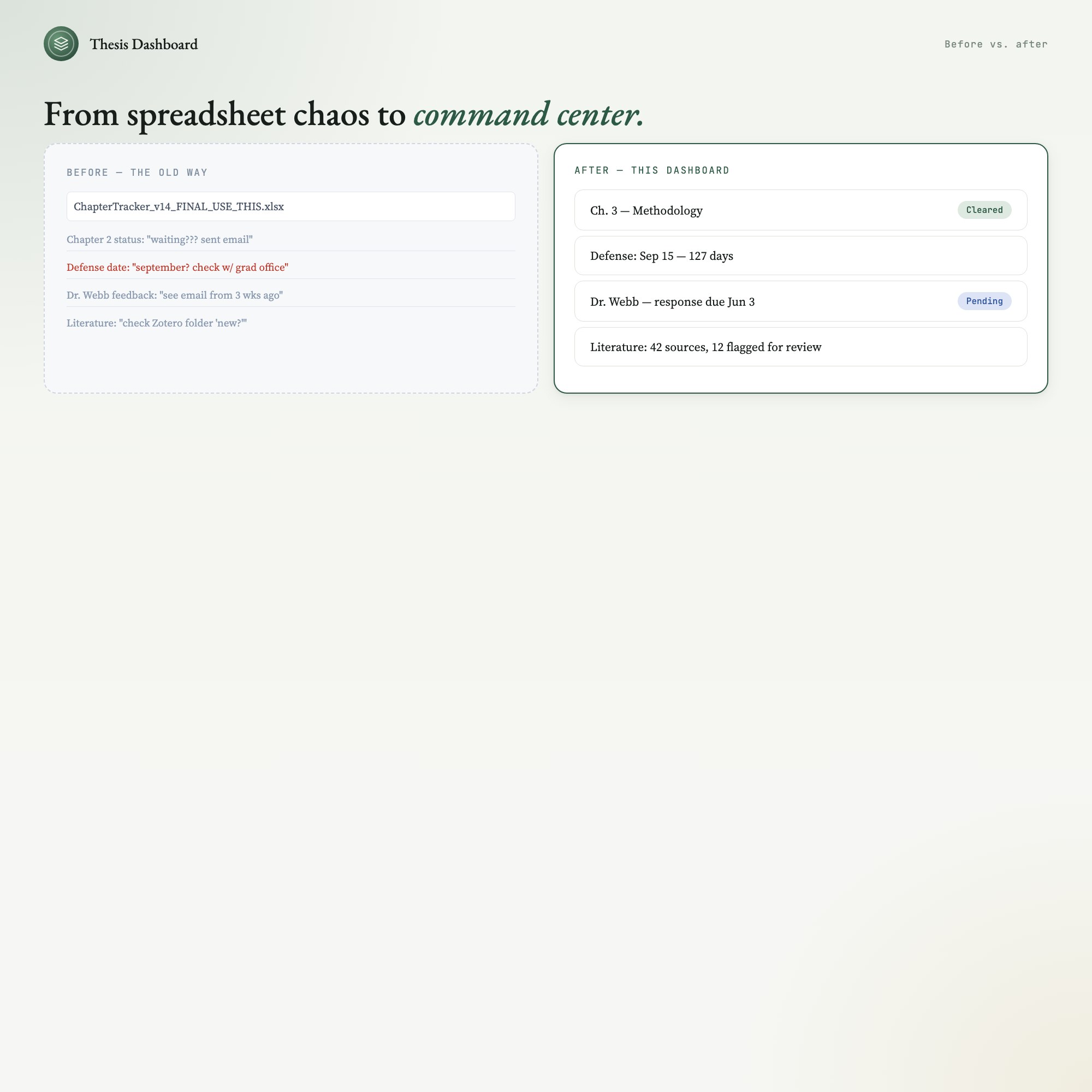
Track all 5-8 of your chapters, log advisor feedback chapter-by-chapter, and watch a live countdown tick toward your defense date. No more context-switching between Notion, Google Sheets, and sticky notes.
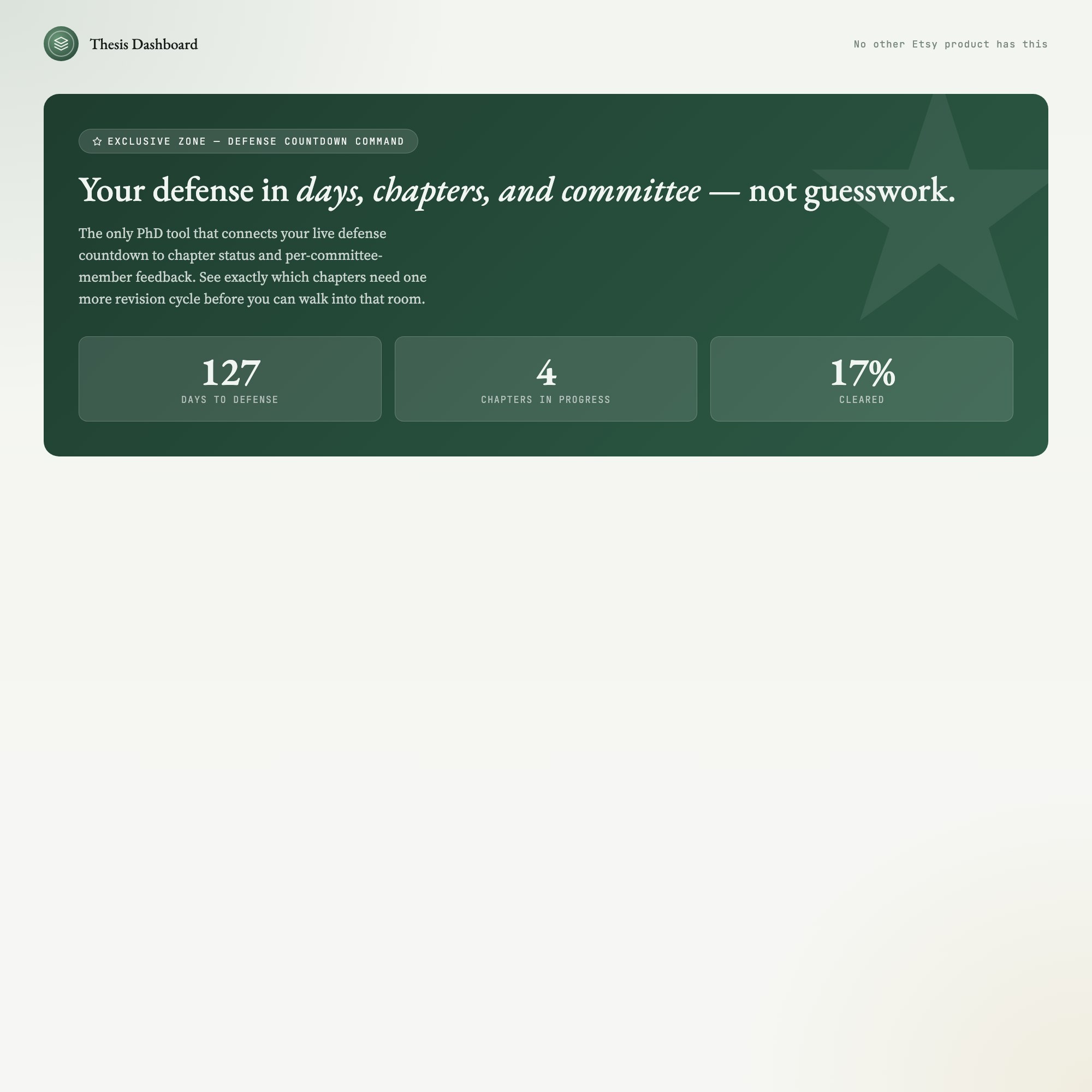
★ EXCLUSIVE ZONE — The Defense Countdown + Chapter Cascade no other Etsy product has:
Your defense date lives at the center of everything. A visual chapter cascade shows exactly which chapters are waiting on feedback, which need revision, and which are cleared — all synced to your actual defense timeline. Pair it with the per-chapter advisor feedback tracker and spaced literature review schedule, and you have the only PhD productivity tool built around how thesis writing actually works: not in straight lines, but in overlapping cycles of draft, feedback, revise, and defend.
WHAT’S INSIDE (5 interactive tabs):
-
Dissertation Timeline — Your full PhD roadmap from proposal approval to final submission, with milestone markers and an auto-updating defense countdown.
-
Chapter Status — All your chapters on one screen. Per-chapter progress bars, current status badge (Drafting / In Review / Revisions / Cleared), and advisor notes field.
-
Deadline Cascade — Visual timeline of every chapter deadline, committee meeting, and submission window, sorted by urgency so nothing slips.
-
Literature Synthesis — Spaced-review schedule for your literature sources, organized by chapter and flagged by review-due date. Built for the citation overwhelm that stalls every PhD student.
-
Committee Tracker — Log feedback from each committee member, track response-due dates, and mark revision status — so the next meeting prep takes minutes, not a week.
THIS IS FOR YOU IF:
-
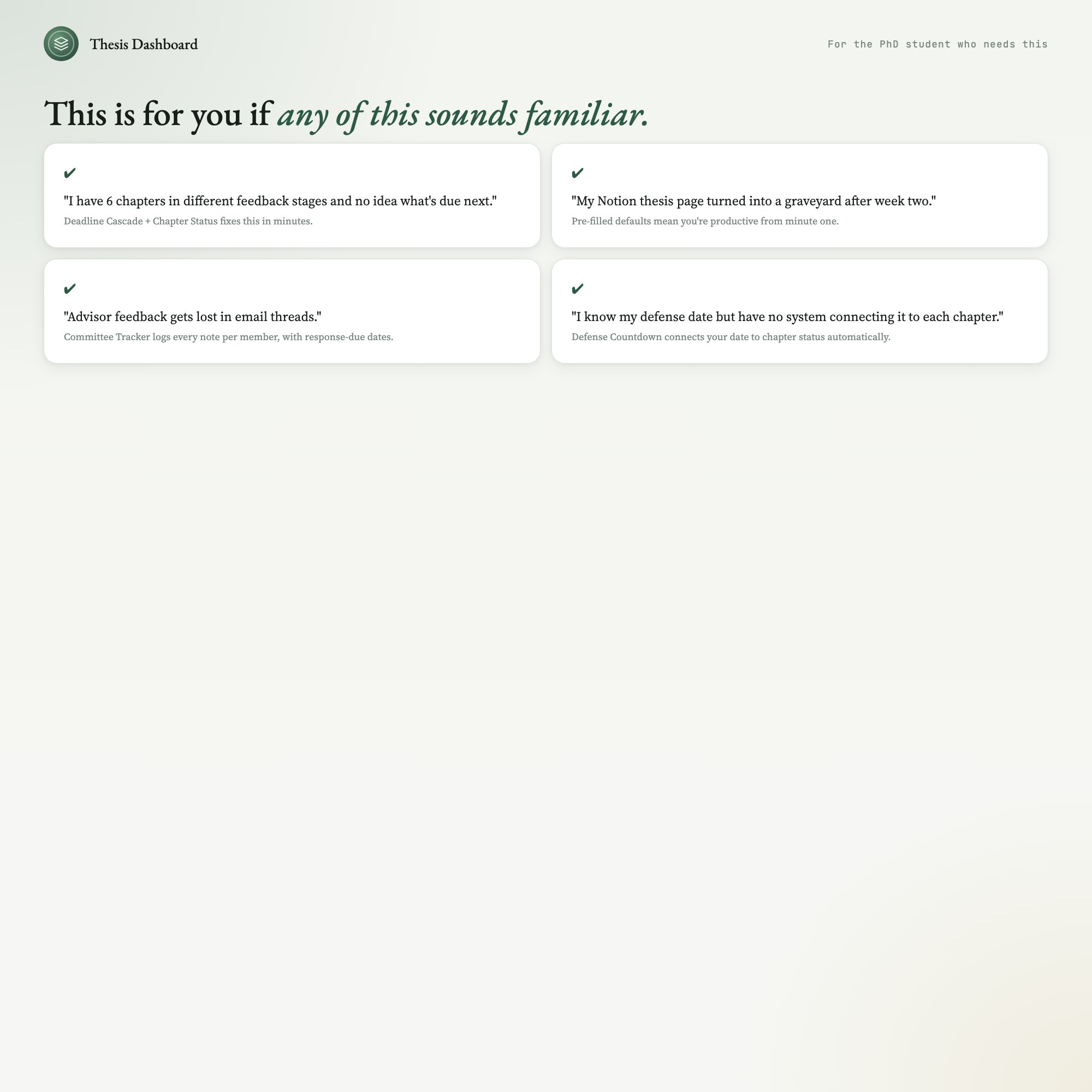
You have 5+ chapters with different advisors in different feedback stages at the same time
-
You miss deadlines because your timeline lives in three different places
-
Your “thesis planner” is a Notion page you gave up on after week two
-
Committee feedback gets lost in email threads and you forget which chapter it applies to
-
You know your defense date but have no system connecting that date to each chapter milestone
YOUR DATA IS SAFE:
This runs entirely in your browser — Chrome, Safari, Firefox, or Edge on Mac or PC. No login. No internet required after download. No subscription. Your data is stored only on your own computer. Export Backup creates a single JSON file you can store anywhere; Load Backup restores everything byte-for-byte.
FILES INCLUDED:
-
dashboard.html (open in any browser, no install required)
-
HOW-TO-SAVE.txt (plain-English guide to saving, restoring, and sharing)
Your chapter log, your defense countdown, your advisor notes — all yours, offline, forever.
If you use Notion for your thesis, this will replace three databases and a calendar. Or run them side-by-side; this dashboard exports a clean JSON you can paste anywhere.
5 Tabs included
- ◈
Dissertation Timeline
Full PhD roadmap from proposal to defense, with milestone tracker and auto-updating defense countdown
- ≡
Chapter Status
Per-chapter progress bars, status badges, and advisor notes for all 5-8 chapters at once
- ⊞
Deadline Cascade
All chapter deadlines and committee meetings sorted by urgency with overdue and upcoming views
- ◉
Literature Synthesis
Spaced-review schedule for literature sources, grouped by chapter with review-due dates
- ★
Committee Tracker
Per-committee-member feedback log with response-due dates and revision status
Exclusive Feature
Defense Countdown Command — connects live defense countdown to chapter status and committee feedback; shows exactly which chapters need revision before defense
This is built into the fifth tab and is unavailable in any static template, spreadsheet, or Notion template on the market.
Gallery

Learn more
How Many Views Does an Etsy Digital Download Actually Get? Data From 72 Live Listings
Original first-party data: 72 live Etsy digital-download listings, 730 total lifetime views. The median listing has 4. Full distribution and method below.
GuideDissertation Writing System: How to Manage 5 Chapters and Committee Feedback
How PhD candidates manage chapters, committee feedback, and defense prep at once, with a system that connects every deadline to real chapter status.
List7 Tools PhD Students Use to Actually Finish Their Dissertation
7 tools PhD candidates use to manage chapters, committee feedback, defense countdowns, and literature review without losing track of what happens next.
Before you buy
Frequently asked questions
- What is Interactive Thesis & Dissertation Chapter Dashboard?
- Interactive Thesis & Dissertation Chapter Dashboard is an interactive dashboard that opens in your web browser. It is one self-contained HTML file — download it once, double-click it, and it runs. No app, no account, no subscription.
- Does Interactive Thesis & Dissertation Chapter Dashboard need Excel or Google Sheets?
- No. It is not a spreadsheet and does not open in one. It runs in Chrome, Safari, Edge or Firefox on macOS, Windows, iPad or Chromebook, and keeps working offline.
- What is included in Interactive Thesis & Dissertation Chapter Dashboard?
- 5 sections in a single file: Dissertation Timeline, Chapter Status, Deadline Cascade, Literature Synthesis, Committee Tracker.
- Can I change the colours and text size in Interactive Thesis & Dissertation Chapter Dashboard?
- Yes. Colour, background, typeface and text size are adjustable from inside the dashboard, and the setting is remembered.
- Does it work offline?
- Yes — completely. The dashboard is a single HTML file. Once downloaded, it runs entirely in your browser with no internet connection needed. All data autosaves to your browser's localStorage.
- Which devices and browsers are supported?
- Works in Chrome, Edge, Safari, and Firefox on macOS, Windows, iPad, and Chromebook. No app to install, no account to create. Just open the file.
- What is your refund policy?
- All sales are final. This is an instant download delivered in full at payment, so it cannot be returned. If a file will not open or a feature does not work as described, that is a defect and it gets fixed at no cost — email hello@listingresearchos.com and you will get a corrected file.
- How do I install it?
- There is nothing to install. After purchase, download the HTML file. Double-click to open in your browser. That's it. A HOW-TO-SAVE.txt is included explaining how to back up and restore your data.
- Is my data private?
- Completely. Everything runs locally — no login, no analytics, no data sent to any server. Your data is stored only in your browser's localStorage. You own it entirely.
You might also like
One-time purchase
Get it for $19.00
Instant download. Open in any browser. Yours forever.