
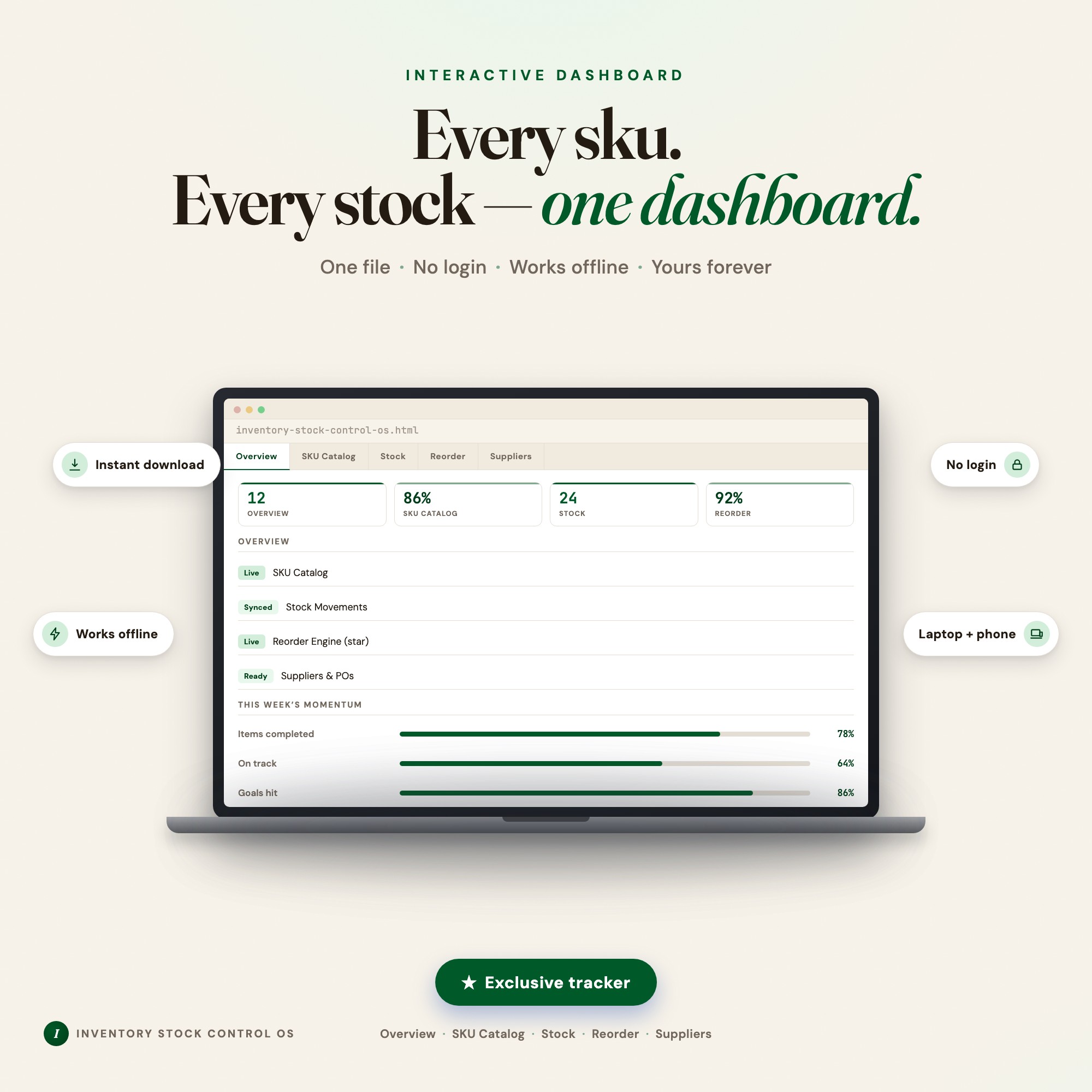
Interactive dashboard
Inventory Stock Control Template
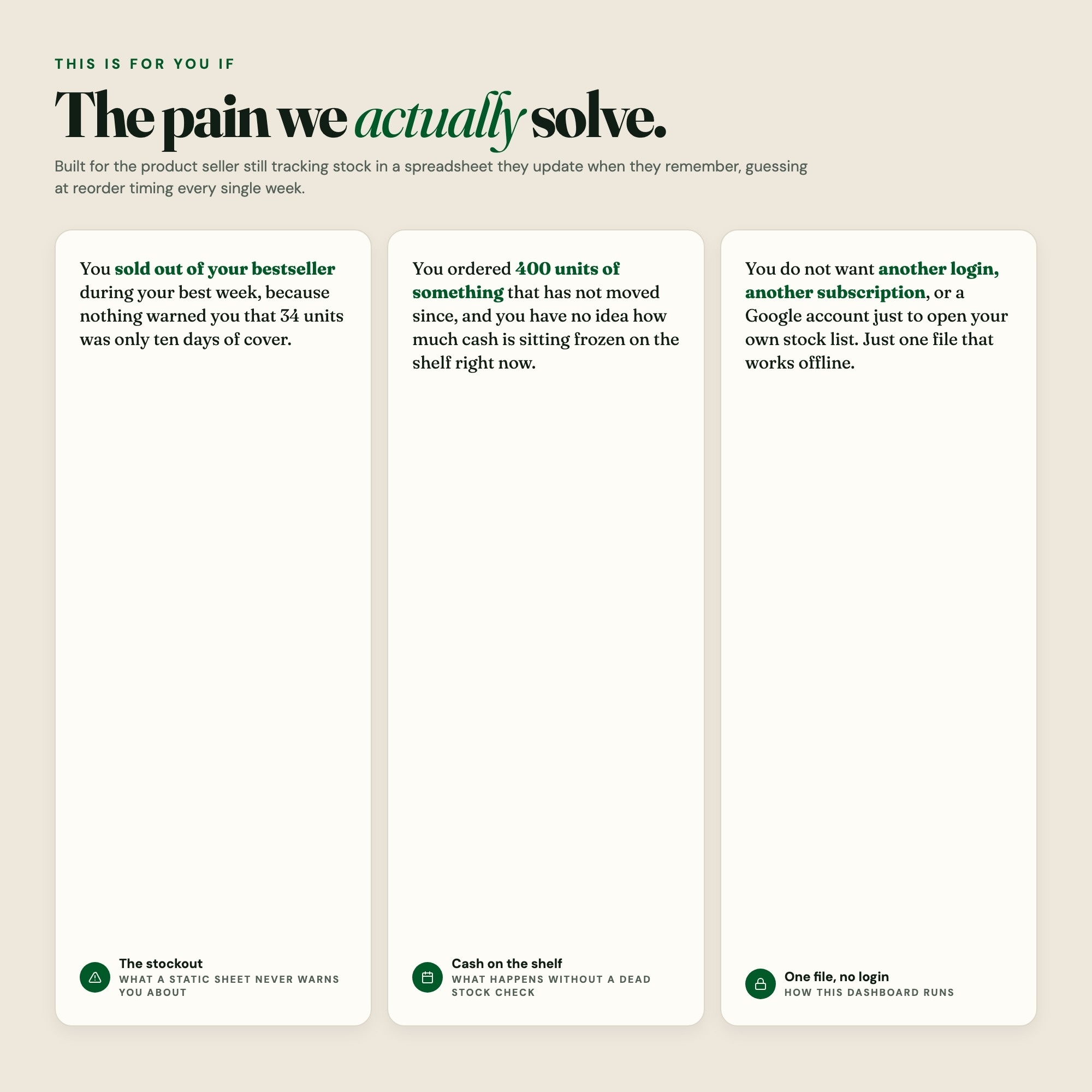
Built for A small product seller — candle maker, boutique owner, Amazon/Etsy reseller, or someone running a small warehouse — juggling 30 to 300 SKUs in a spreadsheet they update when they remember. They have already been burned twice: once by selling out of a bestseller during their best week, and once by ordering 400 units of something that has not moved since. They do not know their supplier lead times by heart and they have no idea how much cash is sitting frozen on the shelf.
Try it live
Click around the real dashboard
Interactive demo · a few tabs unlocked
See it in action
The dashboard
What it is
Built for a small product seller — candle maker, boutique owner, Amazon/Etsy reseller, or someone running a small warehouse — juggling 30 to 300 SKUs in a spreadsheet they update when they remember. Know what to reorder today, how many days of stock you have left, and exactly how much cash is frozen in product that is not moving. It is a browser-native interactive dashboard that lives in a single HTML file, with nothing to install.
What is Inventory Stock Control Template?
Inventory Stock Control Template is an interactive dashboard that opens in your web browser. It is one self-contained HTML file — you download it once, double-click it, and it runs. It is built for a small product seller — candle maker, boutique owner, Amazon/Etsy reseller, or someone running a small warehouse — juggling 30 to 300 SKUs in a spreadsheet they update when they remember.
What is included in Inventory Stock Control Template?
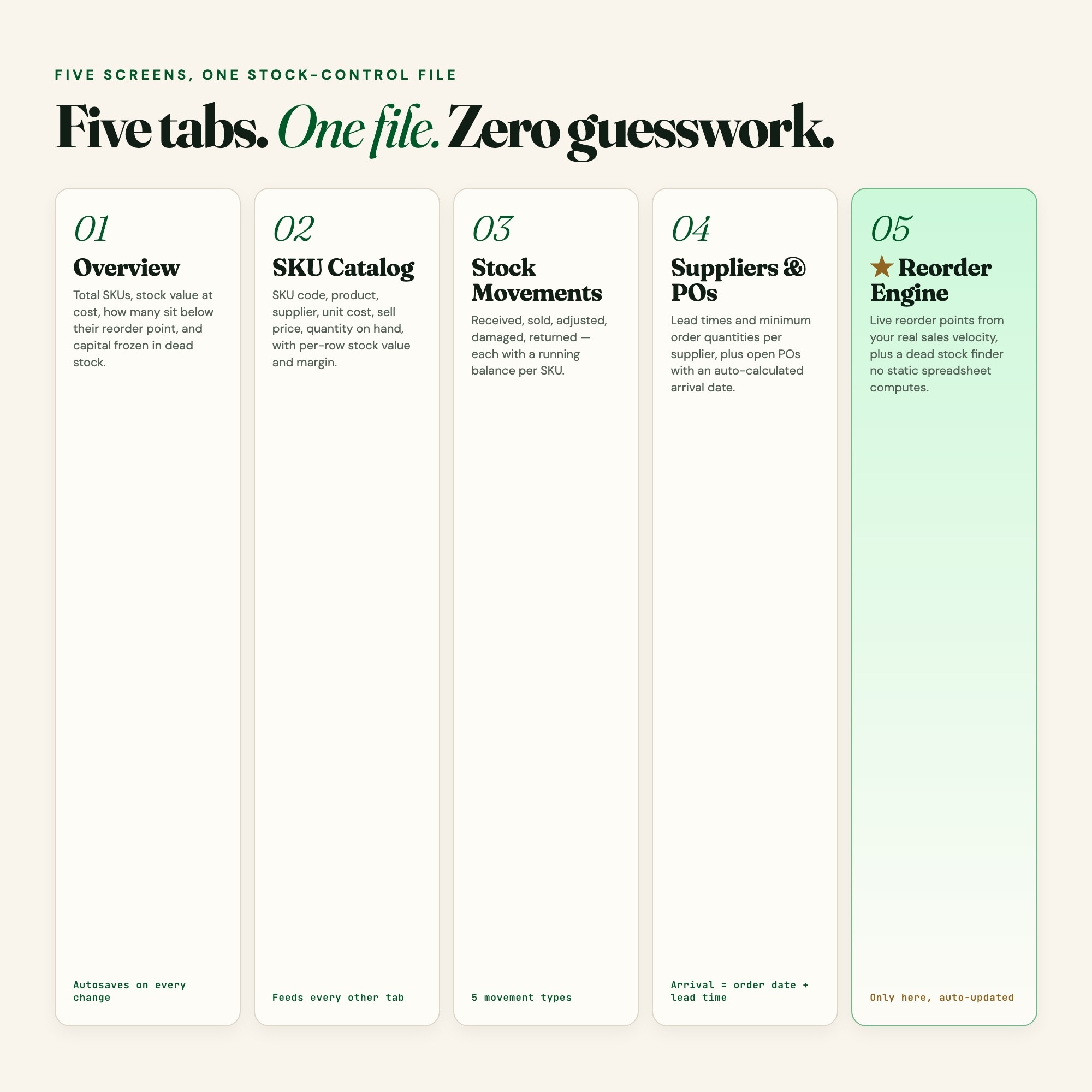
5 sections, all in the one file:
- Overview
- SKU Catalog
- Stock Movements
- Reorder Engine (star)
- Suppliers & POs
Does Inventory Stock Control Template need Excel, Google Sheets or a subscription?
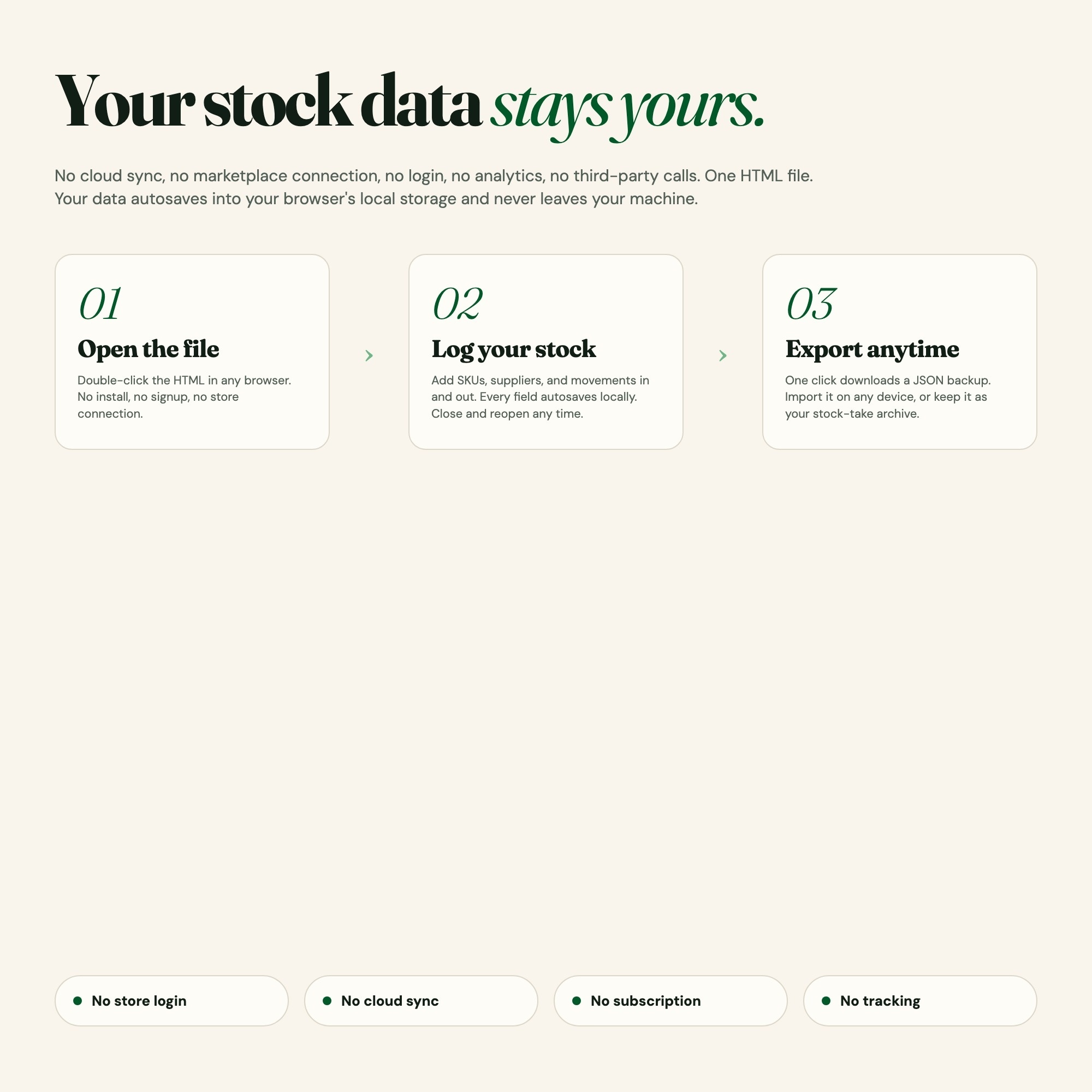
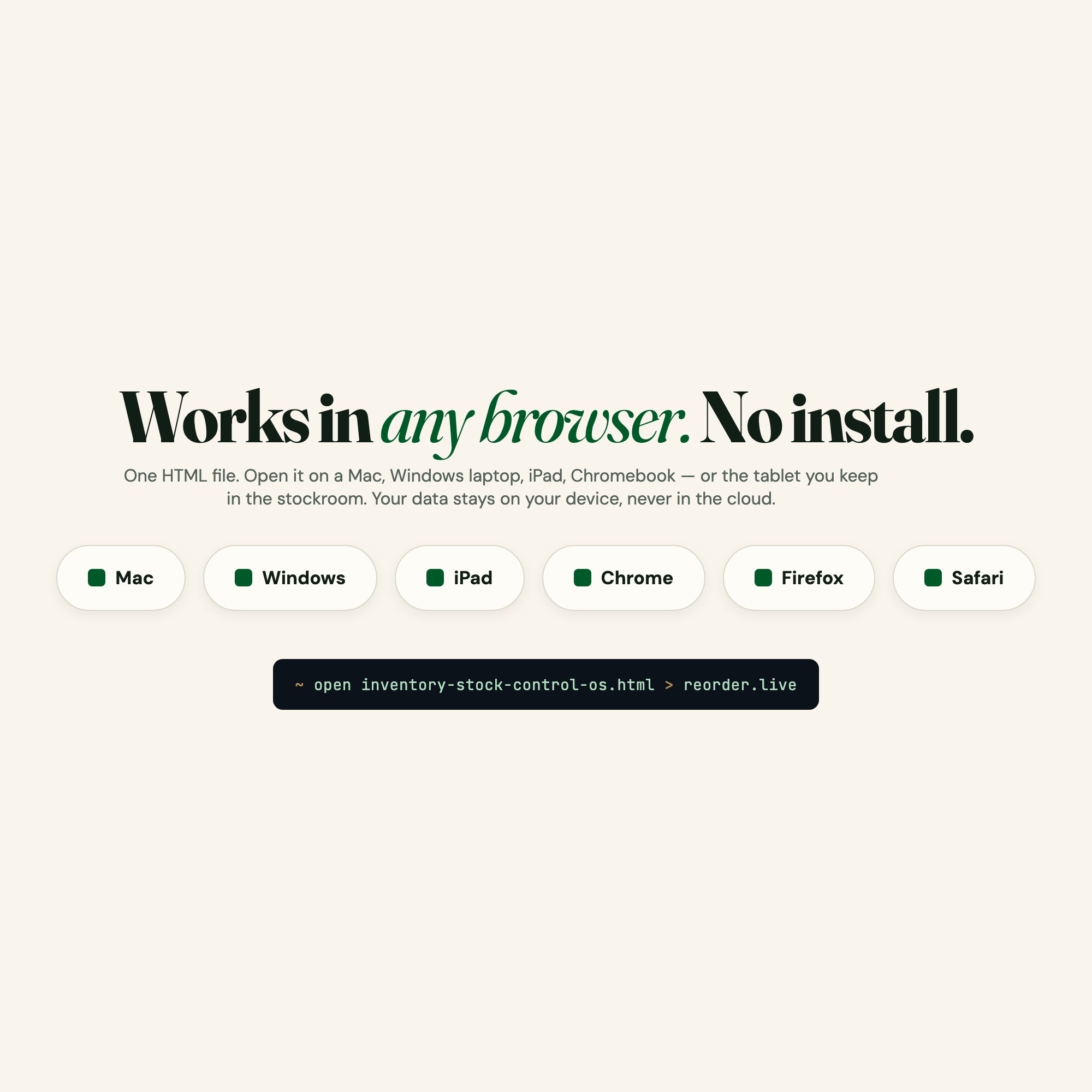
No. There is no app to install, no account to create, no login and no recurring fee. It opens in Chrome, Safari, Edge or Firefox on macOS, Windows, iPad or Chromebook, and it keeps working offline once the file is on your machine.
Where does Inventory Stock Control Template store my data?
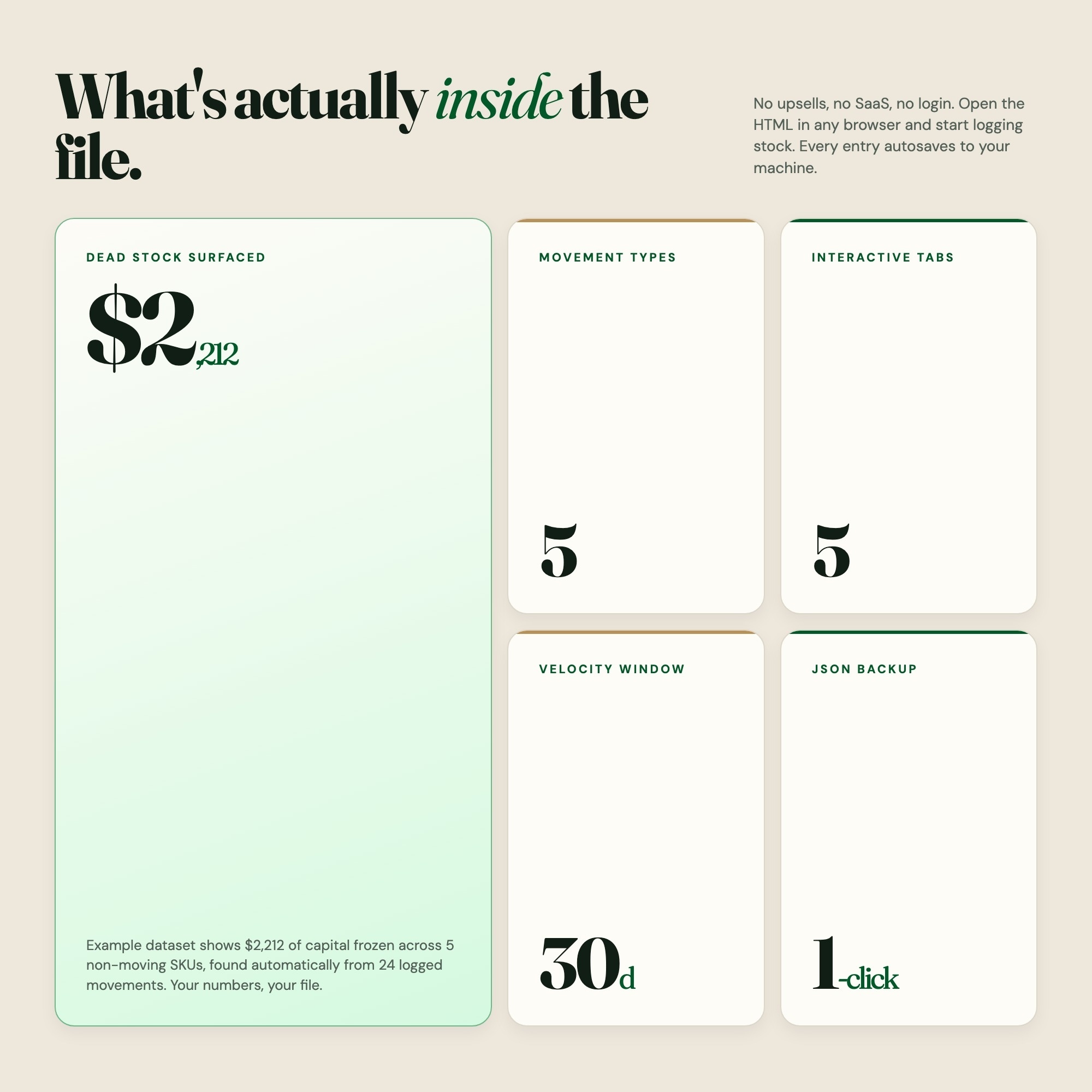
On your own device, in your own browser. Nothing is uploaded, no account is created and no analytics are collected. You can export a backup file at any time and load it on another computer.
Can I change how Inventory Stock Control Template looks?
Yes — colour, background, typeface and text size are all adjustable from inside the dashboard, and your choice is remembered the next time you open it.
How much is Inventory Stock Control Template and how is it delivered?
$24, delivered as an instant download the moment you pay. Because it is a digital file, all sales are final.
5 Tabs included
- ◈
Overview
Business profile (business name, stock-take date, currency symbol, default safety-stock days), plus live headline cards: total SKUs tracked, total stock value at cost, count of SKUs below reorder point, and total capital frozen in dead stock.
- ≡
SKU Catalog
The master product list: SKU code, product name, supplier, unit cost, sell price, quantity on hand, and per-row stock value and margin. This is the table every other tab reads from.
- ⊞
Stock Movements
The in/out ledger: date, SKU, movement type (received, sold, adjusted, damaged, returned), quantity, and a running balance per SKU. This log is what the Reorder Engine measures velocity from.
- ◉
Reorder Engine (star)
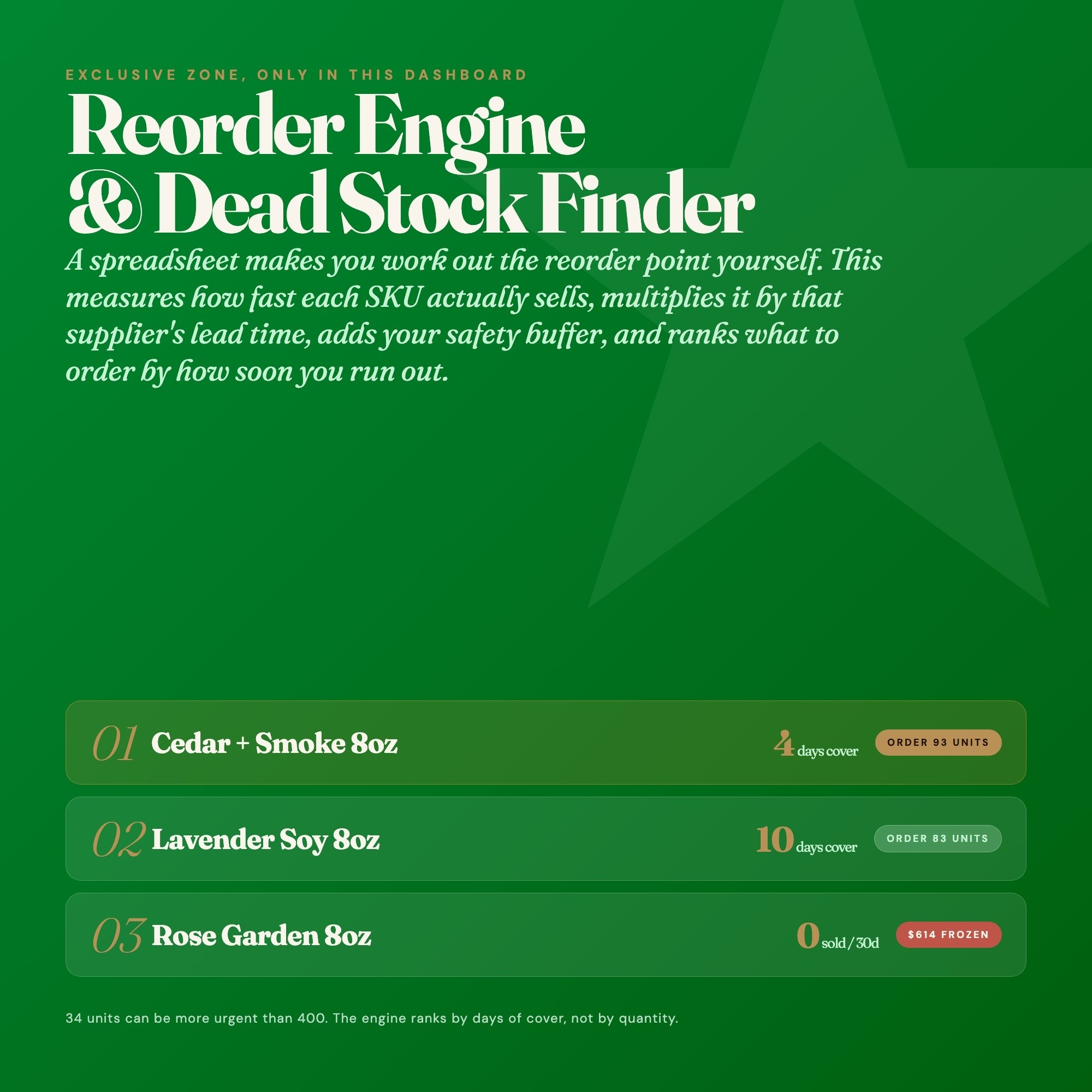
EXCLUSIVE ZONE: per-SKU daily sales velocity computed from the movement log over an editable window, multiplied by that SKU's supplier lead time plus a safety-stock buffer, producing a live reorder point and days-of-cover. Renders a REORDER TODAY list ranked by urgency, and a Dead Stock Finder listing every SKU with no movement in the chosen window alongside the exact capital frozen in each.
- ★
Suppliers & POs
Supplier directory with lead time in days, minimum order quantity, and contact notes, plus an open purchase-order log (PO reference, supplier, SKU, quantity ordered, order date, expected arrival auto-calculated from lead time, and status).
Exclusive Feature
Reorder Engine & Dead Stock Finder (the exclusive zone): the dashboard measures each SKU's real sales velocity from your own stock-movement log, multiplies it by that SKU's supplier lead time, adds a safety-stock buffer, and computes a live reorder point — then tells you what to order TODAY and how many days of cover you have left per SKU. The same engine inverts the calculation to surface dead stock: SKUs with zero movement over a window you set, with the exact dollar amount of capital frozen in each. Every competitor in the 16-listing scraped set is a static spreadsheet or printable form where the reorder point is a number you have to work out and type in yourself.
This is built into the fifth tab and is unavailable in any static template, spreadsheet, or Notion template on the market.
Gallery



Learn more
Before you buy
Frequently asked questions
- What is Inventory Stock Control Template?
- Inventory Stock Control Template is an interactive dashboard that opens in your web browser. It is one self-contained HTML file — download it once, double-click it, and it runs. No app, no account, no subscription.
- Does Inventory Stock Control Template need Excel or Google Sheets?
- No. It is not a spreadsheet and does not open in one. It runs in Chrome, Safari, Edge or Firefox on macOS, Windows, iPad or Chromebook, and keeps working offline.
- What is included in Inventory Stock Control Template?
- 5 sections in a single file: Overview, SKU Catalog, Stock Movements, Reorder Engine (star), Suppliers & POs.
- Can I change the colours and text size in Inventory Stock Control Template?
- Yes. Colour, background, typeface and text size are adjustable from inside the dashboard, and the setting is remembered.
- Does it work offline?
- Yes — completely. The dashboard is a single HTML file. Once downloaded, it runs entirely in your browser with no internet connection needed. All data autosaves to your browser's localStorage.
- Which devices and browsers are supported?
- Works in Chrome, Edge, Safari, and Firefox on macOS, Windows, iPad, and Chromebook. No app to install, no account to create. Just open the file.
- What is your refund policy?
- All sales are final. This is an instant download delivered in full at payment, so it cannot be returned. If a file will not open or a feature does not work as described, that is a defect and it gets fixed at no cost — email hello@listingresearchos.com and you will get a corrected file.
- How do I install it?
- There is nothing to install. After purchase, download the HTML file. Double-click to open in your browser. That's it. A HOW-TO-SAVE.txt is included explaining how to back up and restore your data.
- Is my data private?
- Completely. Everything runs locally — no login, no analytics, no data sent to any server. Your data is stored only in your browser's localStorage. You own it entirely.
You might also like
One-time purchase
Get it for $24.00
Instant download. Open in any browser. Yours forever.