
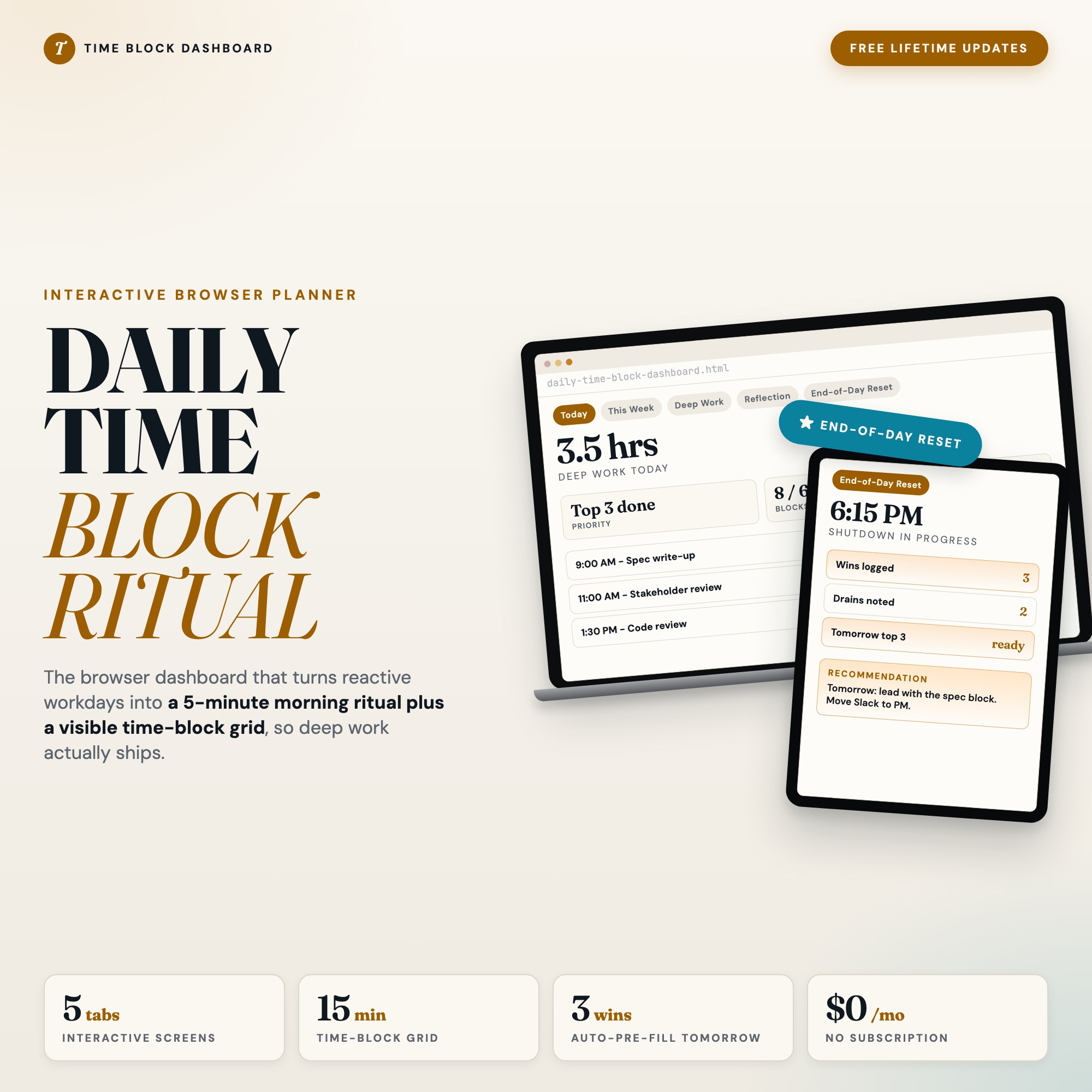
Interactive dashboard
Daily Time Block Schedule Template
Built for Knowledge worker who lives in their calendar but ends each day reactive, never finishing deep work
Try it live
Click around the real dashboard
Interactive demo · a few tabs unlocked
See it in action
The dashboard
What it is
Built for knowledge worker who lives in their calendar but ends each day reactive, never finishing deep work. Finally own your day, not just your calendar It is a browser-native interactive dashboard that lives in a single HTML file, with nothing to install.
What is Daily Time Block Schedule Template?
Daily Time Block Schedule Template is an interactive dashboard that opens in your web browser. It is one self-contained HTML file — you download it once, double-click it, and it runs. It is built for knowledge worker who lives in their calendar but ends each day reactive, never finishing deep work.
What is included in Daily Time Block Schedule Template?
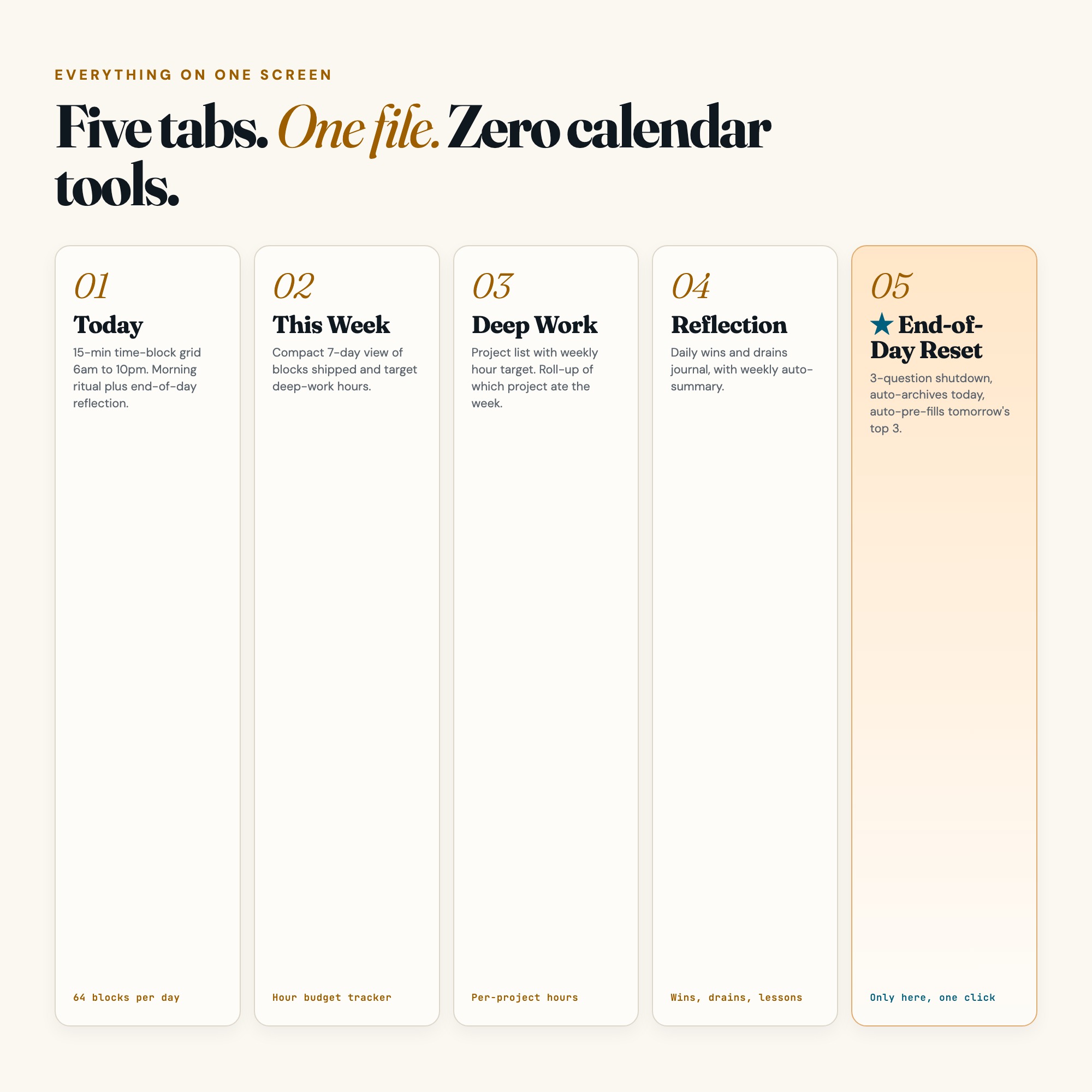
5 sections, all in the one file:
- Today
- This Week
- Deep Work
- Reflection
- End-of-Day Reset
Does Daily Time Block Schedule Template need Excel, Google Sheets or a subscription?
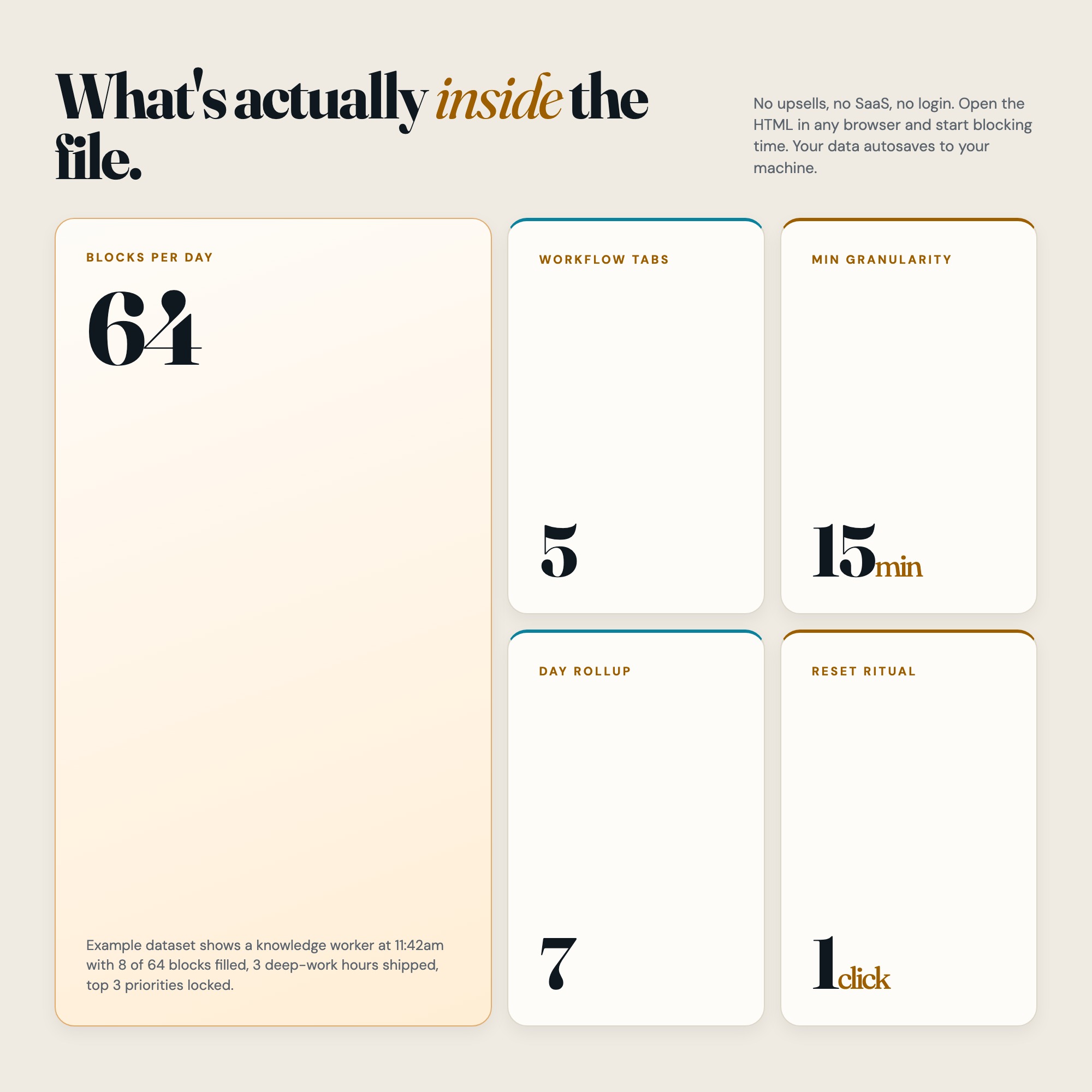
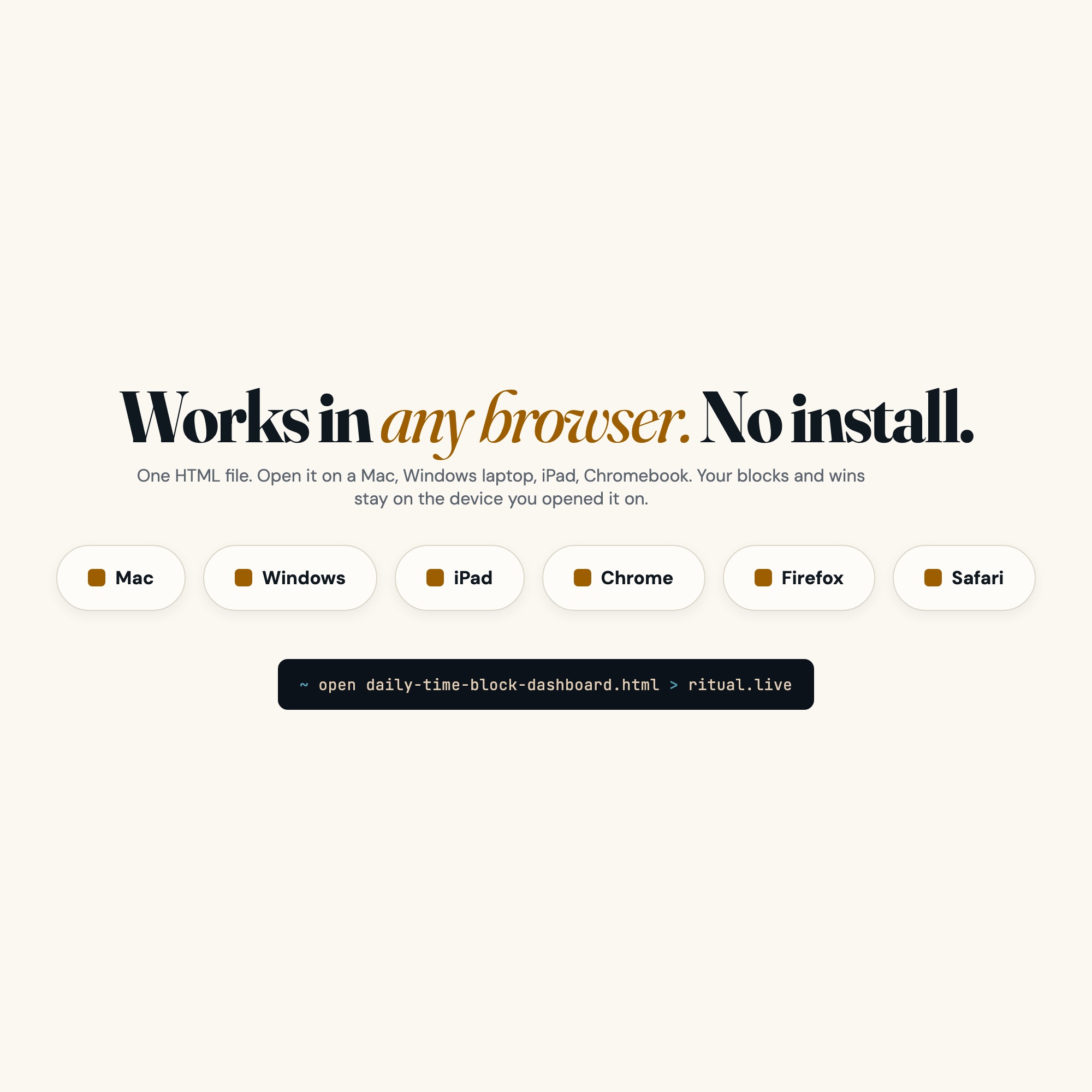
No. There is no app to install, no account to create, no login and no recurring fee. It opens in Chrome, Safari, Edge or Firefox on macOS, Windows, iPad or Chromebook, and it keeps working offline once the file is on your machine.
Where does Daily Time Block Schedule Template store my data?
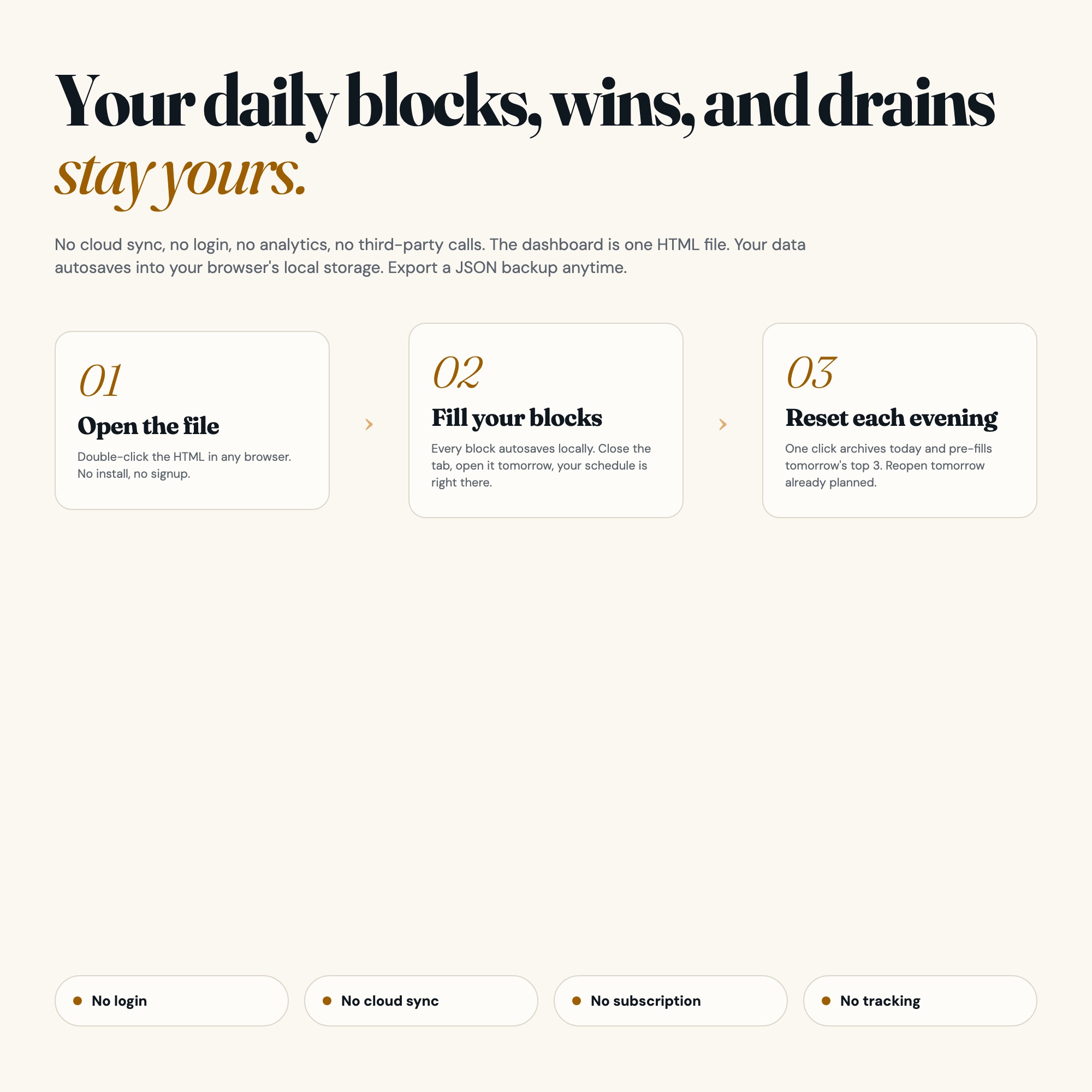
On your own device, in your own browser. Nothing is uploaded, no account is created and no analytics are collected. You can export a backup file at any time and load it on another computer.
How much is Daily Time Block Schedule Template and how is it delivered?
$18, delivered as an instant download the moment you pay. Because it is a digital file, all sales are final.
More about Daily Time Block Schedule Template
No Notion. No subscription. No iPad. Just open the file in Chrome and own your day.
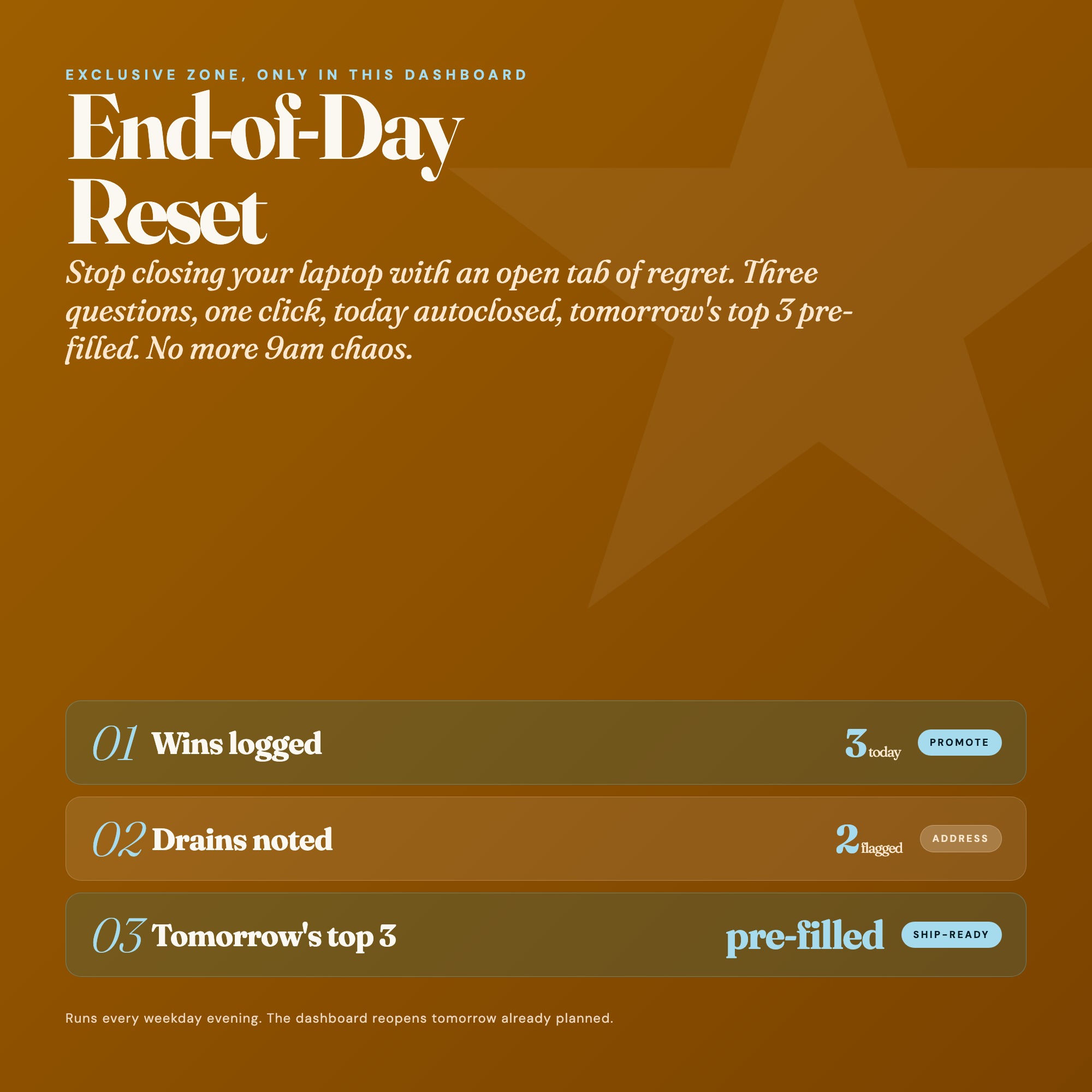
★ EXCLUSIVE ZONE: End-of-Day Reset (only in this dashboard)
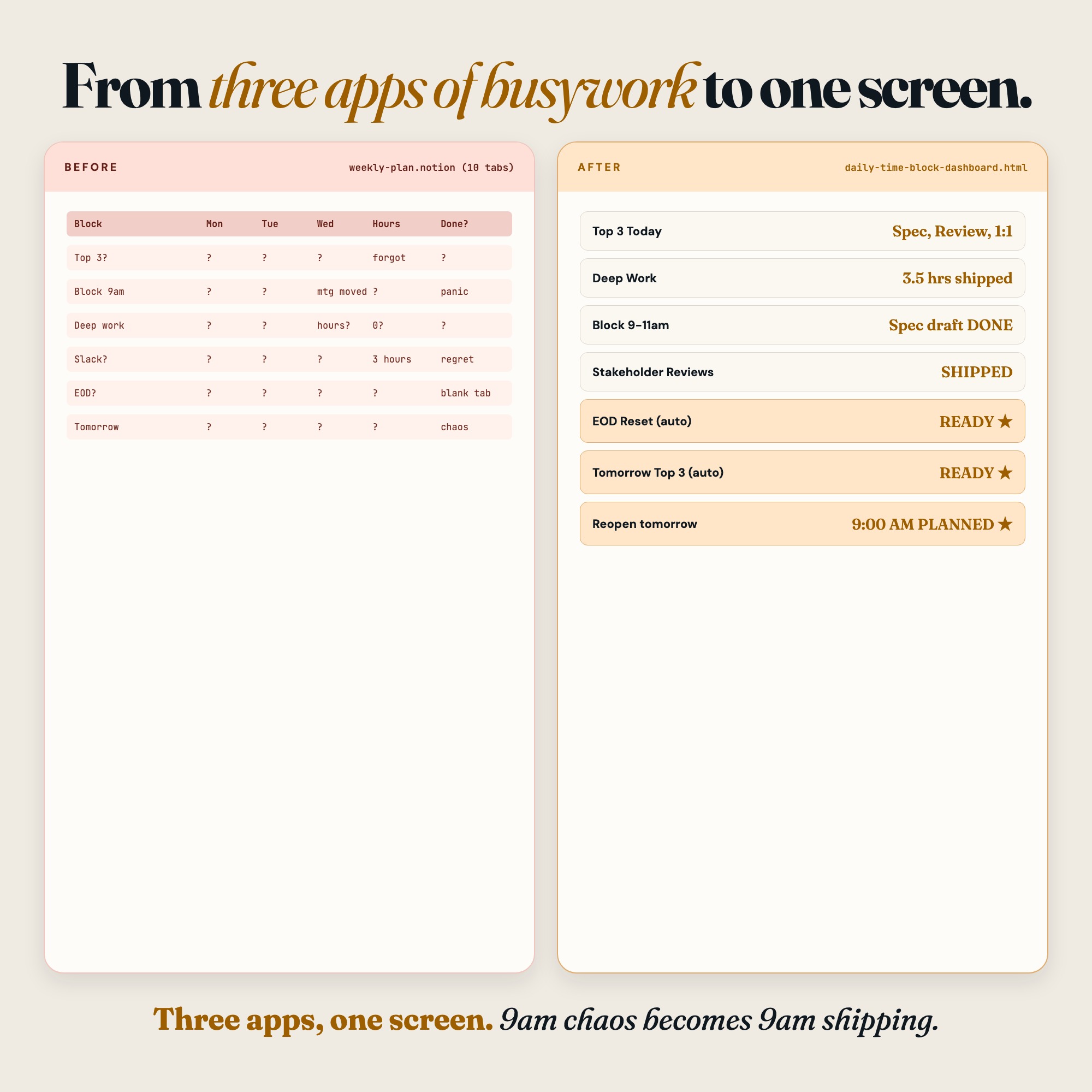
Three guided questions. One quiet moment. Your shutdown ritual locks in today’s wins, surfaces what drained you, and pre-fills tomorrow’s top 3 priorities so you wake up ready instead of reactive. No SaaS time-blocking tool ships this at zero cost. This dashboard does.
5 Tabs included
- ◈
Today
15-minute time-block grid (6am to 10pm) with morning intentions form and autosave
- ≡
This Week
Compact 7-day calendar strip with deep work hour tallies and daily completion bars
- ⊞
Deep Work
Active project tracker with weekly hour targets, progress rings, and no-meeting zone badges
- ◉
Reflection
Daily wins and energy drains journal for evening writing and pattern recognition
- ★
End-of-Day Reset
EXCLUSIVE: Guided 3-question shutdown that auto-archives today and pre-fills tomorrow's top 3 priorities
Gallery

Learn more
Weekly Review Template and Checklist: The Fields and the Order
A weekly review template you can copy: the exact fields, the order to fill them in, and a 20-minute checklist that fits a normal work week.
GuideWhy Digital Planner Hyperlinks Stop Working in GoodNotes
Hyperlinked planners break in predictable ways. How to diagnose yours, and what to check before you buy.
GuideTime Blocking Guide: How to Stop Living Reactively and Do Your Best Work
A time blocking guide for knowledge workers who end every day reactive, and how to build the day around deep work instead of other people's requests.
ComparisonGoogle Calendar vs. Paper vs. Offline Dashboard for Time Blocking
Google Calendar vs. paper vs. an offline time-block dashboard: what actually changes reactive work habits, and what only makes the day look organized.
Before you buy
Frequently asked questions
- What is Daily Time Block Schedule Template?
- Daily Time Block Schedule Template is an interactive dashboard that opens in your web browser. It is one self-contained HTML file — download it once, double-click it, and it runs. No app, no account, no subscription.
- Does Daily Time Block Schedule Template need Excel or Google Sheets?
- No. It is not a spreadsheet and does not open in one. It runs in Chrome, Safari, Edge or Firefox on macOS, Windows, iPad or Chromebook, and keeps working offline.
- What is included in Daily Time Block Schedule Template?
- 5 sections in a single file: Today, This Week, Deep Work, Reflection, End-of-Day Reset.
- Does it work offline?
- Yes — completely. The dashboard is a single HTML file. Once downloaded, it runs entirely in your browser with no internet connection needed. All data autosaves to your browser's localStorage.
- Which devices and browsers are supported?
- Works in Chrome, Edge, Safari, and Firefox on macOS, Windows, iPad, and Chromebook. No app to install, no account to create. Just open the file.
- What is your refund policy?
- All sales are final. This is an instant download delivered in full at payment, so it cannot be returned. If a file will not open or a feature does not work as described, that is a defect and it gets fixed at no cost — email hello@listingresearchos.com and you will get a corrected file.
- How do I install it?
- There is nothing to install. After purchase, download the HTML file. Double-click to open in your browser. That's it. A HOW-TO-SAVE.txt is included explaining how to back up and restore your data.
- Is my data private?
- Completely. Everything runs locally — no login, no analytics, no data sent to any server. Your data is stored only in your browser's localStorage. You own it entirely.
You might also like
One-time purchase
Get it for $18.00
Instant download. Open in any browser. Yours forever.