
Interactive dashboard
First Time Home Buyer Planner | Interactive Closing Day Dashboard | Document Tracker
Built for First-time home buyer 60-90 days into the purchase process, managing paperwork, vendors, and closing deadlines.
Try it live
Click around the real dashboard
Interactive demo · a few tabs unlocked
See it in action
The dashboard
What it is
Built for first-time home buyer 60-90 days into the purchase process, managing paperwork, vendors, and closing deadlines. First Time Home Buyer Planner | Interactive Closing Day Dashboard | Document Tracker It is a browser-native interactive dashboard that lives in a single HTML file, with nothing to install.
What is First Time Home Buyer Planner | Interactive Closing Day Dashboard | Document Tracker?
First Time Home Buyer Planner | Interactive Closing Day Dashboard | Document Tracker is an interactive dashboard that opens in your web browser. It is one self-contained HTML file — you download it once, double-click it, and it runs. It is built for first-time home buyer 60-90 days into the purchase process, managing paperwork, vendors, and closing deadlines.
What is included in First Time Home Buyer Planner | Interactive Closing Day Dashboard | Document Tracker?
6 sections, all in the one file:
- Overview
- Timeline
- Documents
- Inspection
- Vendors
- Closing Day Command
Does First Time Home Buyer Planner | Interactive Closing Day Dashboard | Document Tracker need Excel, Google Sheets or a subscription?
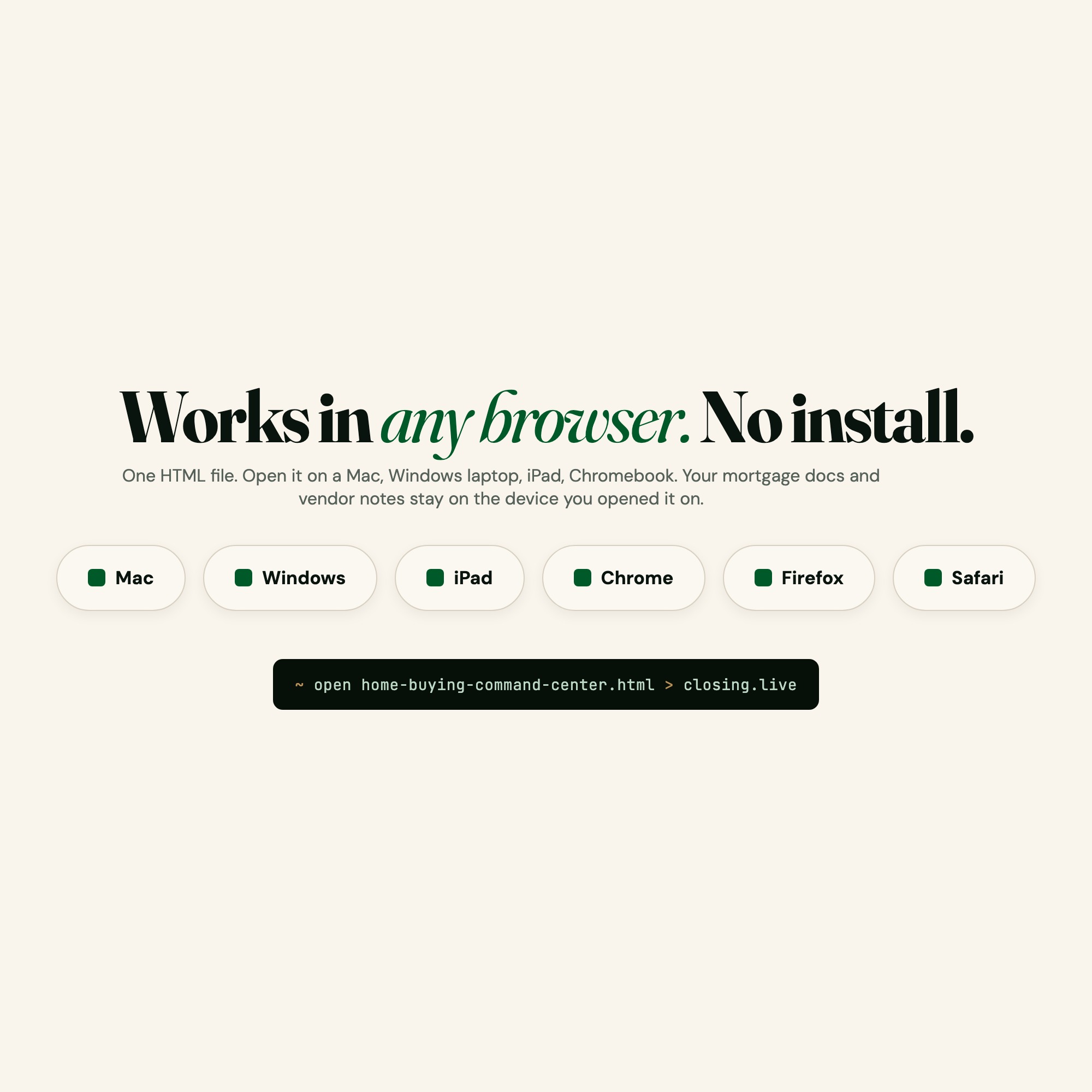
No. There is no app to install, no account to create, no login and no recurring fee. It opens in Chrome, Safari, Edge or Firefox on macOS, Windows, iPad or Chromebook, and it keeps working offline once the file is on your machine.
Where does First Time Home Buyer Planner | Interactive Closing Day Dashboard | Document Tracker store my data?
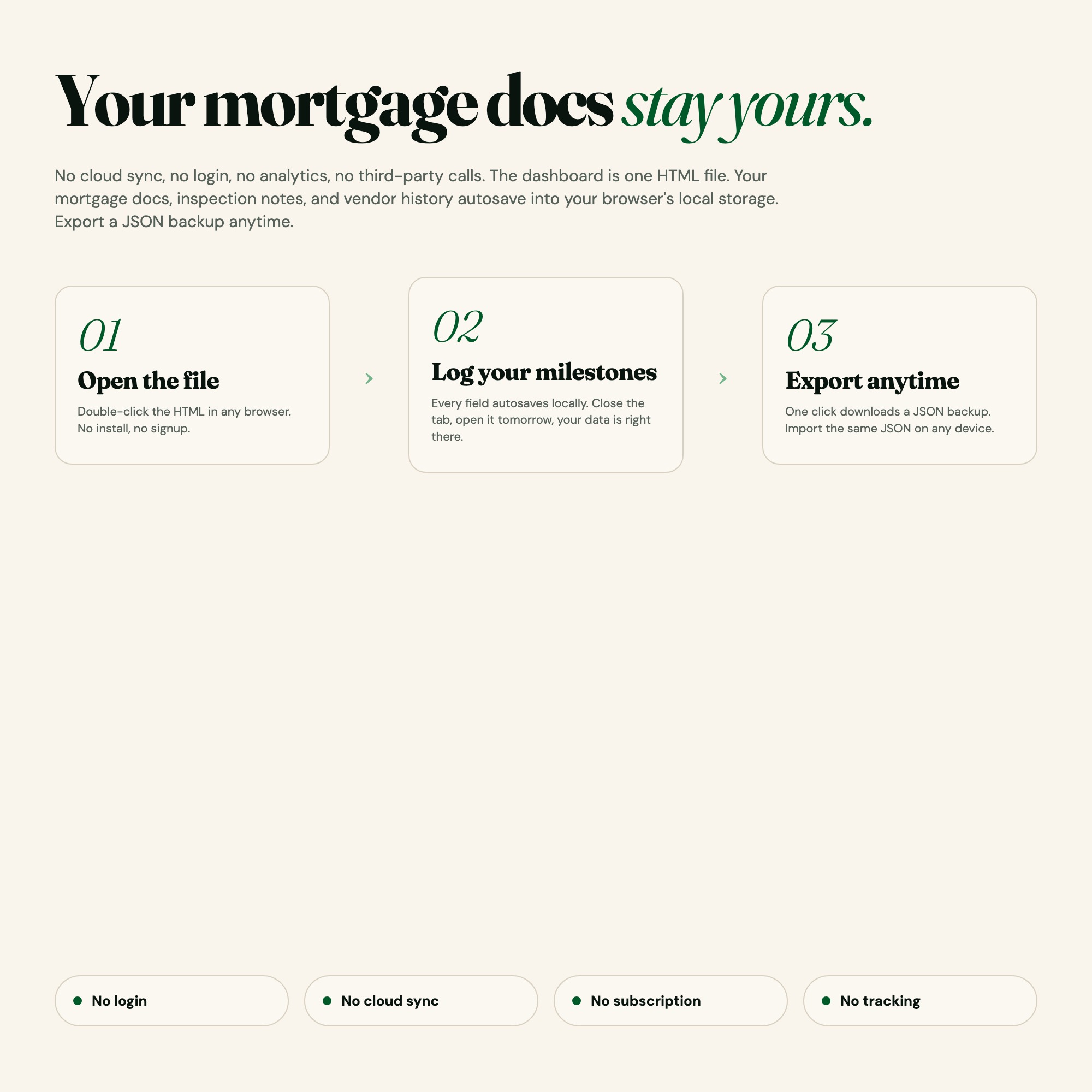
On your own device, in your own browser. Nothing is uploaded, no account is created and no analytics are collected. You can export a backup file at any time and load it on another computer.
How much is First Time Home Buyer Planner | Interactive Closing Day Dashboard | Document Tracker and how is it delivered?
$29, delivered as an instant download the moment you pay. Because it is a digital file, all sales are final.
More about First Time Home Buyer Planner | Interactive Closing Day Dashboard | Document Tracker
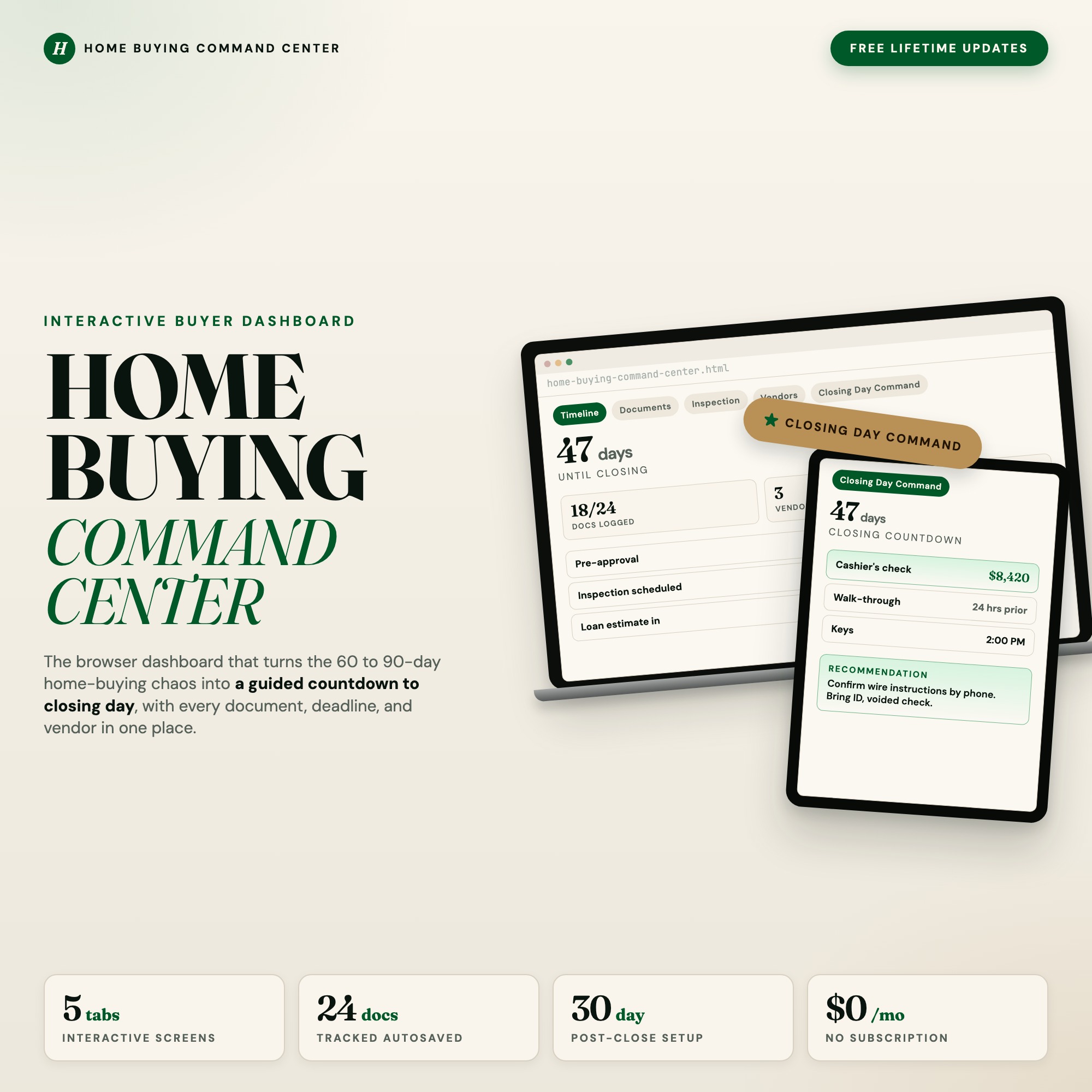
This is the Home Buying Command Center: a browser-based interactive dashboard that turns the most stressful purchase of your life into a guided countdown. Open it in Chrome, double-click the file, and every doc, deadline, vendor, and inspection task lives in one autosaved place.
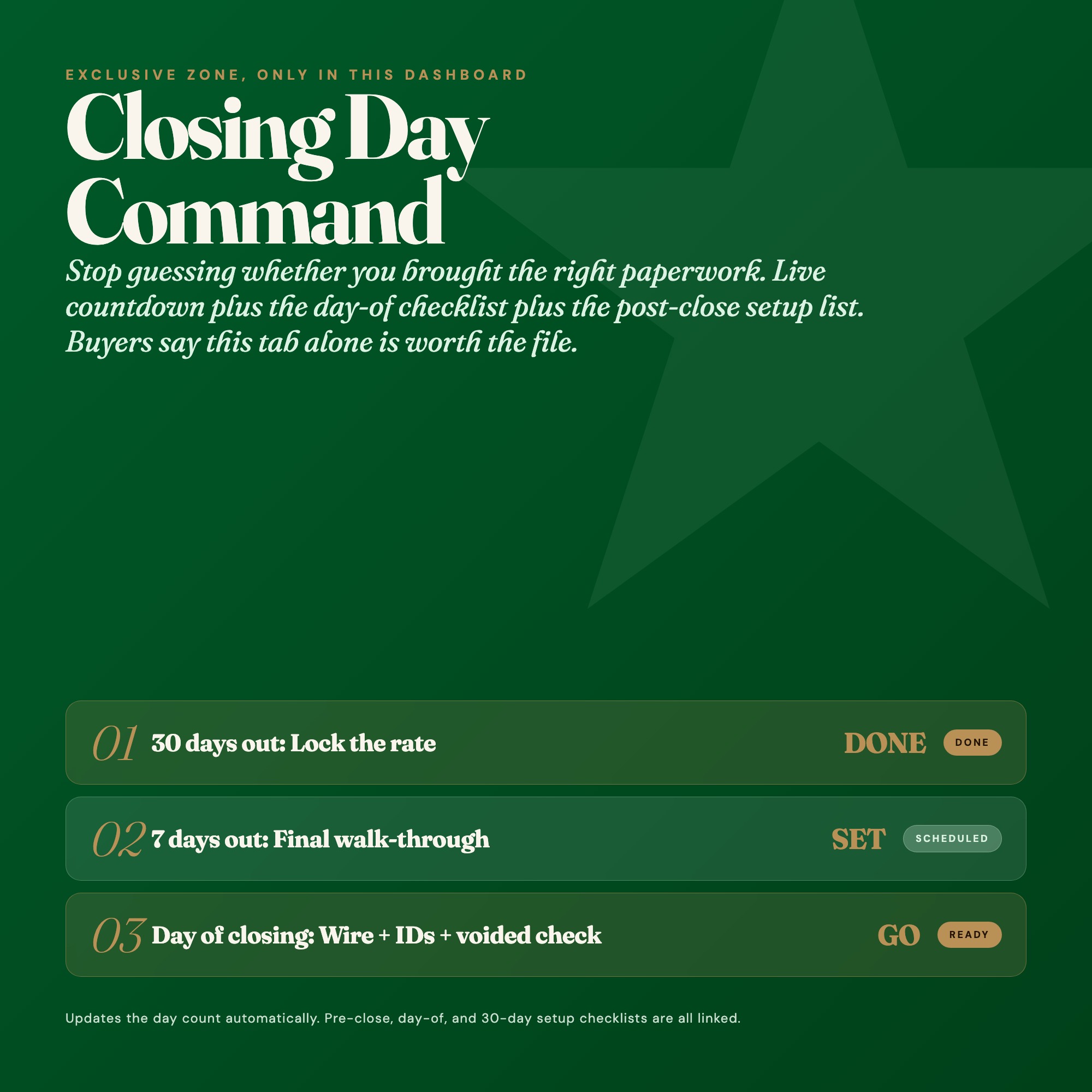
★ EXCLUSIVE ZONE: Closing Day Command
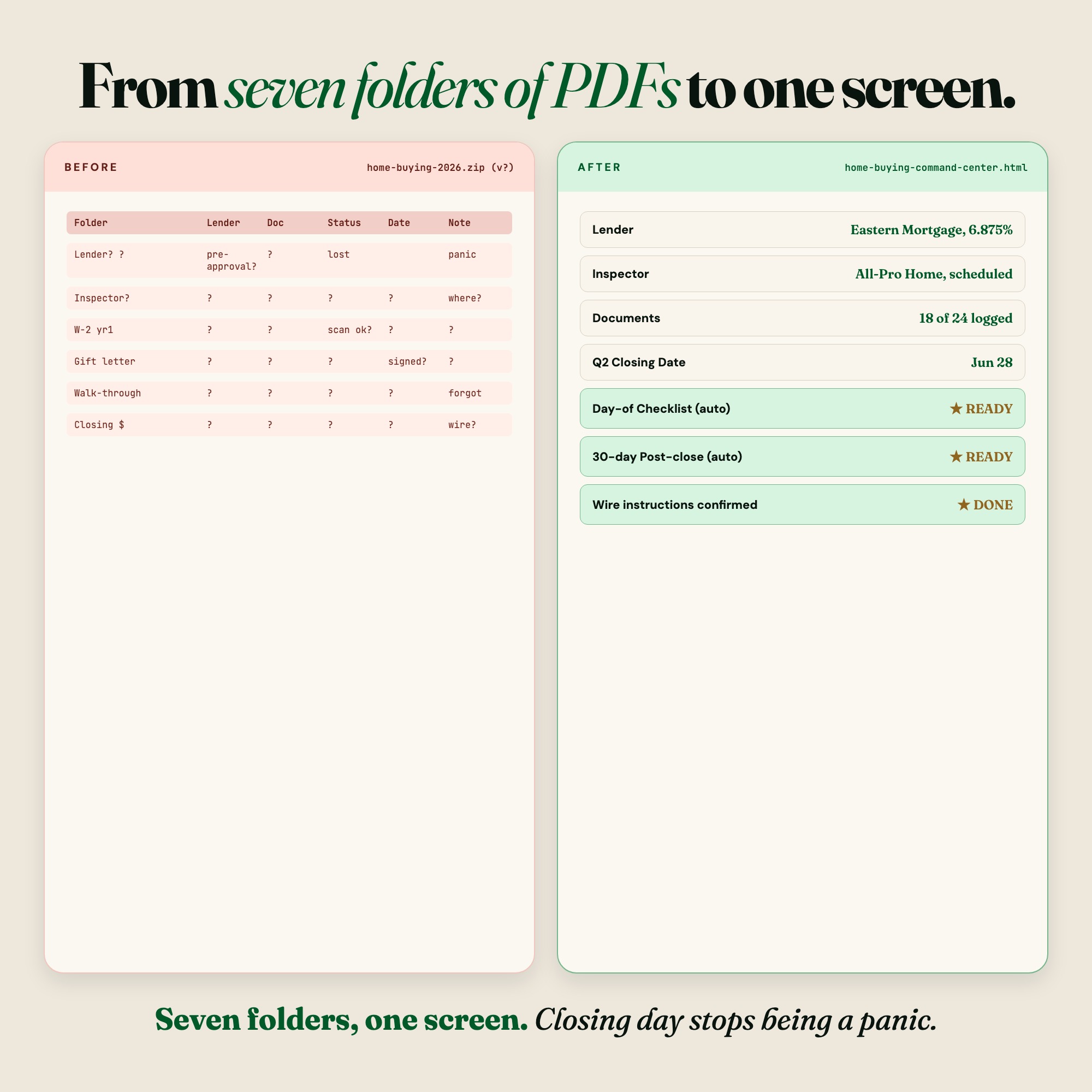
No other first-time-buyer tool on Etsy has this. Your Closing Day Command tab shows a live countdown to your closing date, a day-of checklist (cashier’s check amount, photo IDs, walk-through notes, key handover), and a post-close 30-day setup list. It autosaves. It lives in your browser. The day you get keys, you’ll know exactly what to bring, down to the dollar.
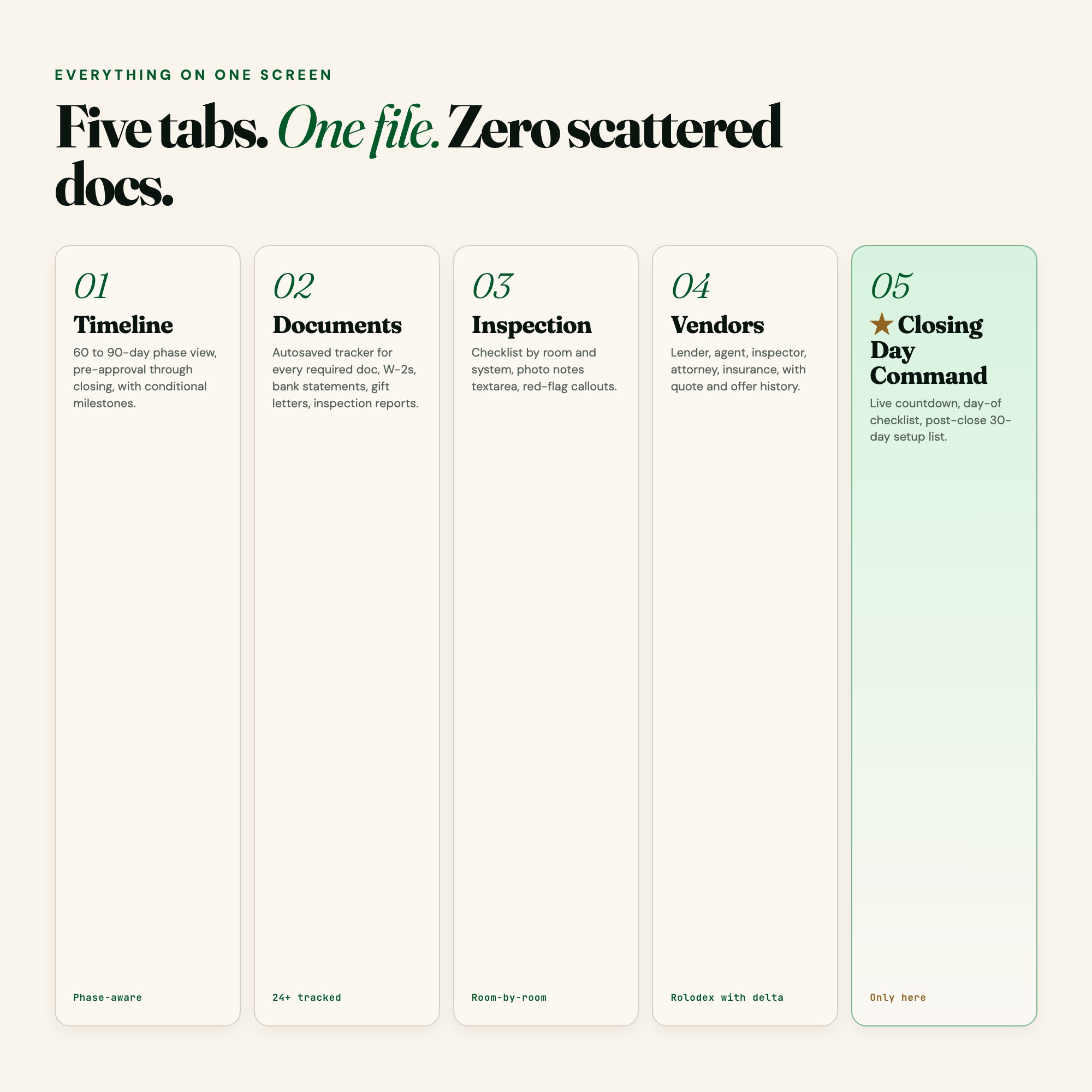
WHAT’S INSIDE (5 interactive tabs)
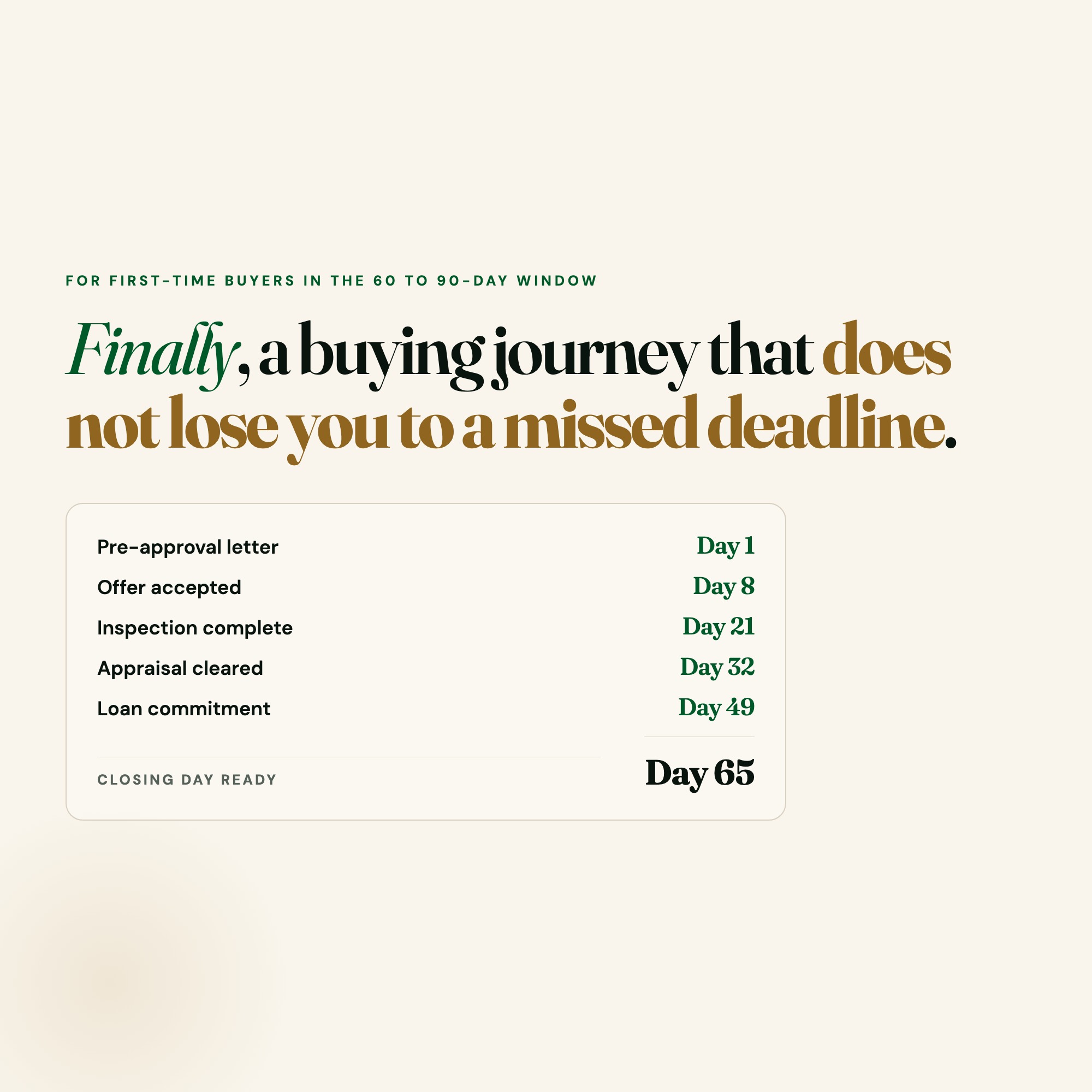
Timeline: Your 60/90-day phase view from pre-approval through offer, escrow, and closing. Conditional milestone chips light up as you progress. Never miss a deadline again.
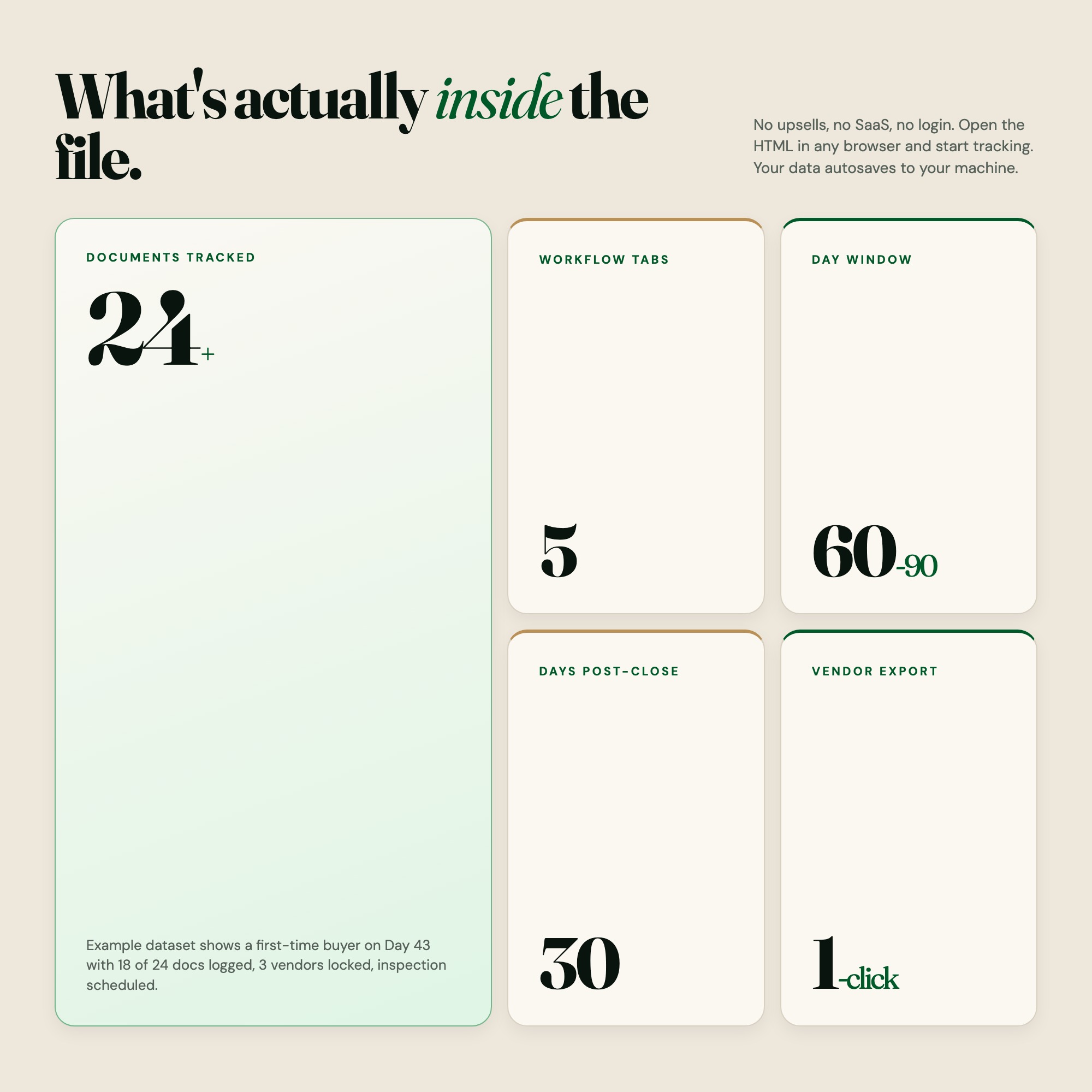
Documents: Track every required document. W-2s, bank statements, gift letters, inspection reports, proof of insurance, and more. Each doc has a status chip: Needed, Uploaded, or Approved. A progress ring shows you exactly how close you are to ready.
Inspection: Room-by-room checklist covering foundation, roof, HVAC, plumbing, electrical, and more. Each item has a photo notes field. Red-flag callouts surface the critical issues your inspector finds.
Vendors: Your rolodex for every person in the deal. Lender, agent, inspector, attorney, insurance agent. Includes offer history, quote fields, and contact notes. Never dig through your inbox again.
Closing Day Command: Live countdown to your closing date, day-of checklist, cashier’s check amount tracker, walk-through notes, and a post-close 30-day setup task list. Autosaved. Always ready.
THIS IS FOR YOU IF:
-
You’re under contract and feel like you’re managing 10 spreadsheets at once
-
You’ve already missed one email from your lender and it cost you a day
-
Your inspection report is 47 pages and you don’t know what’s actually urgent
-
You have four vendors who all need different documents at different times
-
You’re terrified of closing day and want a single place for every step
YOUR DATA IS SAFE
Everything stays on your computer. Nothing is uploaded to a server. Your financial documents, vendor notes, and closing details live in your browser’s local storage. Export a backup JSON at any time. Load it back in one click.
FILES INCLUDED
-
dashboard.html (open in Chrome, Edge, or Safari)
-
HOW-TO-SAVE.txt (step-by-step guide to saving, sharing, and restoring your data)
No subscription. No account. No app to install. Works on Mac, Windows, iPad, and Chromebook.
Suggested price: $29
Buyers spending $400,000 to $700,000 on a home will pay $29 for a tool that prevents one missed deadline, one lost document, or one chaotic closing morning.
WANT MORE TOOLS?
Coming soon: a Notion companion template with weekly buyer reminders and lender communication logs. Add to favorites to be notified.
5 Tabs included
- ◈
Overview
Purchase details, key financials, buyer vision journal, and live stats
- ≡
Timeline
60/90-day phase view: pre-approval, offer, escrow, closing with milestone tracking
- ⊞
Documents
18-document tracker with status chips (Needed / Uploaded / Approved) and progress ring
- ◉
Inspection
Room-by-room checklist with photo notes textarea and red-flag callouts
- ★
Vendors
Rolodex for lender, agent, inspector, attorney, insurance with quote/offer history
Exclusive Feature
Closing Day Command tab: live countdown timer at 84px Fraunces display, day-of checklist, cashier check amount tracker, post-close 30-day setup list. No competitor has this.
This is built into the fifth tab and is unavailable in any static template, spreadsheet, or Notion template on the market.
Gallery

Learn more
Etsy Digital Download Not Working or Link Expired? How to Get Your File
Where Etsy keeps your digital files, how to re-download after the email link is gone, what to do if no link arrived, and when it's the seller's problem.
GuideFirst-Time Home Buyer Closing Checklist: What to Bring and Track
What to bring to closing, what documents to track during escrow, and how to avoid the paperwork mistakes first-time buyers most commonly make.
GuideHow to Organize Your Documents When Buying a House
A practical document tracking system for first-time home buyers: the 18 required documents, who needs them and when, and what to have ready on closing day.
ComparisonHome Buying Tracker: App vs. Spreadsheet vs. Offline Planner
Comparing Zillow, Redfin, Google Sheets, and an offline home buying dashboard: which one tracks the closing process instead of just the property search.
List10 Documents Every First-Time Home Buyer Must Track Before Closing
The 10 documents lenders, agents, and attorneys need from you before closing — what each is, when it's due, and how to keep track without losing anything.
Before you buy
Frequently asked questions
- What is First Time Home Buyer Planner | Interactive Closing Day Dashboard | Document Tracker?
- First Time Home Buyer Planner | Interactive Closing Day Dashboard | Document Tracker is an interactive dashboard that opens in your web browser. It is one self-contained HTML file — download it once, double-click it, and it runs. No app, no account, no subscription.
- Does First Time Home Buyer Planner | Interactive Closing Day Dashboard | Document Tracker need Excel or Google Sheets?
- No. It is not a spreadsheet and does not open in one. It runs in Chrome, Safari, Edge or Firefox on macOS, Windows, iPad or Chromebook, and keeps working offline.
- What is included in First Time Home Buyer Planner | Interactive Closing Day Dashboard | Document Tracker?
- 6 sections in a single file: Overview, Timeline, Documents, Inspection, Vendors, Closing Day Command.
- Does it work offline?
- Yes — completely. The dashboard is a single HTML file. Once downloaded, it runs entirely in your browser with no internet connection needed. All data autosaves to your browser's localStorage.
- Which devices and browsers are supported?
- Works in Chrome, Edge, Safari, and Firefox on macOS, Windows, iPad, and Chromebook. No app to install, no account to create. Just open the file.
- What is your refund policy?
- All sales are final. This is an instant download delivered in full at payment, so it cannot be returned. If a file will not open or a feature does not work as described, that is a defect and it gets fixed at no cost — email hello@listingresearchos.com and you will get a corrected file.
- How do I install it?
- There is nothing to install. After purchase, download the HTML file. Double-click to open in your browser. That's it. A HOW-TO-SAVE.txt is included explaining how to back up and restore your data.
- Is my data private?
- Completely. Everything runs locally — no login, no analytics, no data sent to any server. Your data is stored only in your browser's localStorage. You own it entirely.
You might also like
One-time purchase
Get it for $29.00
Instant download. Open in any browser. Yours forever.