
Interactive dashboard
IEP Parent Progress Dashboard, Interactive Goal Tracker OS, Annual Review Brief Generator, 4-Provider Log
Built for Parent of a child with an IEP who tracks 8-12 goals across 4 service providers and prepares for the annual IEP meeting
Try it live
Click around the real dashboard
Interactive demo · a few tabs unlocked
See it in action
The dashboard
What it is
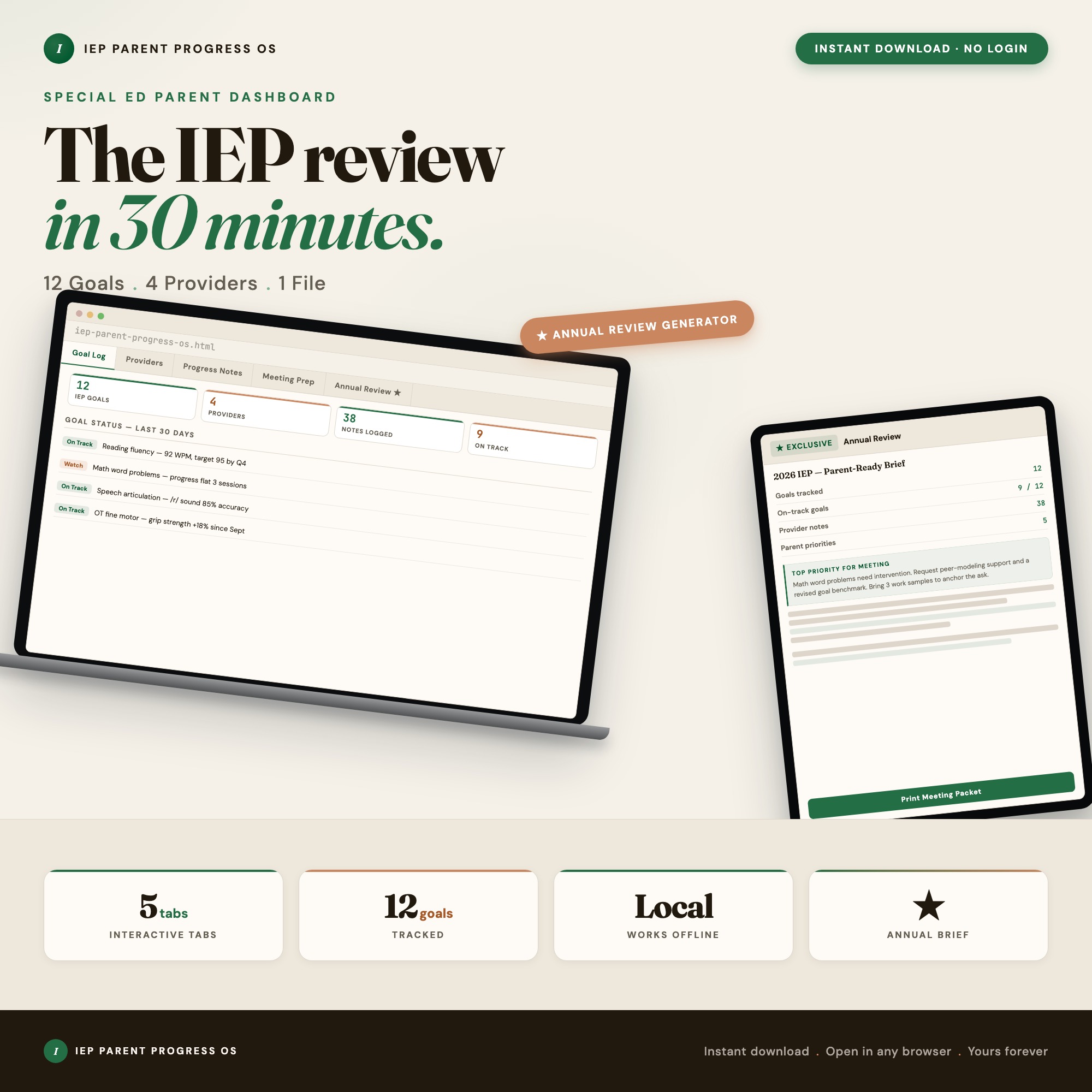
Built for parent of a child with an IEP who tracks 8-12 goals across 4 service providers and prepares for the annual IEP meeting. IEP Parent Progress Dashboard, Interactive Goal Tracker OS, Annual Review Brief Generator, 4-Provider Log It is a browser-native interactive dashboard that lives in a single HTML file, with nothing to install.
What is IEP Parent Progress Dashboard?
IEP Parent Progress Dashboard is an interactive dashboard that opens in your web browser. It is one self-contained HTML file — you download it once, double-click it, and it runs. It is built for parent of a child with an IEP who tracks 8-12 goals across 4 service providers and prepares for the annual IEP meeting.
What is included in IEP Parent Progress Dashboard?
5 sections, all in the one file:
- Goal Log
- Provider Contacts
- Progress Notes
- Meeting Prep
- Annual Review Brief
Does IEP Parent Progress Dashboard need Excel, Google Sheets or a subscription?
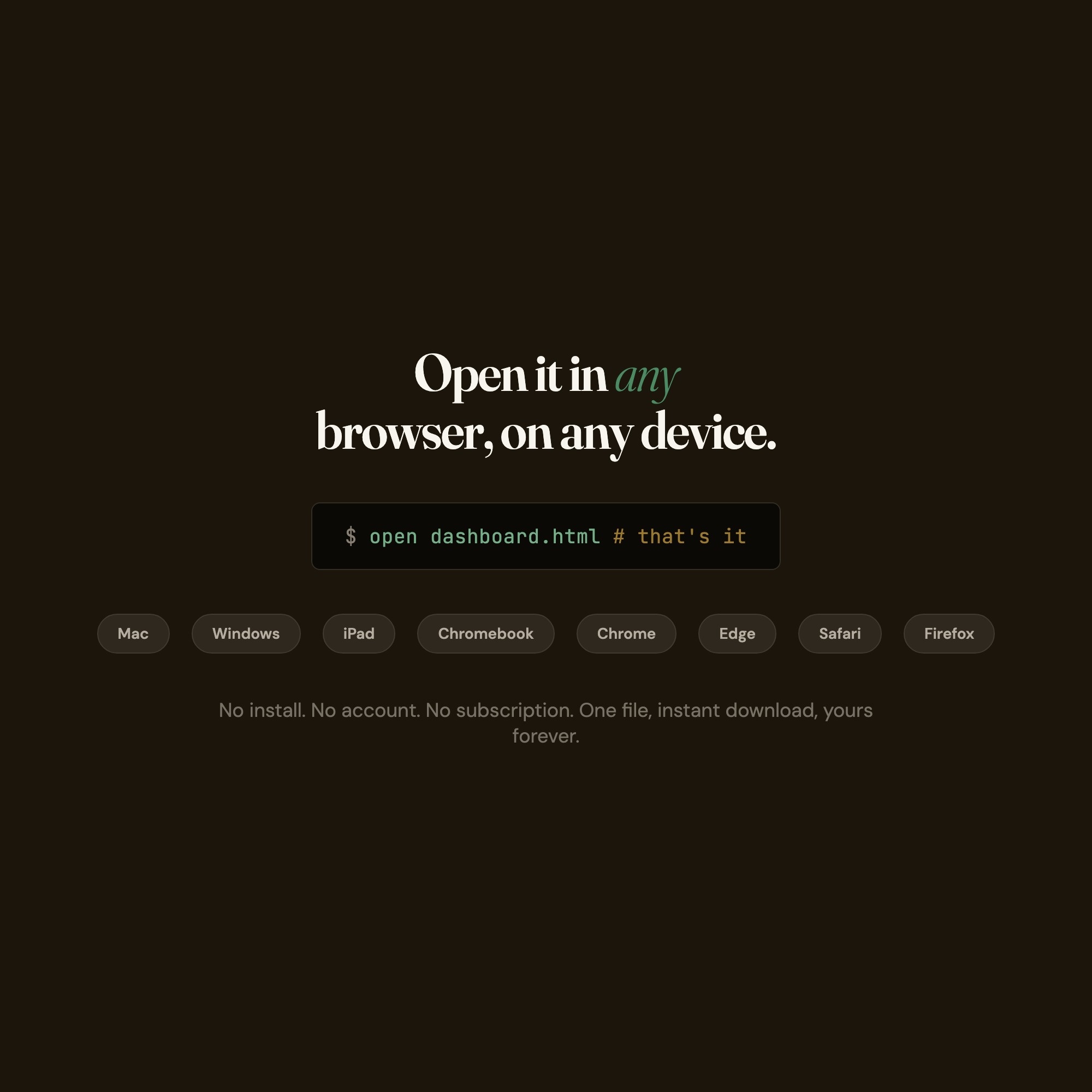
No. There is no app to install, no account to create, no login and no recurring fee. It opens in Chrome, Safari, Edge or Firefox on macOS, Windows, iPad or Chromebook, and it keeps working offline once the file is on your machine.
Where does IEP Parent Progress Dashboard store my data?
On your own device, in your own browser. Nothing is uploaded, no account is created and no analytics are collected. You can export a backup file at any time and load it on another computer.
How much is IEP Parent Progress Dashboard and how is it delivered?
$22, delivered as an instant download the moment you pay. Because it is a digital file, all sales are final.
More about IEP Parent Progress Dashboard
The IEP Parent Progress OS is a single browser file that consolidates everything: your child’s 8 to 12 goals, all 4 service providers, your own observations, and the complete meeting-prep packet. No subscription. No login. Opens in Chrome in one click.
★ EXCLUSIVE ZONE
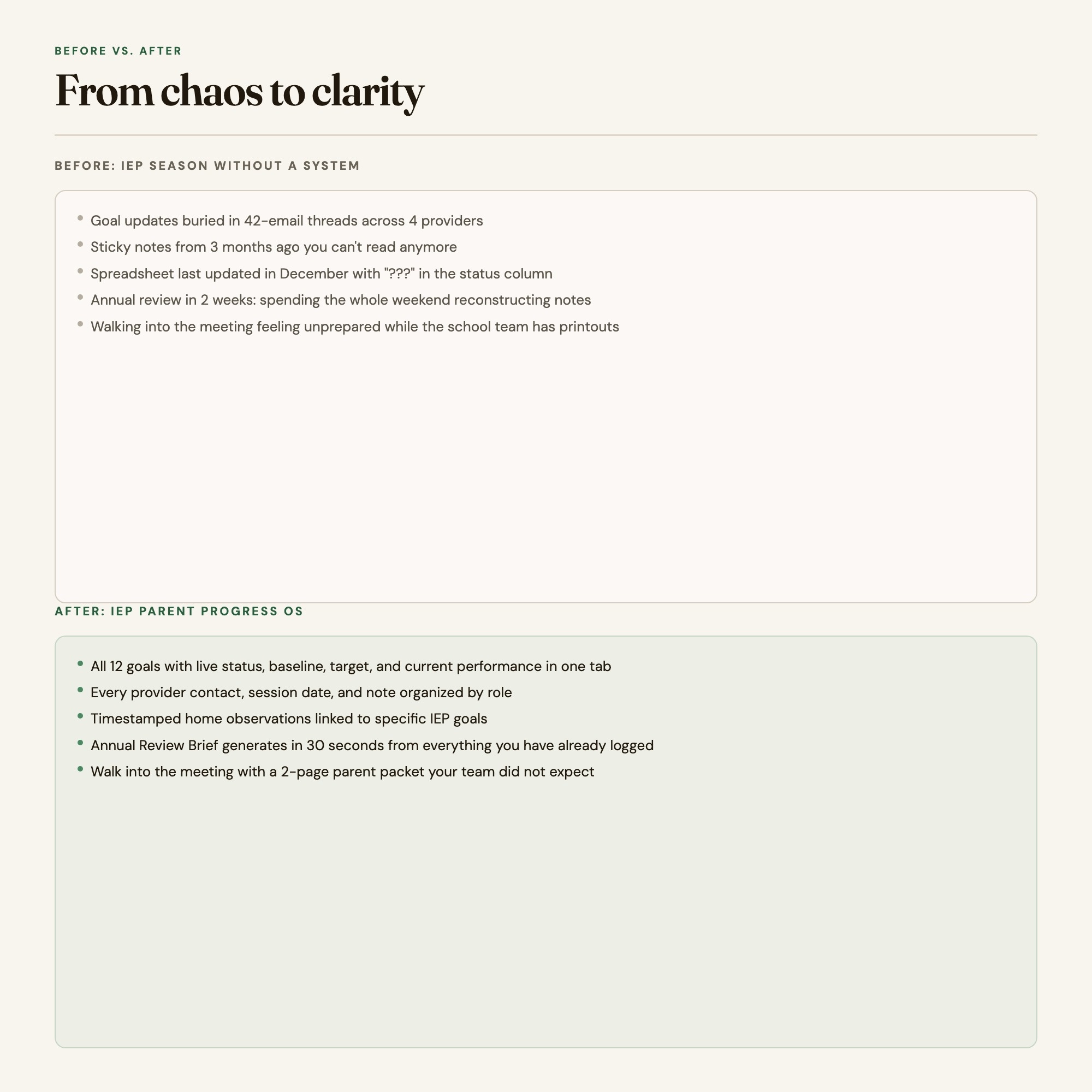
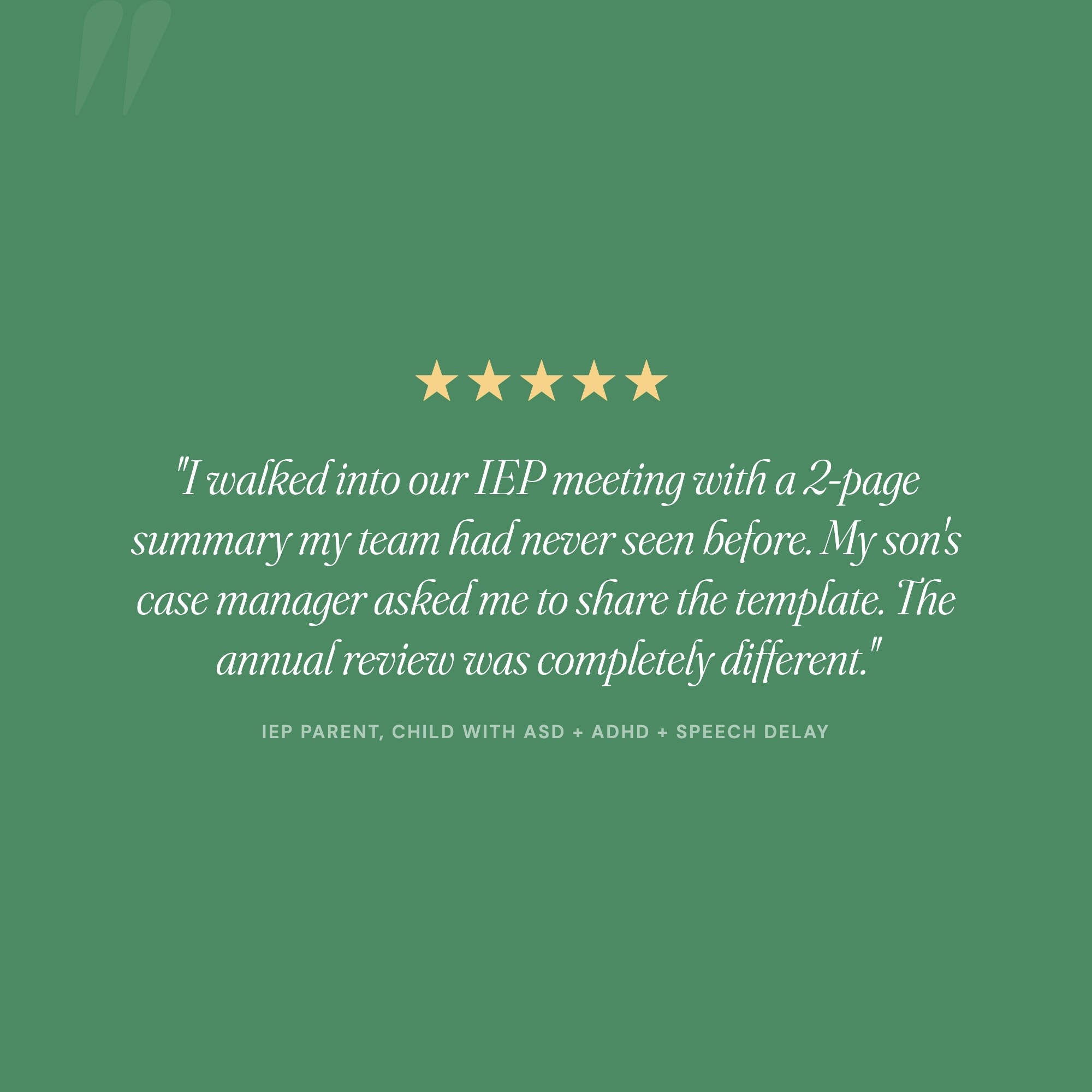
Tab 5 is the Annual Review Prep Brief generator. It reads every goal, provider note, and progress observation you have logged in Tabs 1 to 4, then exports a clean 2-page parent summary: goal progress at a glance, your priorities for the coming year, provider contacts, and your pre-written questions for the team. Parents in this situation currently spend 6 to 10 hours assembling this packet the week before the annual review. This dashboard does it in 30 seconds. No competitor ships this.
WHAT’S INSIDE (5 Interactive Tabs)
-
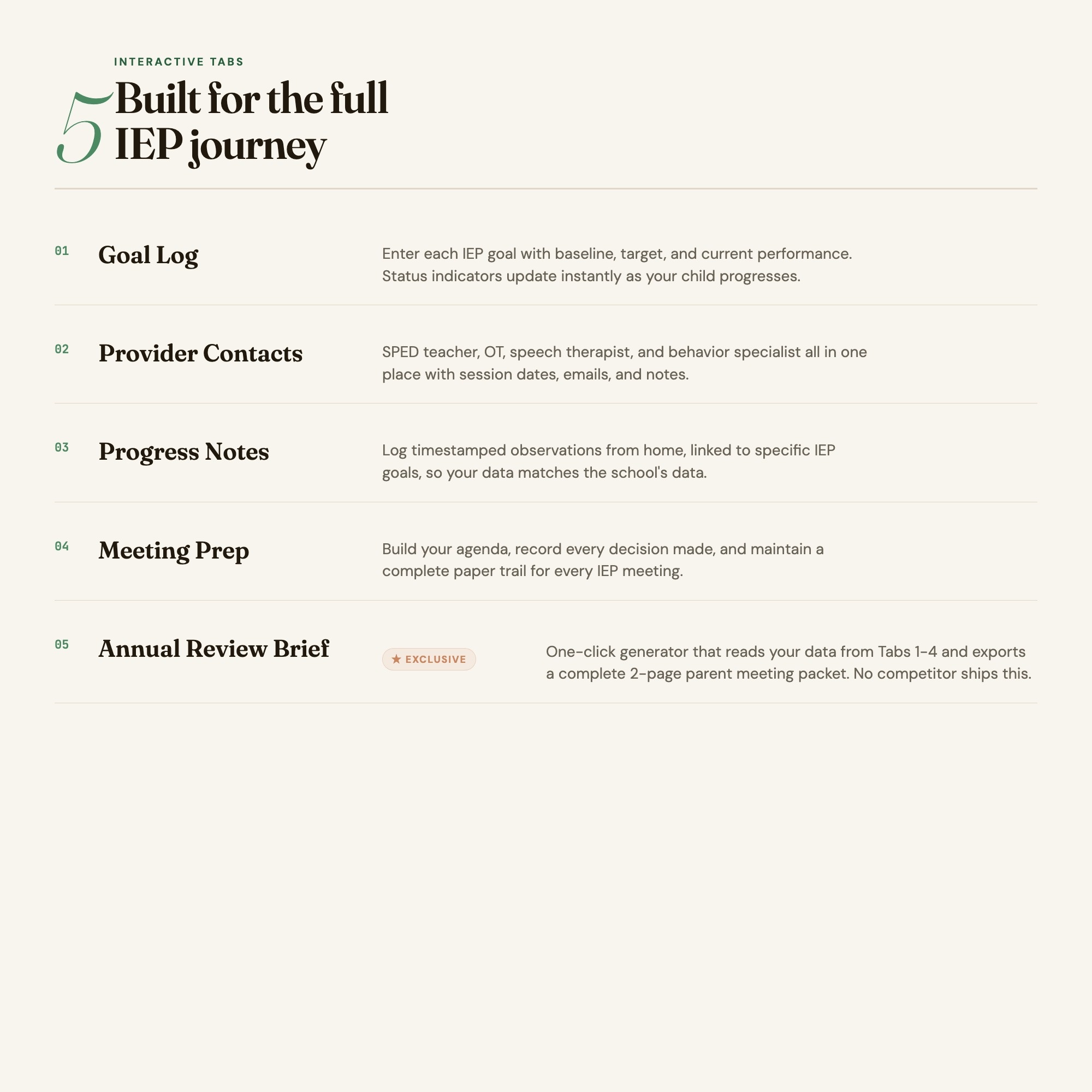
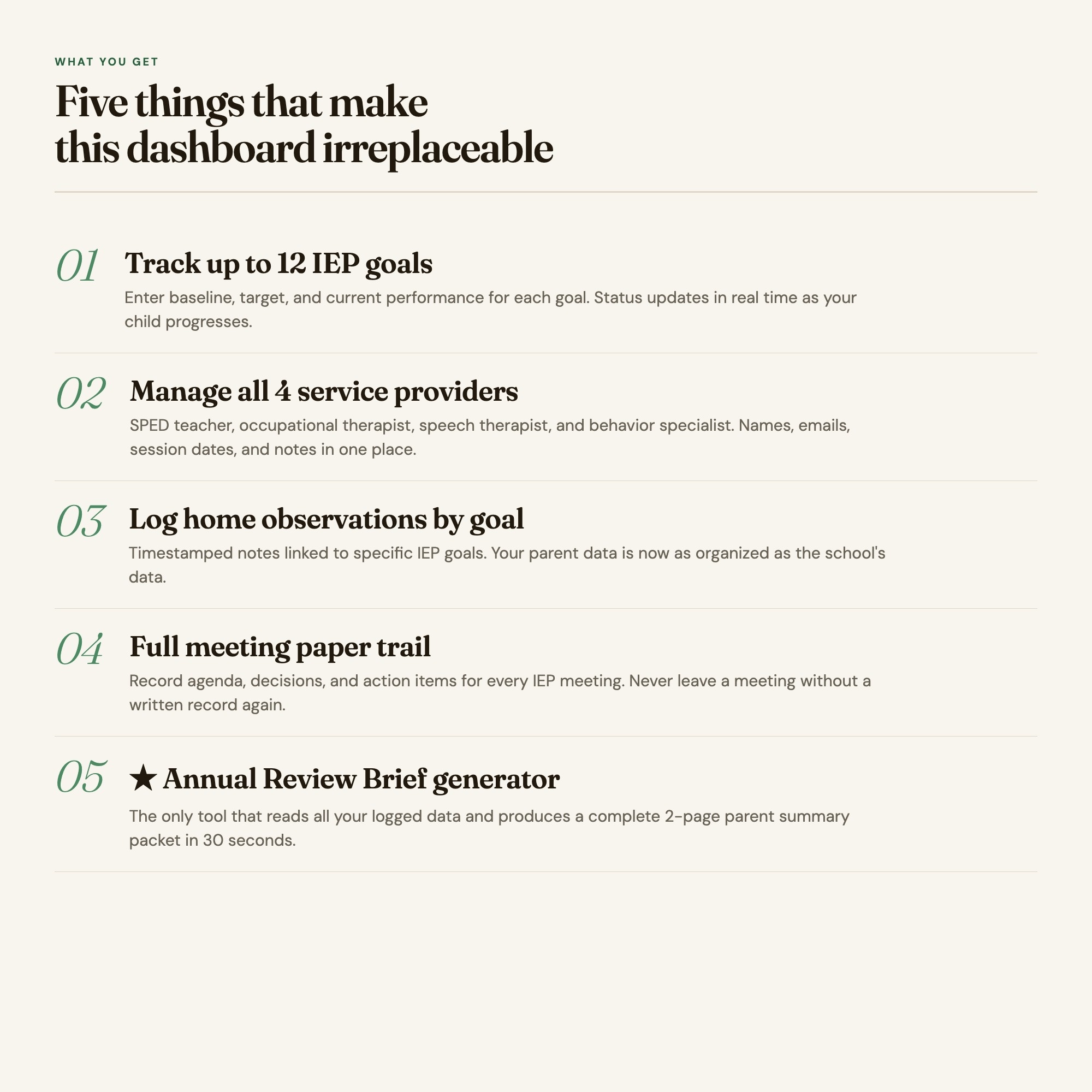
Goal Log: Enter each IEP goal with baseline, target, and current performance. Progress updates auto-save and display a visual status indicator for every goal.
-
Provider Contacts: One place for your SPED teacher, occupational therapist, speech therapist, and behavior specialist, with session dates, notes, and direct contact info.
-
Progress Notes: Timestamped observation log for capturing what you see at home between meetings. Each note links to the relevant goal.
-
Meeting Prep: Build your agenda, track your questions, and record decisions made during each IEP meeting so you have a full paper trail.
-
Annual Review Brief (★ EXCLUSIVE): Click one button to generate a complete parent-prepared summary packet from all your logged data. Export as a printable HTML file you can bring to the meeting or email to the team.
This is for you if
-
You track progress across 3 or 4 service providers and lose information between meetings
-
You have walked into an IEP meeting feeling underprepared and wished you had a cleaner summary
-
You spend hours every year assembling notes, emails, and sticky notes into a meeting packet
-
You want a single organized place to capture what your child is doing at home that supports the school’s data
-
You advocate hard for your child and need documentation that matches the professionalism of the school team’s reports
Your data is safe
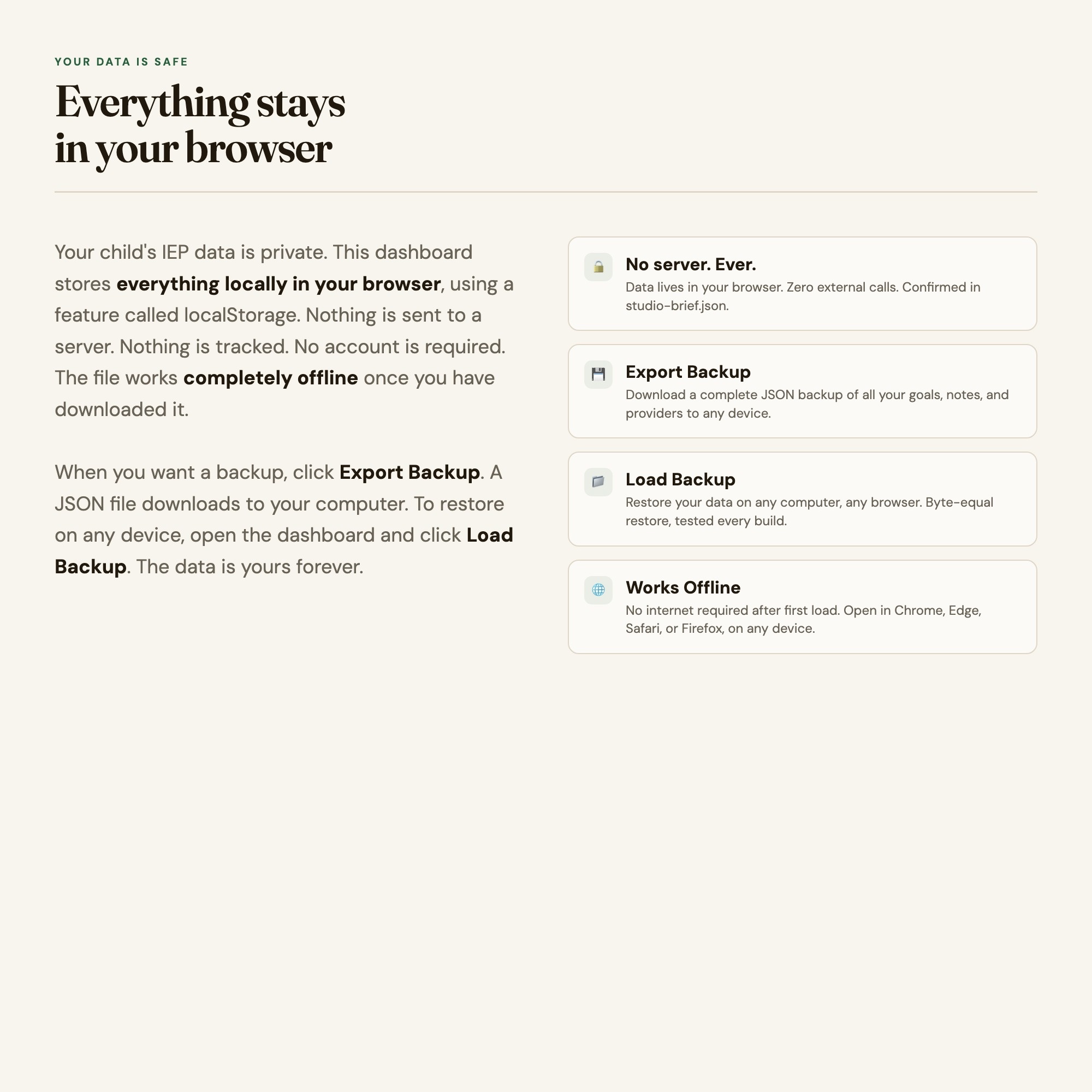
Everything lives in your browser. No server, no account, no subscription. Your child’s progress data never leaves your device. Export Backup saves a JSON file to your computer. Load Backup restores it on any browser. This file works offline, forever.
Files included
-
dashboard.html (the interactive dashboard, opens in any browser)
-
HOW-TO-SAVE.txt (plain-English guide to saving, backing up, and using across devices)
Works in Chrome, Edge, Safari, and Firefox. Mac, Windows, iPad, and Chromebook.
Your child’s annual review used to mean a lost weekend. Now it means 30 seconds and a document your team respects.
Notion template upgrade coming soon. Follow the shop to get notified.
5 Tabs included
- ◈
Goal Log
- ≡
Provider Contacts
- ⊞
Progress Notes
- ◉
Meeting Prep
- ★
Annual Review Brief
Exclusive Feature
Tab 5 Annual Review Prep Brief generator reads all goal-progress data from Tabs 1-4 (localStorage) and exports a printable IEP-meeting handout
This is built into the fifth tab and is unavailable in any static template, spreadsheet, or Notion template on the market.
Gallery


Learn more
How to Prepare for an IEP Annual Review Meeting
A parent's guide to IEP annual review prep: tracking goals year-round, logging provider contacts, writing your questions, and bringing your own data.
List8 IEP Goal Tracking Strategies That Actually Help at Annual Review
8 IEP goal tracking strategies for parents managing 8–12 goals across 4 providers — plus how to prepare a printable annual review brief from your own data.
Before you buy
Frequently asked questions
- What is IEP Parent Progress Dashboard?
- IEP Parent Progress Dashboard is an interactive dashboard that opens in your web browser. It is one self-contained HTML file — download it once, double-click it, and it runs. No app, no account, no subscription.
- Does IEP Parent Progress Dashboard need Excel or Google Sheets?
- No. It is not a spreadsheet and does not open in one. It runs in Chrome, Safari, Edge or Firefox on macOS, Windows, iPad or Chromebook, and keeps working offline.
- What is included in IEP Parent Progress Dashboard?
- 5 sections in a single file: Goal Log, Provider Contacts, Progress Notes, Meeting Prep, Annual Review Brief.
- Does it work offline?
- Yes — completely. The dashboard is a single HTML file. Once downloaded, it runs entirely in your browser with no internet connection needed. All data autosaves to your browser's localStorage.
- Which devices and browsers are supported?
- Works in Chrome, Edge, Safari, and Firefox on macOS, Windows, iPad, and Chromebook. No app to install, no account to create. Just open the file.
- What is your refund policy?
- All sales are final. This is an instant download delivered in full at payment, so it cannot be returned. If a file will not open or a feature does not work as described, that is a defect and it gets fixed at no cost — email hello@listingresearchos.com and you will get a corrected file.
- How do I install it?
- There is nothing to install. After purchase, download the HTML file. Double-click to open in your browser. That's it. A HOW-TO-SAVE.txt is included explaining how to back up and restore your data.
- Is my data private?
- Completely. Everything runs locally — no login, no analytics, no data sent to any server. Your data is stored only in your browser's localStorage. You own it entirely.
You might also like
One-time purchase
Get it for $22.00
Instant download. Open in any browser. Yours forever.