
8 IEP Goal Tracking Strategies That Actually Help at Annual Review
8 IEP goal tracking strategies for parents managing 8–12 goals across 4 providers — plus how to prepare a printable annual review brief from your own data.
Published June 3, 2026
The annual IEP review is meant to be a collaborative conversation. In practice, it often functions as a power imbalance: the school team has daily data from multiple providers, and the parent has memories, feelings, and whatever the progress report said last March.
Closing that gap is an organizational problem, not a knowledge problem. Here are eight strategies that help parents come to annual reviews prepared.
Track progress on individual goals, not the IEP as a document
IEPs with 10 goals are common. Most parents track the document — they know their child has goals, they know the general areas. What they rarely track is specific progress on goal number seven (pragmatic language skills, 3 out of 4 trials by May 15). Separating each goal into its own record, with notes from each home observation, is the foundational strategy.
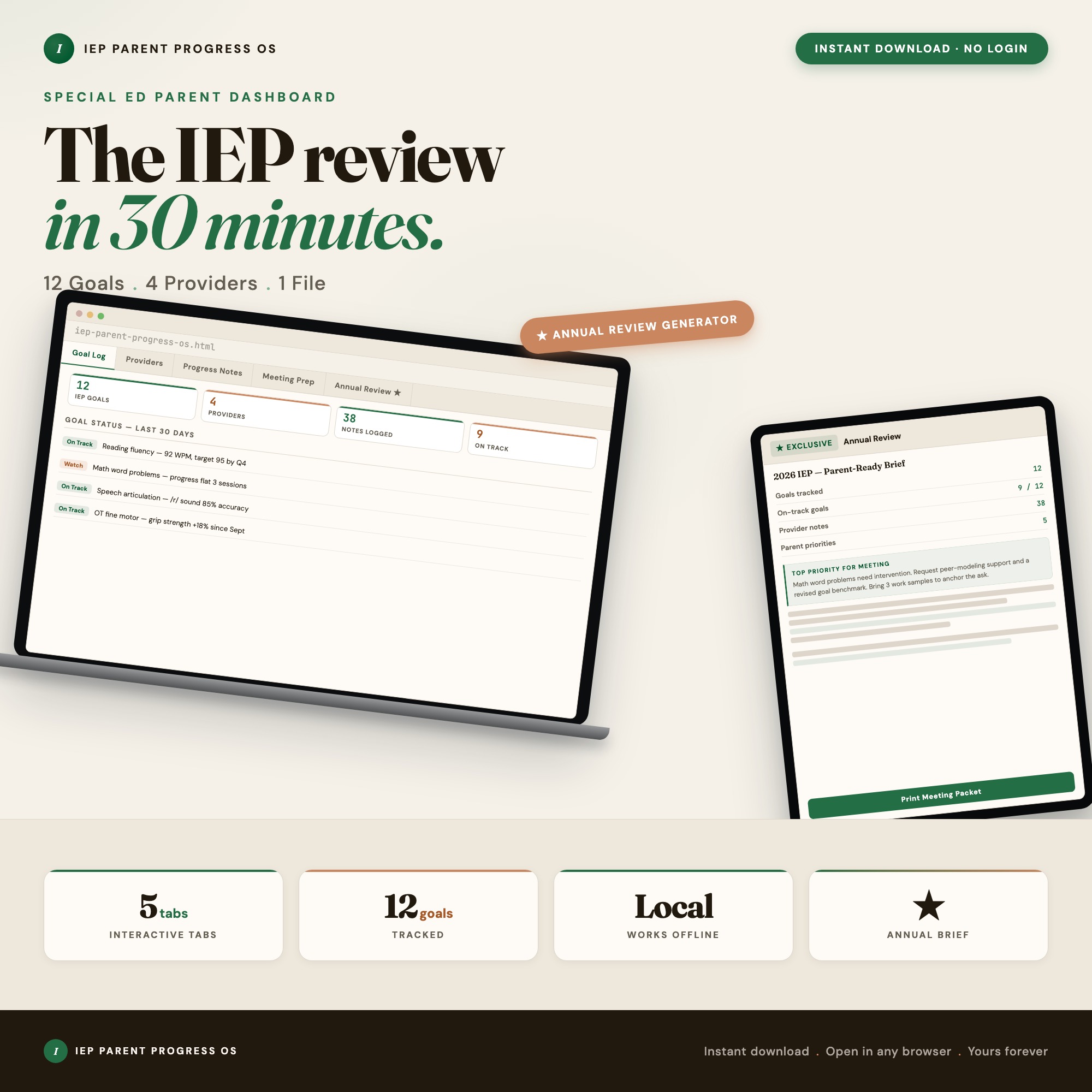
The IEP Parent Progress Dashboard organizes this in Tab 1 — a Goal Log where each goal has its own entry with baseline, target, service provider, and your progress notes attached.
Log observations with date, context, and prompt level
A note that says “Emma did well with transitions today” is not useful at an annual review. A note that says “4/15, school arrival transition — no verbal prompting required, one visual cue, calm for 12 minutes” is useful. Train yourself to log the context and the level of support required. Over 8 months, these observations become a data set.
Keep a separate contact record for each provider
OT, speech, PT, special education teacher, reading specialist — each has a different frequency, a different contract, and a different supervisor. When your OT changes and you cannot remember the new person’s name or direct line, you lose continuity at the worst time. A provider contact log that includes name, role, service frequency, and notes protects you.
Track service delivery frequency separately from what the IEP promises
IEPs promise a specific number of service minutes per week. Those minutes are not always delivered. Parents who discover a shortfall at annual review — “your child only received 60% of contracted speech minutes this year” — have grounds to request compensatory services. You only know this if you logged what was actually delivered.
Note the context when a skill breaks down
Every parent knows their child can do something in a controlled setting that falls apart in the real world. Documenting the specific contexts where a skill fails (cafeteria noise, unstructured play, multi-step directions in a group) gives the IEP team far more useful information than a score on a clinic assessment.
Prepare questions for each goal area before the meeting
Walking into an annual review without written questions means you will think of your best questions on the drive home. Before each annual review, spend 20 minutes writing one specific question per goal area: “How will we measure whether goal 4 is making progress by the December benchmark?” Written questions also signal to the school team that you have done the work.
Document all communications with the school about the IEP
Emails, phone calls, meeting summaries, and informal conversations about your child’s services are all part of the record. Parents who need to escalate a dispute — or request an independent evaluation — are dramatically more credible when they can point to a dated communication log rather than reconstructing it from memory.
Generate a pre-meeting brief from your own logged data
The most effective annual review preparation strategy is walking in with a written document that summarizes your child’s progress across all goals, your observations, your provider contacts, and your open questions. The exclusive feature in the IEP Parent Progress Dashboard is Tab 5: an Annual Review Prep Brief generator that reads all your logged goal progress and exports a printable IEP-meeting handout from your own data. No competitor on Etsy ships this.
A System Built for Annual Review
The IEP Parent Progress Dashboard covers five tabs — Goal Log, Provider Contacts, Progress Notes, Meeting Prep, and Annual Review Brief — in a single HTML file for $22. Data stays on your device; nothing goes to any server.
Frequently asked questions
- How do I track IEP goal progress at home between school reports?
- Log observable behaviors with dates and notes — not just pass/fail but the context, the prompt level, and how consistent the performance was. This turns into evidence you can bring to the annual review.
- What should I bring to an IEP annual review meeting?
- A written summary of your child's progress on each goal from your home observations, your list of provider contacts with current service frequency, and any concerns you want addressed. The IEP Parent Progress Dashboard generates this brief automatically from your logged data.
- Do I need to spend a lot of money on tools?
- No. The IEP Parent Progress Dashboard costs $22 as a one-time purchase — and it keeps your child's data private on your device rather than in a cloud app.
- How quickly can I get started with the IEP Parent Progress Dashboard?
- Under 5 minutes. Download the file, open it in any browser, and start using it immediately. Everything autosaves automatically.
Featured dashboards from this list
Interactive HTML dashboards — one-time purchase, works offline, no subscription.
ListingResearchOS Shop
All dashboards — single file, yours forever
Interactive HTML. No subscription. Works offline in any browser.
Browse all dashboards →