
Etsy Digital Download Not Working or Link Expired? How to Get Your File
Where Etsy keeps your digital files, how to re-download after the email link is gone, what to do if no link arrived, and when it's the seller's problem.
Published August 1, 2026
You paid, you got the confirmation, and now you cannot open what you bought. It is the most common complaint in the digital download market. Of 1,428 negative reviews we collected from the largest digital-download shops, 237 were about a file that would not download or open — more than any other single complaint, including design and price.
The reviews read like this:
“Was not able to download, tried different devices. No response from no one”
“I didn’t get the download that I ordered. I’ve reached out 3 times to the seller and only get automated messages back that don’t address my issue.”
“Can not open the file. does not let you ‘unzip’ it to use.”
Can you re-download an Etsy purchase after the link expires?
Usually, yes — the email was never the file. Etsy keeps digital purchases in your account:
You → Purchases and reviews → find the order → Download Files
Sign in, open that page in a desktop browser, and download again as many times as you need. If you checked out as a guest, your order email holds the way back in; if that link no longer works, message the seller (or Etsy support) with your order number and the email you used.
Never got a download link at all?
Look at Purchases and reviews before the inbox. Files appear there once the payment has cleared, whether or not a confirmation email arrived — spam filters catch those emails all the time. If the order is listed but has no Download Files button, the seller has not attached a file yet, and only they can fix it: message them with the order number.
If you are the seller and a buyer says they cannot download: confirm the file is attached in the listing editor under Digital files, check it opens on your own machine, then send the buyer the exact path above. Most “I never got it” messages are a buyer looking in email or the app instead of Purchases and reviews.
If the file downloaded but will not open
Work through the following in order. The first three fix most cases within a few minutes.
Step 1: Download from a desktop browser, not the app
Digital files are not attached to your confirmation email. They live in your Etsy account:
You → Purchases and reviews → find the order → Download Files
Use a desktop or laptop browser for this. The mobile app has long been the least reliable path for digital downloads, and phones handle ZIP archives poorly even when the download succeeds. If you only have a phone, use a mobile browser rather than the app, and expect to need a file manager for ZIPs.
Downloads also expire from the order page after a period, so grab files promptly and keep your own copy.
Step 2: Check the file actually finished downloading
A partial download produces a file that exists but will not open. This is very common on hotel or mobile connections.
Compare the downloaded file’s size against what the listing describes. If a listing promises a multi-megabyte bundle and you have a 4 KB file, the download was truncated. Delete it and try again on a stable connection.
Step 3: Unzip properly
Most bundles arrive as a .zip. Both major desktop systems handle these natively:
- Windows: right-click → Extract All. Do not work inside the preview window — Windows will show you the contents without actually extracting them, and files opened from there often misbehave.
- Mac: double-click. A folder appears alongside the archive.
- iPhone/iPad: save to the Files app, tap the ZIP, and iOS extracts it into a folder.
- Android: varies by device; you may need a file manager app.
If the ZIP refuses to extract at all, that points back to Step 2 — it is usually an incomplete file rather than a corrupt one.
Step 4: Check what the file actually needs
Some products are not really files. They are links or documents that require something else:
- A Canva link — needs a Canva account, and often Canva Pro for the premium fonts and elements
- A Google Sheets link — needs a Google account, and “make a copy” permission that sellers sometimes forget to enable
- A GoodNotes or Notability planner — needs that app, on a supported tablet
- An
.xlsxfile — needs Excel, Numbers, or a compatible spreadsheet program
If the requirement was not disclosed in the listing, that is a legitimate “not as described” complaint, not a mistake on your part. One reviewer put it plainly:
“Wanted to use this as an excel spreadsheet not online through Google Sheets. Was only informed this was not possible after downloading it.”
Step 5: Message the seller with specifics
Vague messages get slow replies. Include:
- your order number
- the exact error text or a screenshot
- what you already tried — desktop browser, re-download, extraction attempt
- the device and operating system
A message that says “I downloaded on Windows 11 via Chrome, the ZIP is 6 KB and Windows reports it as invalid” gets a real fix. “It doesn’t work” usually gets a generic reply.
Give it 48 hours. Most sellers are individuals, not staffed support desks.
Step 6: Open a case with Etsy
If the seller does not respond usefully, you have recourse. Etsy’s purchase protection covers items that arrive faulty, damaged, or not as described, and digital items are included. A file that cannot be opened, or a link that leads nowhere, is squarely within that.
Open the case from the order page. Include your message history — the fact that you tried to resolve it directly strengthens your position.
How to avoid the whole cycle next time
Before buying, check:
- Does the listing state the exact format? “Instant download” says nothing. “One HTML file” or “3 PDFs, US Letter and A4” tells you what you are getting.
- Does it require an account, app, or subscription? If it needs Canva Pro or a specific tablet app, that should be stated up front. If the description is silent, ask before buying.
- What do the one and two-star reviews say? Access failures cluster. Three people reporting a dead link means the link is dead.
- How recent are those complaints? A problem reported in March and still unaddressed in August tells you how support requests get handled.
The formats with the fewest ways to break
Every failure above comes from something sitting between you and your file — an account, an app, a subscription, a link that can expire, a conversion step.
A single self-contained HTML file removes all of it. You double-click, and it opens in the browser already on your computer. No account, no install, no external link, nothing to convert. Once it is on your machine it cannot be revoked or expire.
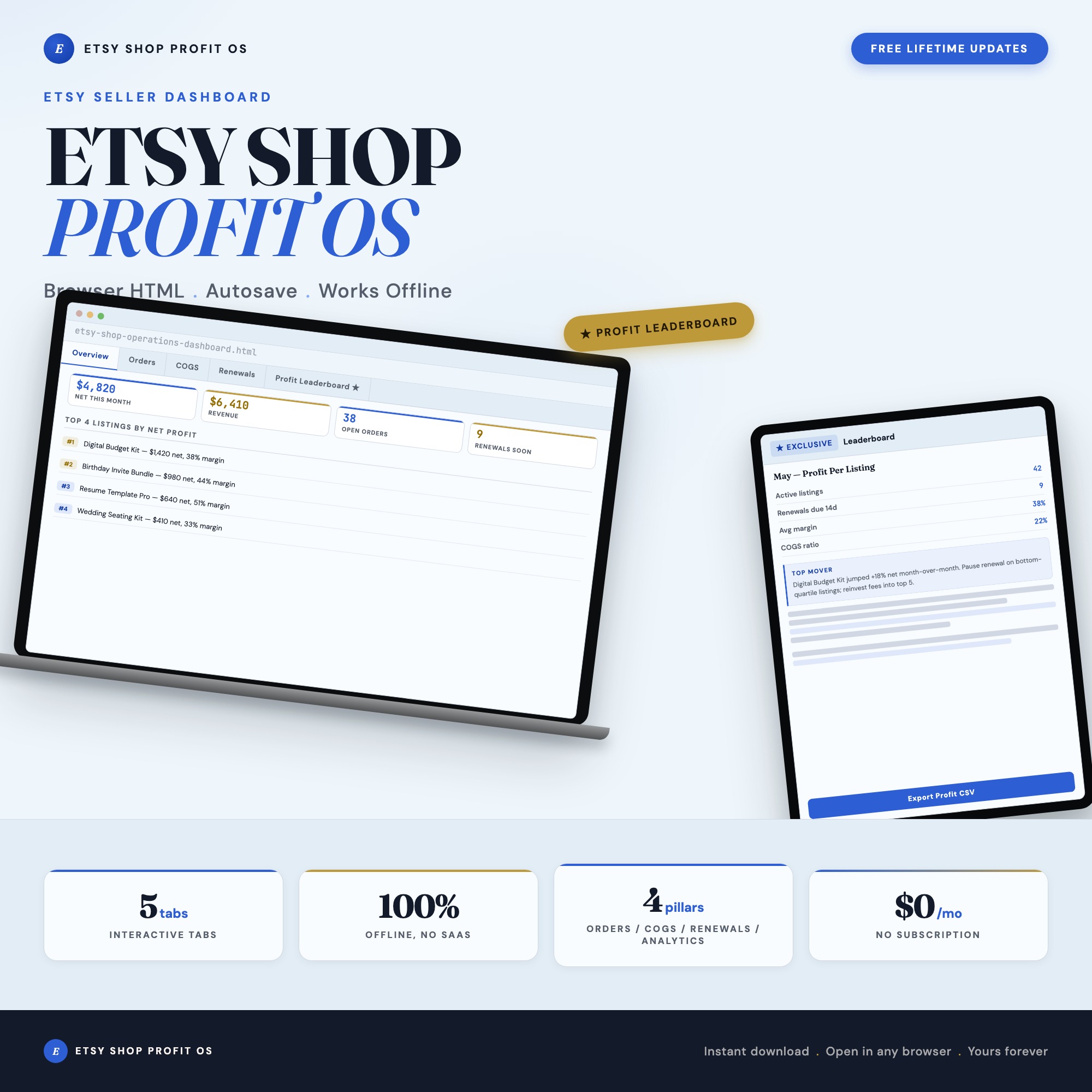
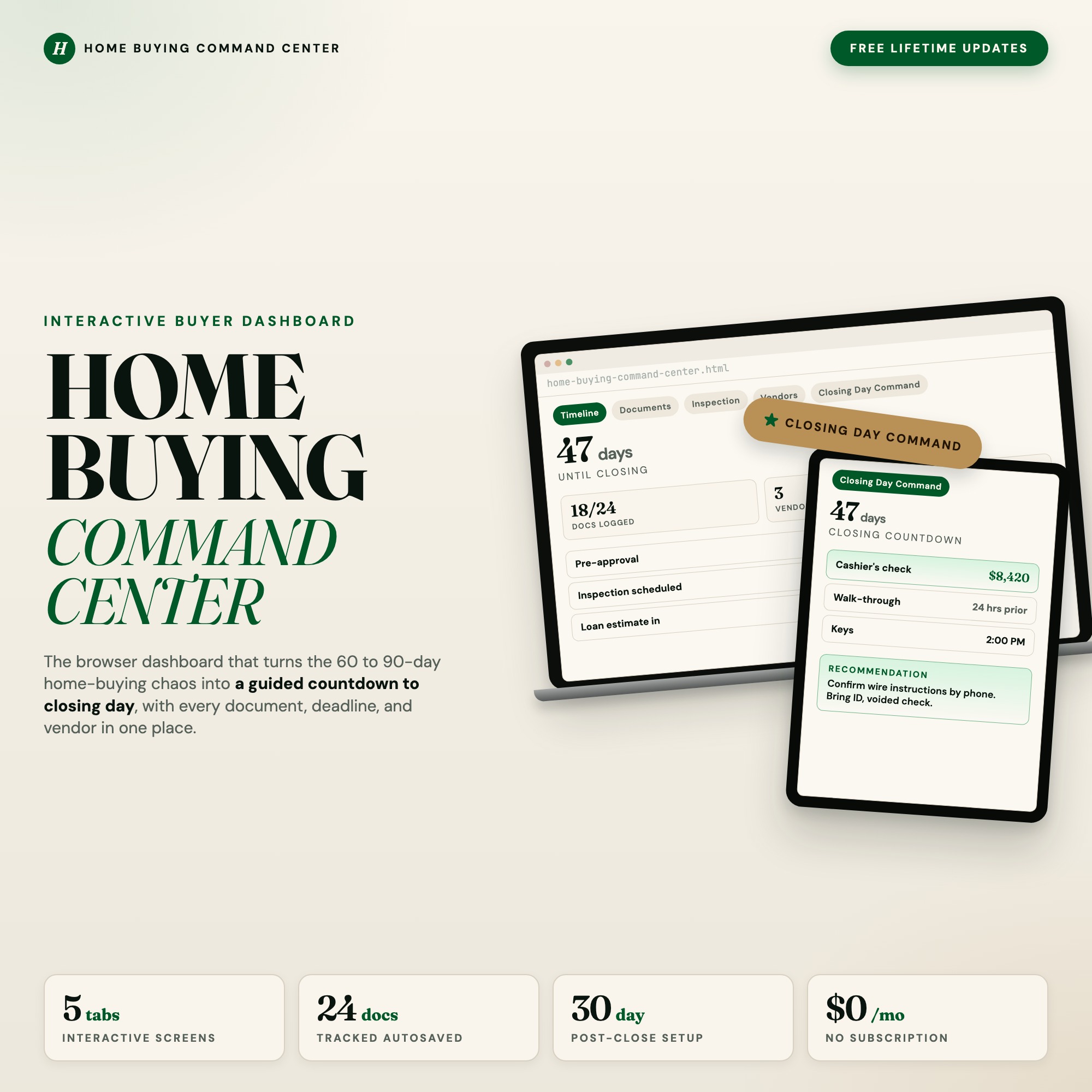
That is the reasoning behind our own products, including the Etsy Shop Operations Dashboard and the Home Buying Command Center. They are one file that opens in any browser, and what you type stays on your own device.
It is not the right format for everything — if you want to handwrite on pages with a stylus, you want a PDF and a tablet app. But if the goal is to open the thing you bought and start using it, fewer dependencies means fewer ways to end up where you are right now.
Frequently asked questions
- Can I re-download something I bought on Etsy after the link expired?
- Usually, yes. The confirmation email only points to your order; the files themselves sit in your Etsy account under You → Purchases and reviews → Download Files, and you can download them again from there. If you checked out as a guest, use the link in your order email, and if that no longer works, message the seller or Etsy support with your order number.
- I bought a digital file on Etsy but never got a download link. What do I do?
- Check Purchases and reviews while signed in on a desktop browser — the files appear there once payment has gone through, whether or not an email arrived. If the order is there with no Download Files button, the seller has not attached a file; message them with the order number.
- Where are my Etsy digital downloads?
- Sign in on a desktop browser and go to You → Purchases and reviews. Each digital order has a Download Files button. Files are not attached to the confirmation email, and the mobile app has historically been the least reliable route — use a desktop browser first.
- Why won't my downloaded ZIP file open?
- Usually an incomplete download, or a phone with no built-in unzip tool. Re-download on a desktop computer and check the file size against what the listing states. A ZIP that is a few kilobytes when it should be megabytes did not finish downloading.
- The seller isn't responding. What now?
- Open a case with Etsy. Digital items are covered when they are faulty, damaged, or not as described, and a file that will not open qualifies. Message the seller first and give them a couple of days, since that is a required step, but a non-response does not leave you stuck.
- Can I stop this happening on future purchases?
- Prefer listings that state the exact delivery format and file type, and read the one and two-star reviews before buying. Formats needing no account, no app, and no external link have far fewer ways to fail.
Ready-made dashboards
Skip setup — grab an interactive dashboard built for this exact workflow.
ListingResearchOS Shop
All dashboards — one-time purchase, yours forever
Single HTML files. No subscriptions. No login. Works offline in any browser.
Browse all dashboards →