
Interactive dashboard
Etsy Shop Operations Dashboard
Built for Etsy shop owners who manage orders, costs, and listing renewals in scattered spreadsheets and have no clear view of per-listing profitability
Try it live
Click around the real dashboard
Interactive demo · a few tabs unlocked
See it in action
The dashboard
What it is
Built for etsy shop owners who manage orders, costs, and listing renewals in scattered spreadsheets and have no clear view of per-listing profitability. Finally see your shop profit in real time It is a browser-native interactive dashboard that lives in a single HTML file, with nothing to install.
What is Etsy Shop Operations Dashboard?
Etsy Shop Operations Dashboard is an interactive dashboard that opens in your web browser. It is one self-contained HTML file — you download it once, double-click it, and it runs. It is built for etsy shop owners who manage orders, costs, and listing renewals in scattered spreadsheets and have no clear view of per-listing profitability.
What is included in Etsy Shop Operations Dashboard?
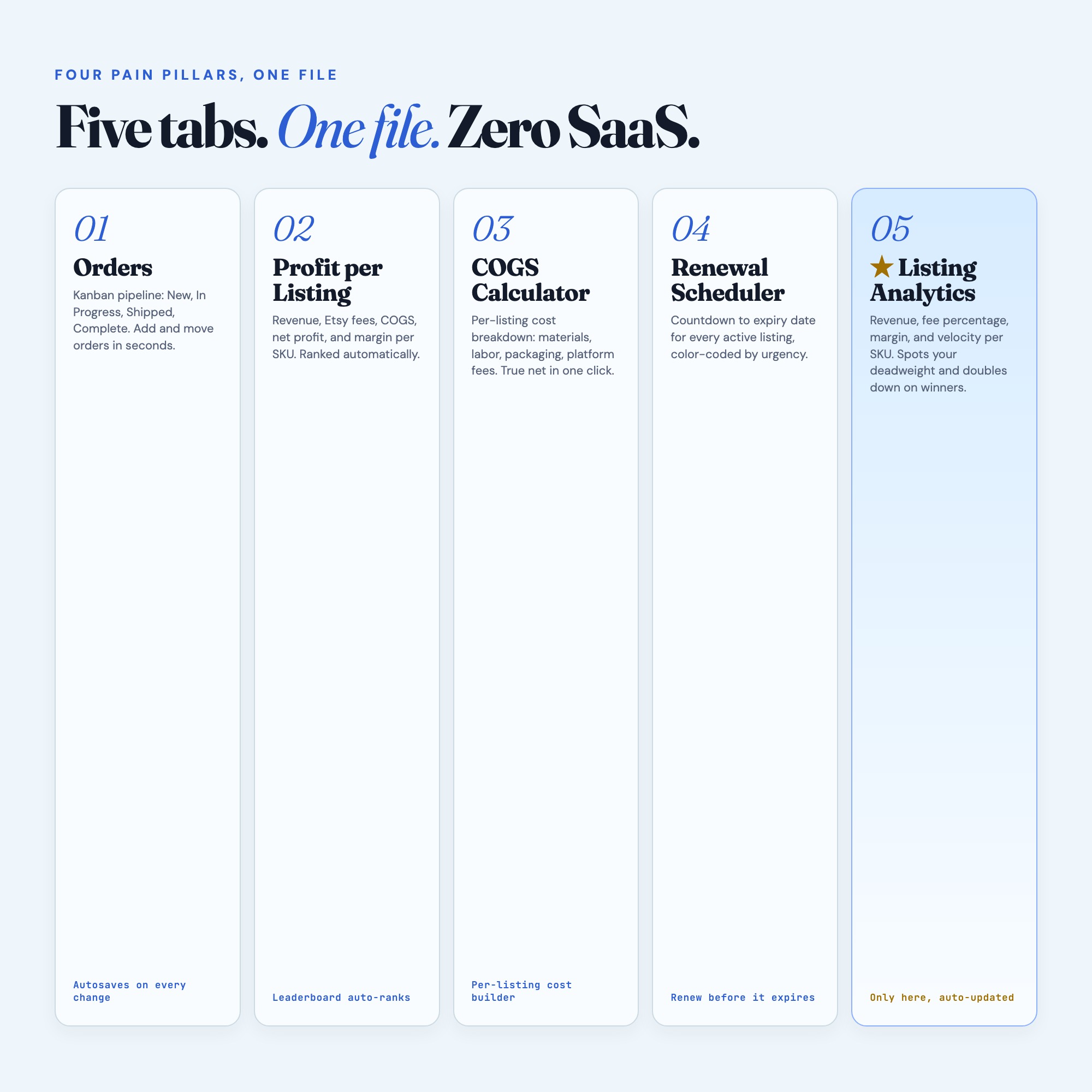
5 sections, all in the one file:
- Overview
- Order Pipeline
- COGS Calculator
- Listing Renewals
- Profit by Listing
Does Etsy Shop Operations Dashboard need Excel, Google Sheets or a subscription?
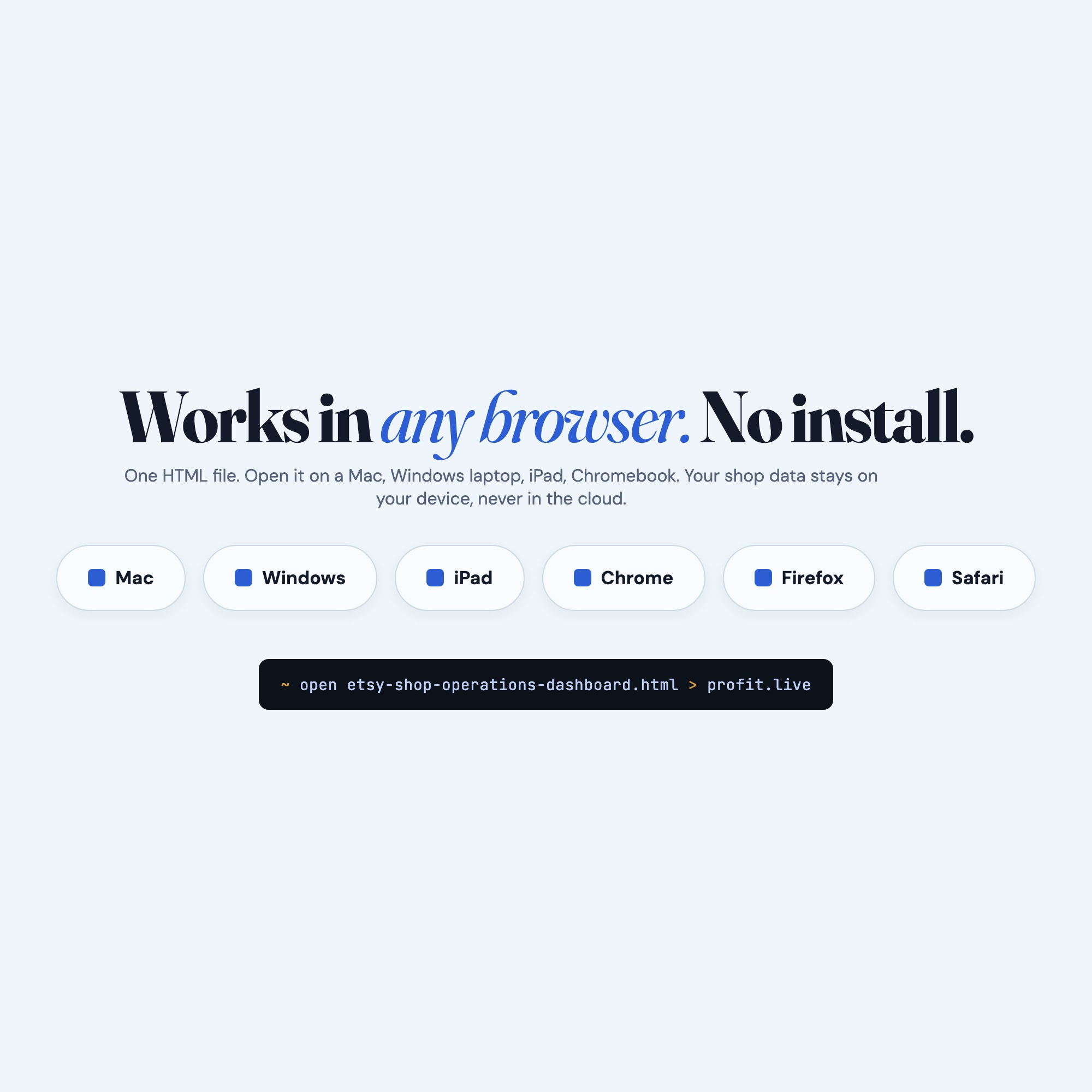
No. There is no app to install, no account to create, no login and no recurring fee. It opens in Chrome, Safari, Edge or Firefox on macOS, Windows, iPad or Chromebook, and it keeps working offline once the file is on your machine.
Where does Etsy Shop Operations Dashboard store my data?
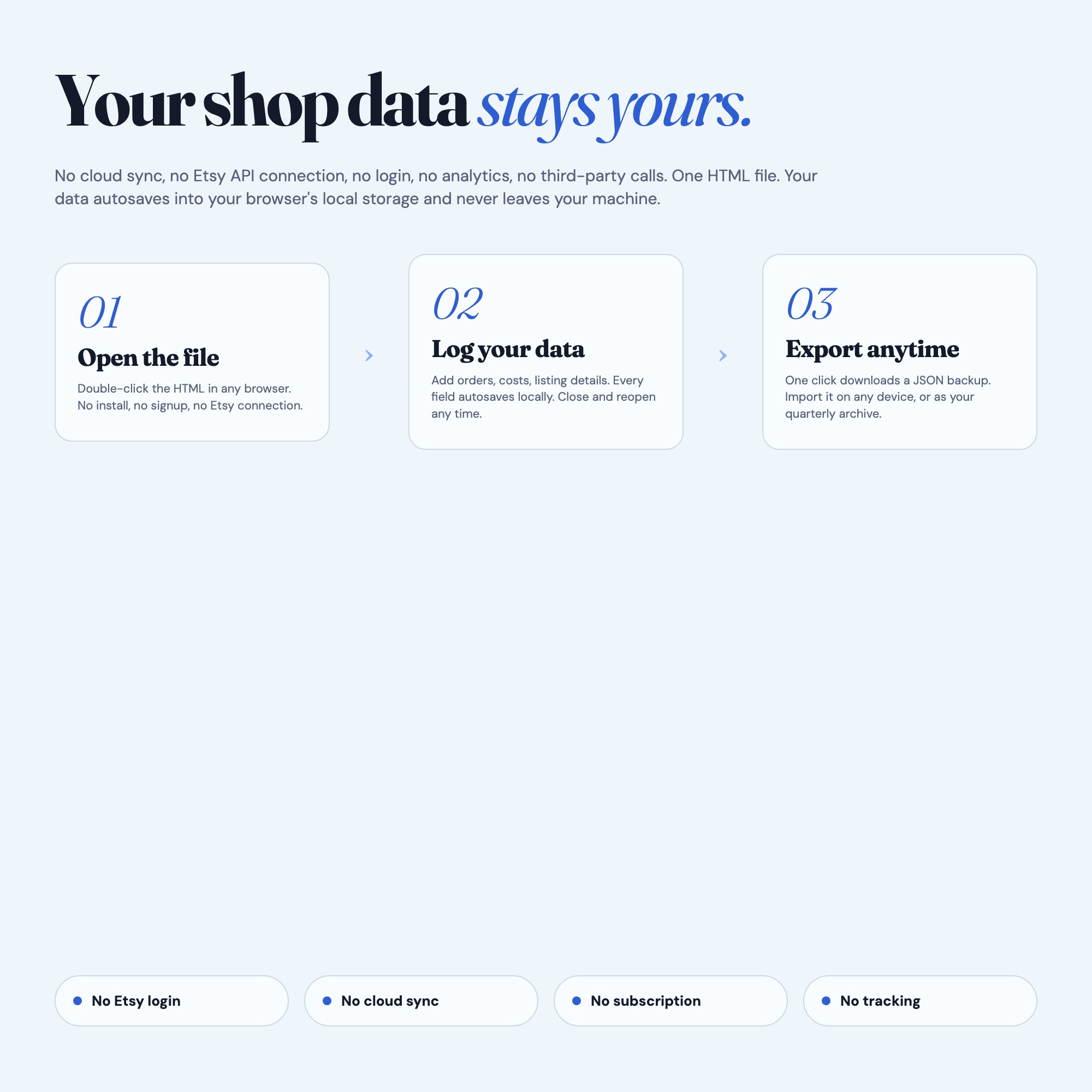
On your own device, in your own browser. Nothing is uploaded, no account is created and no analytics are collected. You can export a backup file at any time and load it on another computer.
How much is Etsy Shop Operations Dashboard and how is it delivered?
$22, delivered as an instant download the moment you pay. Because it is a digital file, all sales are final.
More about Etsy Shop Operations Dashboard
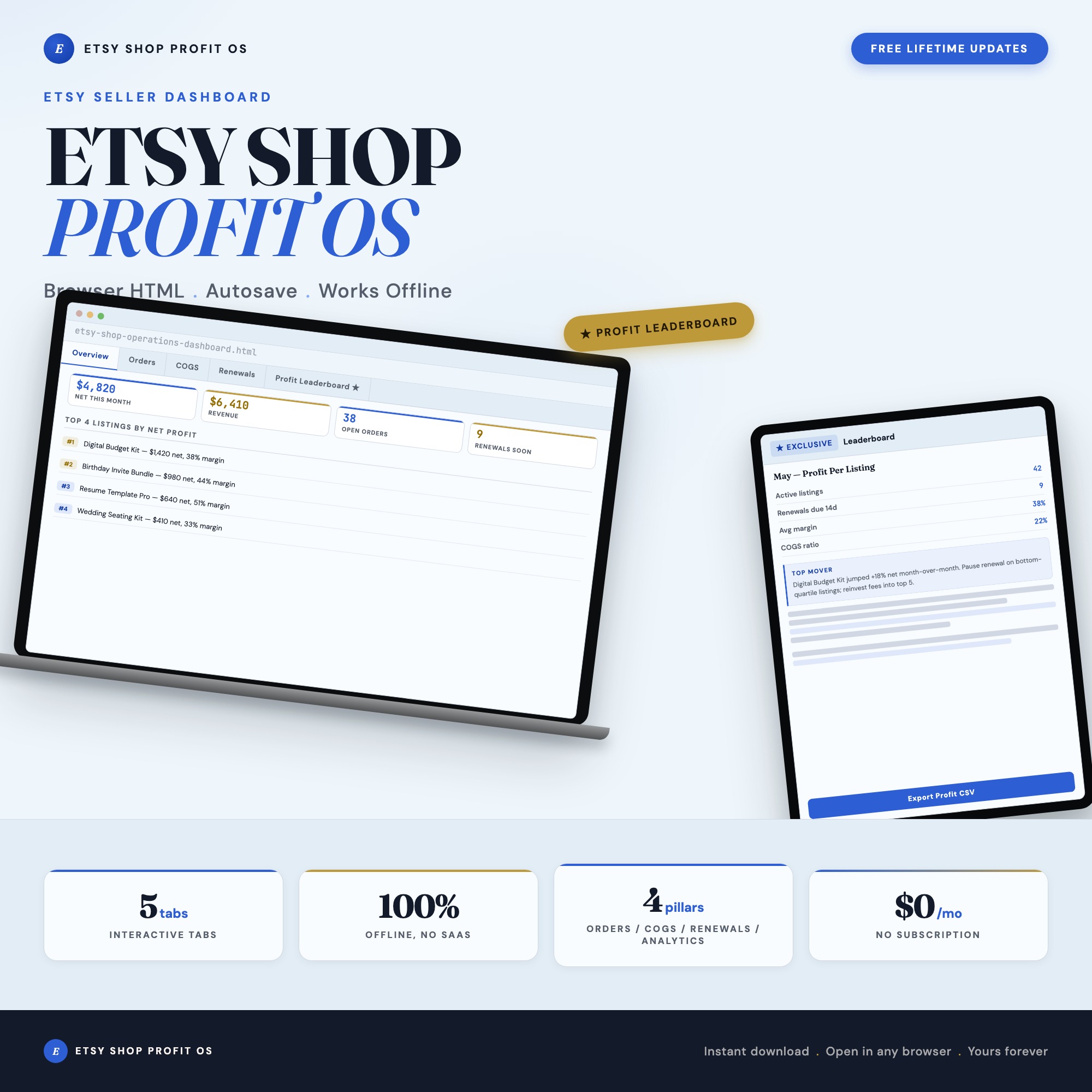
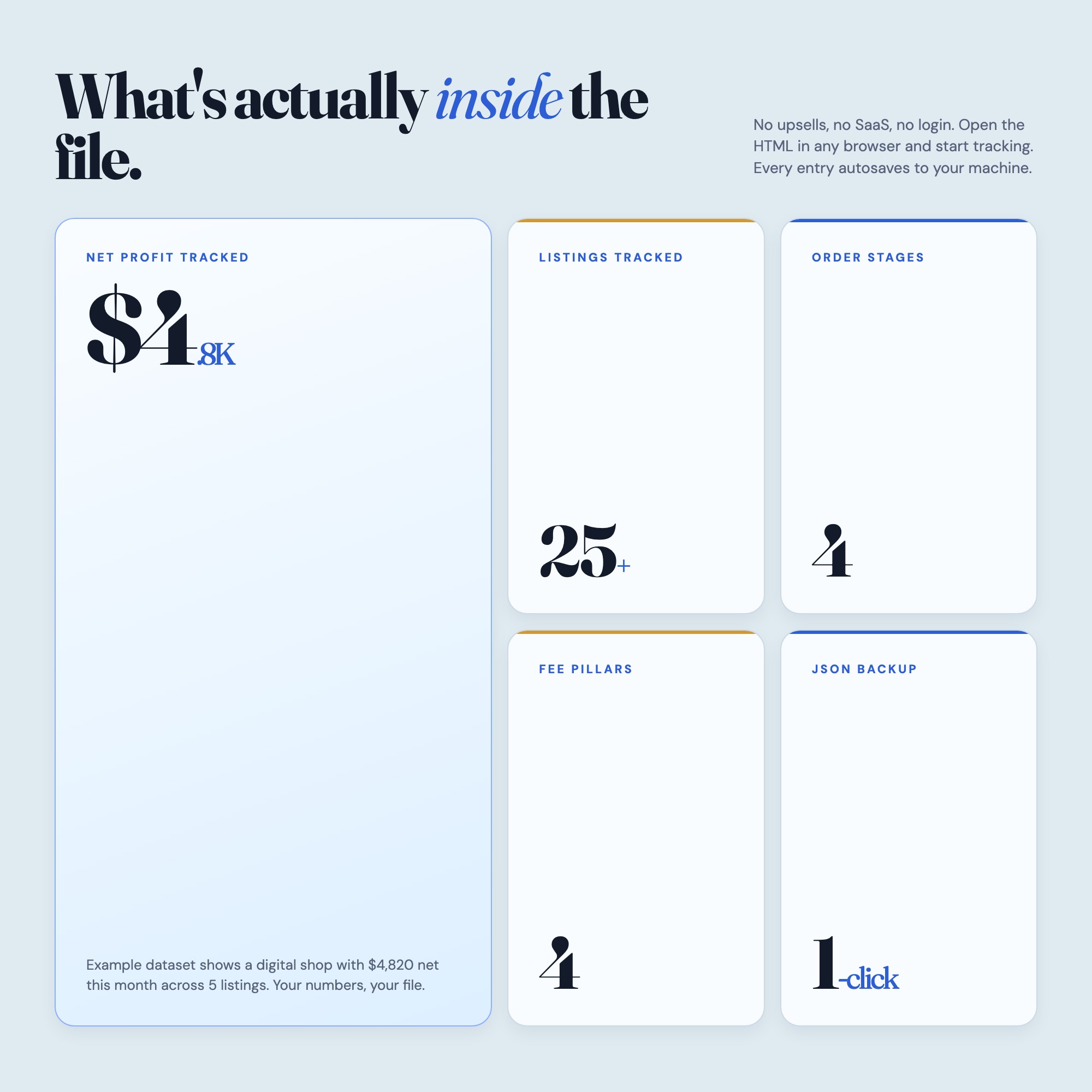
The Etsy Shop Operations Dashboard is the only interactive shop management tool built specifically for Etsy sellers that tracks orders, calculates real COGS, schedules listing renewals, and ranks every listing by net profit — all in one file you download once and own forever.
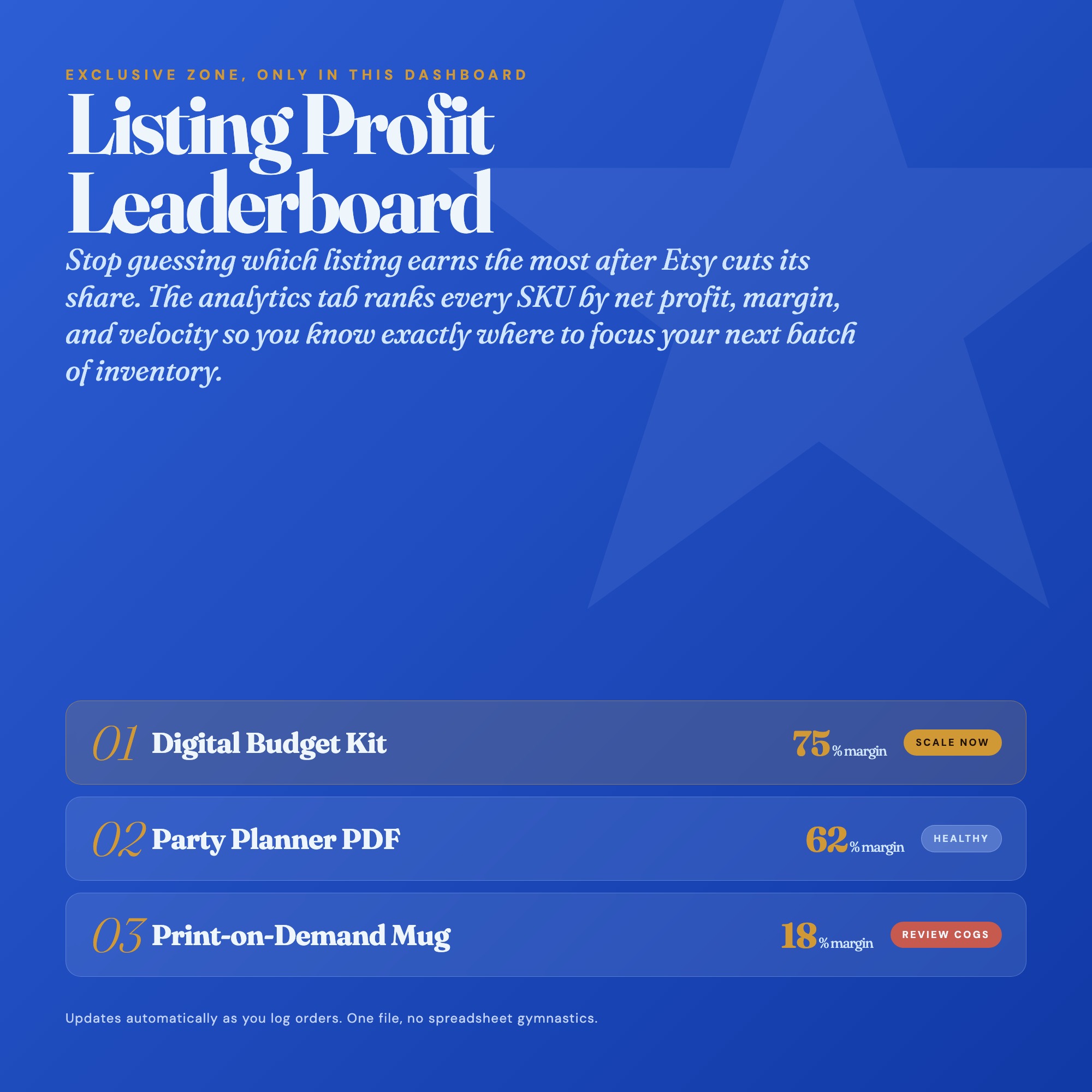
★ EXCLUSIVE ZONE — Profit-Per-Listing Leaderboard
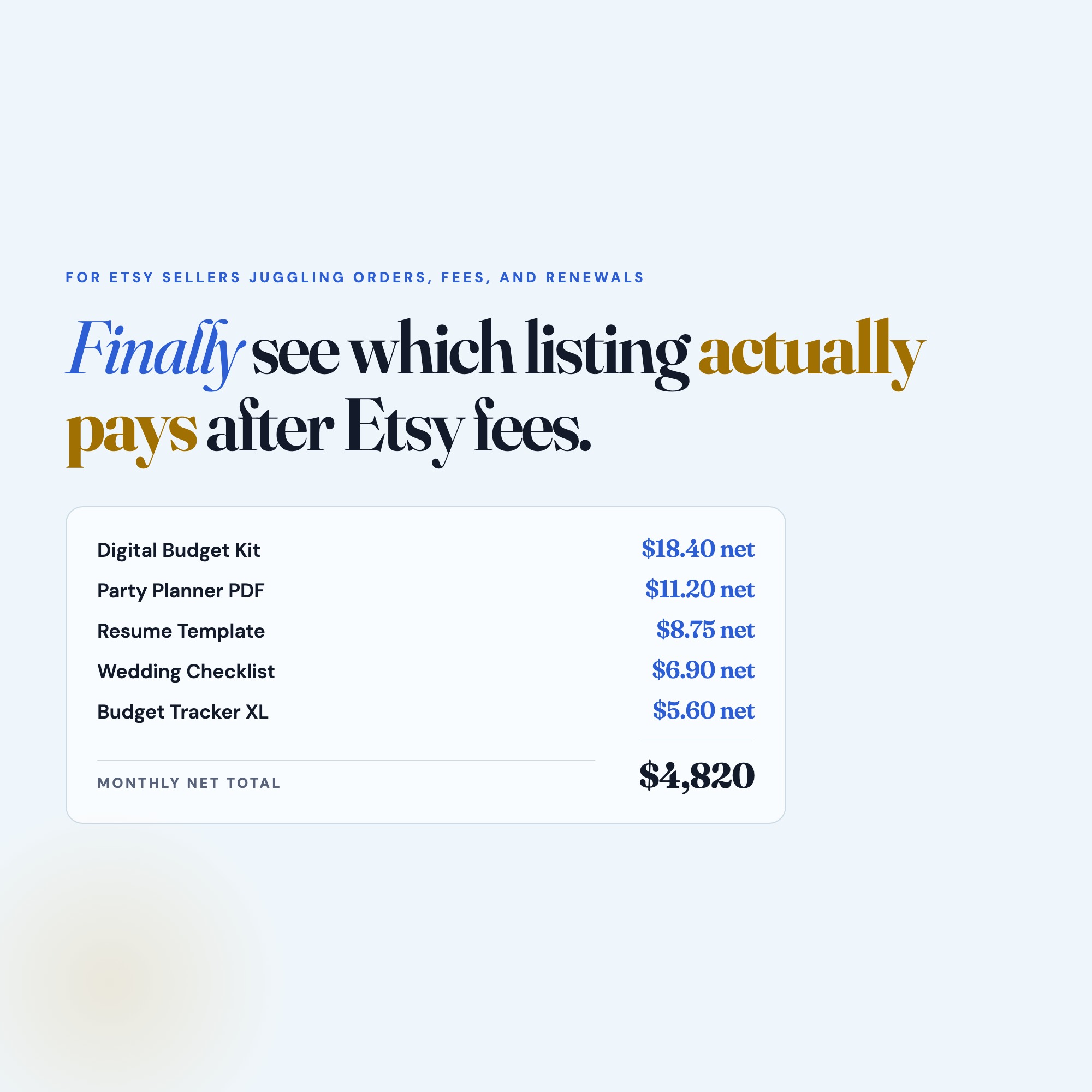
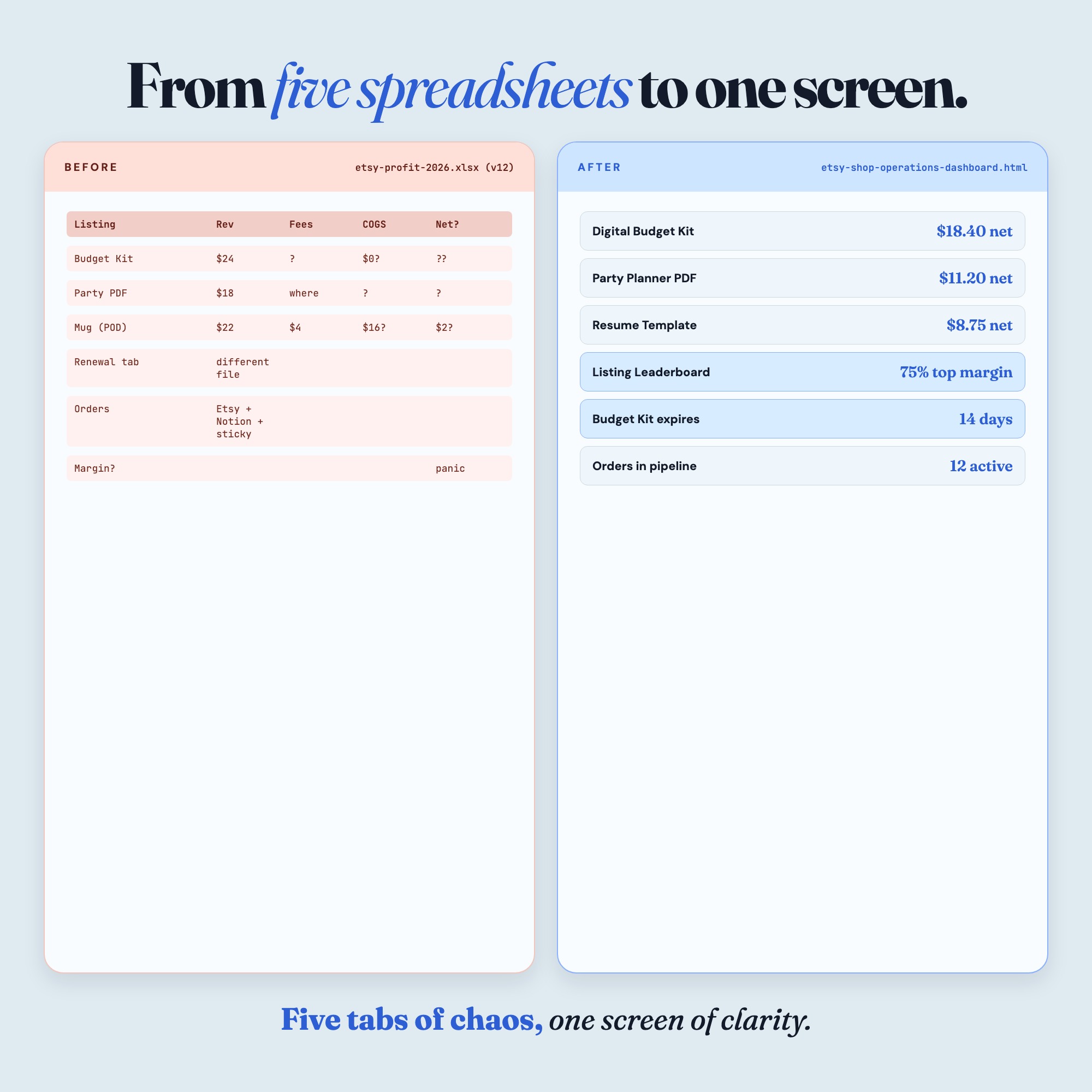
Every competitor on Etsy sells you a generic profit calculator that tells you what ONE product earns. This dashboard compares every listing side by side: gross revenue, Etsy fees, actual COGS, net profit, and margin percentage — ranked from most profitable to least. Know exactly which listings to promote, which to reprice, and which to retire. No spreadsheet does this. No app includes it. This is the one feature that changes how you run your shop.
WHAT’S INSIDE (5 tabs):
Tab 1 — Order Pipeline: Move orders through New, In Progress, Shipped, and Complete. Track buyer name, item, order date, and fulfillment note. No more lost orders.
Tab 2 — COGS Calculator: Enter your material costs, packaging, labor estimate, and Etsy fees per listing. The dashboard calculates your true cost and net margin instantly.
Tab 3 — Listing Renewal Scheduler: See which listings expire soonest, color-coded by urgency. Renew on time, keep momentum, never lose a listing to accidental expiry again.
Tab 4 — Profit by Listing: Your full catalog ranked by net profit. See your top earners and hidden losers at a glance. One view, every product.
Tab 5 — Shop Overview: Monthly revenue, average order value, total active listings, fees paid to Etsy this month, and net income summary — your business pulse in one screen.
THIS IS FOR YOU IF:
-
You track orders in a notes app and forget to mark them shipped
-
You price products on gut feel because calculating fees takes too long
-
You forget to renew listings and lose your sales history
-
You have 20+ listings but no idea which three are carrying your shop
-
You want a real business dashboard without paying for Craftybase or Linnworks
Your data is safe
This dashboard runs entirely in your browser with no internet required after download. Your shop data never leaves your computer. No login. No Etsy API access required. No subscription, ever. Export your data as a JSON backup anytime. Works on Mac, Windows, and iPad via Chrome.
Files included
-
etsy-shop-operations-dashboard.html (your interactive dashboard)
-
HOW-TO-SAVE.txt (3-minute setup and backup guide)
Delivered as a ZIP archive — extract and open dashboard.html in Chrome.
Your shop deserves a real operations system. Download once, use forever.
(Notion users: a companion Notion template is in the works. Grab this dashboard now and get the full Notion OS at a discount when it launches.)
5 Tabs included
- ◈
Overview
Shop health summary: open orders, expiring listings, monthly revenue, and net profit
- ≡
Order Pipeline
Kanban tracker moving orders through New, In Progress, Shipped, Complete
- ⊞
COGS Calculator
Per-listing cost breakdown with Etsy fee auto-calculation and net margin
- ◉
Listing Renewals
Renewal scheduler with color-coded urgency sorted by soonest expiry
- ★
Profit by Listing
Exclusive profit leaderboard ranking every listing by net monthly profit
Exclusive Feature
Profit-Per-Listing Leaderboard: every tracked listing ranked by net profit after fees and COGS — a view no static spreadsheet competitor offers
This is built into the fifth tab and is unavailable in any static template, spreadsheet, or Notion template on the market.
Gallery


Learn more
Etsy Digital Download Not Working or Link Expired? How to Get Your File
Where Etsy keeps your digital files, how to re-download after the email link is gone, what to do if no link arrived, and when it's the seller's problem.
GuideHow to Track Your Etsy Shop Profit Per Listing (The Right Way)
How to calculate real net profit per Etsy listing after fees and COGS — so you know which products actually make money and which to reprice or retire.
List7 Metrics Etsy Sellers Must Track to Actually Grow Their Shop
The 7 Etsy metrics that actually predict shop growth, including per-listing profit, renewal timing, and COGS, versus the vanity numbers sellers watch.
Before you buy
Frequently asked questions
- What is Etsy Shop Operations Dashboard?
- Etsy Shop Operations Dashboard is an interactive dashboard that opens in your web browser. It is one self-contained HTML file — download it once, double-click it, and it runs. No app, no account, no subscription.
- Does Etsy Shop Operations Dashboard need Excel or Google Sheets?
- No. It is not a spreadsheet and does not open in one. It runs in Chrome, Safari, Edge or Firefox on macOS, Windows, iPad or Chromebook, and keeps working offline.
- What is included in Etsy Shop Operations Dashboard?
- 5 sections in a single file: Overview, Order Pipeline, COGS Calculator, Listing Renewals, Profit by Listing.
- Does it work offline?
- Yes — completely. The dashboard is a single HTML file. Once downloaded, it runs entirely in your browser with no internet connection needed. All data autosaves to your browser's localStorage.
- Which devices and browsers are supported?
- Works in Chrome, Edge, Safari, and Firefox on macOS, Windows, iPad, and Chromebook. No app to install, no account to create. Just open the file.
- What is your refund policy?
- All sales are final. This is an instant download delivered in full at payment, so it cannot be returned. If a file will not open or a feature does not work as described, that is a defect and it gets fixed at no cost — email hello@listingresearchos.com and you will get a corrected file.
- How do I install it?
- There is nothing to install. After purchase, download the HTML file. Double-click to open in your browser. That's it. A HOW-TO-SAVE.txt is included explaining how to back up and restore your data.
- Is my data private?
- Completely. Everything runs locally — no login, no analytics, no data sent to any server. Your data is stored only in your browser's localStorage. You own it entirely.
You might also like
One-time purchase
Get it for $22.00
Instant download. Open in any browser. Yours forever.