
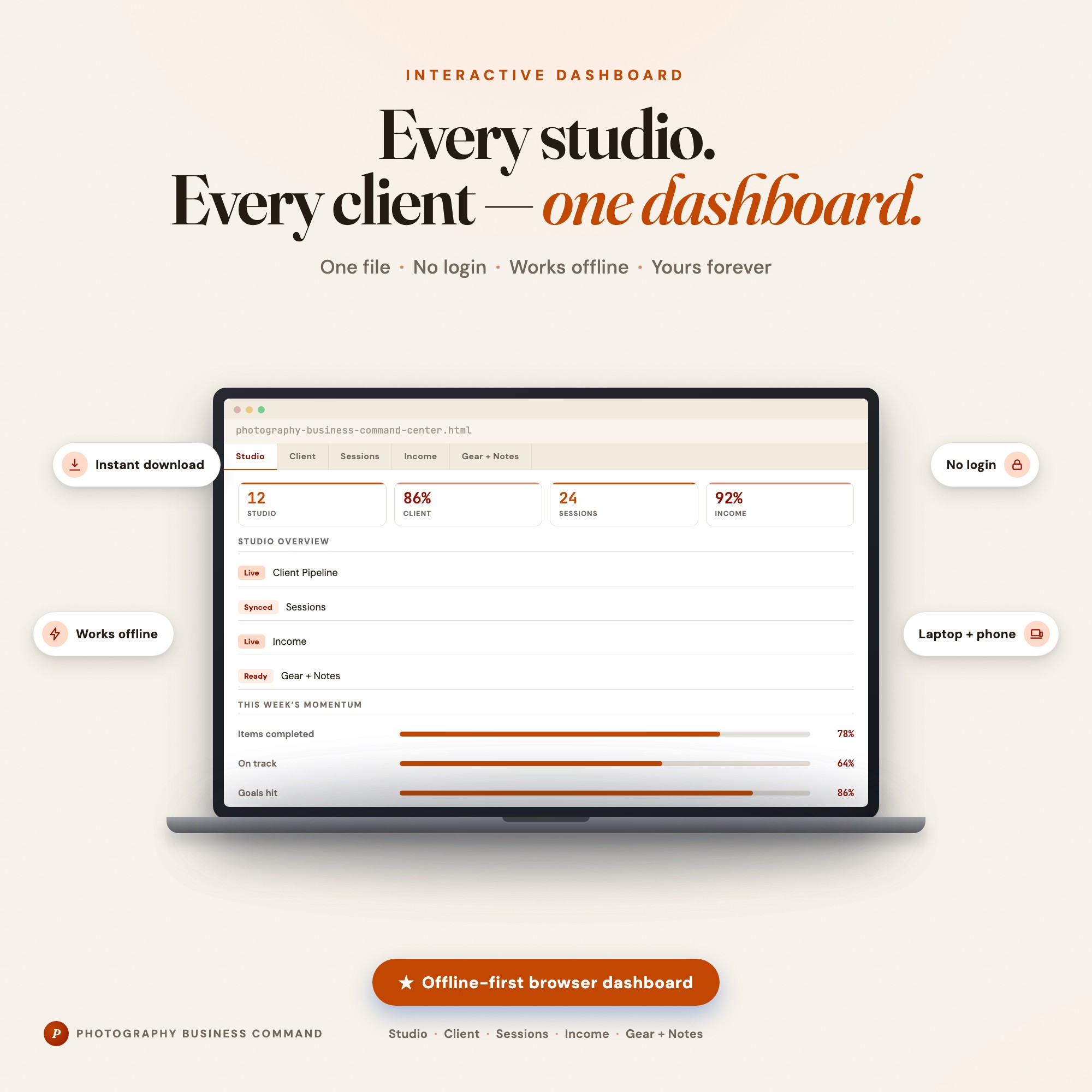
Interactive dashboard
Photography Business Planner
Built for Solo freelance photographer with 10-30 active clients juggling bookings, editing queues, invoicing, and client communication
Try it live
Click around the real dashboard
Interactive demo · a few tabs unlocked
See it in action
The dashboard
What it is
Built for solo freelance photographer with 10-30 active clients juggling bookings, editing queues, invoicing, and client communication. Finally, a studio system that runs as smoothly as you shoot It is a browser-native interactive dashboard that lives in a single HTML file, with nothing to install.
What is Photography Business Planner?
Photography Business Planner is an interactive dashboard that opens in your web browser. It is one self-contained HTML file — you download it once, double-click it, and it runs. It is built for solo freelance photographer with 10-30 active clients juggling bookings, editing queues, invoicing, and client communication.
What is included in Photography Business Planner?
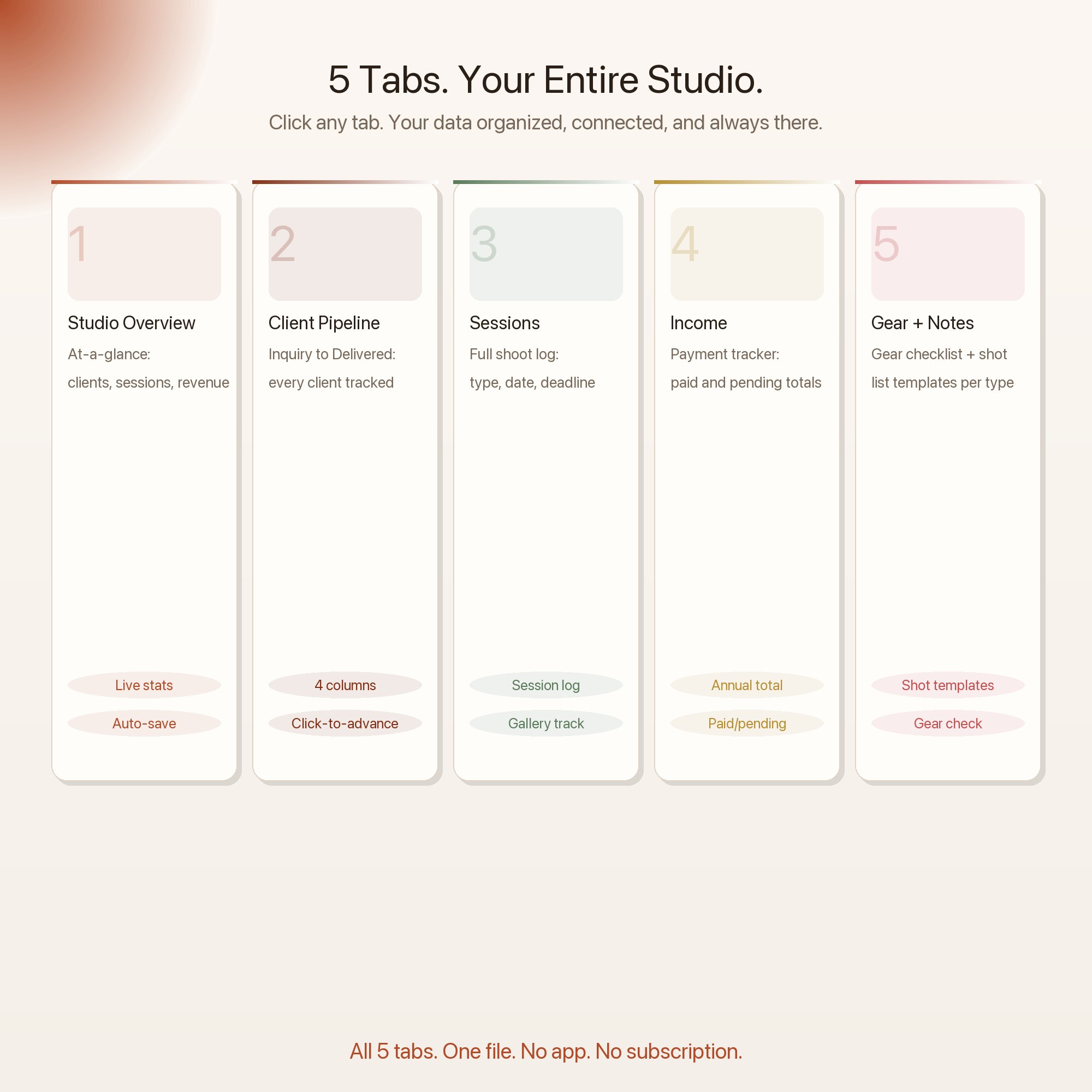
5 sections, all in the one file:
- Studio Overview
- Client Pipeline
- Sessions
- Income
- Gear + Notes
Does Photography Business Planner need Excel, Google Sheets or a subscription?
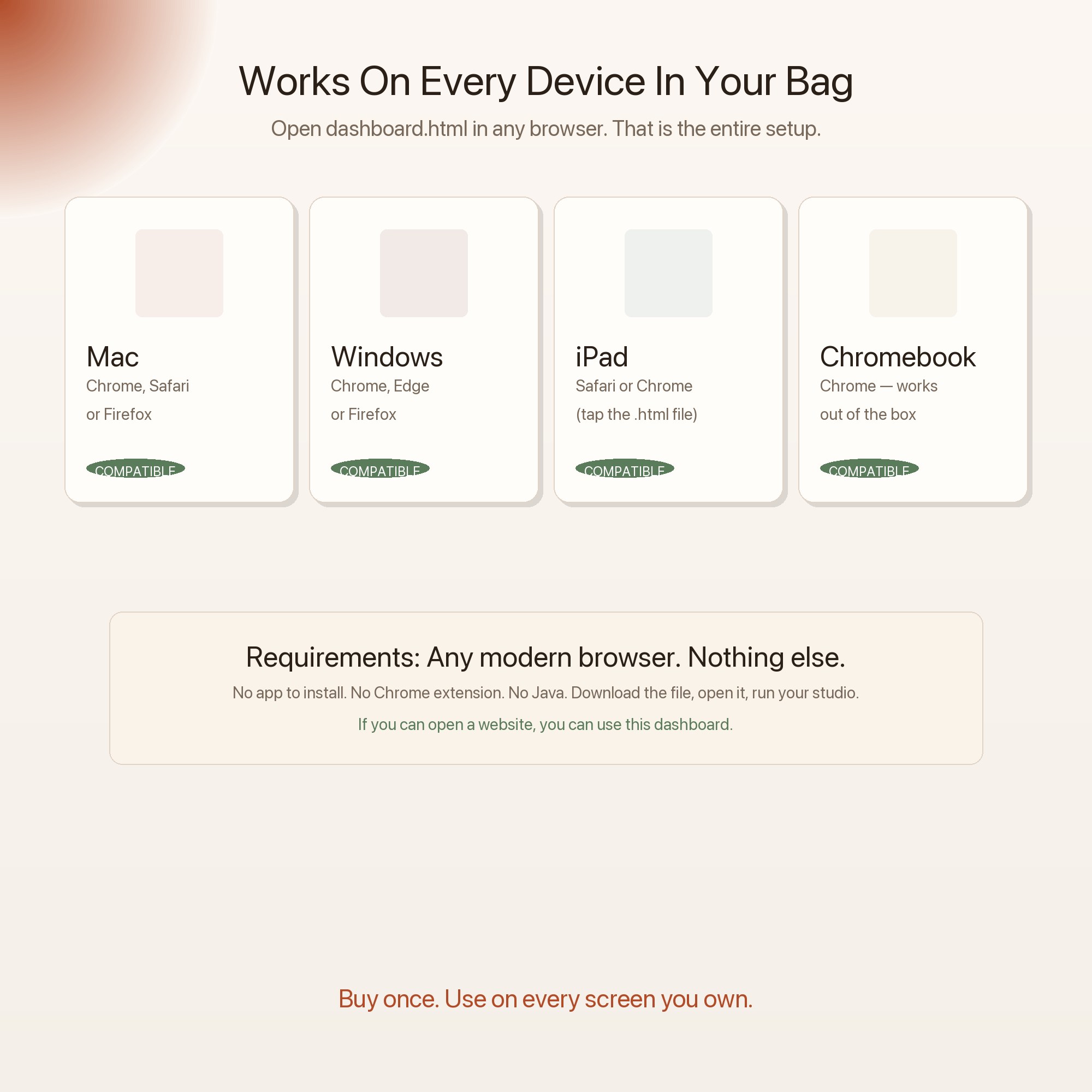
No. There is no app to install, no account to create, no login and no recurring fee. It opens in Chrome, Safari, Edge or Firefox on macOS, Windows, iPad or Chromebook, and it keeps working offline once the file is on your machine.
Where does Photography Business Planner store my data?
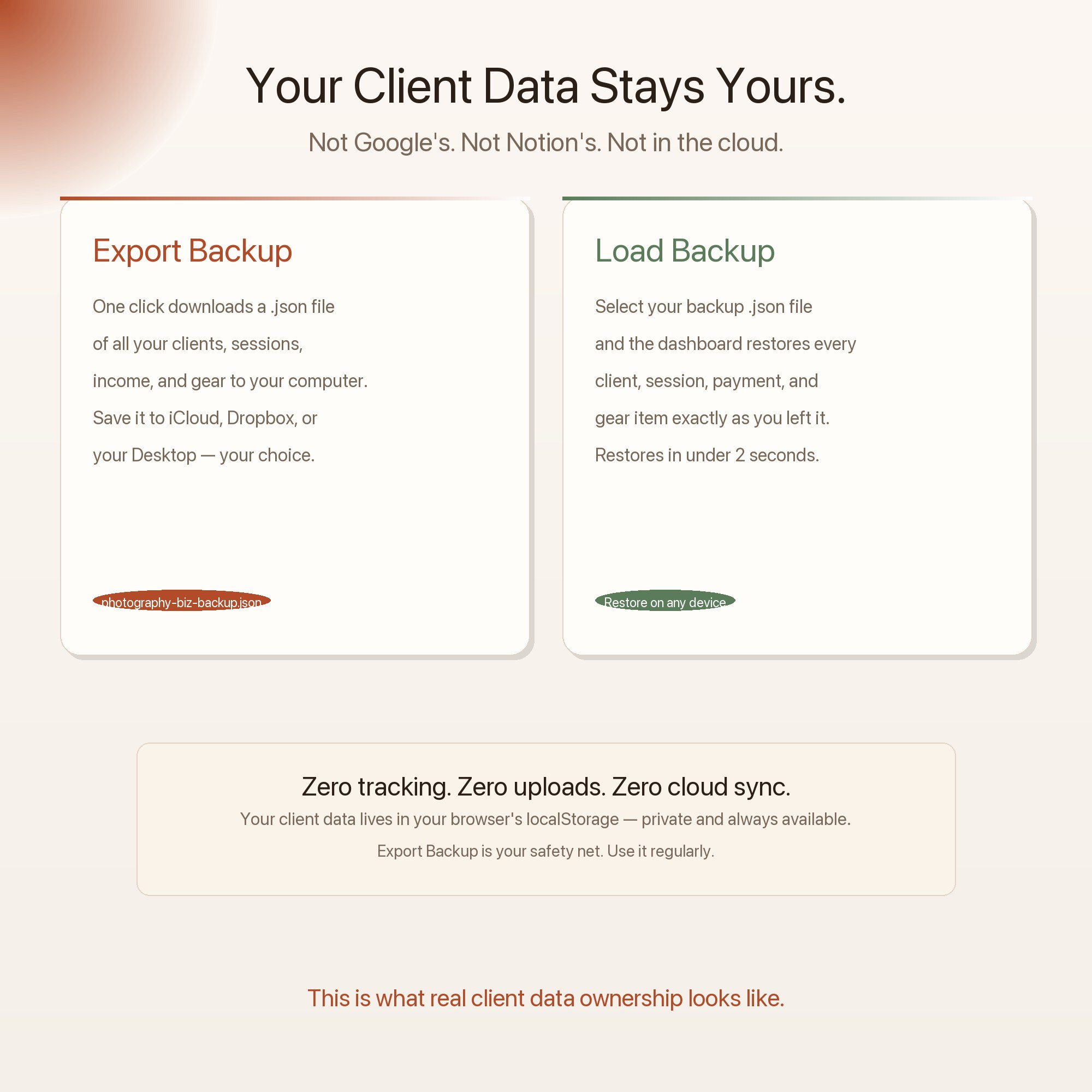
On your own device, in your own browser. Nothing is uploaded, no account is created and no analytics are collected. You can export a backup file at any time and load it on another computer.
How much is Photography Business Planner and how is it delivered?
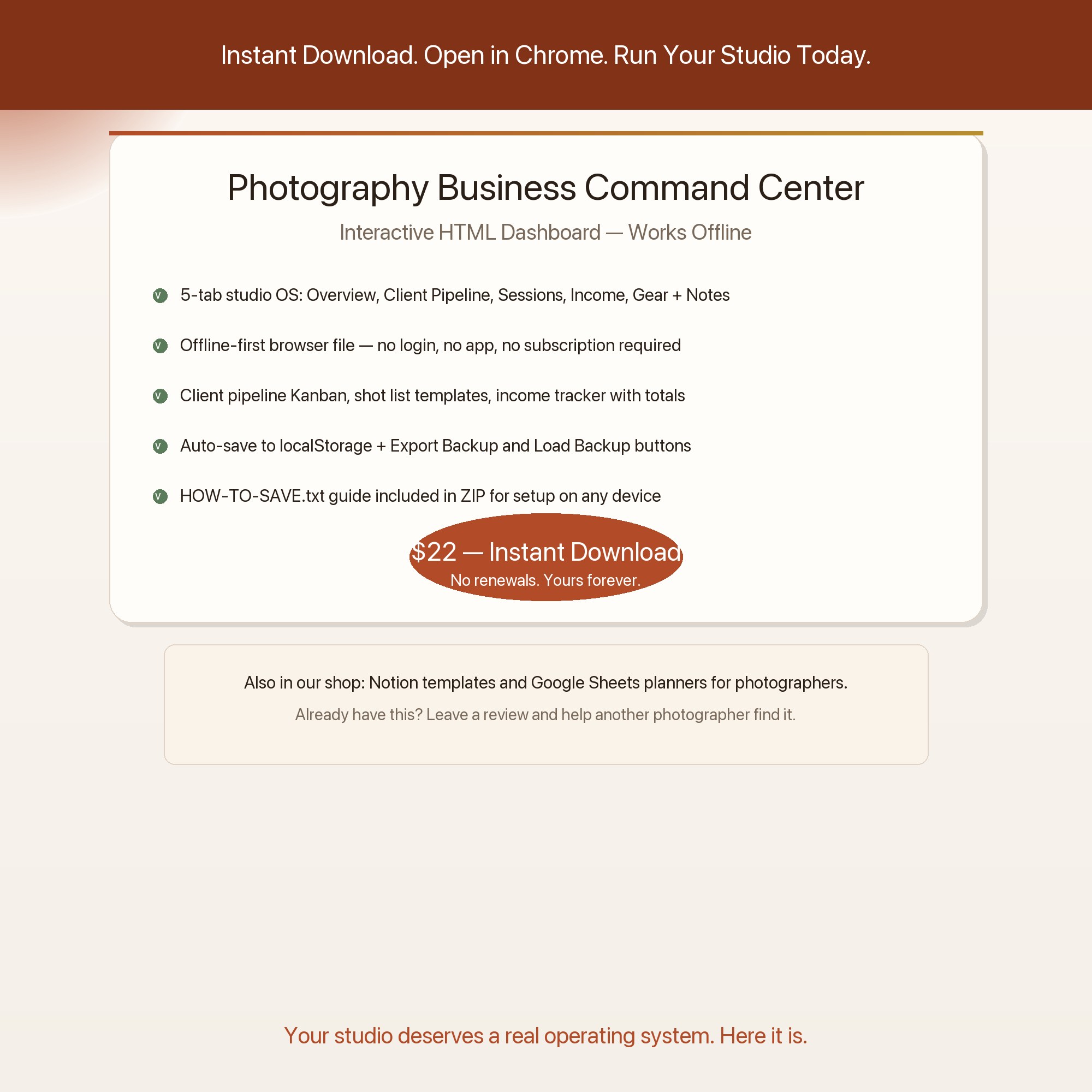
$22, delivered as an instant download the moment you pay. Because it is a digital file, all sales are final.
More about Photography Business Planner
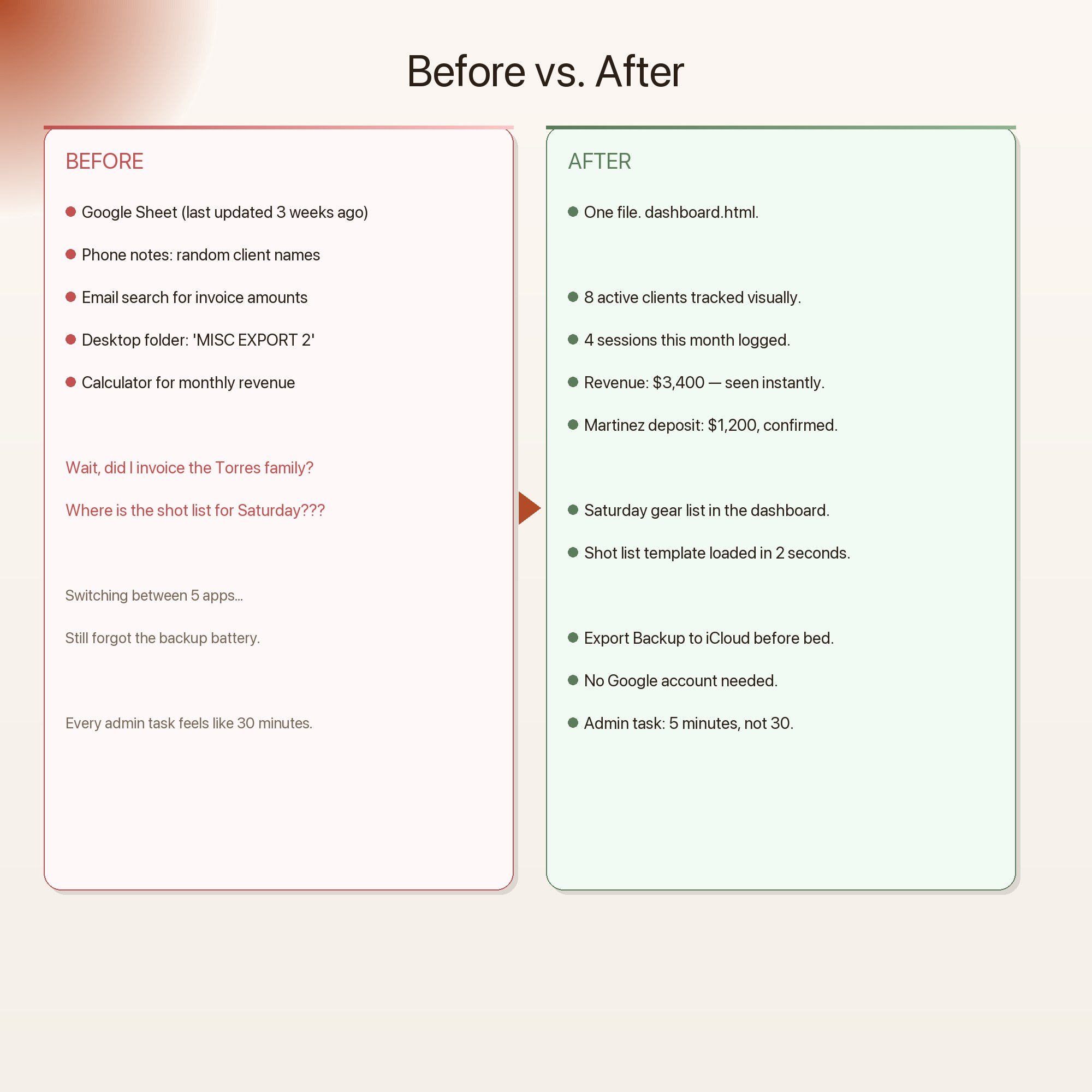
This is what running a photography business looks like before the Photography Business Command Center.
The Photography Business Command Center is the only interactive browser dashboard built for solo photographers that requires zero apps, zero subscriptions, and zero cloud accounts. Download once. Open in Chrome. Your data autosaves silently while you work. That is it.
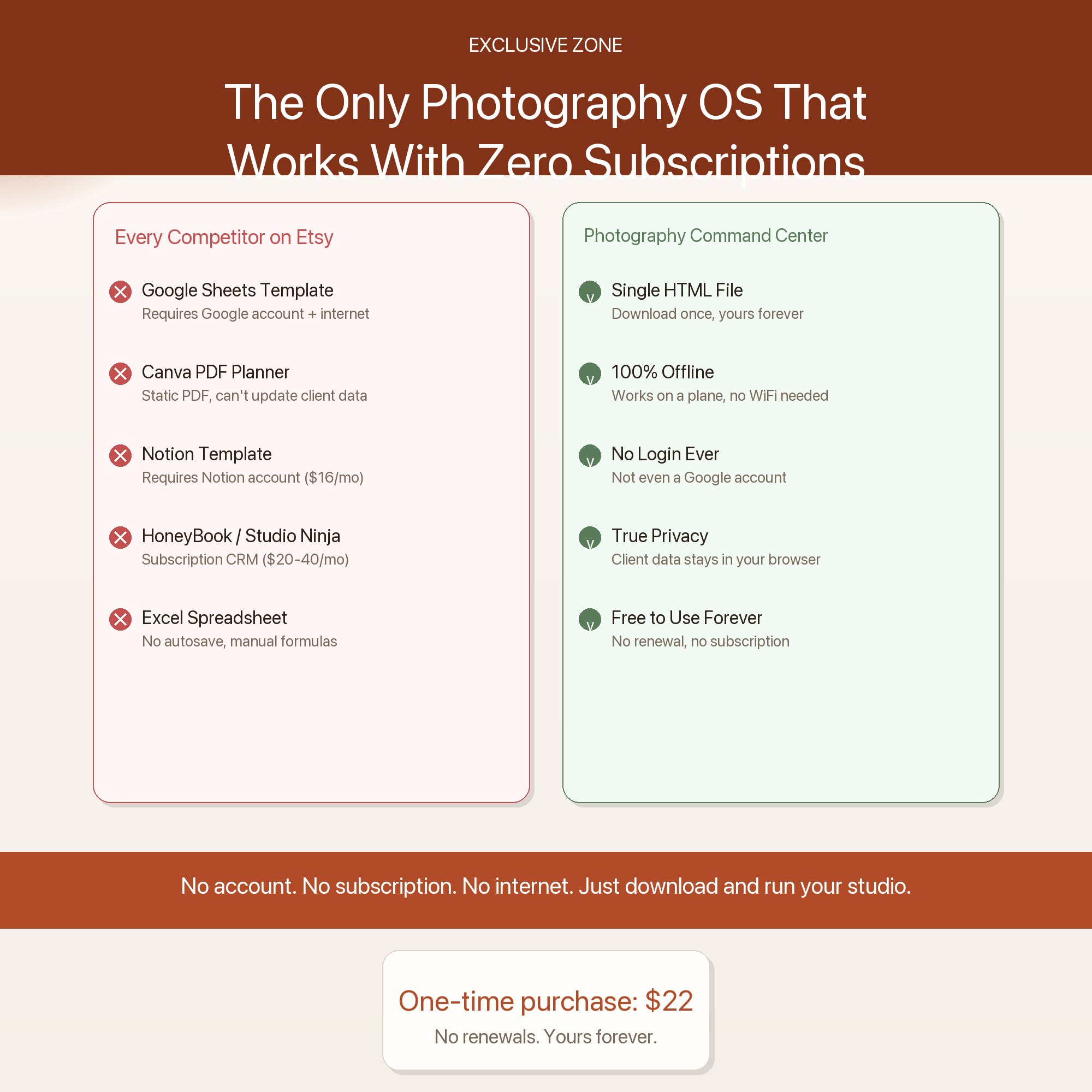
★ EXCLUSIVE ZONE — Built for Photographers, Not Spreadsheet Warriors
Every other photography planner on Etsy hands you a Google Sheet to fill out or a Canva PDF to print. This is a live browser dashboard. Client cards update in real time. Your income chart redraws as you add sessions. Your editing queue tracks itself. No formulas. No app store. No monthly fee. Just open the file and run your studio.
WHAT’S INSIDE — 5 Professional Tabs
Client Pipeline — Every inquiry, booking, editing, and delivery status tracked on visual cards. Add a new client in seconds. See their package, shoot date, balance due, and next action at a glance. Never lose track of who needs what again.
Session Calendar — Log every shoot by type: portrait, wedding, commercial, headshot, event. See your month at a glance. Track shoot location, client name, call time, and delivery deadline in one clean view.
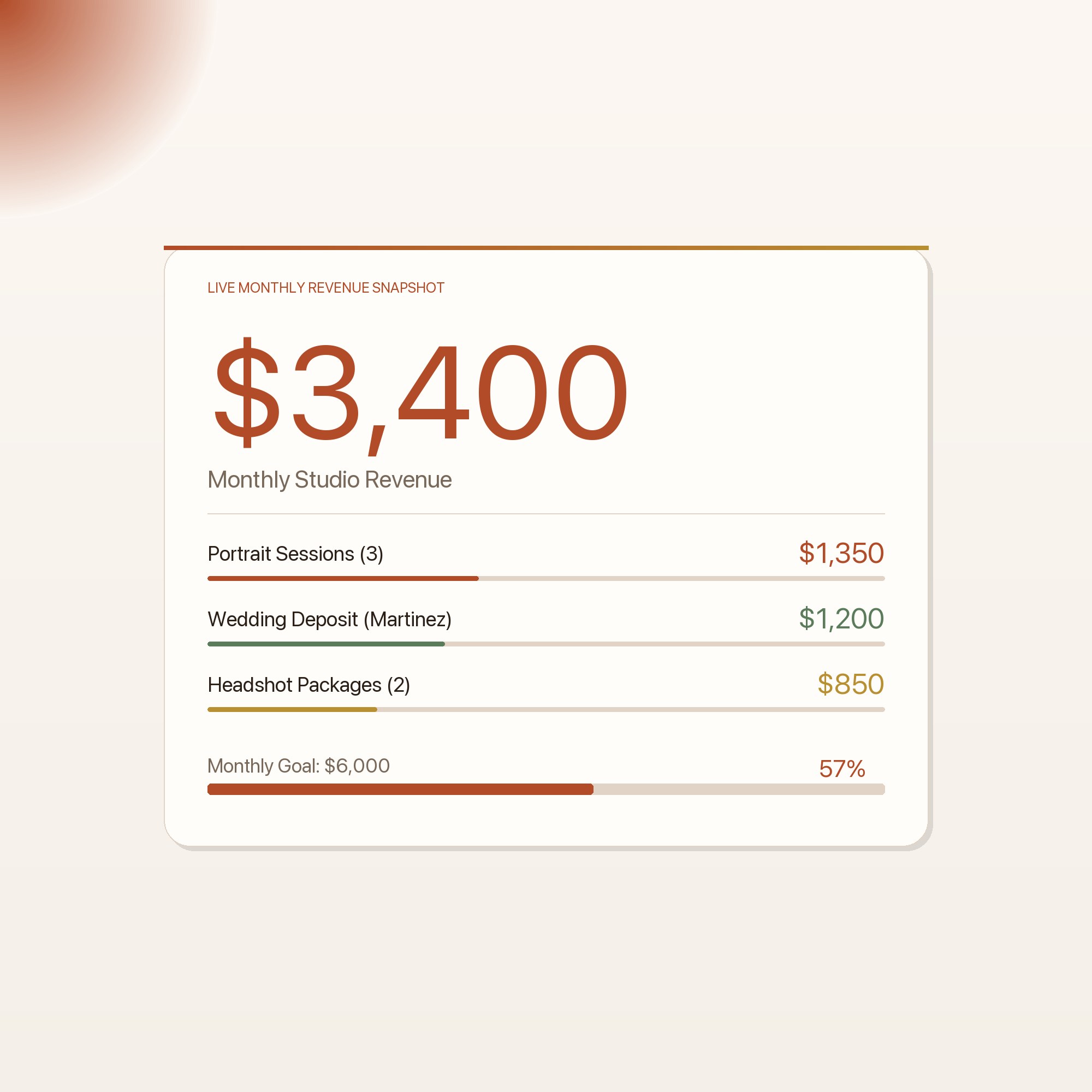
Income Tracker — Log every payment: deposits, final invoices, print sales, licensing. See monthly totals, per-package revenue, and your running annual income. Know your numbers before tax season surprises you.
Equipment and Shot Notes — A living gear checklist and shot-list builder. Log what you brought to each shoot and what you plan to capture. Build reusable templates for portrait vs. commercial vs. wedding setups.
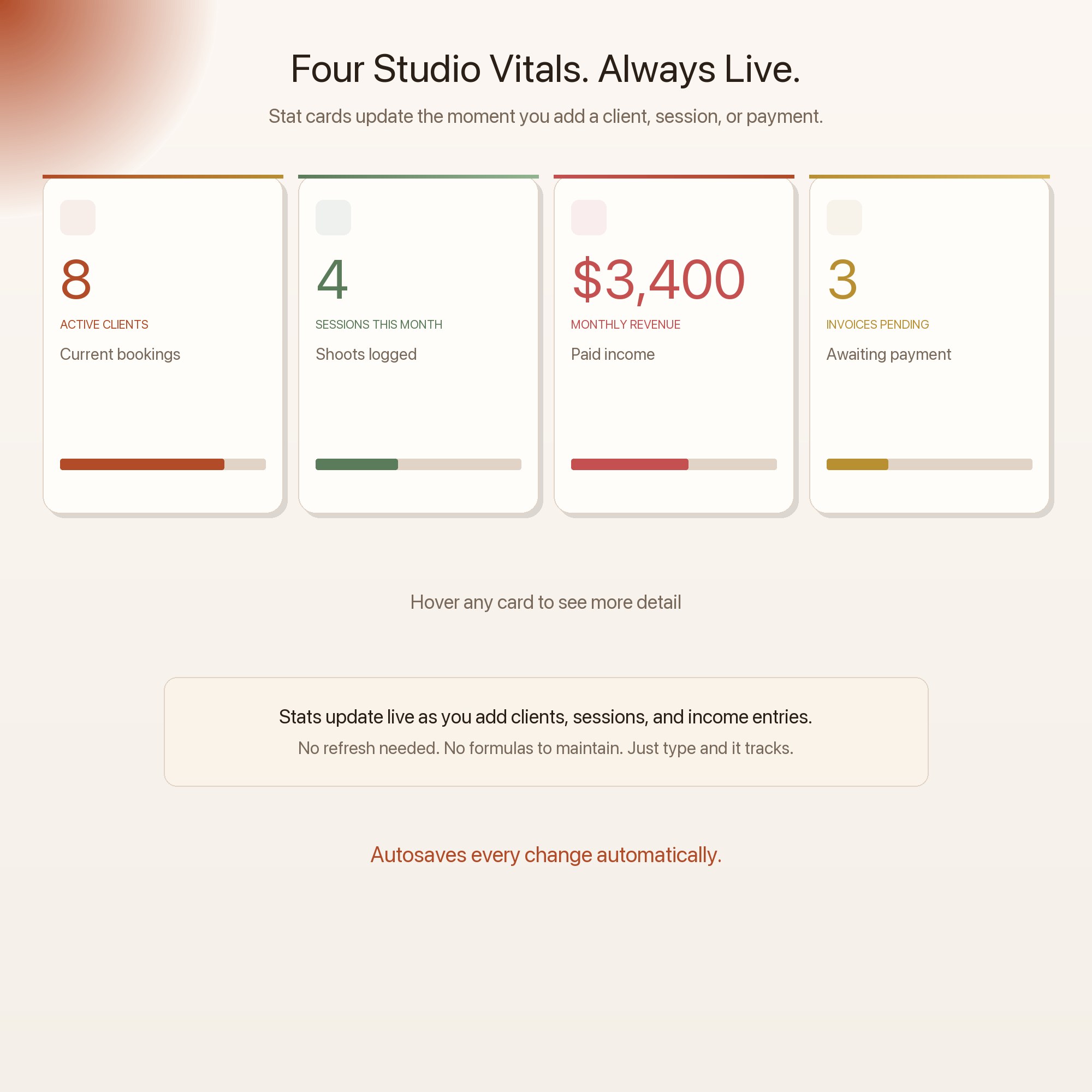
Studio Overview — Your weekly command center. Active clients, sessions this week, outstanding invoices, and deep-work hours for editing and business tasks. One glance tells you where you stand.
THIS IS FOR YOU IF…
-
You have more clients than systems and something always falls through the cracks
-
Your booking, editing, and invoicing all happen in different apps or worse, your phone notes
-
You have been meaning to build a proper client tracker for months
-
You want a premium studio management tool without paying $30 per month for software
-
You need to hand a client their gallery and realize you forgot to send the final invoice first
Your data is safe
Everything stays in your browser. Nothing uploads. Nothing is shared with anyone. The Export Backup button downloads a private .json file to your machine. Load Backup restores it instantly on any device. Your client data stays yours.
Files included
photography-business-command-center-CUSTOMER.zip containing:
-
dashboard.html — Open in Chrome or any modern browser. Works immediately.
-
HOW-TO-SAVE.txt — Plain-English guide to backing up, restoring, and using on multiple devices
Compatible with: Chrome, Edge, Safari, Firefox on Mac, Windows, and iPad. No internet required after download.
Your studio deserves a real operating system. Here it is.
NOTION USERS: Love structured dashboards but tired of the monthly subscription? This was designed to feel just as clean and organized — same editorial quality, zero ongoing cost.
5 Tabs included
- ◈
Studio Overview
At-a-glance stats: active clients, sessions this month, revenue, pending invoices
- ≡
Client Pipeline
Kanban board: inquiry, booked, editing, delivered with click-to-advance
- ⊞
Sessions
Full shoot log with type, date, location, deadline, and delivery status
- ◉
Income
Payment tracker with paid/pending status, monthly and annual totals
- ★
Gear + Notes
Gear checklist, shot-list templates by session type, post-processing notes; hosts EXCLUSIVE ZONE
Exclusive Feature
Offline-first browser dashboard: works with zero subscriptions, zero cloud accounts, zero internet — data stays private in the buyer's browser
This is built into the fifth tab and is unavailable in any static template, spreadsheet, or Notion template on the market.
Gallery
Learn more
Before you buy
Frequently asked questions
- What is Photography Business Planner?
- Photography Business Planner is an interactive dashboard that opens in your web browser. It is one self-contained HTML file — download it once, double-click it, and it runs. No app, no account, no subscription.
- Does Photography Business Planner need Excel or Google Sheets?
- No. It is not a spreadsheet and does not open in one. It runs in Chrome, Safari, Edge or Firefox on macOS, Windows, iPad or Chromebook, and keeps working offline.
- What is included in Photography Business Planner?
- 5 sections in a single file: Studio Overview, Client Pipeline, Sessions, Income, Gear + Notes.
- Does it work offline?
- Yes — completely. The dashboard is a single HTML file. Once downloaded, it runs entirely in your browser with no internet connection needed. All data autosaves to your browser's localStorage.
- Which devices and browsers are supported?
- Works in Chrome, Edge, Safari, and Firefox on macOS, Windows, iPad, and Chromebook. No app to install, no account to create. Just open the file.
- What is your refund policy?
- All sales are final. This is an instant download delivered in full at payment, so it cannot be returned. If a file will not open or a feature does not work as described, that is a defect and it gets fixed at no cost — email hello@listingresearchos.com and you will get a corrected file.
- How do I install it?
- There is nothing to install. After purchase, download the HTML file. Double-click to open in your browser. That's it. A HOW-TO-SAVE.txt is included explaining how to back up and restore your data.
- Is my data private?
- Completely. Everything runs locally — no login, no analytics, no data sent to any server. Your data is stored only in your browser's localStorage. You own it entirely.
You might also like
One-time purchase
Get it for $22.00
Instant download. Open in any browser. Yours forever.