
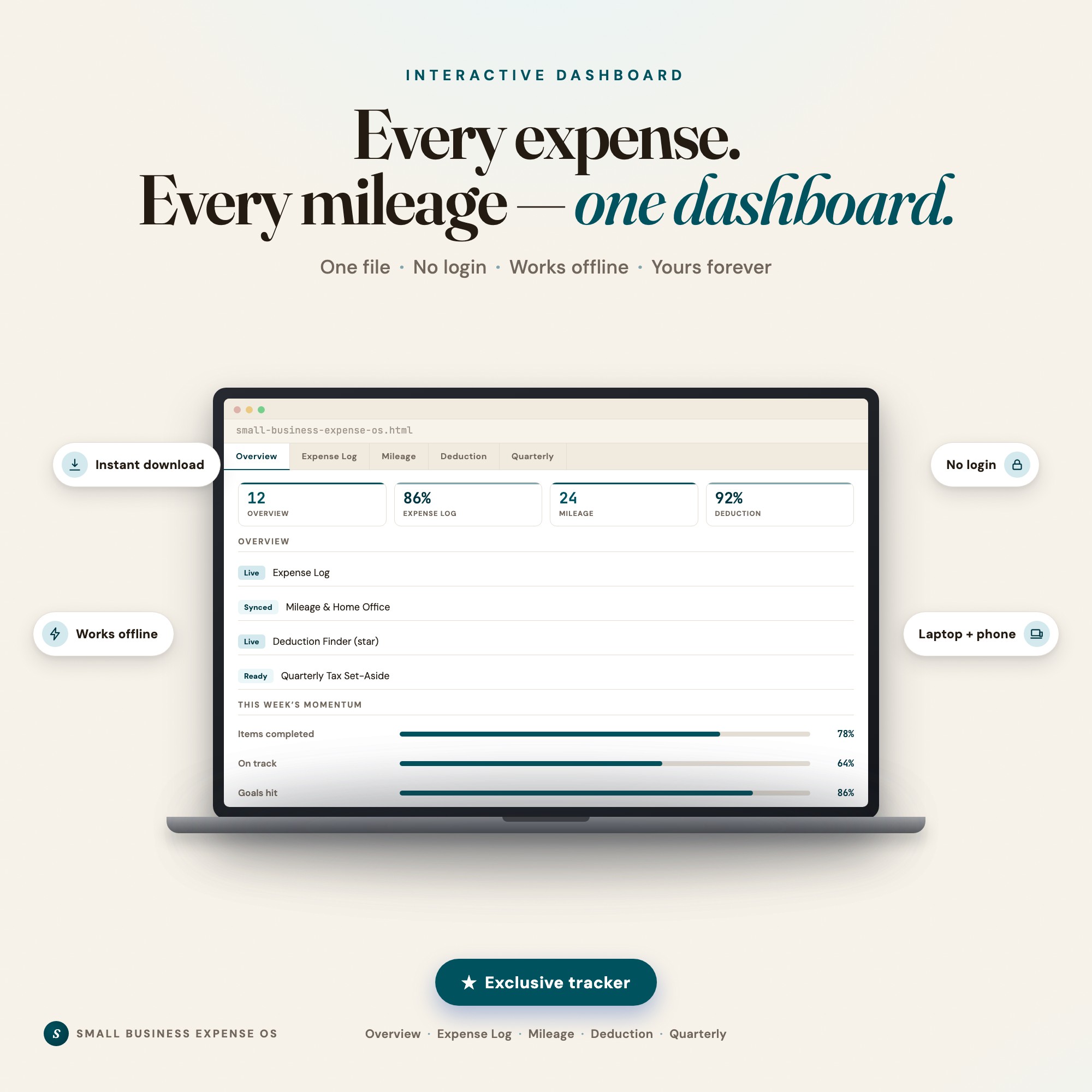
Interactive dashboard
Small Business Expense Tracker
Built for A registered small-business owner (sole prop, LLC, or freelancer filing a Schedule C) who dumps receipts into a shoebox or a scattered spreadsheet, has no idea what their subscriptions have quietly crept up to over the year, and dreads the moment their accountant asks 'do you have your expenses by category?'
Try it live
Click around the real dashboard
Interactive demo · a few tabs unlocked
See it in action
The dashboard
What it is
Built for a registered small-business owner (sole prop, LLC, or freelancer filing a Schedule C) who dumps receipts into a shoebox or a scattered spreadsheet, has no idea what their subscriptions have quietly crept up to over the year, and dreads the moment their accountant asks ‘do you have your expenses by category?’. Know exactly what you can deduct, catch the subscriptions quietly draining your margin, and walk into tax season with your categories already done. It is a browser-native interactive dashboard that lives in a single HTML file, with nothing to install.
What is Small Business Expense Tracker?
Small Business Expense Tracker is an interactive dashboard that opens in your web browser. It is one self-contained HTML file — you download it once, double-click it, and it runs. It is built for a registered small-business owner (sole prop, LLC, or freelancer filing a Schedule C) who dumps receipts into a shoebox or a scattered spreadsheet, has no idea what their subscriptions have quietly crept up to over the year, and dreads the moment their accountant asks ‘do you have your expenses by category?’.
What is included in Small Business Expense Tracker?
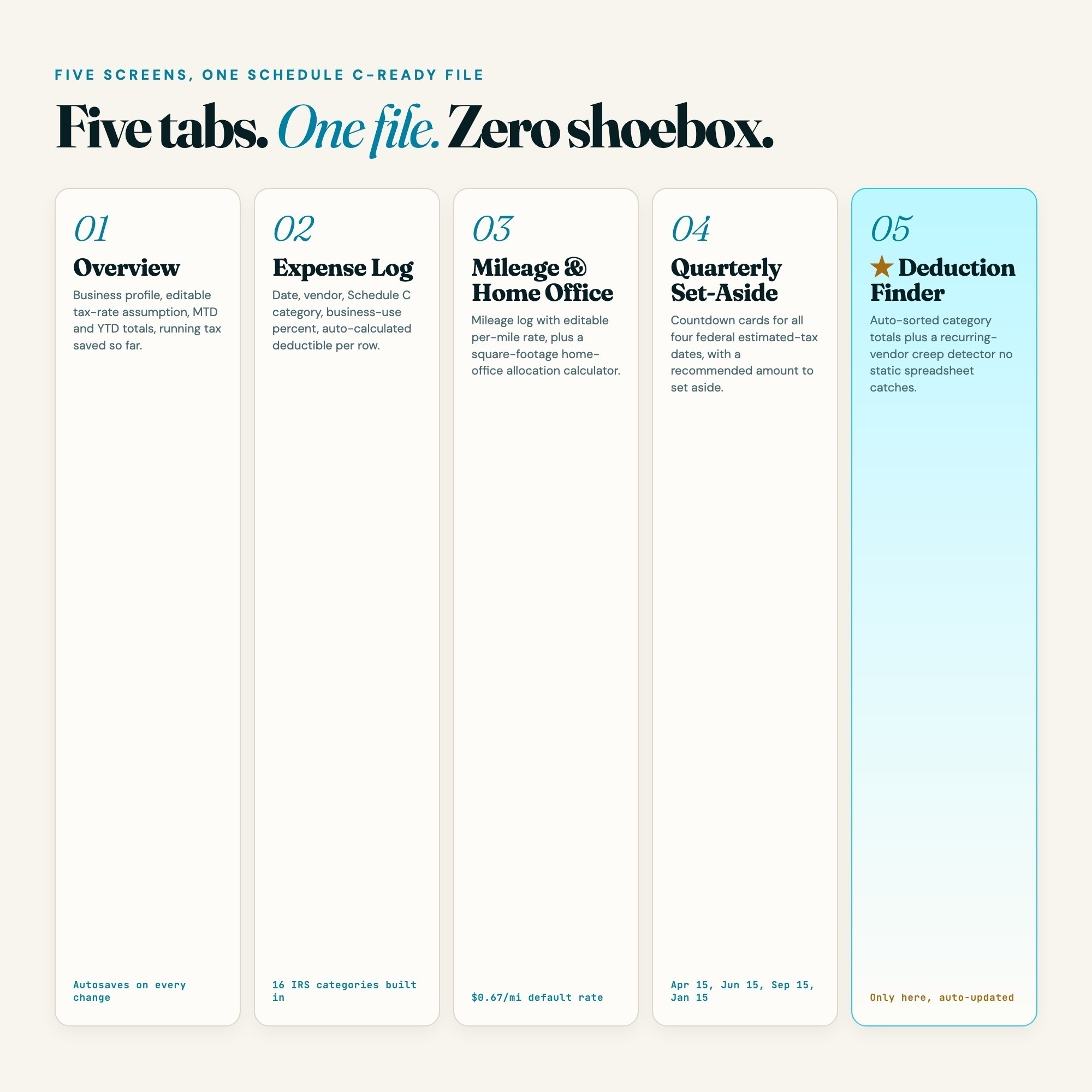
5 sections, all in the one file:
- Overview
- Expense Log
- Mileage & Home Office
- Deduction Finder (star)
- Quarterly Tax Set-Aside
Does Small Business Expense Tracker need Excel, Google Sheets or a subscription?
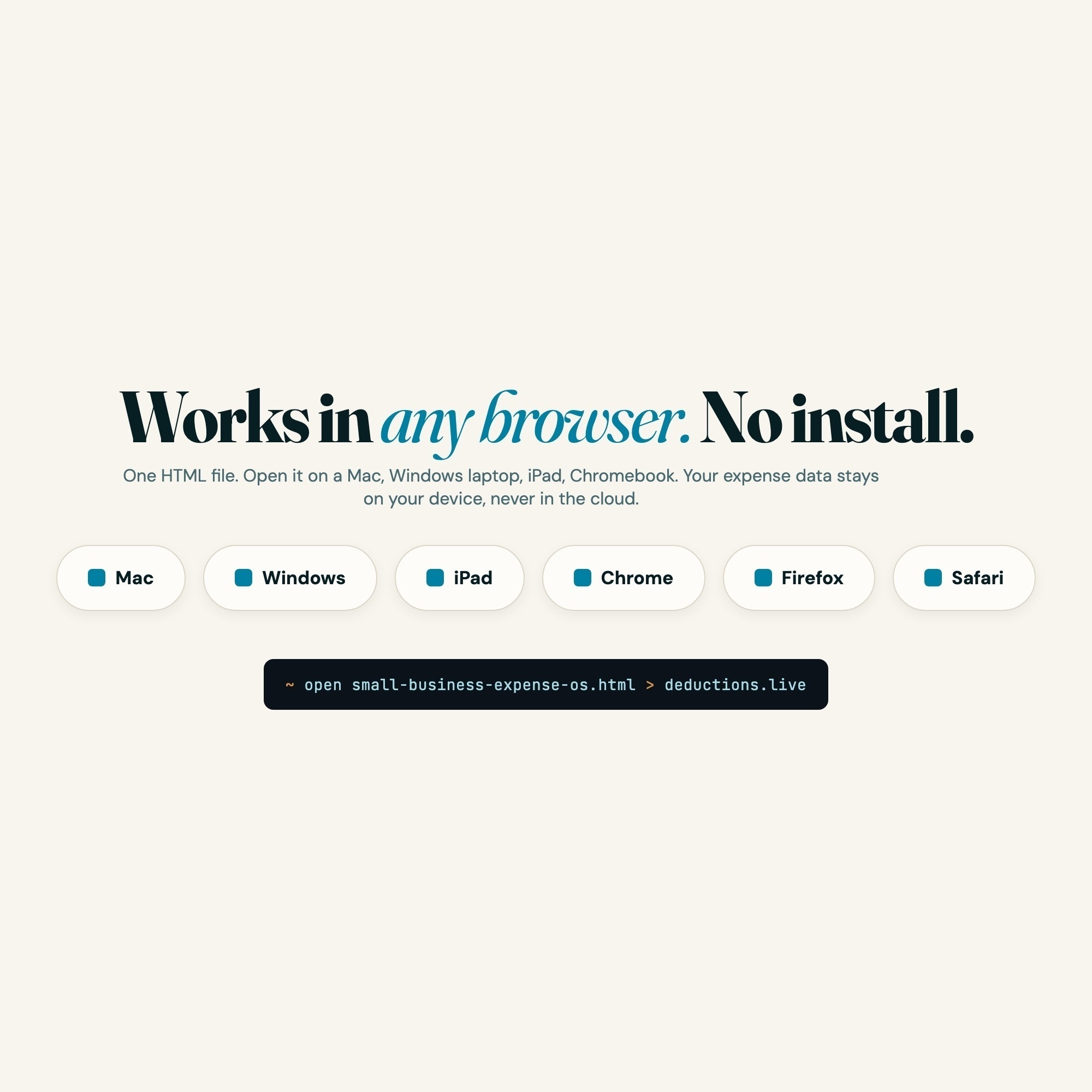
No. There is no app to install, no account to create, no login and no recurring fee. It opens in Chrome, Safari, Edge or Firefox on macOS, Windows, iPad or Chromebook, and it keeps working offline once the file is on your machine.
Where does Small Business Expense Tracker store my data?
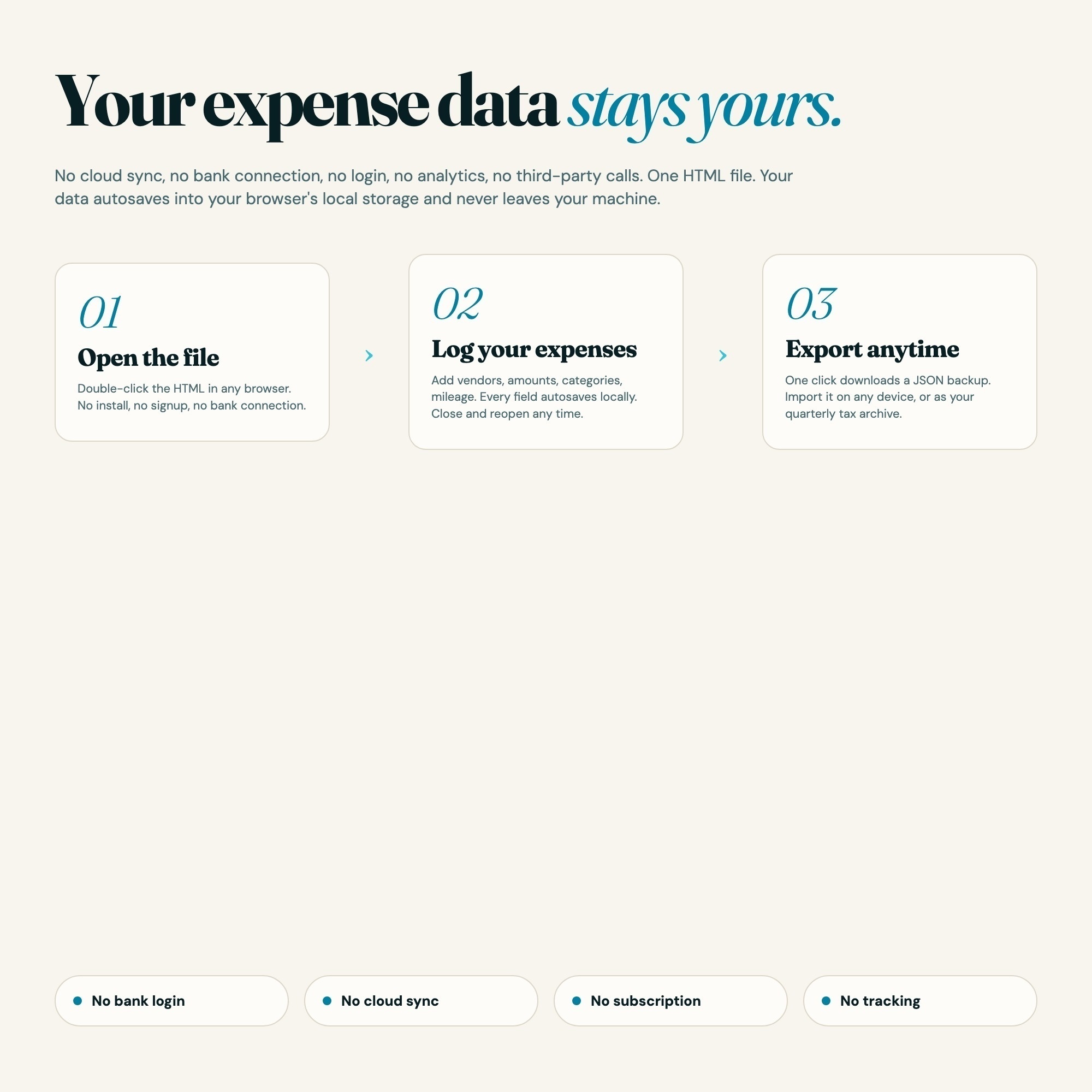
On your own device, in your own browser. Nothing is uploaded, no account is created and no analytics are collected. You can export a backup file at any time and load it on another computer.
Can I change how Small Business Expense Tracker looks?
Yes — colour, background, typeface and text size are all adjustable from inside the dashboard, and your choice is remembered the next time you open it.
How much is Small Business Expense Tracker and how is it delivered?
$26, delivered as an instant download the moment you pay. Because it is a digital file, all sales are final.
More about Small Business Expense Tracker
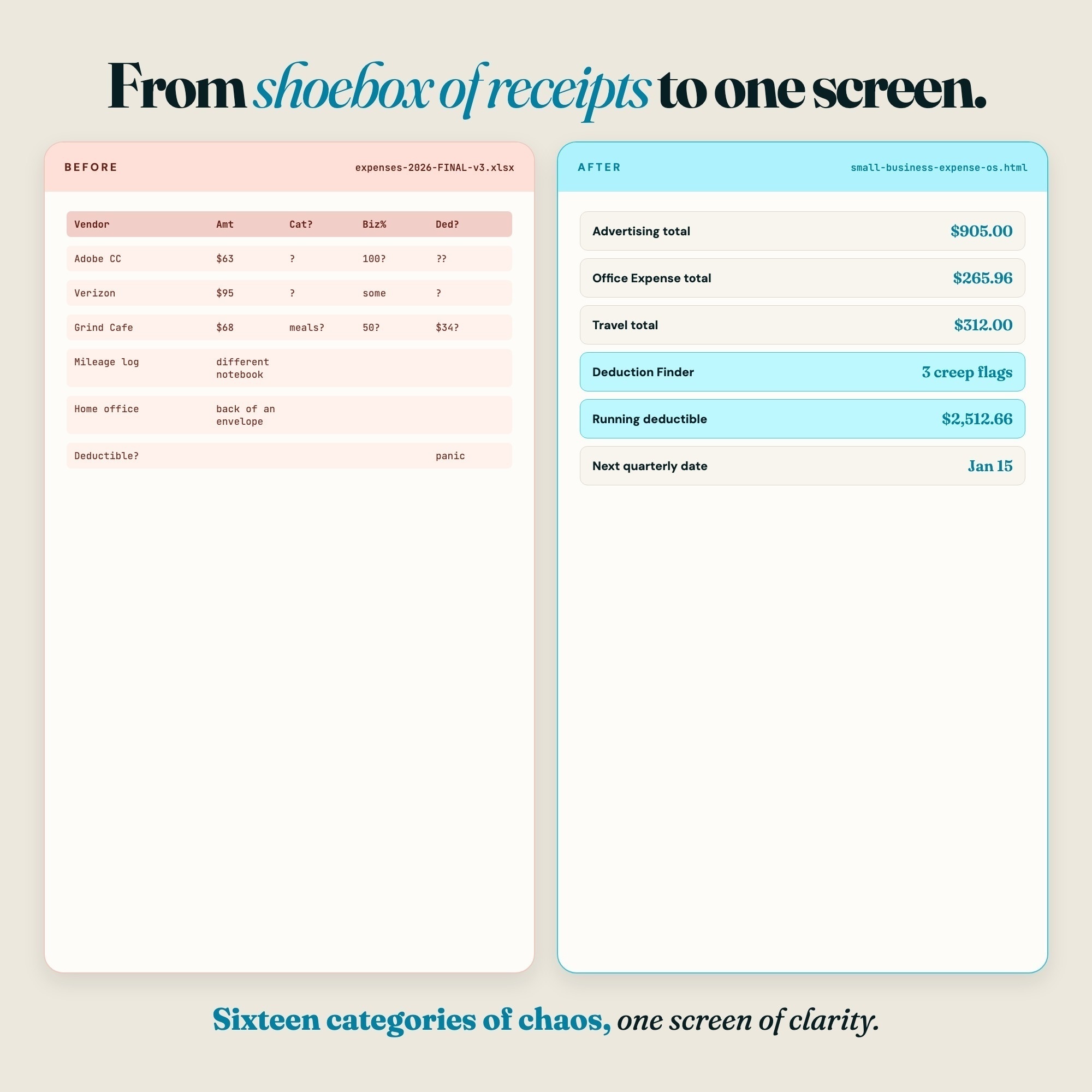
Receipts in a shoebox. A spreadsheet you meant to update every week and did not. A subscription bill that
has crept up three times since you signed up and you never noticed. The Small Business Expense OS is one
interactive dashboard that opens in any browser, organizes every dollar you spend into the categories an
accountant asks for, and catches the cost creep a static spreadsheet never flags on its own.
★ EXCLUSIVE ZONE — Deduction Finder & Subscription Creep Engine
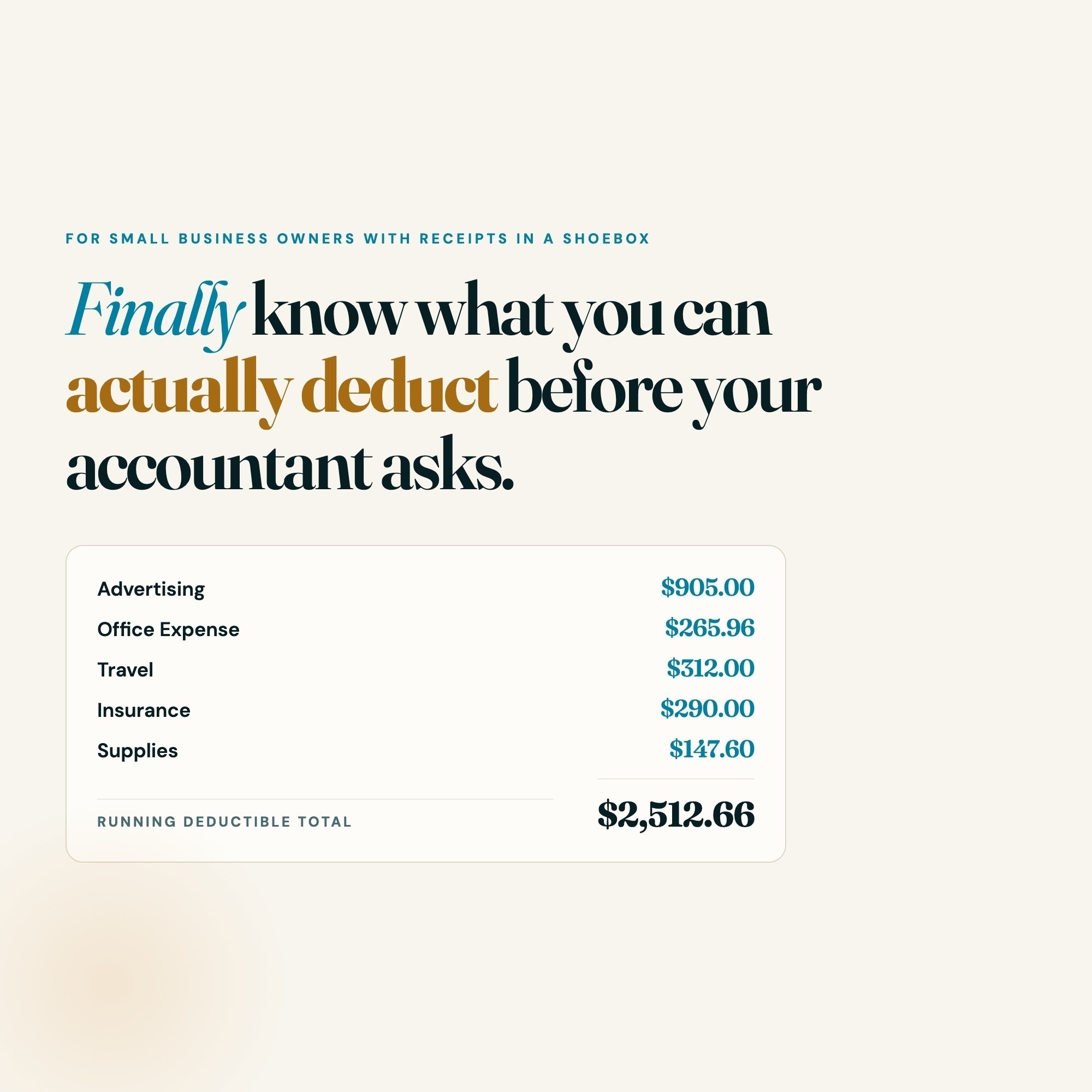
Every expense you log is automatically sorted into Schedule C categories with a running deductible total
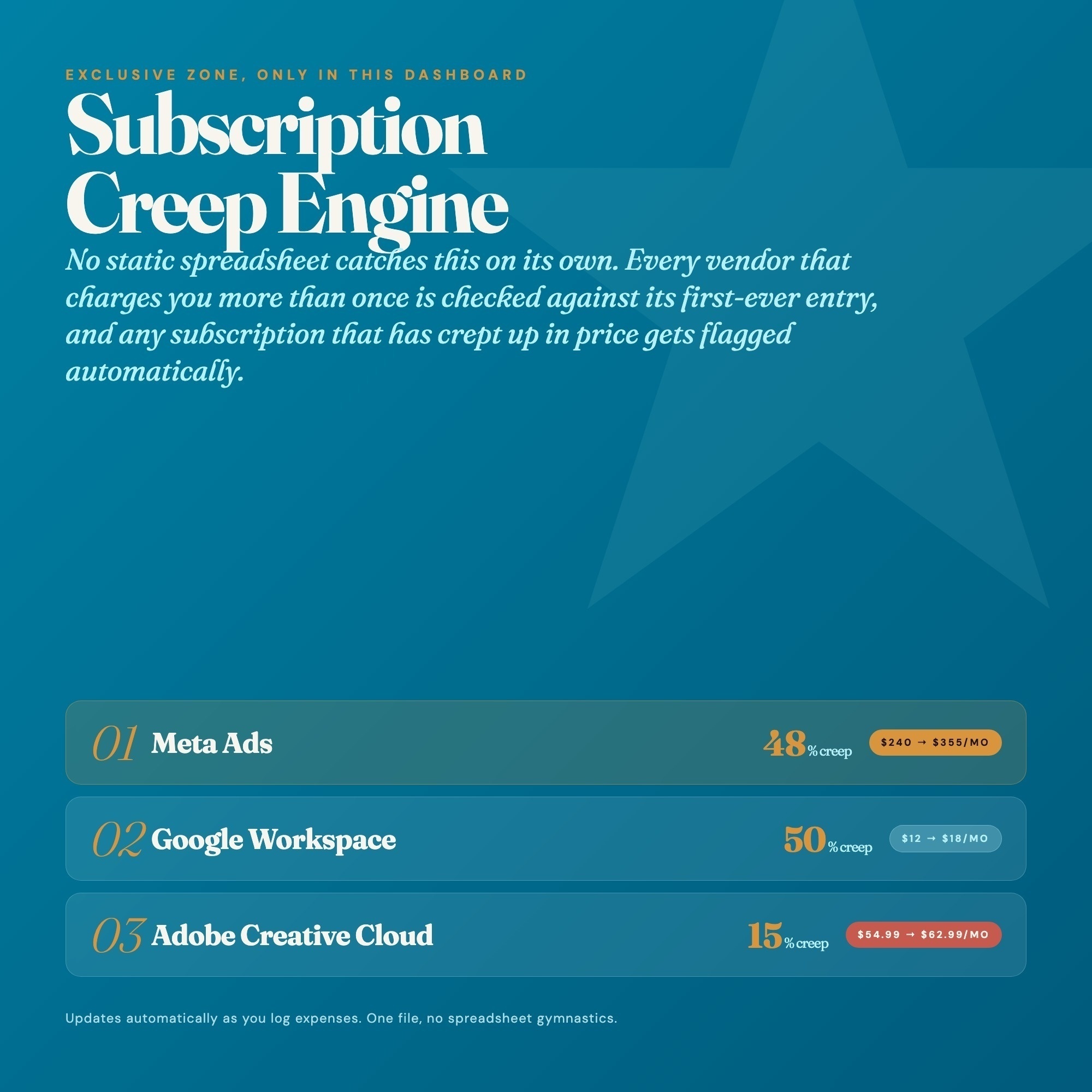
and an estimated tax saved, calculated live. The same engine groups expenses by vendor and flags any
recurring charge whose cost has risen since its first appearance — first amount, latest amount, percent
crept. No competitor in the scraped set (19 listings, all spreadsheets or printables) computes any of this
automatically.
What’s inside:
• Overview — business profile, MTD/YTD totals, running deductible total, estimated tax saved
• Expense Log — date, vendor, Schedule C category, amount, business-use %, auto-calculated deductible
• Mileage & Home Office — mileage log with editable rate + home-office allocation calculator
• ★ Deduction Finder — auto-categorized totals + subscription creep detector (the zone no competitor has)
• Quarterly Set-Aside — one gross-income field → estimated taxable income, annual tax, and 4 countdown cards
What you get:
• dashboard.html — the single-file interactive expense and deduction command center
• HOW-TO-SAVE.txt — one-page quick start
• Works in any modern browser: Chrome, Edge, Safari, Firefox, on Mac, Windows, iPad, Chromebook
How to use it:
-
Open dashboard.html in any browser — pre-filled with a sample expense catalog
-
Set your business profile and tax-rate assumption in Overview
-
Log expenses as they happen; the Deduction Finder tab does the sorting and creep-detection for you
The Deduction Finder tab is the differentiator: it is the one place a buyer sees their money organized and
their subscriptions checked for creep with zero manual sorting.
You did the hard part, you built the business. You deserve to see exactly what it costs to run and what
you can deduct for it. This helps you make that happen.
★ This is a bookkeeping and organization tool, not tax advice — it organizes expenses into the categories
an accountant asks for. It does not file taxes, guarantee deductions, or carry any IRS endorsement.
INSTANT DOWNLOAD — files available immediately after purchase.
Questions? Message the shop. I respond within 24 hours.
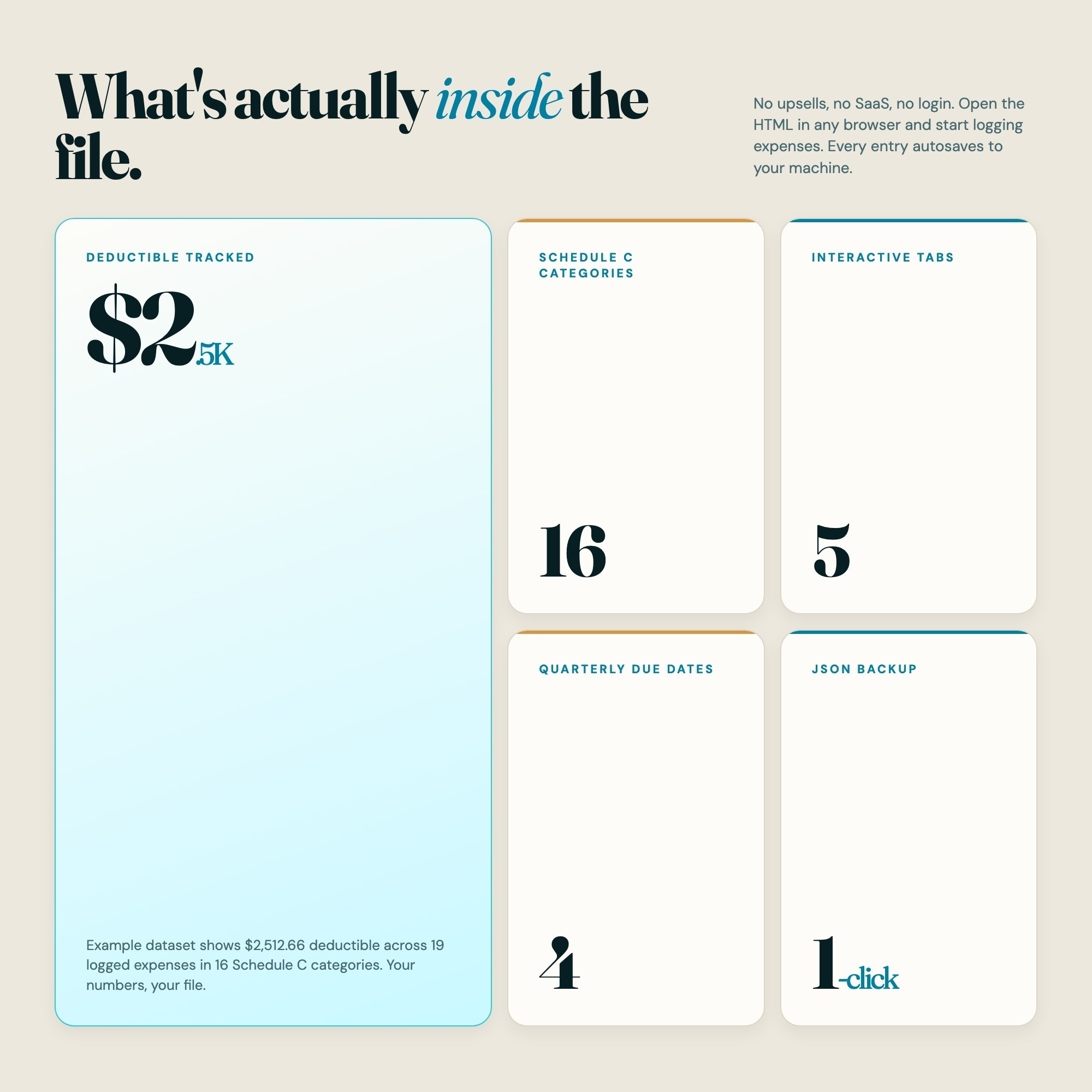
5 Tabs included
- ◈
Overview
Business profile (name, entity type, tax year, editable combined tax-rate assumption), MTD and YTD expense totals, running tax-deductible total, and estimated tax saved so far this year.
- ≡
Expense Log
The core ledger: date, vendor, Schedule C category, amount, business-use percent, and an auto-calculated deductible amount per row, with category and monthly totals.
- ⊞
Mileage & Home Office
A mileage log (date, purpose, miles, editable per-mile rate, auto-calculated deduction) plus a home-office allocation calculator (office sq ft / home sq ft x monthly home costs = allocated deduction).
- ◉
Deduction Finder (star)
EXCLUSIVE ZONE: auto-categorized Schedule C bucket totals from every logged expense, a recurring-vendor detector that flags subscriptions whose cost has crept up since their first entry, and the running total deductible plus estimated tax saved.
- ★
Quarterly Tax Set-Aside
Schedule C category summary, a single editable estimated gross-income field, an estimated taxable-income-after-deductions figure, and countdown cards to the four estimated quarterly tax dates (Apr 15, Jun 15, Sep 15, Jan 15) with a recommended set-aside per quarter.
Exclusive Feature
Deduction Finder & Subscription Creep Engine (the exclusive zone): every expense you log is auto-sorted into Schedule C categories with a running deductible total and an estimated tax saved. The engine also groups your expenses by vendor and flags any recurring charge that has grown since its first appearance, the subscription creep a static spreadsheet never catches on its own. No competitor in the scraped set computes any of this automatically.
This is built into the fifth tab and is unavailable in any static template, spreadsheet, or Notion template on the market.
Gallery

Learn more
Before you buy
Frequently asked questions
- What is Small Business Expense Tracker?
- Small Business Expense Tracker is an interactive dashboard that opens in your web browser. It is one self-contained HTML file — download it once, double-click it, and it runs. No app, no account, no subscription.
- Does Small Business Expense Tracker need Excel or Google Sheets?
- No. It is not a spreadsheet and does not open in one. It runs in Chrome, Safari, Edge or Firefox on macOS, Windows, iPad or Chromebook, and keeps working offline.
- What is included in Small Business Expense Tracker?
- 5 sections in a single file: Overview, Expense Log, Mileage & Home Office, Deduction Finder (star), Quarterly Tax Set-Aside.
- Can I change the colours and text size in Small Business Expense Tracker?
- Yes. Colour, background, typeface and text size are adjustable from inside the dashboard, and the setting is remembered.
- Does it work offline?
- Yes — completely. The dashboard is a single HTML file. Once downloaded, it runs entirely in your browser with no internet connection needed. All data autosaves to your browser's localStorage.
- Which devices and browsers are supported?
- Works in Chrome, Edge, Safari, and Firefox on macOS, Windows, iPad, and Chromebook. No app to install, no account to create. Just open the file.
- What is your refund policy?
- All sales are final. This is an instant download delivered in full at payment, so it cannot be returned. If a file will not open or a feature does not work as described, that is a defect and it gets fixed at no cost — email hello@listingresearchos.com and you will get a corrected file.
- How do I install it?
- There is nothing to install. After purchase, download the HTML file. Double-click to open in your browser. That's it. A HOW-TO-SAVE.txt is included explaining how to back up and restore your data.
- Is my data private?
- Completely. Everything runs locally — no login, no analytics, no data sent to any server. Your data is stored only in your browser's localStorage. You own it entirely.
You might also like
One-time purchase
Get it for $26.00
Instant download. Open in any browser. Yours forever.