
Schedule C Expense Categories, Explained Simply
What the Schedule C expense categories actually mean, which ones small businesses miss, and how to sort expenses before your accountant asks.
Published July 27, 2026
Most small-business owners do not have a bookkeeping problem. They have a sorting problem. The receipts exist, the bank statements exist — what does not exist is any consistent answer to “which category does this belong in?”
That question is what your accountant is really asking when tax season arrives, and the answer is defined by Schedule C.
What Schedule C Actually Is
Schedule C is the form sole proprietors, single-member LLCs, and freelancers file to report business profit or loss. Part II is a list of numbered expense lines, and every business expense you claim has to land on one of them.
There are around twenty. In practice most small businesses touch fewer than half:
- Advertising — ads, promotion, marketing tools
- Car and truck expenses — mileage or actual vehicle costs
- Contract labor — freelancers and contractors you pay
- Insurance — business insurance, not personal health
- Legal and professional services — accountants, lawyers, consultants
- Office expense — stationery, postage, small office supplies
- Rent or lease — premises, equipment, vehicles
- Repairs and maintenance
- Supplies — materials consumed in the work
- Taxes and licenses — business licenses, permits, some payroll taxes
- Travel — business trips, lodging, transport
- Meals — business meals, generally limited to 50% deductible
- Utilities — phone, internet, power for business premises
- Other expenses — the catch-all, itemised separately
Software subscriptions typically land in office expense or other expenses. The category matters less than being consistent: pick where a recurring vendor belongs and keep it there every month.
Business-Use Percentage Is Where People Get Sloppy
Plenty of expenses are not wholly business. A phone bill, a laptop, a car, a home internet connection — each is partly personal.
The mechanism is a business-use percentage. A phone used 60% for business means 60% of the bill is deductible. This is not a rounding exercise you do once at year end from memory; it is a number you should record at the point you log the expense, when you actually remember the split.
Meals carry their own rule — generally 50% deductible rather than 100%. If your log does not distinguish meals from other categories, that limit gets applied wrong in both directions.
The Deduction Almost Everyone Loses
Ask a small-business owner what they spend on software each month and most will underestimate by a wide margin.
The reason is structural. Individually the charges are small — $12 here, $29 there, $54 somewhere else. They are set up once and never reviewed. And crucially, prices rise: a tool that started at $12 a month sits at $18 two years later, and the charge lands on a card statement nobody compares against the original.
Two things happen. You over-pay for tools you may not use. And you under-claim, because you never totalled what they actually cost.
The fix is to group expenses by vendor rather than only by category, and compare each recurring charge against its first appearance. Anything that has crept upward is either a deduction you underestimated or a subscription to cancel — usually worth more than the effort of finding it.
Mileage and Home Office
Two deductions with specific mechanics worth getting right:
Mileage. Log the date, purpose, and miles for each business trip and multiply by the standard rate. The rate changes annually, so whatever tracks this needs the rate to be editable — a hard-coded figure is wrong within a year.
Home office. Both methods require knowing your square footage. The simplified method multiplies business square footage by a fixed IRS rate. The regular method computes business-use percentage — office square footage ÷ total home square footage — and applies that to actual home costs like rent, utilities, and insurance. Either way the space must be used regularly and exclusively for business.
Sort As You Go, Not in April
The single highest-leverage habit is categorising an expense when it happens rather than reconstructing a year of receipts in one sitting. Reconstruction is where accuracy dies: you forget the business-use split, you guess the category, and you quietly drop anything you cannot find.
Logging as you go also gives you something a shoebox never will — a running deductible total during the year, while there is still time to act on it.
One File That Sorts It For You
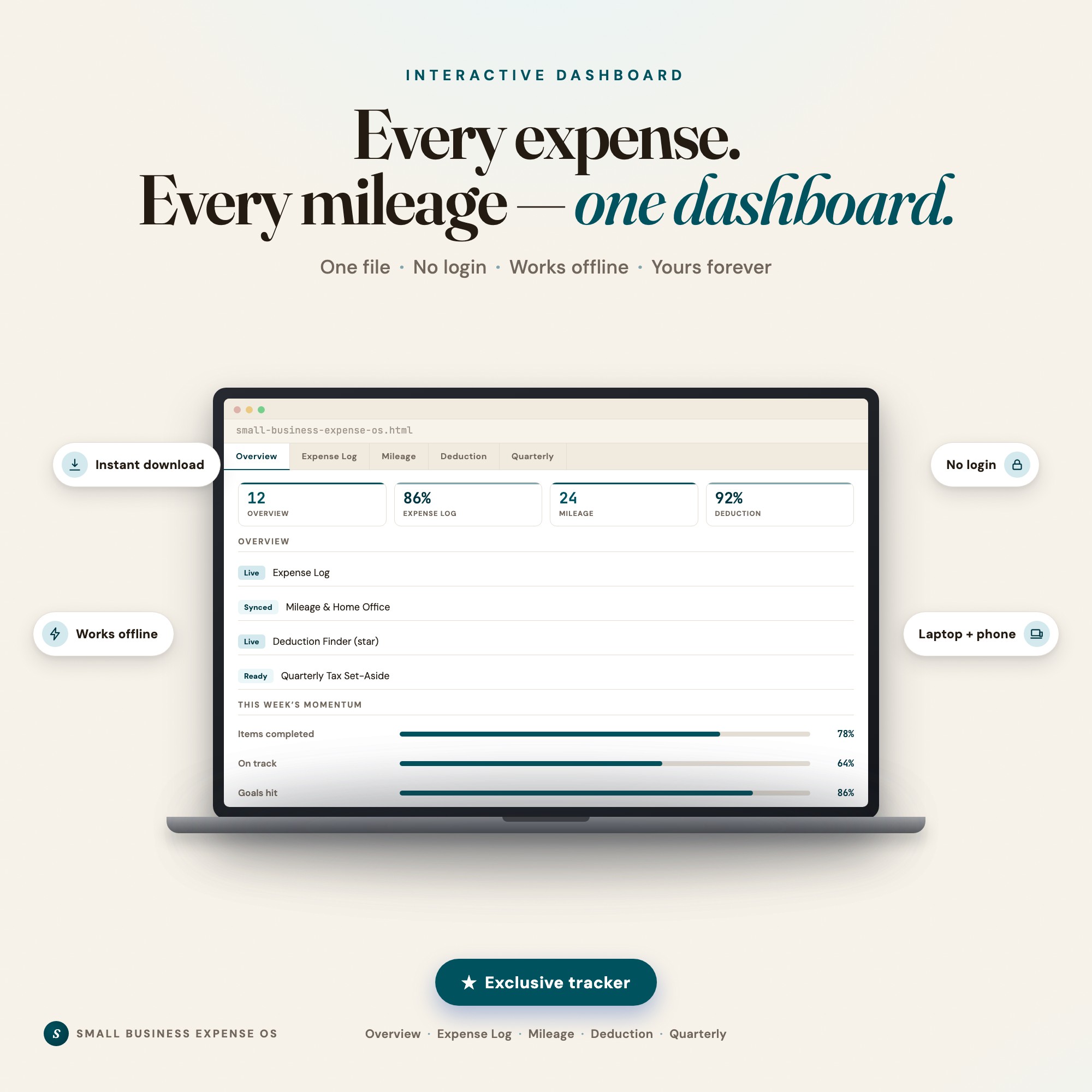
Small Business Expense OS was built for this workflow. It is an interactive browser dashboard — no login, no subscription, no bank connection — with an expense log, mileage tracker, home-office calculator, and quarterly set-aside view in a single file.
Its Deduction Finder auto-sorts every expense you log into Schedule C categories with a running deductible total and an estimated tax saved, based on a rate you control. The same engine groups expenses by vendor and flags any recurring charge that has grown since its first appearance — the subscription creep a static spreadsheet never catches.
Everything saves locally in your browser and your financial data never leaves your device.
A note on what this is: an organisation tool, not tax advice. It does not file anything, does not guarantee any deduction, and carries no IRS endorsement. Every figure is an estimate based on what you enter. Confirm categories, rates, and dates with a licensed tax professional before filing.
See Small Business Expense OS → — one-time $26, works offline, yours for life. Or browse the full shop.
The Takeaway
Schedule C is not complicated, it is just unfamiliar. Learn the ten or so categories your business actually uses, record business-use percentage at the moment you log an expense, and review recurring vendors against what they originally charged. Do that during the year and tax season becomes a handover instead of an excavation.
Frequently asked questions
- What are the main Schedule C expense categories?
- Schedule C Part II lists around twenty numbered lines, including advertising, car and truck expenses, contract labor, insurance, legal and professional services, office expense, rent or lease, repairs, supplies, taxes and licenses, travel, meals, utilities, and a catch-all 'other expenses' line. Most small businesses use only eight to twelve of them regularly.
- What is the most commonly missed small business deduction?
- Recurring software and subscription costs, because they are small individually and never reviewed. A handful of tools at $12 to $60 a month can quietly total four figures a year, and price increases usually go unnoticed because nobody compares today's charge to the original one.
- How does the home office deduction work?
- The simplified method multiplies the square footage used regularly and exclusively for business by a fixed IRS rate. The regular method takes the business-use percentage of your home — office square footage divided by total home square footage — and applies it to actual home costs. Both need you to know your square footage and keep the space genuinely business-only.
- Do I need bookkeeping software to organise expenses?
- No. What matters is that every expense has a date, vendor, amount, category, and business-use percentage recorded consistently. Software automates the capture, but a well-structured file does the same job — and the categories your accountant asks for are the same either way.
Ready-made dashboards
Skip setup — grab an interactive dashboard built for this exact workflow.
ListingResearchOS Shop
All dashboards — one-time purchase, yours forever
Single HTML files. No subscriptions. No login. Works offline in any browser.
Browse all dashboards →