
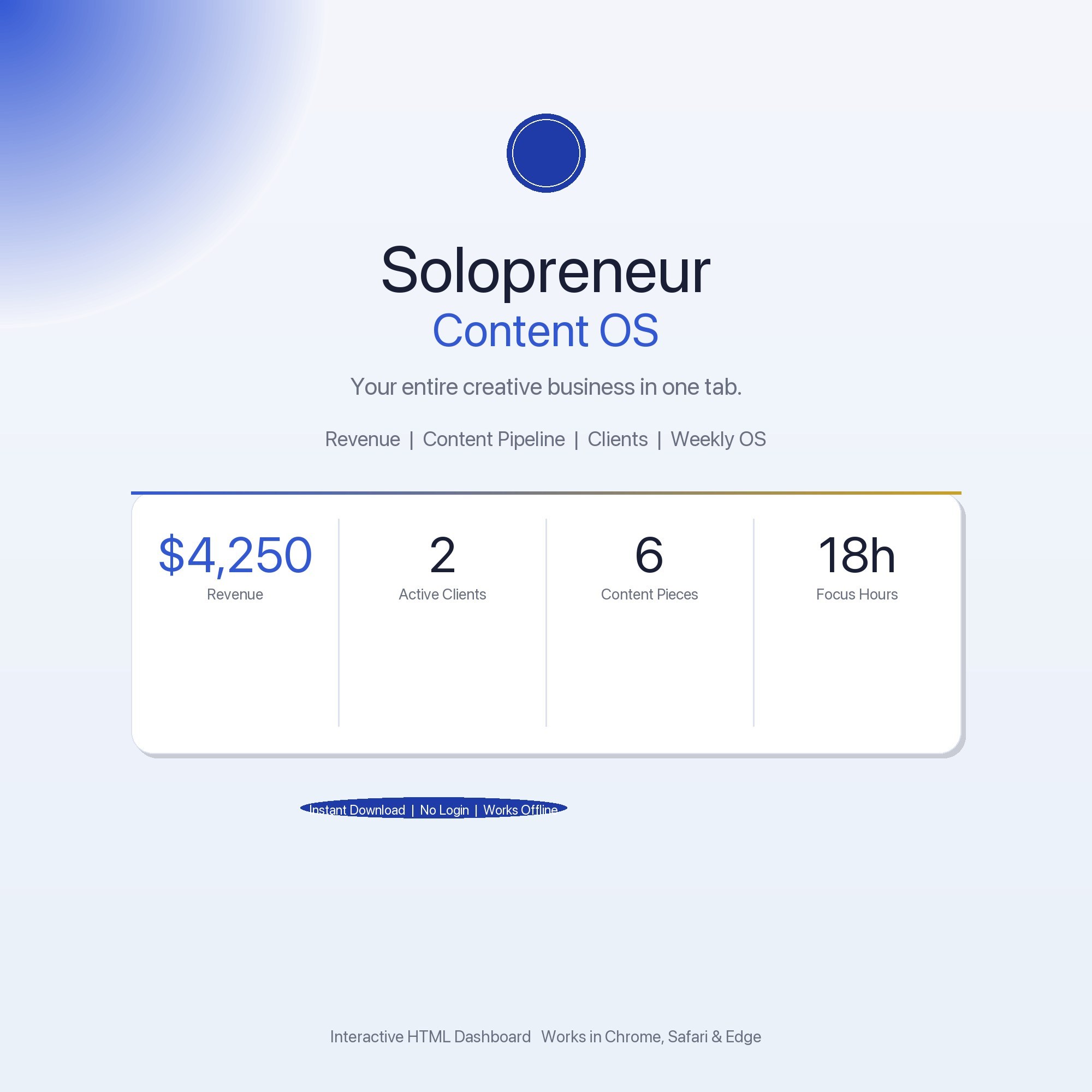
Interactive dashboard
Solopreneur Content OS — Interactive Dashboard | Revenue Tracker, Content Pipeline & Client Hub
Built for Content creators and solopreneurs ($2K–$10K/mo) who manage revenue streams, content pipelines, client work, and deep-work sessions across 4+ disconnected apps
Try it live
Click around the real dashboard
Interactive demo · a few tabs unlocked
See it in action
The dashboard
What it is
Built for content creators and solopreneurs ($2K–$10K/mo) who manage revenue streams, content pipelines, client work, and deep-work sessions across 4+ disconnected apps. Solopreneur Content OS — Interactive Dashboard | Revenue Tracker, Content Pipeline & Client Hub It is a browser-native interactive dashboard that lives in a single HTML file, with nothing to install.
What is Solopreneur Content OS — Interactive Dashboard | Revenue Tracker?
Solopreneur Content OS — Interactive Dashboard | Revenue Tracker is an interactive dashboard that opens in your web browser. It is one self-contained HTML file — you download it once, double-click it, and it runs. It is built for content creators and solopreneurs ($2K–$10K/mo) who manage revenue streams, content pipelines, client work, and deep-work sessions across 4+ disconnected apps.
What is included in Solopreneur Content OS — Interactive Dashboard | Revenue Tracker?
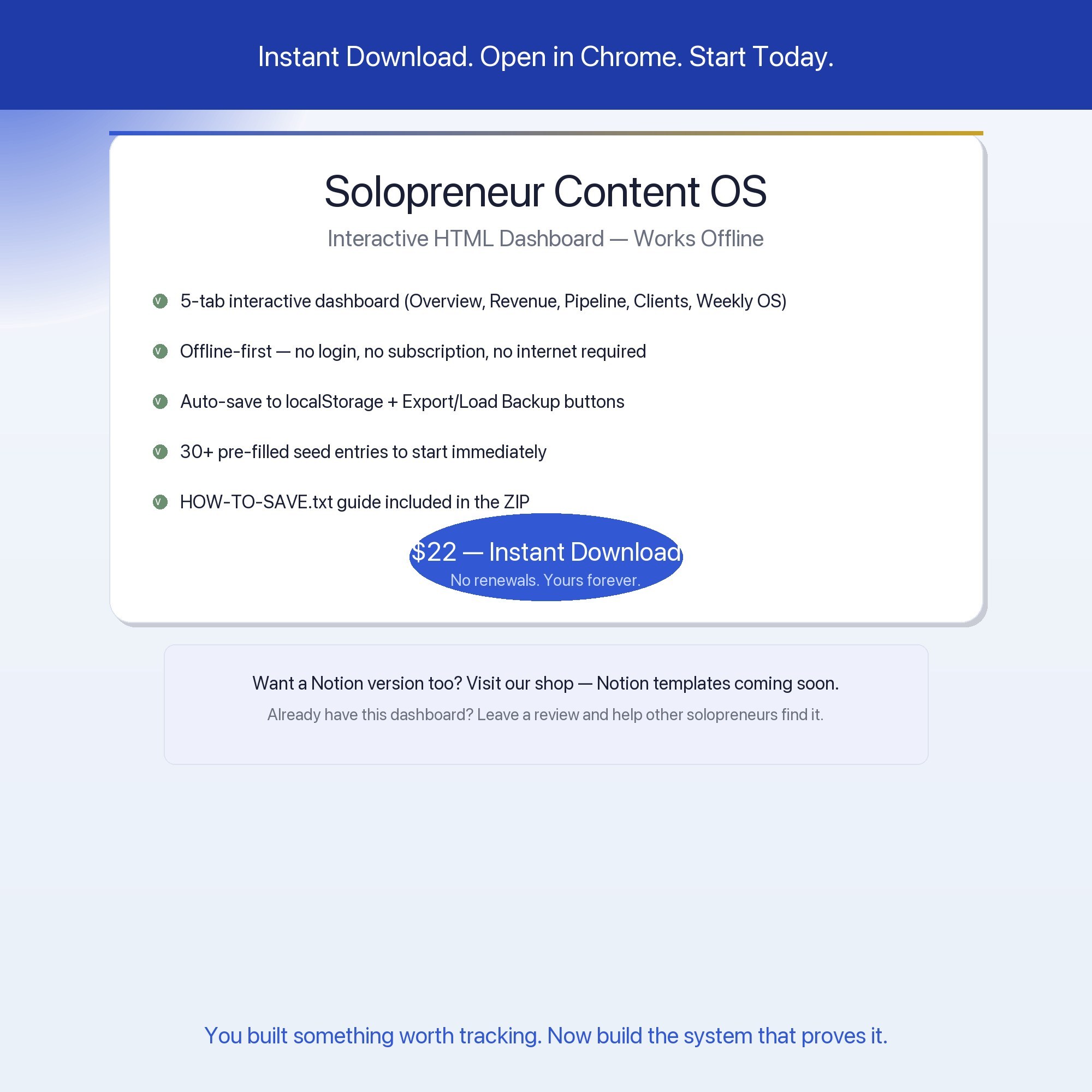
5 sections, all in the one file:
- Overview
- Revenue
- Content Pipeline
- Client Hub
- Weekly OS
Does Solopreneur Content OS — Interactive Dashboard | Revenue Tracker need Excel, Google Sheets or a subscription?
No. There is no app to install, no account to create, no login and no recurring fee. It opens in Chrome, Safari, Edge or Firefox on macOS, Windows, iPad or Chromebook, and it keeps working offline once the file is on your machine.
Where does Solopreneur Content OS — Interactive Dashboard | Revenue Tracker store my data?
On your own device, in your own browser. Nothing is uploaded, no account is created and no analytics are collected. You can export a backup file at any time and load it on another computer.
Can I change how Solopreneur Content OS — Interactive Dashboard | Revenue Tracker looks?
Yes — colour, background, typeface and text size are all adjustable from inside the dashboard, and your choice is remembered the next time you open it.
How much is Solopreneur Content OS — Interactive Dashboard | Revenue Tracker and how is it delivered?
$22, delivered as an instant download the moment you pay. Because it is a digital file, all sales are final.
More about Solopreneur Content OS — Interactive Dashboard | Revenue Tracker
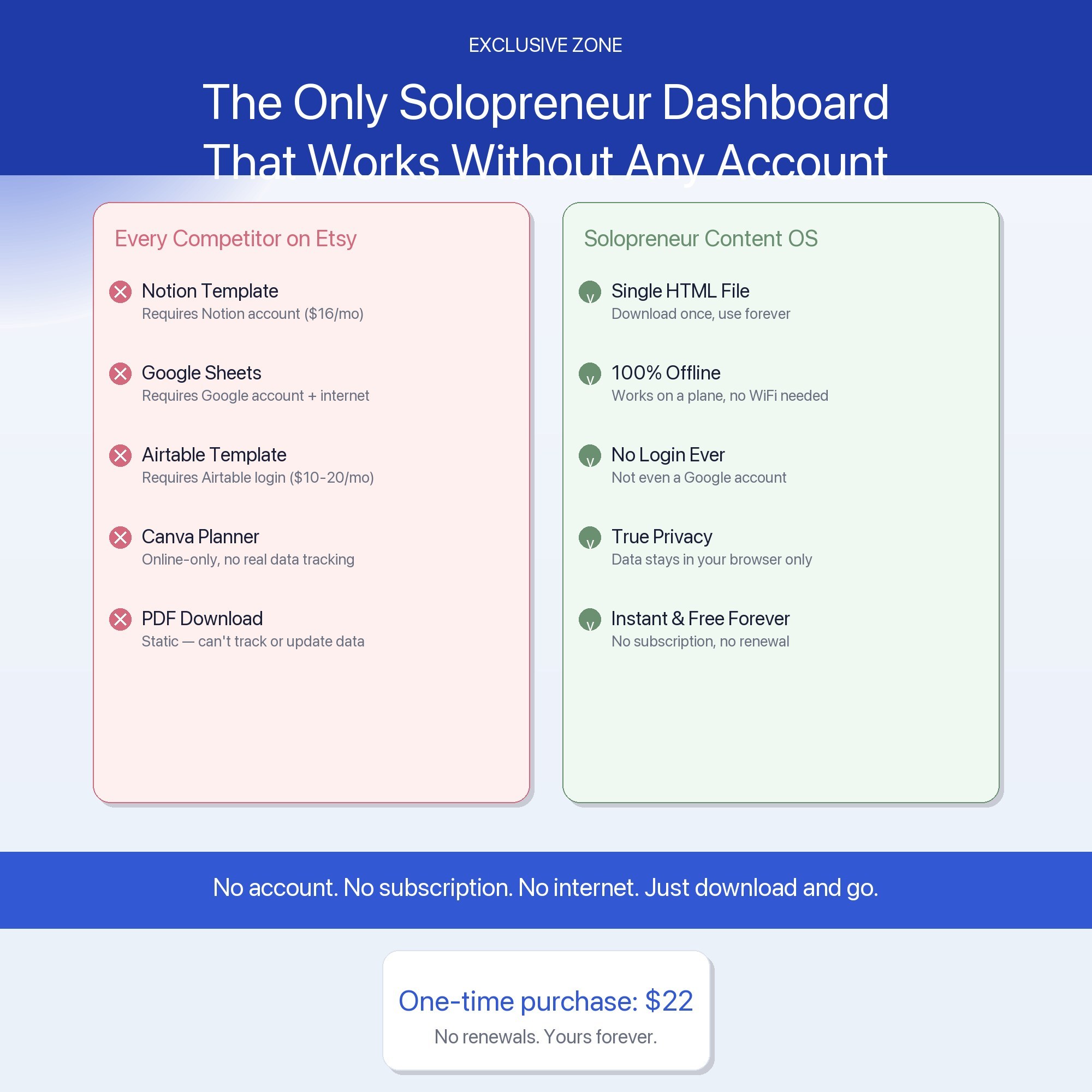
The Solopreneur Content OS is the only interactive business dashboard for creators and solopreneurs that requires zero accounts, zero subscriptions, and zero internet. Open it in Chrome. Everything autosaves in your browser. That’s it.
★ EXCLUSIVE ZONE, Offline-First Architecture
Every competitor on Etsy requires Notion ($16/mo), Google Sheets (Google account), or a cloud sync to work. This dashboard needs nothing. Your data lives in your browser’s localStorage, private, instant, always available, even on a plane. No “share with Google.” No Notion workspace required. Just download, open, and go.
WHAT’S INSIDE, 5 Power Tabs
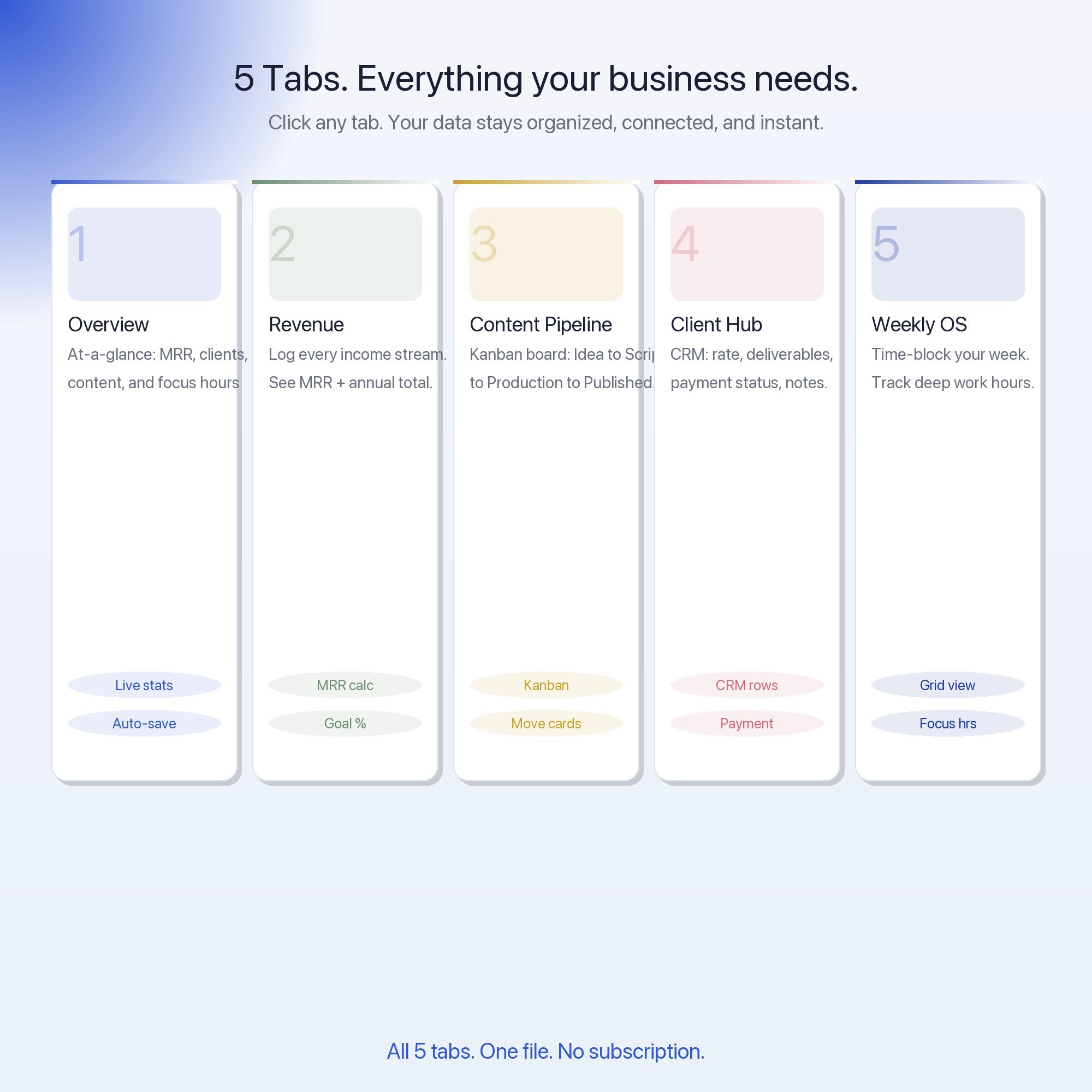
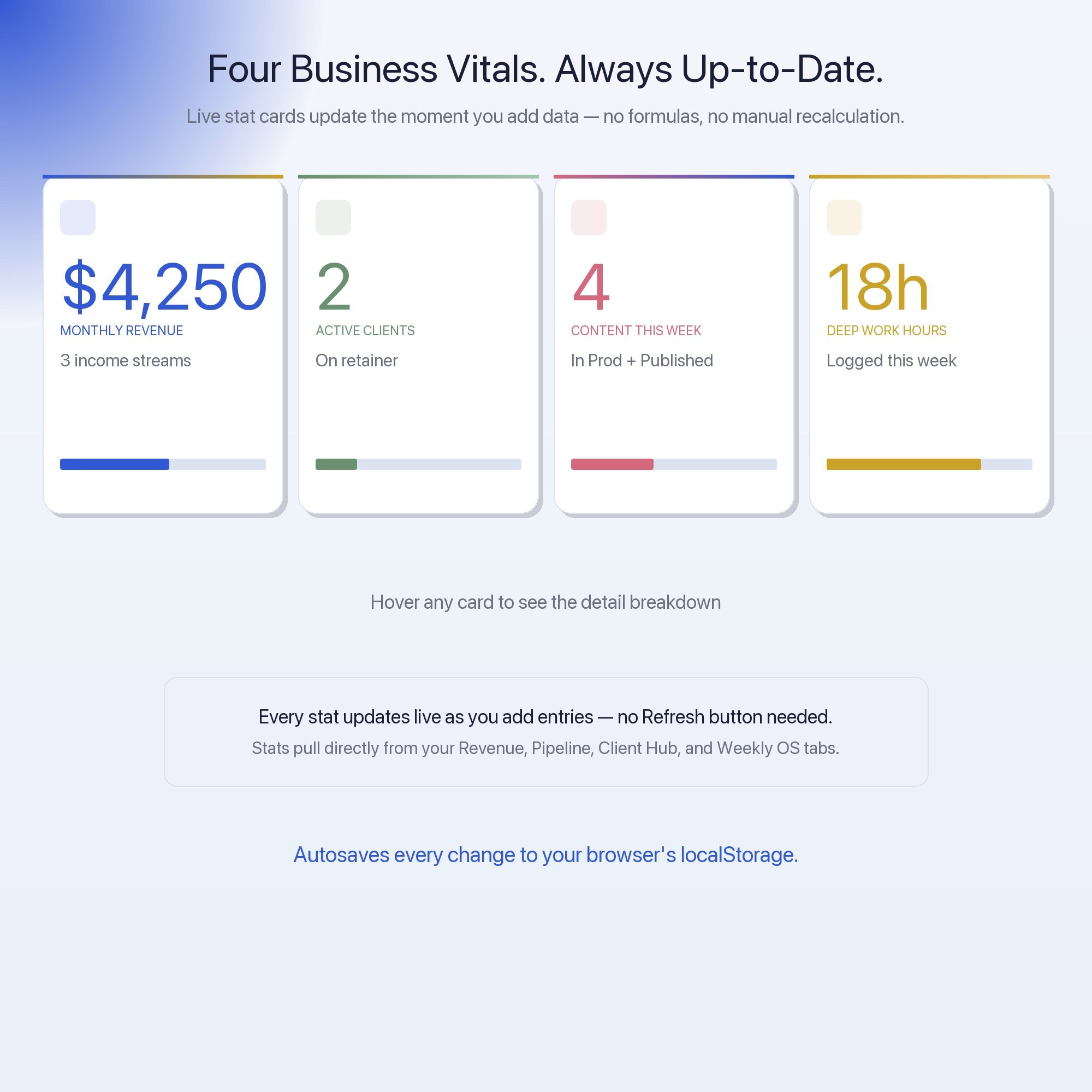
📊 Overview, At-a-glance snapshot: monthly revenue, active clients, content pieces shipped this week, and deep-work hours logged. Live stat cards update as you work.
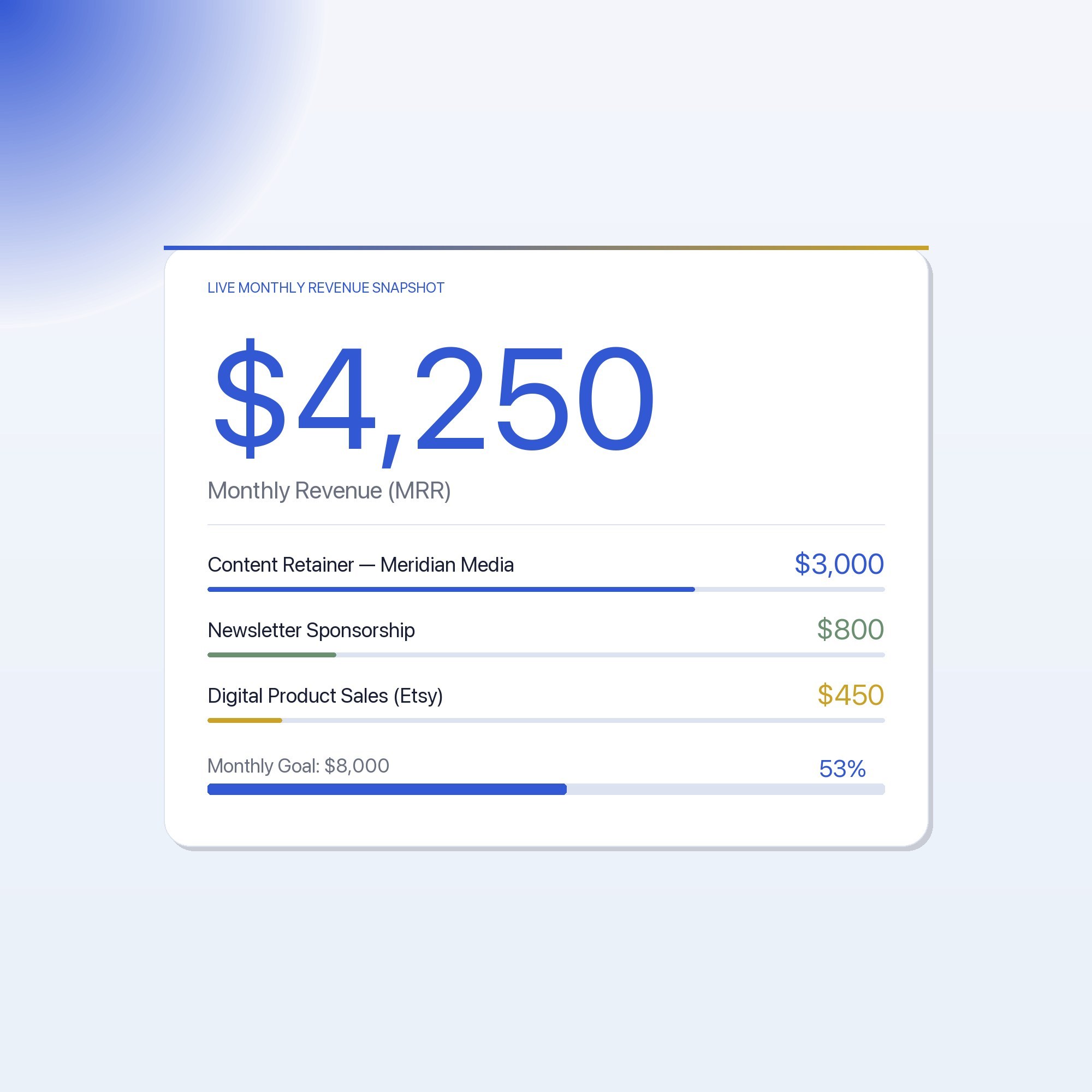
💰 Revenue Tracker, Log every income stream (sponsorships, products, services, affiliates). See monthly totals, running annual total, and per-stream breakdowns. Export any month as a backup JSON.
🎬 Content Pipeline, Kanban-style pipeline with 4 status columns: Idea → Script/Draft → In Production → Published. Drag ideas from spark to shipped. 30+ pre-filled example entries to get you started immediately.
👥 Client Hub, Track every active client: project name, status, rate, next deliverable, and payment status. Built-in CRM with notes field. No spreadsheet formulas, just type and it saves.
🗓️ Weekly OS, Your personal time-blocking command center. Plan your week in 30-minute slots, tag sessions as Deep Work, Admin, or Creative, and see your focus-hour total for the week at a glance.
THIS IS FOR YOU IF…
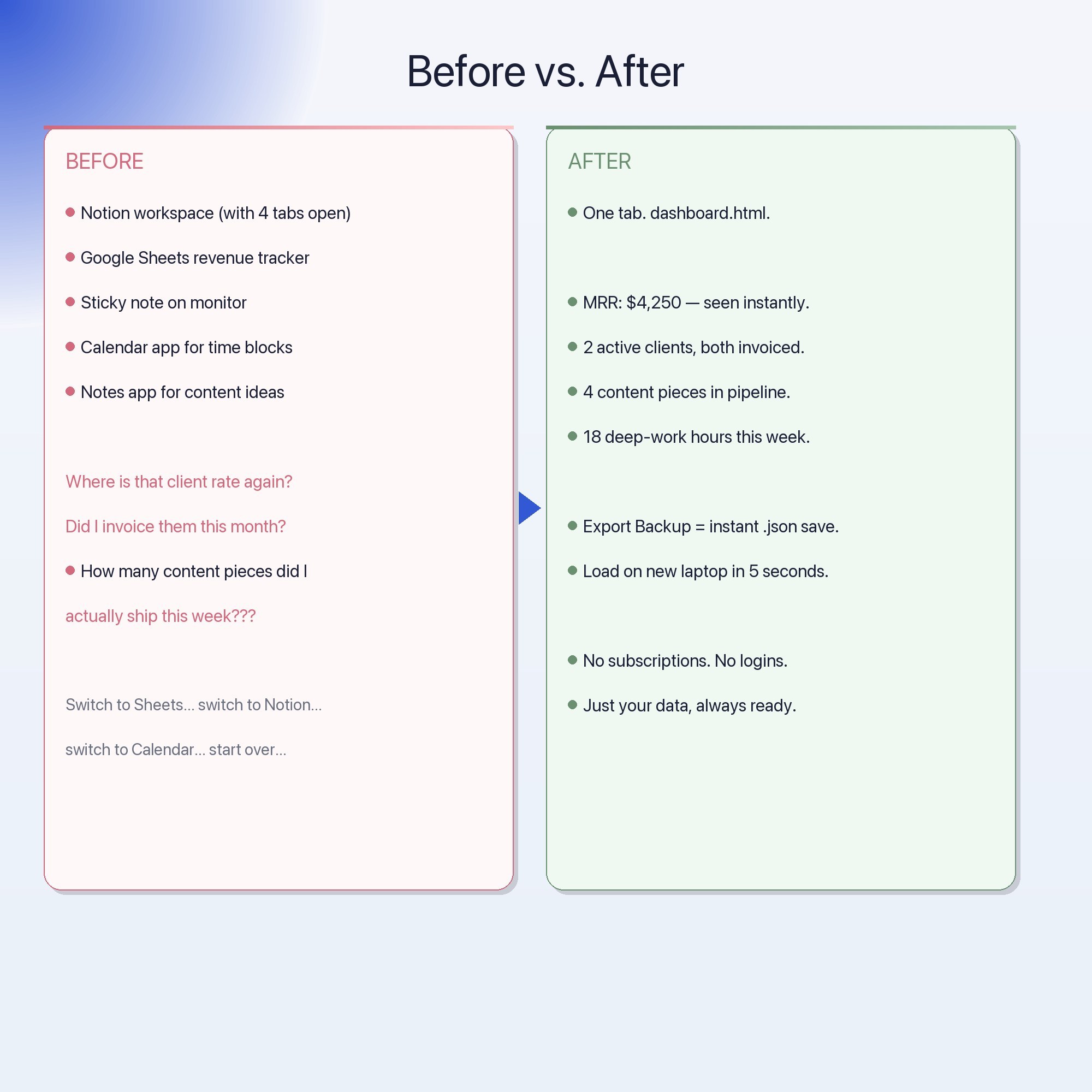
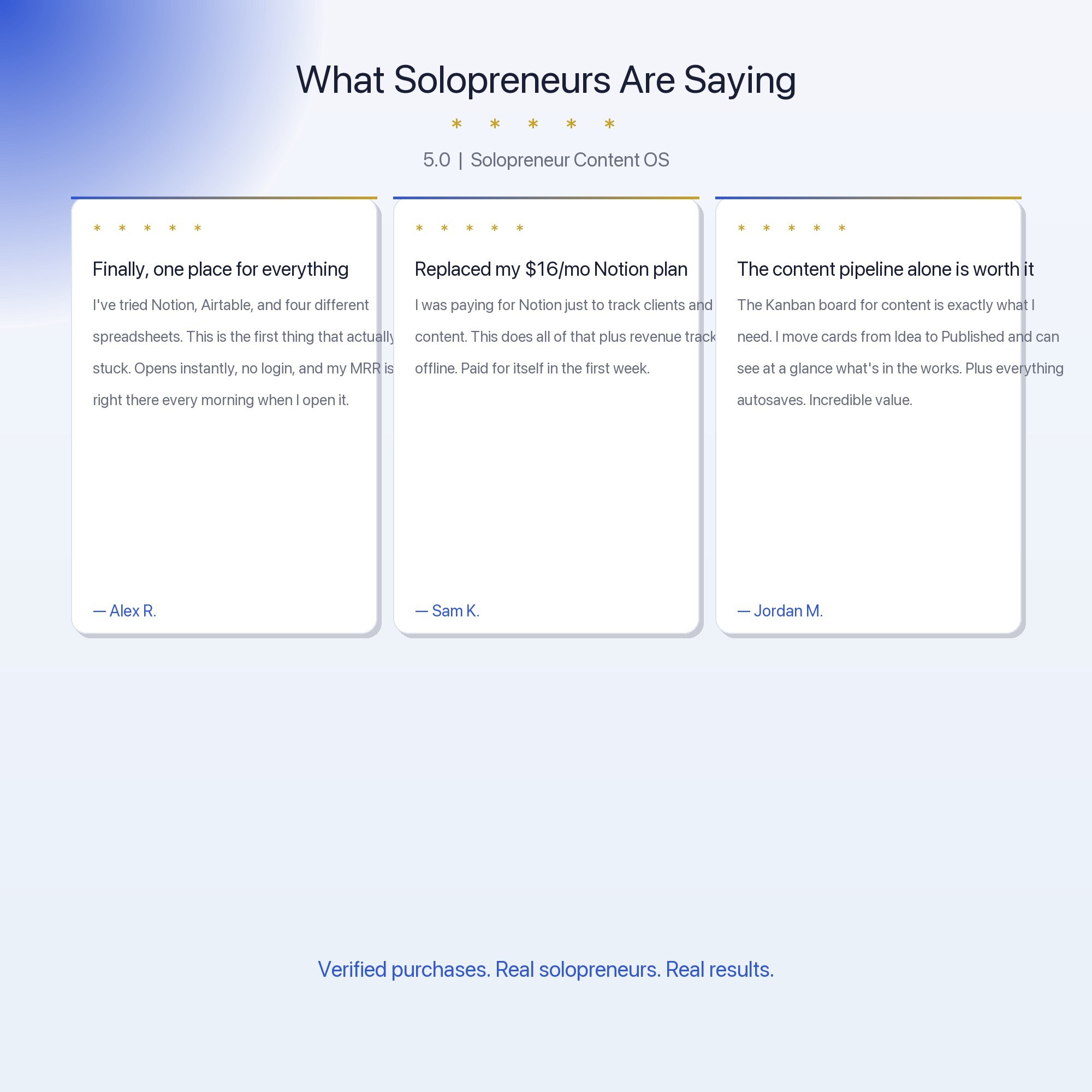
• You’re juggling content, clients, and a revenue goal, and tracking them in 3 different apps
• You’ve been meaning to “set up Notion properly” for 6 months but never have time
• You want your business dashboard to work on your laptop without needing to be online
• Your current system is “vibes + a spreadsheet that you update every 2 weeks”
• You’re making money, but you don’t actually know your MRR off the top of your head
YOUR DATA IS SAFE
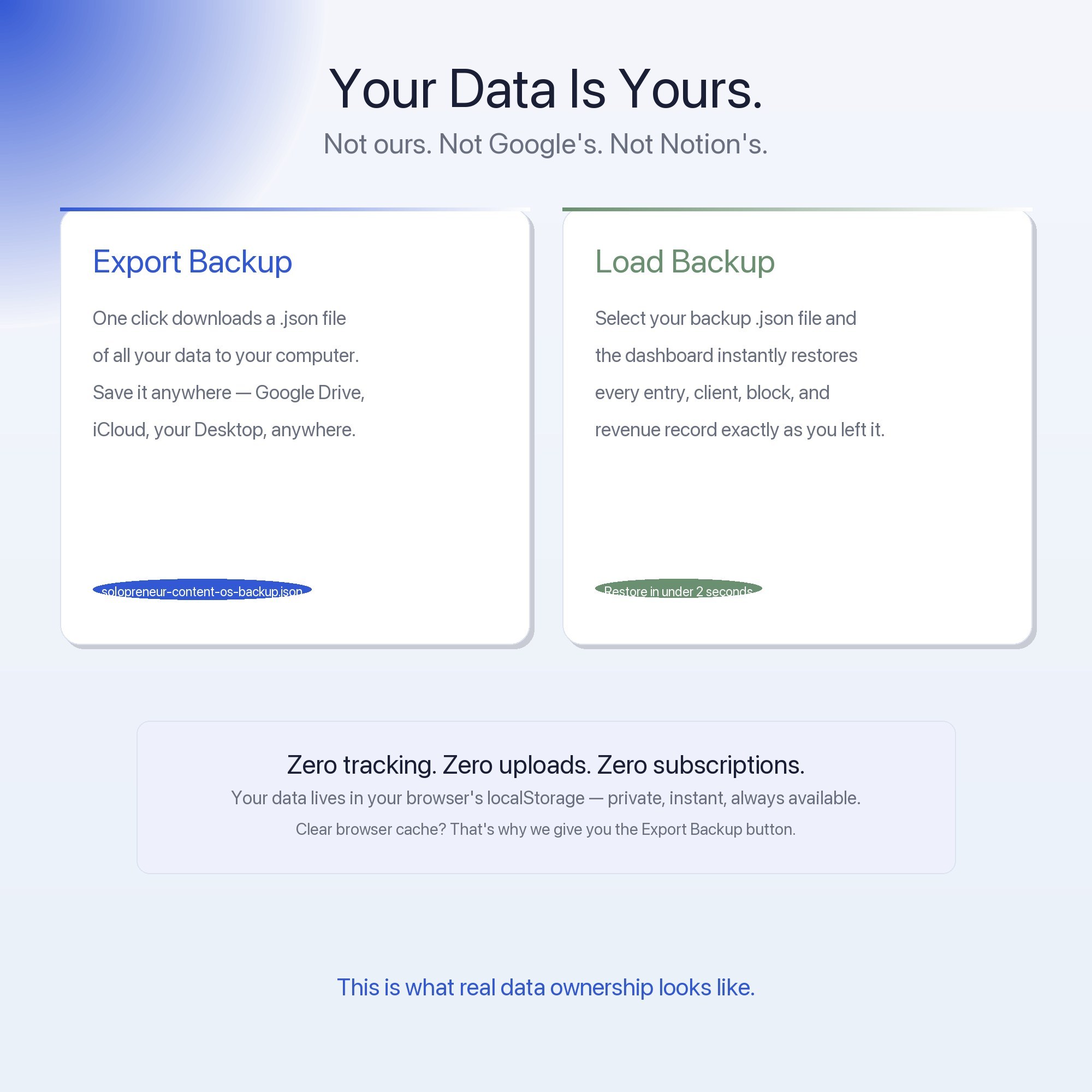
Everything stays in your browser. Nothing is uploaded. Nothing is shared. The Export Backup button downloads a private .json file to your computer, your data, your machine, your call. Load Backup restores everything from that file instantly. This is true offline-first software.
FILES INCLUDED
→ solopreneur-content-os-CUSTOMER.zip containing:
• dashboard.html, Open in Chrome. Works immediately.
• HOW-TO-SAVE.txt, Plain-English guide for saving, backing up, and sharing your data
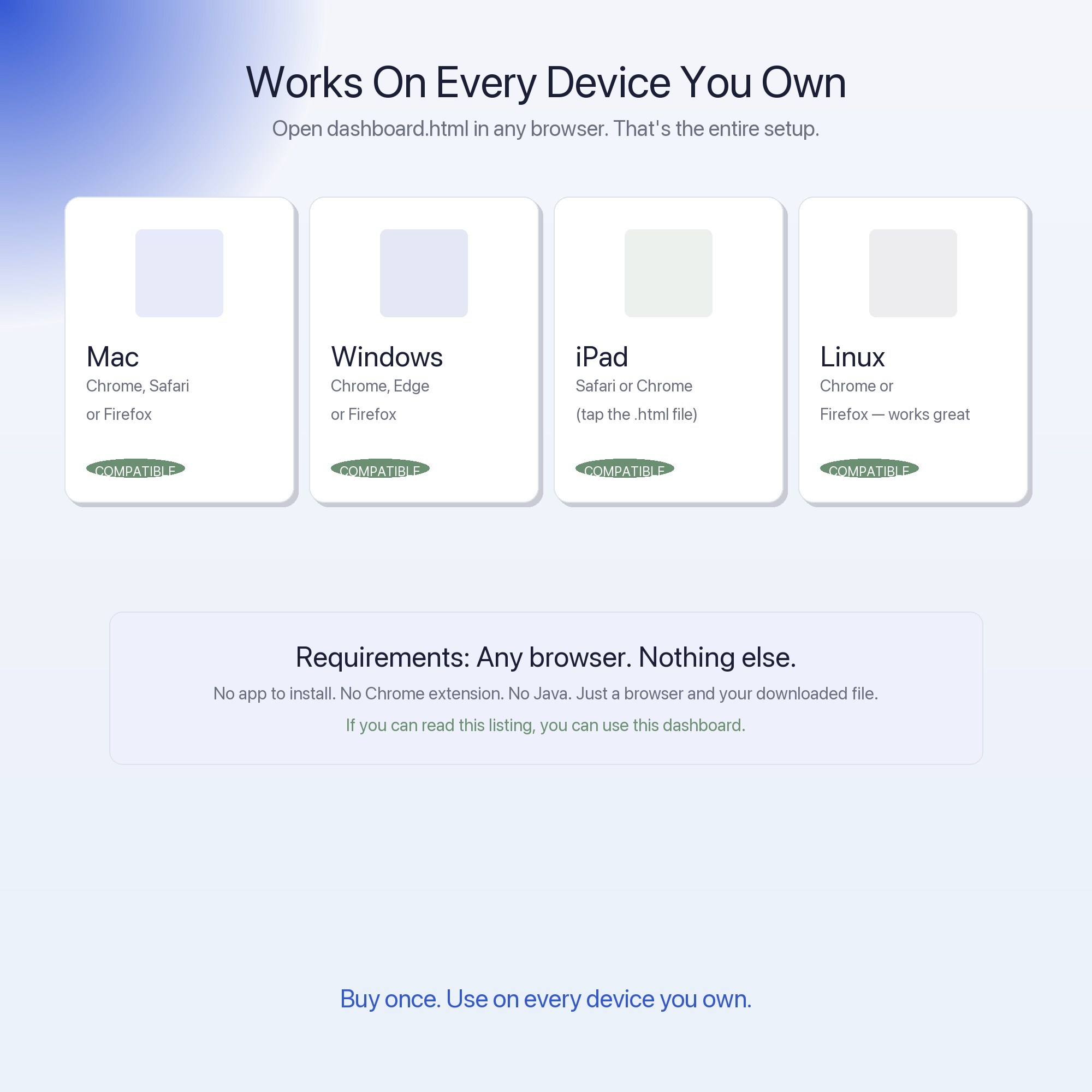
Compatible with: Chrome, Edge, Safari, Firefox on Mac, Windows, and iPad.
You built something worth tracking. Now build the system that proves it.
→ NOTION USERS: Love the Notion aesthetic but tired of the subscription? This dashboard was designed to feel just as premium, same structure, same vibe, zero ongoing cost. Consider this your Notion exit ramp.
5 Tabs included
- ◈
Overview
- ≡
Revenue
- ⊞
Content Pipeline
- ◉
Client Hub
- ★
Weekly OS
Exclusive Feature
Offline-first Client CRM — no Notion account, no Google login, localStorage-only, works on a plane
This is built into the fifth tab and is unavailable in any static template, spreadsheet, or Notion template on the market.
Gallery
Learn more
Creator Media Kit Template: What Brands Actually Read (and What They Skip)
A creator media kit template only works if the numbers in it are real and current. Here is what to include, what to cut, and how to keep it up to date.
GuideThe Content Pipeline System for Solo Creators That Actually Ships Content
How solo creators build a content pipeline that actually produces output: the four stages, the weekly rhythm, and how to stop managing ideas and ship them.
GuideHow to Track Revenue as a Solopreneur Without Accounting Software
Track solopreneur revenue across multiple streams without QuickBooks or Xero — a practical browser-based system for the $2K–$10K/month creator.
ComparisonNotion vs. Offline Dashboard for Solopreneurs: Which Actually Works?
Notion vs. an offline dashboard for solopreneurs running revenue, content, and clients: setup cost, offline access, and what each actually structures.
List7 Systems Every Solopreneur Needs to Hit $5K Per Month
7 operating systems solopreneurs at $2K–$10K/mo use to track revenue streams, client work, and content without losing their mind across 4 apps.
Before you buy
Frequently asked questions
- What is Solopreneur Content OS — Interactive Dashboard | Revenue Tracker?
- Solopreneur Content OS — Interactive Dashboard | Revenue Tracker is an interactive dashboard that opens in your web browser. It is one self-contained HTML file — download it once, double-click it, and it runs. No app, no account, no subscription.
- Does Solopreneur Content OS — Interactive Dashboard | Revenue Tracker need Excel or Google Sheets?
- No. It is not a spreadsheet and does not open in one. It runs in Chrome, Safari, Edge or Firefox on macOS, Windows, iPad or Chromebook, and keeps working offline.
- What is included in Solopreneur Content OS — Interactive Dashboard | Revenue Tracker?
- 5 sections in a single file: Overview, Revenue, Content Pipeline, Client Hub, Weekly OS.
- Can I change the colours and text size in Solopreneur Content OS — Interactive Dashboard | Revenue Tracker?
- Yes. Colour, background, typeface and text size are adjustable from inside the dashboard, and the setting is remembered.
- Does it work offline?
- Yes — completely. The dashboard is a single HTML file. Once downloaded, it runs entirely in your browser with no internet connection needed. All data autosaves to your browser's localStorage.
- Which devices and browsers are supported?
- Works in Chrome, Edge, Safari, and Firefox on macOS, Windows, iPad, and Chromebook. No app to install, no account to create. Just open the file.
- What is your refund policy?
- All sales are final. This is an instant download delivered in full at payment, so it cannot be returned. If a file will not open or a feature does not work as described, that is a defect and it gets fixed at no cost — email hello@listingresearchos.com and you will get a corrected file.
- How do I install it?
- There is nothing to install. After purchase, download the HTML file. Double-click to open in your browser. That's it. A HOW-TO-SAVE.txt is included explaining how to back up and restore your data.
- Is my data private?
- Completely. Everything runs locally — no login, no analytics, no data sent to any server. Your data is stored only in your browser's localStorage. You own it entirely.
You might also like
One-time purchase
Get it for $22.00
Instant download. Open in any browser. Yours forever.