
How to Track Revenue as a Solopreneur Without Accounting Software
Track solopreneur revenue across multiple streams without QuickBooks or Xero — a practical browser-based system for the $2K–$10K/month creator.
Published June 3, 2026
QuickBooks is built for businesses with employees, payroll, and a bookkeeper. Solopreneurs earning $2K–$10K per month from a mix of client work, product sales, and content don’t need double-entry accounting. What they need is a clear answer to one question: what came in this month, and from where?
This guide covers a lightweight revenue tracking system you can run without accounting software, subscription tools, or a Google Sheets rebuild every January.
The Four Revenue Tracking Failures That Cost Solopreneurs Money
Not knowing your actual monthly number. If someone asks you what your business made last month and you need more than 30 seconds to answer, you’re flying blind. Decisions about when to take on new clients, when to invest in new products, and whether to raise your rates all depend on knowing your revenue with confidence.
Mixing income sources without context. A $3,000 month that came 100% from one client looks very different from a $3,000 month split evenly across five streams. The first is fragile. The second is compounding. They require different decisions.
Estimating rather than calculating deep-work hours. You know roughly that you spent “a lot of time” on that retainer client this month. But “a lot” is not a basis for deciding whether to renew at the same rate. Hours logged against revenue earned is what makes a pricing decision defensible.
Logging content deliverables separately from revenue. For content creators, the connection between publishing pace and revenue is often indirect — a month of high output leads to audience growth that converts to sales 60–90 days later. Tracking content output and revenue in the same system makes that lag visible.
The Minimum Revenue Tracking Setup
You don’t need accounting software. You need five data points logged consistently:
- Date received — when the money landed in your account
- Income source — client name, platform, or product
- Stream — the category (client work, digital products, content sponsorship, affiliate, etc.)
- Amount — gross, before any platform fees
- Notes — invoice number, project reference, or delivery confirmation
That’s it. Log every payment when it arrives. Don’t wait for the monthly reconciliation — log it in real time, and the monthly rollup is automatic.
Build a Revenue Dashboard by Stream
Once you have a few weeks of logged entries, organize them by stream:
| Stream | This Month | YTD | Trend |
|---|---|---|---|
| Retainer clients | $2,400 | $14,200 | stable |
| Digital products (Gumroad) | $680 | $3,100 | growing |
| Newsletter sponsorship | $500 | $1,500 | new |
| Affiliate commissions | $120 | $640 | slow |
This view answers the “what came in and from where” question immediately. More importantly, it shows you which streams are growing and which are stagnating. The affiliate line that’s been flat for three months is not worth the attention you’re still giving it.
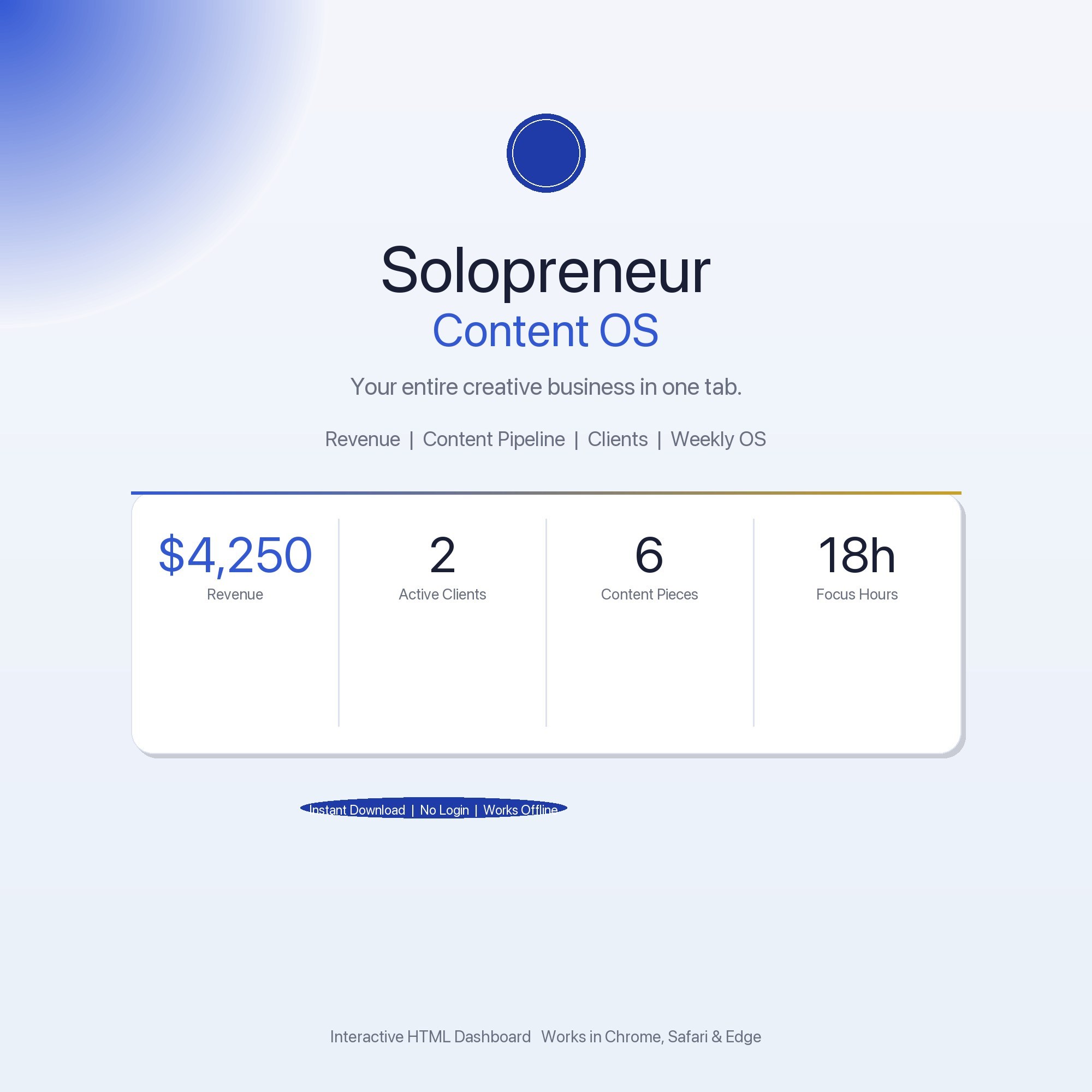
The Solopreneur Content OS has a Revenue Tracker tab that logs income by stream, shows monthly totals, running annual total, and per-stream breakdowns. It also has a Client Hub tab — an offline-first CRM with no Notion account, no Google login, and no internet required — where you track client project status, rate, and next deliverable alongside your revenue log.
Connect Revenue to Content Output
If you’re creating content as part of your revenue model, track both in the same system. Log:
- Content pieces shipped (blog posts, newsletter issues, videos, social campaigns)
- Platform where they were published
- Revenue tied to that channel in the same period
Over 90–120 days, patterns emerge. You might find that weeks with three newsletter issues correlate with 40% higher affiliate payouts two months later. That signal is invisible if your content log and your revenue log live in different tools.
A Weekly 10-Minute Revenue Check-In
Once a week, before Friday ends:
- Log any income received this week — check PayPal, Stripe, Gumroad, and bank account
- Update any pending invoices or deliverables in your client tracker
- Note your deep-work hours this week — so you can calculate revenue per hour at month’s end
- Check whether you’re on pace for your monthly revenue goal
That fourth step is where the system earns its keep. If you’re 20 days into the month and at 60% of your target, you have 10 days to make up the gap. That’s different from discovering you missed your target on day 31.
When You Don’t Need Accounting Software
The case for full accounting software (QuickBooks, Wave, FreshBooks) becomes real when you have employees, need accrual accounting for a lender, or file taxes with a CPA who needs a P&L formatted to GAAP standards. For solopreneurs operating as sole proprietors or single-member LLCs, your tax filing is Schedule C — and Schedule C only requires you to know your gross revenue, deductible expenses, and net profit.
A revenue tracker that logs every income event and a simple expense log is sufficient. The $30–$50/month you’d pay for accounting software is a real cost against earnings — one that becomes justified once your complexity genuinely requires it.
The Solopreneur Content OS is $22 one-time, no subscription. Find it at ListingResearchOS on Etsy.
Frequently asked questions
- Do I need special software to use an offline dashboard?
- No. An offline HTML dashboard like the Solopreneur Content OS is a single file you open in any browser — Chrome, Edge, Safari, or Firefox. Nothing to install, no account to create.
- Is my data private if I use a browser-based dashboard?
- Yes, completely. Data stored in your browser's localStorage never leaves your device. There are no servers, no analytics, and no uploads of any kind.
- Can I back up my data?
- Yes. Every ListingResearchOS dashboard includes an Export Backup button that downloads a JSON file to your computer. Load Backup restores it on any device or browser.
- What makes an interactive HTML dashboard better than a spreadsheet?
- Spreadsheets require manual formula maintenance and lack purpose-built workflows. An interactive HTML dashboard has pre-built logic — like Offline-first Client CRM — no Notion account, no Google login, localStorage-only, works on a plane — that a spreadsheet can't replicate without significant engineering work.
- How much does the Solopreneur Content OS cost?
- It is a one-time purchase of $22 on Etsy. No monthly subscription. Once you buy it, it is yours forever.
Ready-made dashboards
Skip setup — grab an interactive dashboard built for this exact workflow.
ListingResearchOS Shop
All dashboards — one-time purchase, yours forever
Single HTML files. No subscriptions. No login. Works offline in any browser.
Browse all dashboards →