
Notion vs. Offline Dashboard for Solopreneurs: Which Actually Works?
Notion vs. an offline dashboard for solopreneurs running revenue, content, and clients: setup cost, offline access, and what each actually structures.
Published June 3, 2026
Our verdict
For content creators and solopreneurs earning $2K-$10K/month across multiple revenue streams, the Solopreneur Content OS at $22 one-time consolidates revenue tracking, content pipeline, client CRM, and weekly time-blocking in one offline browser file with no Notion account required.
Notion is the first tool most solopreneurs reach for when they decide to build a business operating system. For good reason — it is flexible, well-designed, and the template ecosystem is extensive. But flexibility is not the same as having the right structure for a solopreneur’s specific workflow. Here is the honest comparison.
What Notion Does Well for Solopreneurs
Notion’s database views — table, board, calendar, gallery — genuinely work for the kinds of information solopreneurs track. A content pipeline kanban with linked client database, filtered views, and rollup formulas is achievable. Many creators have built sophisticated setups this way.
The maintenance cost is often underestimated. Notion’s interface updates regularly. Templates that worked six months ago sometimes break on updates. The block and database system requires a non-trivial setup investment before it is useful. Many solopreneurs report spending weekends building the system instead of using it.
The subscription cost: Notion Plus is $10-$16/month. Notion AI, which has become integral to how many use it, adds $10/month. Over a year, $240-$312 for Notion alone — plus whatever other tools the solopreneur is trying to consolidate.
Airtable: More Database Power, More Complexity
Airtable is stronger than Notion for structured relational data. If you need complex linked tables across clients, projects, and invoices, Airtable’s relational structure is more robust. The free tier allows 1,000 records per base. Team plan is $20/month.
For most solopreneurs, Airtable’s power exceeds what the use case requires while also adding database complexity. The revenue tracking and content pipeline problems do not need relational database architecture — they need clear, fast input and useful summaries.
ClickUp: Feature-Rich and Often Overwhelming
ClickUp packs an extraordinary number of features into its free tier. Goal tracking, OKRs, sprints, docs, dashboards, time tracking — all present. For solopreneurs who want everything in one place, ClickUp is tempting.
The common experience: ClickUp has so many features that setting up a workspace that is not overwhelming requires real effort. The interface is complex enough that many users spend significant time configuring before doing actual work.
The Solopreneur Content OS
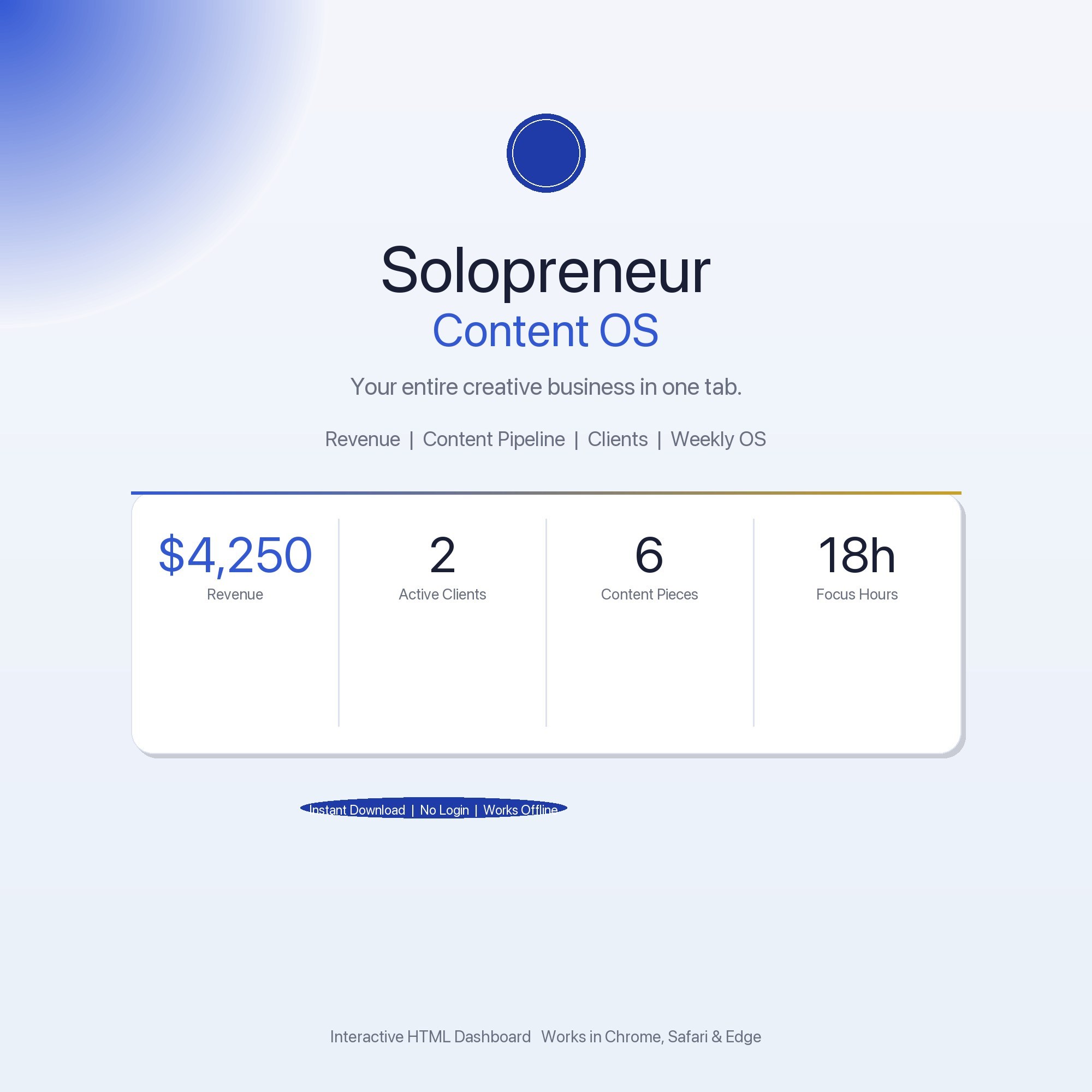
The Solopreneur Content OS is a browser-native dashboard built for content creators and solopreneurs managing revenue, content, clients, and time in one file, at $22 one-time.
Overview tab: Monthly revenue, active clients, content pieces shipped, and deep-work hours logged. Live stat cards that update as you work.
Revenue Tracker: Log every income stream — sponsorships, products, services, affiliates. Monthly totals, running annual total, per-stream breakdowns. Know your MRR without opening a spreadsheet.
Content Pipeline: Kanban with four columns: Idea, Script/Draft, In Production, Published. Move ideas from concept to shipped. Thirty pre-filled example entries to start immediately.
Client Hub: Every active client — project name, status, rate, next deliverable, payment status. Built-in CRM with notes. No formulas, just type.
Weekly OS: Personal time-blocking for the week in 30-minute slots. Tag sessions as Deep Work, Admin, or Creative. Focus-hour total visible at a glance.
The key architectural difference from Notion: no account required, no server involved, no internet after download. Everything in your browser’s localStorage. Works on a plane, in a coffee shop with no WiFi, on any device you already own. Export a backup JSON any time. This is offline-first by design.
What Offline-First Actually Means for Revenue Visibility
The specific scenario that offline-first architecture solves: you are on a flight, in a coworking space with slow WiFi, or at a coffee shop where your Notion workspace is sluggish due to connection quality. These are often the exact moments when solopreneurs want to review their revenue numbers, update a client’s project status, or move a content idea into production. With a cloud tool, you wait or get partial data. With an HTML file saved locally, you open it instantly and have full access.
For solopreneurs who travel for client work, speak at conferences, or simply prefer working from locations where internet is unreliable, this architectural difference has real operational impact. The Solopreneur Content OS was designed with this constraint in mind — your entire business operating system in a file that opens in 200 milliseconds regardless of network conditions.
What Each Handles
| Notion | Airtable | ClickUp | Solopreneur Content OS | |
|---|---|---|---|---|
| Revenue stream tracking | With setup | With setup | With setup | Yes (built-in tracker) |
| Content pipeline kanban | Yes | Yes | Yes | Yes |
| Client CRM | With setup | Good | Yes | Yes |
| Works fully offline | Limited | No | No | Yes |
| Requires account | Yes | Yes | Yes | No |
| Annual cost | $120-$312 | Free-$240 | Free-$120 | $22 one-time |
For a solopreneur who wants to know their MRR and see their content pipeline without navigating a complex system, the Solopreneur Content OS does the job without the ongoing cost or the setup project. Available at ListingResearchOS on Etsy.
Frequently asked questions
- What is Notion's actual cost for solopreneurs?
- Notion's free plan is functional for individuals but limits AI features and advanced database views. Notion Plus is $10/month (billed annually) or $16/month. Notion AI adds $10/month per user. Over a year, a Notion Plus with AI setup costs $240-$312 annually.
- What does Airtable cost compared to Notion?
- Airtable's free tier is limited to 1,000 records per base and 5 editors. Team plan is $20/user/month. For a solo operator who outgrows the free tier, Airtable becomes expensive quickly for features a solopreneur does not need.
- Can you use Notion offline?
- Notion has limited offline functionality. Cached pages are accessible, but editing is restricted and syncing requires internet. For solopreneurs who work on planes, trains, or in spotty-connection environments, Notion is not reliably offline.
- What makes the Solopreneur Content OS different from a Notion template?
- A Notion template requires a Notion account, internet for full functionality, and ongoing maintenance as Notion updates its interface. The Solopreneur Content OS is a single HTML file that requires no account, works offline permanently, and has no dependency on a third-party platform staying active and priced the same.
- What revenue streams does the Revenue Tracker tab handle?
- The Revenue Tracker handles any income stream you name: sponsorships, digital products, affiliate income, consulting retainers, course sales, services, ads. Each stream has its own row. Monthly totals and a running annual total calculate automatically from your entries.
The winner: interactive dashboards
No spreadsheet. No subscription. One HTML file that runs offline in your browser.
ListingResearchOS Shop
Stop comparing — start using
Interactive dashboards. One-time purchase. No subscriptions. Works offline.
Browse all dashboards →