
7 Systems Every Solopreneur Needs to Hit $5K Per Month
7 operating systems solopreneurs at $2K–$10K/mo use to track revenue streams, client work, and content without losing their mind across 4 apps.
Published June 3, 2026
The $5K/month barrier for solopreneurs is less about skill and more about system. Below that number, most solopreneurs are good enough at their craft. What they are missing is visibility: into their actual revenue numbers, into which clients are profitable, into where their time is going, into which content is actually in the pipeline versus stuck in their head.
Seven systems address this. Not seven apps — seven functions. Ideally in as few tools as possible.
A revenue tracker that shows you MRR by stream
If you cannot name your monthly recurring revenue from the top of your head right now, you do not have a revenue system — you have a bank statement you check once a month. A proper revenue tracker logs every income stream (sponsorships, products, services, affiliates) with monthly totals and running annual breakdowns.
The Solopreneur Content OS Revenue tab does exactly this: log each stream, see monthly totals, and watch your running annual revenue build. Export any month as a JSON backup if you need to share with an accountant.
A content pipeline with visible stages
Ideas that live in your head are not a content pipeline. A content pipeline has stages — Idea, Draft, In Production, Published — and gives each piece a card that moves through them. The difference is that you can see at a glance what is stuck, what is close to shipping, and what needs to be started.
The Content Pipeline tab in the Solopreneur Content OS is a Kanban board with 30+ pre-filled example entries so it looks useful from day one, not after 3 hours of setup.
A client hub that tracks every deliverable and payment
For solopreneurs managing 3 to 8 clients, the gap between “professional” and “constantly apologizing” is almost entirely a tracking problem. Each client needs a single row that shows the project name, its status, your rate, the next deliverable, and payment status. No spreadsheet formulas — just something you open and update in 60 seconds after each client interaction.
A deep-work hour tracker
Every productive solopreneur believes they work more deep hours than they actually do. The research consistently puts the real number lower. A weekly OS where you tag sessions as Deep Work, Admin, or Creative — and then see a total at the end of the week — creates the accountability to protect focused time from the constant pull of email and busywork.
An offline-first client CRM
Here is the feature most solopreneurs do not know they need until they try to work on a flight: a client CRM that does not require Notion, Google, or internet access. The exclusive differentiator in the Solopreneur Content OS is that the entire client hub runs in browser localStorage — no account, no login, works completely offline. This is not just a convenience feature; it is a business continuity feature.
A weekly planning rhythm
The bridge between daily tasks and monthly revenue is a weekly planning session with a structured interface. The Weekly OS tab in the Solopreneur Content OS gives you 30-minute time-block slots, session type tagging, and a focus-hour total for the week. It takes about 15 minutes on Sunday evening to block the week, and the payoff is a Monday morning where you know exactly what needs to happen rather than opening your inbox to find out.
A single-file operating system that requires no maintenance
The hidden tax on multi-app setups is maintenance. Every tool in a 4-app stack needs to be opened, synced, and updated separately. Every tool eventually breaks the workflow. A solopreneur operating system that lives in one HTML file — opening in any browser, saving automatically, working offline — is a system with essentially zero maintenance overhead.
Everything Above in One Dashboard
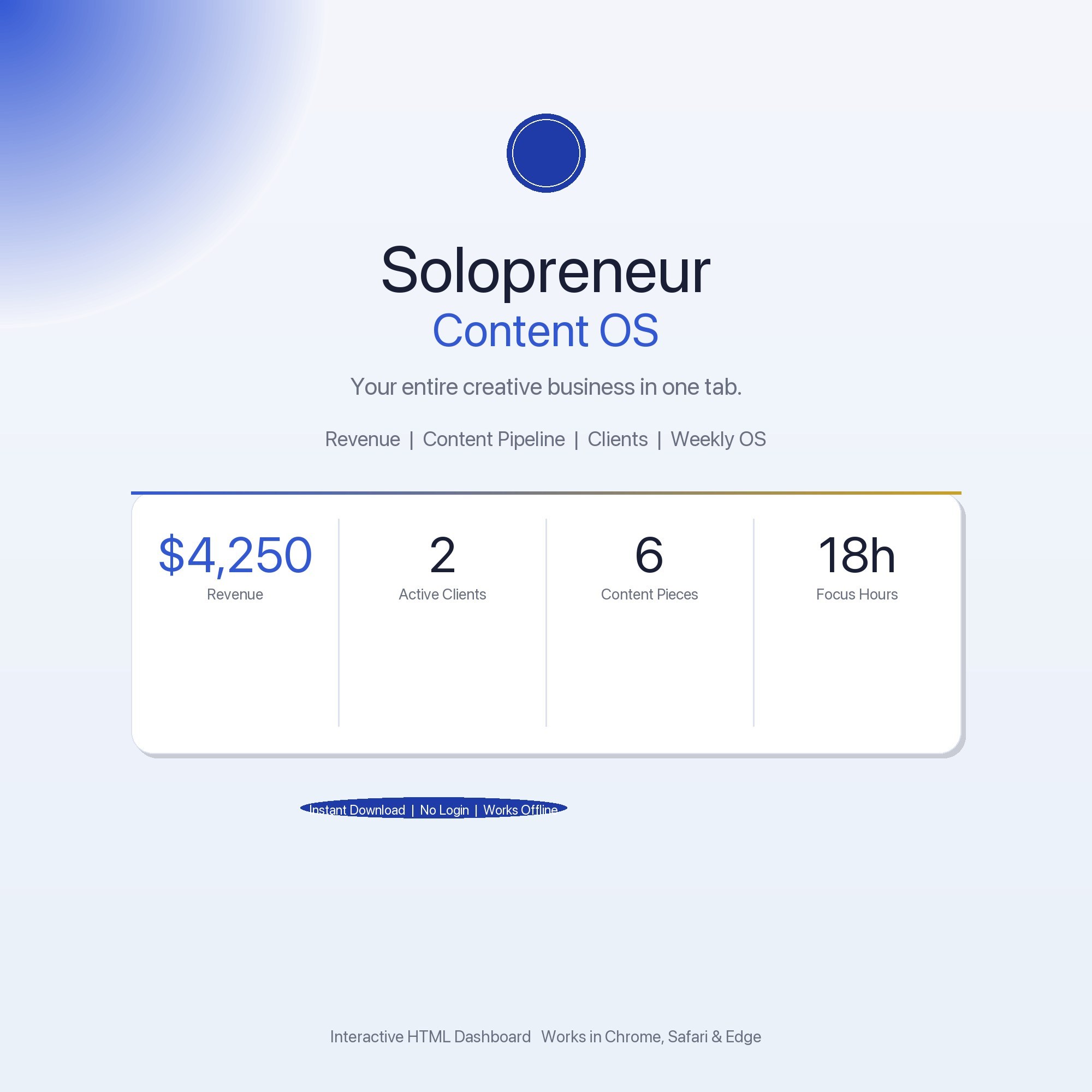
The Solopreneur Content OS is $22 one-time. Five tabs: Overview, Revenue Tracker, Content Pipeline, Client Hub, and Weekly OS. Works on Mac, Windows, iPad, and any browser — no Notion subscription required.
Frequently asked questions
- What does a solopreneur need to track that an employee does not?
- Revenue by stream, client delivery status, content pipeline, and deep-work hours — four things that affect both income and output but live in separate apps for most solopreneurs. Consolidating them into one system is the leverage move.
- Is a Notion setup good enough for a solopreneur at this revenue level?
- Notion works until it doesn't — the $16/month cost adds up, and the real friction is that it requires internet and a Notion account. The Solopreneur Content OS does the same job offline, in your browser, for $22 one-time.
- How does a weekly OS help with deep work?
- A weekly OS with time-block planning and session tagging tells you exactly how many hours you spent in deep work versus admin. Most solopreneurs are shocked to discover they get fewer than 10 deep-work hours per week once they measure it.
- How quickly can I get started with the Solopreneur Content OS?
- Under 5 minutes. Download the file, open it in any browser, and start using it immediately. Everything autosaves automatically.
Featured dashboards from this list
Interactive HTML dashboards — one-time purchase, works offline, no subscription.
ListingResearchOS Shop
All dashboards — single file, yours forever
Interactive HTML. No subscription. Works offline in any browser.
Browse all dashboards →