
The Content Pipeline System for Solo Creators That Actually Ships Content
How solo creators build a content pipeline that actually produces output: the four stages, the weekly rhythm, and how to stop managing ideas and ship them.
Published June 3, 2026
Solo creators fail at content consistency for a specific reason: they treat content as a series of individual projects rather than a pipeline with stages. When every piece of content starts from scratch — what should I make, how long should it be, what platform is it for, when is it due — the cognitive overhead of creation outweighs the creation itself.
A content pipeline removes the decision-making from each individual piece. You decide the structure once; then you execute within it.
The Four Stages of a Working Content Pipeline
Every piece of content should live in one of four stages:
- Idea — a concept captured, not yet structured
- Script / Draft — the piece has been outlined or written
- In Production — recording, design, editing in progress
- Published — live
The value of this staging isn’t organization for its own sake. It’s visibility. When you can see that you have 12 ideas but only 2 things in production, you know the bottleneck. When you have 6 things in production and nothing shipping, you have a finishing problem. The pipeline makes the bottleneck visible.
The Content Pipeline tab in the Solopreneur Content OS is a Kanban board with these four status columns and 30+ pre-seeded example entries so the system looks functional from day one.
The Weekly Rhythm That Actually Ships Content
Shipping consistently requires scheduled creation time, not motivation. The creators who publish reliably don’t rely on feeling inspired — they have specific times blocked for specific types of work.
A basic weekly rhythm for a solo creator:
- Monday: Pipeline review (10 min) — what’s moving, what’s stalled, what gets attention this week
- Tuesday–Thursday: Deep work blocks for production (the actual creating)
- Friday: Publish and schedule what’s ready, move new ideas into the pipeline
The problem most creators run into is that admin and client work fill every available hour. Content creation becomes “whatever time is left,” which is often nothing. Time-blocking for content with the same rigor as client deadlines changes that equation.
The Weekly OS tab in the Solopreneur Content OS is a 30-minute-slot planner where you tag each session: Deep Work, Admin, or Creative. At the end of the week, you see the actual hour totals for each. Most creators who feel unproductive discover they have plenty of working hours but very few deep creative hours. The number tells you where to protect time next week.
Revenue and Client Work: Separate Tracks
A content pipeline alone doesn’t run a creator business. You also need to know your monthly revenue by stream, which clients have upcoming deliverables, and what outstanding invoices exist. Keeping that in a different system from your content pipeline creates context-switching overhead.
The Solopreneur Content OS has five tabs that cover both tracks simultaneously:
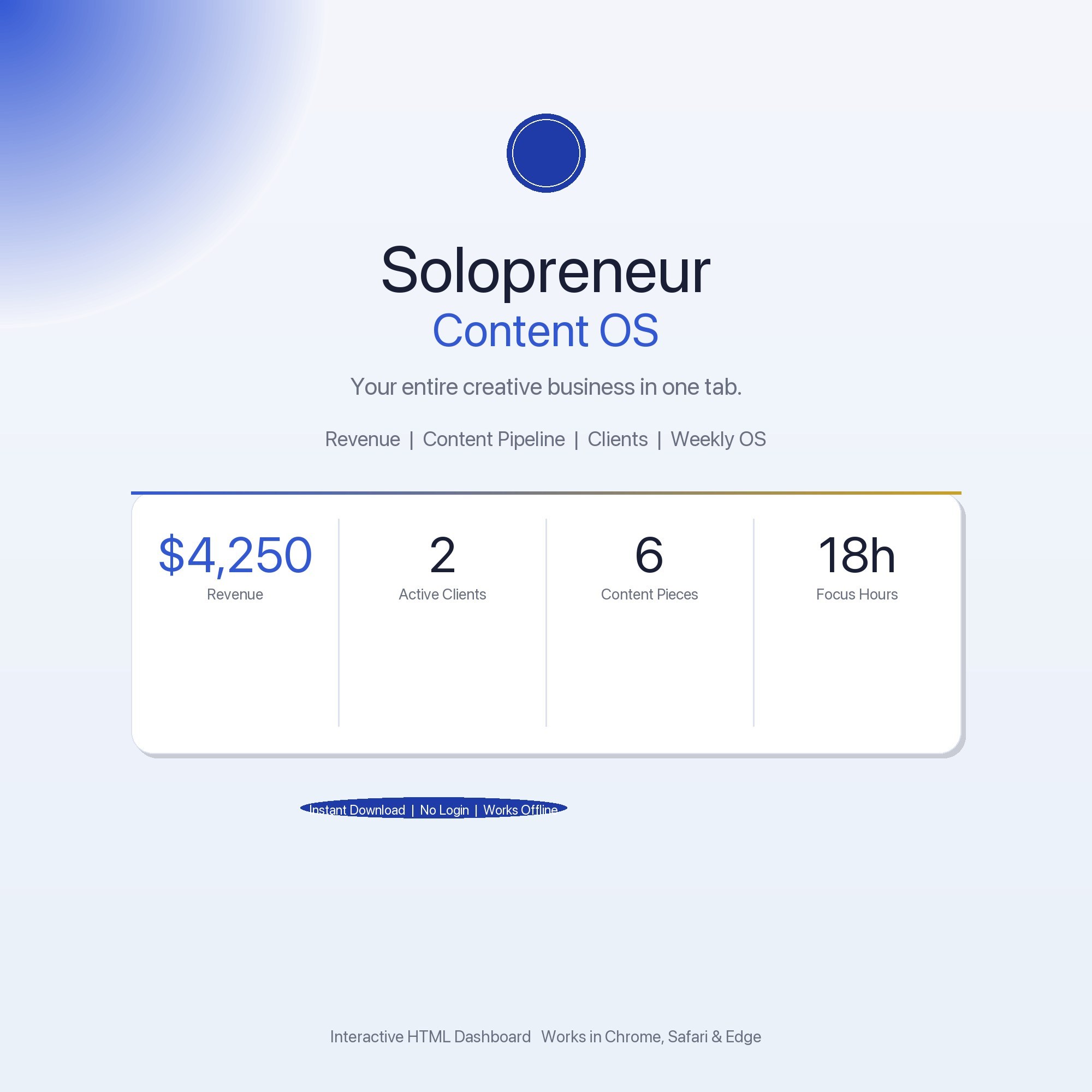
- Overview — monthly revenue, active clients, content pieces shipped this week, deep-work hours
- Revenue Tracker — income log by stream (sponsorships, products, services, affiliates) with monthly totals
- Content Pipeline — Idea through Published Kanban
- Client Hub — client name, project status, rate, next deliverable, payment status
- Weekly OS — time-blocked planning with session tagging
The key design decision: the Revenue Tracker and Client Hub are separate from the Content Pipeline. Mixing them creates the problem most creators already have — everything in one undifferentiated list where client emergencies crowd out content time.
Getting Your Revenue Visible
A common problem for creators at $2K–$10K/month is not knowing their actual MRR off the top of their head. Revenue is distributed across Stripe, PayPal, ConvertKit Commerce, and direct client invoices. Getting a real number requires opening four different platforms and adding.
The Revenue Tracker tab logs every income stream with monthly totals and a running annual total. Set up each stream once, add entries as money comes in, and the totals are always current. Most creators who go through this exercise for the first time are surprised by which stream is actually their largest.
The App Overload Problem
At the $2K–$10K/month revenue stage, most creators are managing their business across 4–6 tools: Notion for planning, Google Sheets for tracking, a scheduling tool, an email platform, and something for client communication. Each one requires a login. Each one has its own mobile notification. The switching cost between them is a real drag on creative output.
The Solopreneur Content OS is an offline-first approach: one HTML file, no accounts, no logins, works on a plane. It doesn’t replace every tool — you’ll still need your email platform and scheduling tool — but it consolidates the core business tracking (revenue, clients, content, time) into one place that requires no internet after download.
Frequently asked questions
- What is a content pipeline and why do solo creators need one?
- A content pipeline is a system that moves ideas from conception to published output without you having to manually track every piece. Without a pipeline, you're constantly deciding what to create next, which drains creative energy and leads to inconsistent output. With a pipeline, you decide the structure once and execute within it.
- How many content pieces should I have in progress at once?
- For a solo creator, 3–6 pieces across different stages of your pipeline is a healthy working inventory. More than that and nothing gets finished; fewer and you're always starting from zero. The Kanban structure — Idea, Script/Draft, In Production, Published — gives you visibility into exactly where your inventory sits.
- How do I balance client work with content creation?
- They need separate tracking systems. Client work has external deadlines and requires project milestone tracking. Content creation runs on internal momentum and a weekly time-block. Mixing them in one undifferentiated task list means one always crowds out the other. The Solopreneur Content OS separates them: a Client Hub tab for client work and a Content Pipeline tab for content.
- What is the Weekly OS and how do I use it?
- The Weekly OS tab in the Solopreneur Content OS is a time-blocking planner where you tag sessions as Deep Work, Admin, or Creative and see your focus-hour total for the week. The insight it provides: most creators who feel unproductive discover they have 18+ hours of active work time but only 4–6 hours of deep creative work. The number surfaces the problem.
- How much does the Solopreneur Content OS cost?
- One-time purchase of $22 on Etsy. No subscription, no Notion workspace required.
Ready-made dashboards
Skip setup — grab an interactive dashboard built for this exact workflow.
ListingResearchOS Shop
All dashboards — one-time purchase, yours forever
Single HTML files. No subscriptions. No login. Works offline in any browser.
Browse all dashboards →