
Interactive dashboard
Marathon Training Template
Built for First-marathoners and PR-chasers training 12-20 weeks for NYC, Boston, Berlin, Chicago, London, or local 26.2.
Try it live
Click around the real dashboard
Interactive demo · a few tabs unlocked
See it in action
The dashboard
What it is
Built for first-marathoners and PR-chasers training 12-20 weeks for NYC, Boston, Berlin, Chicago, London, or local 26.2. Train. Taper. Finish. It is a browser-native interactive dashboard that lives in a single HTML file, with nothing to install.
What is Marathon Training Template?
Marathon Training Template is an interactive dashboard that opens in your web browser. It is one self-contained HTML file — you download it once, double-click it, and it runs. It is built for first-marathoners and PR-chasers training 12-20 weeks for NYC, Boston, Berlin, Chicago, London, or local 26.2.
What is included in Marathon Training Template?
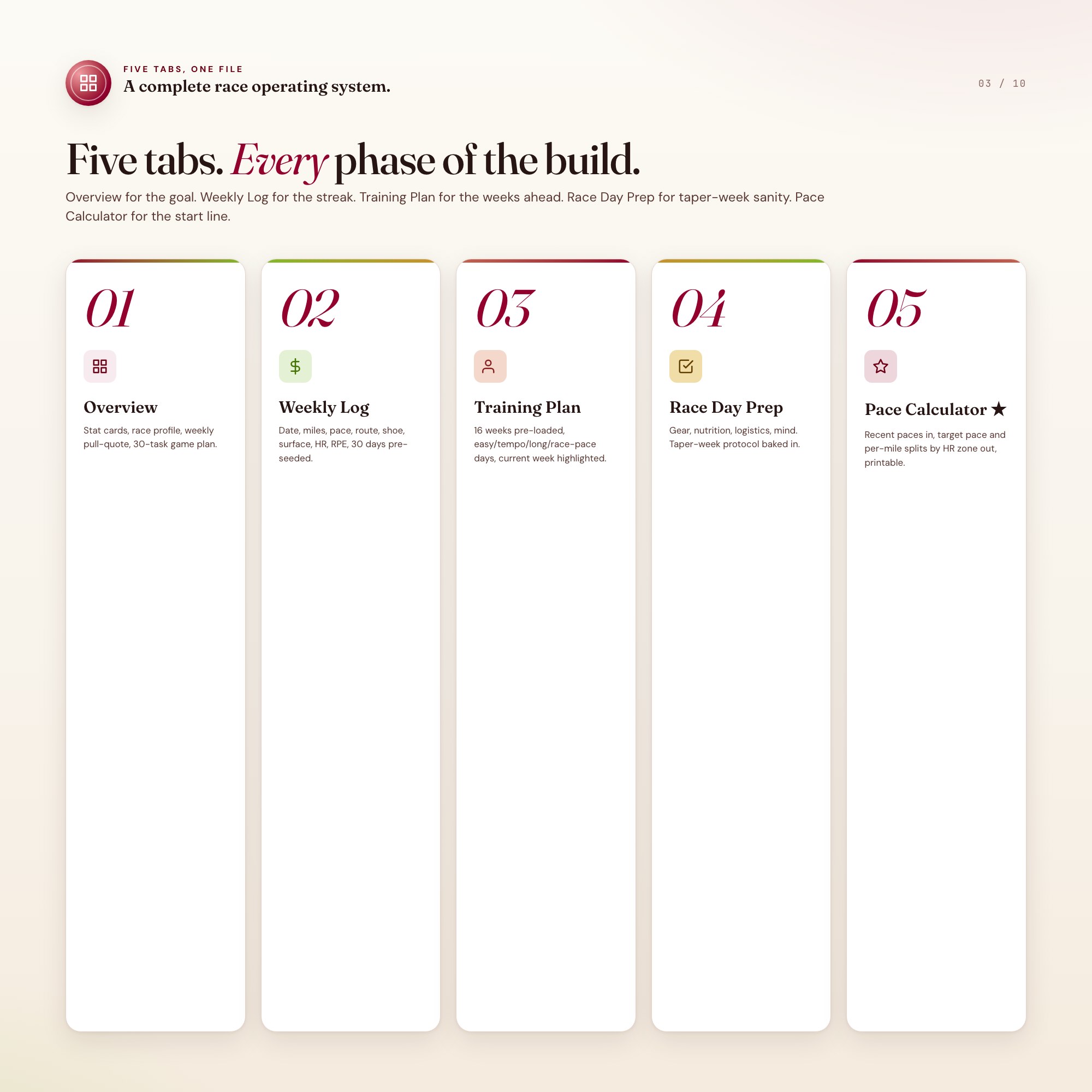
5 sections, all in the one file:
- Overview
- Weekly Log
- Training Plan
- Race Day Prep
- Pace Calculator
Does Marathon Training Template need Excel, Google Sheets or a subscription?
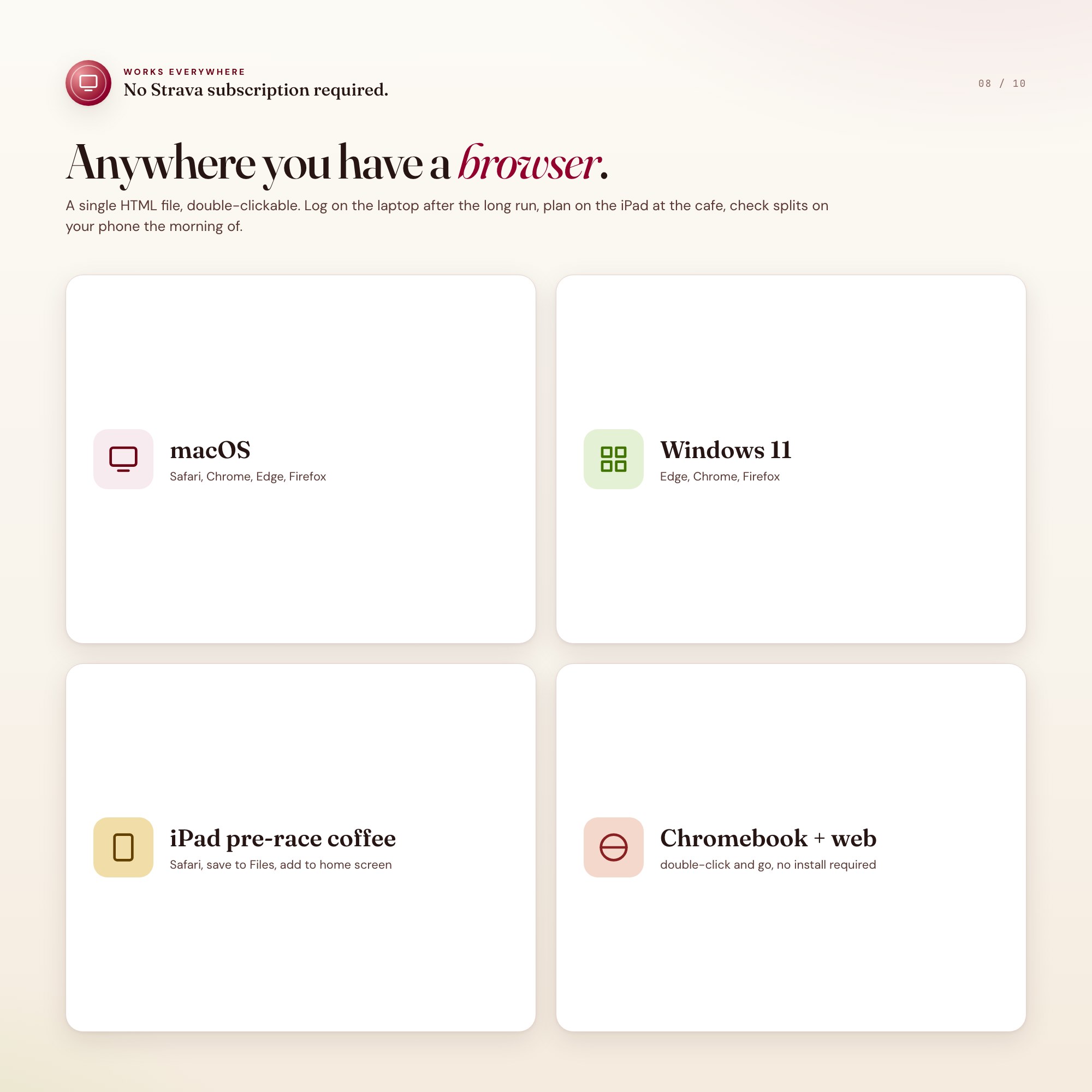
No. There is no app to install, no account to create, no login and no recurring fee. It opens in Chrome, Safari, Edge or Firefox on macOS, Windows, iPad or Chromebook, and it keeps working offline once the file is on your machine.
Where does Marathon Training Template store my data?
On your own device, in your own browser. Nothing is uploaded, no account is created and no analytics are collected. You can export a backup file at any time and load it on another computer.
Can I change how Marathon Training Template looks?
Yes — colour, background, typeface and text size are all adjustable from inside the dashboard, and your choice is remembered the next time you open it.
How much is Marathon Training Template and how is it delivered?
$24, delivered as an instant download the moment you pay. Because it is a digital file, all sales are final.
More about Marathon Training Template
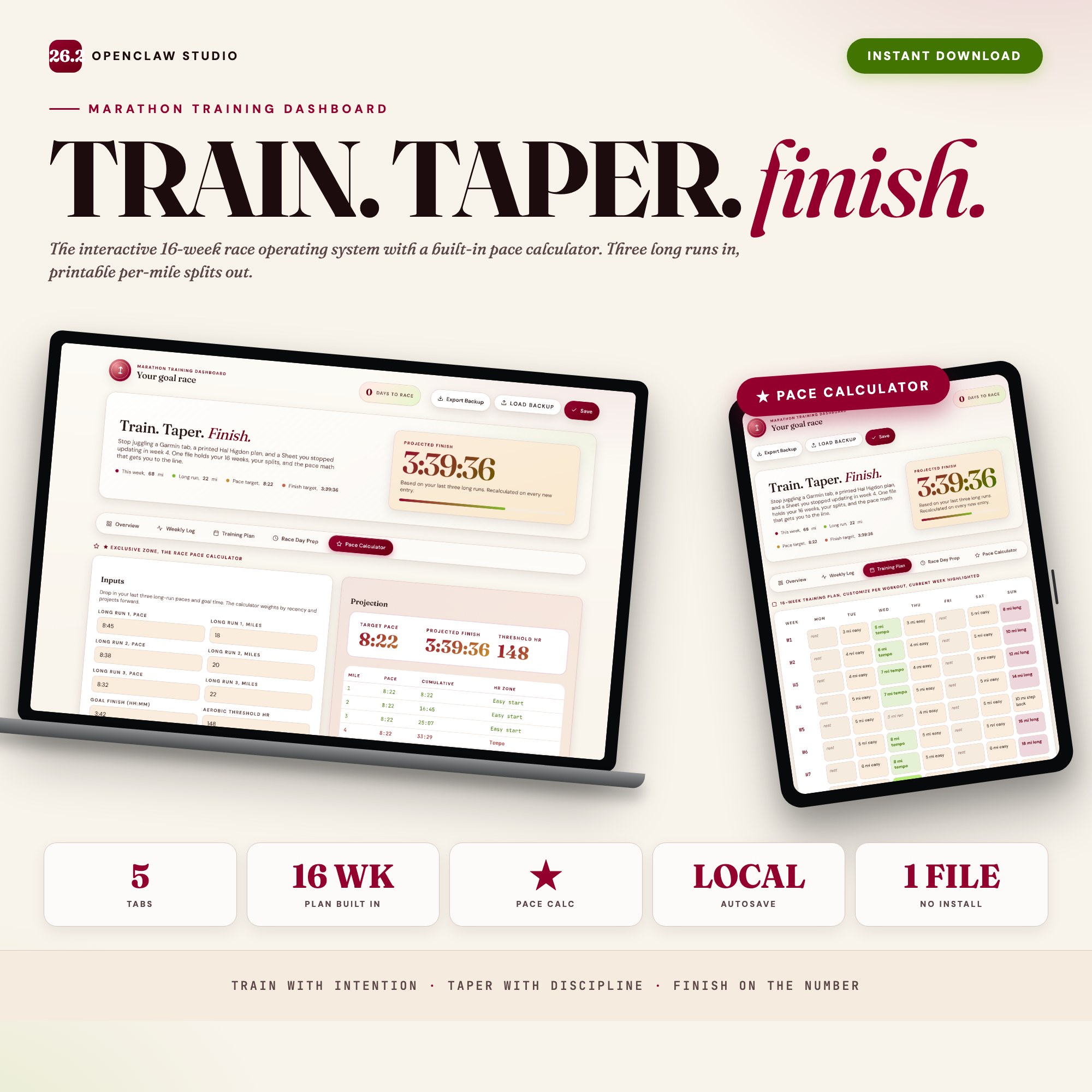
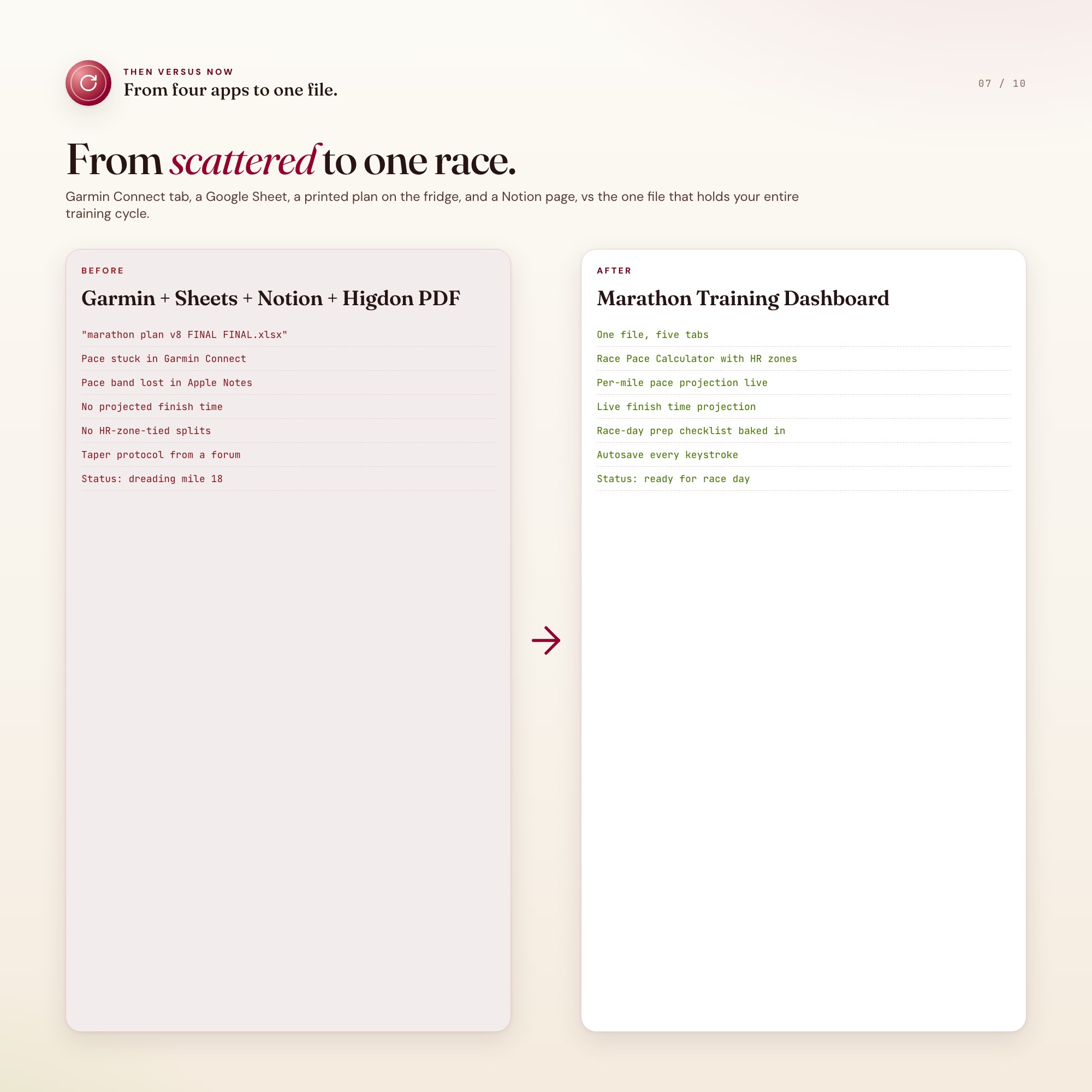
The Marathon Training Dashboard fixes that in one HTML file. Open it in Chrome, type in your last long run, and watch a complete race operating system come to life: a 16-week training plan that knows where you are this week, a mileage log that rolls up every shoe and surface, a race-day prep checklist that survives taper-week anxiety, and the feature no static plan offers, a Race Pace Calculator that ingests your recent training paces and projects your finish time and per-mile splits by heart-rate zone.
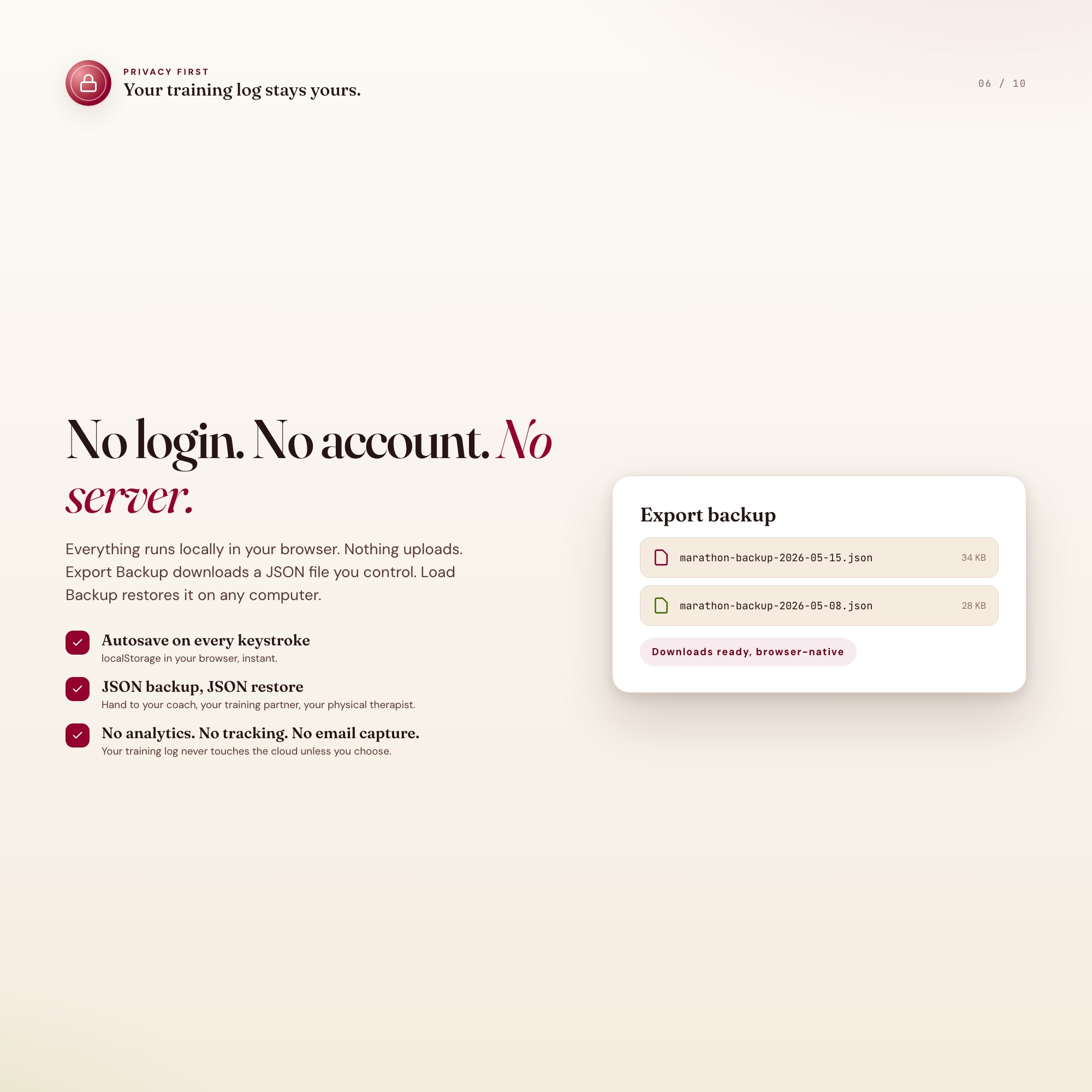
Every keystroke autosaves to your browser. Close the tab, reopen tomorrow after your 5 AM run, your log is exactly where you left it. Export a JSON backup any time you want to keep a copy or share with a coach.
★ EXCLUSIVE ZONE
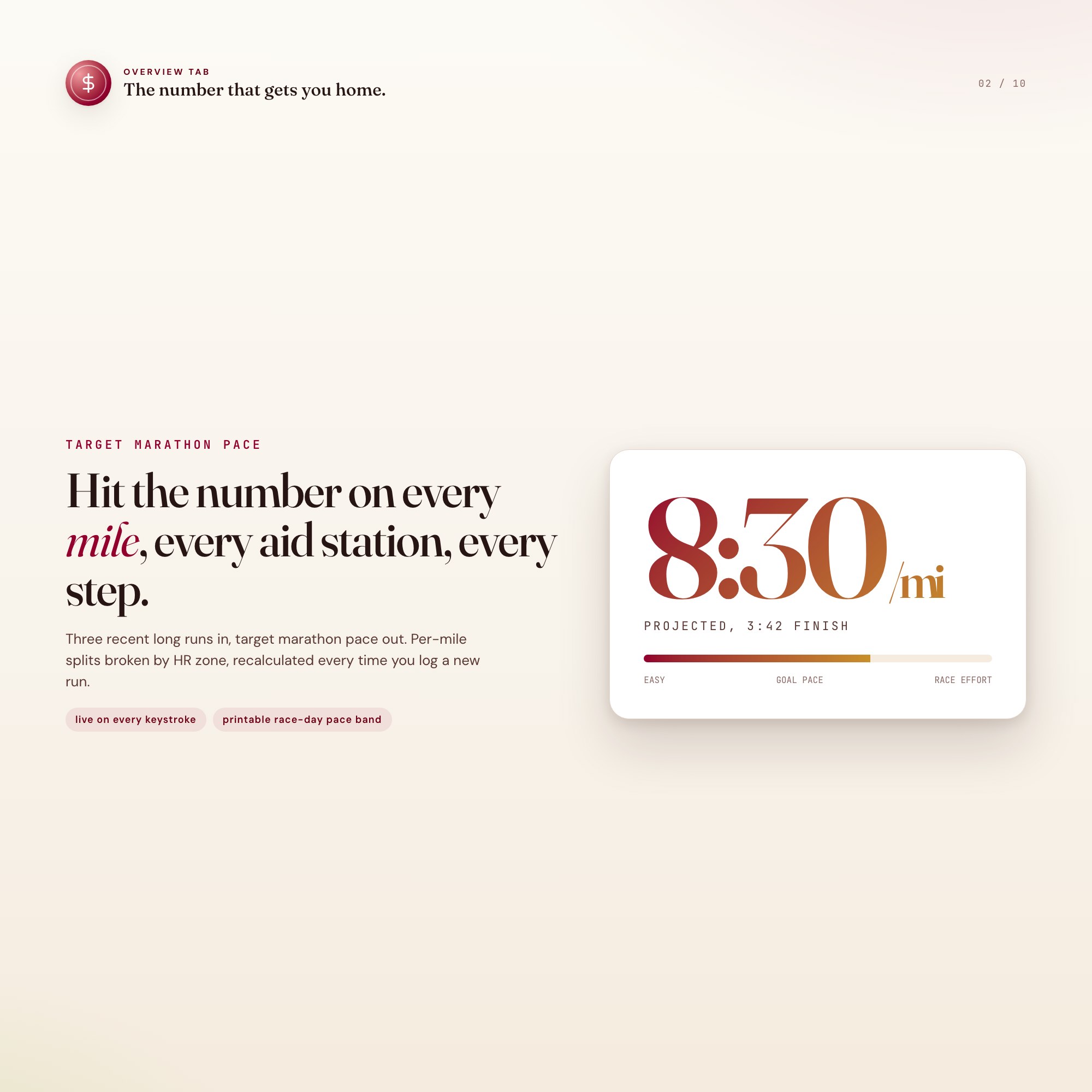
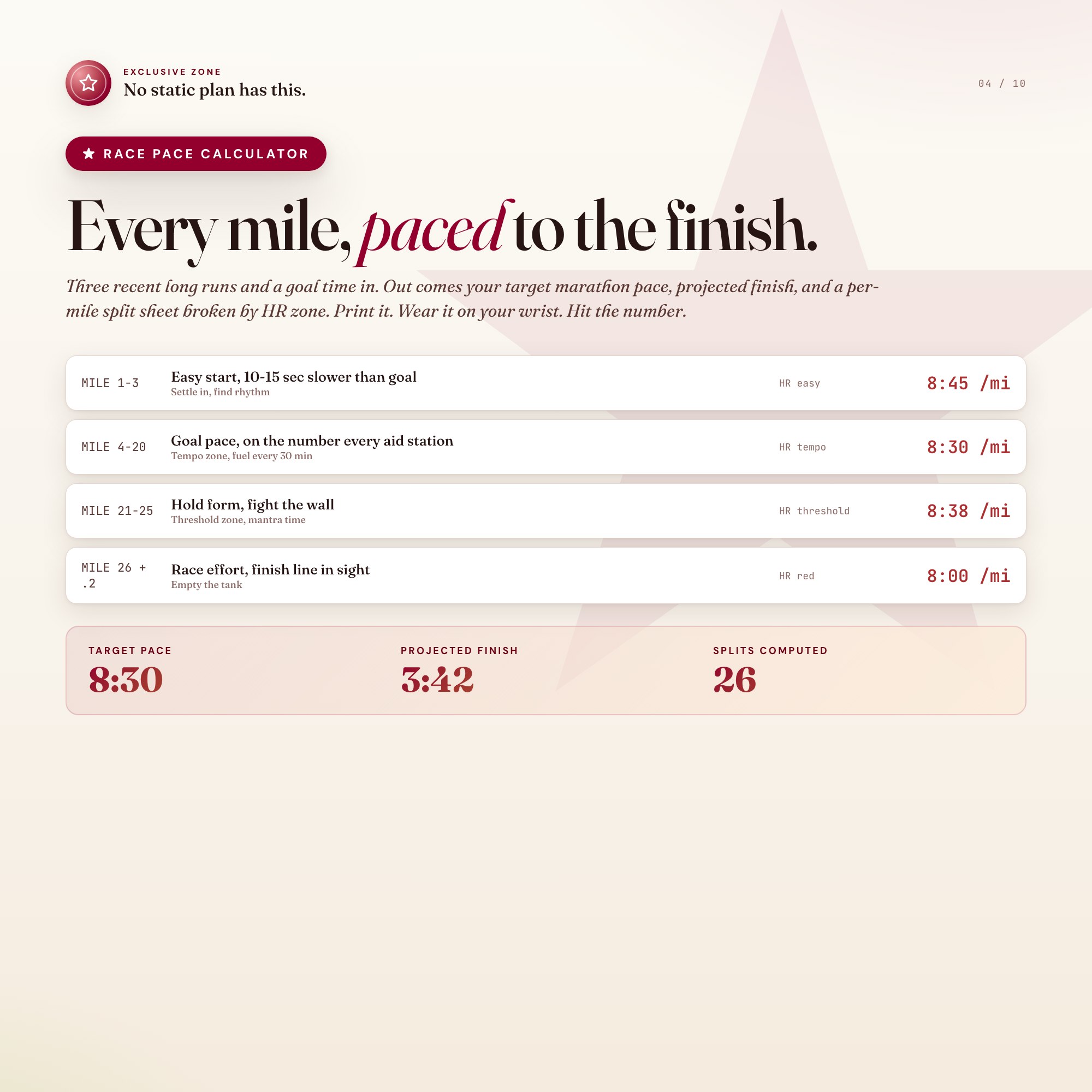
The Race Pace Calculator is built into Tab 5 and is the reason this product exists. Drop in your last three long-run paces, your goal time, and your aerobic threshold heart rate. It computes your target marathon pace, projected finish time, recommended pace per mile, and a printable pace band split by HR zone. You walk to the start line knowing the number.
WHAT’S INSIDE (5 tabs)
-
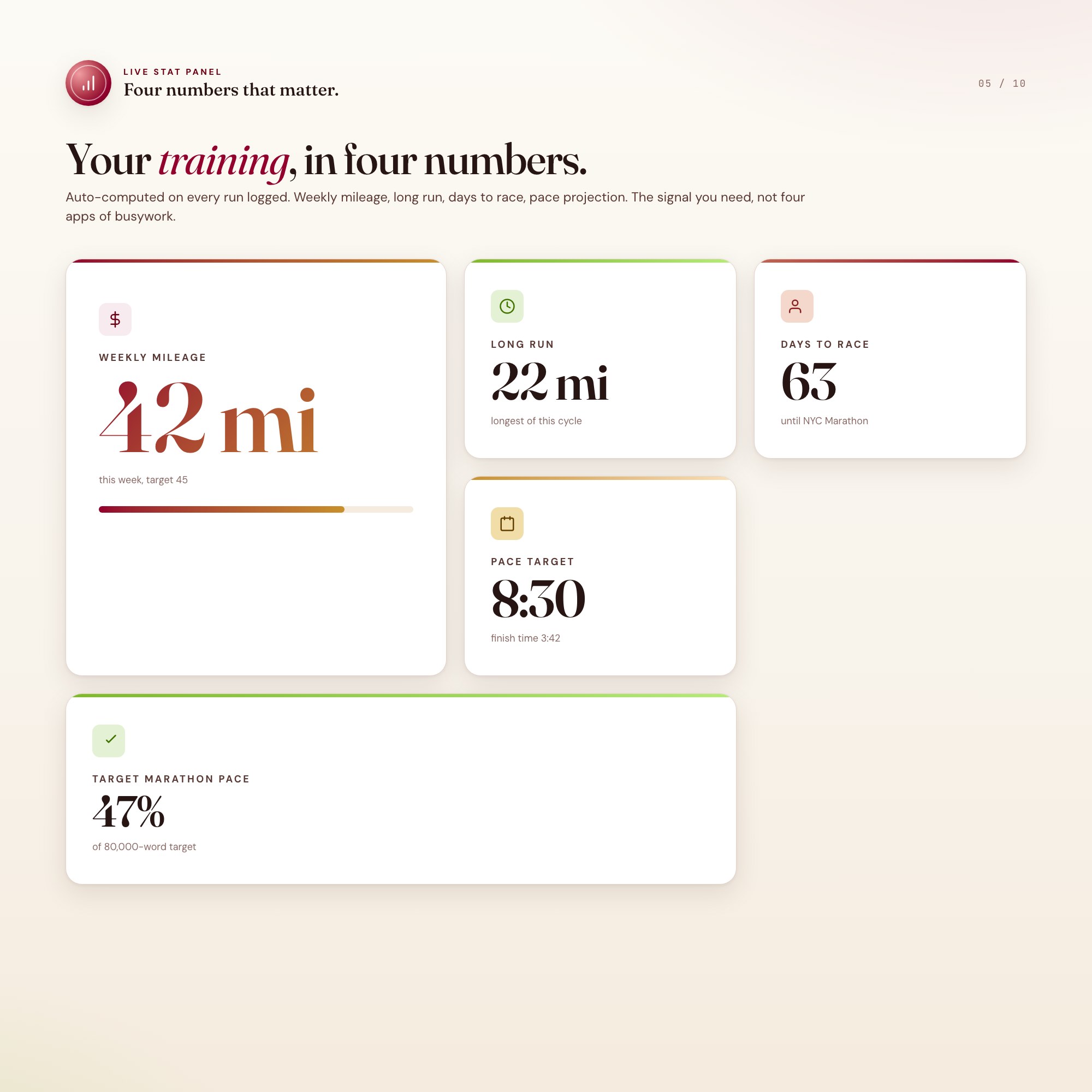
Overview, your weekly dashboard. Days to race, total weekly mileage, longest run this cycle, projected finish time, plus a 16-week training game plan.
-
Weekly Log, the streak engine. Date, miles, pace, route, shoe, surface, HR avg, RPE, plus a per-week mileage rollup.
-
Training Plan, the schedule. 16 weeks pre-loaded with easy, tempo, long, recovery, race-pace, and rest days, customizable per buyer level.
-
Race Day Prep, the checklist. Gear, nutrition, taper-week protocol, course notes, sleep target, alarm time, pre-race breakfast.
-
Pace Calculator ★, the finish line. Recent paces in, target marathon pace and per-mile split sheet out, broken by HR zone.
This is for you if
-
You are training for your first marathon and the math is the scariest part.
-
You are chasing a PR or a Boston qualifier and need a pace plan, not a vague goal.
-
You are switching from a printed plan to a digital workflow that survives 16 weeks.
-
You run with a coach and want a shared source of truth that does not require Notion.
-
You want a system that does not require another monthly Strava or TrainingPeaks subscription.
Your data is safe
Everything runs locally in your browser. Nothing uploads. No login, no account, no email capture, no analytics. Export Backup downloads a JSON file you control. Load Backup restores it on any computer. Your training log is yours.
Files included
-
dashboard.html, the single-file interactive race operating system
-
HOW-TO-SAVE.txt, plain-English save, restore, and share guide
Works in Chrome, Edge, Safari, Firefox. macOS, Windows, iPad, Chromebook.
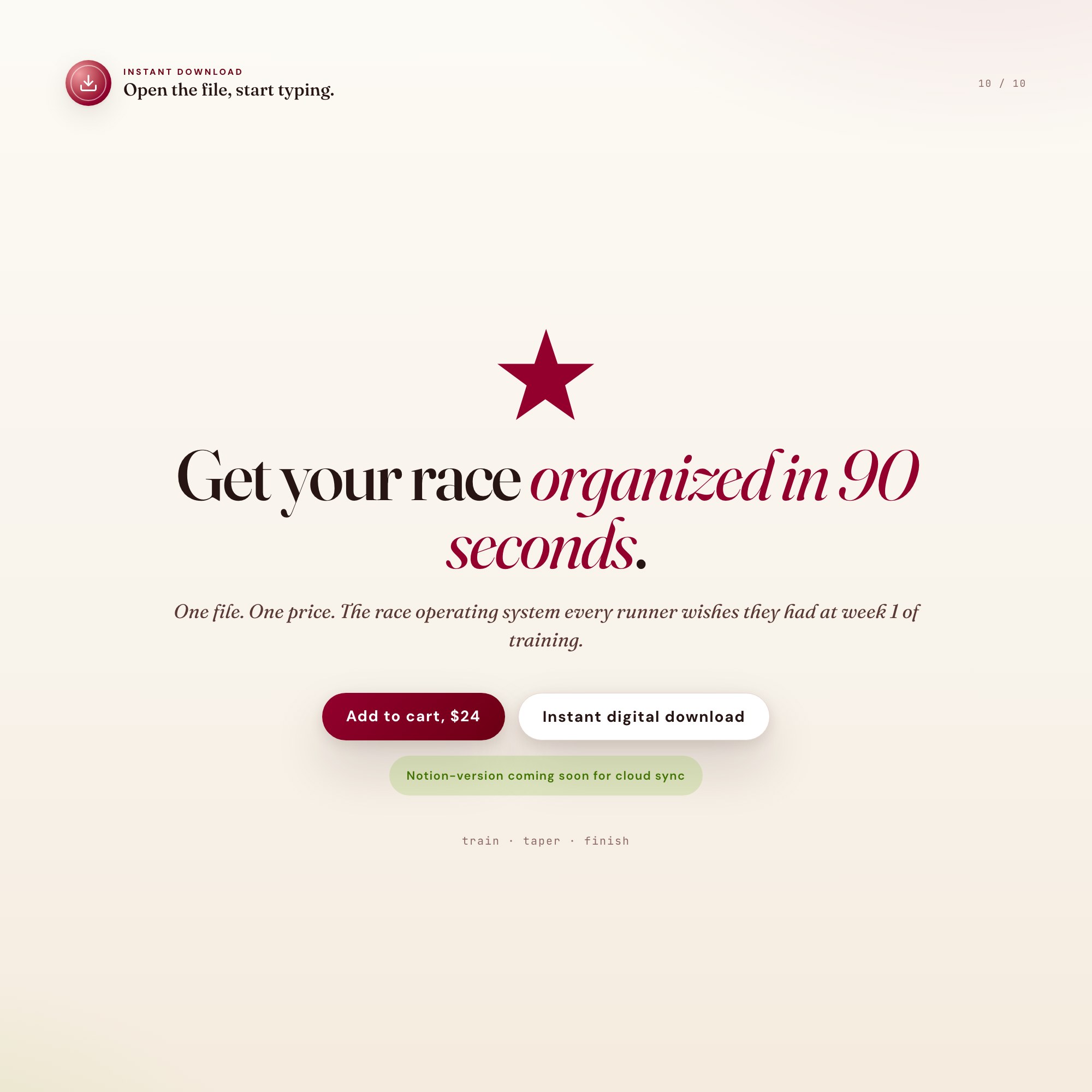
Get the next 16 weeks of training organized in 90 seconds. Click Add to Cart, instant download, open the file, start logging.
Notion-version coming soon for buyers who want cloud sync across devices.
5 Tabs included
- ◈
Overview
Stat cards, race profile, weekly pull-quote, 5-phase 30-task game plan, vision block.
- ≡
Weekly Log
Date, type, miles, pace, route, shoe, surface, HR, RPE, notes. 30 days pre-seeded.
- ⊞
Training Plan
16 weeks pre-loaded as editable grid, current week highlighted by race date.
- ◉
Race Day Prep
Gear / Nutrition / Logistics / Mind checklist + taper-week protocol + race-day timeline.
- ★
Pace Calculator
EXCLUSIVE ZONE: recent paces in, target pace + projected finish + per-mile splits with HR zones out.
Exclusive Feature
Race Pace Calculator that ingests recent training-run paces and projects finish time + per-mile splits by heart-rate zone. Printable wrist band.
This is built into the fifth tab and is unavailable in any static template, spreadsheet, or Notion template on the market.
Gallery
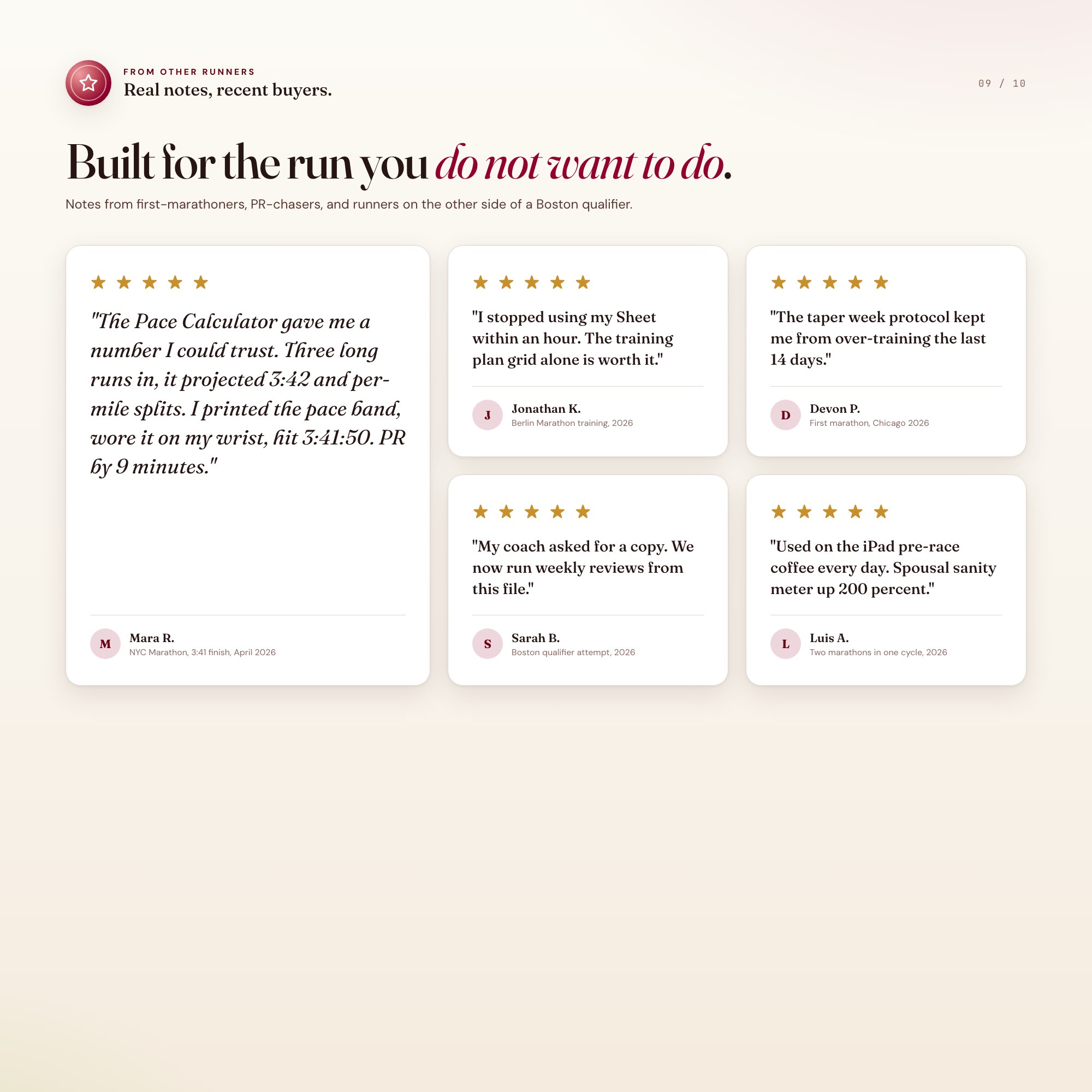
Learn more
How to Build a 16-Week Marathon Training Plan From Scratch
How to build a 16-week marathon training plan: mileage structure, pace zones, taper strategy, and race-day prep for first-timers and PR chasers alike.
GuideMarathon Pace Calculator: How to Set Realistic Race Goals
How to calculate your marathon pace from training data — project your finish time, set per-mile splits by heart-rate zone, and avoid the bonk at mile 20.
ComparisonGarmin vs. Strava vs. Offline Training Log: What Marathoners Actually Need
Comparing Garmin Connect, Strava, and an offline marathon training log: what each does for race-specific preparation versus general fitness tracking.
List7 Things Every First-Time Marathoner Should Track During Training
7 data points first-time marathoners should log across 16 weeks — from weekly mileage and shoe rotation to race pace projection and taper-week prep.
Before you buy
Frequently asked questions
- What is Marathon Training Template?
- Marathon Training Template is an interactive dashboard that opens in your web browser. It is one self-contained HTML file — download it once, double-click it, and it runs. No app, no account, no subscription.
- Does Marathon Training Template need Excel or Google Sheets?
- No. It is not a spreadsheet and does not open in one. It runs in Chrome, Safari, Edge or Firefox on macOS, Windows, iPad or Chromebook, and keeps working offline.
- What is included in Marathon Training Template?
- 5 sections in a single file: Overview, Weekly Log, Training Plan, Race Day Prep, Pace Calculator.
- Can I change the colours and text size in Marathon Training Template?
- Yes. Colour, background, typeface and text size are adjustable from inside the dashboard, and the setting is remembered.
- Does it work offline?
- Yes — completely. The dashboard is a single HTML file. Once downloaded, it runs entirely in your browser with no internet connection needed. All data autosaves to your browser's localStorage.
- Which devices and browsers are supported?
- Works in Chrome, Edge, Safari, and Firefox on macOS, Windows, iPad, and Chromebook. No app to install, no account to create. Just open the file.
- What is your refund policy?
- All sales are final. This is an instant download delivered in full at payment, so it cannot be returned. If a file will not open or a feature does not work as described, that is a defect and it gets fixed at no cost — email hello@listingresearchos.com and you will get a corrected file.
- How do I install it?
- There is nothing to install. After purchase, download the HTML file. Double-click to open in your browser. That's it. A HOW-TO-SAVE.txt is included explaining how to back up and restore your data.
- Is my data private?
- Completely. Everything runs locally — no login, no analytics, no data sent to any server. Your data is stored only in your browser's localStorage. You own it entirely.
You might also like

One-time purchase
Get it for $24.00
Instant download. Open in any browser. Yours forever.