
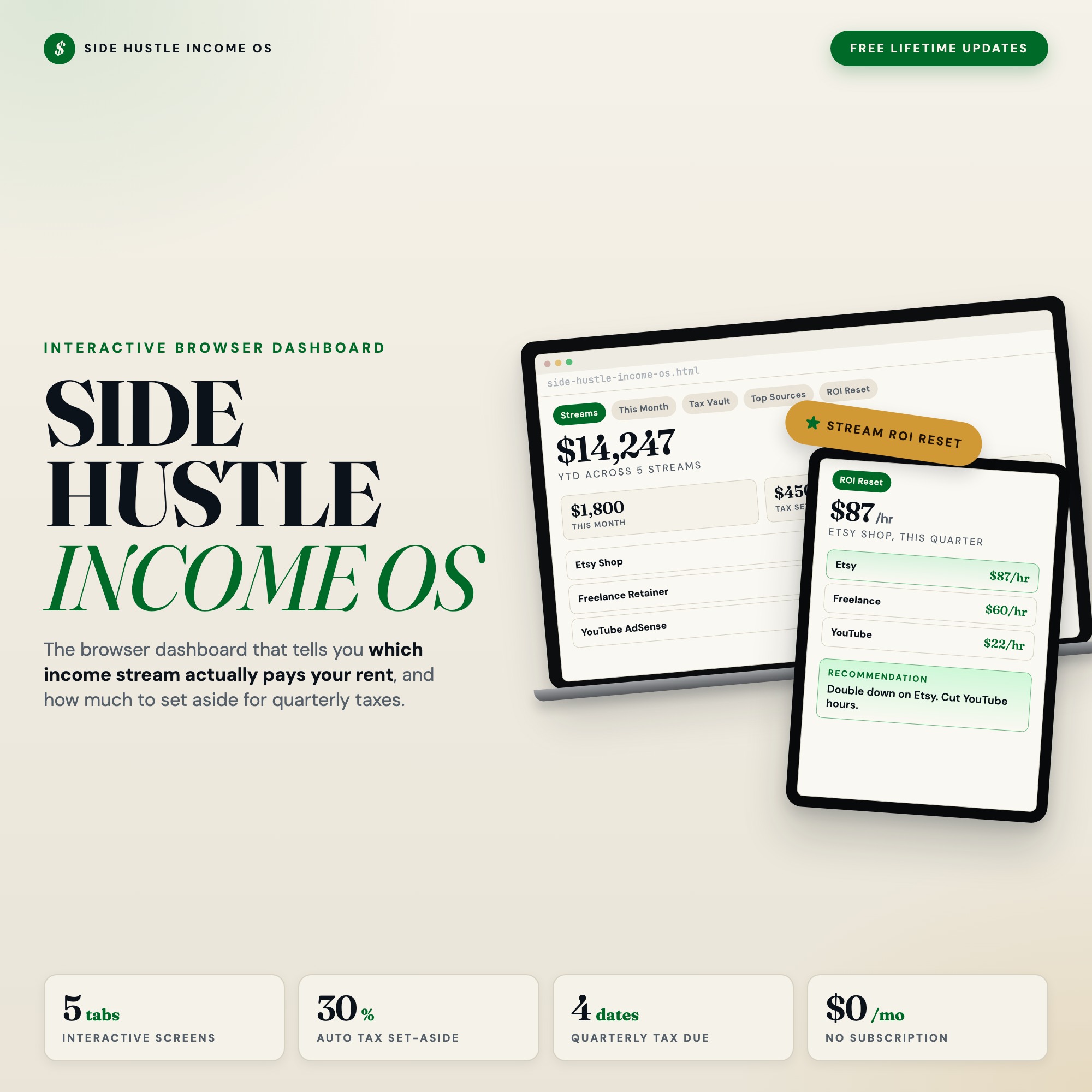
Interactive dashboard
Side Hustle Income and Expense Tracker
Built for Solopreneur, freelancer, or creator running 3+ income streams (Etsy, freelance retainer, content payouts, dividends/affiliate) who cannot quickly answer which stream is paying their rent each month.
Try it live
Click around the real dashboard
Interactive demo · a few tabs unlocked
See it in action
The dashboard
What it is
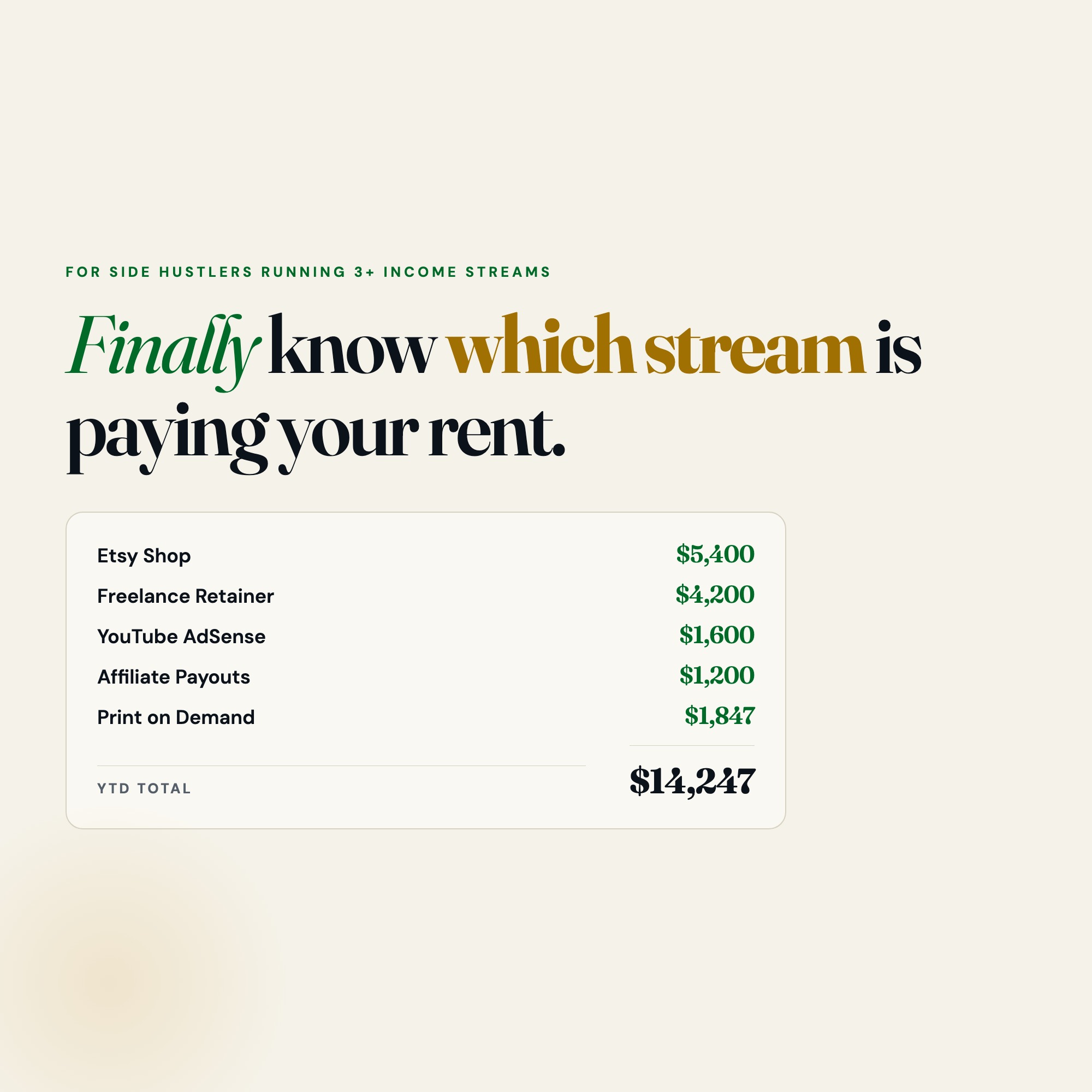
Built for solopreneur, freelancer, or creator running 3+ income streams (Etsy, freelance retainer, content payouts, dividends/affiliate) who cannot quickly answer which stream is paying their rent each month. Finally know which income stream is paying your rent this month. It is a browser-native interactive dashboard that lives in a single HTML file, with nothing to install.
What is Side Hustle Income and Expense Tracker?
Side Hustle Income and Expense Tracker is an interactive dashboard that opens in your web browser. It is one self-contained HTML file — you download it once, double-click it, and it runs. It is built for solopreneur, freelancer, or creator running 3+ income streams (Etsy, freelance retainer, content payouts, dividends/affiliate) who cannot quickly answer which stream is paying their rent each month.
What is included in Side Hustle Income and Expense Tracker?
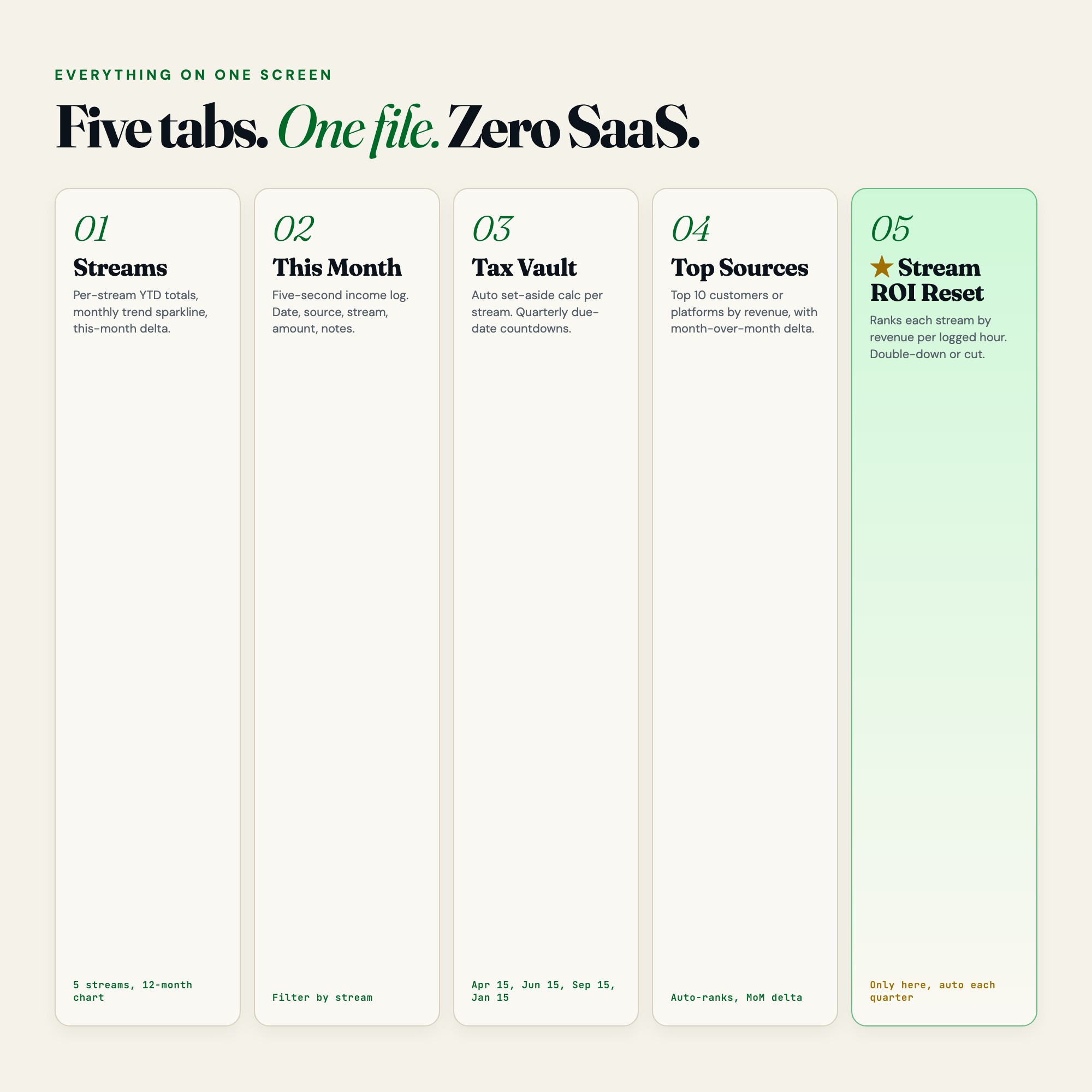
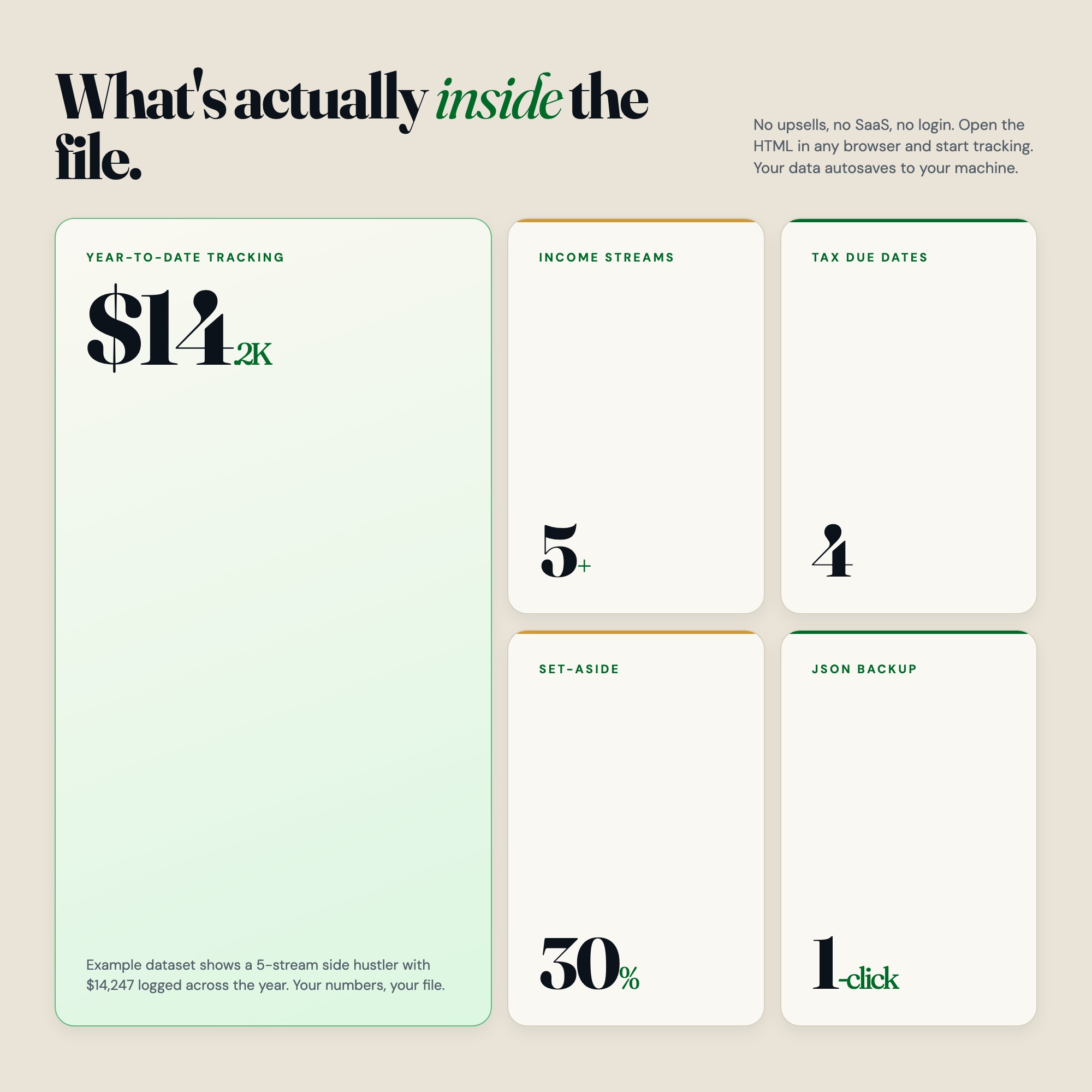
5 sections, all in the one file:
- Streams
- This Month
- Tax Vault
- Top Sources
- Stream ROI Reset
Does Side Hustle Income and Expense Tracker need Excel, Google Sheets or a subscription?
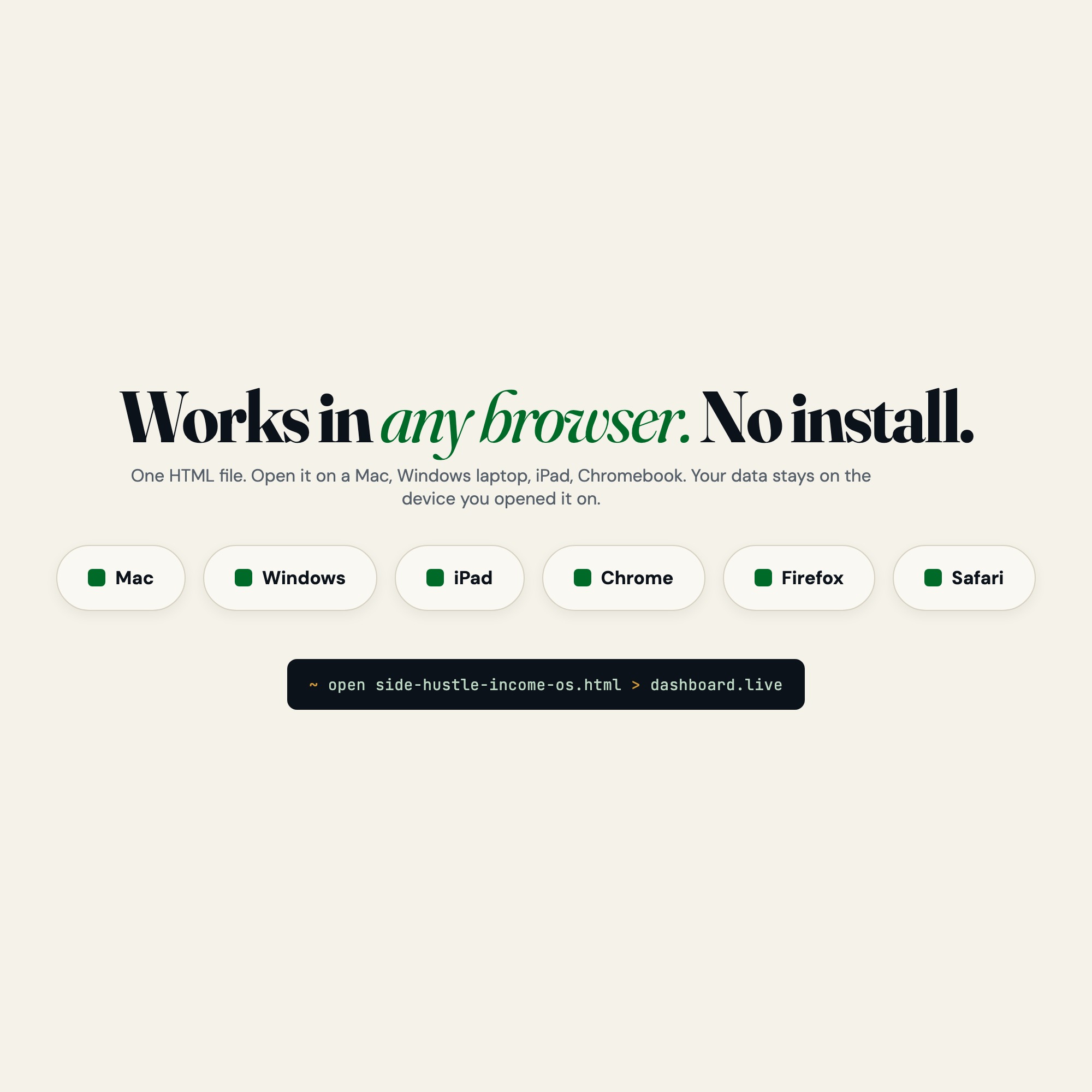
No. There is no app to install, no account to create, no login and no recurring fee. It opens in Chrome, Safari, Edge or Firefox on macOS, Windows, iPad or Chromebook, and it keeps working offline once the file is on your machine.
Where does Side Hustle Income and Expense Tracker store my data?
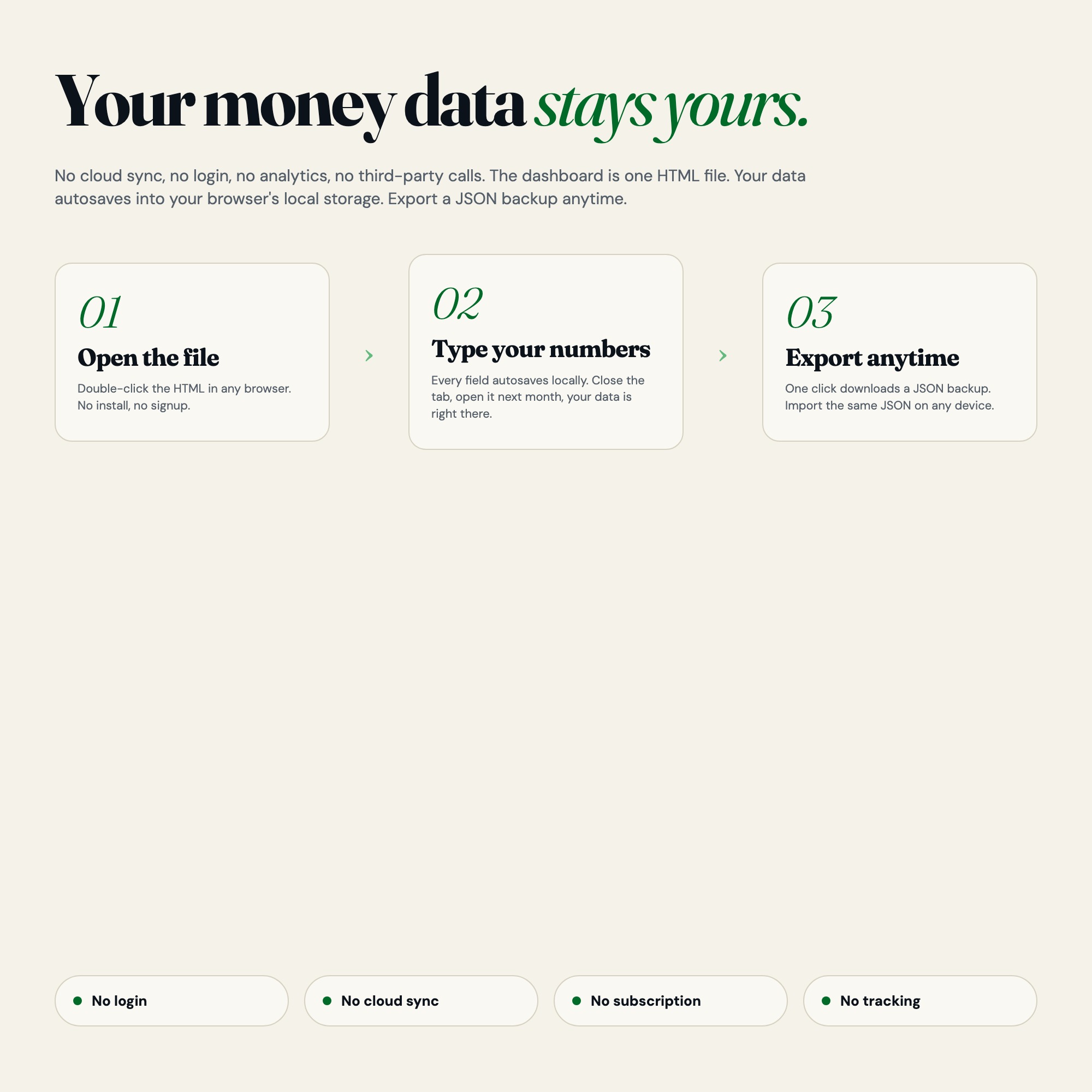
On your own device, in your own browser. Nothing is uploaded, no account is created and no analytics are collected. You can export a backup file at any time and load it on another computer.
How much is Side Hustle Income and Expense Tracker and how is it delivered?
$27, delivered as an instant download the moment you pay. Because it is a digital file, all sales are final.
More about Side Hustle Income and Expense Tracker
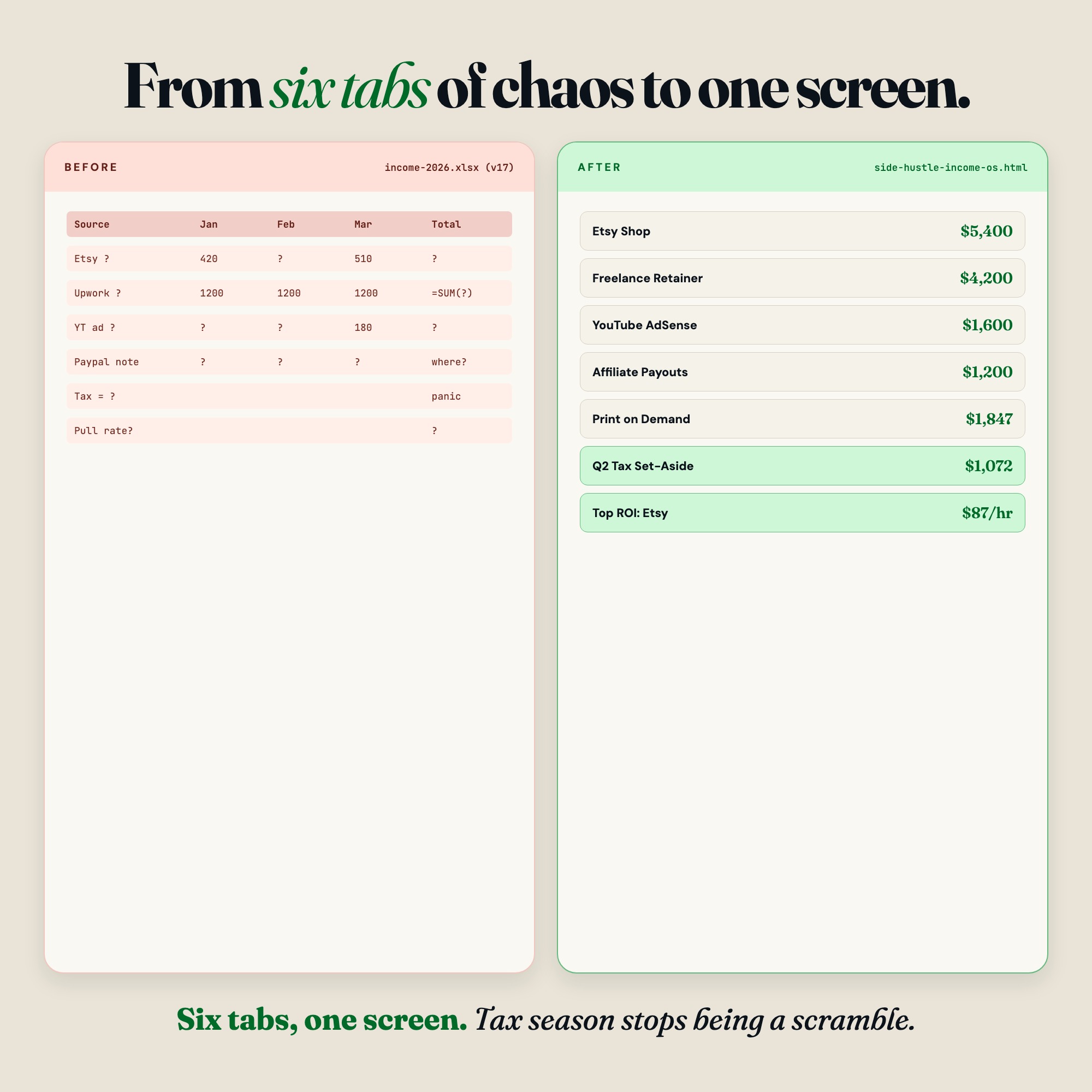
If you run Etsy, freelancing, content payouts, dividends, or any mix of side income, this interactive browser dashboard turns your scattered 1099s and PayPal screenshots into one clear revenue OS. No spreadsheet imports. No Google Drive permissions. Just open the file in any browser and start tracking.
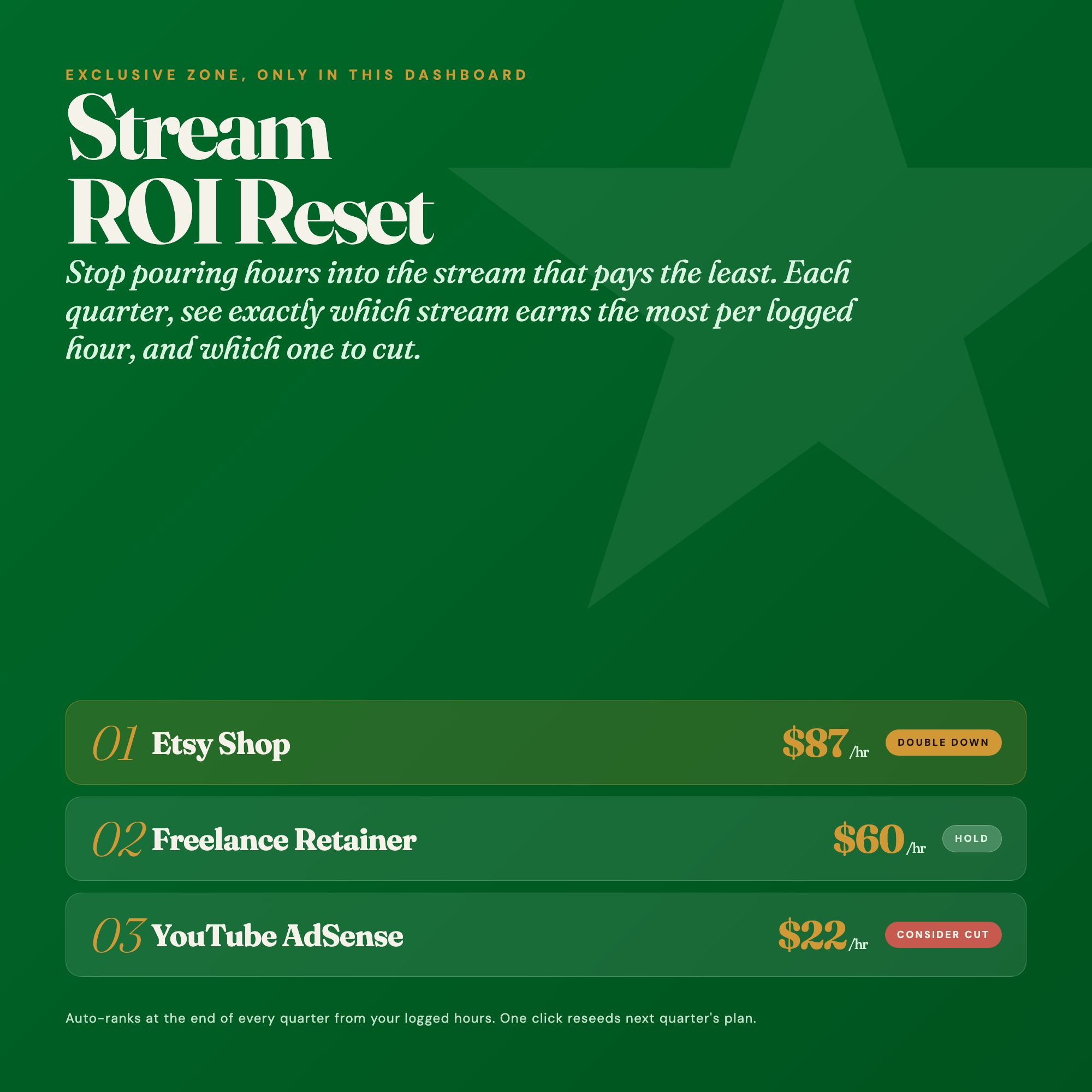
★ EXCLUSIVE ZONE: Stream ROI Reset
No competitor offers this. Each quarter, the Stream ROI Reset tab ranks every income stream by hourly profitability (revenue divided by hours logged). It tells you which stream to double down on and which one is silently costing you time. Stop guessing. Start cutting.
WHAT’S INSIDE (5 Interactive Tabs)
Tab 1: Streams
See all your income streams at a glance. YTD totals, this-month column, and a trend sparkline per stream. Add a new stream in 10 seconds.
Tab 2: This Month
A running income log sorted by date, source, stream, amount, category, and notes. Filter by stream to see exactly what came in. Every entry autosaves.
Tab 3: Tax Vault
Set a custom tax-aside percentage per stream. The dashboard calculates how much to move to savings in real time. Quarterly estimated payment countdowns show exactly how many days until Q1 (Apr 15), Q2 (Jun 15), Q3 (Sep 15), Q4 (Jan 15). 1099 filers with multiple income types need this.
Tab 4: Top Sources
See your top 10 revenue sources (clients, platforms, products) ranked by total. Month-over-month delta shows which sources are growing and which are fading.
Tab 5: Stream ROI Reset (★ EXCLUSIVE)
Quarterly review panel. Log hours per stream. Dashboard calculates revenue per hour, ranks streams, and gives a plain-language recommendation: double down or cut.
THIS IS FOR YOU IF:
-
You have 3 or more income streams and every tax quarter feels like a scramble
-
You can’t quickly answer “which stream made me the most last month”
-
You’re paying estimated quarterly taxes manually without tracking set-asides
-
You’ve tried Google Sheets templates but spend more time fighting the import than tracking income
-
You want a tool that works offline, needs no login, and keeps your data private
Your data is safe
This dashboard runs entirely in your browser. No server. No login. No data ever leaves your device. Everything autosaves locally. Export a JSON backup anytime. Load it back in one click. Your income data belongs only to you.
Files included
-
dashboard.html: The complete interactive income OS (open in any browser)
-
HOW-TO-SAVE.txt: Plain-English guide for saving, exporting, and restoring
Instant download. Works on Mac, Windows, iPad (Chrome or Safari). No install needed. Just open the file.
One purchase. Lifetime access. Free future updates.
More income streams to track? The dashboard supports unlimited streams. Add and rename in seconds.
5 Tabs included
- ◈
Streams
Overview of all income streams with YTD totals, this-month column, and trend sparklines
- ≡
This Month
Running income log with date, source, stream, amount, category, notes, filterable by stream
- ⊞
Tax Vault
Per-stream tax set-aside calculator, quarterly estimated payment tracker with countdowns
- ◉
Top Sources
Top 10 clients/platforms/products by revenue with month-over-month delta
- ★
Stream ROI Reset
Quarterly profitability ranking: revenue per hour logged per stream, with double-down or cut recommendation
Exclusive Feature
Stream ROI Reset — quarterly review that ranks every income stream by hourly profitability (revenue divided by hours logged) and gives a plain-language recommendation on which stream to double down on and which to cut. No competitor offers this.
This is built into the fifth tab and is unavailable in any static template, spreadsheet, or Notion template on the market.
Gallery


Learn more
Creator Media Kit Template: What Brands Actually Read (and What They Skip)
A creator media kit template only works if the numbers in it are real and current. Here is what to include, what to cut, and how to keep it up to date.
GuideHow to Track Multiple Income Streams for Taxes as a Side Hustler
How to track 3+ income streams for taxes without spreadsheet chaos — quarterly estimated payments, per-stream tax set-asides, and a 1099 prep workflow.
GuideThe Quarterly Review Every Side Hustler Needs: Cut the Streams That Don't Pay
A quarterly review process for side hustlers that ranks income streams by hourly profitability — so you know which to double down on and which to cut.
ComparisonSide Hustle Income Tracker: Spreadsheet vs. App vs. HTML Dashboard
Wave vs. QuickBooks Self-Employed vs. Google Sheets vs. Side Hustle Income OS: what to use when you're running 3+ income streams and tax season is coming.
List5 Best Tools for Tracking Side Hustle Income in 2026
An honest comparison of 5 tools for tracking multi-stream side hustle income, from free spreadsheets to dashboards that estimate your quarterly taxes.
Before you buy
Frequently asked questions
- What is Side Hustle Income and Expense Tracker?
- Side Hustle Income and Expense Tracker is an interactive dashboard that opens in your web browser. It is one self-contained HTML file — download it once, double-click it, and it runs. No app, no account, no subscription.
- Does Side Hustle Income and Expense Tracker need Excel or Google Sheets?
- No. It is not a spreadsheet and does not open in one. It runs in Chrome, Safari, Edge or Firefox on macOS, Windows, iPad or Chromebook, and keeps working offline.
- What is included in Side Hustle Income and Expense Tracker?
- 5 sections in a single file: Streams, This Month, Tax Vault, Top Sources, Stream ROI Reset.
- Does it work offline?
- Yes — completely. The dashboard is a single HTML file. Once downloaded, it runs entirely in your browser with no internet connection needed. All data autosaves to your browser's localStorage.
- Which devices and browsers are supported?
- Works in Chrome, Edge, Safari, and Firefox on macOS, Windows, iPad, and Chromebook. No app to install, no account to create. Just open the file.
- What is your refund policy?
- All sales are final. This is an instant download delivered in full at payment, so it cannot be returned. If a file will not open or a feature does not work as described, that is a defect and it gets fixed at no cost — email hello@listingresearchos.com and you will get a corrected file.
- How do I install it?
- There is nothing to install. After purchase, download the HTML file. Double-click to open in your browser. That's it. A HOW-TO-SAVE.txt is included explaining how to back up and restore your data.
- Is my data private?
- Completely. Everything runs locally — no login, no analytics, no data sent to any server. Your data is stored only in your browser's localStorage. You own it entirely.
You might also like
One-time purchase
Get it for $27.00
Instant download. Open in any browser. Yours forever.