
Interactive dashboard
Freelancer Client Tracker
Built for Solo freelancers, consultants, and creative pros who juggle 3-8 clients
Try it live
Click around the real dashboard
Interactive demo · a few tabs unlocked
See it in action
The dashboard
What it is
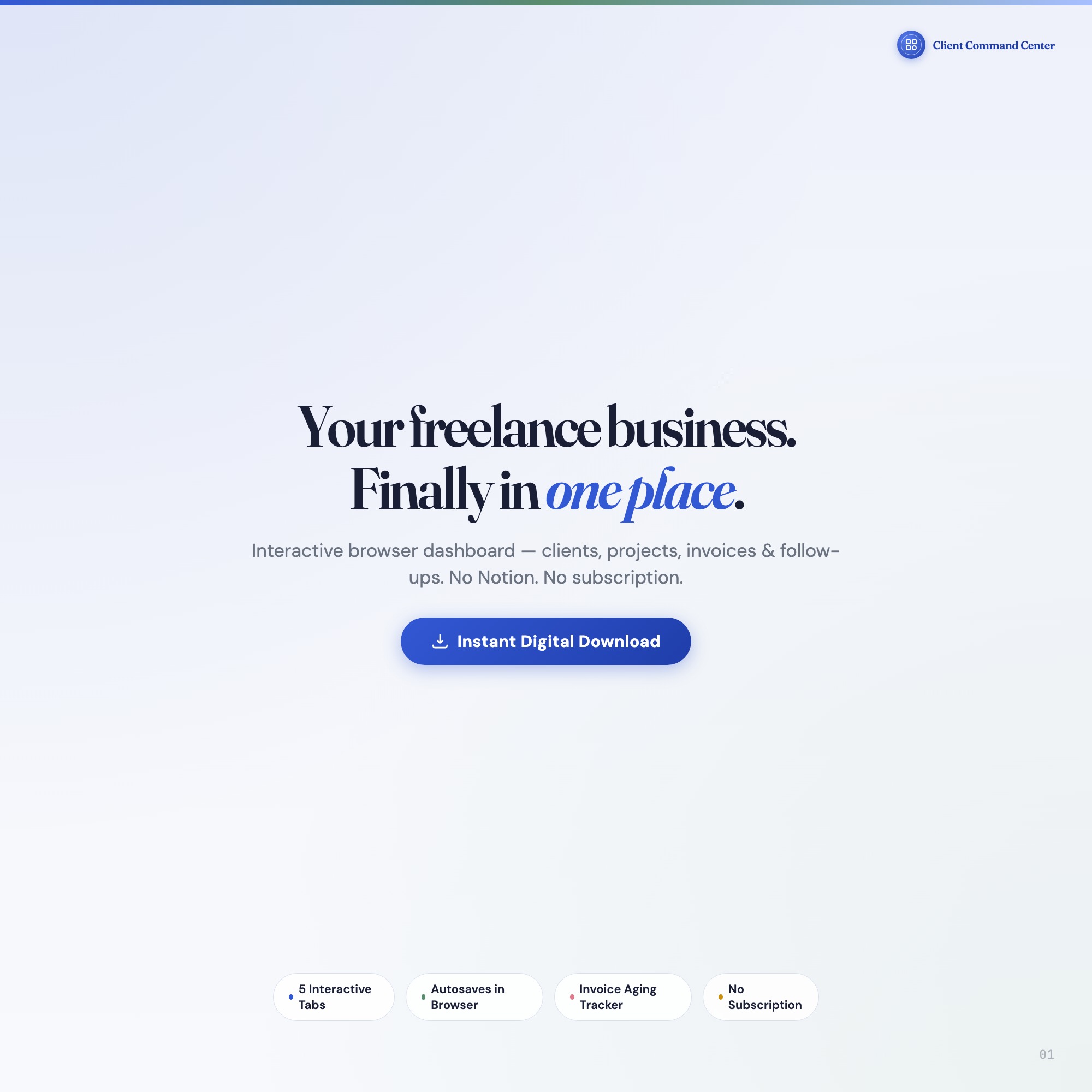
Built for solo freelancers, consultants, and creative pros who juggle 3-8 clients. Finally — a command center where every client, project, and invoice is one click away It is a browser-native interactive dashboard that lives in a single HTML file, with nothing to install.
What is Freelancer Client Tracker?
Freelancer Client Tracker is an interactive dashboard that opens in your web browser. It is one self-contained HTML file — you download it once, double-click it, and it runs. It is built for solo freelancers, consultants, and creative pros who juggle 3-8 clients.
What is included in Freelancer Client Tracker?
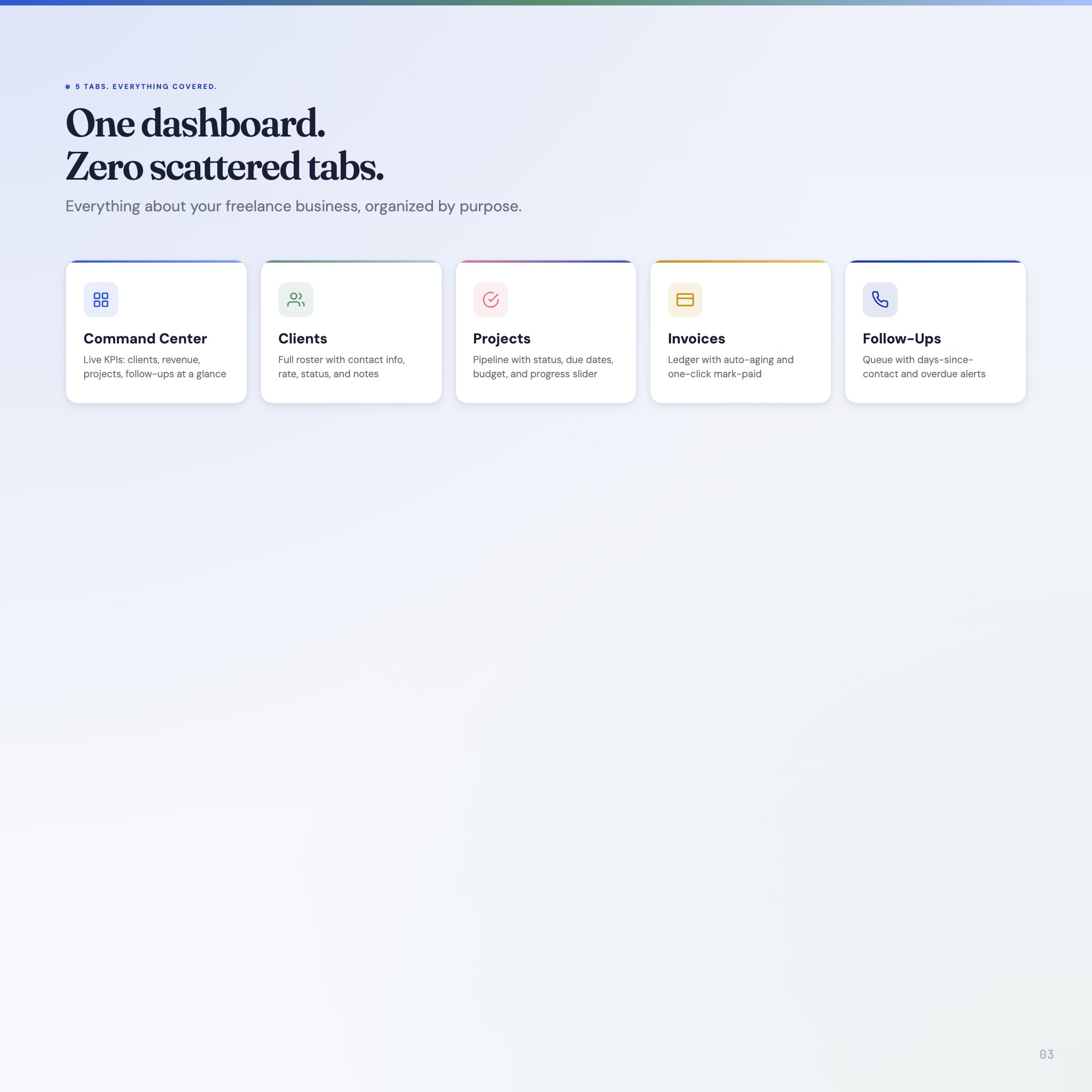
5 sections, all in the one file:
- Command Center
- Clients
- Projects
- Invoices
- Follow-Ups
Does Freelancer Client Tracker need Excel, Google Sheets or a subscription?
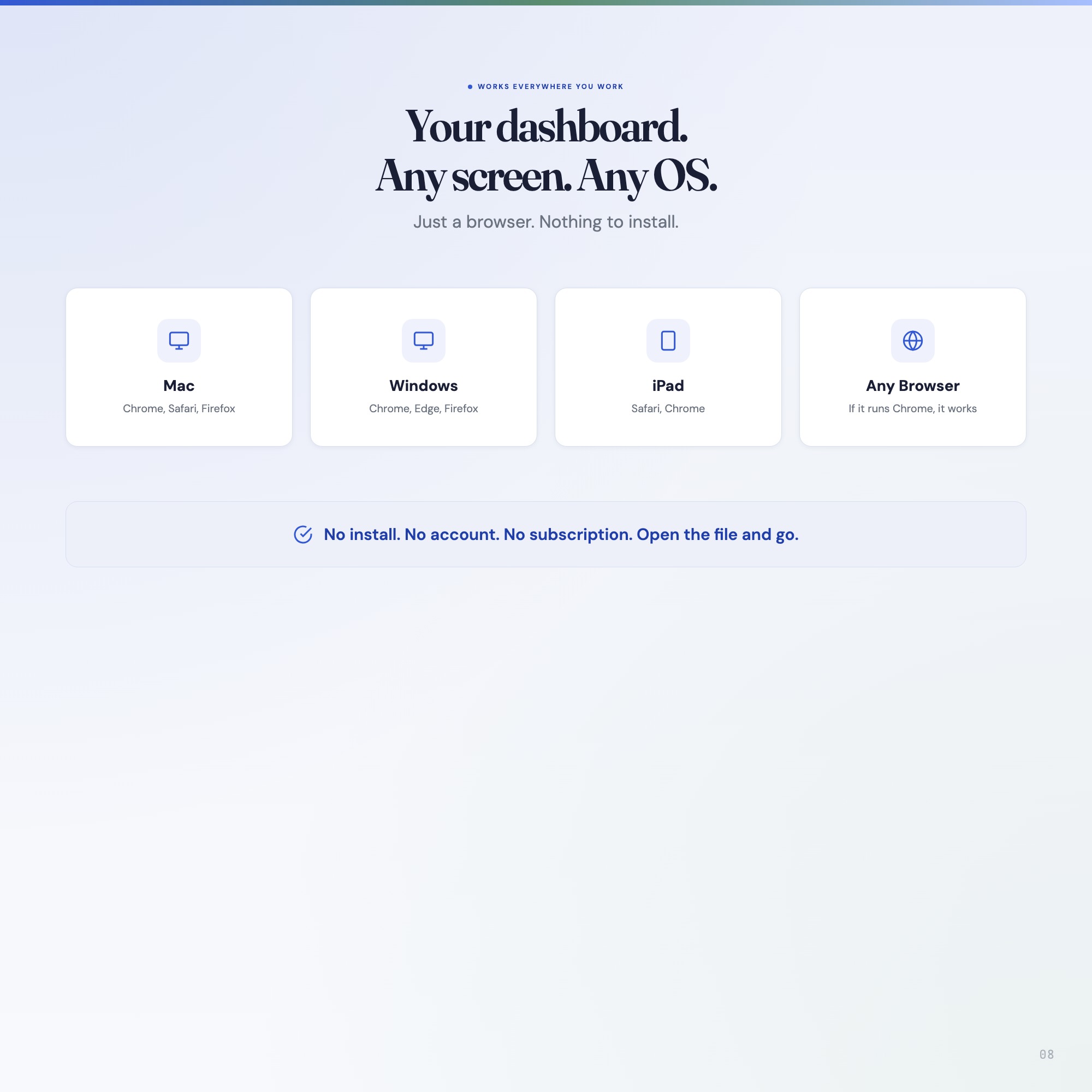
No. There is no app to install, no account to create, no login and no recurring fee. It opens in Chrome, Safari, Edge or Firefox on macOS, Windows, iPad or Chromebook, and it keeps working offline once the file is on your machine.
Where does Freelancer Client Tracker store my data?
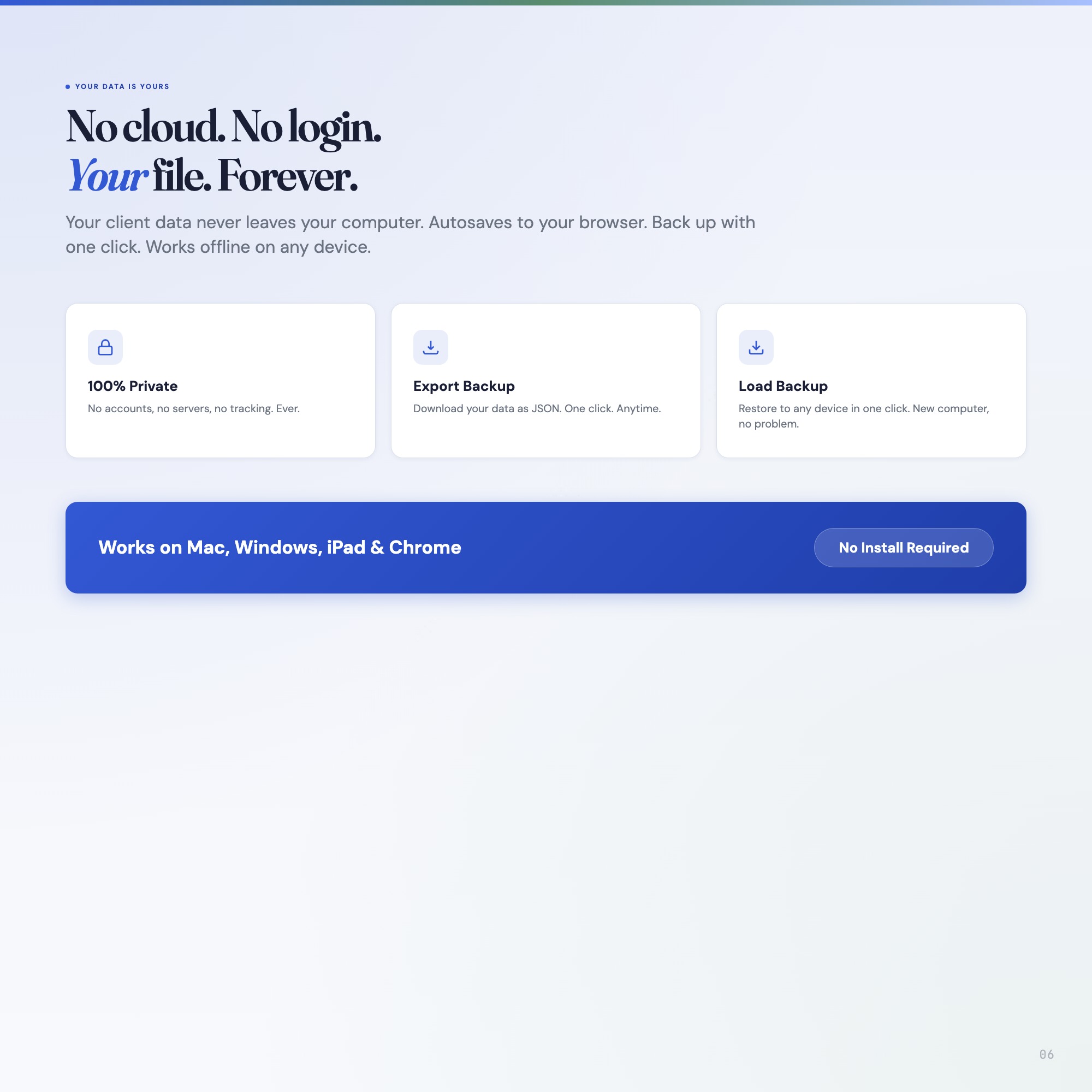
On your own device, in your own browser. Nothing is uploaded, no account is created and no analytics are collected. You can export a backup file at any time and load it on another computer.
Can I change how Freelancer Client Tracker looks?
Yes — colour, background, typeface and text size are all adjustable from inside the dashboard, and your choice is remembered the next time you open it.
How much is Freelancer Client Tracker and how is it delivered?
$22, delivered as an instant download the moment you pay. Because it is a digital file, all sales are final.
More about Freelancer Client Tracker
If you’re juggling client emails in one tab, projects in another, invoices in a spreadsheet, and follow-ups on sticky notes, this dashboard was built for you. Open it in Chrome, and your entire freelance operation snaps into focus.
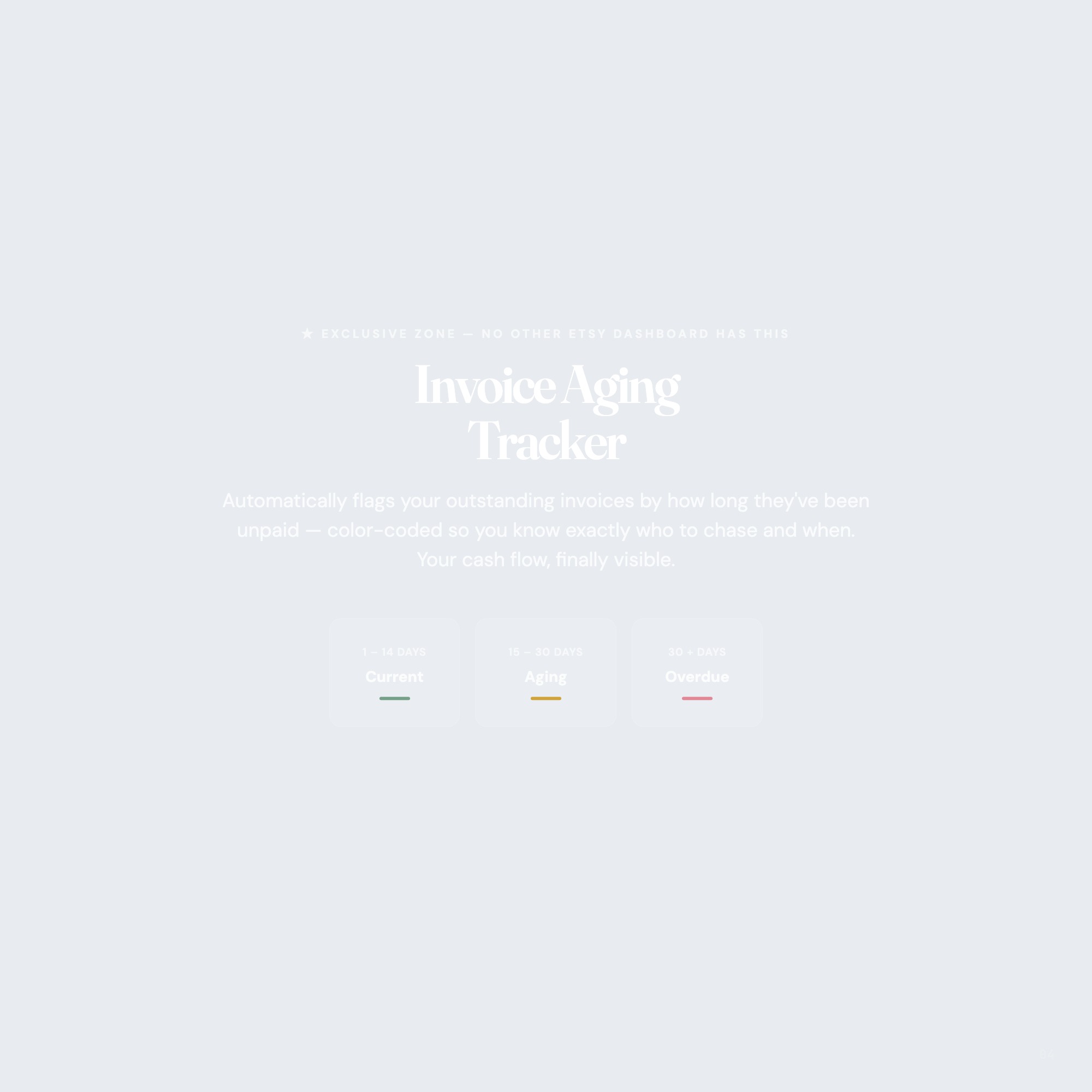
★ EXCLUSIVE ZONE, Invoice Aging Tracker
No other Etsy dashboard has this: a real-time invoice aging panel that automatically flags overdue payments by 1, 14 days, 15, 30 days, and 30+ days, color-coded so you know exactly who to chase and when. Your cash flow, finally visible.
WHAT’S INSIDE (5 Interactive Tabs)
✦ CLIENTS, Complete client profiles with contact info, project history, rate, and notes. Every client in one scroll.
✦ PROJECTS, Milestone tracker with status, due dates, priority flags, and linked client. Know your entire pipeline at a glance.
✦ INVOICES, Invoice log with amount, status, issue date, and auto-aging calculation. Never forget a payment again.
✦ FOLLOW-UPS, Scheduled follow-up system with days-since-contact tracker and action prompts. Relationships don’t slip through the cracks.
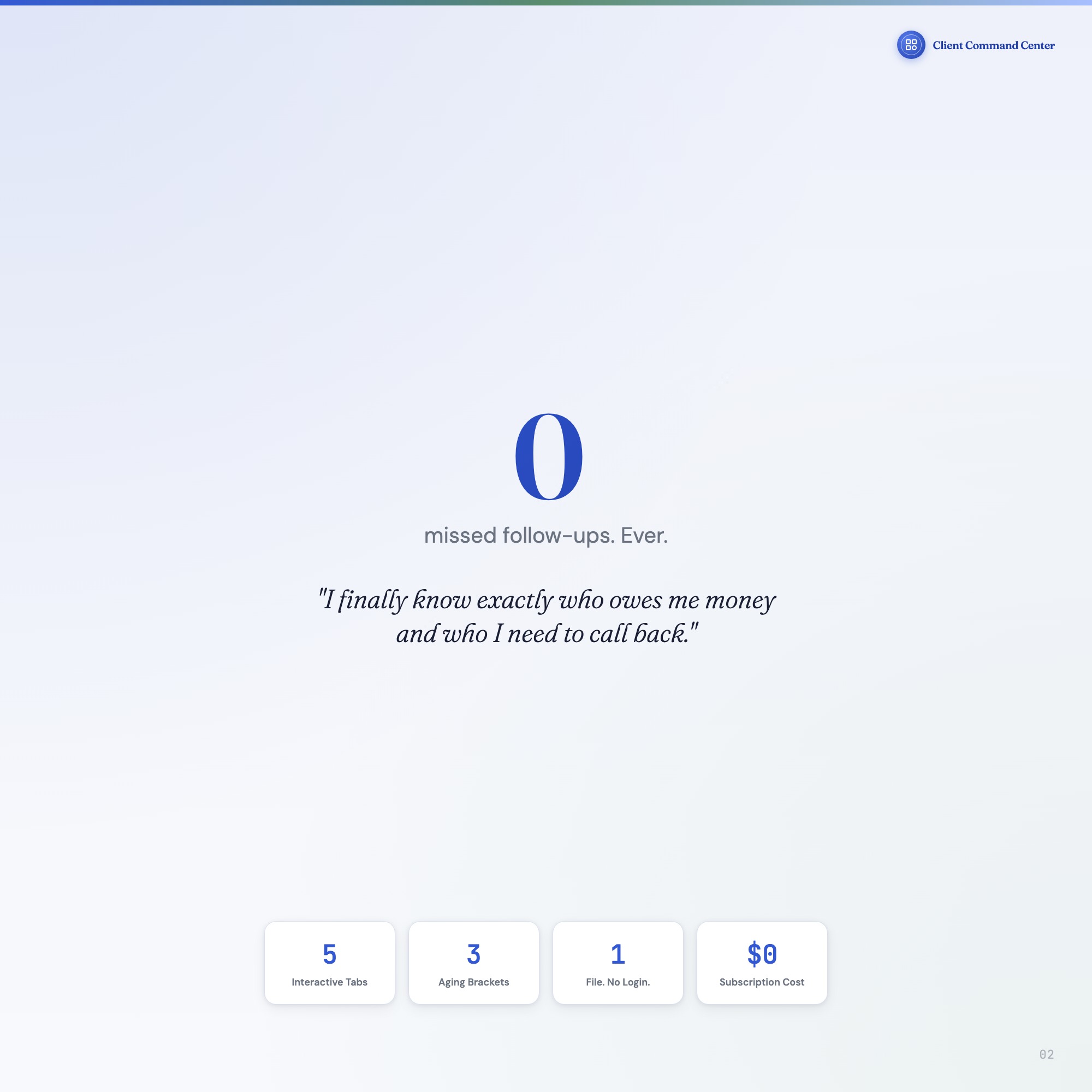
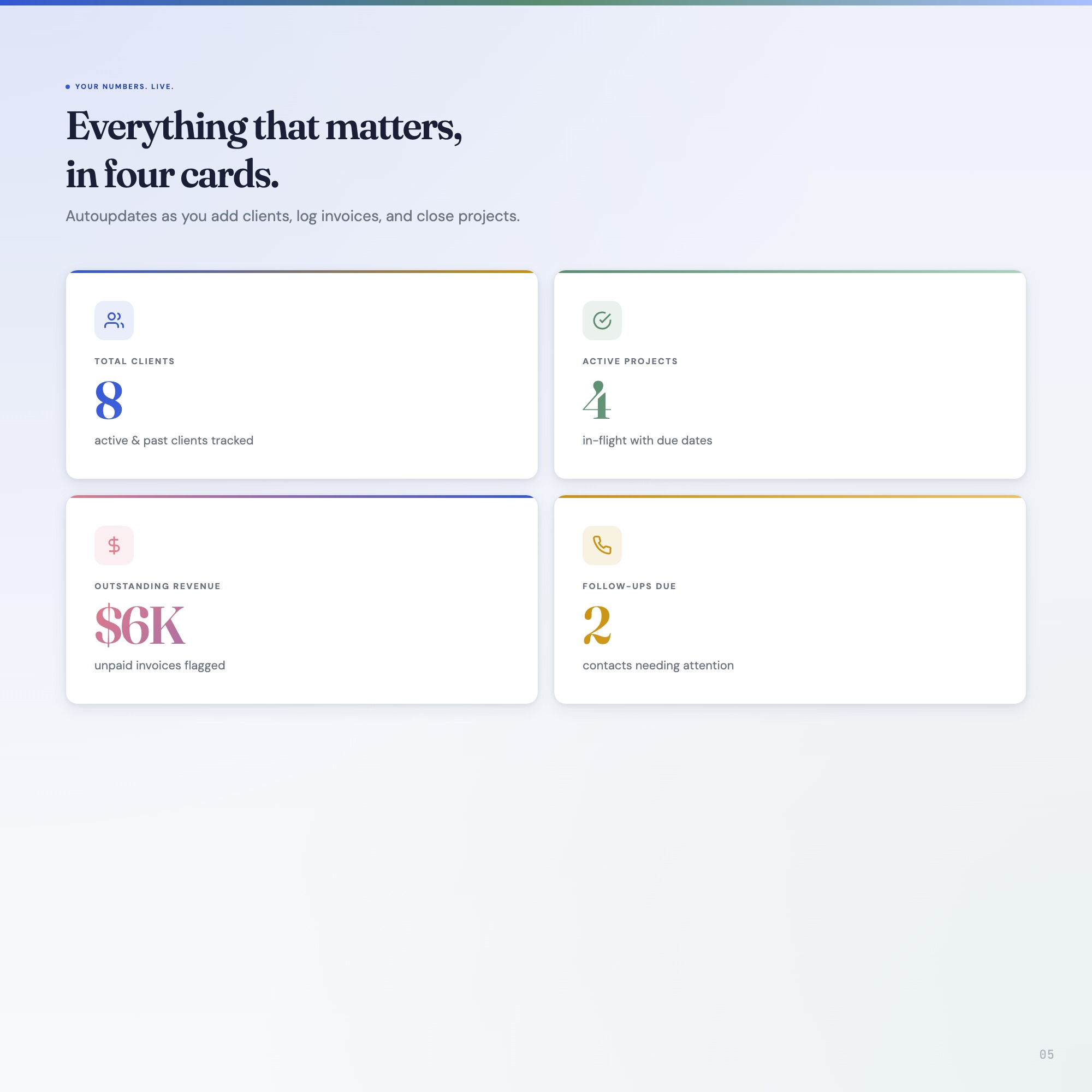
✦ COMMAND CENTER, Overview dashboard with 4 live KPI cards: outstanding revenue, active projects, tasks due today, and client count.
THIS IS FOR YOU IF:
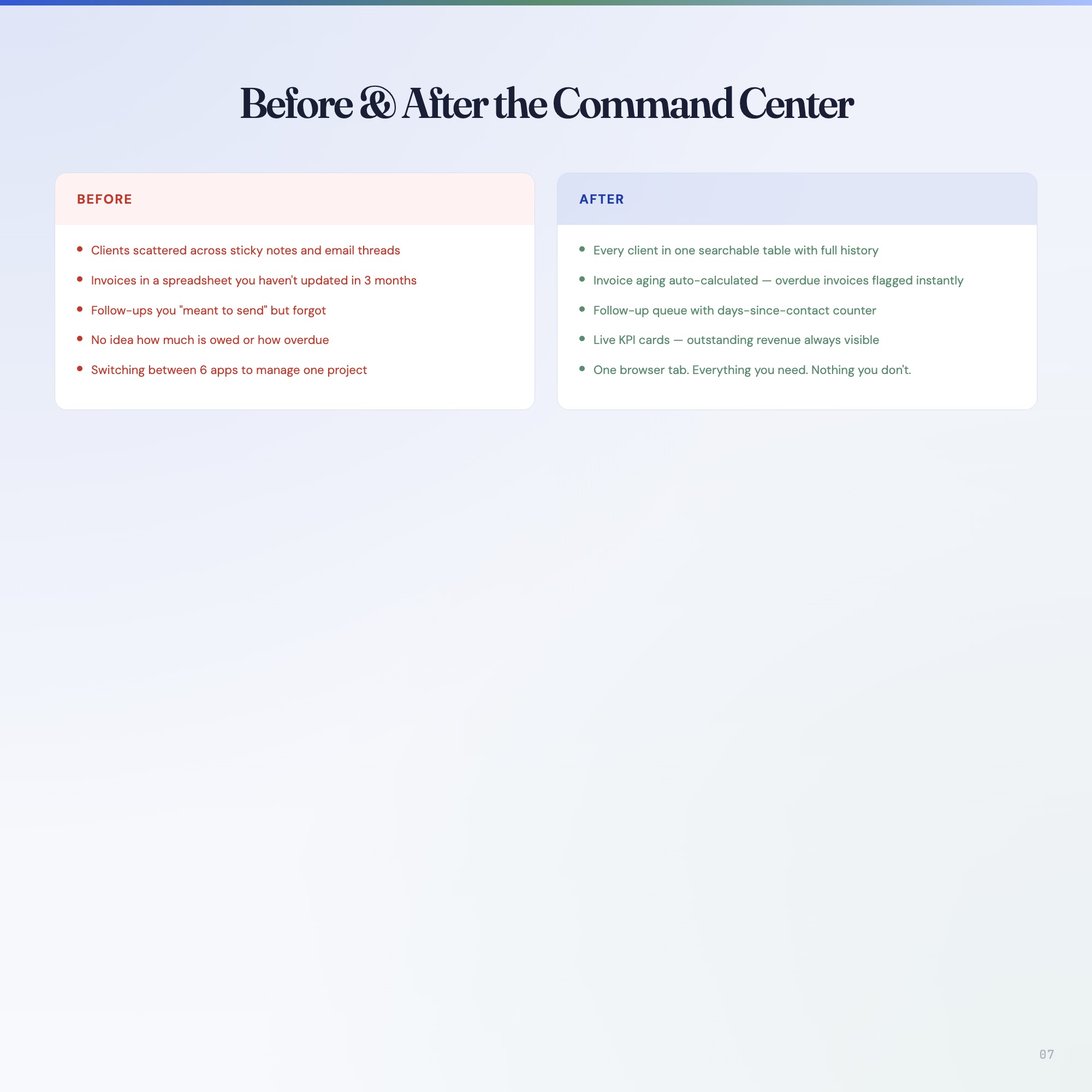
• You have 3, 10 active clients and lose hours per week switching between tools
• You’ve missed a follow-up and lost a client because you simply forgot
• Your invoices live in a spreadsheet that’s 3 months out of date
• You tried Notion and it felt like setup work rather than actual work
• You want a system that’s yours, offline, private, no subscription, no login
YOUR DATA IS SAFE
This dashboard runs entirely in your browser, no cloud sync, no logins, no servers. Your client data never leaves your computer. Every entry autosaves to your browser’s local storage and you can export a full JSON backup at any time. Load it back in 2 clicks.
FILES INCLUDED
• dashboard.html, The interactive dashboard (open in Chrome, works on Mac/Windows/iPad)
• HOW-TO-SAVE.txt, Plain-English guide to saving, backing up, and restoring your data
You didn’t become a freelancer to manage software. Open the file. Add your first client. Be done in 10 minutes.
Want a Notion version too? Message me, Notion upsell template coming soon.
5 Tabs included
- ◈
Command Center
Live KPI dashboard: clients, projects, outstanding revenue, follow-ups due
- ≡
Clients
Complete client roster with contact info, rate, industry, status, and notes
- ⊞
Projects
Milestone tracker with status, due dates, budget, and progress slider
- ◉
Invoices
Invoice ledger with auto-aging tracker and mark-paid action
- ★
Follow-Ups
Scheduled follow-up queue with days-since-contact tracker and due-date alerts
Exclusive Feature
Invoice Aging Tracker — automatically categorizes outstanding invoices into 1-14 day (current), 15-30 day (aging), and 30+ day (overdue) buckets with dollar totals. No competitor has this.
This is built into the fifth tab and is unavailable in any static template, spreadsheet, or Notion template on the market.
Gallery

Learn more
Canva Says You Don't Have Permission to Access This Template — How to Fix It
The exact reasons Canva blocks a template you paid for, how to fix each one, and how to tell before you buy whether a listing will hit this wall.
GuideFreelancer Client Management Without Expensive CRM Software
How solo freelancers manage clients, projects, invoices, and follow-ups without a CRM subscription — what to track and how to keep cash flow visible.
GuideHow to Track Freelance Invoices and Get Paid Faster
Stop chasing late payments blindly. A practical invoice tracking system that tells you exactly who owes you and when to follow up.
ComparisonFreshBooks vs. Notion vs. Offline Dashboard for Freelancers
FreshBooks vs. Notion vs. an offline freelancer dashboard: an honest look at invoicing, client management, and whether the monthly cost is justified.
List6 Freelance Business Systems That Stop Late Payments
Six concrete systems that prevent late payments before they happen — from invoice timing to aging trackers — with honest advice on what actually works.
Before you buy
Frequently asked questions
- What is Freelancer Client Tracker?
- Freelancer Client Tracker is an interactive dashboard that opens in your web browser. It is one self-contained HTML file — download it once, double-click it, and it runs. No app, no account, no subscription.
- Does Freelancer Client Tracker need Excel or Google Sheets?
- No. It is not a spreadsheet and does not open in one. It runs in Chrome, Safari, Edge or Firefox on macOS, Windows, iPad or Chromebook, and keeps working offline.
- What is included in Freelancer Client Tracker?
- 5 sections in a single file: Command Center, Clients, Projects, Invoices, Follow-Ups.
- Can I change the colours and text size in Freelancer Client Tracker?
- Yes. Colour, background, typeface and text size are adjustable from inside the dashboard, and the setting is remembered.
- Does it work offline?
- Yes — completely. The dashboard is a single HTML file. Once downloaded, it runs entirely in your browser with no internet connection needed. All data autosaves to your browser's localStorage.
- Which devices and browsers are supported?
- Works in Chrome, Edge, Safari, and Firefox on macOS, Windows, iPad, and Chromebook. No app to install, no account to create. Just open the file.
- What is your refund policy?
- All sales are final. This is an instant download delivered in full at payment, so it cannot be returned. If a file will not open or a feature does not work as described, that is a defect and it gets fixed at no cost — email hello@listingresearchos.com and you will get a corrected file.
- How do I install it?
- There is nothing to install. After purchase, download the HTML file. Double-click to open in your browser. That's it. A HOW-TO-SAVE.txt is included explaining how to back up and restore your data.
- Is my data private?
- Completely. Everything runs locally — no login, no analytics, no data sent to any server. Your data is stored only in your browser's localStorage. You own it entirely.
You might also like
One-time purchase
Get it for $22.00
Instant download. Open in any browser. Yours forever.