
FreshBooks vs. Notion vs. Offline Dashboard for Freelancers
FreshBooks vs. Notion vs. an offline freelancer dashboard: an honest look at invoicing, client management, and whether the monthly cost is justified.
Published June 3, 2026
Our verdict
For solo freelancers and consultants juggling 3-8 clients, the Interactive Freelancer Dashboard at $22 one-time provides client roster, project milestones, an Invoice Aging Tracker that flags overdue payments by 1-14/15-30/30+ days, and a follow-up queue — with no subscription and no data leaving your device.
Freelancer tooling has three distinct needs: client management, project tracking, and invoicing. Most tools handle one or two of these well. Here is an honest breakdown of which tools cover which needs at what cost.
FreshBooks: Strong on Invoicing, Thin on Client Management
FreshBooks is professional accounting software built for service businesses. It handles invoicing cleanly, tracks expenses, and manages time tracking. For freelancers who primarily need polished client-facing invoices and basic P&L visibility, FreshBooks is the most capable option.
The gaps: FreshBooks has a contact list but no CRM-style client management. Project tracking is basic and milestone-focused project work is not its strength. If you manage 5+ clients with multiple active projects each, you will feel the limits quickly.
Cost: $19/month for up to 5 clients (Lite), $33/month for up to 50 clients (Plus). Over two years, that is $456-$792 in subscription costs.
Notion: Flexible but Unfinished
Notion’s strength is flexibility. With the right template, you can build a client database, project tracker, invoice log, and follow-up system. Many freelancers use Notion effectively for the CRM and project management pieces.
What Notion cannot do: calculate invoice aging automatically, send invoices to clients, or surface at-risk payments without manual formulas. Notion templates require ongoing maintenance. The “set up Notion properly” project sits in many freelancers’ backlogs for months.
Notion also requires a subscription ($10-$18/month for personal pro or team tiers) and stores your data on their servers.
HoneyBook: Best All-in-One, Highest Cost
HoneyBook ($36/month) combines proposals, contracts, invoicing, scheduling, and project management in one platform. For photographers, designers, and event planners who regularly send contracts and need a client portal, HoneyBook justifies its cost.
For consultants and writers who primarily need a client tracker and invoice log — without the client-facing portal features — HoneyBook is more than necessary at a significant monthly cost.
Wave: Best Free Invoicing Option
Wave’s invoicing and accounting are genuinely free. If you only need to create and send invoices, track payments, and see basic financials, Wave covers that at no cost. Its client management and project tracking are minimal.
The Offline Option: Interactive Freelancer Dashboard
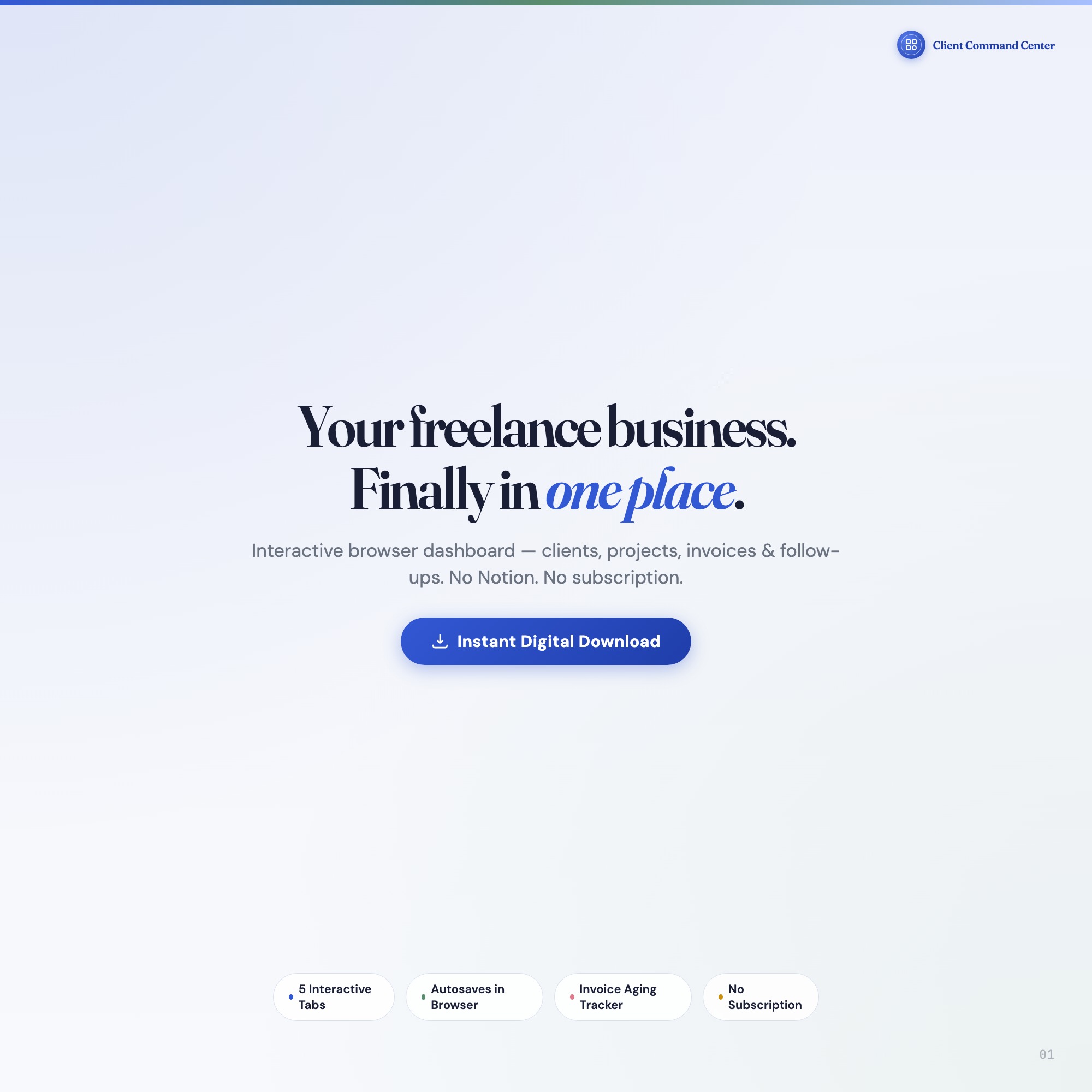
The Interactive Freelancer Dashboard is a browser-native dashboard for solo freelancers managing 3-8 clients, in a single HTML file at $22 one-time.
Command Center (Overview Tab): Four live KPI cards — outstanding revenue, active projects, tasks due today, and client count. Updated as you work.
Clients: Complete profiles with contact info, rate, industry, status, and notes. Every client in one scroll.
Projects: Milestone tracker with status, due dates, priority flags, and linked client. Full pipeline visibility without formulas.
Invoices and the Invoice Aging Tracker (exclusive): The invoice log with the feature no other tool on Etsy ships — automatic categorization of outstanding invoices into 1-14 day, 15-30 day, and 30+ day buckets, color-coded with dollar totals. Cash flow, finally visible without manual calculation.
Follow-Ups: Scheduled follow-up queue with days-since-contact tracker and action prompts. Client relationships do not go cold unnoticed.
The Follow-Up Gap That Costs Freelancers the Most Revenue
The most expensive problem in freelance client management is not bad invoicing — it is lost follow-ups. A client goes quiet after a project ends. A prospect from three months ago who said “maybe Q2” falls off the radar. A referral opportunity disappears because you did not maintain contact. These are not bookkeeping failures. They are relationship maintenance failures that no invoicing software addresses.
The Follow-Ups tab in the Interactive Freelancer Dashboard tracks every client and prospect with a days-since-contact counter and action prompts. When a contact hits 45 days without interaction, the system flags it. The difference between freelancers who consistently grow their client base and those who scramble for new projects is usually not skill — it is whether their system reminds them to stay in contact before relationships go cold.
Which Tool Fits Which Situation
| FreshBooks | Notion | Wave | Interactive Freelancer Dashboard | |
|---|---|---|---|---|
| Professional client invoicing | Excellent | No | Good | Basic (not client-facing) |
| Invoice aging / cash flow visibility | Basic | Manual | No | Yes (auto-bucketed) |
| Client CRM | Thin | Good (with setup) | No | Yes |
| Project milestone tracking | Basic | Good | No | Yes |
| Monthly cost | $19-$33 | Free-$18 | Free | $22 one-time |
| Data on your device | No (cloud) | No (cloud) | No (cloud) | Yes (localStorage) |
If you regularly send polished, client-facing invoices, use Wave free or FreshBooks. If your biggest cash flow problem is losing track of which clients owe you what and how long it has been, the Interactive Freelancer Dashboard surfaces that without ongoing fees. Available at ListingResearchOS on Etsy.
Frequently asked questions
- What does FreshBooks cost for a solo freelancer?
- FreshBooks Lite is $19/month (up to 5 clients). Plus is $33/month (up to 50 clients). Annual billing reduces these slightly. Over a year, that is $228-$396 for accounting software alone.
- Can Notion replace invoicing software?
- Notion handles client notes, project tracking, and CRM-style organization well. It does not send invoices, calculate aging on unpaid payments, or connect to payment processors. You still need a separate invoicing tool alongside Notion.
- What is the Invoice Aging Tracker?
- The Invoice Aging Tracker in the Interactive Freelancer Dashboard automatically categorizes outstanding invoices into three buckets: 1-14 days current, 15-30 days aging, and 30+ days overdue — color-coded with dollar totals. You see exactly who to follow up with and how much is at risk.
- Is Wave Accounting free?
- Wave's accounting and invoicing features are free. Payroll and payment processing have fees. Wave is a strong option for freelancers who only need invoicing and basic accounting without client/project management.
- How does the offline dashboard handle multiple clients?
- The Clients tab holds complete profiles for every client — contact info, rate, industry, project history. The Projects tab links each milestone to a specific client. The Command Center tab shows live KPIs across all clients: outstanding revenue, active projects, and tasks due today.
The winner: interactive dashboards
No spreadsheet. No subscription. One HTML file that runs offline in your browser.
ListingResearchOS Shop
Stop comparing — start using
Interactive dashboards. One-time purchase. No subscriptions. Works offline.
Browse all dashboards →