
How to Track Freelance Invoices and Get Paid Faster
Stop chasing late payments blindly. A practical invoice tracking system that tells you exactly who owes you and when to follow up.
Published June 3, 2026
Late payments are the most predictable problem in freelancing — and yet most solo freelancers handle them reactively, only noticing an overdue invoice when cash flow is already tight. The fix isn’t a better invoicing platform. It’s knowing at a glance, every week, exactly which invoices are aging and when to follow up.
This guide walks through a practical invoice tracking system that keeps your receivables visible and your follow-up timely.
Why Invoices Go Unpaid Longer Than They Should
The most common cause of slow payment isn’t a bad client — it’s that your follow-up arrived too late or too vaguely. An email that says “just checking in” ten days after payment was due rarely creates urgency. A message that says “Invoice #2047 for $1,800, due May 15, is now 12 days past due” does.
That specific follow-up is only possible if you know:
- The invoice number and amount
- The original due date
- Exactly how many days it’s been outstanding
When invoices live in a spreadsheet that hasn’t been updated in two weeks, or in your inbox mixed in with every other email, you don’t have that information on demand. You’re chasing clients without leverage.
Set Up a Clean Invoice Log
Every invoice you issue should have these fields recorded:
- Invoice number — sequential, with a prefix if you work across multiple clients (e.g., SMITH-2047)
- Client name — exactly as it appears on the contract
- Amount — the total billed
- Issue date — when you sent it
- Due date — net-15, net-30, or net-45 per your contract terms
- Status — Outstanding, Paid, or Overdue
- Payment received date — the date the money actually landed
Keep this log current. Add a new row the day you send an invoice, not at the end of the month.
Build an Aging View
An aging view groups outstanding invoices by how long they’ve been unpaid:
- Current (1–14 days past issue): No action needed yet. Due dates may not have passed.
- Aging (15–30 days outstanding): A polite reminder is appropriate if the due date has passed.
- Overdue (30+ days): Escalated follow-up. Include the invoice number, amount, and days outstanding in your message.
Having dollar totals for each bucket changes how you understand your cash position. If you have $3,200 in current invoices, $900 aging, and $2,400 in the overdue bucket, that tells you a very different story than “I’m owed some money.”
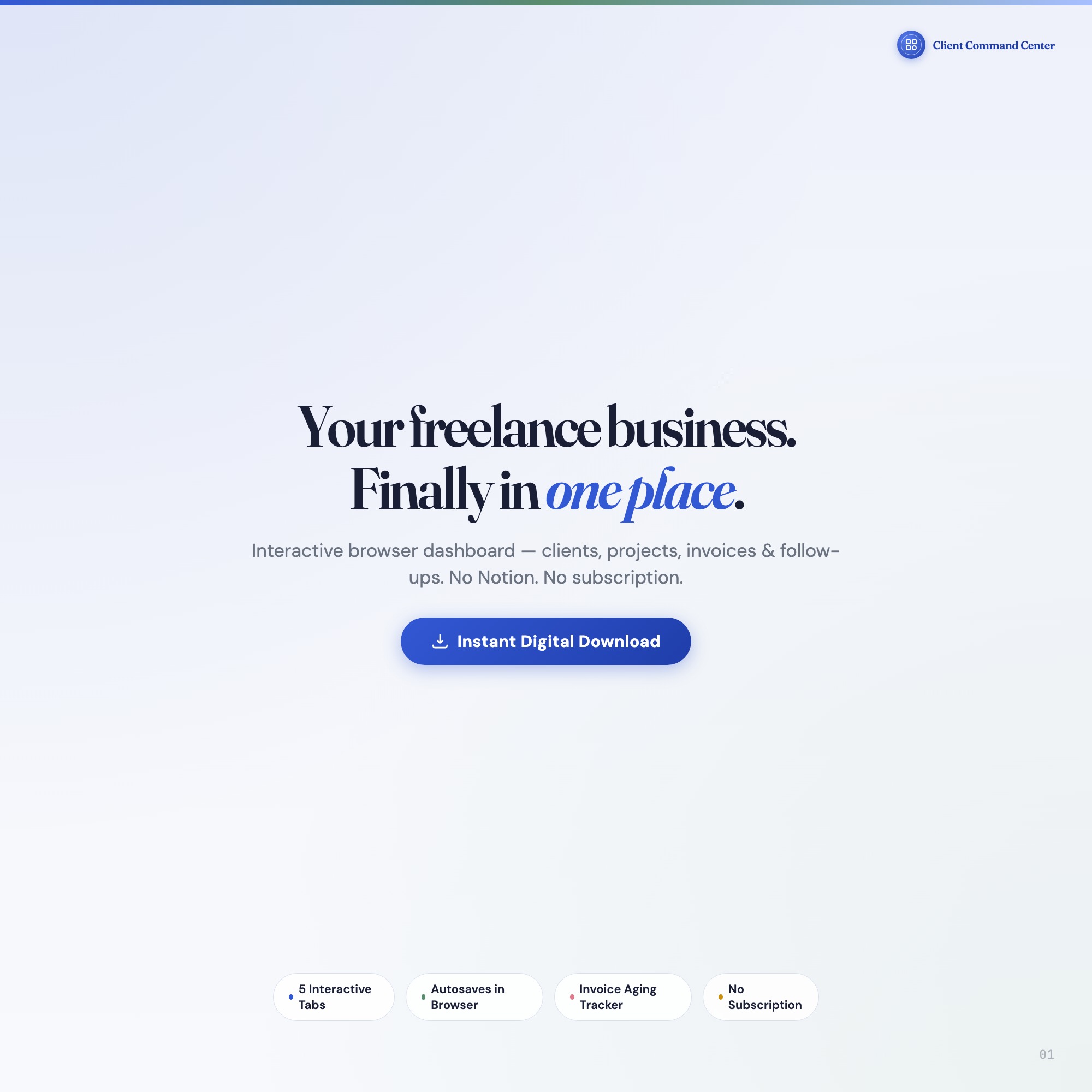
The Freelancer Client Command Center has an Invoice Aging Tracker that automatically categorizes your outstanding invoices into these three buckets with dollar totals. As you log payments, invoices move from outstanding to paid, and the aging panel updates immediately. No competitor dashboard includes this aging view — it’s the feature that makes the difference between knowing you’re owed money and knowing precisely who to call.
When to Follow Up and What to Say
Follow-up timing matters. Sending a reminder the day before the due date often annoys clients without producing payment. Waiting until 30 days past due means you’ve lost a month of cash flow.
A simple cadence that works for most freelancers:
- 3 days before due date: Proactive confirmation — “Just a reminder that Invoice #2047 for $1,800 is due Friday.” This eliminates the “we didn’t get it” excuse.
- 1–2 days past due: First reminder — friendly, specific, include a direct payment link.
- 7–10 days past due: Second reminder — still professional, reference your contract terms.
- 21+ days past due: Formal notice — state the invoice number, amount, days outstanding, and your next step (late fee, work pause, or collections referral depending on your contract).
The key detail in every message is specificity: invoice number, dollar amount, and days past due. That information only comes from an up-to-date invoice log.
Track Projects and Invoices Together
A common gap in freelance invoice tracking is that the project and the invoice live in separate systems. You track deliverable status in one place and payment status somewhere else. When a client disputes an invoice, or when you’re deciding whether to take on more work from a given client, having both views connected matters.
The Freelancer Client Command Center links clients, projects, and invoices in one file. The Client Hub shows rate, status, and next deliverable per client. The Projects tab shows milestone progress. The Invoices tab with aging tracker shows payment status. The Follow-ups tab flags when you’re overdue for a client touchpoint.
When you have five to eight active clients, this cross-reference becomes essential. You can see that a client in the “aging” invoice bucket also has a deliverable due next week — that context shapes how you approach the follow-up conversation.
A Weekly Cash Flow Review
Once a week, review two numbers:
- Total outstanding receivables — what is owed to you right now
- Aging bucket breakdown — how much of that is current, aging, and overdue
This review takes under five minutes but gives you a complete financial picture before your work week starts. If your overdue bucket is growing week over week, that’s a signal to tighten payment terms or switch to upfront deposits on new projects.
One-time purchase at $22, no subscription required. Get the Freelancer Client Command Center and find the full shop at ListingResearchOS on Etsy.
Frequently asked questions
- Do I need special software to use an offline dashboard?
- No. An offline HTML dashboard like the Interactive Freelancer Dashboard is a single file you open in any browser — Chrome, Edge, Safari, or Firefox. Nothing to install, no account to create.
- Is my data private if I use a browser-based dashboard?
- Yes, completely. Data stored in your browser's localStorage never leaves your device. There are no servers, no analytics, and no uploads of any kind.
- Can I back up my data?
- Yes. Every ListingResearchOS dashboard includes an Export Backup button that downloads a JSON file to your computer. Load Backup restores it on any device or browser.
- What makes an interactive HTML dashboard better than a spreadsheet?
- Spreadsheets require manual formula maintenance and lack purpose-built workflows. An interactive HTML dashboard has pre-built logic — like Invoice Aging Tracker — automatically categorizes outstanding invoices into 1-14 day (current), 15-30 day (aging), and 30+ day (overdue) buckets with dollar totals — that a spreadsheet can't replicate without significant engineering work.
- How much does the Interactive Freelancer Dashboard cost?
- It is a one-time purchase of $22 on Etsy. No monthly subscription. Once you buy it, it is yours forever.
Ready-made dashboards
Skip setup — grab an interactive dashboard built for this exact workflow.
ListingResearchOS Shop
All dashboards — one-time purchase, yours forever
Single HTML files. No subscriptions. No login. Works offline in any browser.
Browse all dashboards →