
Canva Says You Don't Have Permission to Access This Template — How to Fix It
The exact reasons Canva blocks a template you paid for, how to fix each one, and how to tell before you buy whether a listing will hit this wall.
Published August 1, 2026
You paid for a template. You clicked the link. Canva told you that you don’t have permission to access this design.
This is one of the most common failures in the digital template market. In a review sample of roughly 30,000 buyer reviews across the largest digital-download shops, permission and access errors of this kind appear repeatedly, in almost identical language:
“Link doesn’t work, Canva said I don’t have permission to access the document. I contacted the shop and they sent me a link on how to download files on etsy.”
“I went into edit your purchase and the canva link does not work.”
The frustrating part is that the fix is usually simple, and none of it is your fault. Here is what actually causes it, and what to do about each.
Cause 1: The seller sent an edit link instead of a template link
This is the most common cause by a wide margin.
Canva URLs are not interchangeable. Look at the end of the link you were given:
.../template/...— correct. Opening this makes a personal copy in your own account..../edit— wrong. This points at the seller’s working file. Canva will block you unless they explicitly shared it with your email..../view— wrong for editing. It may open read-only, but you cannot change anything.
What to do: message the seller and ask specifically for “the template link, ending in /template — the current link points at your own design.” Naming the problem precisely gets a far faster fix than “it doesn’t work,” because most sellers genuinely do not know the difference until it is pointed out.
Cause 2: The design was moved, renamed, or deleted
Canva links break when the underlying design changes. Sellers reorganize folders, delete old versions, or rebuild a product and remove the original. Every link they ever sold points at a file that no longer exists.
You cannot fix this from your side. The seller has to issue a new link.
What to do: ask for a fresh template link, or request a refund. Keep the error screenshot — it is your evidence that the item was not delivered in usable form.
Cause 3: You are signed into a different Canva account
If you have both a personal and a work Canva account, the link may open under the wrong one. Canva does not always make it obvious which account is active.
What to do: sign out completely, sign back in with the account you intend to use, then click the link again. Opening the link in a private window is the fastest way to test this.
Cause 4: The template needs Canva Pro and you are on the free plan
This one is not a permissions error exactly, but it produces the same feeling. The template opens, and half of it is locked behind a crown icon.
“If you don’t have canva pro, you can’t even use everything you purchased. If you have canva pro it’s awesome. Really a let down if you don’t.”
Pro-only fonts and elements stay watermarked or unavailable on a free account. A template built around them is not fully usable without a subscription.
What to do: check the listing description for any mention of Pro fonts or elements before buying. After the fact, your options are to subscribe, substitute the locked elements with free ones, or request a refund on the grounds that the requirement was not disclosed.
How to spot this before you buy
A few checks take seconds and save the whole cycle:
- Look for the delivery format in the description. If a listing never says how the file arrives, that ambiguity is itself a warning.
- Read the one and two-star reviews first. Access failures cluster. If three people mention a broken link, the link is broken.
- Check whether Pro is required. Search the description for “Pro” and “premium.”
- Check the review dates. A link that broke in March will still be broken in August if the seller has not responded to it.
The structural fix: buy formats with nothing in between
Every cause above shares one root: your access depends on somebody else’s account, somebody else’s link, and somebody else’s file staying where they left it. That is three points of failure between you and something you already paid for.
Formats that avoid the problem entirely:
- A self-contained HTML file. One file, opens in any browser, no account, no login, no link to rot. Once it is on your machine it cannot be revoked.
- A plain PDF. Universally readable, though not editable in a meaningful way.
- A spreadsheet file you download rather than open in the cloud. An
.xlsxon your own disk beats a shared cloud link, though it does require spreadsheet software.
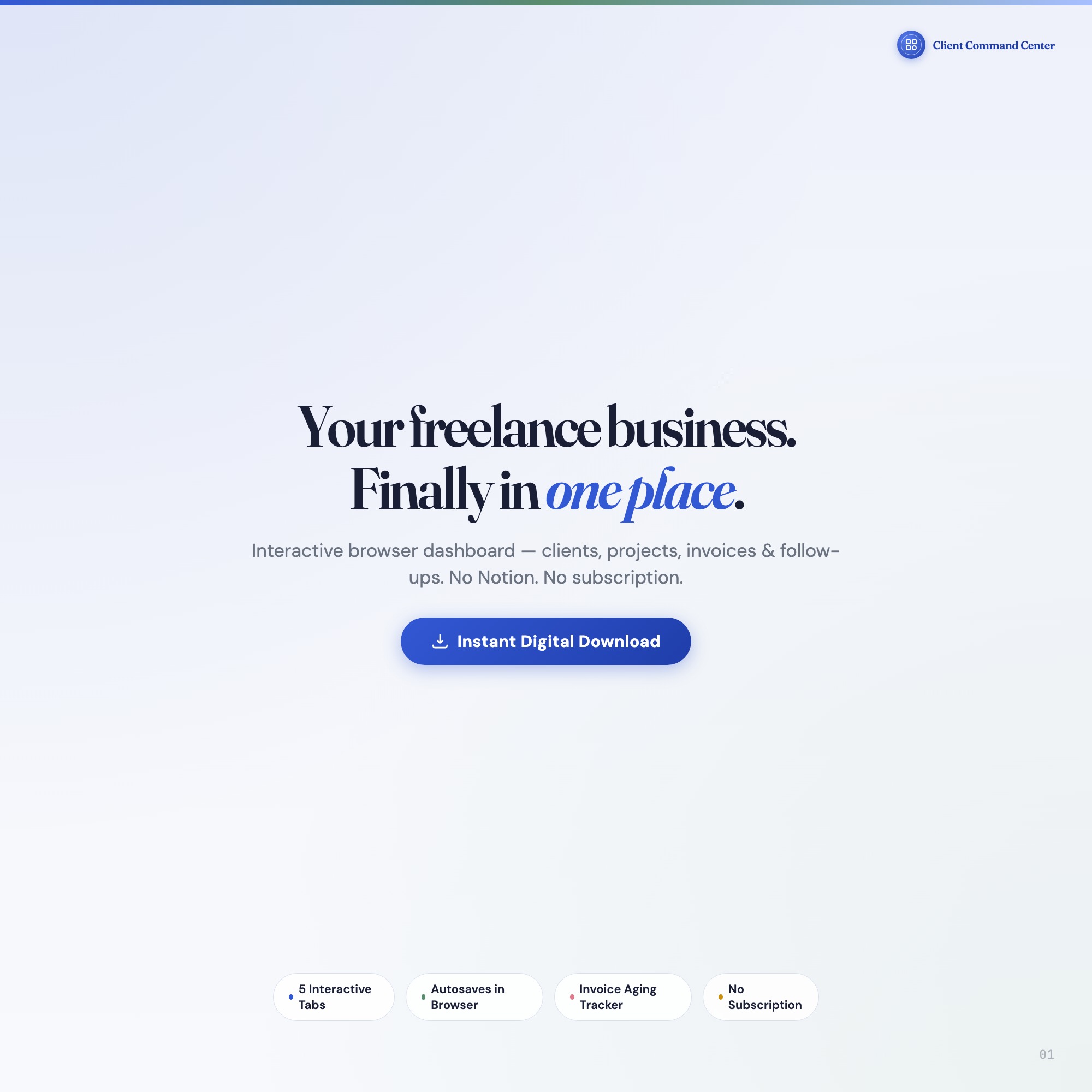
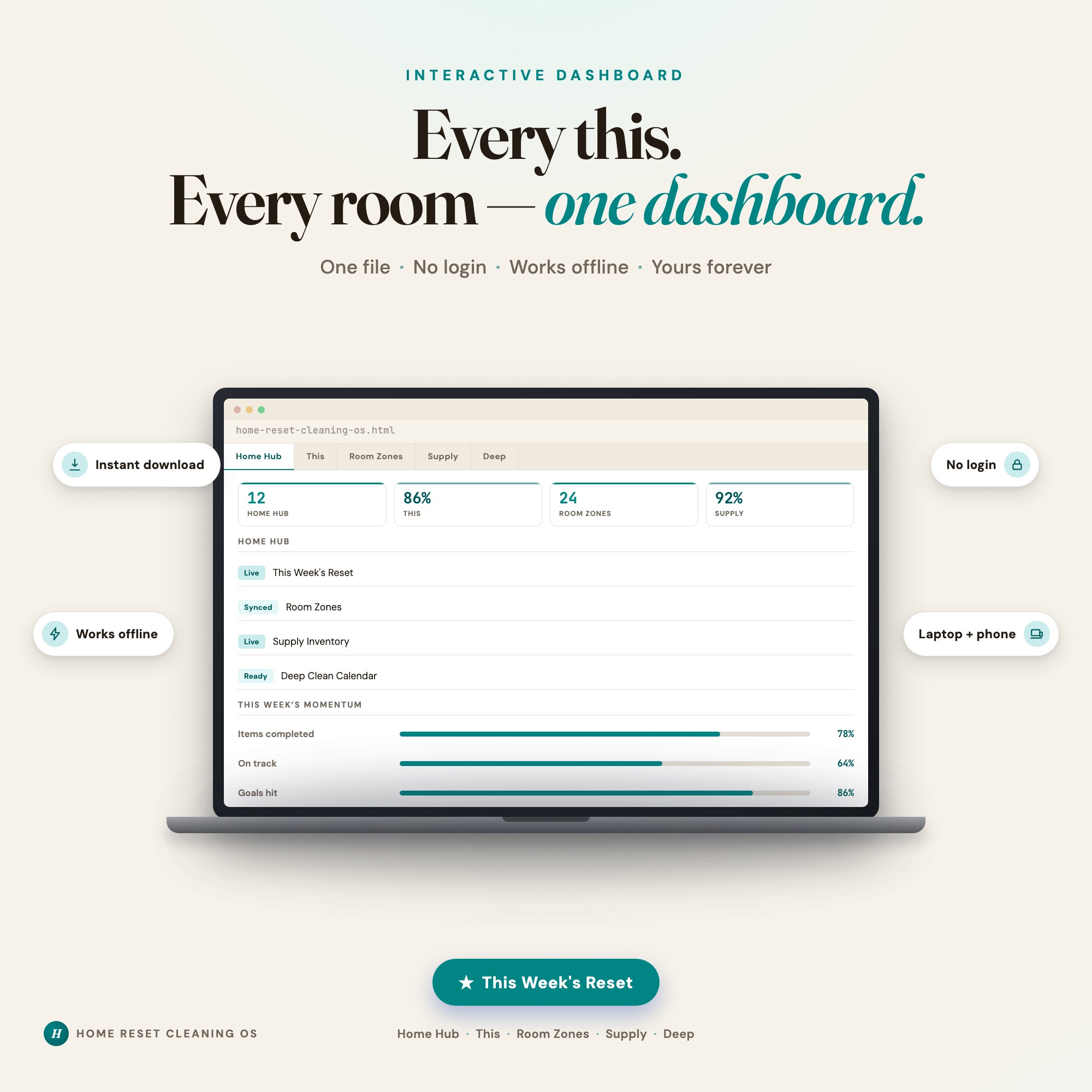
Our own dashboards, including the Freelancer Client Command Center and the Home Reset Cleaning OS, are single HTML files for exactly this reason. You double-click, it opens in the browser you already have, and your entries save on your own device. There is no account to create, no permission to be denied, and no link that can expire.
That is not a claim about quality. It is a claim about what can go wrong, and how many things are in the chain when it does.
If you are stuck right now
- Screenshot the exact error, including the URL bar.
- Message the seller: ask for a
/templatelink specifically, and mention the error text. - Give it 48 hours. Most responsive sellers fix it same-day.
- If there is no useful reply, open a case with Etsy. A digital file you cannot open is not as described, and that is covered.
You are not doing anything wrong. The format is fragile, and you found out the hard way.
Frequently asked questions
- Why does Canva say I don't have permission to access a template I paid for?
- Almost always because the link points at the seller's private design rather than a template link, or because the seller later moved, renamed, or deleted that design. A correct Canva template link ends in /template/ and creates your own copy when opened. If the link ends in /edit or /view, it points at their file, not a copy for you, and Canva will refuse access.
- Do I need Canva Pro to use a template I bought?
- Not for the template itself, but if the design uses Pro-only fonts, photos, or elements, those parts stay locked on a free account. Listings do not always say so up front. If a template advertises premium fonts or stock imagery, assume a Pro subscription is needed to use it as pictured.
- Can I get a refund if the Canva link never worked?
- Yes. A file you cannot open is not as described. Etsy's policy covers digital items that are faulty or do not match the listing, and a dead template link qualifies. Message the seller first with a screenshot of the error, then open a case if there is no useful reply.
- How do I avoid this problem entirely?
- Buy formats that do not depend on a third-party account. A self-contained HTML file opens directly in any browser with no login, no permissions layer, and no link that can rot. There is nothing between you and the file.
Ready-made dashboards
Skip setup — grab an interactive dashboard built for this exact workflow.
ListingResearchOS Shop
All dashboards — one-time purchase, yours forever
Single HTML files. No subscriptions. No login. Works offline in any browser.
Browse all dashboards →