
Interactive dashboard
Creator Media Ops Dashboard
Built for Podcaster or newsletter writer running a 1-person media business
Try it live
Click around the real dashboard
Interactive demo · a few tabs unlocked
See it in action
The dashboard
What it is
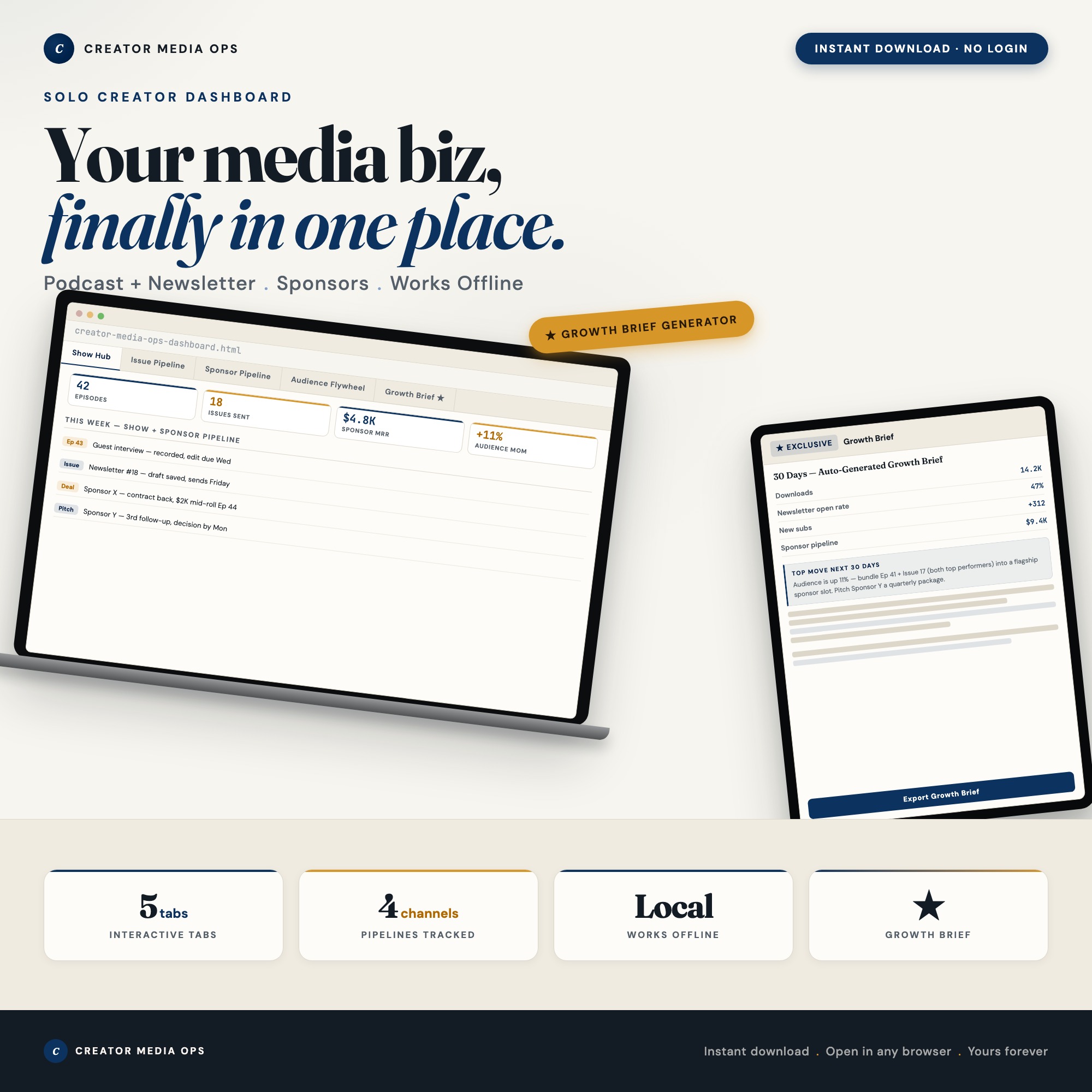
Built for podcaster or newsletter writer running a 1-person media business. Your media business, finally in one place. It is a browser-native interactive dashboard that lives in a single HTML file, with nothing to install.
What is Creator Media Ops Dashboard?
Creator Media Ops Dashboard is an interactive dashboard that opens in your web browser. It is one self-contained HTML file — you download it once, double-click it, and it runs. It is built for podcaster or newsletter writer running a 1-person media business.
What is included in Creator Media Ops Dashboard?
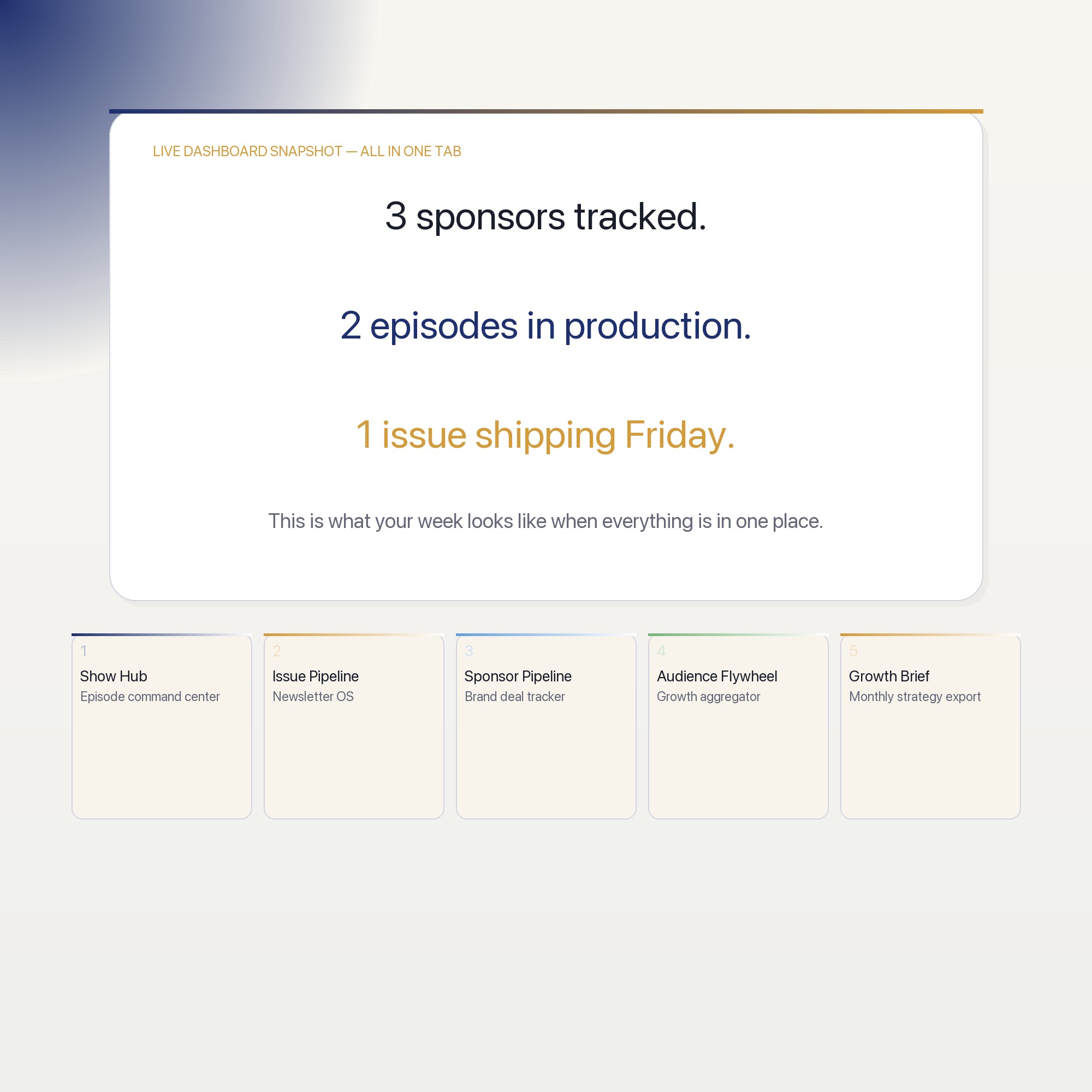
5 sections, all in the one file:
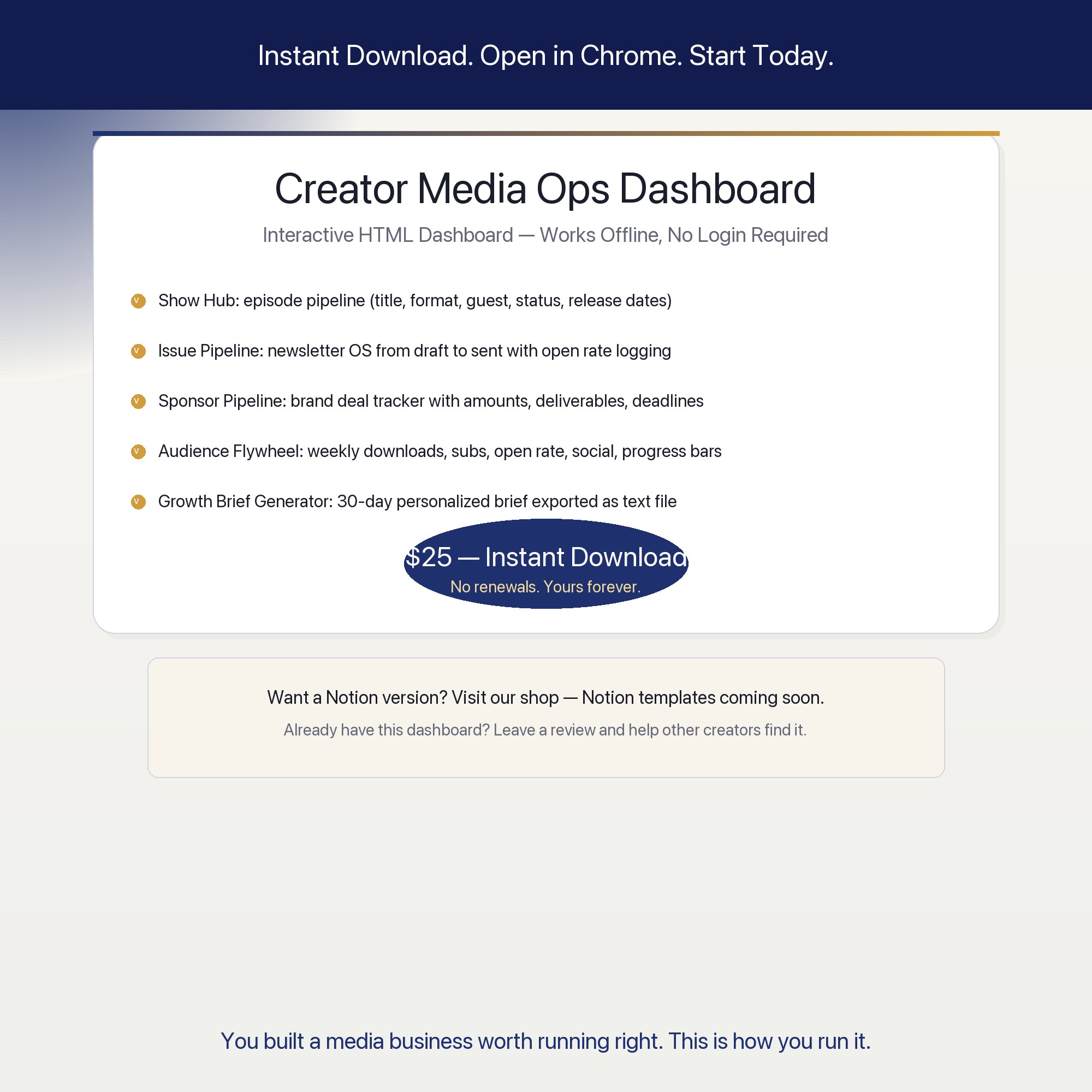
- Show Hub
- Issue Pipeline
- Sponsor Pipeline
- Audience Flywheel
- Growth Brief Generator
Does Creator Media Ops Dashboard need Excel, Google Sheets or a subscription?
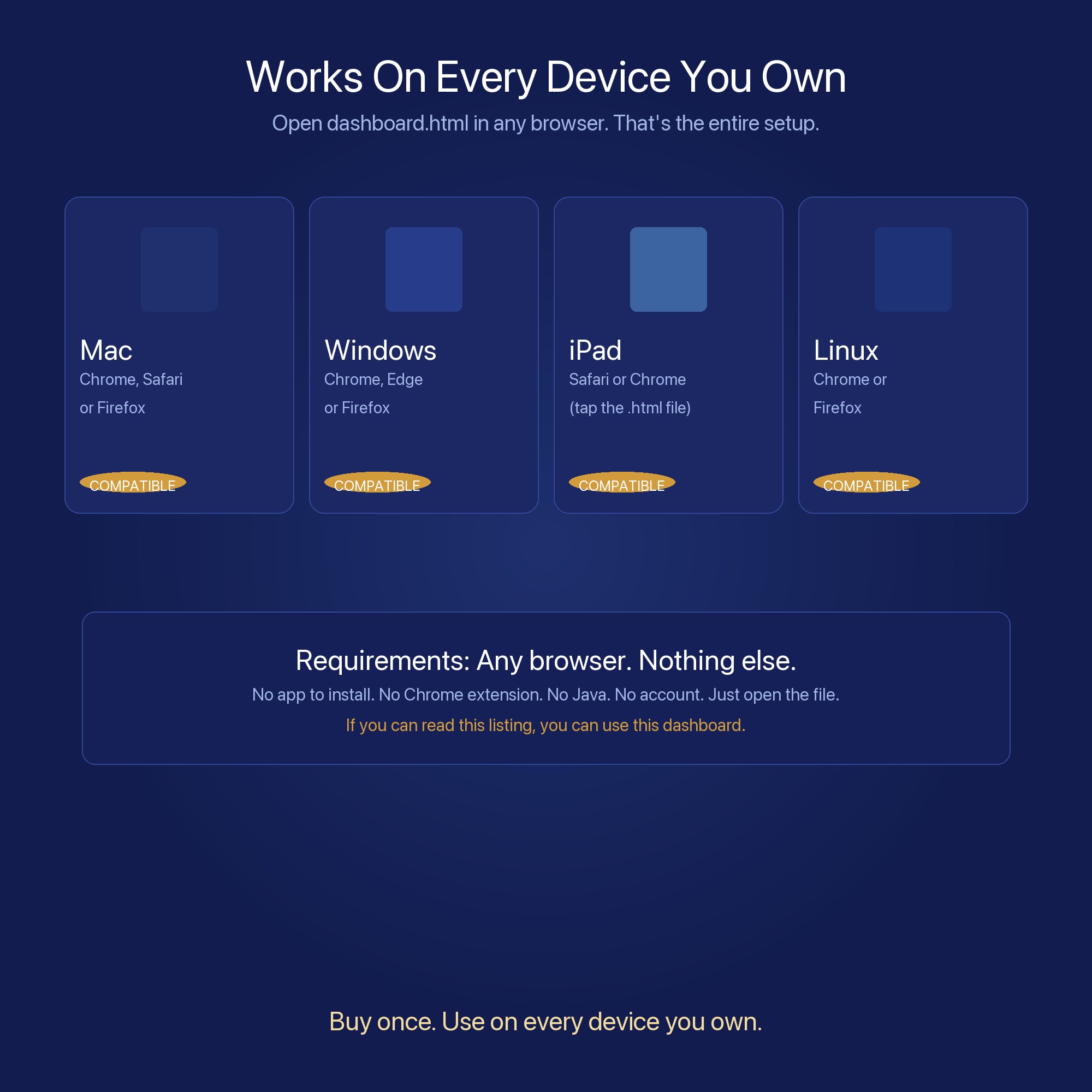
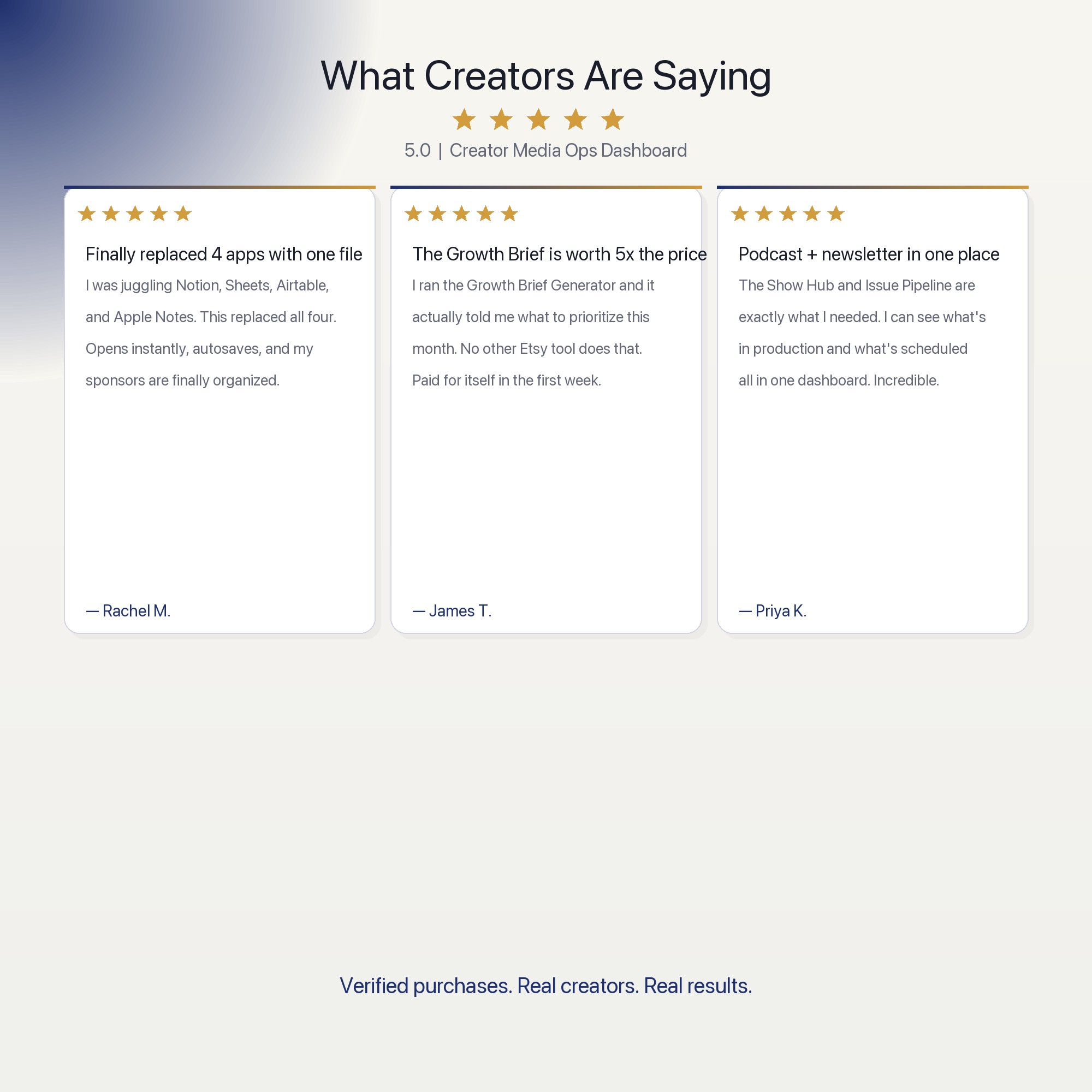
No. There is no app to install, no account to create, no login and no recurring fee. It opens in Chrome, Safari, Edge or Firefox on macOS, Windows, iPad or Chromebook, and it keeps working offline once the file is on your machine.
Where does Creator Media Ops Dashboard store my data?
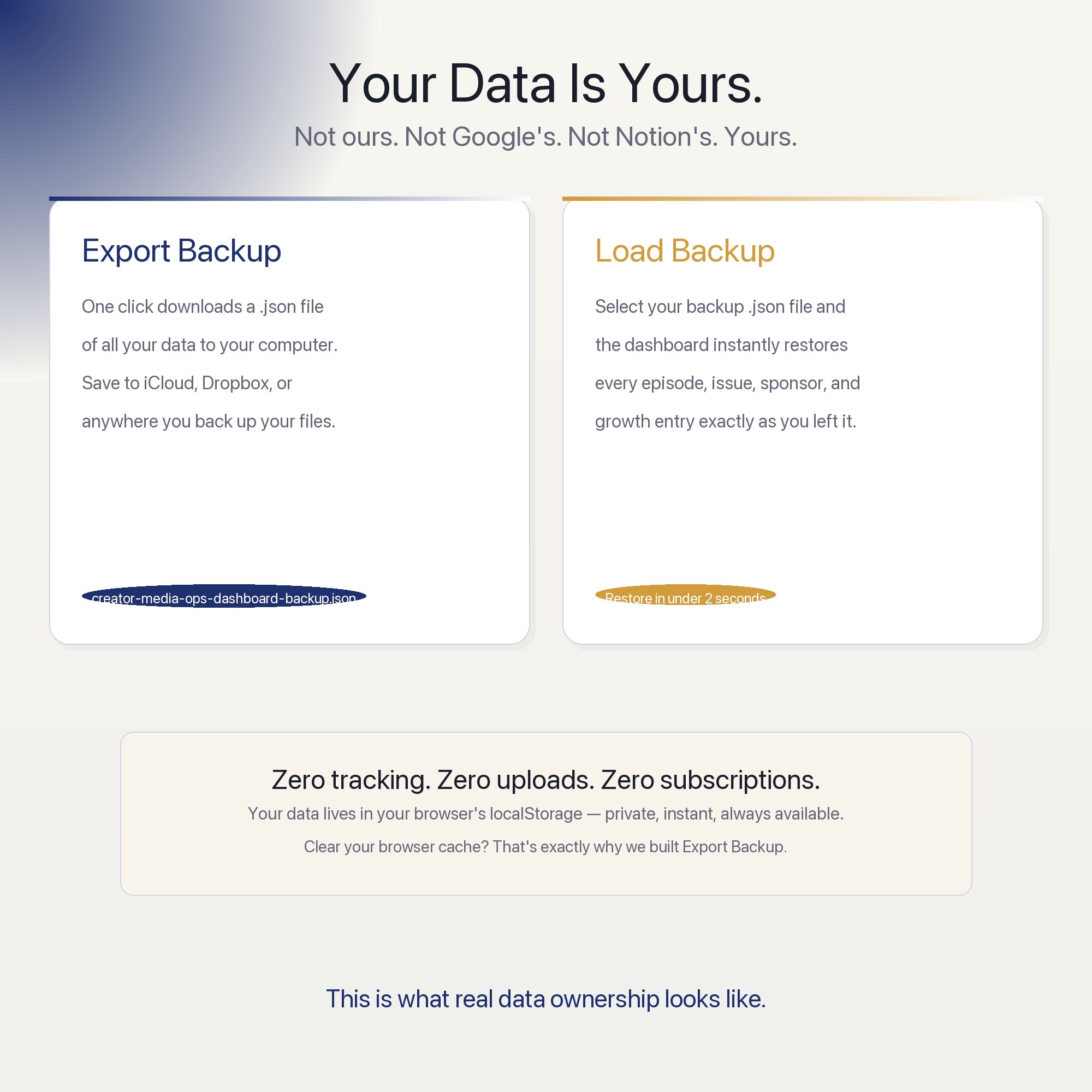
On your own device, in your own browser. Nothing is uploaded, no account is created and no analytics are collected. You can export a backup file at any time and load it on another computer.
How much is Creator Media Ops Dashboard and how is it delivered?
$25, delivered as an instant download the moment you pay. Because it is a digital file, all sales are final.
More about Creator Media Ops Dashboard
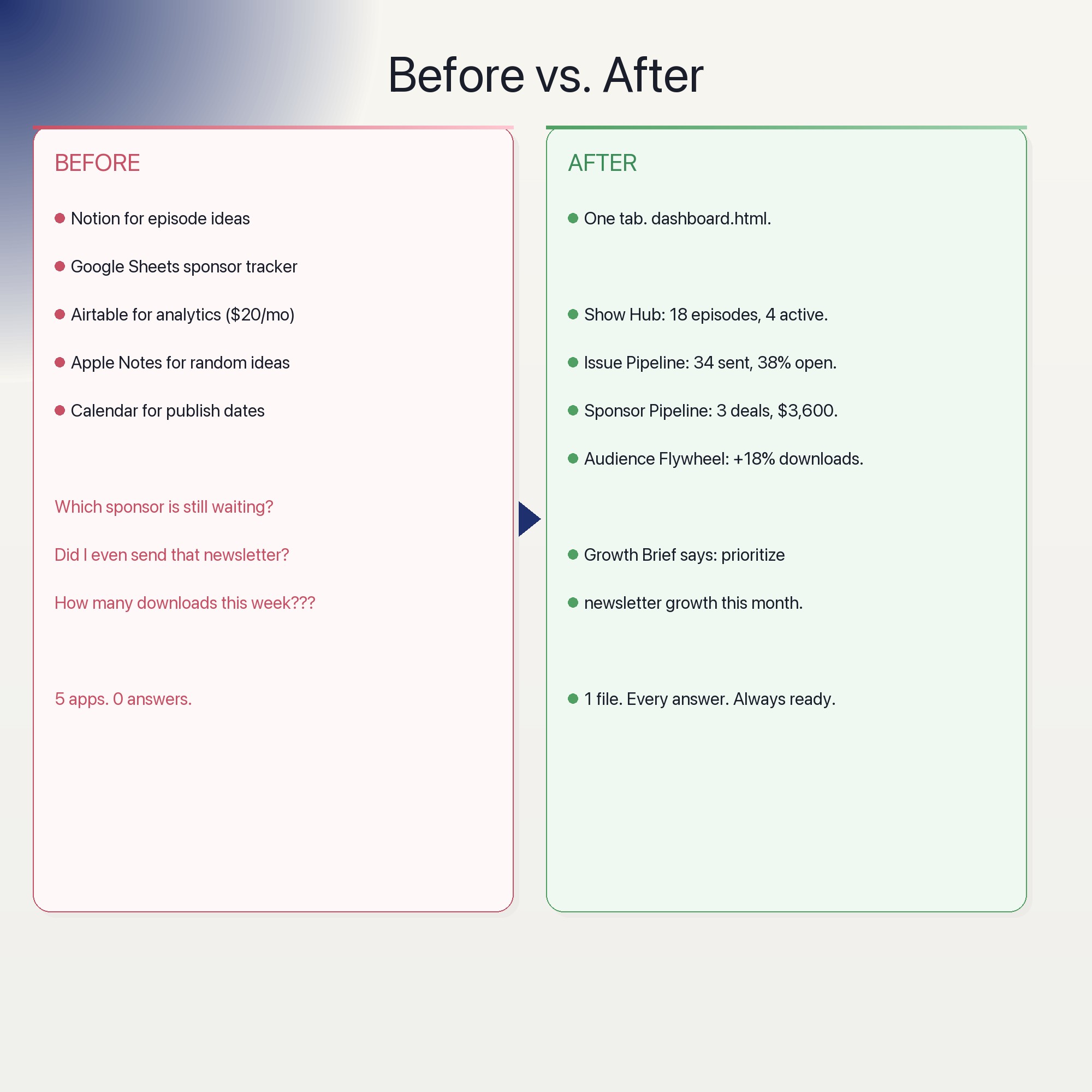
The Creator Media Ops Dashboard is the only interactive browser dashboard for podcasters and newsletter writers that requires zero subscriptions, zero logins, and zero cloud accounts. Download once, open in Chrome, own it forever. No Notion. No Airtable. No Google Sheets required.
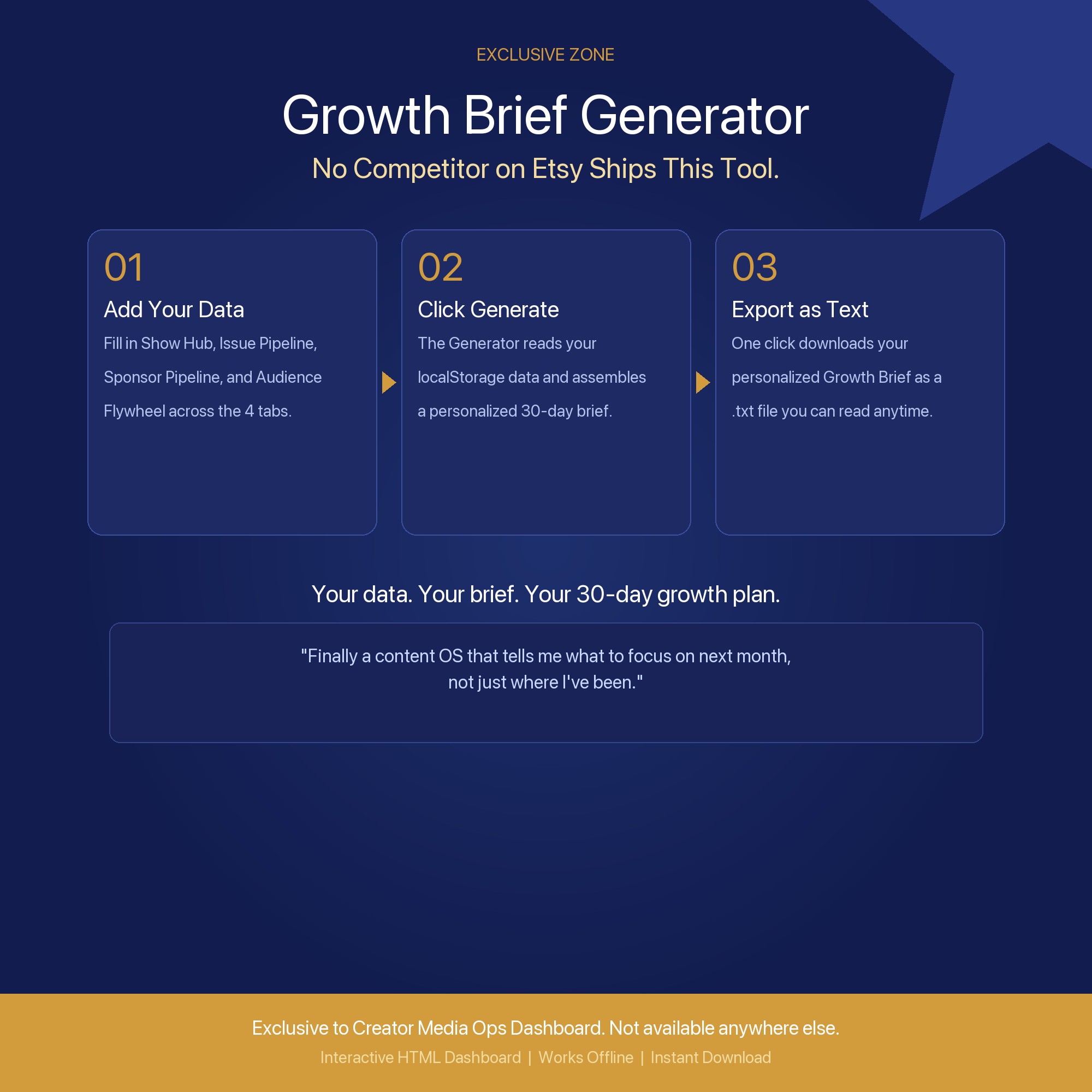
★ EXCLUSIVE ZONE: The Audience Flywheel Generator
Every competitor on Etsy ships a static Google Sheet or a Notion template that resets every time you start fresh. This dashboard reads your actual logged metrics from the Show Hub, Issue Pipeline, Sponsor Pipeline, and Audience Flywheel tabs and assembles a personalized Growth Brief you can export and act on immediately. Plug in your numbers once. Get a tailored “double down / cut” recommendation for your next 30 days. No competitor on Etsy ships this. Not one.
WHAT’S INSIDE (5 Interactive Tabs)
-
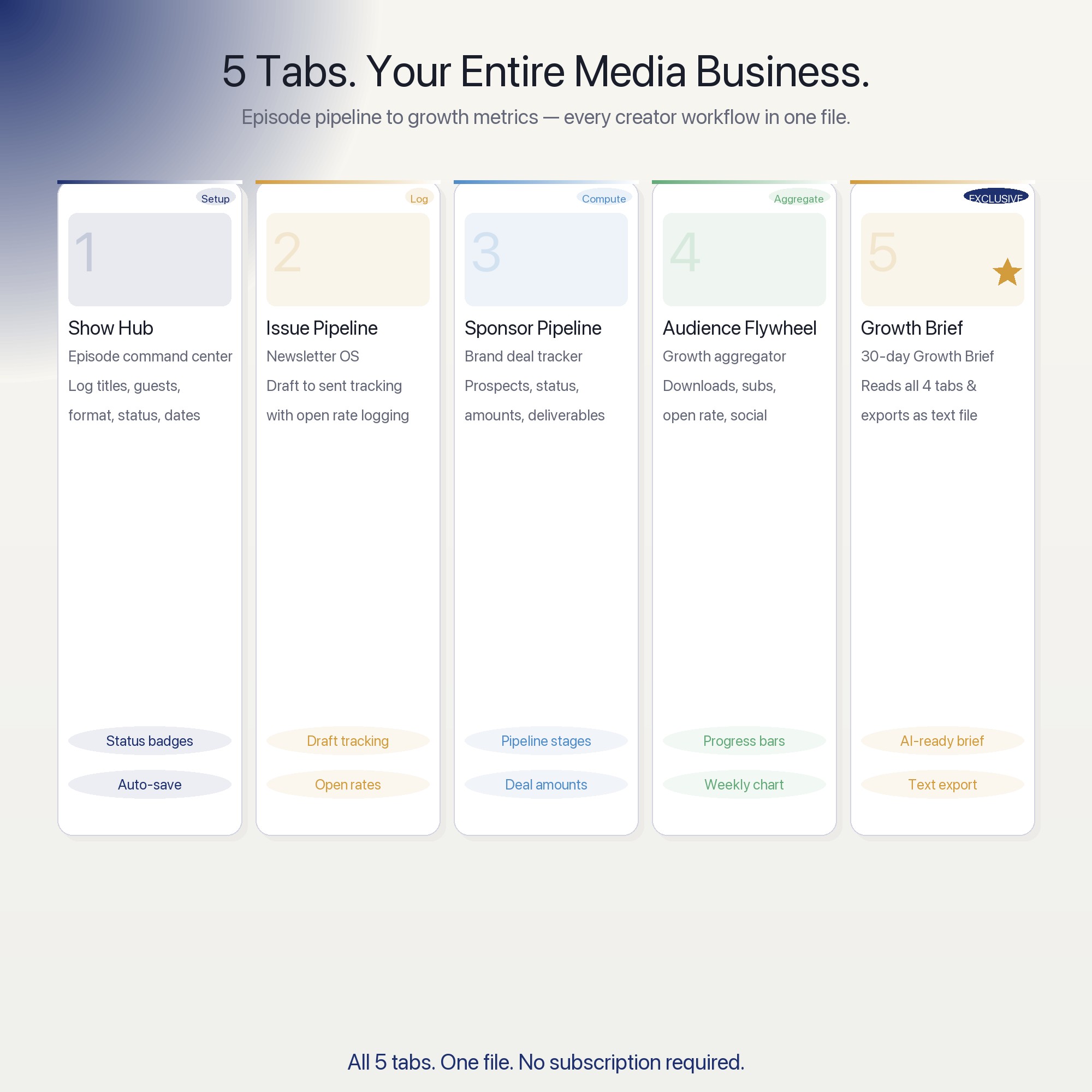
Show Hub: Your episode command center. Log episode titles, formats, guest names, status (idea, in production, published), and release dates. Autosaves every keystroke. See your full season pipeline at a glance so nothing slips to “someday.”
-
Issue Pipeline: Your newsletter OS. Track every issue from draft to sent: subject line, hook draft, send date, estimated open rate, and notes. Spot gaps in your schedule before subscribers do.
-
Sponsor Pipeline: The brand-deal tracker your spreadsheet can’t beat. Log each prospect (brand, contact, status, offer amount, deliverable, deadline). Color-coded status chips show you at a glance what needs a follow-up today.
-
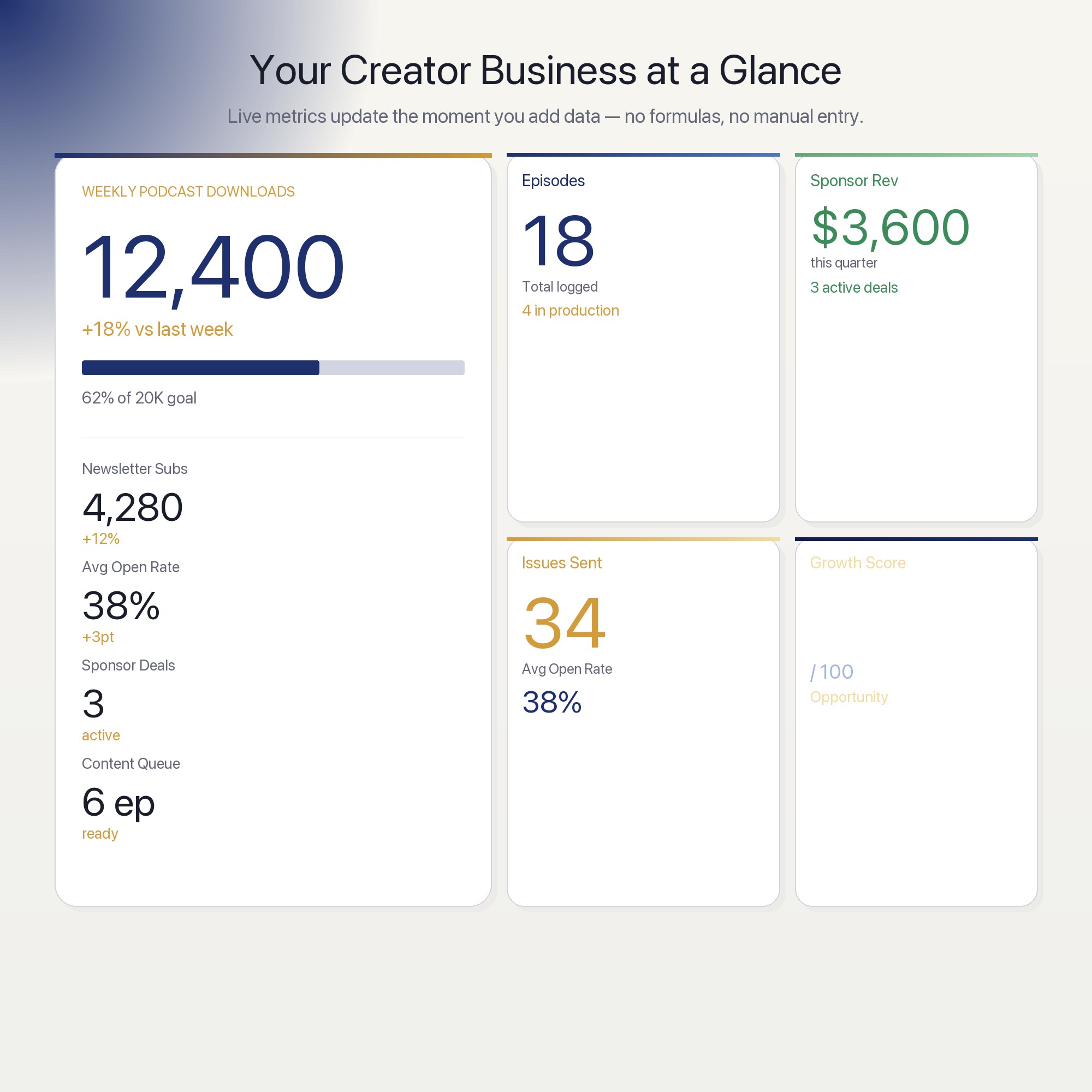
Audience Flywheel: Log your weekly growth signals: new subscribers, downloads, open rate, social follows, churn. Watch the trend line build automatically. Know which channel is compounding and which is stalling.
-
Growth Brief Generator (EXCLUSIVE): The tool no competitor ships. Reads your logged data from all four tabs and assembles a 30-day Growth Brief: your top-performing channel, your stalled channel, your highest-value sponsor prospect, and your next three editorial priorities. Export to text in one click. Act on it tomorrow.
This is for you if
-
You are juggling a podcast and a newsletter and one always falls behind
-
You have pitched sponsors but lost track of who said maybe
-
You know your audience grew this month but have no idea by how much
-
You are tired of starting a new Notion template every quarter and losing your history
-
You want one file that makes you look more organized than the $80K Substack creator down the street
Your data is safe
Everything lives in your browser’s localStorage. No server. No account. No cloud sync. Export Backup downloads a JSON file to your computer. Load Backup restores it in one click. Your creator data is yours, permanently.
Files included
-
dashboard.html (open in Chrome, Edge, Safari, or Firefox)
-
HOW-TO-SAVE.txt (30-second setup guide)
Works on macOS, Windows, iPad, and Chromebook. No install. No subscription.
Every episode you plan today compounds into the audience you build in six months.
Notion template upgrade coming soon. Follow the shop to get notified.
5 Tabs included
- ◈
Show Hub
Episode command center — log titles, formats, guests, status, release dates
- ≡
Issue Pipeline
Newsletter OS — track every issue from draft to sent with open rate logging
- ⊞
Sponsor Pipeline
Brand deal tracker — log prospects, status, amounts, deliverables, deadlines
- ◉
Audience Flywheel
Growth aggregator — weekly downloads, subs, open rate, social, churn with progress bars
- ★
Growth Brief Generator
Reads all 4 tabs and assembles a personalized 30-day Growth Brief exportable as text
Exclusive Feature
Growth Brief Generator — reads localStorage data from all 4 tabs, assembles a 30-day Growth Brief with recommendations per channel, exports as downloadable text file
This is built into the fifth tab and is unavailable in any static template, spreadsheet, or Notion template on the market.
Gallery
Learn more
Creator Media Kit Template: What Brands Actually Read (and What They Skip)
A creator media kit template only works if the numbers in it are real and current. Here is what to include, what to cut, and how to keep it up to date.
GuidePodcast + Newsletter Business: How to Track Growth Without Analytics Overwhelm
Track podcast and newsletter growth with one system — downloads, open rates, sponsors, and a 30-day growth brief without analytics platform overwhelm.
List6 Creator Business Metrics to Track If You Run a Solo Media Business
The 6 metrics that matter for podcasters and newsletter writers running solo, and which popular numbers only feel good without predicting any growth.
Before you buy
Frequently asked questions
- What is Creator Media Ops Dashboard?
- Creator Media Ops Dashboard is an interactive dashboard that opens in your web browser. It is one self-contained HTML file — download it once, double-click it, and it runs. No app, no account, no subscription.
- Does Creator Media Ops Dashboard need Excel or Google Sheets?
- No. It is not a spreadsheet and does not open in one. It runs in Chrome, Safari, Edge or Firefox on macOS, Windows, iPad or Chromebook, and keeps working offline.
- What is included in Creator Media Ops Dashboard?
- 5 sections in a single file: Show Hub, Issue Pipeline, Sponsor Pipeline, Audience Flywheel, Growth Brief Generator.
- Does it work offline?
- Yes — completely. The dashboard is a single HTML file. Once downloaded, it runs entirely in your browser with no internet connection needed. All data autosaves to your browser's localStorage.
- Which devices and browsers are supported?
- Works in Chrome, Edge, Safari, and Firefox on macOS, Windows, iPad, and Chromebook. No app to install, no account to create. Just open the file.
- What is your refund policy?
- All sales are final. This is an instant download delivered in full at payment, so it cannot be returned. If a file will not open or a feature does not work as described, that is a defect and it gets fixed at no cost — email hello@listingresearchos.com and you will get a corrected file.
- How do I install it?
- There is nothing to install. After purchase, download the HTML file. Double-click to open in your browser. That's it. A HOW-TO-SAVE.txt is included explaining how to back up and restore your data.
- Is my data private?
- Completely. Everything runs locally — no login, no analytics, no data sent to any server. Your data is stored only in your browser's localStorage. You own it entirely.
You might also like
One-time purchase
Get it for $25.00
Instant download. Open in any browser. Yours forever.