
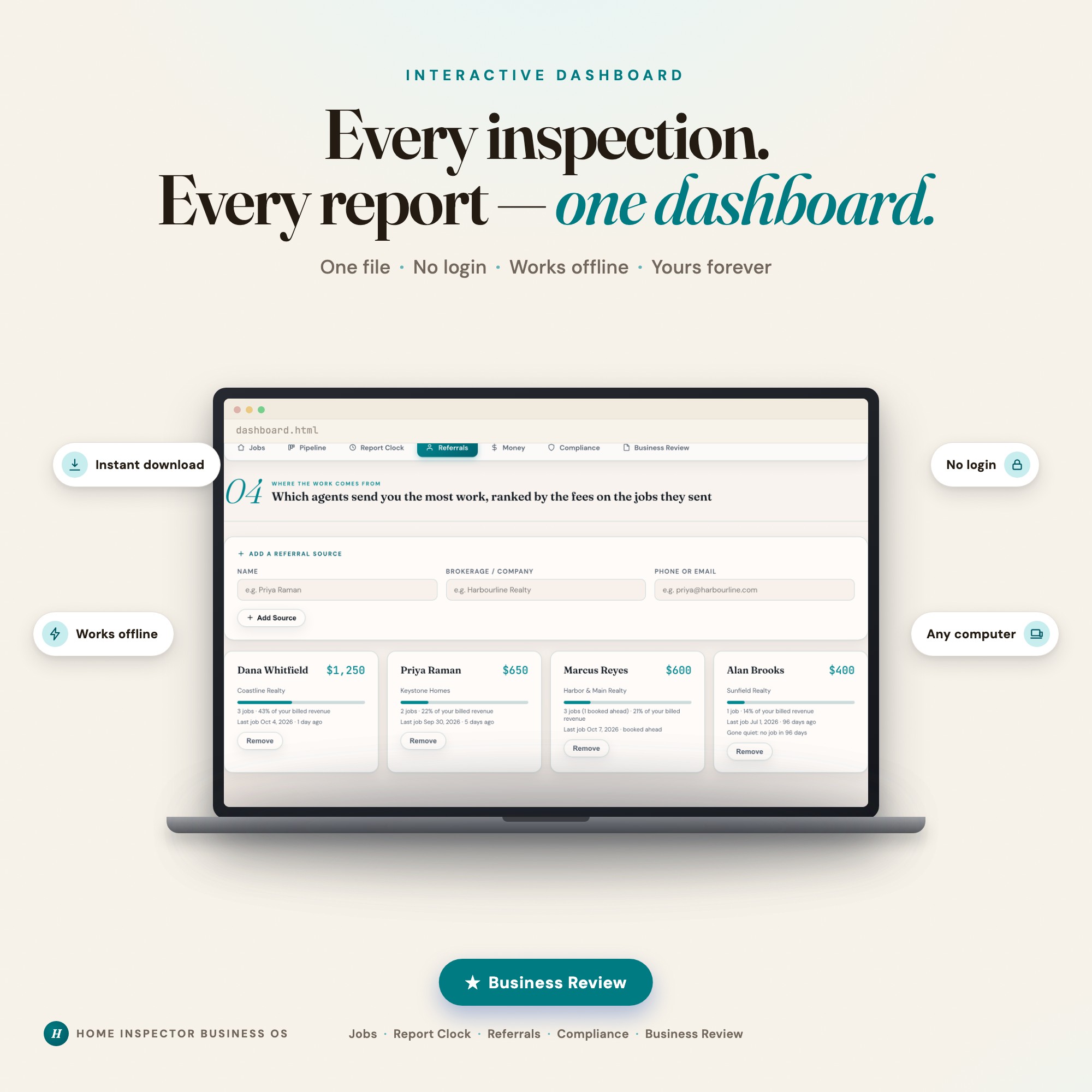
Interactive dashboard
Home Inspector Business OS
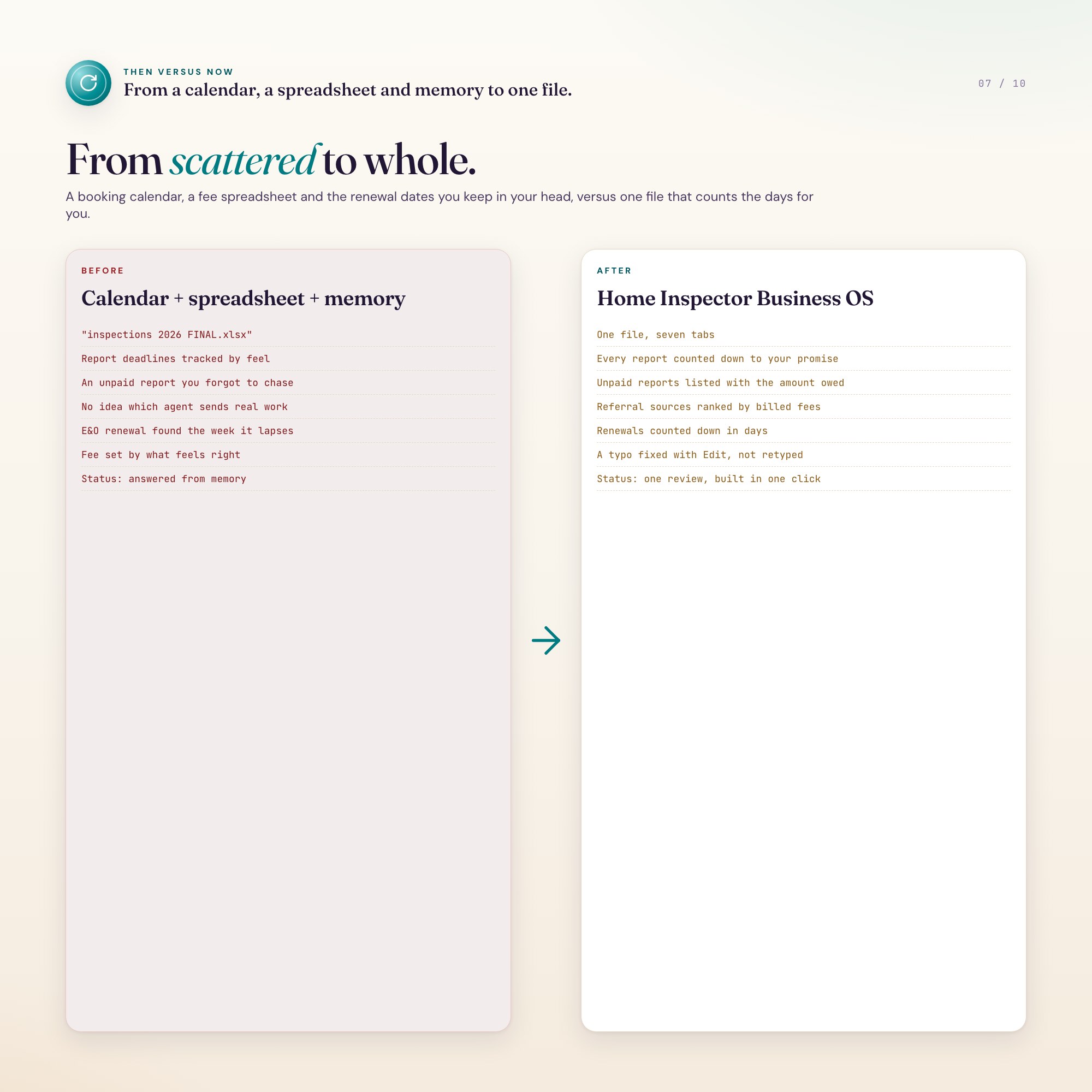
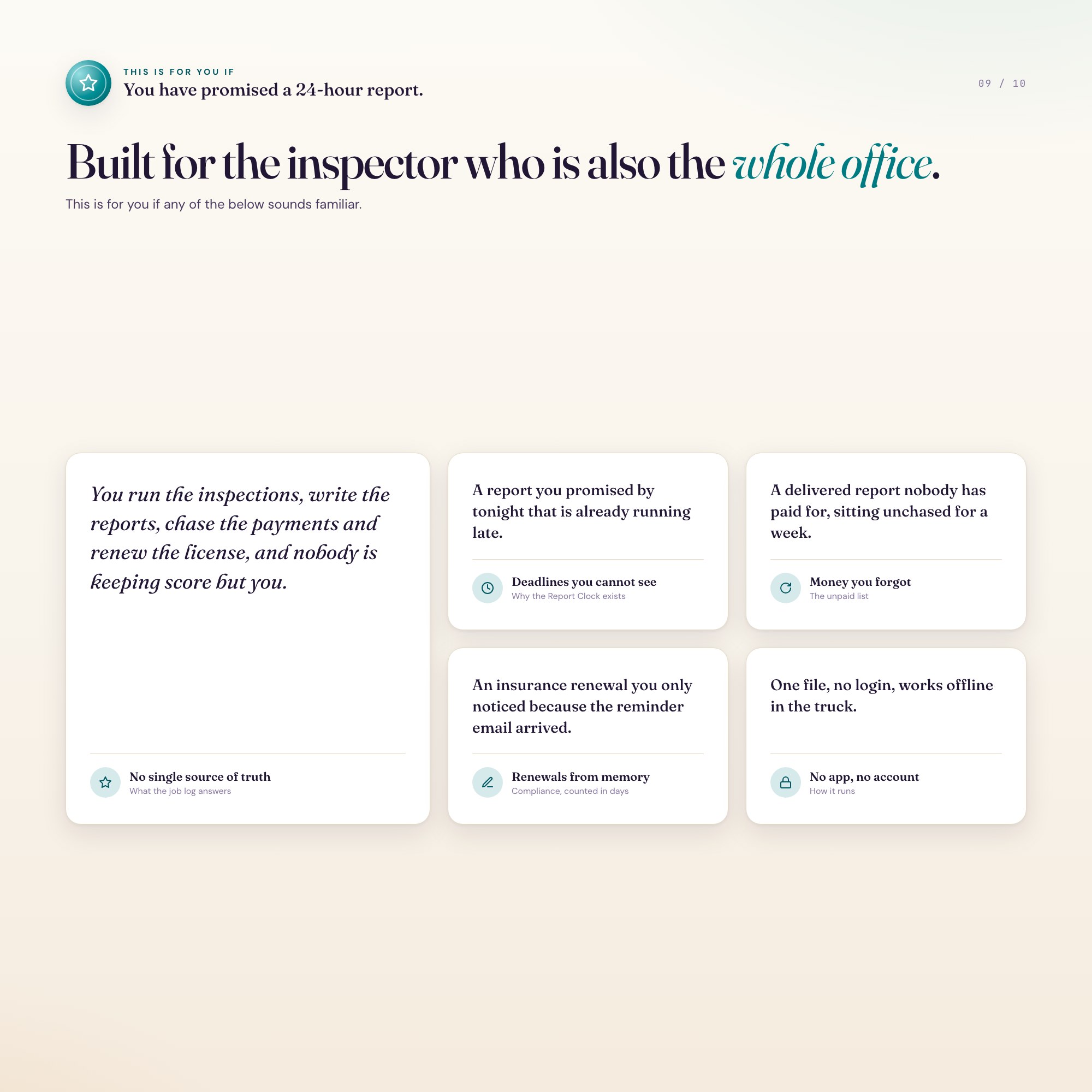
Built for Solo licensed home inspectors running a one-person business — booking buyer, seller, wind mitigation, 4-point, radon and re-inspection jobs, promising a report turnaround to every client and agent, depending on a handful of referring agents, and tracking license, E&O and continuing-education renewals from memory
Try it live
Click around the real dashboard
Interactive demo · a few tabs unlocked
See it in action
The dashboard
What it is
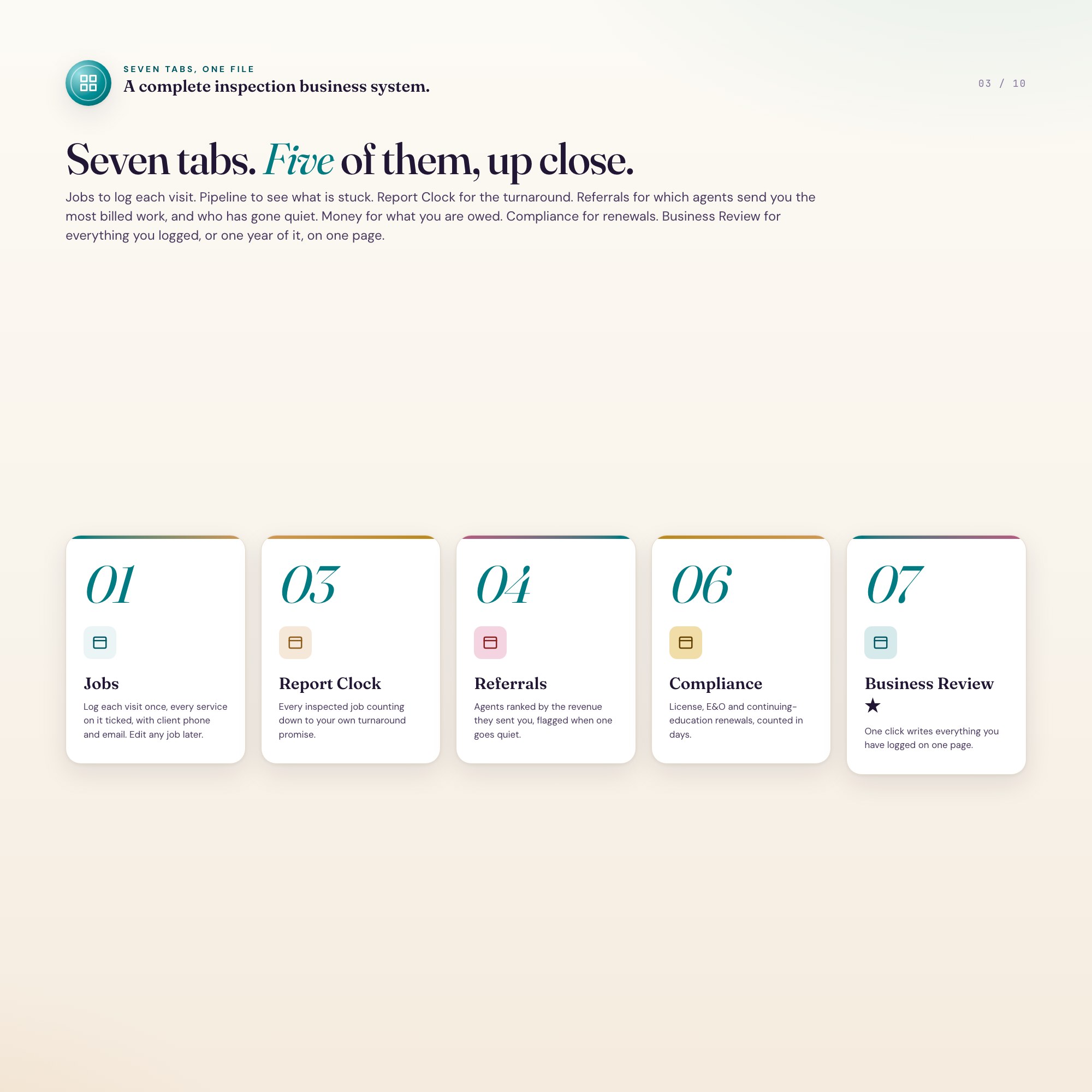
5 Tabs included
- ◈
Jobs
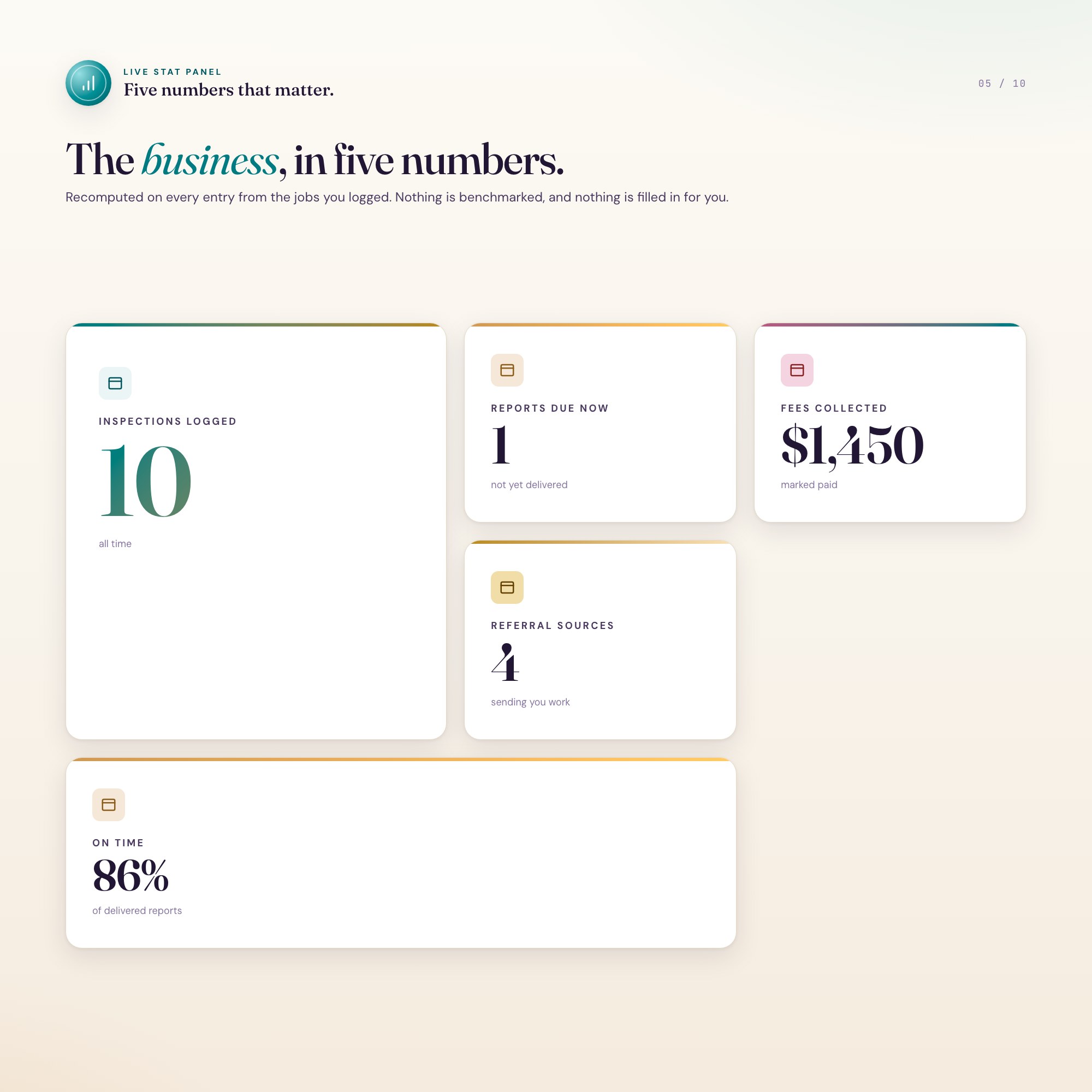
Log each job once — date, address, client, type, referral source, fee, square footage and stage — and every other tab fills itself in
- ≡
Pipeline
Booked, inspected, reported and paid, with nudges for what is stuck
- ⊞
Report Clock
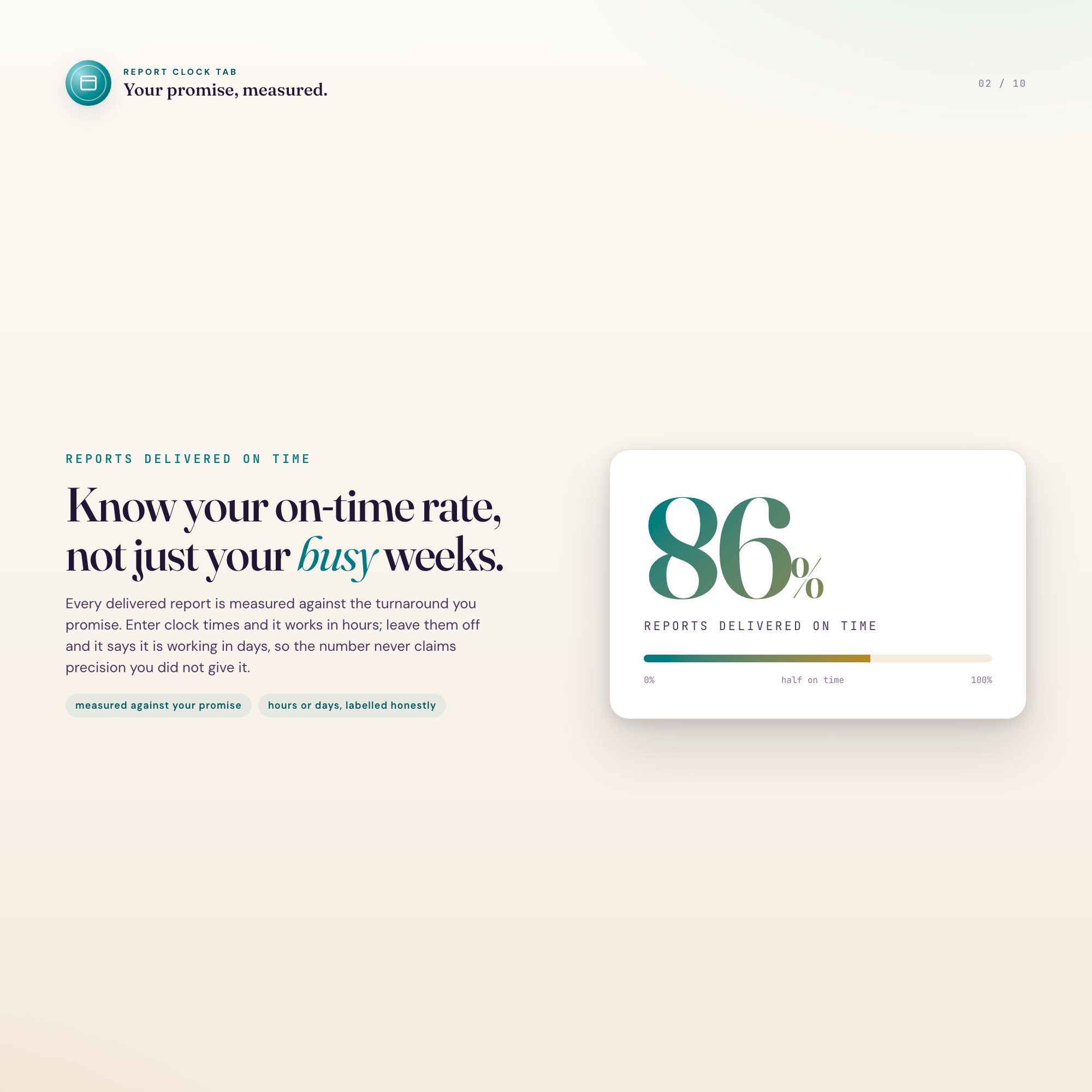
Every inspected job counting down to your own turnaround promise
- ◉
Referrals
Which agents actually send you paying jobs, ranked by revenue
- ★
Money
What you earned, what you are still owed, and what a job is worth
Exclusive Feature
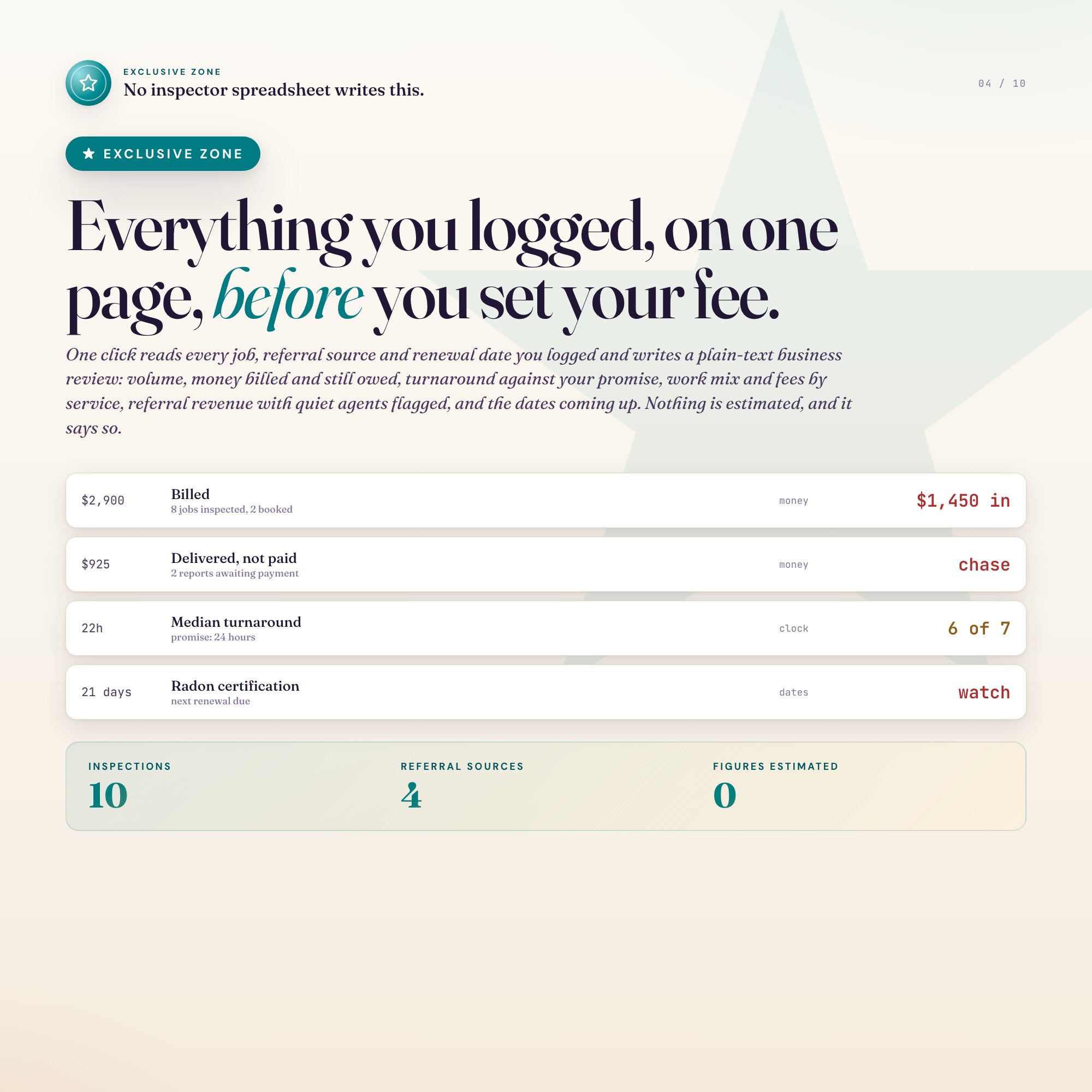
Business Review — one click turns the jobs, referral sources and renewal dates you logged into a plain-text summary you can read before setting next year's fee or paste into your accountant's email; nothing in it is estimated and nothing is filled in for you
This is built into the fifth tab and is unavailable in any static template, spreadsheet, or Notion template on the market.
Gallery
Learn more
Home Inspection Report Turnaround: What a 24-Hour Promise Costs
A 24-hour report promise is a deadline you set yourself and then never measure. Here is how to track it, and what the median actually tells you.
GuideWhy Your Average Inspection Fee Is Wrong (Multi-Service Visits)
One Florida appointment is often buyer plus wind mit plus 4-point. Logging it as three jobs cuts your average fee to a third and breaks your report clock.
Before you buy
Frequently asked questions
- What is Home Inspector Business OS?
- Home Inspector Business OS is an interactive dashboard that opens in your web browser. It is one self-contained HTML file — download it once, double-click it, and it runs. No app, no account, no subscription.
- Does Home Inspector Business OS need Excel or Google Sheets?
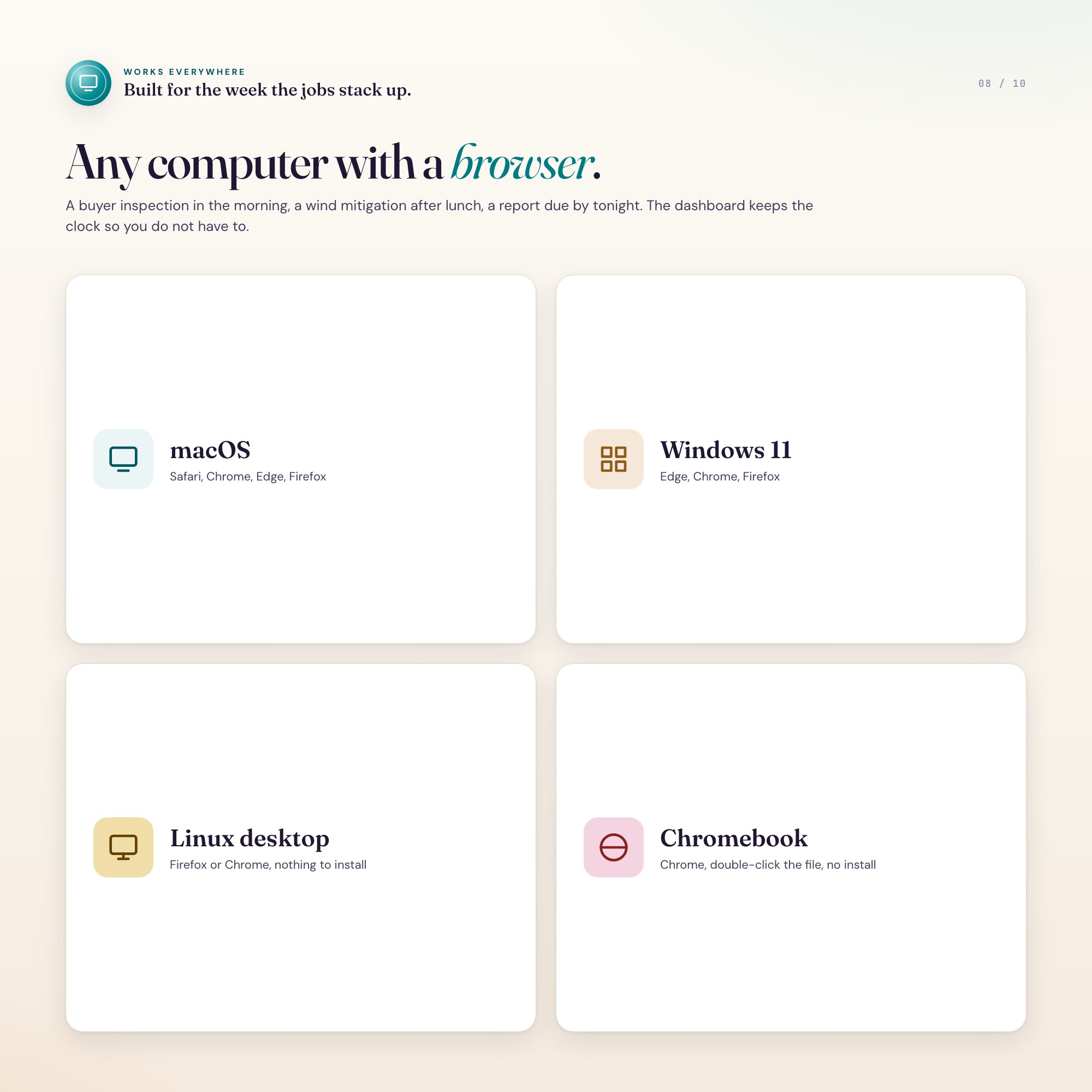
- No. It is not a spreadsheet and does not open in one. It runs in Chrome, Safari, Edge or Firefox on macOS, Windows, iPad or Chromebook, and keeps working offline.
- What is included in Home Inspector Business OS?
- 7 sections in a single file: Jobs, Pipeline, Report Clock, Referrals, Money, Compliance, Business Review.
- Can I change the colours and text size in Home Inspector Business OS?
- Yes. Colour, background, typeface and text size are adjustable from inside the dashboard, and the setting is remembered.
- Does it work offline?
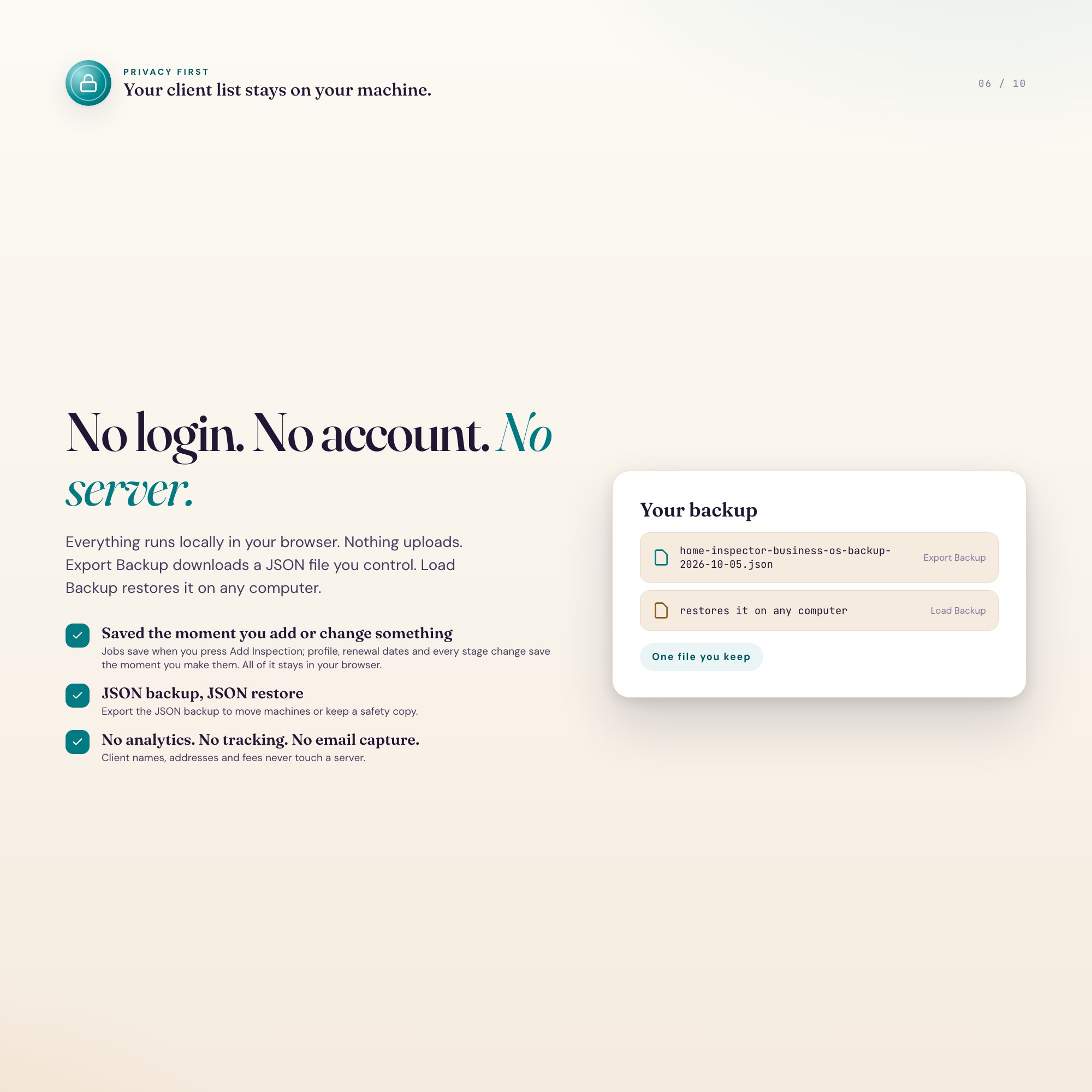
- Yes — completely. The dashboard is a single HTML file. Once downloaded, it runs entirely in your browser with no internet connection needed. All data autosaves to your browser's localStorage.
- Which devices and browsers are supported?
- Works in Chrome, Edge, Safari, and Firefox on macOS, Windows, iPad, and Chromebook. No app to install, no account to create. Just open the file.
- What is your refund policy?
- All sales are final. This is an instant download delivered in full at payment, so it cannot be returned. If a file will not open or a feature does not work as described, that is a defect and it gets fixed at no cost — email hello@listingresearchos.com and you will get a corrected file.
- How do I install it?
- There is nothing to install. After purchase, download the HTML file. Double-click to open in your browser. That's it. A HOW-TO-SAVE.txt is included explaining how to back up and restore your data.
- Is my data private?
- Completely. Everything runs locally — no login, no analytics, no data sent to any server. Your data is stored only in your browser's localStorage. You own it entirely.
You might also like
One-time purchase
Get it for $27.00
Instant download. Open in any browser. Yours forever.