
Why Your Average Inspection Fee Is Wrong (Multi-Service Visits)
One Florida appointment is often buyer plus wind mit plus 4-point. Logging it as three jobs cuts your average fee to a third and breaks your report clock.
Published September 11, 2026
If you inspect in Florida, a normal Tuesday morning looks like this. You arrive at one house, at one appointment time, for one client. While you are there you perform the buyer’s inspection, a wind mitigation, and a 4-point. You bill six hundred dollars. You drive to the next job.
Now go and look at how that got recorded in whatever you track work in. If the answer is “three rows,” your numbers are wrong in three separate places, and one of them is quietly costing you money.
The arithmetic
Take that one appointment logged as three jobs at two hundred dollars each.
Your log now contains three visits. Your average fee across those three rows is two hundred dollars. If you have ten such appointments in a month, your log reports thirty jobs at an average fee of two hundred, when what actually happened is ten appointments at an average of six hundred.
Both versions add up to the same total revenue, which is why this survives casual inspection. The total is right. Everything you would use the total to decide is wrong.
Because the number you reach for when a prospect asks what an inspection costs, or when you sit down in January to decide whether to raise prices, is not the total. It is the average. And a two-hundred-dollar average anchors you two hundred dollars low on work you already know how to sell for six.
The overhead does not split
There is a reason the per-visit number is the meaningful one, and it is not bookkeeping tidiness.
Look at what a job actually consumes. There is the drive out and back. There is the scheduling slot, which occupies your calendar whether you perform one service in it or three. There is arrival, setup, the walkthrough with the client, the conversation at the end. There is the invoice.
All of that happens once per visit. It does not happen once per service.
Which means the second service on a visit is dramatically cheaper for you to perform than the first one, and the third is cheaper still. That is the entire economic logic of bundling, and it is a genuinely good deal for both sides — the client gets three deliverables for less than three separate appointments would cost, and you get more billing out of one drive.
But you can only see whether your bundle is priced correctly if your records distinguish a visit from a service. If every service is its own row, a three-service visit is indistinguishable from three separate appointments in three different neighbourhoods, and those two things have wildly different margins.
The report clock breaks too
This is the failure that actually costs referrals, and it is less obvious than the pricing one.
Most inspectors track report turnaround off the job record: you inspected on the 4th, you delivered on the 5th, the gap is your turnaround. Fine — when there is one job and one report.
A multi-service visit usually produces one report package for the client. One deliverable, sent once. But if the visit was logged as three jobs, your tracking now has three open deadlines for a single thing you have to deliver. Send the report and mark one of them delivered, and two rows are still sitting there reading “outstanding,” counting up, looking late.
So the on-time rate you would quote to an agent is not just noisy — it is systematically worse than your real performance, and it gets worse the more multi-service work you do. The inspector running the most efficient bundled visits is the one whose numbers look the most broken.
And because the fix is invisible, the usual response is to distrust the tracking entirely and go back to answering “how fast are you?” from memory.
Two numbers, both true
The right shape is to record the appointment once and attach every service it covered to that single record. Out of that you get two separate counts, and the distinction between them is useful rather than pedantic:
- Visits — how many times you showed up somewhere. This is the number your calendar, your drive time and your capacity are governed by.
- Services performed — how many discrete inspection products you delivered. This is the number your work mix and your certifications are governed by.
Ten visits carrying thirteen services is a meaningfully different business from thirteen visits carrying thirteen services, even though a naive log shows them identically. The first one has a bundling practice. The second one is driving a lot more.
Once you have both, several things you could not see before come into view. Your share of multi-service visits tells you how well your bundle is actually selling. Your average fee per visit is a number you can price against. And your service mix tells you which of your certifications is earning its renewal cost — which matters when a radon measurement certification comes up and you have performed one radon test all year.
What this means for your job log
None of this requires sophisticated software. It requires one property of whatever you use: the ability to attach several services to a single job, rather than forcing one service per row.
That is a small structural decision with a long tail. A spreadsheet with a single “type” column forces the split, and once your history is recorded that way it is very hard to unpick — you cannot tell after the fact which three rows were one morning at one address and which were three separate appointments that happened to fall on the same day.
So it is worth getting right early, and worth checking if you have been logging for a while. Pull up last month. Count the rows. Then count the addresses. If those two numbers are different, your average fee is not the number you think it is, and neither is your on-time rate.
The good news is that the correction runs in your favour in both directions. Your real average fee is higher than your log says, and your real turnaround performance is better than your log says. Most measurement errors do not go that way.
Frequently asked questions
- Should a wind mitigation and a 4-point on the same visit be logged as one job or two?
- One job with two services recorded against it. They are one appointment, one drive, one set of setup time and, in most cases, one deliverable package to the client. Logging them as two jobs doubles your visit count and halves your average fee, and both of those numbers get used to price future work.
- What does a multi-service visit do to my average fee?
- It deflates it in proportion to how many services you split out. A single $600 appointment covering three services becomes three jobs at $200 each, so an average fee calculated across your log reports $200 for work that actually billed $600. Price off that number and you underprice everything.
- Does splitting a visit into multiple jobs affect report turnaround tracking?
- Yes, and it is the more damaging effect. If one visit produces one report but three job records, your report clock is counting three deadlines for one deliverable. Deliver that single report and two of the three records still read as outstanding, so your on-time rate looks worse than your actual performance.
- How should I price a multi-service visit?
- The economics that matter are per visit, not per service. The drive, the scheduling slot, the setup and the client conversation happen once regardless of how many services you perform, so the second and third service on a visit carry far less overhead than the first. That is why bundled pricing works, and why you need per-visit numbers to see whether your bundle is priced correctly.
- What is the right way to track service mix?
- Record the visit once, tick every service that visit covered, and let the counts come out of that. You then have two separate figures that are both true: how many appointments you ran, and how many services you performed. Most job logs can only tell you one of them.
Ready-made dashboards
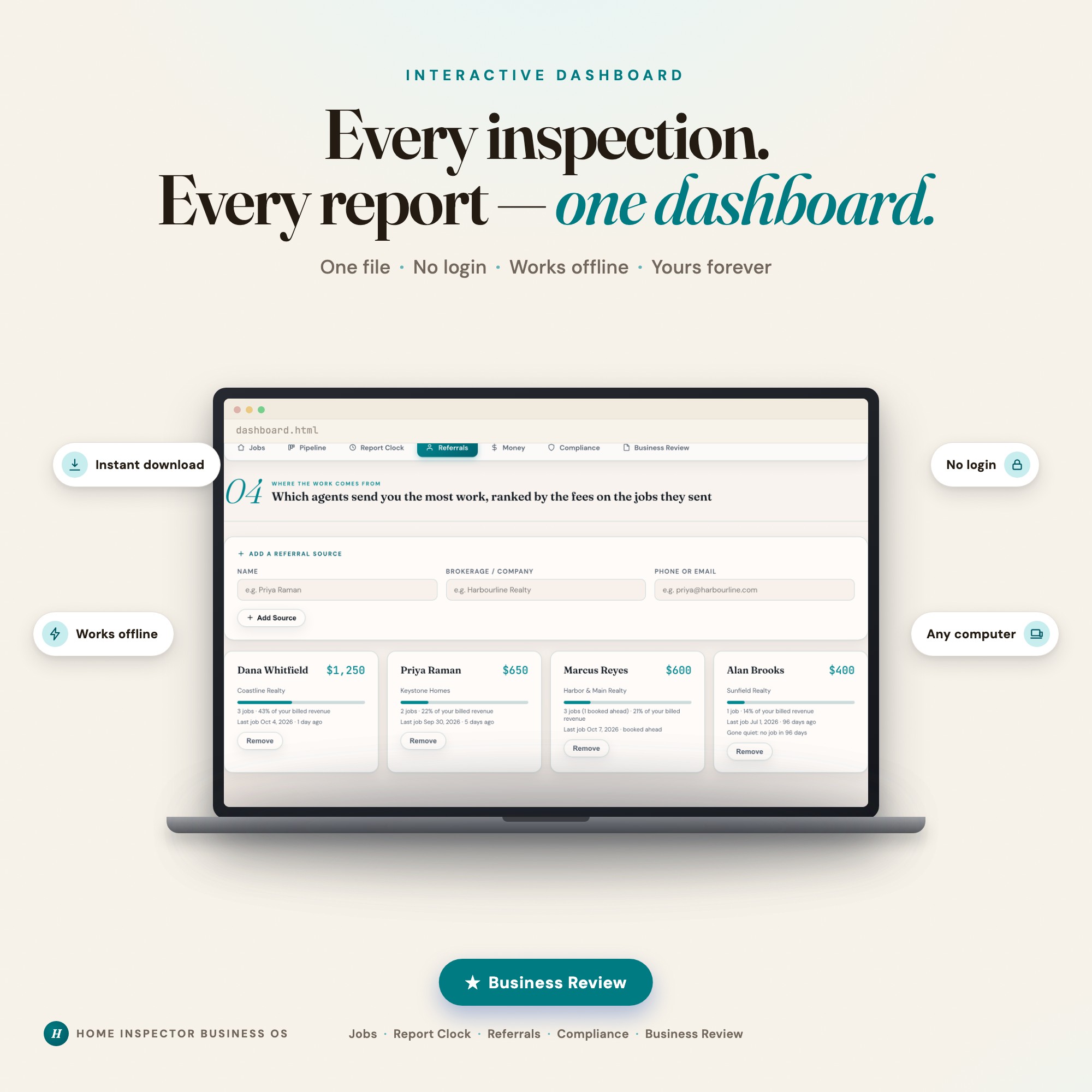
Skip setup — grab an interactive dashboard built for this exact workflow.
ListingResearchOS Shop
All dashboards — one-time purchase, yours forever
Single HTML files. No subscriptions. No login. Works offline in any browser.
Browse all dashboards →