
9 Job Search Tools Laid-Off Tech Workers Actually Use in 2026
9 job search tools laid-off tech workers rely on in 2026, from kanban pipeline trackers and networking CRMs to a real total-compensation offer comparison.
Published June 3, 2026
A tech layoff in 2026 typically lands you in a longer search than you expected. The market has tightened; role volumes at top companies are down; the number of applications per position has increased. What separates tech workers who land well from those who spend six months cycling through phone screens is usually not the resume — it is the system running the search.
These are the nine tools that actually get used.
A kanban pipeline tracker with stage-specific fields
A spreadsheet with company names and dates is not a pipeline. A real pipeline has stages — Researching, Applied, Phone Screen, Technical Interview, Onsite, Offer, Closed — with each company card showing the applied date, salary band, source, and a notes field. The kanban view gives you a live picture of what is active at each stage without counting rows.
The Job Search Command Center Pipeline tab covers all six stages with click-to-edit company cards. Most users have 30 to 50 companies in the pipeline by week 6.
A networking CRM with follow-up timestamps
Networking in a tech job search is mostly recruiter outreach, referral requests, and LinkedIn connections. Every one of those contacts has a last-touch date that determines whether the thread is warm or cold. A networking CRM with contact type (recruiter, referrer, hiring manager, warm intro), last contact date, and a follow-up prompt is the difference between nurturing a lead and accidentally ghosting the connection who would have made the introduction.
An interview prep workspace with STAR stories
Technical interviews require STAR stories (Situation, Task, Action, Result) for behavioral questions. Most candidates try to remember 6 to 8 STAR stories across 15 interviews and end up repeating the same two under pressure. A STAR story library where each story is tagged by theme (leadership, conflict, failure, cross-functional collaboration) lets you match the right story to the specific role’s likely questions.
Per-company research notes before each interview
Showing up to a phone screen and saying “I haven’t had a chance to review your product in depth” is the fastest way to exit the pipeline. Per-company research notes — product, competitors, recent news, culture signals, and your prepared questions — take 30 minutes before a screen and materially improve the quality of the conversation.
A response rate calculator
If you have sent 60 applications and received 8 phone screens, your response rate is 13%. If the industry average is 10-15%, your resume is working. If your rate is 3%, your targeting or resume is the problem. If your rate is high but your screen-to-onsite conversion is low, the interview performance is the problem. Tracking response rate by stage tells you where to invest your optimization energy.
An offer comparison engine with true total comp
This is the tool that justifies the entire search system. “Offer A is $180K base and Offer B is $170K base” is not a comp comparison. The Job Search Command Center Offer Compare tab is the exclusive feature that no competitor on Etsy ships: drop in two or three offers and it calculates annualized total comp across base, target bonus, equity grant value across the vesting cliff, sign-on, relocation, 401k match, healthcare premium, and PTO days. The winner gets highlighted. You walk into negotiation knowing exactly what you are comparing and what number to ask for.
A weekly application cadence tracker
Consistent application volume matters more than burst activity. Most job searches stall around week 5 because the initial energy fades and there is no accountability mechanism to maintain volume. A weekly dashboard showing total applications, response rate, active interviews, and a pull-quote that reframes the week’s effort helps maintain momentum through the slow periods.
A salary research log by company
Tech compensation varies enormously by company tier and location. Logging your salary research per company — Levels.fyi data, LinkedIn Salary estimates, recruiter-disclosed ranges — before each interview means you negotiate from data, not from what you said you were making at your last job.
A private, offline system for sensitive data
A job search involves highly sensitive information: your compensation history, competing offers, salary expectations, and negotiation notes. This is data you do not want on a third party’s server. A browser-based tool that stores everything in localStorage — no account, no server, no analytics — protects that information.
One Dashboard for the Whole Search
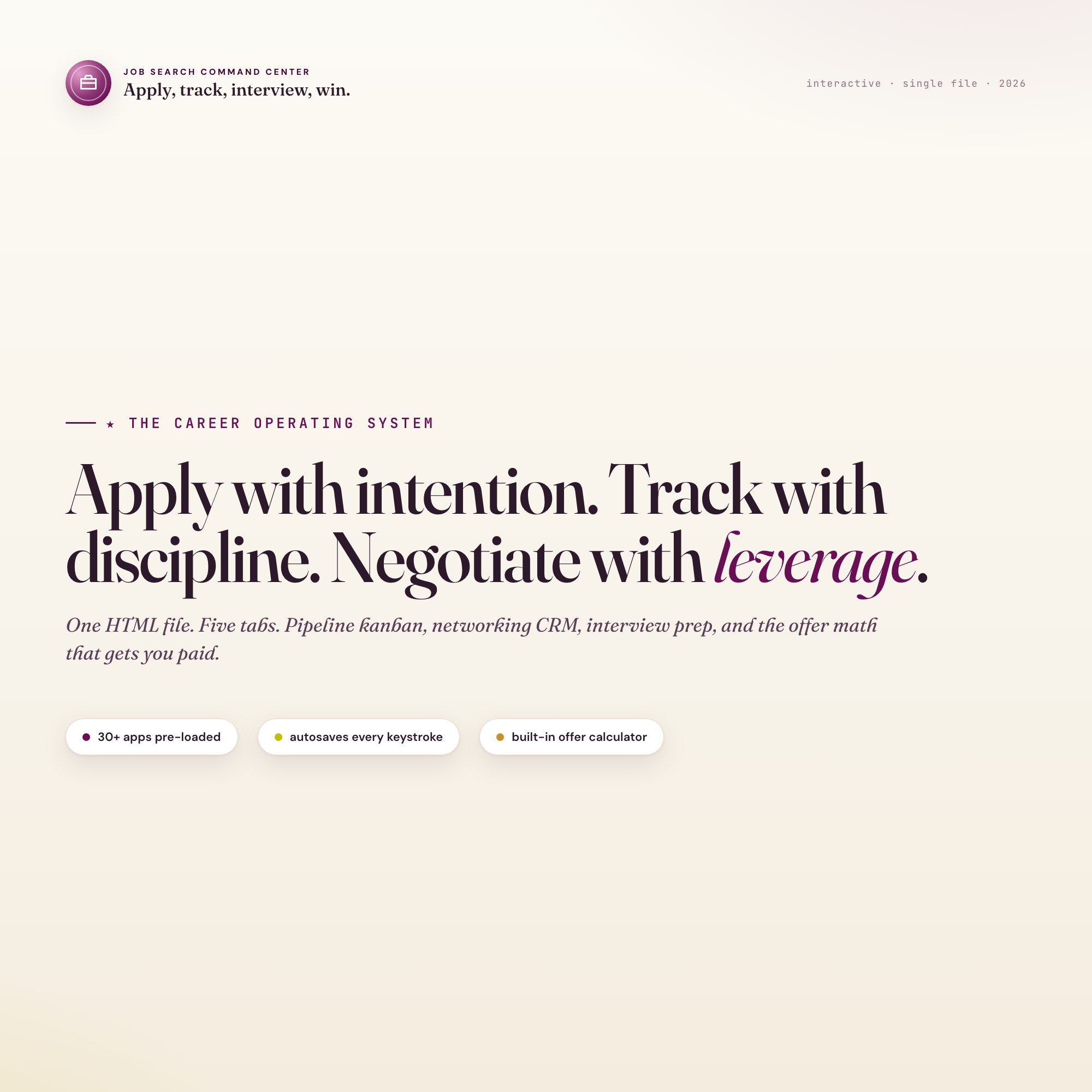
The Job Search Command Center covers Overview, Pipeline, Networking CRM, Interview Prep, and Offer Compare in one HTML file for $24. Works offline, no subscription, no data leaving your device.
Frequently asked questions
- How do I compare two job offers that have different salary, bonus, equity, and benefits structures?
- Convert everything to an annualized total-comp figure. Base salary plus target bonus plus equity grant divided by vesting cliff years plus 401k match plus benefits premium offset. The Job Search Command Center's Offer Comparison Engine does this side-by-side for multiple offers automatically.
- What is the right number of applications to have active at one time?
- Most career coaches suggest 20 to 40 actively worked applications — enough to generate parallel opportunities, few enough that you can research each company and send a personalized note before each interview. Beyond 60 active applications, quality degrades faster than quantity helps.
- Do I need to spend a lot of money on tools?
- No. The Job Search Command Center costs $24 as a one-time purchase — built specifically for laid-off tech professionals managing 30 to 100 active applications.
- How quickly can I get started with the Job Search Command Center?
- Under 5 minutes. Download the file, open it in any browser, and start using it immediately. Everything autosaves automatically.
Featured dashboards from this list
Interactive HTML dashboards — one-time purchase, works offline, no subscription.
ListingResearchOS Shop
All dashboards — single file, yours forever
Interactive HTML. No subscription. Works offline in any browser.
Browse all dashboards →