
Year-End Giving Statement Template: What Churches Need to Include
What belongs in a church year-end giving statement, how to pull it from your giving log, and what to leave out until budget season.
Published October 1, 2026
Every January, a volunteer treasurer who has never done this before sits down with a year of tithe records and tries to turn them into statements that donors can actually use for taxes. It’s not hard work — it’s just repetitive, easy to get wrong, and usually done from scratch because nobody saved last year’s template. Here’s what actually belongs on the statement, and what you can skip until budget season.
1. Donor, Total, and the “No Goods or Services” Line
The core of any giving statement is simple: the donor’s name, the total they gave during the calendar year, and a line confirming whether anything was given in exchange for the gift — most church gifts involve nothing in return, but if your church provided a banquet ticket, a book, or anything else of value, that needs to be noted. Your accountant or denomination can tell you the exact wording this line should use; don’t guess at it or copy wording from another church’s statement without having someone confirm it fits your situation.
2. A Breakdown by Fund, Not Just One Number
A single total tells a donor what they gave. It doesn’t tell them what they gave to. If someone tithed to general giving and also gave toward the building fund or a memorial gift, their statement should show both lines separately. This matters for two reasons: some donors want the split for their own records, and it’s also a quiet check on your own bookkeeping — if the fund totals on your statements don’t add up to what your fund ledger shows was given to each fund, something was logged wrong during the year, not just at statement time.
3. Every Gift, By Date and Method
Some churches issue one number per donor; others itemize every gift by date, amount, and method (check, cash, online). Which one you do is your church’s call, but if you’re itemizing, pull it straight from your giving log rather than reconstructing it from memory or a checkbook register. The more granular the statement, the more a transcription error during the year will show up as a line a donor questions — so the log needs to have been right all year, not just at the end of it.
4. What Doesn’t Belong on an Individual Statement
Loose plate cash, anonymous envelopes, and any undesignated gift that can’t be tied to a specific giver should be counted in your overall totals and fund balances, but they don’t go on anyone’s personal statement — there’s no donor to attribute them to. Keep them visible in your own records so your fund totals reconcile, just not on the statement itself.
5. Save the Template — You’ll Use It for the Budget Too
Once statements are out, the same giving-by-fund numbers you just finalized are the first input for next year’s budget. How much actually came in to general giving this year, how each restricted fund performed against what was given to it, what the council is likely to have available — all of it comes from the same log you just used for statements. Treasurers who treat these as two separate jobs end up re-entering the same numbers twice in six weeks.
Why the Bank Balance Isn’t the Number You Need
Most church bank accounts hold several funds at once — general giving, a building fund, benevolence, a memorial gift — sitting in one balance. The bank doesn’t know the difference. Neither does a plain giving log, by itself. What a treasurer actually needs heading into statement season and budget season is: how much was given to each fund, what’s been paid or transferred out of each one, and whether any restricted fund has quietly been spent below what it was given for.
How the Dashboard Handles Both
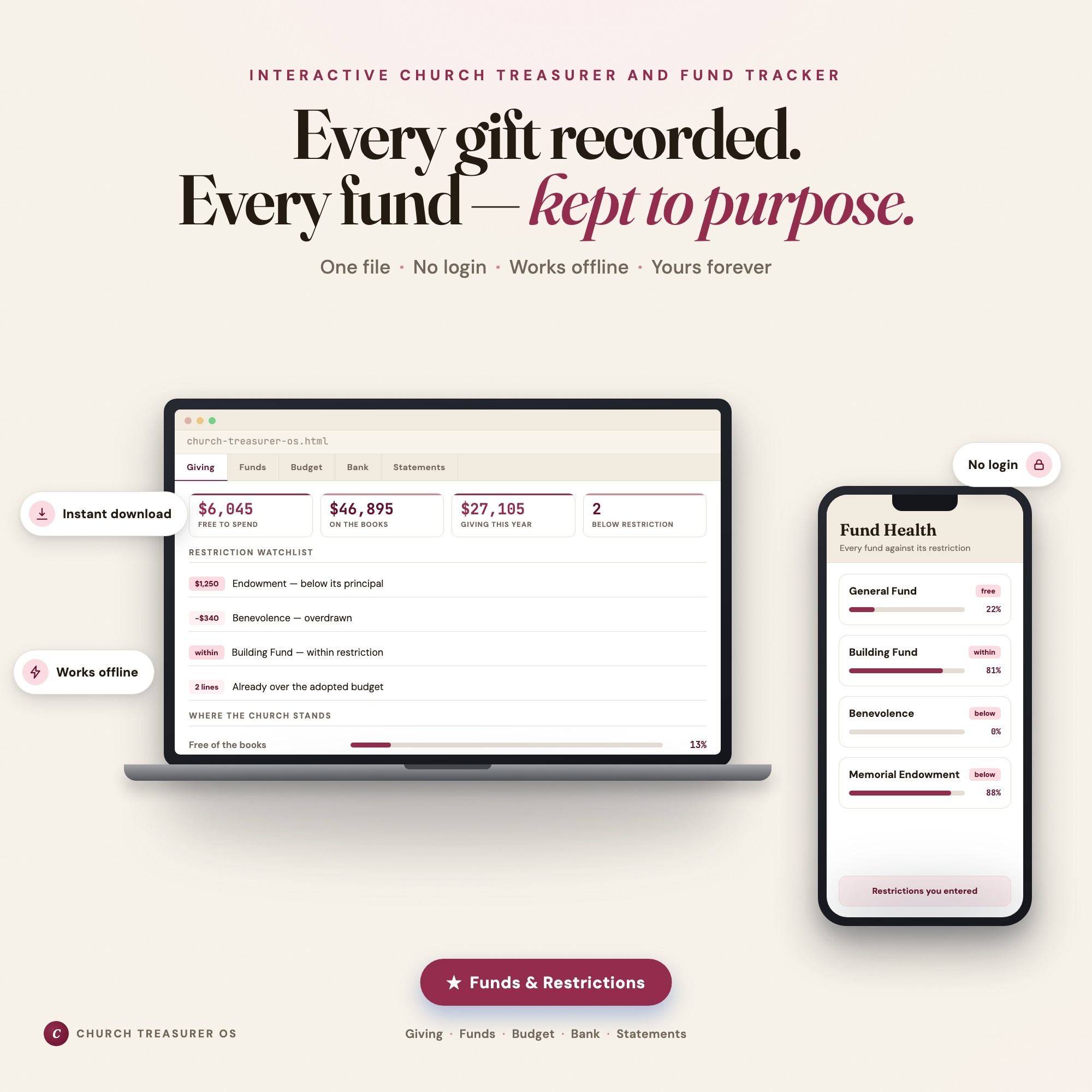
Church Treasurer OS keeps giving logged by donor, fund, and method all year, so statement season is a matter of setting the period and letting the Year-End Statements tab build a statement for one donor or every donor at once — total, fund breakdown, every gift by date — ready to copy into a letter. The ★ Funds & Restrictions tab is what makes the fund breakdown trustworthy in the first place: every fund keeps its own balance, every gift and payment is tied to the fund it belongs to, and the dashboard warns the moment a restricted fund is spent below its restriction, so you know what’s quietly being covered by general giving before budget season starts. The Treasurer’s Report tab pulls the same giving and fund numbers into the monthly report for the council.
It is a working tracker, not an accountant and not a denomination’s rulebook. It knows no tax law and supplies no required wording — every fund restriction, every date, and every word of your statement language is one you enter from your council’s decisions and your own accountant or denomination. Have them confirm your statement wording before anything goes out to donors.
Frequently asked questions
- What has to be on a church year-end giving statement?
- At minimum: the donor's name, the total amount given during the calendar year, the dates and amounts of individual gifts if your church provides that level of detail, and a statement of whether any goods or services were provided in exchange for the gift. The exact wording requirements can vary, so check with your accountant or denomination before finalizing the template.
- Do loose plate offerings or anonymous gifts go on a giving statement?
- No — a giving statement is tied to a specific donor, so anonymous and undesignated plate cash can't be attributed to anyone. It should still be counted in your fund balances and your treasurer's report; it just never appears on an individual statement.
- When do church giving statements need to go out?
- Many churches aim for January so donors have them before they file. Check with your accountant on the exact deadline that applies to your church — this varies and isn't something a treasurer should guess at.
- What if a donor gave to more than one fund during the year?
- Their statement should show the total and, ideally, a breakdown by fund — a tithe to general giving, a gift to building, a gift to missions. Donors sometimes need the split for their own records, and it also shows your fund totals reconcile with what statements say was given.
- How much is Church Treasurer OS and how is it delivered?
- $28, delivered as an instant download the moment you pay. Because it is a digital file, all sales are final.
Ready-made dashboards
Skip setup — grab an interactive dashboard built for this exact workflow.
ListingResearchOS Shop
All dashboards — one-time purchase, yours forever
Single HTML files. No subscriptions. No login. Works offline in any browser.
Browse all dashboards →