
Job Offer Comparison: How to Evaluate Total Compensation Correctly
How to compare job offers on true total compensation — base, bonus, equity vesting, 401k match, and benefits calculated side by side before you decide.
Published June 3, 2026
Two job offers sit in your inbox. One has a higher base salary. The other has better equity. You have until Friday to respond.
Most people make this decision by comparing the salary numbers and making a gut call on everything else. That’s a six-figure mistake made in a spreadsheet that doesn’t account for equity vesting cliffs, bonus target vs. actual payout rates, 401k match formulas, or the annualized cost of healthcare premiums.
This guide explains how to evaluate total compensation correctly so you can make the decision with the right number, not the most visible one.
What “Total Compensation” Actually Includes
Base salary is the number that appears on the offer letter. Total annual compensation is what you actually take home and build wealth from — and it’s almost always different from the number recruiters lead with.
A complete total comp calculation includes:
- Base salary — the guaranteed annual amount
- Target bonus — typically expressed as a percentage; note that “target” is not guaranteed, and average payout rates matter
- Signing bonus — one-time; subtract it from Year 1 if comparing multi-year value
- Equity grant — RSUs or options with a vesting schedule; a 4-year grant with a 1-year cliff means you receive nothing if you leave before 12 months
- 401k match — the company’s matching formula (e.g., 50% of contributions up to 6% of salary = 3% of base in matching contributions)
- Healthcare premiums — the employee’s share of monthly premiums x 12; this ranges from $600/year to over $6,000/year depending on the plan and company subsidy
- PTO days — the monetary value of additional PTO days if comparing two offers with different balances
- Remote flexibility — if one offer requires relocation or commuting costs, the net value is lower
When you compare these line items side by side for two or three offers, the winner often isn’t the one with the highest base.
Run the Year 1 vs. Year 3 Comparison
Equity vesting schedules make the Year 1 picture look very different from Year 3.
A $120K base with a 4-year RSU grant of $100K (25% per year, 1-year cliff):
- Year 1 comp: $120K base + $25K RSUs vested = $145K
- Year 3 comp: $120K base + $25K RSUs vested = $145K (same, assuming no refresh grants)
A $135K base with no equity:
- Year 1 comp: $135K
- Year 3 comp: $135K
The first offer is $10K less per year but carries meaningful upside if the equity has appreciation potential. The second is simpler and higher in Year 1. Neither is objectively better — but you need both scenarios calculated to decide.
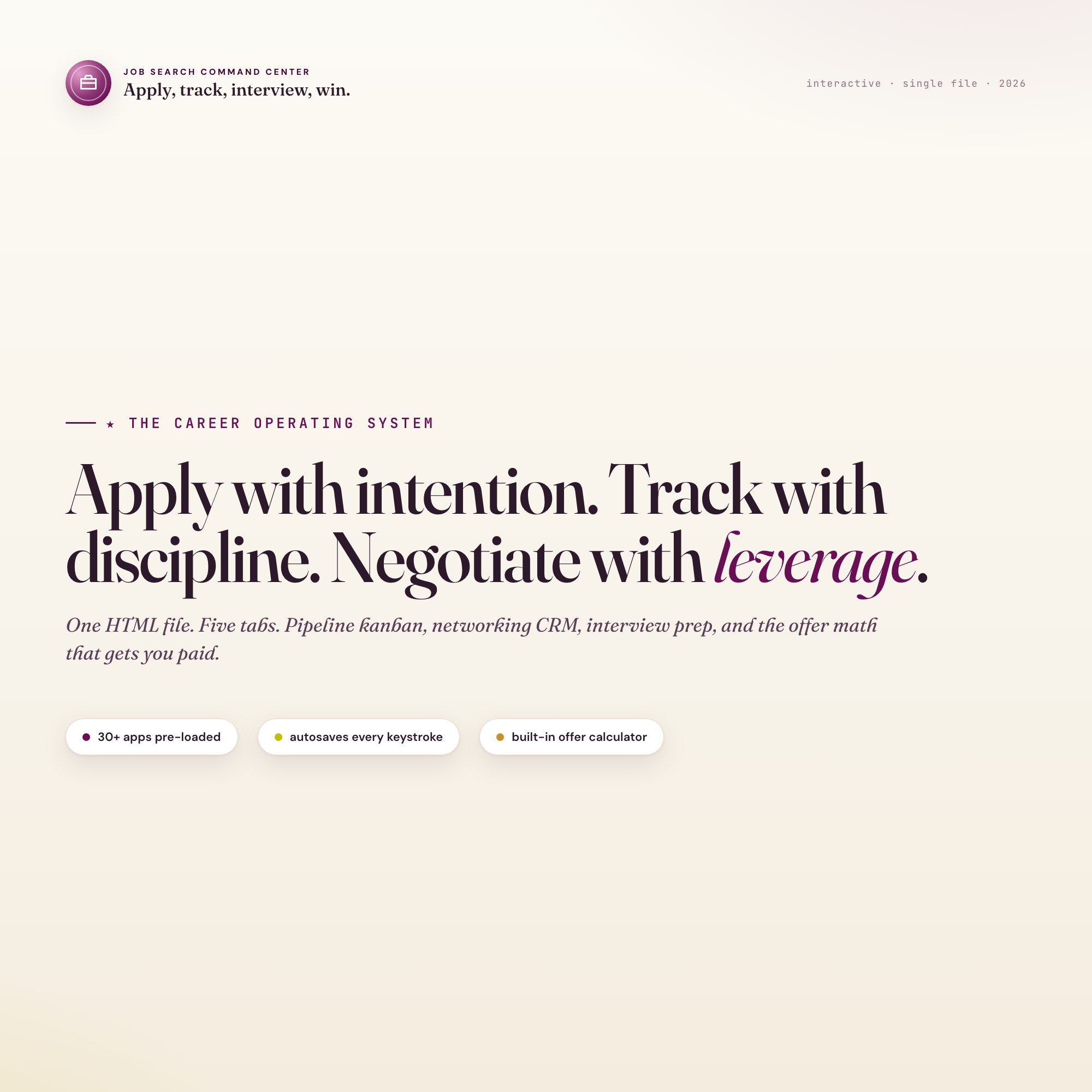
The Job Search Command Center has an Offer Comparison Engine that rolls up base, target bonus, equity vesting, sign-on, relocation, 401k match, and benefits side by side. Drop in your numbers and the winner auto-highlights. No other job search tool on Etsy ships this as an interactive feature — competitors sell static PDFs or generic spreadsheet templates without vesting math built in.
Build a Negotiation Floor Before You Counter
Before you respond to any offer, know three numbers:
- Your minimum acceptable comp — what you need to cover your actual expenses, save at minimum 10%, and feel fairly compensated for the role
- Your market rate — what Levels.fyi, Glassdoor, and Blind show for this exact role at this company and its peers
- The gap between the offer and your market rate — this is what you’re negotiating to close
Most candidates skip step 1 and 2 and negotiate from a vague sense of “I want more.” Coming into a negotiation with “based on market data for this role in this city, comparable offers are in the range of X to Y — I’d like to land at Y” is a different conversation.
What to Track for 30+ Applications
When you’re managing a large active job search, the offer comparison question is downstream of a bigger organizational challenge: knowing where every application stands at any given moment.
An effective pipeline log tracks per application:
- Company and role
- Applied date — so you know when to follow up
- Current stage — Researching / Applied / Phone Screen / Onsite / Offer / Closed
- Source — LinkedIn, referral, company site, recruiter outreach
- Salary band — what the posting listed or what the recruiter mentioned
- Next action and date — the single most important field; what do you need to do next, and when?
With 30+ applications active, you will forget to follow up with companies. You will lose track of where conversations stood. The pipeline log prevents both.
Connect Interview Prep to Each Company
A common job search mistake: spending the night before an interview preparing generic STAR stories rather than stories tailored to the specific company’s stated values and the role’s known challenges.
For each company reaching the phone screen stage, build a prep card with:
- Why this company — two or three genuine reasons beyond “they’re well-funded”
- Role-specific challenges — what problems does this job exist to solve?
- 3 tailored STAR stories — situations from your experience that speak directly to those challenges
- Salary research — what does this company pay for this level on Levels.fyi?
- Questions to ask — questions specific to this company, not generic career questions
The Job Search Command Center has an Interview Prep tab with a STAR story library and per-company research workspace alongside the full pipeline and offer comparison engine. One file, $24 one-time. Find it at ListingResearchOS on Etsy.
Frequently asked questions
- Do I need special software to use an offline dashboard?
- No. An offline HTML dashboard like the Job Search Command Center is a single file you open in any browser — Chrome, Edge, Safari, or Firefox. Nothing to install, no account to create.
- Is my data private if I use a browser-based dashboard?
- Yes, completely. Data stored in your browser's localStorage never leaves your device. There are no servers, no analytics, and no uploads of any kind.
- Can I back up my data?
- Yes. Every ListingResearchOS dashboard includes an Export Backup button that downloads a JSON file to your computer. Load Backup restores it on any device or browser.
- What makes an interactive HTML dashboard better than a spreadsheet?
- Spreadsheets require manual formula maintenance and lack purpose-built workflows. An interactive HTML dashboard has pre-built logic — like Built-in Offer Comparison Engine that calculates total comp across base, target bonus, equity vesting, sign-on, relocation, 401k match, and benefits side by side — that a spreadsheet can't replicate without significant engineering work.
- How much does the Job Search Command Center cost?
- It is a one-time purchase of $24 on Etsy. No monthly subscription. Once you buy it, it is yours forever.
Ready-made dashboards
Skip setup — grab an interactive dashboard built for this exact workflow.
ListingResearchOS Shop
All dashboards — one-time purchase, yours forever
Single HTML files. No subscriptions. No login. Works offline in any browser.
Browse all dashboards →