
How to Organize a Job Search When You Have 100+ Applications
A system for a high-volume job search: pipeline kanban, networking CRM, STAR story prep, and an offer comparison that weighs true total compensation.
Published June 3, 2026
A job search with 30 to 100 active applications isn’t just time-consuming — it’s a genuine information management problem. At that volume, companies blur together, follow-up deadlines slip, and what felt like a promising conversation three weeks ago is now impossible to reconstruct without notes.
The search turns chaotic not because you’re doing anything wrong, but because the surface area has exceeded what working memory can hold. This guide covers how to structure a high-volume search operationally, what actually needs to be tracked for each application, how to manage the networking layer, and how to evaluate competing offers when they finally arrive.
The Six Pipeline Stages (And the Transitions That Matter)
A well-structured job search pipeline has six stages, each representing a distinct status and requiring distinct action:
Researching: Companies you’ve identified as targets but haven’t applied to yet. This stage is often skipped entirely — people apply the moment they find a listing and lose the opportunity to research the company, the team, and the right contact before hitting submit.
Applied: Submitted application, no response yet. The most common stage for applications to sit, and the one where automated follow-up tracking matters most. If three weeks have passed with no response on a role you care about, a brief LinkedIn message to the recruiter is worth the 2-minute investment.
Phone Screen: Initial recruiter call or automated video assessment. Notes from this conversation — who you spoke to, what they emphasized, the salary range they mentioned — are critical context for every subsequent stage.
Onsite / Final Rounds: Active interviews with the hiring team. This is where STAR story preparation pays off and where company research should be deep.
Offer: An offer has been received. This stage is where the Offer Comparison Engine becomes essential.
Closed (won or lost): The role has been filled. Tracking closed-lost roles with a brief note on why is valuable — patterns emerge over time about where your application has strength and where it needs work.
The transition from Applied to Phone Screen is where your response rate lives. Tracking that percentage (phone screens divided by applications submitted) tells you whether your resume and application materials are doing the job. Below 15% response rate means the top-of-funnel needs attention before volume alone will solve the problem.
The Networking CRM Layer
Referrals convert at dramatically higher rates than cold applications — studies consistently put referred applicants at 4–10x more likely to receive an offer than non-referred applicants at the same qualification level. Yet most job seekers treat networking as secondary to the application volume.
The Networking CRM in the Job Search Command Center tracks recruiters, referrers, hiring managers, and warm intros with last-contact timestamps and follow-up reminders. The key insight is that networking is a contact-management problem: you need to know who you’ve spoken to, when, what was discussed, and when to follow up — not as a general goal but with specific dates.
A stale warm intro — someone who offered to make an introduction but was never followed up with — is the most common networking failure. It doesn’t require persistent effort; it requires a system that surfaces the gap before the trail goes cold.
Interview Prep: The STAR Story Library
Behavioral interview questions are predictable. “Tell me about a time you navigated conflict with a colleague.” “Describe a project that didn’t go as planned.” “Give me an example of a time you influenced someone without direct authority.”
The most effective preparation is a STAR story library: 8–12 stories that cover the common behavioral categories (leadership, conflict, failure, ambiguity, impact, cross-functional collaboration), written in Situation-Task-Action-Result format, each adaptable to multiple questions.
Having a prepared library means you’re selecting the right story from options, not constructing a story under pressure. The Interview Prep tab in the Job Search Command Center provides the workspace to build this library alongside per-company research notes and intelligent questions.
The Offer Comparison Problem
Evaluating a job offer based on base salary alone is how people make decisions they regret. The variables that matter at the total-comp level:
- Base salary
- Target bonus (percentage and performance threshold)
- Equity grant value and vesting schedule (with cliff date)
- Sign-on bonus
- Relocation assistance
- 401k match (percentage and vesting)
- Health insurance premium cost
- Remote/hybrid flexibility (quantifiable in commute time and cost)
- PTO
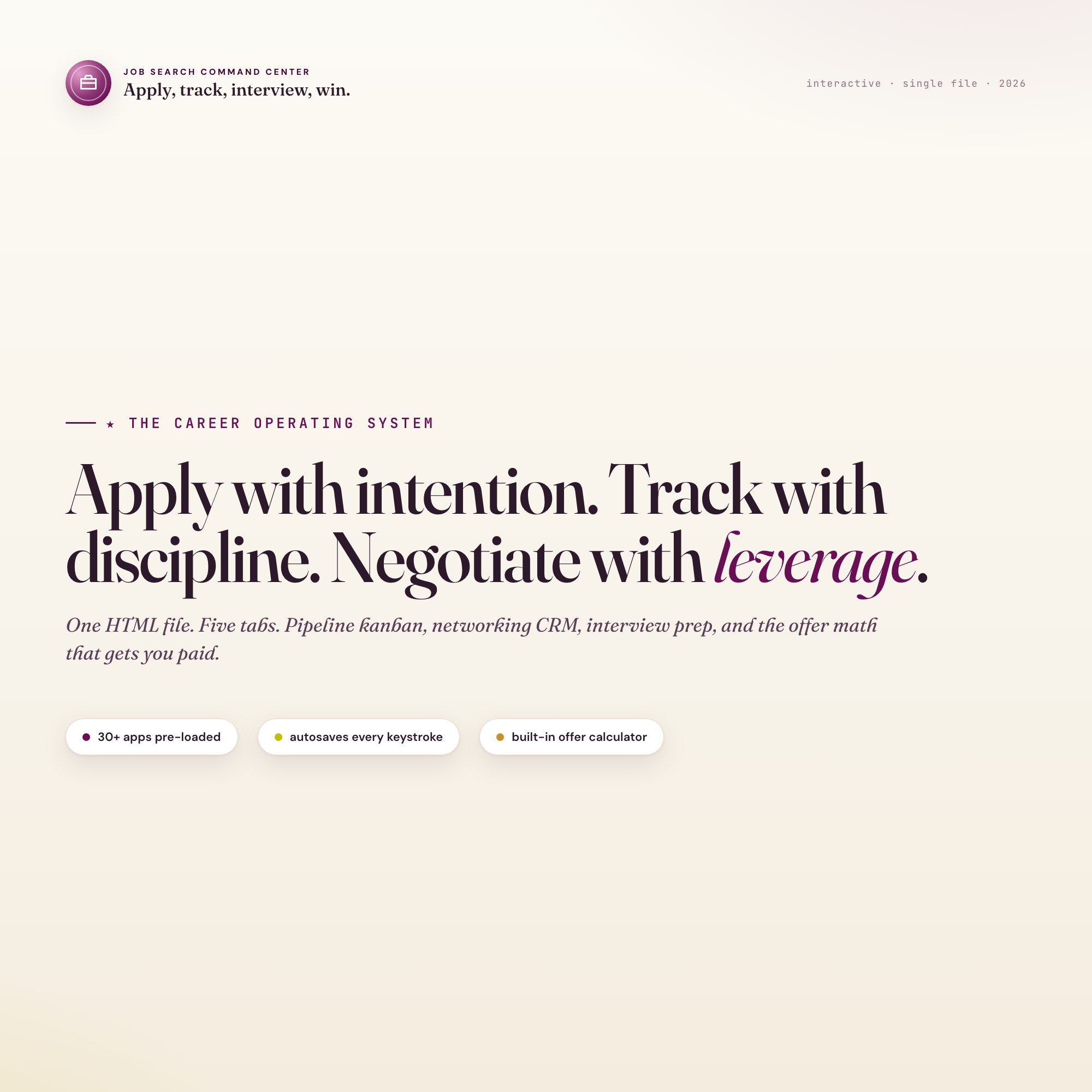
The Built-in Offer Comparison Engine in the Offer Compare tab of the Job Search Command Center takes all of these inputs for up to three offers and returns an annualized total comp for each, with the winner auto-highlighted. You walk into a negotiation knowing exactly what each offer is worth and what you’d need from each company to make them equivalent.
$24, one-time purchase, no subscription. Works offline in any browser.
Frequently asked questions
- Do I need special software to use an offline dashboard?
- No. An offline HTML dashboard like the Job Search Command Center is a single file you open in any browser — Chrome, Edge, Safari, or Firefox. Nothing to install, no account to create.
- Is my data private if I use a browser-based dashboard?
- Yes, completely. Data stored in your browser's localStorage never leaves your device. There are no servers, no analytics, and no uploads of any kind.
- Can I back up my data?
- Yes. Every ListingResearchOS dashboard includes an Export Backup button that downloads a JSON file to your computer. Load Backup restores it on any device or browser.
- What makes an interactive HTML dashboard better than a spreadsheet?
- Spreadsheets require manual formula maintenance and lack purpose-built workflows. An interactive HTML dashboard has pre-built logic — like Built-in Offer Comparison Engine that calculates total comp across base, target bonus, equity vesting, sign-on, relocation, 401k match, and benefits side by side — that a spreadsheet can't replicate without significant engineering work.
- How much does the Job Search Command Center cost?
- It is a one-time purchase of $24 on Etsy. No monthly subscription. Once you buy it, it is yours forever.
Ready-made dashboards
Skip setup — grab an interactive dashboard built for this exact workflow.
ListingResearchOS Shop
All dashboards — one-time purchase, yours forever
Single HTML files. No subscriptions. No login. Works offline in any browser.
Browse all dashboards →