
7 Apps Working Parents Pay For That One Dashboard Replaces
Seven apps dual-income parents pay for — sleep trackers, schedulers, chore and household tools — and what a single offline dashboard covers instead.
Published June 3, 2026
Dual-income families with kids under 8 tend to accumulate a subscription stack of parenting apps over time, each solving a specific problem: one for sleep tracking, one for household coordination, one for the chore system, another for family calendaring. The stack compounds until you are paying $15-20/month per app across 4-5 apps and managing the apps as much as the family.
Here are the seven apps most working parents pay for, what each actually delivers, and what a single research-backed dashboard covers instead.
1. Huckleberry Plus ($9.99/month)
Huckleberry is a sleep tracker and wake-window calculator for babies and toddlers. The core feature — SleepLab, which predicts optimal nap and bedtime windows — is genuinely useful. The Plus subscription at $9.99/month adds historical reports and trend analysis.
What it does not offer: integration with your household task system, family rhythm scheduling, or anything beyond sleep.
2. Cozi Family Organizer (Free / $29.99/year for Cozi Gold)
Cozi is the most popular family calendar and coordination app. Shared calendar, shopping lists, to-do lists, recipe management. The free version is reasonable; Cozi Gold adds recipe import, ad-free use, and a family journal.
It handles scheduling well. It does not handle sleep science, mental load distribution, or behavior pattern tracking.
3. OurHome (Free / in-app purchases)
OurHome is a chore and reward system designed for families with kids 3-12. Kids can see their tasks, earn points, and redeem rewards. It addresses the “who does what” problem for older kids.
It does not address the mental load problem between partners, which is a different and harder problem.
4. Eve Rodsky’s Fair Play Card Deck ($30 one-time)
The Fair Play deck is based on Eve Rodsky’s research on domestic mental load imbalance. 100 cards representing household domains, each with a defined holder responsible for Conception, Planning, and Execution. Genuinely transformative for couples who engage with it seriously.
The physical deck does not track progress, score your household balance, or prompt weekly check-ins. It is a framework, not a tool.
5. Family Wall ($4.99/month)
FamilyWall combines calendar, messaging, location sharing, photo albums, and task lists in one app. Frequently cited by families who want one app rather than many.
In practice, the feature set is wide but shallow. The calendar works; the task system is limited; there is no sleep science, no Fair Play framework integration, no behavior tracking.
6. Google Calendar (Free)
Most dual-income families use Google Calendar for shared scheduling. It is free, works everywhere, and syncs reliably. The honest assessment: it is excellent at what it does and terrible at everything it does not do, which includes every non-scheduling family coordination need.
7. Baby Tracker Apps (Varies — $3-10/month)
Generic baby tracker apps (feeding logs, diaper logs, milestone trackers) fill gaps for parents of infants. They are almost always abandoned by the time the baby turns 18 months.
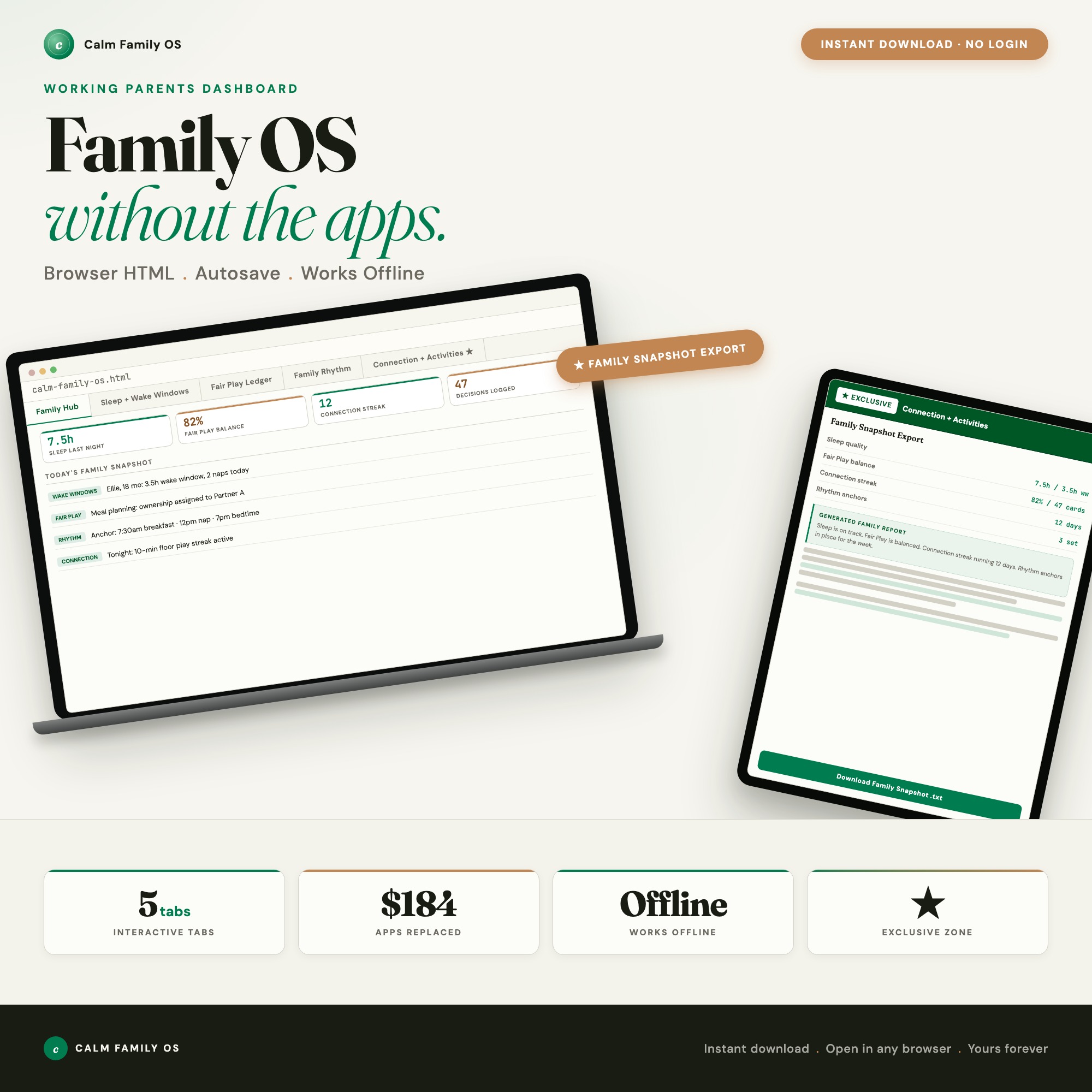
The Calm Family OS is a single offline HTML dashboard built on four research frameworks that replaces the relevant functionality of all seven apps above:
- Age-graded wake windows (Polly Moore / Harvey Karp research) replace Huckleberry Plus
- Fair Play Mental-Load Ledger (Eve Rodsky’s CPE framework for all 100 household domains) replace the physical Fair Play deck plus OurHome’s task assignment
- Harvard CDC Predictable Rhythm Designer replaces Cozi’s scheduling for anchor-point family rituals
- ParentData Decision Journal (Emily Oster framework) replaces baby trackers for any logged parenting decision
At $22 one-time versus $184/year for the app stack, the math is clear. More importantly, everything runs offline — no push notifications, no algorithmic engagement loops, no family data in someone else’s cloud.
Available on Etsy for $22.
Frequently asked questions
- Is the Calm Family OS appropriate for families with only one child?
- Yes. The dashboard supports 1-8 children, and the wake-window calculator and fair play ledger are just as useful for a single-child household as for larger families.
- Do I need to spend a lot of money on tools?
- No. The Calm Family OS: Working Parent Dashboard costs $22 as a one-time purchase — less than two months of most subscription tools. And it is purpose-built for your workflow.
- What makes an offline HTML dashboard better than a subscription app?
- Cost (one-time vs. monthly), privacy (your family data stays on your device with no push notifications or ad targeting), and research-backed frameworks (Polly Moore wake windows, Eve Rodsky Fair Play, Harvard CDC rhythm design, Emily Oster's ParentData) built directly in.
- How quickly can I get started with the Calm Family OS?
- Under 5 minutes. Download the file, open it in any browser, and start using it immediately. Everything autosaves automatically.
Featured dashboards from this list
Interactive HTML dashboards — one-time purchase, works offline, no subscription.
ListingResearchOS Shop
All dashboards — single file, yours forever
Interactive HTML. No subscription. Works offline in any browser.
Browse all dashboards →