
What Is a Change Order and How to Manage Contractor Scope Changes
What a change order is, when a contractor must issue one, what to require in writing, and how to track cost variance before it breaks your budget.
Published June 3, 2026
By week 6 of a renovation, the phrase “that’s going to be extra” has a very different weight than it did at the start. You have already heard it three times. You have approved two of those extras verbally, with a handshake and a general sense of the cost. And now the final invoice is arriving and the math does not add up the way you expected.
This is change order confusion — and it is the primary reason renovations finish over budget.
What a Change Order Actually Is
A change order is a written amendment to your original construction contract that documents a modification to the agreed scope of work, the associated cost change, and the authorization to proceed. That is the official definition.
In practice, a change order is any time a contractor charges you for something that was not in the original signed contract. “We found water damage behind the tile — that’s extra.” “You changed the countertop material — that’s extra.” “The permit required additional framing — that’s extra.” Each one is a change order whether or not a piece of paper ever gets signed.
The problem is that most homeowners manage change orders informally — a verbal okay here, a text approval there. By the time the final invoice arrives, the cumulative cost of approved extras is $14,000 over the original bid, and neither you nor the contractor has a clean record of when each change was authorized.
What a Valid Change Order Must Include
If a contractor presents you with a change order — or if you are formalizing verbal approvals retroactively — every valid change order should contain:
1. Scope description. One to three sentences describing exactly what changed and why. “Owner selected upgraded porcelain tile requiring additional adhesive and extended installation time” is a valid scope description. “Tile upgrade” is not.
2. Cost delta. The exact dollar amount this change adds to (or subtracts from) the contract. If labor and materials have different line items, list them separately.
3. Time impact. Does this change extend the project timeline? If so, by how many business days?
4. Authorization signature. Both the homeowner and the contractor should sign with a date. An email confirmation can substitute if both parties acknowledge it explicitly.
5. Running contract total. The best change orders include the updated contract total after this change is incorporated. This prevents the “I thought we agreed on a rough number” dispute at the end.
Verbal Approvals Are a Problem
Most of the change order disputes that end in small claims court or contractor withholdings involve one consistent pattern: the homeowner approved something verbally or via text without signing a formal change order, then disputed the cost later.
“But I never agreed to that price” is very hard to prove when there is a text message saying “yeah, go ahead.”
Requiring a signed change order for every scope modification costing more than $500 is not bureaucratic — it is the minimum documentation standard for a project where the stakes are $30,000 or more. Some contractors will push back. The reasonable ones will not.
Tracking Cumulative Budget Variance
Individual change orders are manageable. The problem is the cumulative effect.
Your kitchen renovation was bid at $68,000. You approved three change orders: $2,200 for structural reinforcement, $1,800 for a countertop upgrade, $950 for an additional outlet circuit. You are now at $72,950 — 7.3% over budget. Still within range, but you have four weeks of work remaining and you are already past your contingency buffer.
Without a running variance calculation, you will not notice this until the final invoice. With a running ledger, you would have seen at $72,950 that you had exhausted your 10% contingency and that any further change orders needed explicit approval against a revised budget.
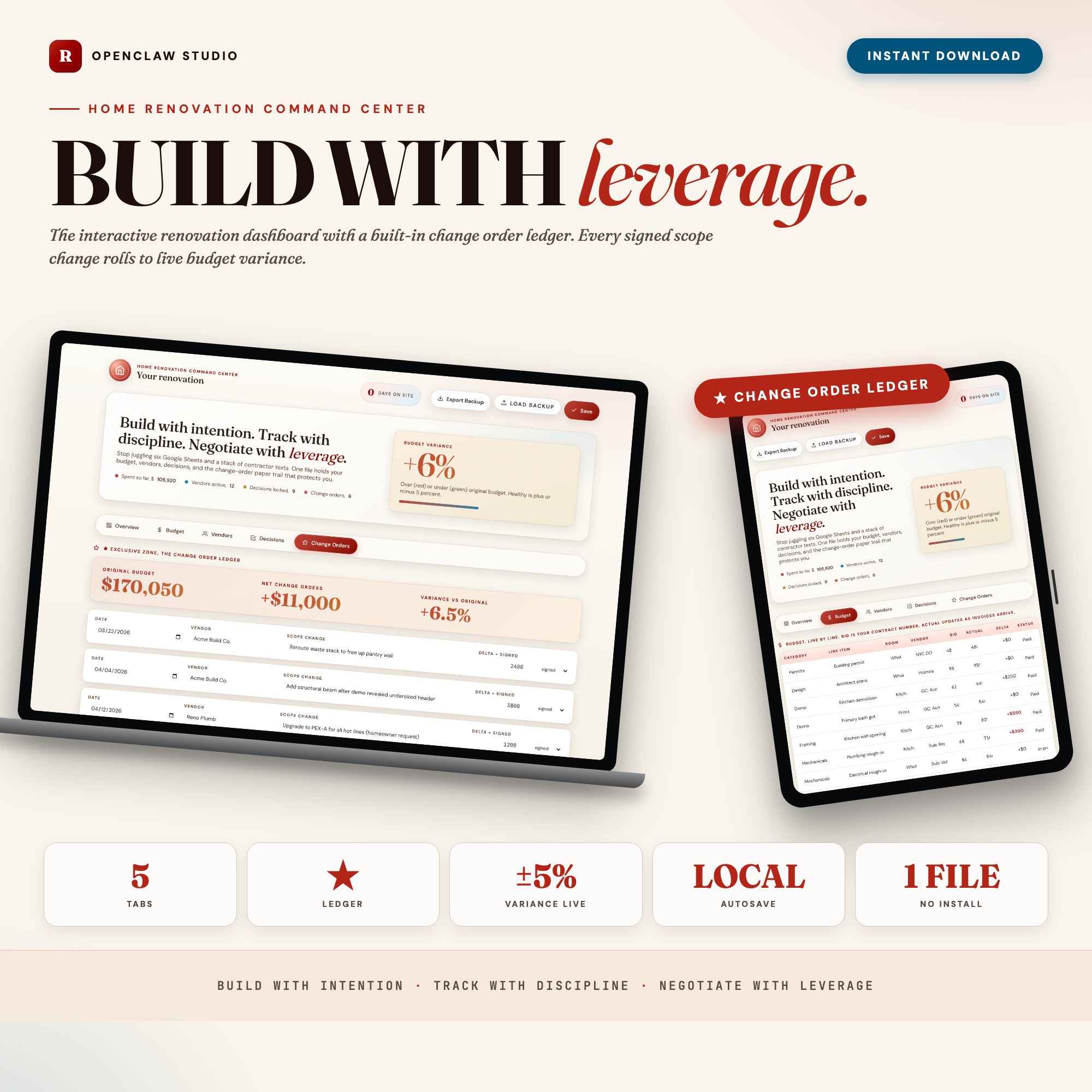
The Home Renovation Command Center has a dedicated Change Order Ledger built into Tab 5. Each scope change goes in with the contractor name, cost delta, approval date, and a one-line description. The ledger rolls every approved change into a live budget-variance percentage, so you always know exactly where you stand against your original contract.
When the final invoice arrives, you have a complete paper trail: who approved what, when, and for how much. That record is useful for disputes. It is essential for arbitration.
What to Do When a Contractor Bills for Unauthorized Changes
If a final invoice includes line items you did not approve as formal change orders, you have the right to dispute those specific items while paying the undisputed portion.
The process:
- Pay the amount covered by the original contract plus all formally authorized change orders.
- Send a written dispute (email is sufficient) identifying each disputed line item and stating that no signed change order exists for that work.
- Request documentation showing when the work was authorized and at what cost.
Most legitimate contractors will respond to this process in good faith. The ones who do not will give you the documented dispute record you need if the situation escalates.
How to Set Up Your Change Order System Before the Project Starts
The best time to establish your change order process is before the first worker arrives on site, not after the third verbal approval.
Include this language in your contract negotiation: “All modifications to scope, timeline, or cost exceeding $500 require a signed written change order before work proceeds. Verbal approvals do not constitute binding authorization.”
If your contractor uses their own change order forms, that is fine — review the form to confirm it includes scope, cost, timeline impact, authorization signatures, and running contract total.
If your contractor does not use formal change orders, use a simple log yourself. Document each verbal approval immediately via email: “Per our conversation today, I am authorizing the additional outlet circuit for $950. Please confirm this price and the impact on project timeline.”
Using a Dashboard to Stay on Top of It
The Home Renovation Command Center brings your full renovation into one offline HTML file: budget line items, vendor contacts, finish decisions, and the Change Order Ledger. You do not need Notion, Asana, or a project manager retainer. At $26 one-time, open it in Chrome and start logging today.
Your renovation paper trail is yours — it never leaves your device, and Export Backup downloads a JSON file you can store separately. If anything escalates, you have the receipts.
Available on Etsy for $26.
Frequently asked questions
- Do I need special software to use an offline dashboard?
- No. An offline HTML dashboard like the Home Renovation Command Center is a single file you open in any browser — Chrome, Edge, Safari, or Firefox. Nothing to install, no account to create.
- Is my data private if I use a browser-based dashboard?
- Yes, completely. Data stored in your browser's localStorage never leaves your device. There are no servers, no analytics, and no uploads of any kind.
- Can I back up my data?
- Yes. Every ListingResearchOS dashboard includes an Export Backup button that downloads a JSON file to your computer. Load Backup restores it on any device or browser.
- What makes an interactive HTML dashboard better than a spreadsheet?
- Spreadsheets require manual formula maintenance and lack purpose-built workflows. An interactive HTML dashboard has pre-built logic — like a Built-in Change Order Ledger that captures each scope change, cost delta, signed date, and rolls into a live budget-variance percentage — that a spreadsheet can't replicate without significant engineering work.
- How much does the Home Renovation Command Center cost?
- It is a one-time purchase of $26 on Etsy. No monthly subscription. Once you buy it, it is yours forever.
Ready-made dashboards
Skip setup — grab an interactive dashboard built for this exact workflow.
ListingResearchOS Shop
All dashboards — one-time purchase, yours forever
Single HTML files. No subscriptions. No login. Works offline in any browser.
Browse all dashboards →